AI-Powered Concept Art

Anime Concept Art

Design characters, locations, and scenes with AI. Full reference sheets, named art styles, and consistent visuals ready for your story.
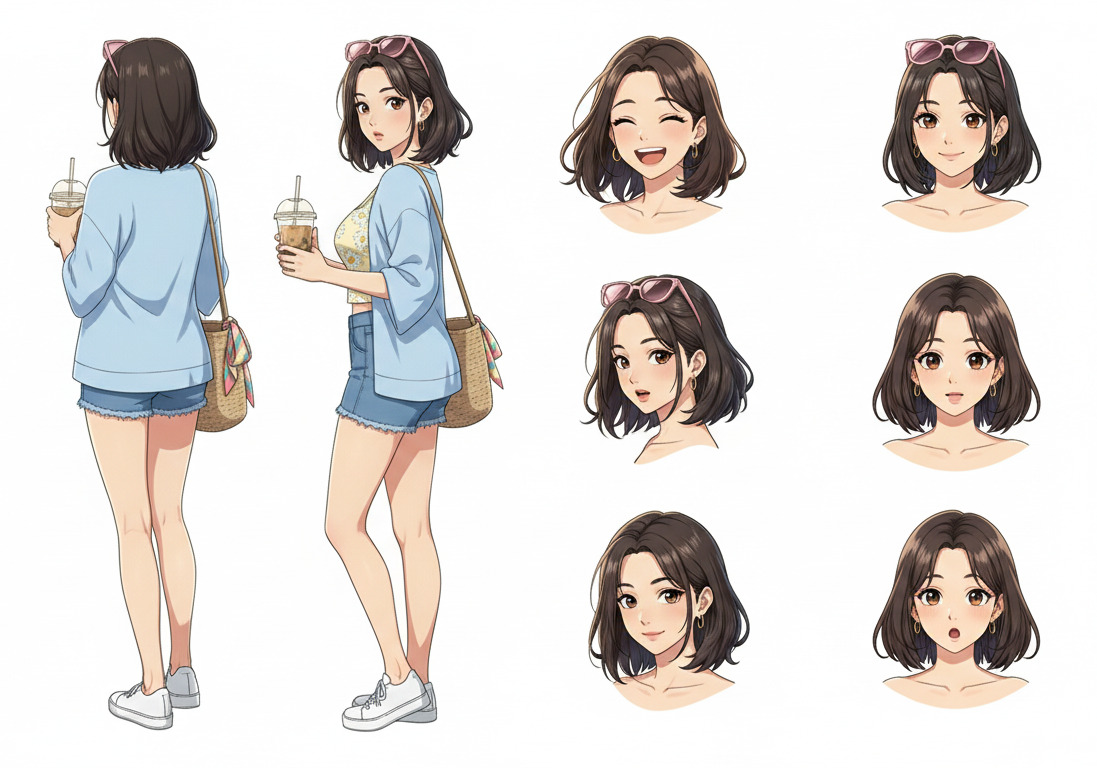
Anime character concept art sheet showing multiple poses and facial expressions
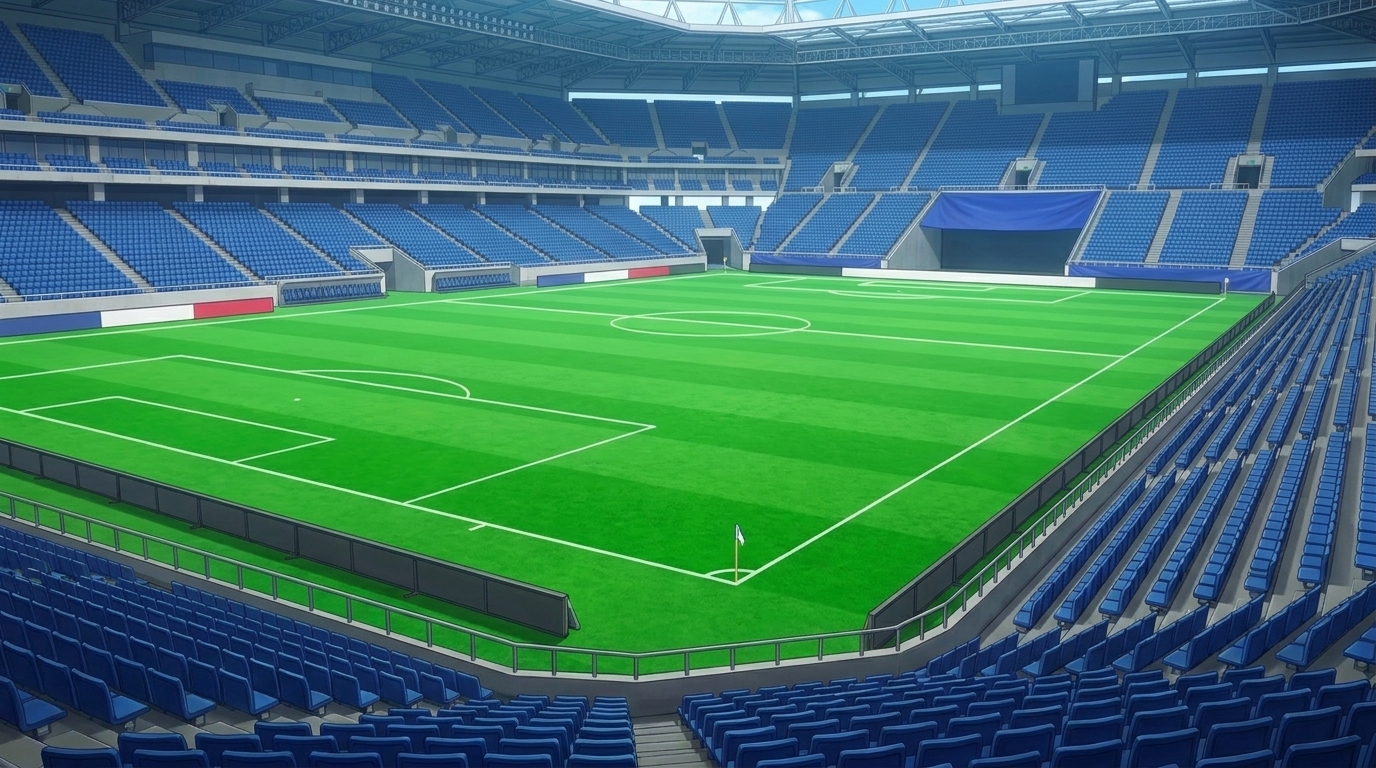
AI-generated anime art of a professional football stadium with detailed stands and perfect green pitch

World Cup Stadium generated with AutoWeeb

AI Anime Art

AI anime art is the ability to generate production-quality anime artwork from a text description. AutoWeeb uses advanced image models trained on anime aesthetics to produce backgrounds, character art, and scene compositions that match professional-grade visual quality.

Unlike generic AI image tools, AutoWeeb anchors every piece of AI anime art to your characters and world. The same face, outfit, and art style carry through from the first concept image to the final animated frame.

Background art and location references

Generate multi-angle environment art: interiors, wide shots, and detail close-ups for every location in your story.

Character concept illustrations

Full-body character art with consistent facial features, ready to use across storyboards and scene generation.

Scene composition and cinematography

Choose a camera angle (close-up, wide, over-the-shoulder) and generate cinematic stills that feel like real anime production frames.
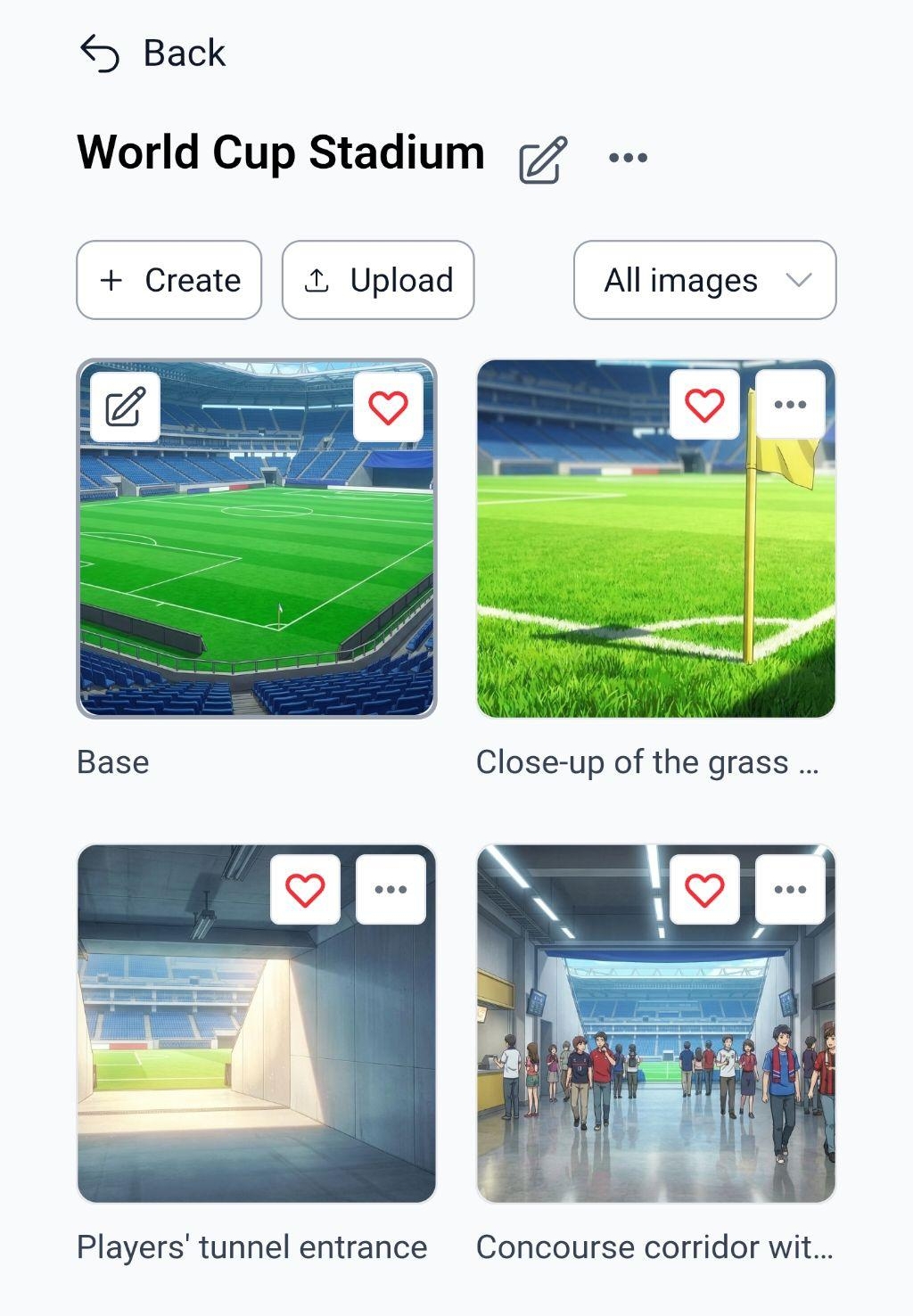
AutoWeeb app showing a World Cup Stadium location set with multiple AI-generated anime images from different angles

Location concept art, multiple angles, one consistent style

AI Anime Style

Anime is not one look. It's a spectrum of visual languages. AutoWeeb supports named art styles that define how your entire project renders. Pick a style once and every character, background, and scene inherits the same palette, line weight, and shading approach.

Slice of Life Demon Slayer Ghibli Cyberpunk Shonen Action Detective Conan Isekai Mecha

Style is applied globally. Switch a project from Ghibli watercolor to cyberpunk neon and the AI regenerates every piece in the new look: characters, backgrounds, all of it. Your story stays the same; only the visual feel changes.

Explore Art Styles

Draw Anime Online

AutoWeeb is the online tool that turns descriptions and photos into finished anime art in under a minute.

Anime character design sheet created online with AutoWeeb, showing front and back poses alongside facial expression variations
  1. 01

    Describe your character or scene

    Type what you want: appearance, mood, setting. A few sentences is enough to generate a full character design sheet or a complete background environment.

  2. 02

    Or upload a photo

    Upload a portrait or a reference image and AutoWeeb converts it to anime art in your chosen style. The AI preserves facial features and redraws the rest in full anime rendering.

  3. 03

    Get a full reference sheet

    AutoWeeb generates front and back body views plus expression variations (happy, sad, shocked, calm), all consistent with the same face and costume across the sheet.

  4. 04

    Save to your library

    Every character and location you create is saved to your AutoWeeb library. Reference them in any future scene, storyboard, or video and the AI keeps the look consistent automatically.

Create Anime Images

From character close-ups to sweeping location panoramas, AutoWeeb generates every type of anime image your project needs, with consistent characters every time.
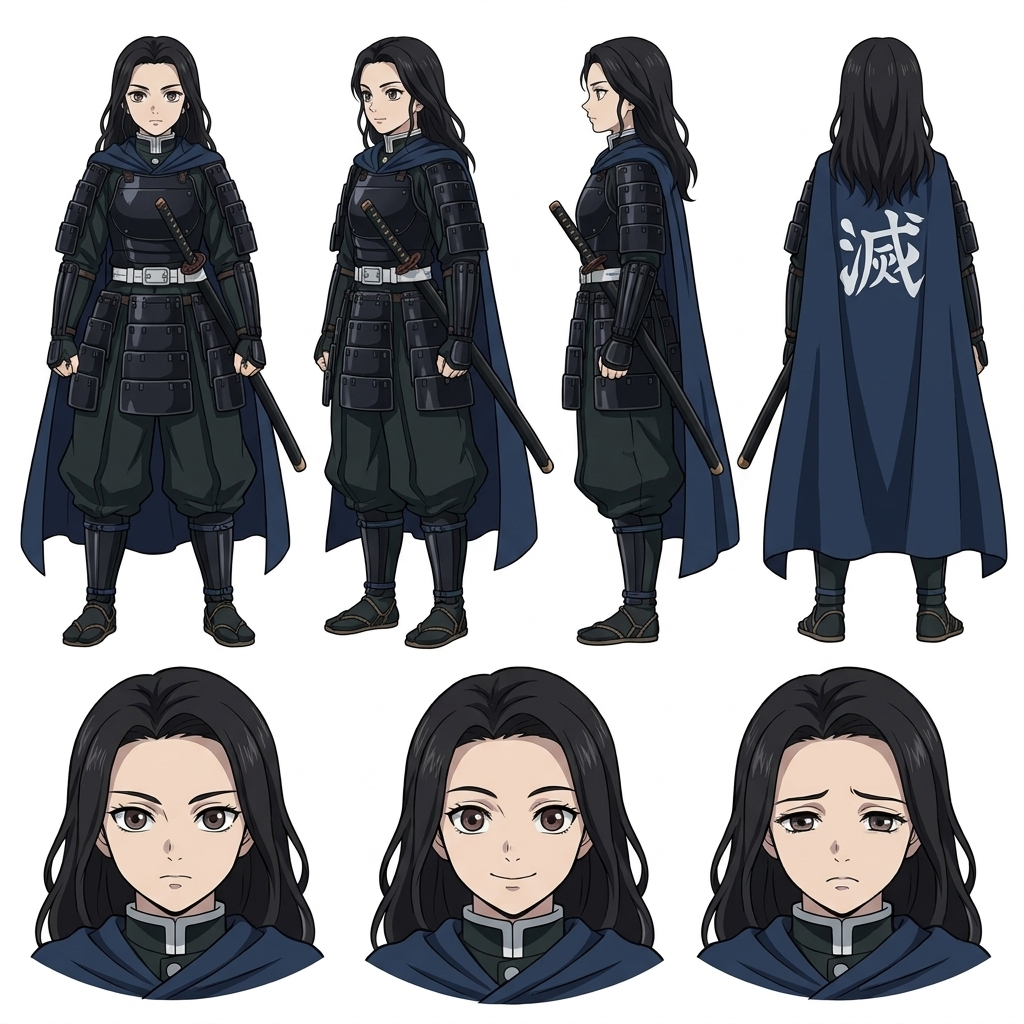
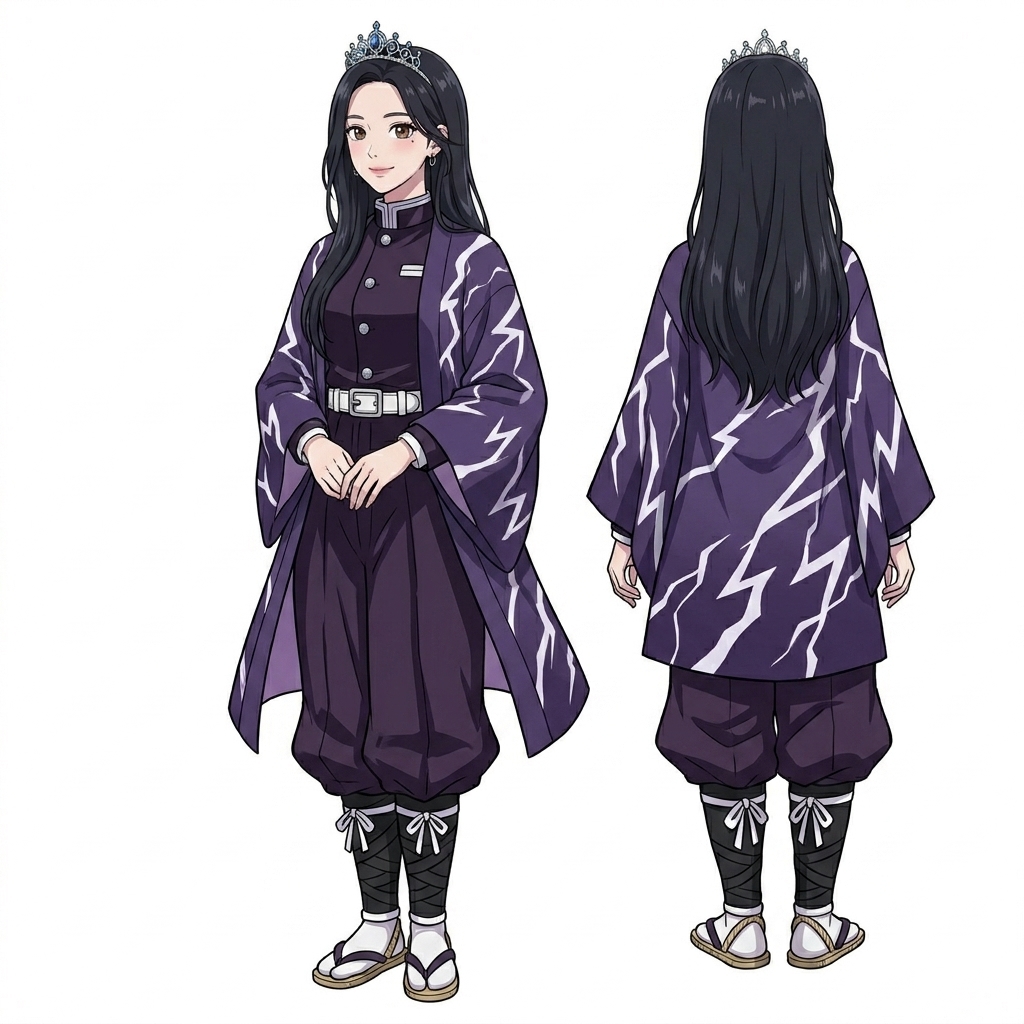
AI-generated anime character design sheet with front and back poses
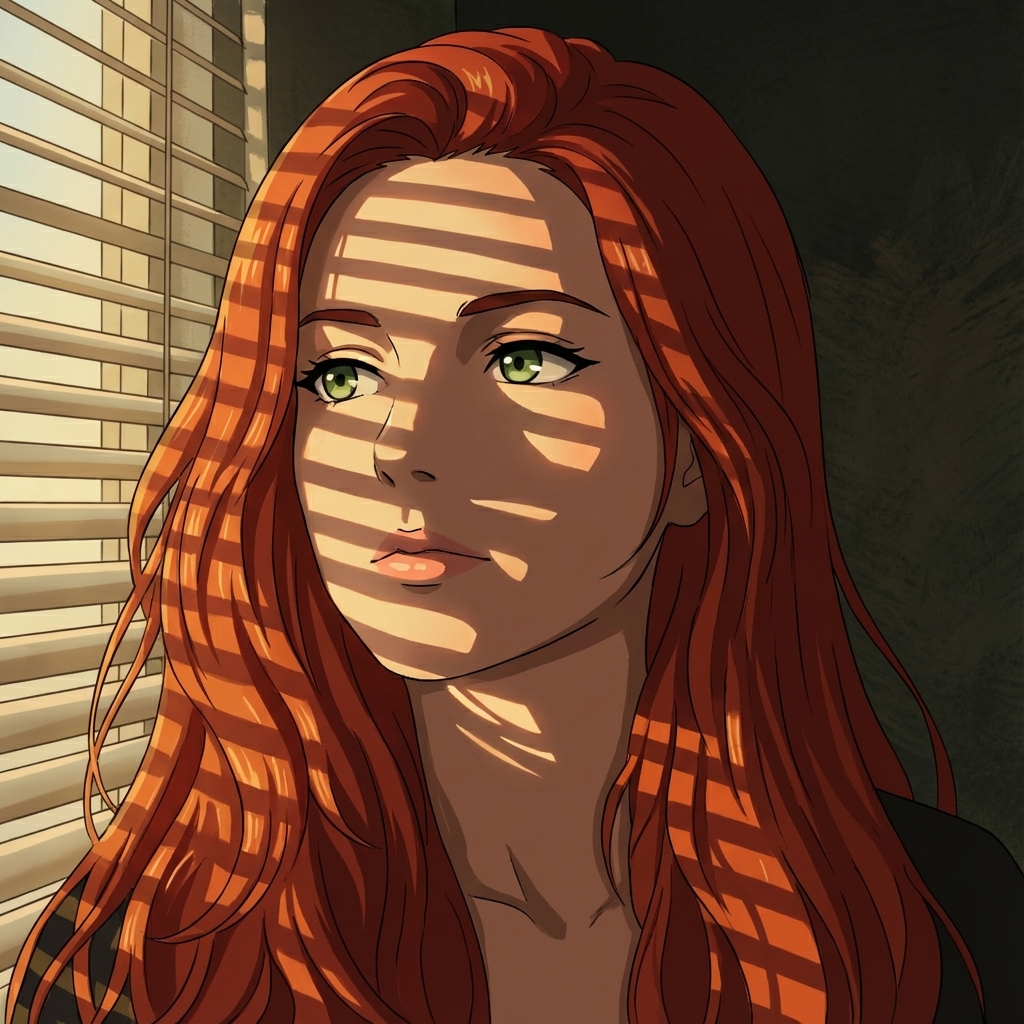
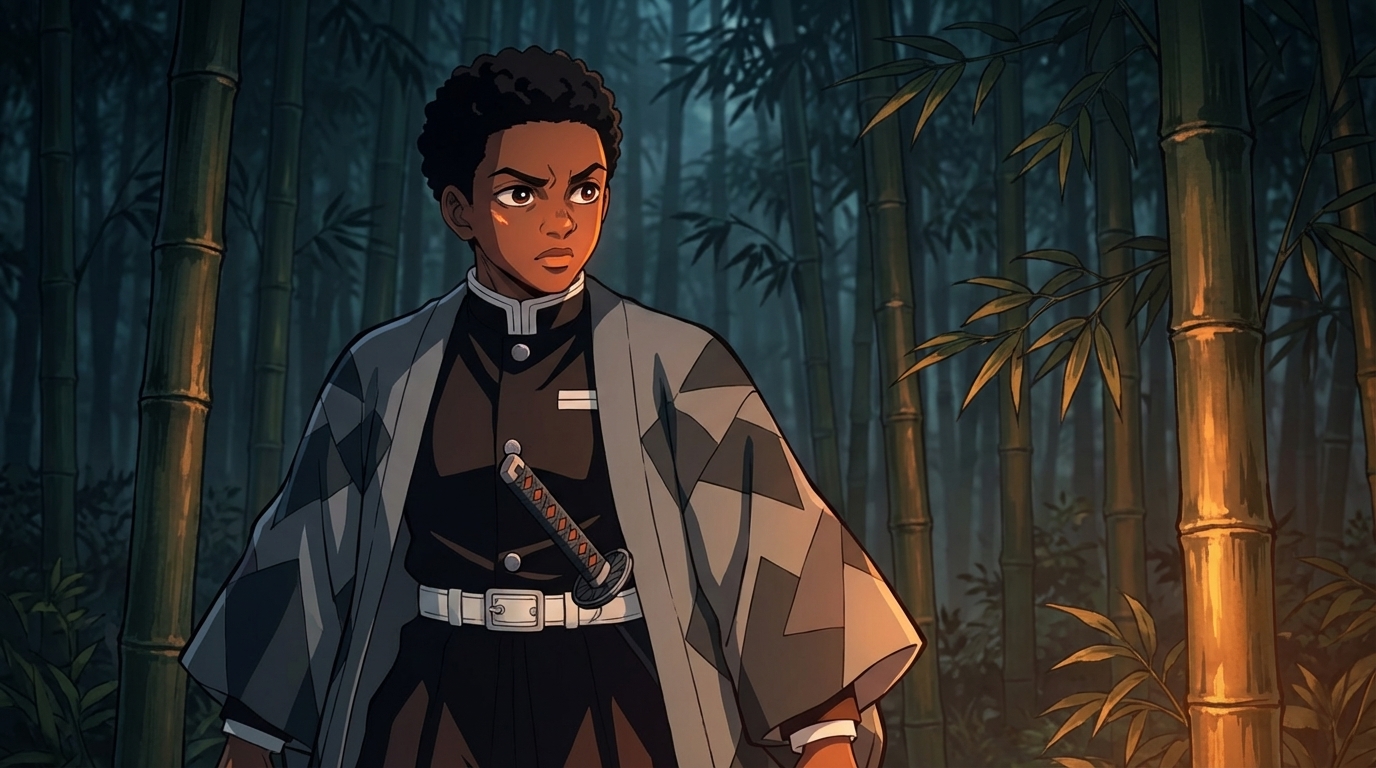
Anime image generated in Demon Slayer art style
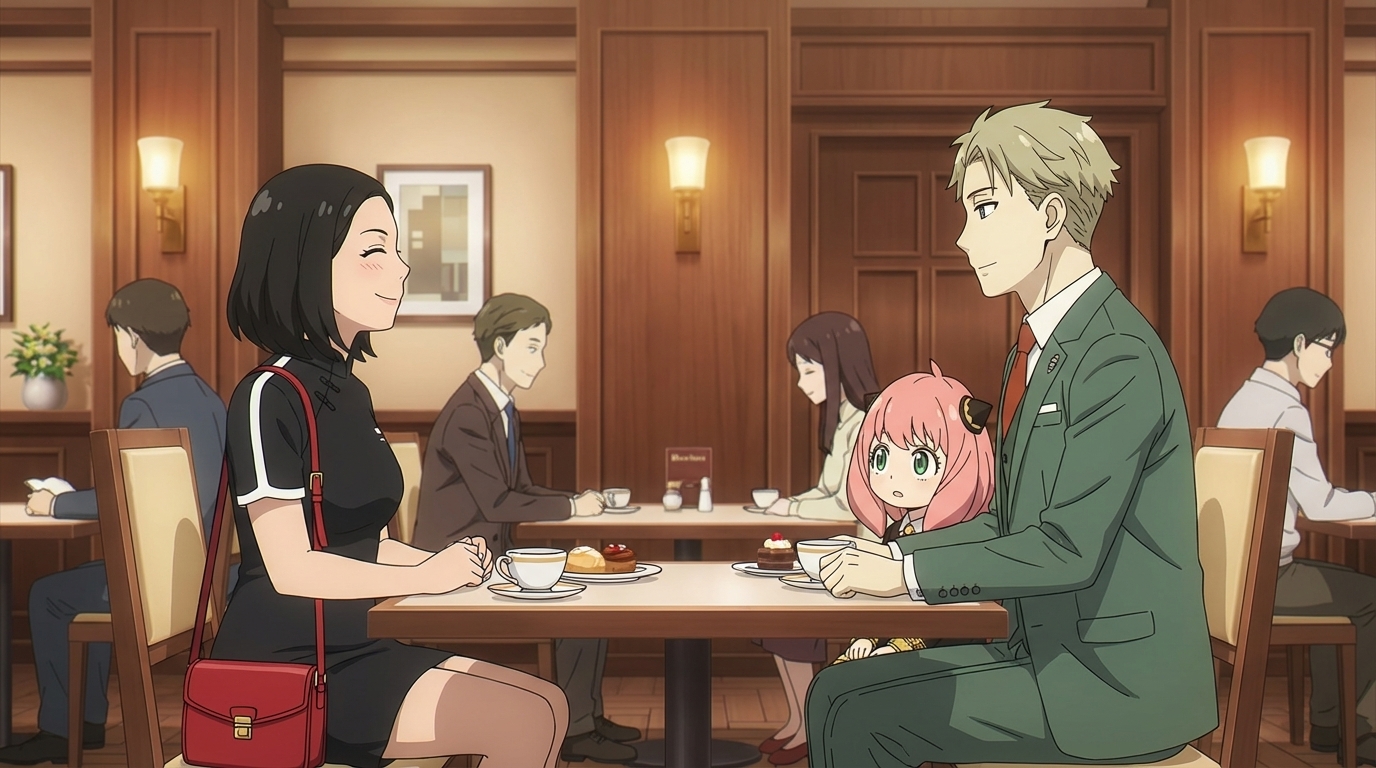
Anime image generated in Spy x Family art style
Photo converted to anime art using AutoWeeb
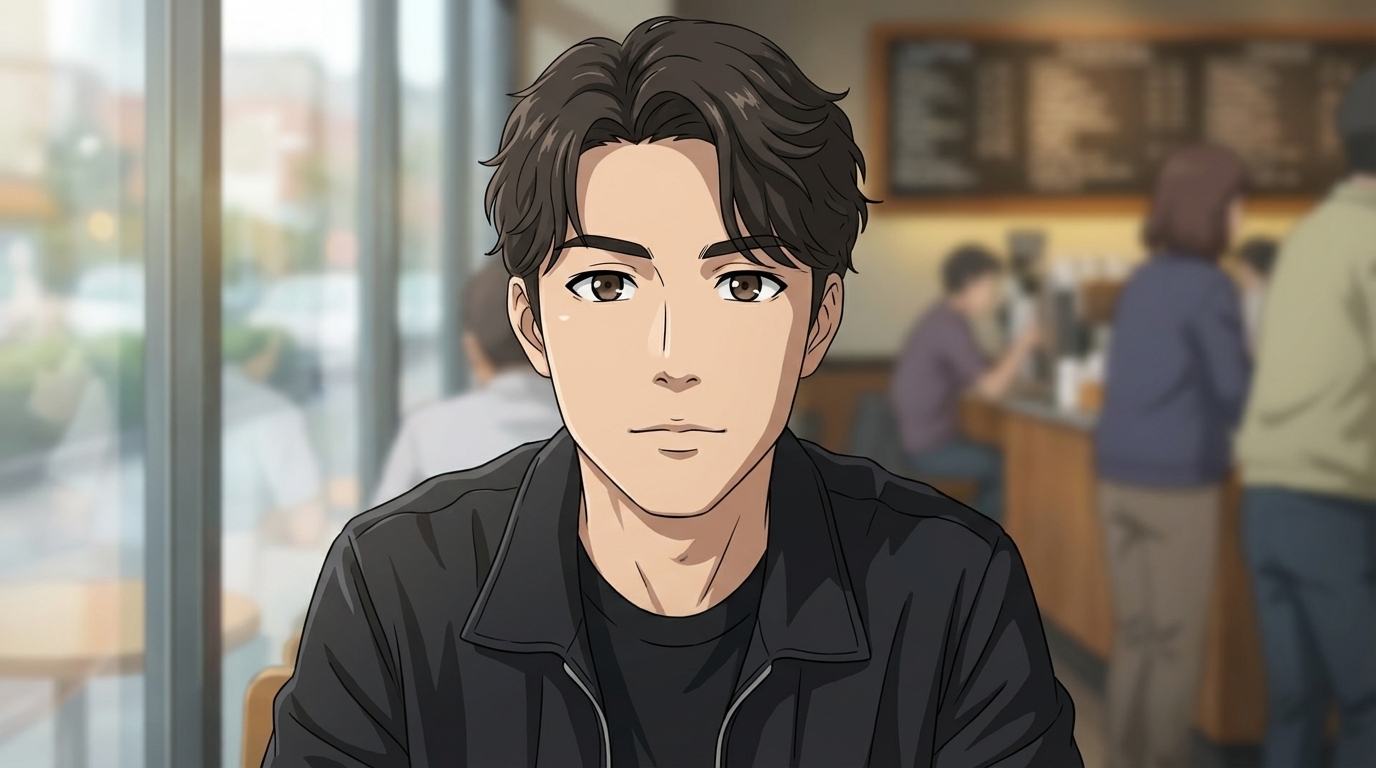
Another photo-to-anime conversion example, realistic portrait redrawn in anime style
Anime character with custom outfit created in AutoWeeb

Character Images

Generate your character in any pose, outfit, or emotional state. The face stays identical across every image in the set.

Location Reference Sets

Build full environment bibles with base images, detail shots, and angle variations, all stylistically matched to your series.

Storyboard Frames

Turn script descriptions into storyboard images. Pick a camera angle and AutoWeeb composes the shot with your characters in the scene.

Photo-to-Anime Conversions

Upload any photo and receive a fully rendered anime image. Great for basing characters on real people or places.

Organized by Project

Every image you create is organized into your project library: characters, locations, and scenes in one place. Reference any asset across future episodes with a single tag.

Start Your Anime Concept Art

Design characters, build location bibles, and generate production-ready anime art. All in one tool, no drawing skills required.

Create Free Concept Art

No credit card required • Free to try

AI-Powered Concept Art

Anime Concept Art

Design characters, locations, and scenes with AI. Full reference sheets, named art styles, and consistent visuals ready for your story.

Anime character concept art sheet showing multiple poses and facial expressions
AI-generated anime art of a professional football stadium with detailed stands and perfect green pitch

World Cup Stadium generated with AutoWeeb

AI Anime Art

AI anime art is the ability to generate production-quality anime artwork from a text description. AutoWeeb uses advanced image models trained on anime aesthetics to produce backgrounds, character art, and scene compositions that match professional-grade visual quality.

Unlike generic AI image tools, AutoWeeb anchors every piece of AI anime art to your characters and world. The same face, outfit, and art style carry through from the first concept image to the final animated frame.

Background art and location references

Generate multi-angle environment art: interiors, wide shots, and detail close-ups for every location in your story.

Character concept illustrations

Full-body character art with consistent facial features, ready to use across storyboards and scene generation.

Scene composition and cinematography

Choose a camera angle (close-up, wide, over-the-shoulder) and generate cinematic stills that feel like real anime production frames.

AutoWeeb app showing a World Cup Stadium location set with multiple AI-generated anime images from different angles

Location concept art, multiple angles, one consistent style

AI Anime Style

Anime is not one look. It's a spectrum of visual languages. AutoWeeb supports named art styles that define how your entire project renders. Pick a style once and every character, background, and scene inherits the same palette, line weight, and shading approach.

Slice of Life Demon Slayer Ghibli Cyberpunk Shonen Action Detective Conan Isekai Mecha

Style is applied globally. Switch a project from Ghibli watercolor to cyberpunk neon and the AI regenerates every piece in the new look: characters, backgrounds, all of it. Your story stays the same; only the visual feel changes.

Explore Art Styles

Draw Anime Online

AutoWeeb is the online tool that turns descriptions and photos into finished anime art in under a minute.

Anime character design sheet created online with AutoWeeb, showing front and back poses alongside facial expression variations
  1. 01

    Describe your character or scene

    Type what you want: appearance, mood, setting. A few sentences is enough to generate a full character design sheet or a complete background environment.

  2. 02

    Or upload a photo

    Upload a portrait or a reference image and AutoWeeb converts it to anime art in your chosen style. The AI preserves facial features and redraws the rest in full anime rendering.

  3. 03

    Get a full reference sheet

    AutoWeeb generates front and back body views plus expression variations (happy, sad, shocked, calm), all consistent with the same face and costume across the sheet.

  4. 04

    Save to your library

    Every character and location you create is saved to your AutoWeeb library. Reference them in any future scene, storyboard, or video and the AI keeps the look consistent automatically.

Create Anime Images

From character close-ups to sweeping location panoramas, AutoWeeb generates every type of anime image your project needs, with consistent characters every time.
AI-generated anime character design sheet with front and back poses
Anime image generated in Demon Slayer art style
Anime image generated in Spy x Family art style
Photo converted to anime art using AutoWeeb
Another photo-to-anime conversion example, realistic portrait redrawn in anime style
Anime character with custom outfit created in AutoWeeb

Character Images

Generate your character in any pose, outfit, or emotional state. The face stays identical across every image in the set.

Location Reference Sets

Build full environment bibles with base images, detail shots, and angle variations, all stylistically matched to your series.

Storyboard Frames

Turn script descriptions into storyboard images. Pick a camera angle and AutoWeeb composes the shot with your characters in the scene.

Photo-to-Anime Conversions

Upload any photo and receive a fully rendered anime image. Great for basing characters on real people or places.

Organized by Project

Every image you create is organized into your project library: characters, locations, and scenes in one place. Reference any asset across future episodes with a single tag.

Start Your Anime Concept Art

Design characters, build location bibles, and generate production-ready anime art. All in one tool, no drawing skills required.

Create Free Concept Art

No credit card required • Free to try