
AI Anime B-Roll and Cutaways for YouTube Video Creators
Insert shots are not filler. They are the rhythm that makes your protagonist clips feel like a directed episode.
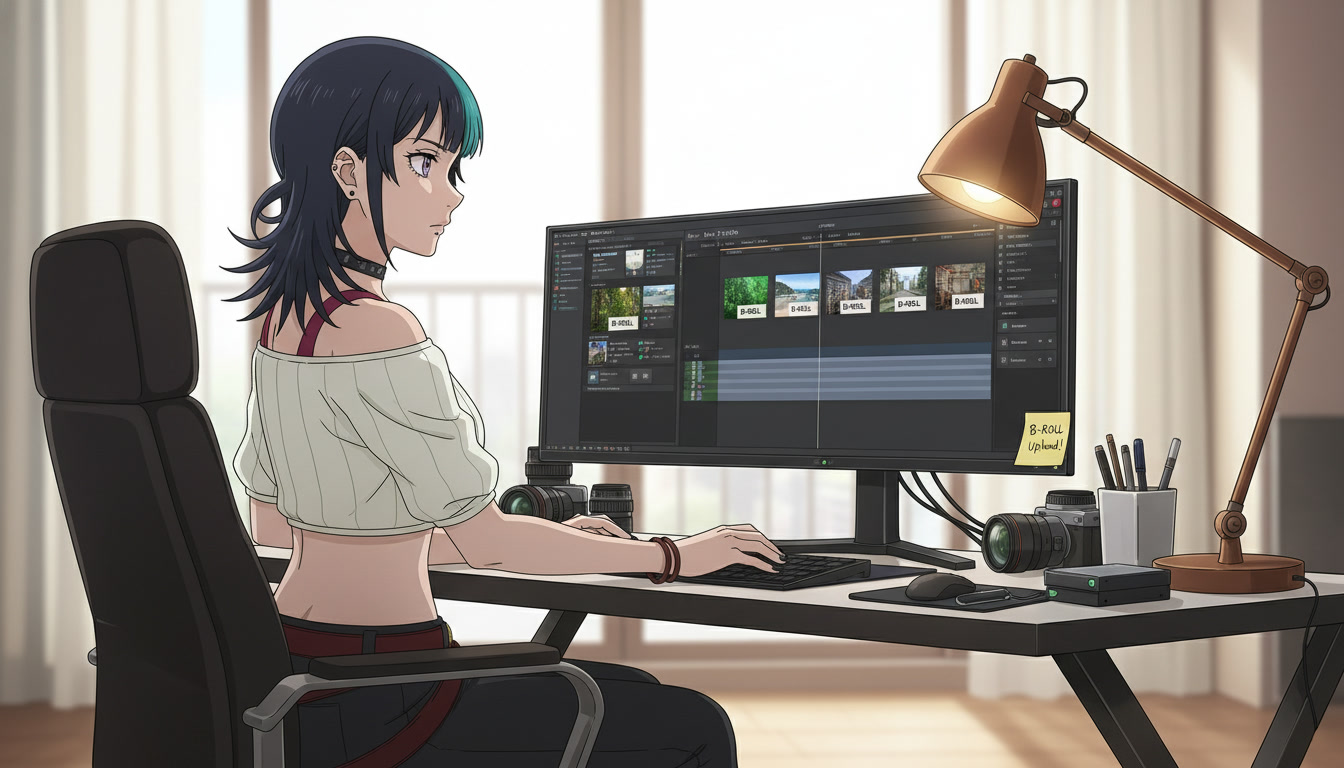
AI anime B-roll and cutaways are how serialized ai anime video channels hide the seams between hero clips. You nailed the hook close-up. The turn beat needs a breath before the reveal. The land beat wants a detail the model will not hold inside a face-forward motion pass. Video creators on YouTube and Shorts who only generate protagonist shots end up speed-ramping the same clip twice. Channels that batch insert stills and short motion passes feel directed because the edit has texture: rain on glass, a charm sliding across tile, a rooftop wide that proves the city is still there.
This guide is for creators who already storyboard three-beat Shorts and separate still from motion. You will tag insert beats on the board, generate environment and detail passes without stealing the protagonist's face budget, and cut inserts where editing AI anime video needs rhythm, not apology. If your locations still drift week to week, lock sets in AI anime location bible for video creators before you batch B-roll.
What counts as B-roll in a fifteen-second anime Short.
B-roll here is not stock footage of Tokyo. It is anime-native inserts that belong to your series bible: the same magenta alley glow, the same festival lantern color, the same rain density. Three categories cover most serialized uploads.
- Environment insert: wide or empty medium of the set without a readable face. Bridges hook to turn when the hero clip is too intense to cut cold.
- Detail insert: hands, object, ground texture. Carries plot information (charm crack, letter edge, boot print) without a second full character generation.
- Reaction bridge: partial face or silhouette when a true close-up already burned in the hook. Use sparingly so inserts do not replace performance.
On the storyboard, mark inserts with a fifth tag beside Purpose and Action: insert: env | detail | bridge. Pre-production habits from storyboarding AI anime pre-production already forbid montage prompts in one clip. Inserts are how you get montage rhythm in the edit without asking Seedance to swallow three verbs.
Storyboard insert beats between hook, turn, and land.
Map inserts to emotional punctuation, not random beauty shots. A useful default for discovery Shorts:
- Hook (0-3s): hero close-up or intrusion, as in AI anime video hooks for YouTube Shorts.
- Insert A (3-5s): environment or detail that answers "where" or "what object matters."
- Turn (5-9s): hero medium with one action.
- Insert B (9-11s): optional bridge before land (footstep sound bed, door light spill).
- Land (11-15s): payoff face or wide that closes the question the hook opened.
Serialized episodes can shorten Insert A when subscribers already know the alley. Discovery uploads should keep Insert A because cold viewers need one frame of place before stakes. Write the insert line on the panel in plain production language:
Insert A: rain on festival lantern, no characters, same amber grade as ep12 alley pack | duration target 1.2s
Duration targets belong on the board. Generation gives you five seconds; the edit may use one. Knowing the target stops you from over-prompting motion on a still that will be a hard cut.
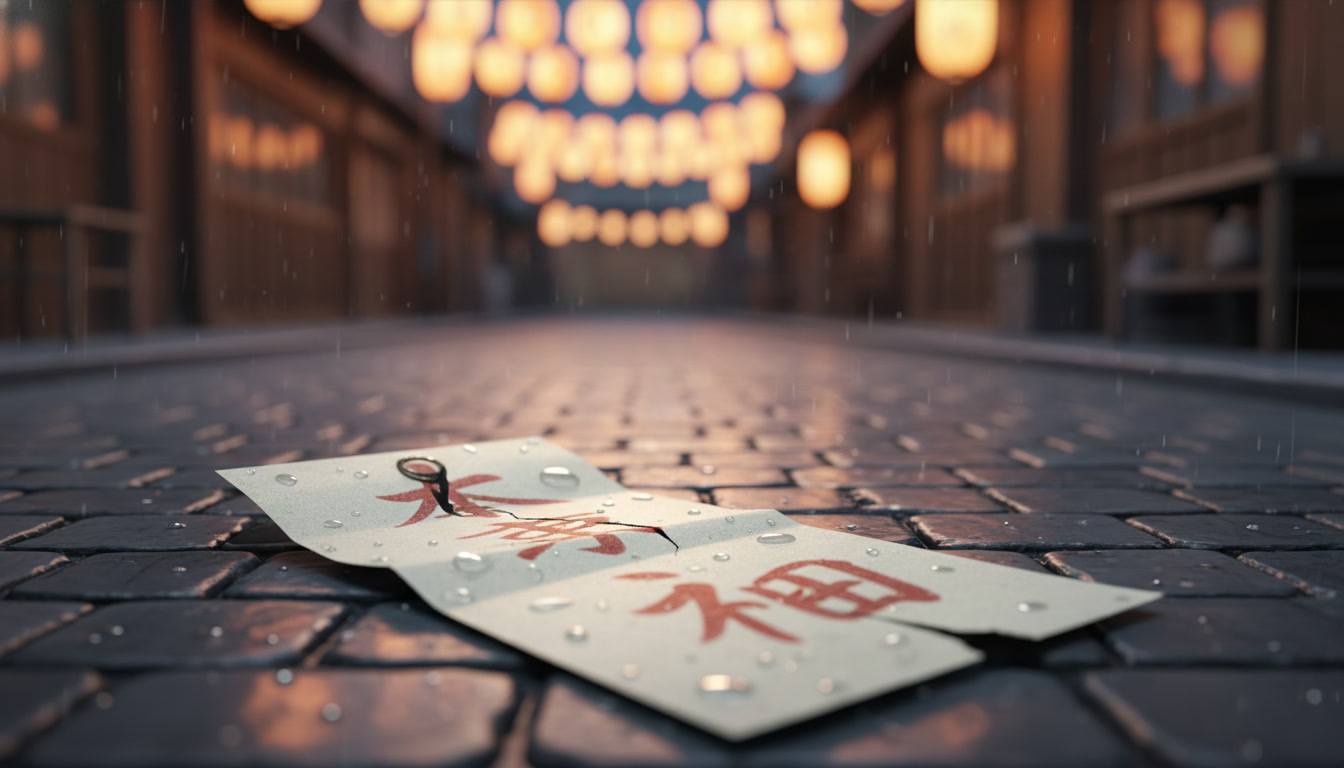
Generating inserts: photo packs, scene builders, and prompts without faces.
Inserts succeed when you remove the cast from the prompt on purpose. Reference the location row from your bible, not the protagonist ID. Open the same photo pack or panorama you used for the hero still and crop mentally toward empty frames: stall edge, stairwell, neon reflection in puddle.
Example environment insert still:
Empty festival alley at dusk, paper lanterns, wet cobblestones, magenta city glow in distance, cinematic anime background still, no people, no faces.
Example detail insert still:
Extreme close-up, cracked paper charm on wet stone, shallow depth of field, warm amber lantern bokeh, anime illustration, no hands unless necessary.
For recurring interiors, rebuild the set in the scene builder, export a wide without placing characters, and log the save name next to the hero row. Scene stills feed short motion the same way as hero workflow in video and scene generation for YouTube creators, but motion prompts stay environmental: rain streak, lantern sway, train light pass, one phenomenon only.
Example environment motion add-on:
Slow lateral drift, rain continues, lantern light flickers once, no characters enter frame, same alley geometry as still.
Reject inserts that smuggle a random protagonist into the background. That face will fight your hero clip in the next cut.
Cutaway rules when duos and hooks already ate your generation budget.
Two-character episodes from AI anime two-character scenes are expensive. Inserts are the relief valve. When a rooftop two-shot fails twice, cut hook to Insert A (rain on rail), then solo over-shoulder for the turn, then duo still only for the land. Viewers read the insert as continuity glue, not as a missing shot.
Sound carries inserts further than extra pixels. A heel on wet stone, charm paper scrape, distant train brake: place the transient on the insert frame you already generated, as noted in the hooks guide. Silent inserts work when the previous clip ended on a held expression; the environment cut gives the audience one beat to breathe before the turn lands.
Thumbnail discipline still applies. Do not pull a random insert for the tile if the hook face is the promise. Thumbnail workflow stays in AI anime YouTube thumbnails for video creators. Inserts serve retention inside the Short, not browse packaging.
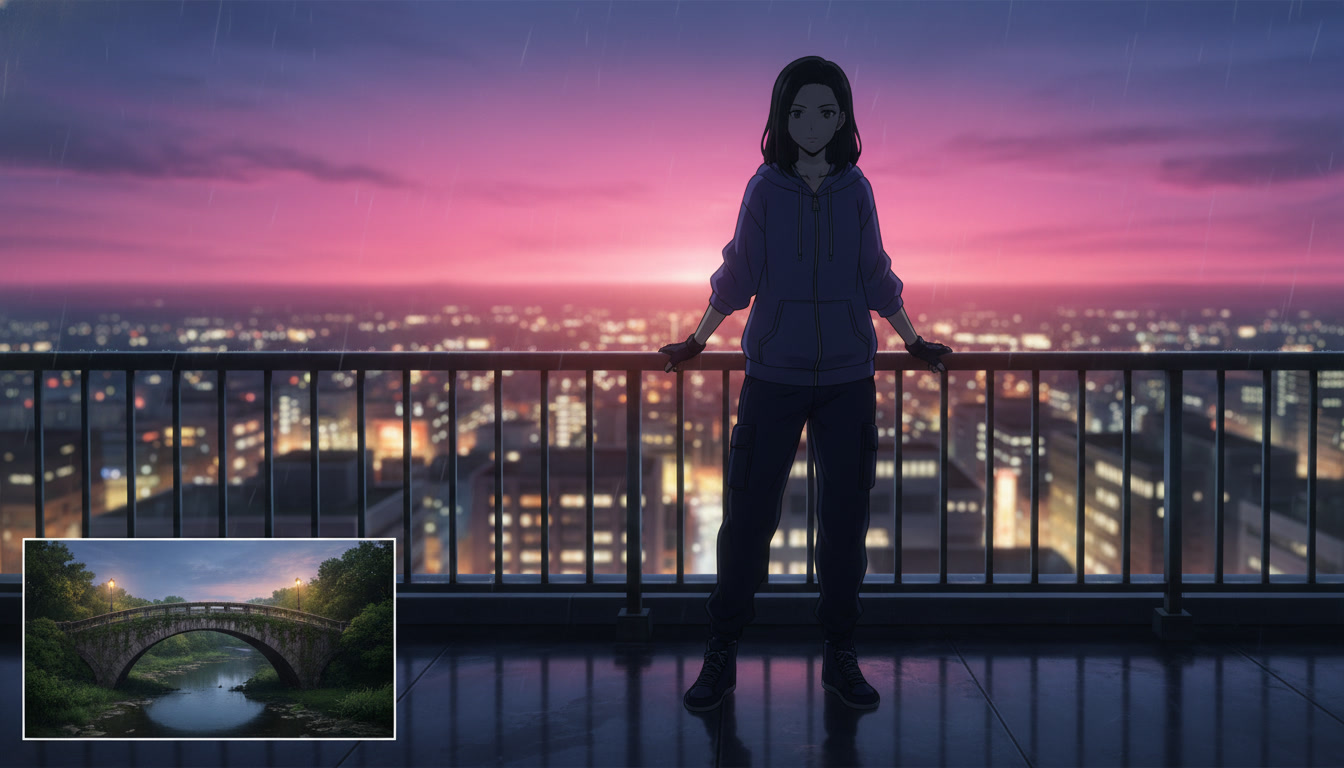
Batching inserts so Tuesday is not a hero-only grind.
Batch inserts per location, not per episode emotion. If episodes eight through ten revisit the festival alley, generate six empty alley stills and two rain motion passes in one session. Label files with bible codes ("fest_alley_env_04") so the edit bin stays searchable.
Keep a simple insert checklist on the series doc:
- At least two environment wides per recurring set
- At least three detail stills for plot objects you will reuse (charm, letter, key)
- One short motion pass per set per month, not per upload
- Grade note copied from hero clips (warm amber, cool blue rooftop, etc.)
When an insert wins retention in analytics, duplicate its storyboard line into the template for the next three uploads. That is how how to make anime video with ai stops depending on a perfect single clip and starts behaving like a show with breath.
B-roll sits between generation and the final timeline: planned inserts, batched without faces, cut on sound. Pair this workflow with editing AI anime video for rhythm, and with video hooks so the opening beat still owns the thumbnail promise. For cast and set locks upstream, continue with original character creations for video creators and the location bible guide.
Related Blog Posts
AI Anime Location Bible for YouTube Video Creators
Recurring sets are not luck. They are named places with anchors you reopen instead of re-prompting from memory.
Build an AI anime location bible for YouTube Shorts: name recurring sets, lock scene anchors, map photo packs and scene builders, and keep geography consistent across episodes.
AI Anime Two-Character Scenes for YouTube Video Creators
Rivals and partners need two saved faces, one framing rule, and motion that does not merge them into one person.
Create AI anime two-character scenes for YouTube Shorts: save both OCs, frame medium two-shots, use photo packs and motion prompts that keep rivals and partners readable in one clip.
AI Anime Video Hooks for YouTube Shorts
The first three seconds are not a trim decision. They are a beat you storyboard, generate, and edit on purpose.
Write AI anime video hooks for YouTube Shorts: hook-first storyboard beats, one-action openers, sound punctuation, and prompts that match your saved OC before viewers scroll away.
AI Anime YouTube Thumbnails for Video Creators
Panel zero is not an afterthought. It is the still you generate on purpose before the Short goes live.
Design AI anime YouTube thumbnails that match your Shorts: thumbnail-first prompts, readable faces at small size, series titles, and export frames from your saved OC without clickbait drift.
Explore AutoWeeb
Jump into the tool that fits your creative step.
AI Anime Video Generator
Animate storyboard shots into cinematic clips with Seedance 2 and consistent characters.
Anime Character Creator
Design original characters with consistent sheets across every scene.
AI Anime Image Generator
Generate cinematic anime stills anchored to your character library.
Anime Filters
Upload any photo and apply AI anime filters to turn it into stunning anime art in seconds.
AI Anime Location Generator
Create a location set once, then generate reference images from every angle.
AI Anime Storyboarding
Describe your idea, pick your characters, and let AI draft the script and scenes.
AI Anime Prompt Agent
Turn a rough idea into a cinematic Seedance 2 prompt with the AI Director.