
AI Anime Location Bible for YouTube Video Creators
Recurring sets are not luck. They are named places with anchors you reopen instead of re-prompting from memory.
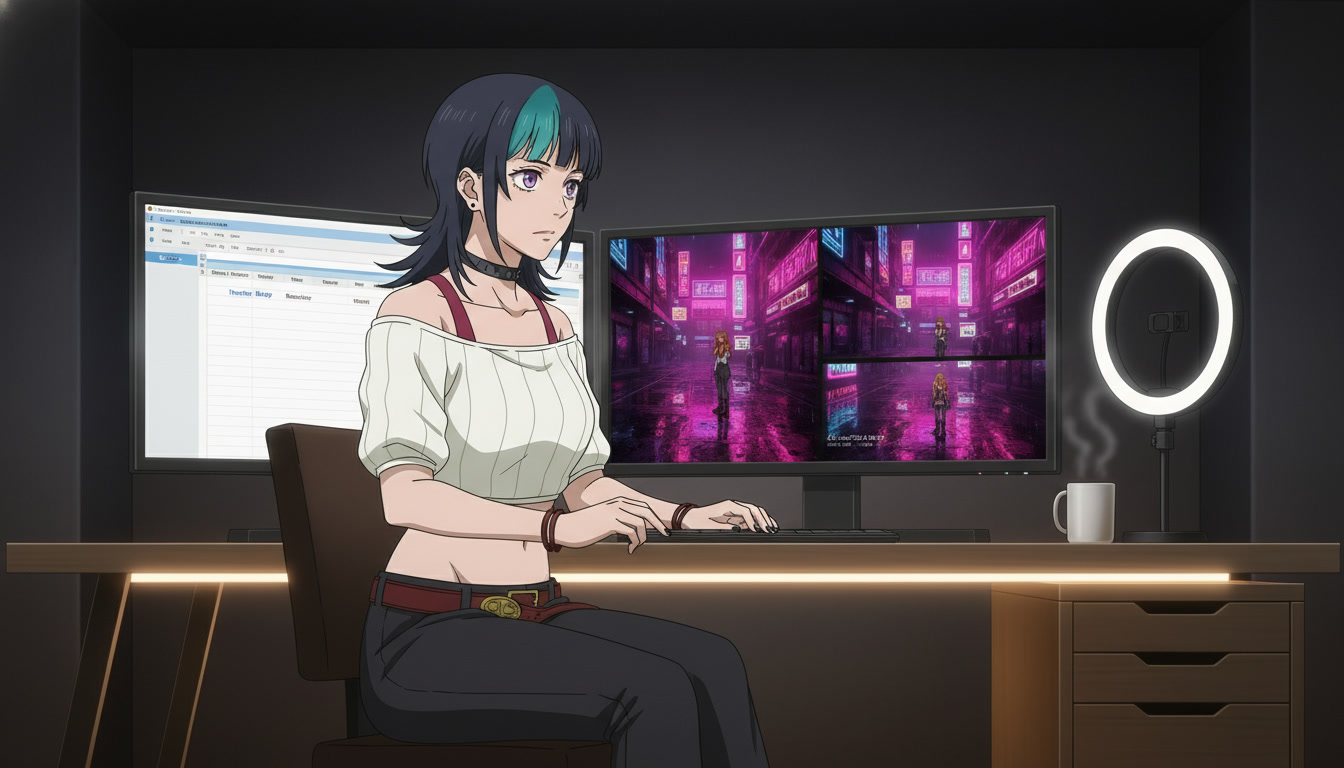
An AI anime location bible is what keeps a serialized ai anime video channel from feeling like a mood board that resets every upload. Video creators on YouTube and Shorts often lock the protagonist in week one and still lose viewers in week six because the rooftop became a different rooftop, the festival alley gained modern signage, or beat two's rain direction no longer matches beat one's puddles. The anime video generator did not forget your character. It never knew your geography was supposed to be canon.
This guide is for creators who already storyboard three-beat Shorts and run separate scene and motion passes. You will document recurring sets, tie each place to a concrete reopen method (photo pack, scene builder panorama, or custom prompt anchors), and hand location lines to generation the same way you hand hair color to your saved OC. If the face still drifts, read original character creations for video creators first. Locations are the second spine of a show.
What a location bible is (and why thumbnails cannot fix bad geography).
A location bible is a living document, not a Pinterest folder. Each entry names one place your series returns to, lists three visual anchors, notes forbidden drift, and records how you reopened it last time. "Neon Alley" is an entry. "Cool cyberpunk street" is a wish. Viewers recognize places the way they recognize faces: silhouette of signage, dominant accent color, weather habit.
Thumbnails and hooks sell the click; geography sells the binge. If episode four's establish wide shows brick arches and episode five's "same alley" shows glass towers, retention drops even when the protagonist matches. Editing cannot unify two different cities with a grade pass. You fix that in the still pass by reopening the same pack shot or the same builder panorama, as covered in video and scene generation for YouTube creators.
Treat locations like cast members with fewer dialogue lines. Home base appears every week. Festival grounds appear each season. Boss arenas appear only in arc finales. The bible tells you which tier a script beat needs before you open any generator.
The minimum fields every location entry needs.
One spreadsheet row or note card per place. Copy this template for each recurring set:
- Display name: Human-readable label you use in titles ("Rooftop Run #9 – Home Base").
- Tier: A-list (every episode), B-list (arc), C-list (one-off spectacle).
- Three anchors: Floor material, primary light source, weather or time of day.
- Accent color: One hex or plain-language color that repeats in rim light and signage.
- Forbidden drift: What must never appear (modern cars, interior furniture, second moon).
- Reopen method: Photo pack path, scene builder save name, or custom prompt stub.
- Last episode used: Stops you from accidentally redesigning a A-list set on a tired batch night.
Example entry for a serialized Shorts channel:
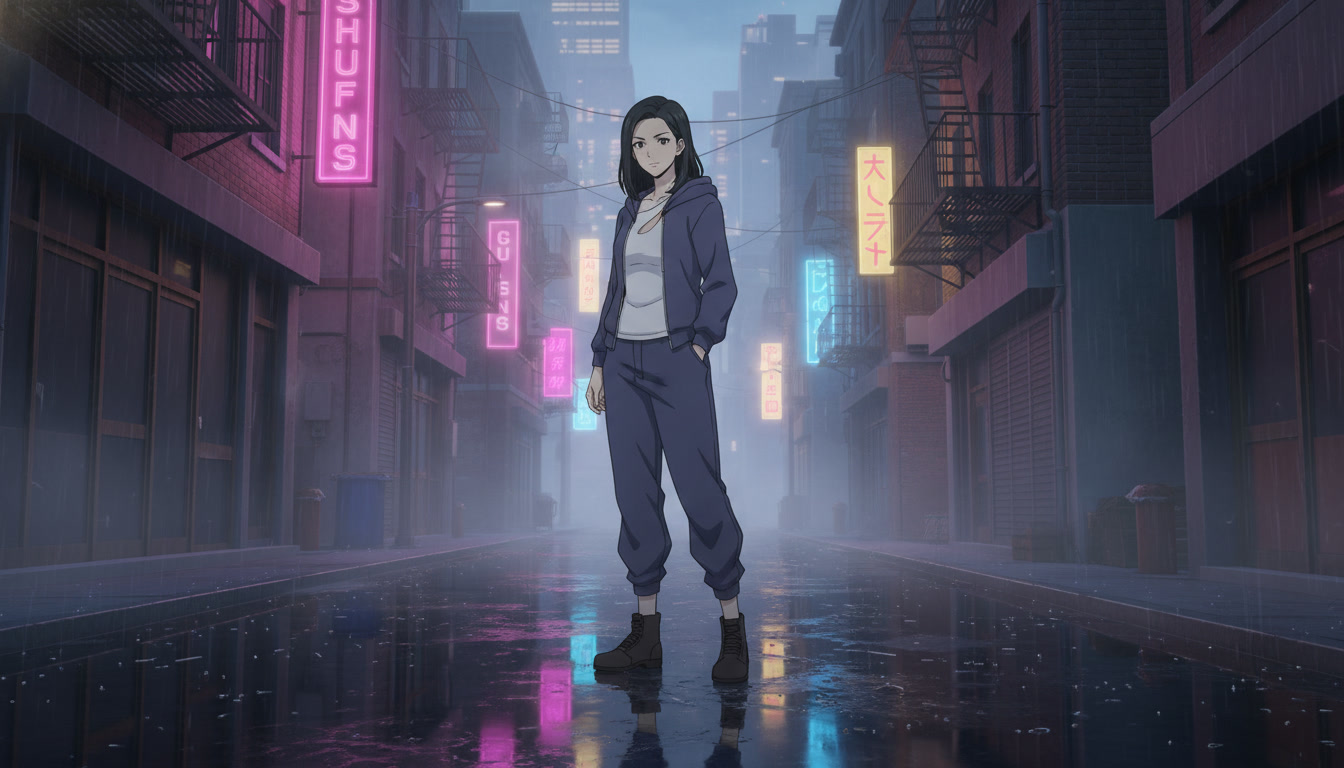
Neon Alley | A-list | wet asphalt, magenta shop signs, light rain at dusk | accent: magenta rim | no daylight, no cars | reopen: japan city pack alley frame 3 + scene builder "Alley_v2" | last: ep11
Pair each Action line on your storyboard with the entry name, not a vague vibe. Pre-production habits in storyboarding AI anime pre-production already ask for location lines; the bible is where those lines stay honest week to week.
Choosing photo packs, scene builders, or custom prompts per location tier.
Most channels mix all three methods. The bible records which method owns which place so batch day stays mechanical.
Photo packs excel when you need recognizable anime locations fast and your series visits many environments. Open photo packs, note the pack name and frame number in the bible, and reuse that frame for every return visit. Packs are ideal for B-list variety: festival dates, beach episodes, train platforms. Log the pack in the row so episode fourteen does not improvise a "similar festival."
Scene builders excel for A-list home bases: apartment, dojo, office, bridge overlook. Build once, save the panorama, reference the save name in every still pass. When motion needs the same geography from a new angle, regenerate stills from the builder instead of describing the room from scratch. The scene layer workflow in scene builders pairs with motion in Seedance; the bible tells you when to stay inside one panorama.
Custom prompts belong to C-list spectacle or locations that are the punchline: floating shrine, impossible geometry duel, void temple. Keep custom entries disciplined with the same three anchors plus one forbidden drift phrase. Custom places cost more generations; batch them on weeks when you are not also training a new hook technique.
Example still prompt stub tied to a bible entry (pair with your saved protagonist):
Neon Alley A-list: rain-soaked asphalt, magenta shop signs, dusk sky, soft volumetric fog, heroine in indigo streetwear, medium-wide, cinematic anime still, no vehicles, no daylight.
Handing location lines to motion without breaking the set.
Motion prompts inherit geography from the still. If the still is wrong, reject it before Seedance. When the still is right, motion language should describe action and camera, not re-invent the city.
Good motion add-on after a locked alley still:
Slow dolly forward, rain continues, magenta signs flicker, heroine takes one step and stops, same alley geography, no new buildings enter frame.
Bad motion add-on that drifts the bible:
She runs through the city and teleports to a rooftop festival with fireworks.
One action per pass still applies. Geography drift often arrives as a second location smuggled into the verb phrase. Hooks and thumbnails fail the same way when the opener promises alley rain and the turn clip delivers sunny park grass. Align packaging with AI anime video hooks for YouTube Shorts and AI anime YouTube thumbnails for video creators so the place in panel zero matches the place in the motion pass.
For Seedance-specific motion vocabulary, continue with writing prompts for Seedance 2 anime videos and mistakes to avoid in Seedance 2 anime videos.
Batch day rhythm and common location mistakes.
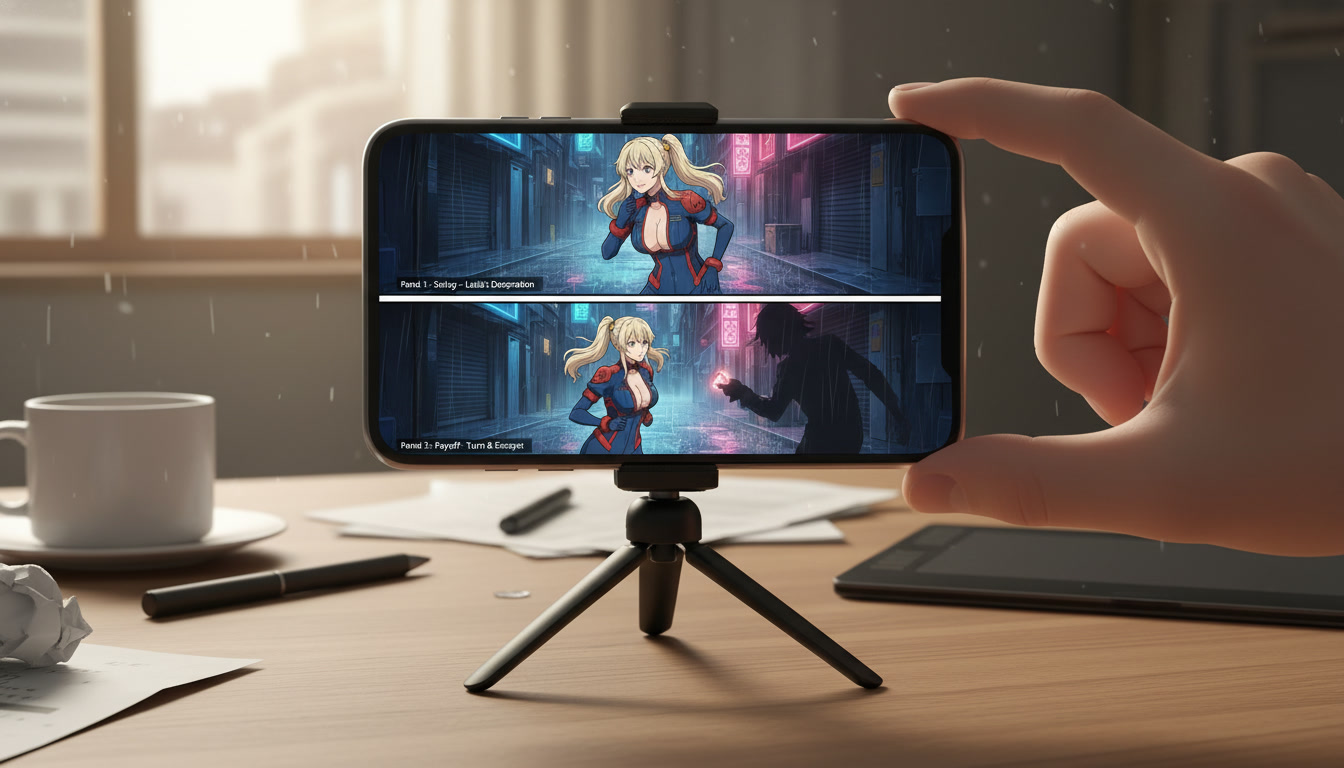
Block location work separately from motion work inside one session. A practical week for three Shorts:
- Storyboard day: Name the bible entry on every panel line.
- Scene still day: Reopen A-list and B-list entries only; reject drifts immediately.
- Motion day: Reference still IDs; forbid new locations in prompt text.
- Edit day: Trim on motion peaks; grade lightly for unity, not to merge two different alleys.
Mistakes that hurt serialized channels:
- Re-prompting from memory: "Same alley as last week" without reopening the pack or builder.
- Too many A-list sets: More than two home environments and you will drift by episode eight.
- Mixing pack and custom for one place: Pick one reopen method per entry and stay loyal.
- Skipping forbidden drift lines: The model will add cars, furniture, or daylight unless you forbid them.
- Forgetting episode log: You redesign the rooftop because you forgot ep6 already locked copper railing west.
Channel rhythm from creating an AI anime YouTube channel and edit discipline from editing AI anime video for YouTube creators both assume places repeat. The bible is how you make that assumption true in generation, not just in titles.
How many locations should a new channel document on day one?
Start with one A-list home base and one B-list public space. Add C-list spectacle only when you have eight uploads that prove viewers return for the protagonist. Two documented places you reopen reliably beat six beautiful places you cannot find twice.
Should gaming-adjacent channels use the same bible structure?
Yes, with mood-native names instead of franchise landmarks. "Dungeon antechamber" and "Boss door corridor" are entries; they are not licensed screenshots. For tone without IP risk, see turning video game moods into anime for YouTube.
How to make anime video with ai at channel scale is character plus place. Lock the OC once, lock the map once, and reopen both every week. Your location bible is the map. Generation, motion, thumbnails, and hooks are just different vehicles driving through the same streets.
After your bible has two entries, run the pre-production checklist in storyboarding AI anime pre-production, then generate motion with writing prompts for Seedance 2 anime videos.
Related Blog Posts
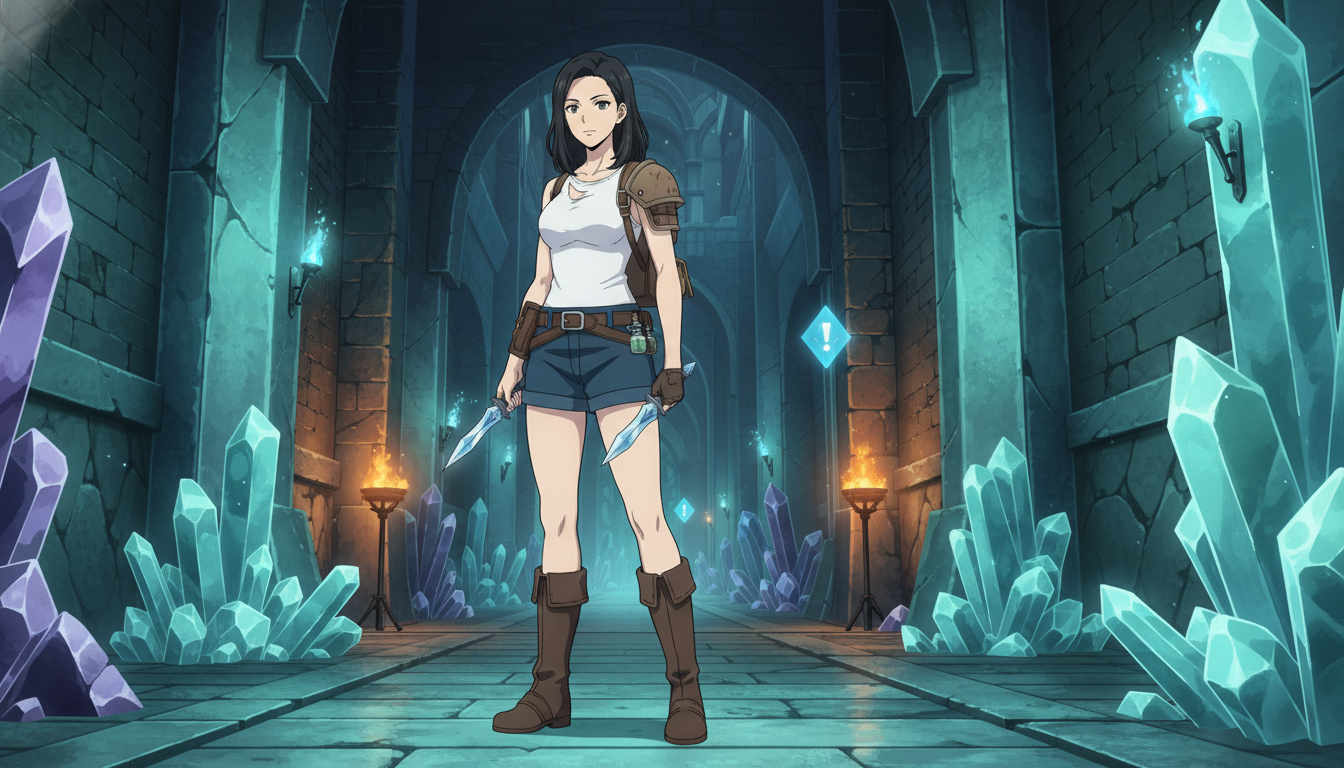
How to Turn Video Game Aesthetics Into Anime Videos for YouTube
RPG dungeons, boss arenas, and creator setups — a workflow for game-adjacent anime Shorts without copying IP
Learn how to turn video game aesthetics into AI anime videos for YouTube. Build original characters, prompt RPG scenes, and animate clips with Seedance 2 on AutoWeeb.
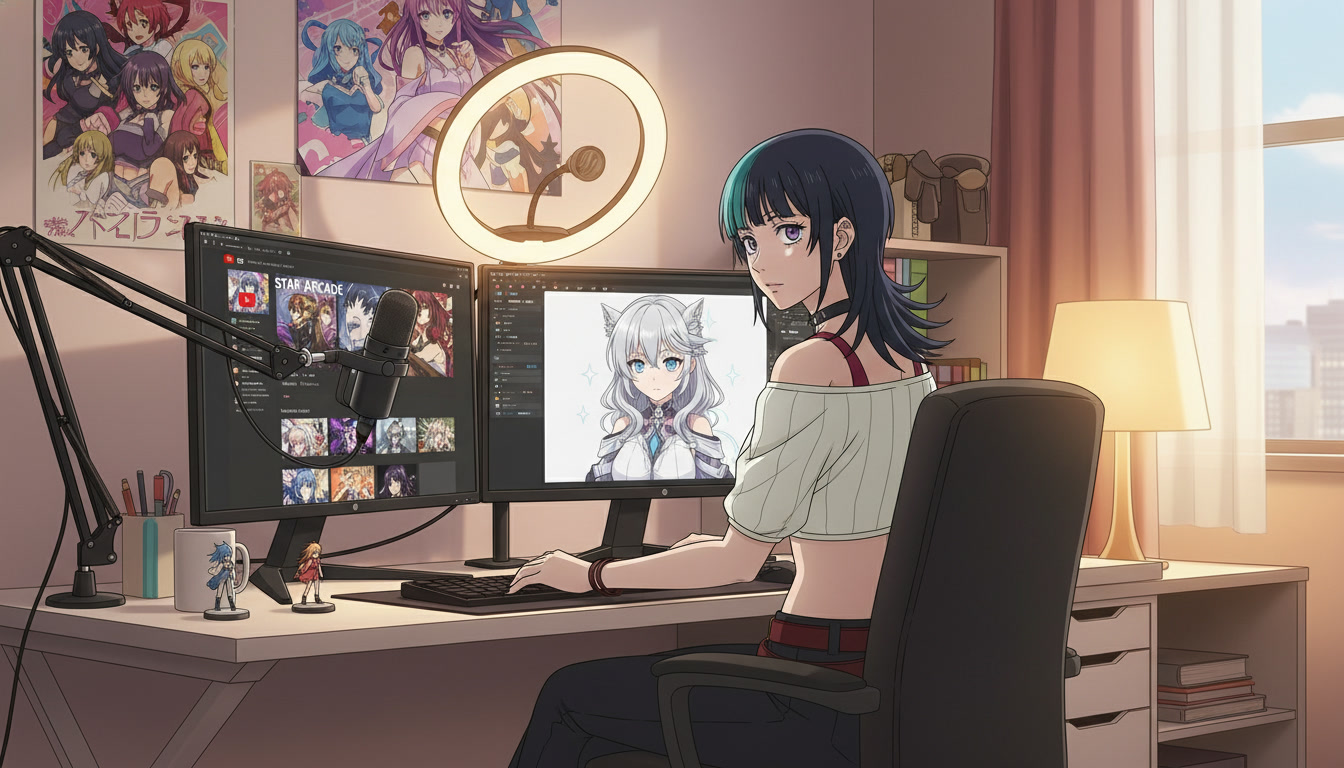
Creating an AI Anime YouTube Channel: From First Character to Published Shorts
A channel is not a folder of clips — it is a protagonist, a rhythm, and a reason to come back next week.
Learn how to create an AI anime YouTube channel with consistent characters, Shorts-ready clips, and a repeatable upload workflow using AutoWeeb and Seedance 2.
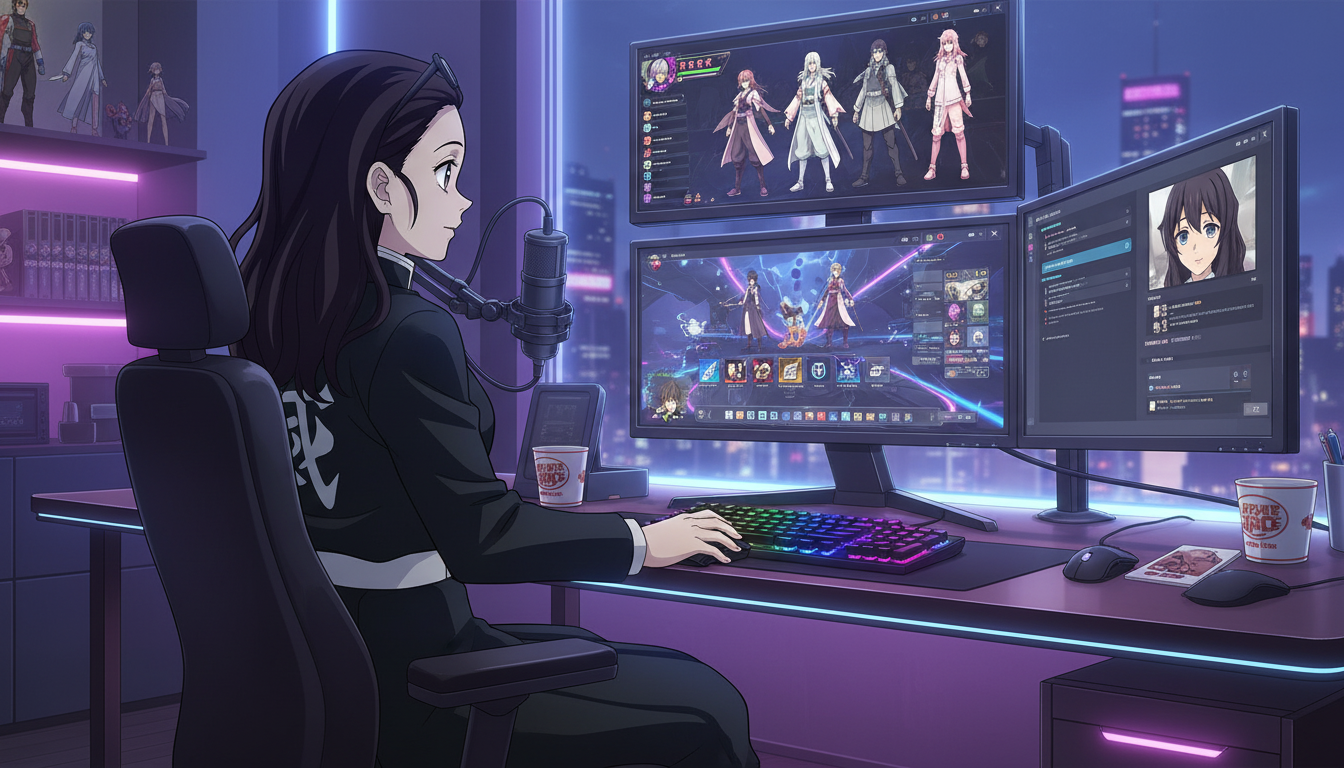
How to Turn Video Game Characters Into Anime Videos for YouTube
Gaming channels already have the stories — anime-style video is how you make them look like a show instead of a screenshot montage.
Turn video game characters into anime videos for YouTube. A workflow for gaming creators: OC design, scene prompts, Seedance 2 clips, and Shorts-ready pacing.
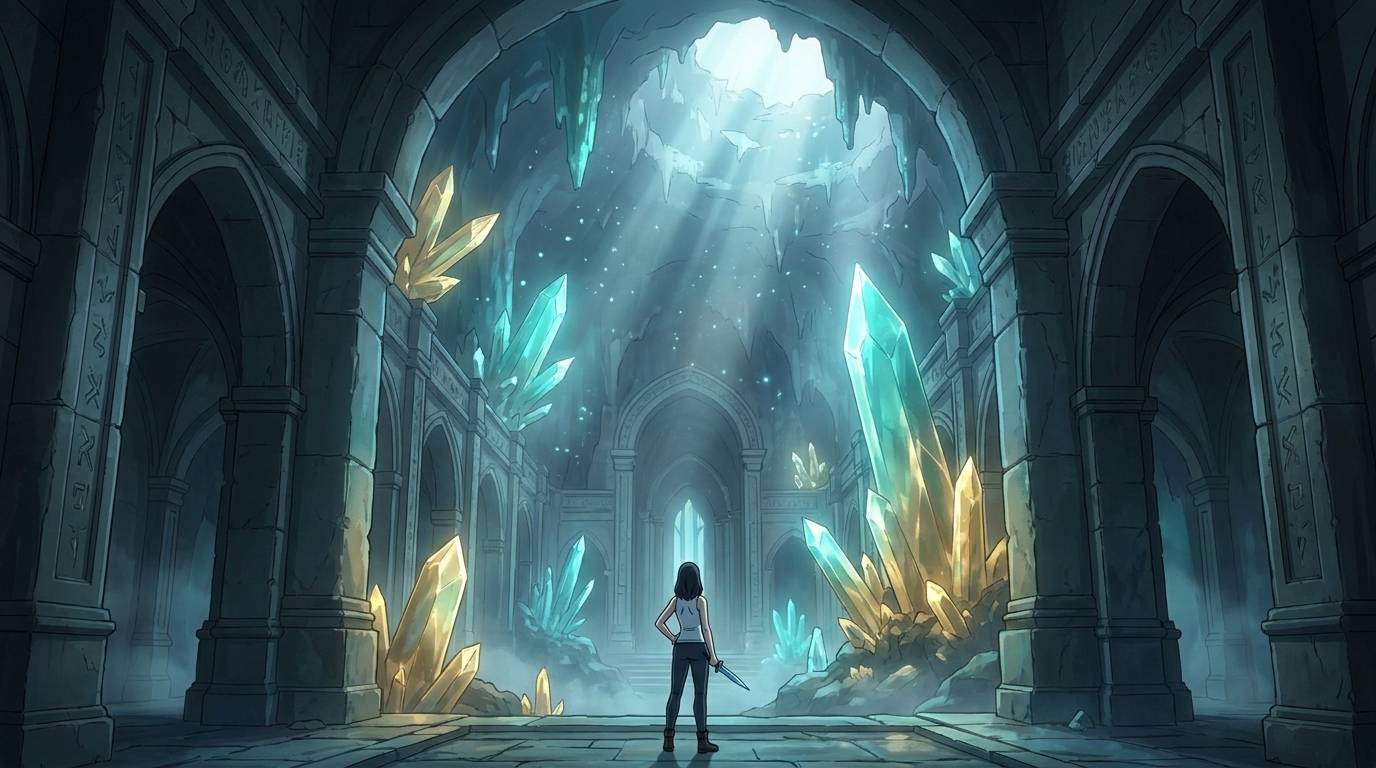
Storytelling and Worldbuilding in AI Anime: How to Build Worlds That Feel Real
From establishing the visual logic of a world to building characters with history — how to use AI anime to create stories that live beyond a single image.
Learn how to use AI anime generation for storytelling and worldbuilding — covering environment design, character consistency, narrative sequencing, and the visual grammar that makes worlds feel lived-in.
Explore AutoWeeb
Jump into the tool that fits your creative step.
AI Anime Video Generator
Animate storyboard shots into cinematic clips with Seedance 2 and consistent characters.
Anime Character Creator
Design original characters with consistent sheets across every scene.
AI Anime Image Generator
Generate cinematic anime stills anchored to your character library.
Anime Filters
Upload any photo and apply AI anime filters to turn it into stunning anime art in seconds.
AI Anime Location Generator
Create a location set once, then generate reference images from every angle.
AI Anime Storyboarding
Describe your idea, pick your characters, and let AI draft the script and scenes.
AI Anime Prompt Agent
Turn a rough idea into a cinematic Seedance 2 prompt with the AI Director.