
Give Your Anime Characters Custom Props
Add weapons, instruments, sports gear, jewelry, or any object to your character scenes — anchored to your character sheet for consistent results.
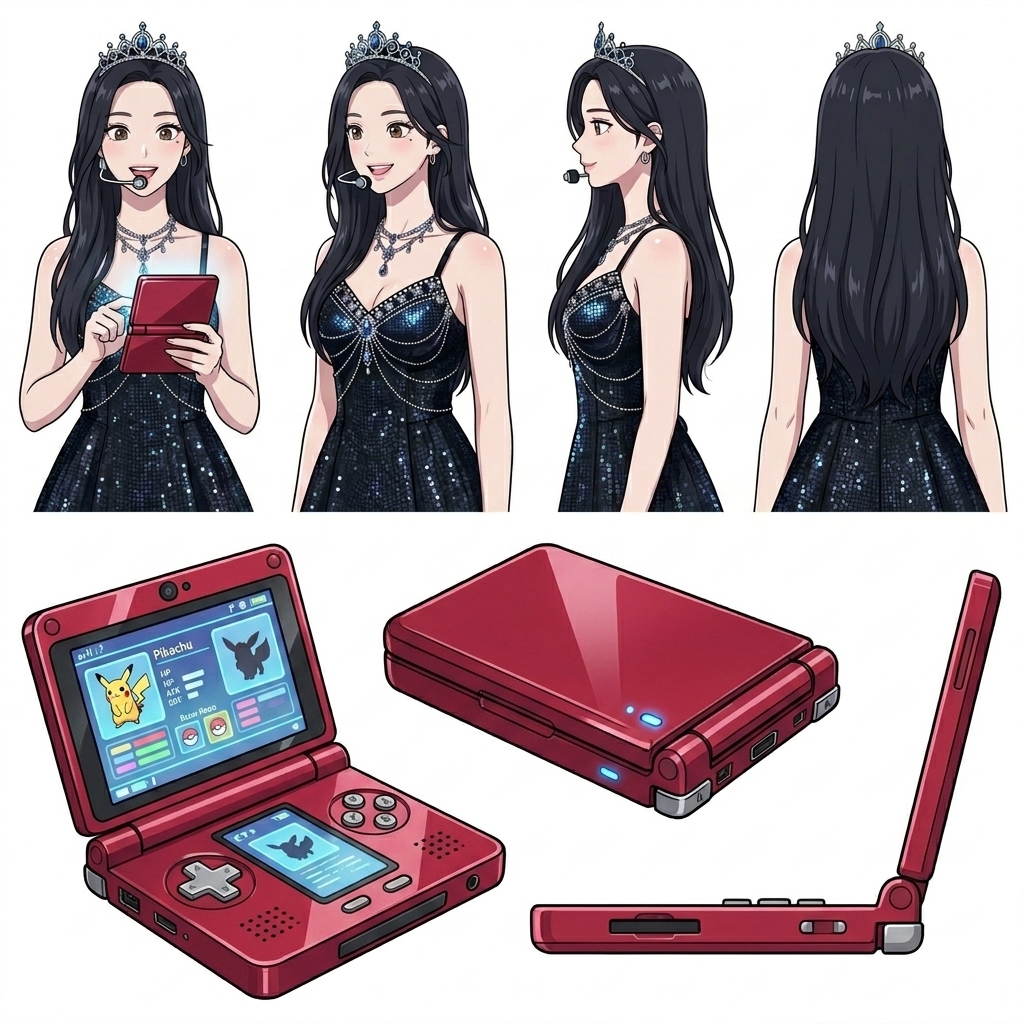
How to Add Character Props
Place any object in your character's hands — from basketballs to swords — without breaking visual consistency.
-
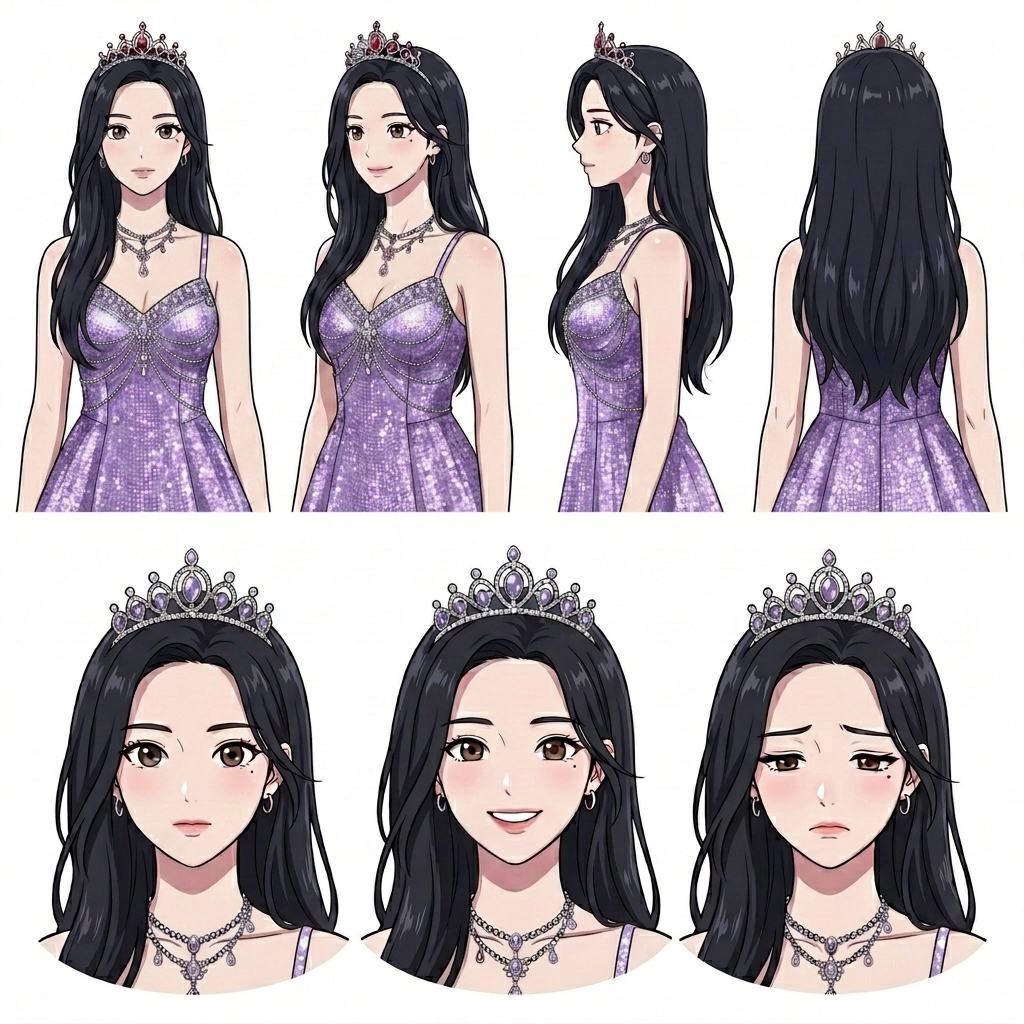
Define Your Character First
Build or import a character sheet so AutoWeeb knows exactly who is holding the prop. Face, hair, and outfit details anchor every generation.
-
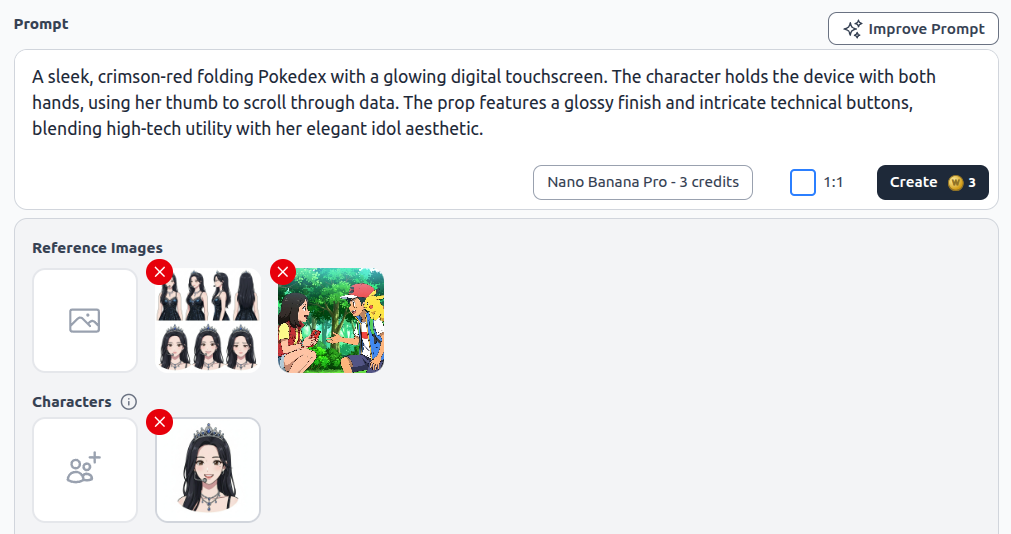
Add Prop References and Prompt
Upload reference images for the object you want — a basketball, sword, microphone, or charm — and describe how your character interacts with it. AutoWeeb combines character and prop references in one prompt.
-
Generate the Scene
Create a still of your character with the prop in frame — spinning a ball, drawing a blade, or holding a keepsake — with the same character identity from your library.
Frequently Asked Questions
Everything you need to know about custom anime character props in AutoWeeb.
What kinds of props can I add to anime characters?
Anything you can describe or reference — sports equipment, weapons, musical instruments, food, phones, magical artifacts, jewelry, and scene-specific items like letters or trophies.
Can I use reference images for props?
Yes. Upload reference images alongside your character sheet so AutoWeeb matches the prop's shape, color, and details while keeping your character's face and outfit consistent.
Will props stay consistent across multiple scenes?
Save prop reference images to your library and reuse them in future prompts. Combined with your character sheet, the same sword, charm, or basketball appears identically across your storyboard.
Ready to Accessorize Your Characters?
Add props to any scene — reference the object, describe the action, and generate in one pass.
Add Custom PropsNo credit card required • Free to try