
How to Create an Original Anime Character
Start with a rough idea and AutoWeeb's AI Agent builds a complete character — appearance, personality, motivations, and a locked character sheet for every scene you generate.
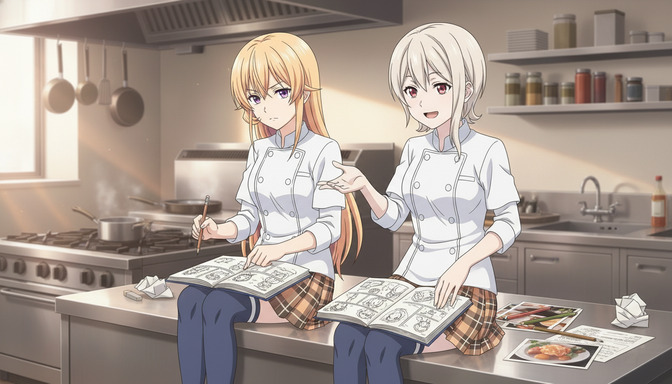
How It Works
Three simple steps to bring your character to life
Upload a Reference Photo
Upload a photo of yourself, a friend, or anyone you want to base the character on. AutoWeeb's photo to anime AI converts it into anime art.
Describe Your Character
Tell us about your character's appearance, personality traits, and distinctive features. Be as detailed as you want.
Generate & Refine
Create different outfits, poses, and expressions. Use your character sheet to generate images and videos with your character.
Pick Your Style
Use photo-to-anime to create a reference image for your character, in any anime style you want.
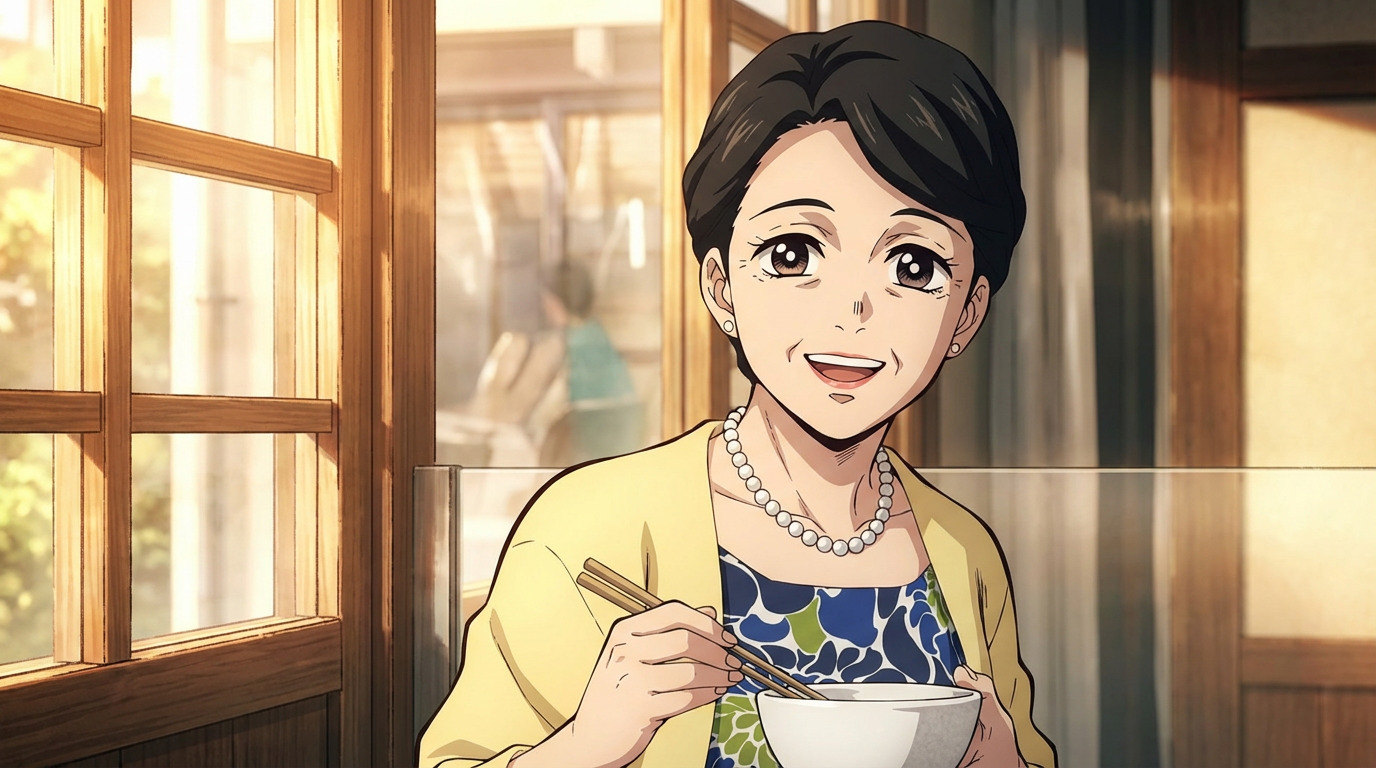
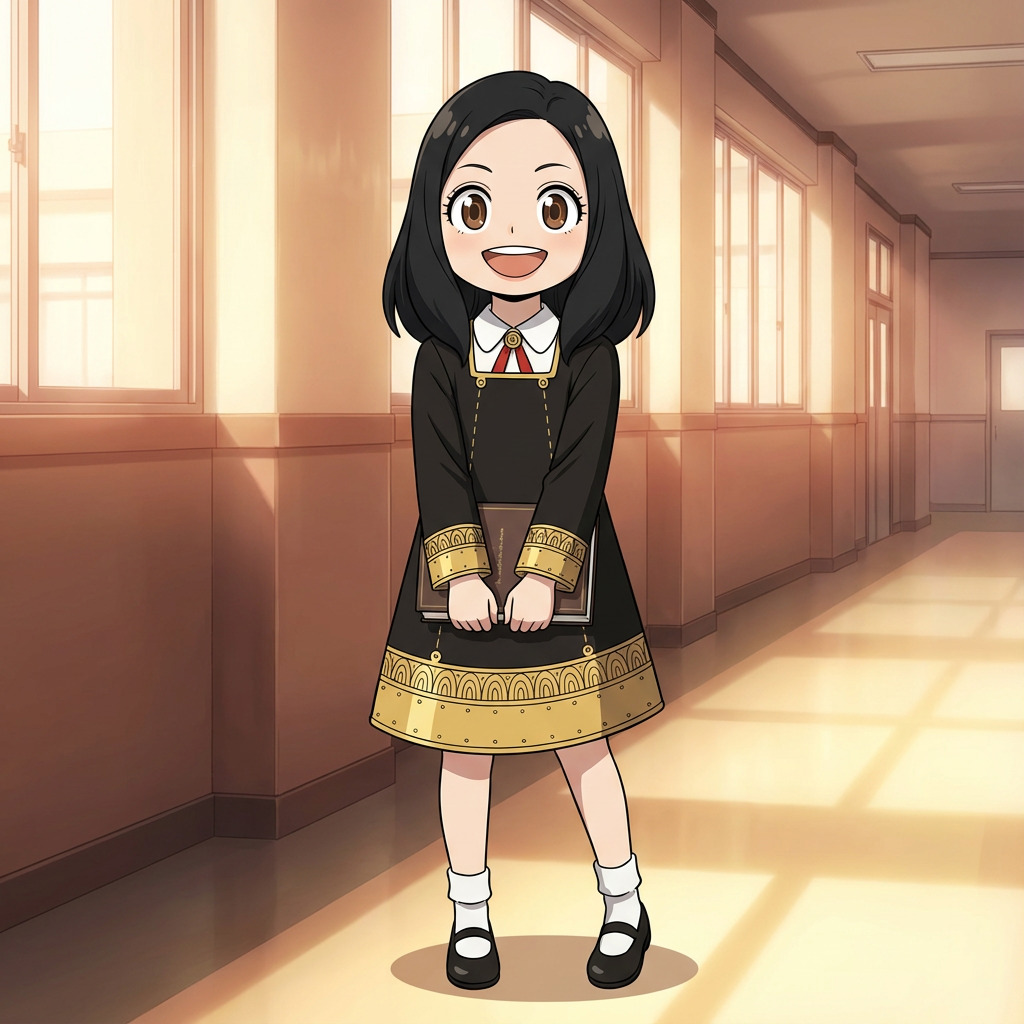
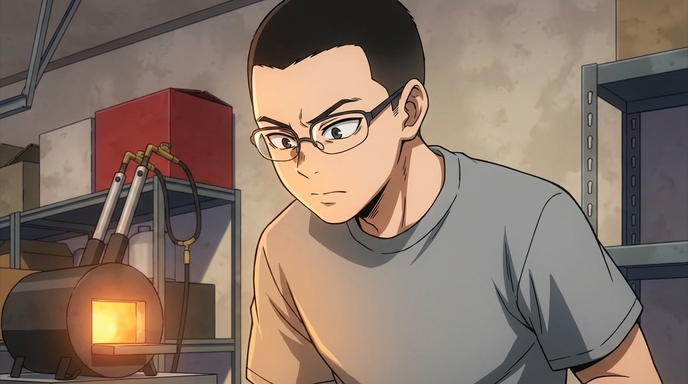
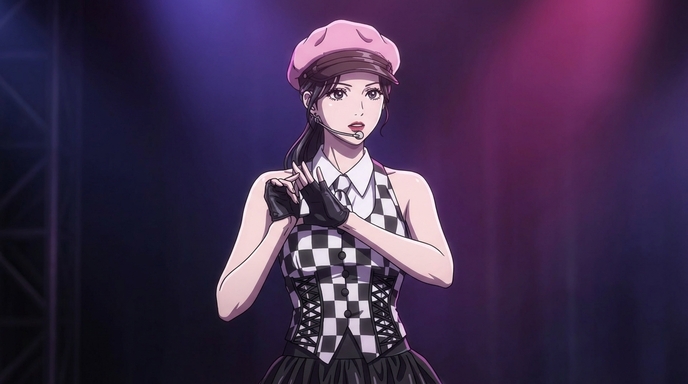
+ many more styles available
Why Creators Love It
Character Consistency
Your character stays consistent across all scenes. Use your character sheet to generate images and videos with your character.
Multi-Character Scenes
Add several characters to a scene and create dynamic, multi-character videos.
Change Character Outfits
Swap your character's outfits and hairstyles.
Animate your Anime Character
Bring your characters to life with AI animation. Turn any pose into a smooth, fluid motion.
Upload References
Have an existing OC? Upload your reference art and we'll maintain their look while generating new poses.
Lightning Fast
Full character sheets generated in under 30 seconds. Iterate quickly until your OC is perfect.
Frequently Asked Questions
Everything you need to know about creating anime characters with AutoWeeb.
Do I need to upload a photo to create an anime character?
No. You can describe your character from scratch or upload a reference photo of yourself, a friend, or existing art. Photo upload is optional — it gives AutoWeeb a visual starting point, but text descriptions work just as well for original characters.
How does AutoWeeb keep my character consistent across scenes?
Once saved, your character sheet becomes a persistent visual reference. Every image and video generation anchors to the same face, hair, outfit, and proportions — use @ tagging in storyboards and prompts so you never re-describe your character from scratch.
Can I use an existing OC or reference art?
Yes. Upload your reference art and AutoWeeb maintains the look while generating new poses, outfits, and expressions. Your character library stores the definition so every new generation stays on-model.
What anime art styles are available?
AutoWeeb supports named anime styles including Shonen, Josei, Demon Slayer, Ghibli, Spy x Family, and many more. Pick a style when you create your character and it carries through every image and video you generate.
Can I animate my character after creating them?
Yes. Save your character to the library, generate a scene still, then describe the motion you want. AutoWeeb's AI Director writes a cinematic prompt and animates your character with Seedance 2 — same face and outfit, every clip.
Ready to Create?
Join the creators bringing their original characters to life with AI.
Start Creating FreeNo credit card required • Free characters included