
AI Anime Lighting Bible for YouTube Video Creators
Hooks read warm and lands read cold when light is a mood, not a code. A lighting bible is how serialized Shorts keep the same sun direction beat to beat.
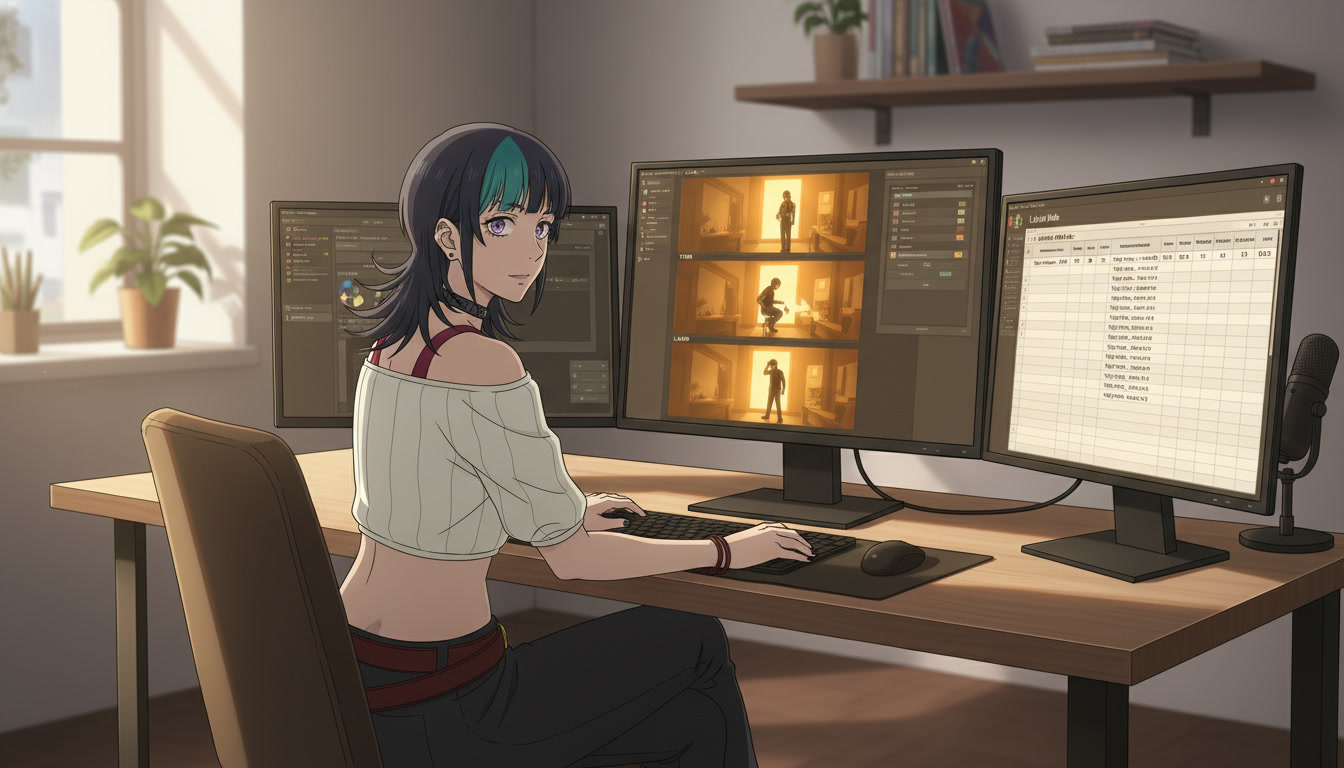
An AI anime lighting bible is the layer between locking a set and publishing ai anime video clips where mood should feel continuous. YouTube and Shorts creators often fix the protagonist's face in the character creator and still lose viewers when the hook reads golden hour, the turn insert reads fluorescent green, and the land beat invents a second sun from the wrong side. The anime video generator is not sabotaging your channel. It is interpreting "dramatic lighting" as a new color temperature every time you omit direction and key strength.
This guide is for creators who already run three-beat storyboards and batch environment inserts. You will define one default key per recurring set, name two intentional break keys for plot turns, and add a light: field beside Purpose and Action before you generate. If geography still drifts between beats, lock sets first in the AI anime location bible. If props change material mid-Short, document objects in the AI anime prop bible before you tune rim light on a charm macro.
Why a lighting bible beats another "cinematic" adjective.
A grade pass can nudge palette. A lighting bible decides where shadows fall and which temperature owns the frame. Serialized channels fail retention when the hook close-up shows warm amber rim from camera left, then the turn wide shows cool cyan overhead with no story reason. Viewers forgive a softer background faster than they forgive a time jump that never happened in the script.
Light also shrinks motion prompt entropy. Seedance reads the still you attach. If the still already holds the key direction and fill ratio you want, you ask for one action (hand lifts charm, rain streaks intensify) instead of asking the model to invent a new sun while animating shock. That pairs with hook discipline in AI anime video hooks for YouTube Shorts and with the one-action rule in video and scene generation for YouTube creators.
Think of light as production vocabulary, not decoration. Your storyboard should say light: alley_warm_v1, not golden sunset vibes. Vague light words are where shadow direction and fill color start to wander.
The minimum light set for fifteen-second anime Shorts.
You do not need a film school glossary to start. Three tiers cover most discovery Shorts and weekly serialized episodes:
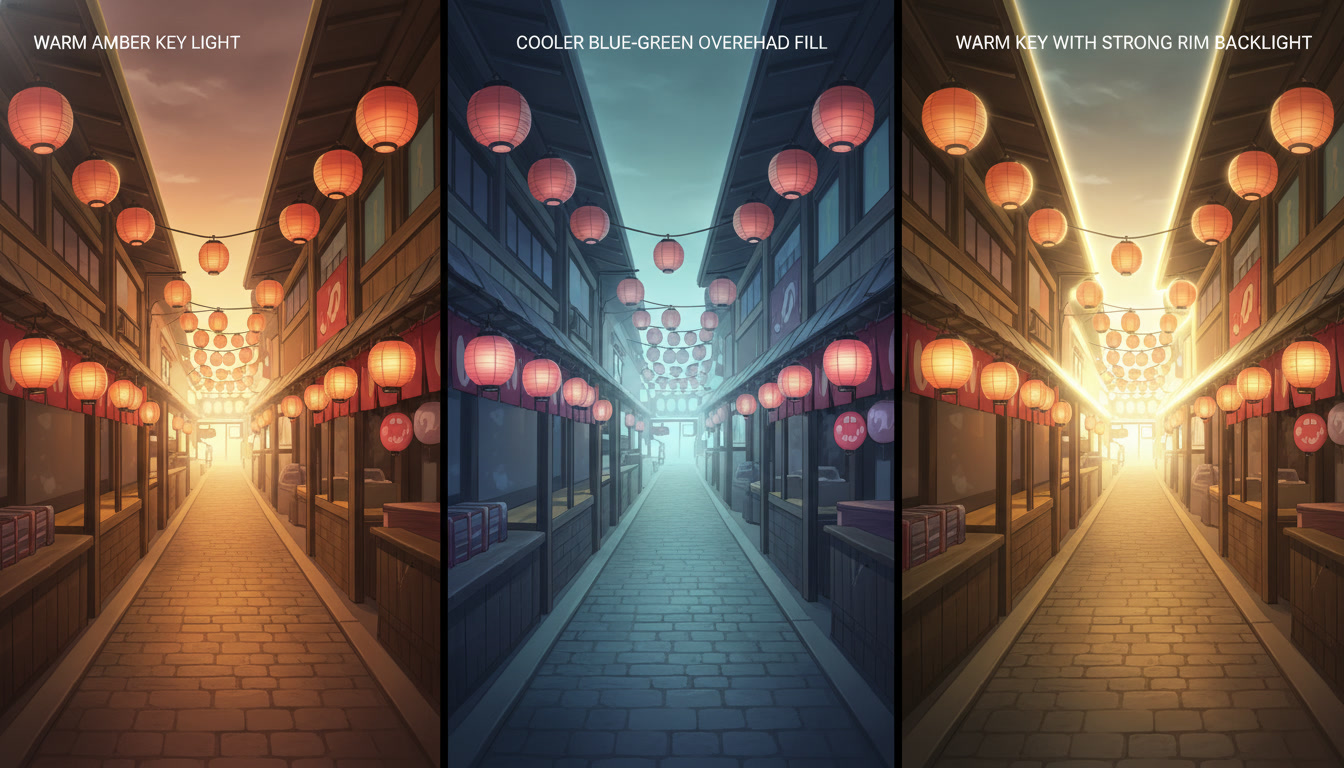
- Series default (alley_warm_v1): the key your home set uses every week. One direction, one temperature, one shadow length.
- Turn contrast (alley_cool_v1): optional cooler fill for evidence beats. Use only when the script earns a tonal break.
- Land accent (alley_rim_v1): a stronger rim or backlight for the payoff frame. Same geometry as alley_warm_v1, one added highlight descriptor.
Add a fourth row only when analytics prove viewers ask for it: night_neutral_v1 for rooftop finales. Do not open with four tiers. Recognition beats variety in week one.
Label files with codes, not moods: alley_warm_v1_hook_01.jpeg. The edit bin, B-roll folder, and storyboard should share the same string, as in AI anime B-roll and cutaways.
Generating stills with repeatable light keys.
Open your saved protagonist when the face must match the series. Use the same style preset you chose from styles. For face-free inserts, generate environment macros with the light code in the prompt body so inserts grade consistently with hero clips.
Example series default still prompt:
Medium shot, copper-haired heroine in navy blazer, festival alley with red paper lanterns, warm amber key light from camera left, soft fill, long shadows to the right, light reference panel, slice of life anime line art.
Example turn contrast still prompt:
Same alley geometry and signage, cooler blue-green fill from overhead, same heroine outfit, no new props, light reference panel, turn beat contrast only.
Example land rim still prompt:
Same heroine and alley, warm key returns, strong rim light on hair and shoulders from behind, light reference panel, land beat accent, no second sun added.
Reject any panel that moves the sun to the opposite side when you only asked for a cooler fill. That is a new time of day borrowing your palette. Batch all three tiers in one session while the model's latent mood is warm, as you would for expression rows in AI anime character expression sheets.
Drop the winning grid into your series doc beside location rows and outfit codes from the AI anime wardrobe bible. Humans can read one contact sheet; machines still need coded filenames in the folder.
Storyboard tags that connect light to hook, turn, and land.
Add a light: field beside face:, outfit:, prop:, and Purpose on every panel where tone is readable. Discovery Shorts often map like this:
- Hook (0-3s): light: alley_warm_v1 on a close-up so the thumbnail matches the opening temperature.
- Turn (5-9s): light: alley_cool_v1 on a face-free insert or a solo over-shoulder when the proof arrives. Keep the geography code unchanged.
- Land (11-15s): light: alley_rim_v1 only if the script earns a highlight swell. Otherwise stay on alley_warm_v1 so the land does not feel like a trailer color grade.
When you run a festival arc across four uploads, switch the whole episode's light pack together: same default row on every hero panel, same cool row on every turn insert. Mixed codes inside one Short read like a continuity error even when faces match.
Motion prompts inherit the still. Paste one light descriptor from the bible, not three: warm key from left, rain intensifies, no camera move. Deeper prompt layering lives in how to write prompts for Seedance 2 anime videos and in AI anime lighting prompts when you need vocabulary beyond your three codes.
Editing and grade notes without fighting the still pass.
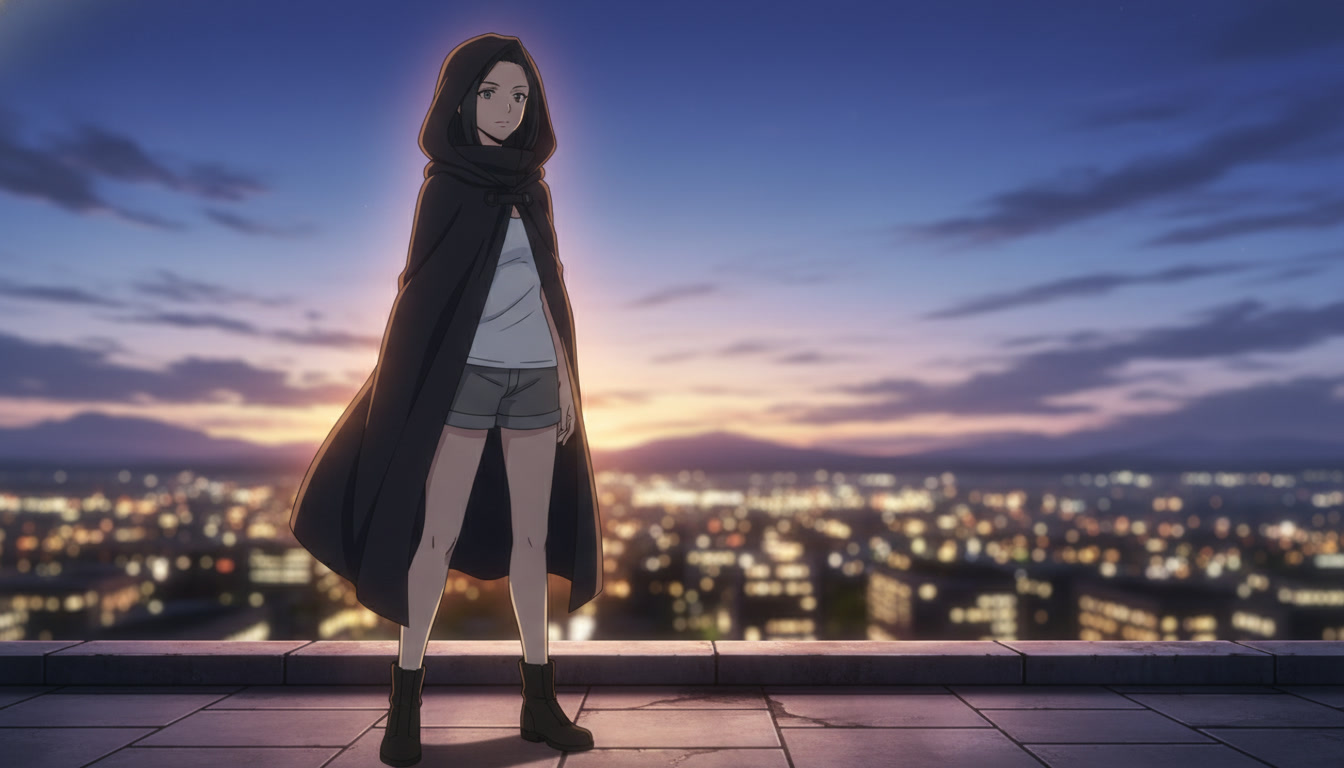
A lighting bible is not a license to fix everything in post. If hook and turn were generated under different keys on purpose, copy one grade note into the timeline so the edit feels authored, not accidental. If they were not intentional, regenerate the turn still instead of crushing teal into a frame that was shot warm.
Duo episodes from AI anime two-character scenes need the same key on both faces in a two-shot. When one character keeps absorbing the other's shadow side, split into shot-reverse-shot with identical light: codes rather than asking one crowded generation to invent two keys.
Thumbnail discipline still applies. Do not pull a cool insert for the tile if the hook promise was warm amber. Thumbnail workflow stays in AI anime YouTube thumbnails for video creators. Light codes serve retention inside the Short, not browse packaging alone.
Keep a simple light checklist on the series doc:
- One default key per recurring set, written as direction plus temperature
- At most one contrast key per arc, used only on turn beats
- Motion prompts capped at one light phrase copied from the still
- Grade note field that matches the winning still, not a new palette per upload
When a light code wins retention in analytics, duplicate its storyboard line into the template for the next three uploads. That is how how to make anime video with ai stops depending on lucky sunset stills and starts behaving like a show with a sun that remembers where it rose.
Lighting sits between location locks and the final timeline: named keys, batched stills, one phrase into motion. Pair this workflow with editing AI anime video for rhythm, and with storyboarding AI anime pre-production so panels carry light: before you open any generator. For cast and set locks upstream, continue with original character creations for video creators and creating an AI anime YouTube channel.
Related Blog Posts
AI Anime Location Bible for YouTube Video Creators
Recurring sets are not luck. They are named places with anchors you reopen instead of re-prompting from memory.
Build an AI anime location bible for YouTube Shorts: name recurring sets, lock scene anchors, map photo packs and scene builders, and keep geography consistent across episodes.
AI Anime Two-Character Scenes for YouTube Video Creators
Rivals and partners need two saved faces, one framing rule, and motion that does not merge them into one person.
Create AI anime two-character scenes for YouTube Shorts: save both OCs, frame medium two-shots, use photo packs and motion prompts that keep rivals and partners readable in one clip.
AI Anime Video Hooks for YouTube Shorts
The first three seconds are not a trim decision. They are a beat you storyboard, generate, and edit on purpose.
Write AI anime video hooks for YouTube Shorts: hook-first storyboard beats, one-action openers, sound punctuation, and prompts that match your saved OC before viewers scroll away.
AI Anime YouTube Thumbnails for Video Creators
Panel zero is not an afterthought. It is the still you generate on purpose before the Short goes live.
Design AI anime YouTube thumbnails that match your Shorts: thumbnail-first prompts, readable faces at small size, series titles, and export frames from your saved OC without clickbait drift.
Explore AutoWeeb
Jump into the tool that fits your creative step.
AI Anime Video Generator
Animate storyboard shots into cinematic clips with Seedance 2 and consistent characters.
Anime Character Creator
Design original characters with consistent sheets across every scene.
AI Anime Image Generator
Generate cinematic anime stills anchored to your character library.
Anime Filters
Upload any photo and apply AI anime filters to turn it into stunning anime art in seconds.
AI Anime Location Generator
Create a location set once, then generate reference images from every angle.
AI Anime Storyboarding
Describe your idea, pick your characters, and let AI draft the script and scenes.
AI Anime Prompt Agent
Turn a rough idea into a cinematic Seedance 2 prompt with the AI Director.