
Write Your Anime Story and Bring It to Life
Describe your idea, pick your characters, and let our AI agent draft the script. Then generate images and videos for every scene in the storyboard.
From Idea to Anime, Step by Step
The storyboard wizard handles the writing. You handle the creative direction.
-
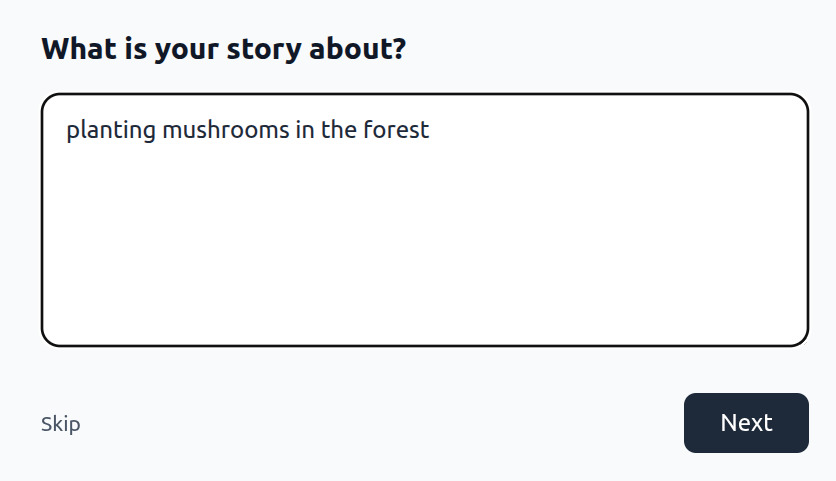
Tell Us Your Story
Type what you want to create. A single sentence is enough to get started.
-
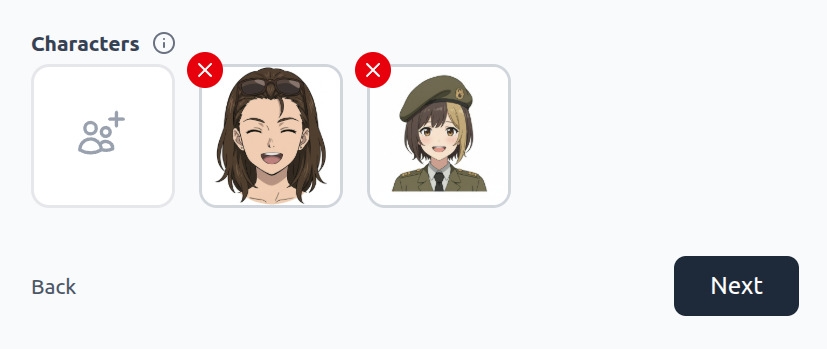
Choose Your Characters
Pick from your saved AutoWeeb character library. Your characters carry forward into every scene.
-
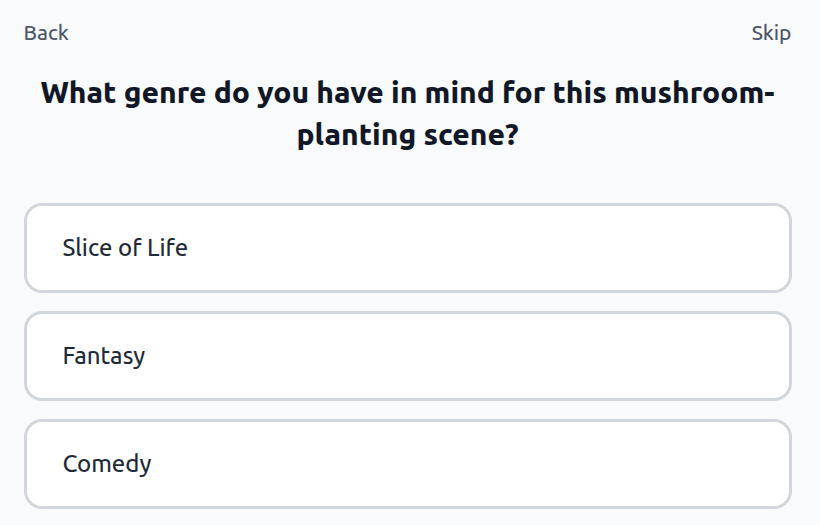
Refine Your Concept
AutoWeeb asks about genre, tone, and story tropes, then uses your answers to shape the script before writing it.
-
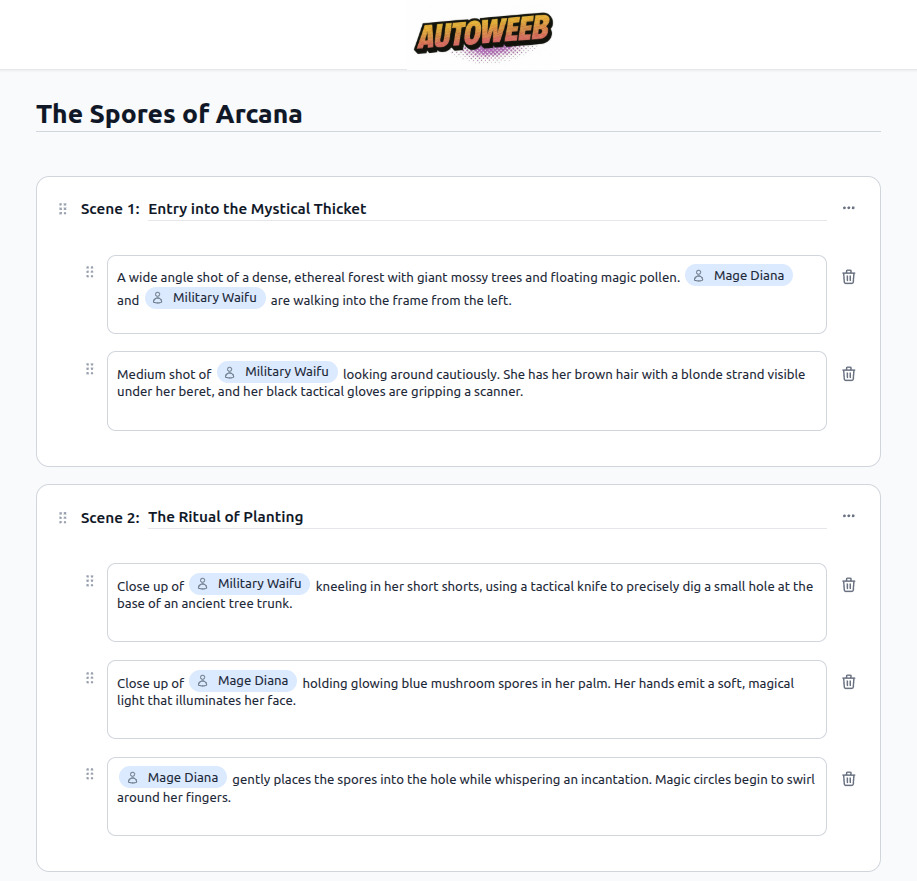
Review Your Script
The AI writes a full scene-by-scene script with shot descriptions and character actions. Edit any line before generating.
-
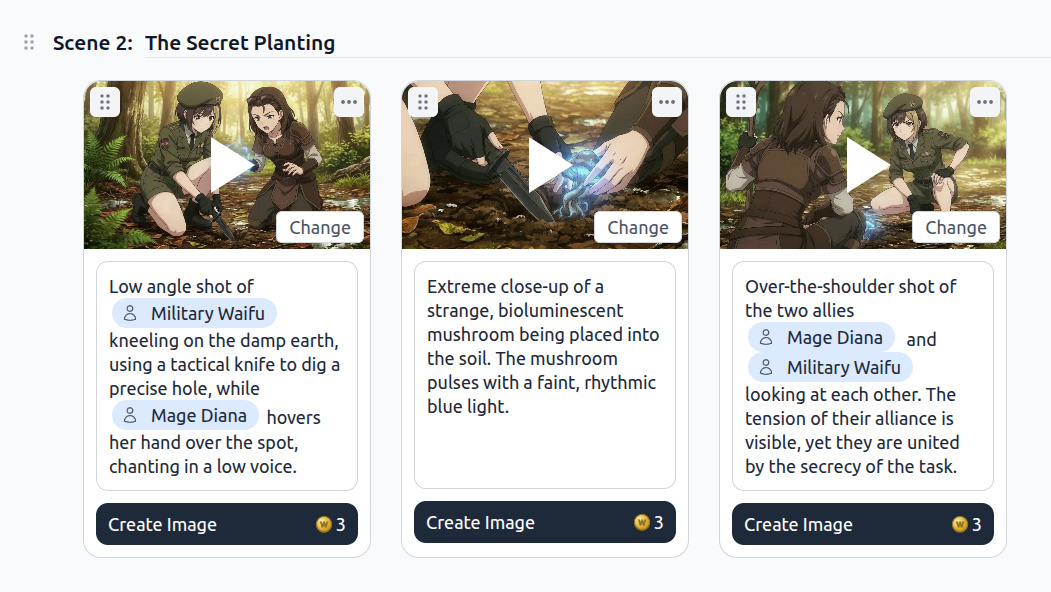
Generate Images and Videos
Use the storyboard to generate an image or video for each shot. AutoWeeb studies other scenes in the storyboard to keep style and characters consistent.
-
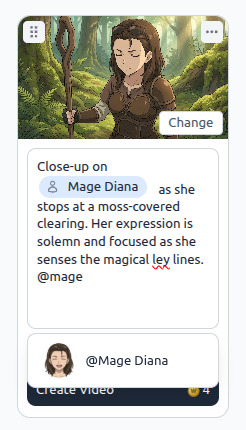
Tag Characters, Edit Prompts
Use @ to tag characters directly in any prompt. Regenerate individual shots without touching the rest of the storyboard.
Storyboard AI Anime for YouTube and Short-Form Video
YouTube and TikTok reward consistency more than perfection. Three shorts a week with the same protagonist, the same visual style, and shots that cut together cleanly will outperform one flawless clip that took a month. Storyboarding turns a pile of AI clips into a sequence that reads like one directed scene.
Storyboarding AI anime is not drawing panels by hand. You are building a shot list: what the camera sees, what the character does, how long the beat lasts, and which prompt language you will feed into the video agent.
Why storyboarding matters more for video than stills
Motion introduces continuity problems: hair color shifts between cuts, backgrounds change when you switch angles, emotional tone drifts because each clip was prompted in isolation. For short-form platforms, the first two seconds are the hook. Your opening panel should answer instantly: who is this, and what is about to happen?
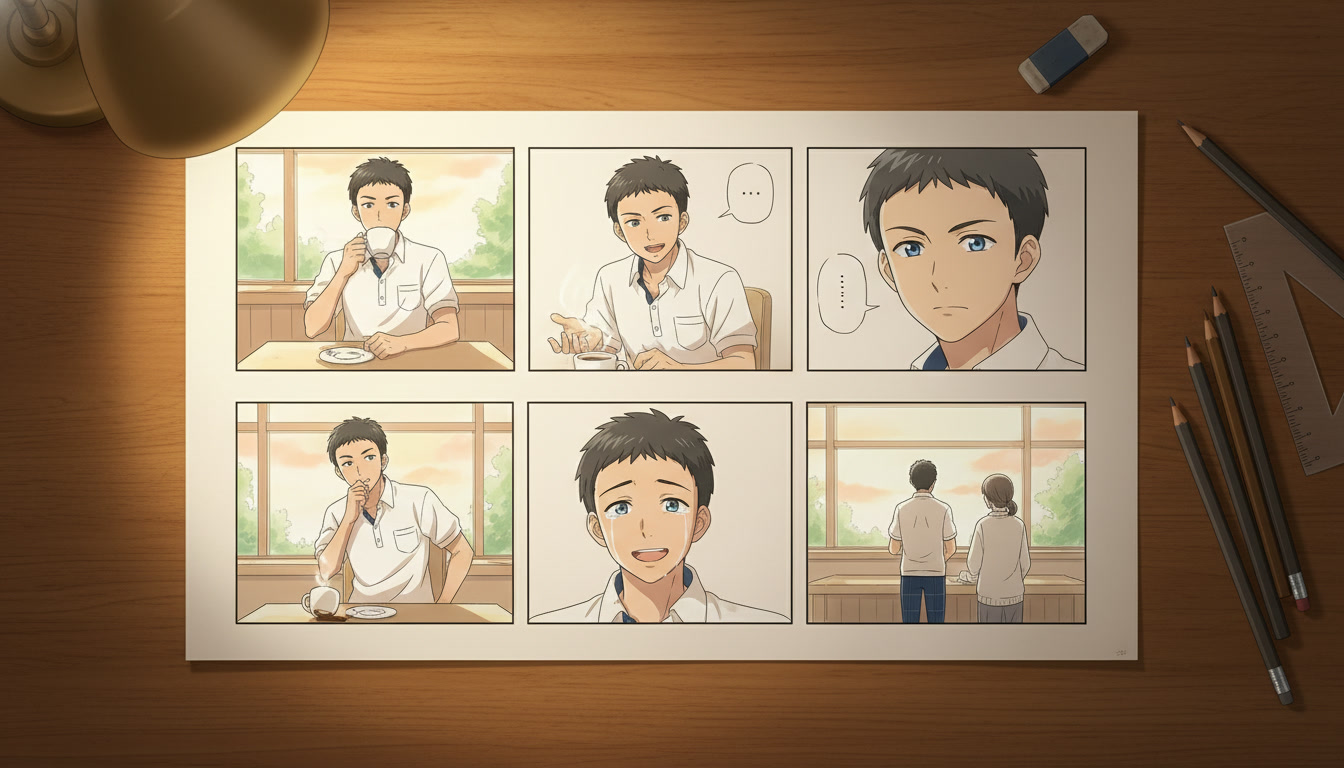
The six-panel structure
- Establishing wide: where are we, and what is the mood?
- Character medium: who is on screen, and what is their body language before the action?
- Detail insert: close-up on eyes, hands, an object, or a symbol
- Action beat: the movement or decision that changes the scene
- Reaction: how the world or another character responds
- Closing wide or hold: the image viewers remember when the clip ends
What to write on each panel
- Shot type: wide, medium, close-up, over-the-shoulder, low angle, tracking
- Character state: appearance anchors from your character sheet
- Action: one verb-led motion, not a paragraph of lore
- Atmosphere: lighting, weather, and color mood in concrete terms
Example: Close-up, silver-haired girl, violet eyes, rain on window reflection across her face, stillness then a slow blink, cool blue key light, melancholy
Publishing workflow
Assemble clips using the durations you wrote on the board. Export at 9:16 for Shorts and TikTok, 16:9 for YouTube proper. Title and thumbnail should reflect panel six, the closing image viewers remember.
How to Storyboard AI Anime for YouTube Creators
If you publish anime content on YouTube, TikTok, or Instagram, you already know the failure mode: three strong clips that do not feel like the same video. Storyboarding is how professional animators solve it before a single frame gets inked. AI video generation works the same way: lock the beats, assign one action per clip, write camera language for each panel, then generate against a saved character.
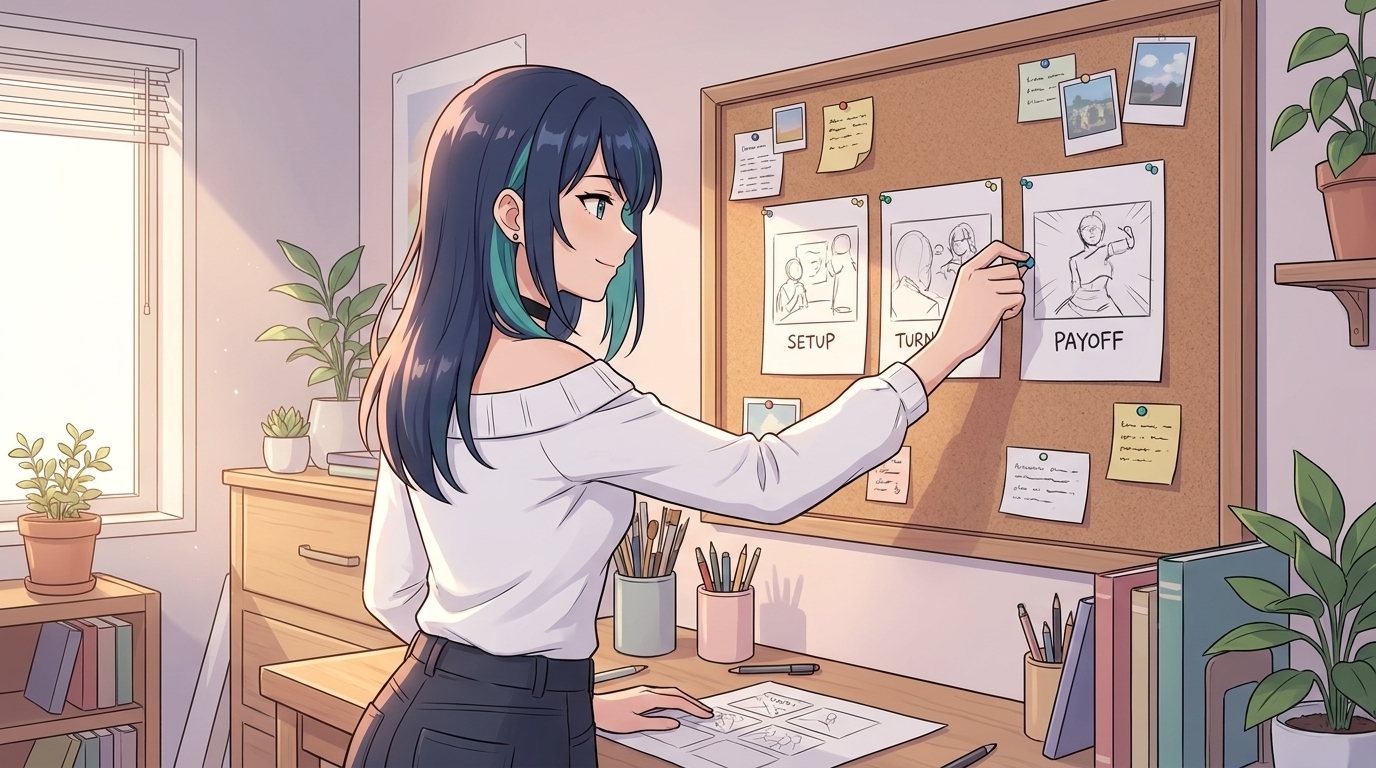
Three-beat sheet for Shorts and vertical video
Setup establishes who we are watching and what normal looks like. Turn breaks that normal with a reveal, challenge, or emotional spike. Payoff resolves the tension, even if the resolution is a cliffhanger. Write each beat as a single sentence with a verb. If the sentence needs "and then" twice, split it into two beats.
Turn each beat into a panel prompt
Setup: medium shot, stoic detective with steel gray eyes standing in a rain-soaked alley, neon sign reflecting in puddles, static camera, cool blue grade, tension before the reveal
Turn: close-up, same detective, eyes widening as he reads a crumpled note, slow push-in on face, rain streaking down window behind him
Payoff: low angle, detective pocketing the note and walking toward camera, streetlights flaring, cut to black on final step
Anchor every panel to a saved character
Character drift is the fastest way to lose subscribers who wanted a series. Save your protagonist in AutoWeeb's character library before you storyboard. The panel prompt then describes action and camera, not hair color and eye shape every time.
Pacing on the board
Note beside each panel whether you are targeting a five- or ten-second clip. Mark intentional silence: minimal movement, character frozen, only cherry blossoms drifting. Storyboard the thumbnail frame as its own panel, usually the highest-contrast still from beat two or three.
Weekly storyboard template
- Premise (one sentence): who, stake, moment
- Beat 1 — Setup: framing, action, camera, duration
- Beat 2 — Turn: framing, action, camera, duration
- Beat 3 — Payoff: framing, action, camera, duration
- Thumbnail panel: which beat supplies the still
- Character IDs: library names for protagonist and cast
- Grade note: e.g. cool teal shadows, warm amber highlights
Storyboarding AI Anime for Video Creators
Random AI anime clips look impressive in isolation. Strung together without a plan, they read as a mood board, not a scene. Storyboarding closes that gap: you decide what each shot must accomplish before you write a single Seedance prompt or open the generator.
The three-beat storyboard every Short can use
- Beat 1 — Establish: wide or medium-wide framing. Show where the scene lives and who we are watching.
- Beat 2 — Escalate or invert: something shifts. Usually closer than beat one: medium shot, over-the-shoulder, or reaction close-up.
- Beat 3 — Land the emotional note: the character's choice, expression, or stillness that tells the viewer what the Short was about.
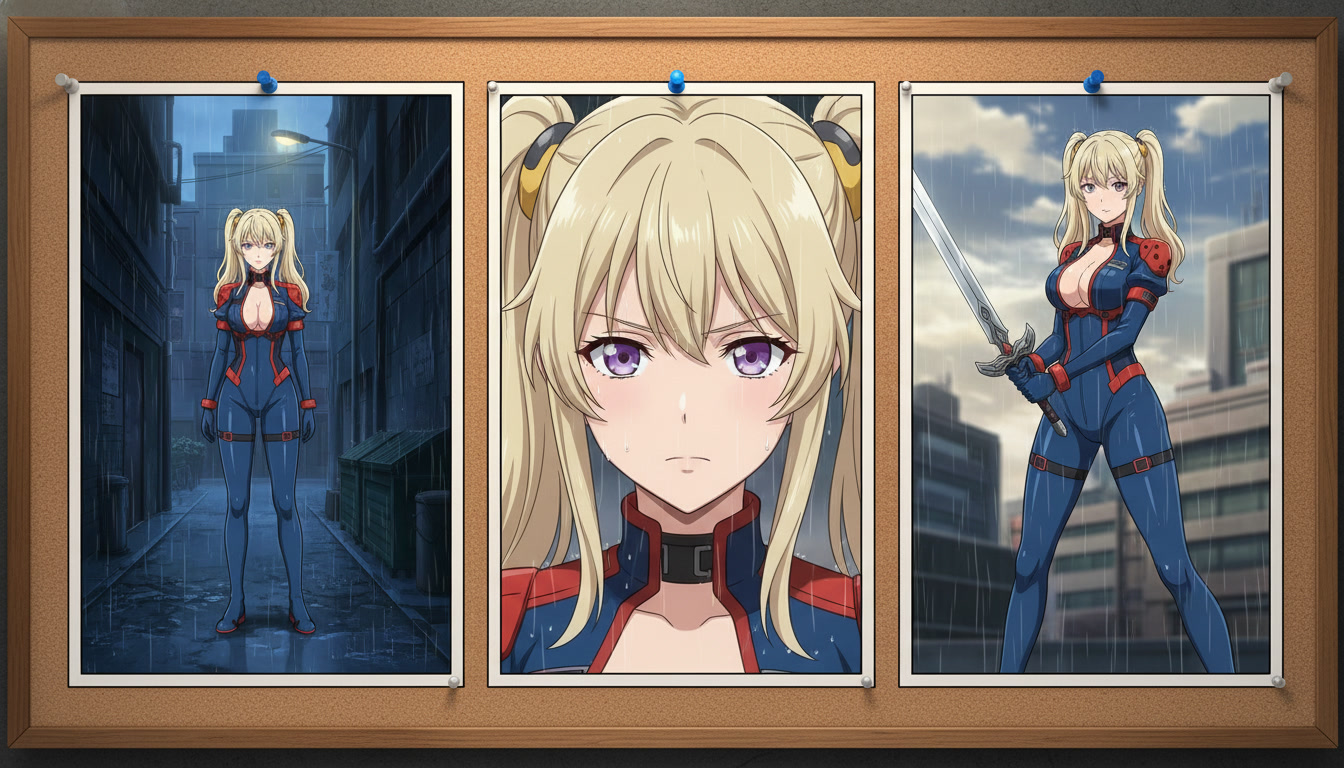
Generation-ready prompt checklist
- Character anchor: hair, eyes, outfit, saved reference
- Action: one clear verb-led motion per clip
- Camera: shot size, angle, and movement
- Environment: weather, time of day, key background objects
- Mood: lighting temperature and atmosphere
Lock your character before you storyboard motion
Save your protagonist in AutoWeeb's character library first. Seedance uses the first frame as the foundation for all motion. If your storyboard beat calls for a scar and a specific jacket, those details must be visible in the still you attach before generation.
Common storyboard mistakes
- Describing a montage in one clip. Five seconds cannot carry a walk, a dialogue turn, and a draw.
- Changing art style between panels without narrative reason.
- Skipping the establish beat. Most Shorts need one wide frame so viewers know where they are.
- Prompting motion that contradicts the starting image. Generate a new still first.
Repeatable weekly workflow
Monday: write three premises and storyboard three Shorts. Tuesday: batch-generate establish beats. Wednesday: escalate and land beats. Thursday: edit and export vertical. When a Short performs well, duplicate the storyboard skeleton, not the exact prompts.
For fight-specific storyboarding, see the separate guide on storyboarding epic AI anime fight scenes like a director.
Storyboarding AI Anime: Pre-Production for Video Creators
Pre-production is thirty to ninety minutes where you lock narrative intent before generation. You are answering: what is this upload's hook, how many clips compose it, which saved protagonist appears in every panel, and what single action each motion pass may attempt. The storyboard is a contract between you and future-you on upload day.
The five-line panel annotation
Each storyboard panel gets five lines. Copy this block into your storyboard tool or a spreadsheet:
- Purpose: what the viewer should understand or feel when this clip ends
- Frame: shot size and angle
- Action: one primary move only
- Duration: target length in seconds
- Prompt stub: ten to twenty words for still or motion generation
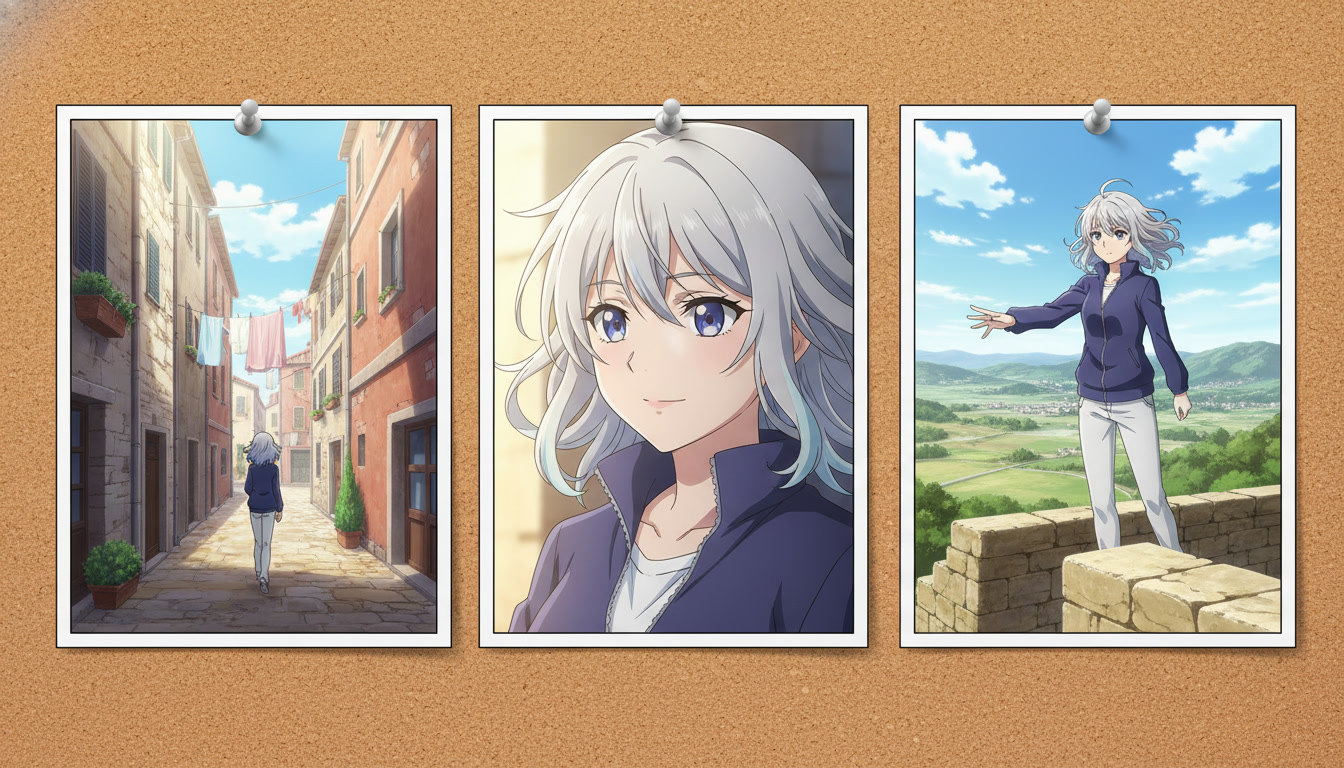
Example: Purpose: viewer realizes she is not alone. Frame: medium over-shoulder from behind protagonist. Action: second silhouette steps into bokeh lights. Duration: 6s. Prompt stub: "indigo jacket white trim, silver ponytail, rooftop night, amber city bokeh, rival silhouette soft focus left"
Thumbnail-first storyboarding
On YouTube, the thumbnail is panel zero. Storyboard it first, even if it is not the opening shot. Often that is a medium close-up with a readable eye line and one bright accent color. For vertical platforms, note safe zones: keep eyes in the upper third, leave bottom margin for captions.
Pre-production checklist
- Series bible open: protagonist, default outfit, recurring locations, emotional tone
- Saved character attached: library ID for every panel
- Beat count chosen: three panels for a tight Short, six for a richer scene
- Five lines per panel: Purpose, Frame, Action, Duration, Prompt stub
- Scene stills planned: photo packs, scene builder exports, or location prompts
- Motion handoff notes: which panels get Seedance, one verb each, matched light from the still
- Edit map sketched: clip order, jump cuts, audio cues
Still pass vs motion pass
Still pass: Frame + Prompt stub + saved character + location bible. Motion pass: Action + Duration + camera vocabulary, referencing the still as the first frame. If the still pass changes the jacket color, update the storyboard before motion. Motion amplifies drift; it rarely corrects it.
Pre-production mistakes
- Skipping Purpose lines — beautiful frames that do not accumulate into a story
- Two actions in one panel — motion models pick one and discard coherence
- Storyboarding after generating — reverse storyboards become justification, not plans
- Ignoring thumbnail panel zero — strong clips with weak thumbnails underperform
Explore Anime Writing Tools
Script writing, storyboarding, and the full creative pipeline.
Frequently Asked Questions
Everything you need to know about creating anime storyboards with AutoWeeb.
What is the AutoWeeb Storyboard feature?
AutoWeeb's Storyboard is a story-first creation tool. You describe what you want to create, choose characters from your library, and AutoWeeb's AI refines your concept and writes a full scene-by-scene script. From there, you use the storyboard to generate images and videos for each shot, keeping characters and style consistent throughout.
Do I need writing experience to use the storyboard?
No. The AutoWeeb storyboard wizard asks simple questions about your idea, genre, and story tropes, then uses your answers to draft the script automatically. You can edit every line before generating, but the AI handles the initial structure so you can focus on the creative direction.
How does AutoWeeb keep characters consistent across scenes?
Every image and video generated through the storyboard is anchored to your saved characters in AutoWeeb's character library. The AI also studies other generated images in the same scene to maintain consistent style, lighting, and character appearance across shots, even when different angles or poses are used.
Can I use characters I've already created?
Yes. When you reach the character selection step, AutoWeeb shows your full saved character library. Select any characters you've already designed or converted from photos and they'll appear consistently in every generated image and video throughout the storyboard.
Is the Storyboard free to use?
Getting started with AutoWeeb is free. The storyboard feature is available on all plans, with image and video generation using AutoWeeb credits. Check the pricing page for current plan options and credit amounts.
Your Anime Story Is Waiting
Tell AutoWeeb what you want to create and have a full storyboard with generated scenes ready in minutes.
Start Your StoryboardNo credit card required • Free to try