
Anime Image to Video
Turn any anime still into a cinematic clip. AutoWeeb's image to video workflow keeps your character locked while Seedance 2 handles motion, camera, and pacing.
How Image to Video Works
Turn anime stills into animated clips with an anime image to video AI workflow and consistent characters.
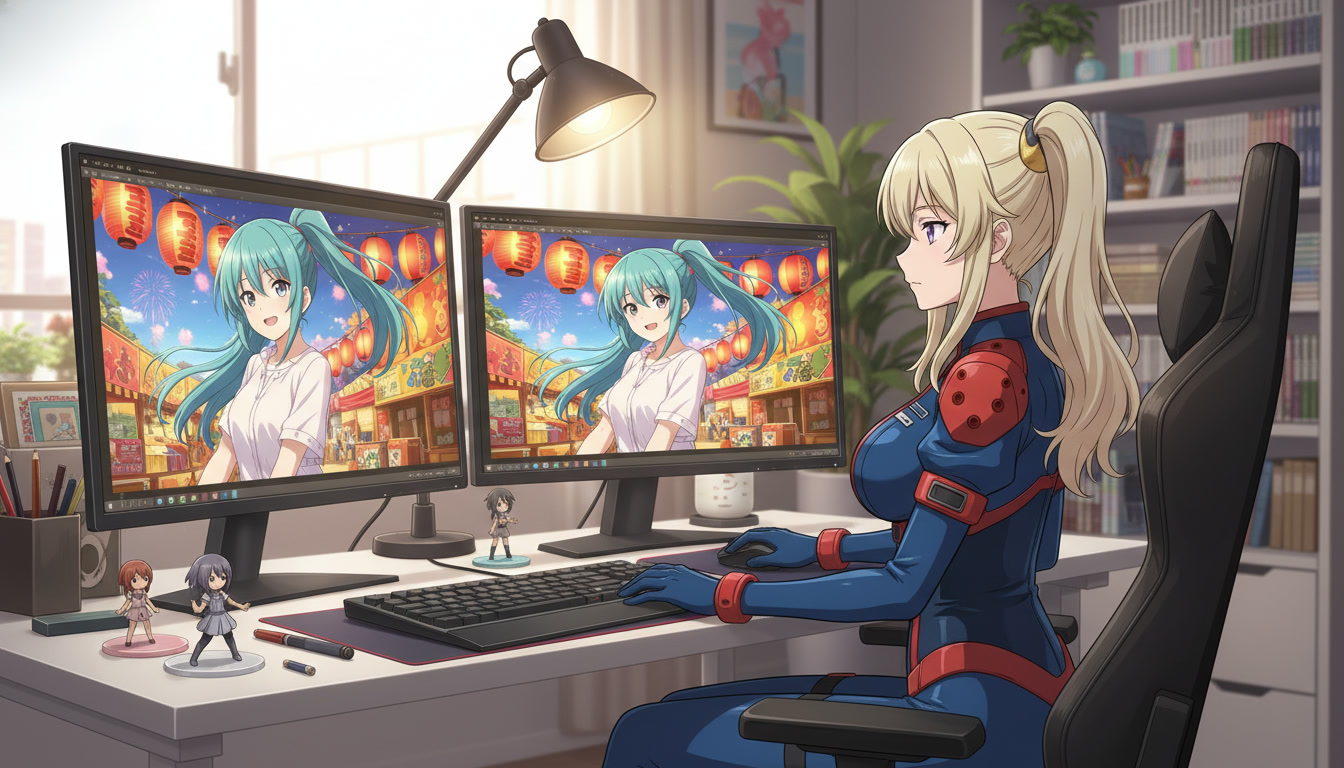
Anime image to video converts a still frame into motion with Seedance 2. AutoWeeb locks your character reference while the AI Director writes the animation prompt and renders the clip.
Because every clip anchors to your saved character sheet, faces and outfits stay consistent from the first frame to the last. Chain multiple image to video generations into a complete scene or episode sequence.
Explore Anime Video Creation
Guides, genres, and tools for making anime videos with AI.
Seedance 2 Anime
Animate scenes with Seedance 2 tuned for anime motion.
Gemini Omni Flash Anime
Google's multimodal video model for scene cuts, sports motion, and flexible image tagging.
Fighting Videos
Sword fights, action beats, and cinematic combat clips.
Mecha Anime
Military pilots, mech character sheets, and cockpit-to-combat action sequences.
Basketball Videos
Court drama, training montages, and game-winning shots.
Sports Videos
Hockey, soccer, tennis, and full sports anime series.
Magic Videos
Spell charges, fantasy effects, and atmospheric magic scenes.
Romance Videos
Emotional beats, confessions, and slice-of-life romance.
Anime Shorts
Turn a premise into a complete short in minutes.
Anime Episodes
Plan, storyboard, and animate a full episode.
Make an Anime
The full studio workflow from character to final video.
Anime Series
Build recurring characters and a season arc.
Prompting Guide
Write cinematic prompts that match your vision and stop wasting credits.
YouTube Videos
Shorts beats, episode backlogs, and long-form chapter compiles.
Isekai World Building
Design fantasy worlds, reusable locations, and cinematic isekai scenes.
AI Anime Prompt Agent
Turn rough ideas into cinematic Seedance 2 video prompts with the AI Director.
Donghua with AI
Pick Link Click-style art, design character sheets, and animate modern Chinese animation scenes.
Extend Video
Lengthen any saved clip with Seedance 2.0 Mini. Describe what happens next and stitch the extension to your original.
AI Anime Video Generator
Create anime videos with AI. Explore genres, tools, and production guides.
Frequently Asked Questions
What is anime image to video?
Anime image to video is the process of animating a still anime image into a short video clip using AI. AutoWeeb uses Seedance 2 to add motion, camera movement, and pacing while keeping your character design locked to a saved reference sheet.
Do I need a video editor to convert images to anime video?
No. AutoWeeb handles the full image to video pipeline inside the browser. You pick a starting still, describe the action, and the AI Director builds the animation prompt and renders the clip. You can chain clips without opening external editing software.
Can I use my own anime art as the starting image?
Yes. Generate a scene still inside AutoWeeb or use any image from your project library. The image to video step works on any anime still that matches your locked character and art style references.
How long are image to video clips?
Most clips run 5 to 15 seconds, ideal for storyboard beats and social posts. Chain multiple image to video generations together for longer sequences with consistent characters throughout.
Ready to Animate Your Anime Images?
Turn any still into a cinematic clip with Seedance 2. No drawing or editing skills required.
Start AnimatingNo credit card required • Free to try