
Build an Amazing Isekai World with AI
Design fantasy locations, storyboard cinematic scenes, and keep every environment visually consistent — all with AutoWeeb's AI anime tools.
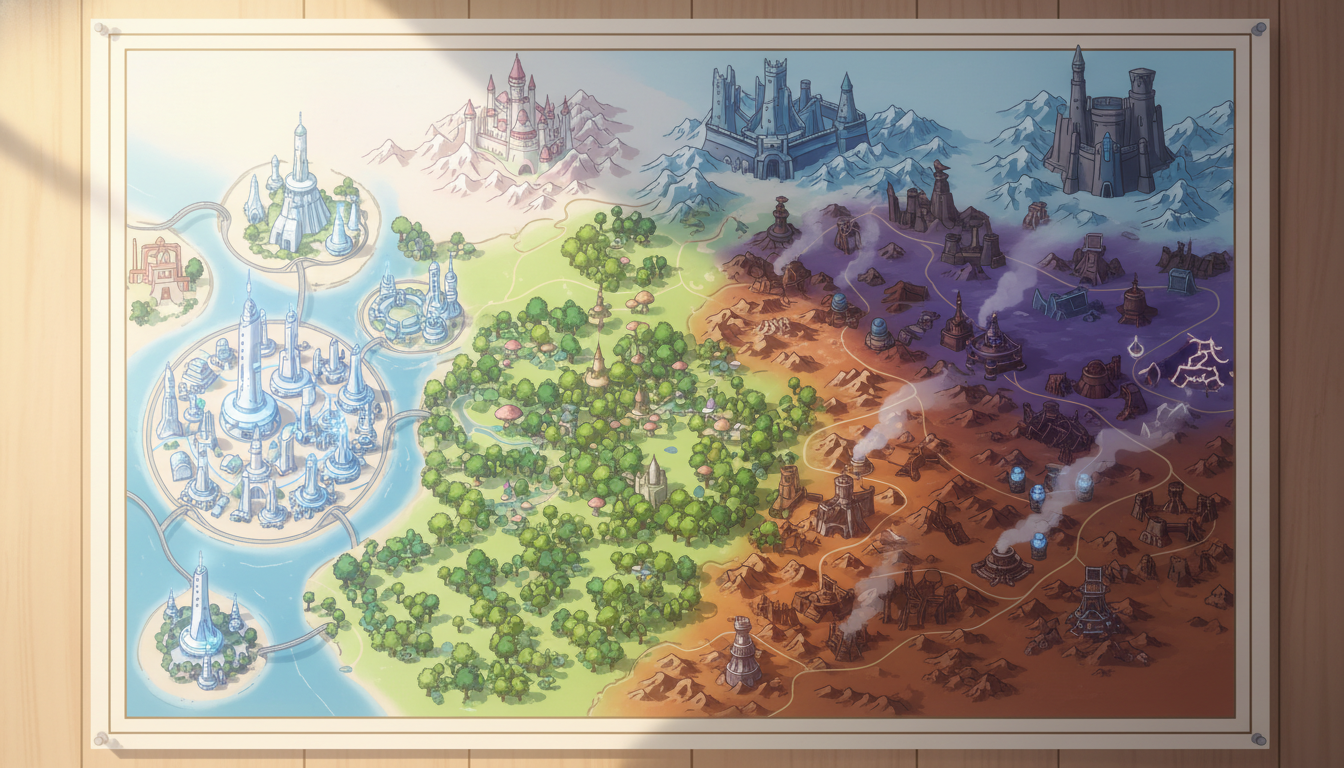
Isekai World Building Video Tutorial
Watch how to design a fantasy isekai world, create reusable locations, storyboard cinematic scenes, and maintain visual consistency across every shot.
What You'll Learn in This Video
A complete isekai production workflow using AutoWeeb's story generator, location tools, storyboard, and Seedance 2 animation.
-
1
Fantasy world design
Establish the rules, geography, and tone of your isekai setting before generating a single frame. AutoWeeb's story generator writes in genre conventions — guild towns, frontier kingdoms, and magic systems — so your world feels intentional from the first scene.
-
2
Creating reusable locations
Build a library of named environments — market squares, guild halls, town gates, forest paths — that you can drop characters into again and again. Saved locations keep palette, architecture, and lighting consistent across episodes.
-
3
Building cinematic environments
Compose wide establishing shots, layered depth, and atmospheric lighting that sell the scale of a fantasy world. Use photo packs and storyboard prompts to prototype locations before animating them with Seedance 2.
-
4
Storyboarding fantasy scenes
Break isekai arrivals, quest briefings, and market encounters into panel-by-panel storyboards. Tag saved characters with @ and place them into your locked locations so every scene reads like part of the same series.
-
5
Maintaining visual consistency
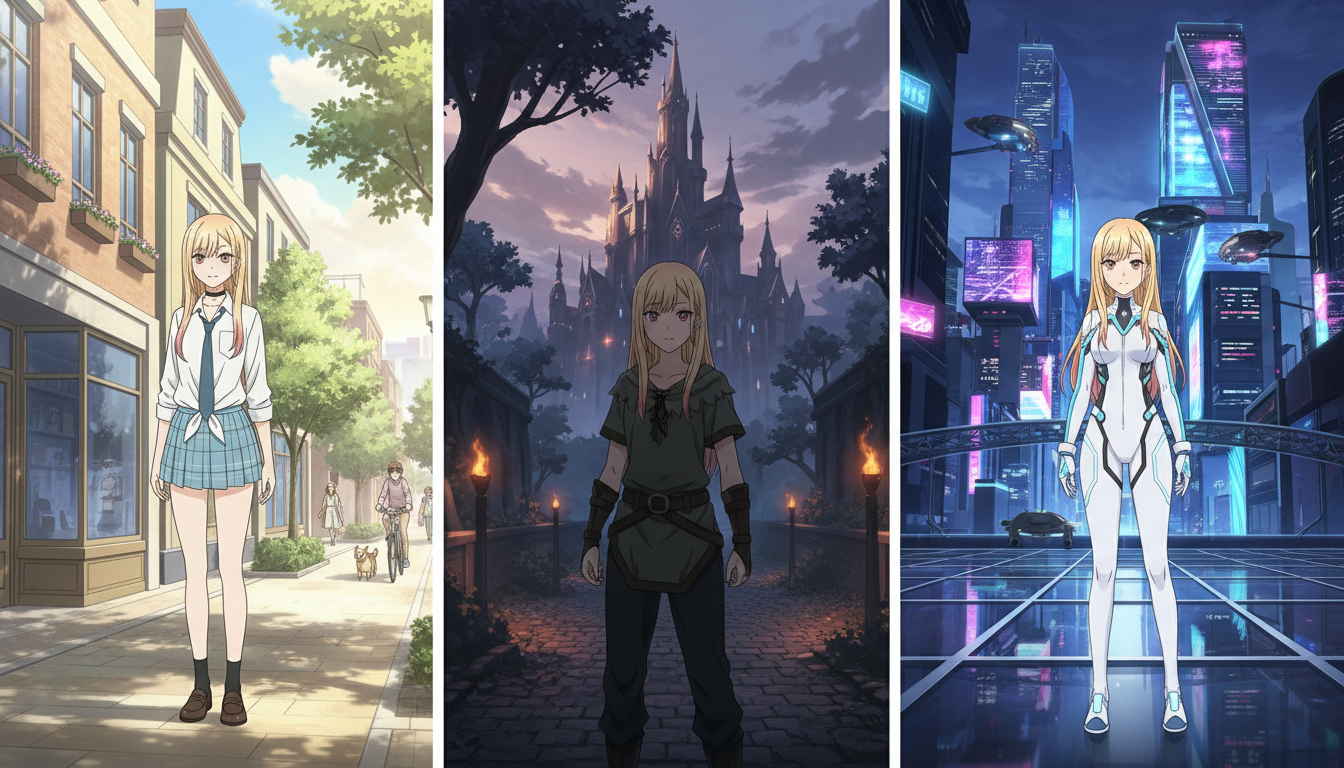
Lock character sheets, location references, and a named art style so your isekai world looks the same from the opening gate shot through every animated clip. Consistency is what turns a collection of generations into a believable fantasy series.
From World Concept to Animated Isekai Scenes
Isekai stories live or die on world believability. Viewers need to feel the rules of the new world within the first minute — the architecture, the light, the social order. AutoWeeb lets you prototype that feeling visually before you write a full script.
Start with a premise in the story generator, sketch key locations in the storyboard tool, and animate arrival scenes with Seedance 2. The Isekai Town photo pack gives you guild halls, market streets, and cobblestone alleys as ready-made backdrops while you refine your own custom locations.
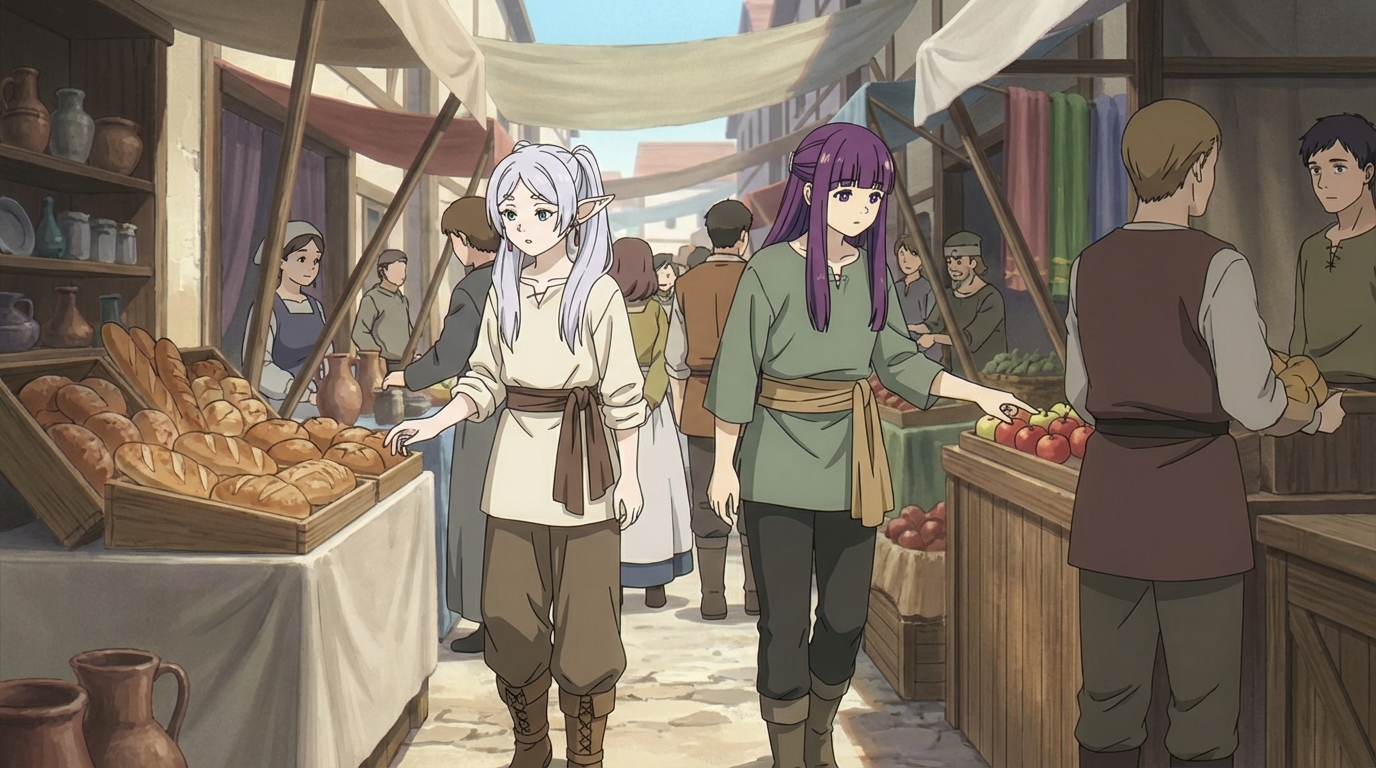
Reusable Locations Keep Your Isekai World Coherent
The biggest mistake in AI isekai production is treating every scene as a one-off generation. When the guild hall looks different in episode three than episode one, the world stops feeling real.
AutoWeeb's location workflow solves this. Name and save your environments, reuse them across storyboard panels, and animate from approved stills so architecture, weather, and color palette stay locked. Your protagonist can travel from gate to market to guild without the town reshaping itself between cuts.
-
1
Define your core locations
Sketch the gate, market, guild, and wilderness paths your protagonist visits most. Save each as a named location reference.
-
2
Storyboard with @ tags and saved sets
Place locked characters into saved locations for every panel. Batch stills in one session so lighting stays in the same family.
-
3
Animate from approved stills
Run Seedance 2 on location-locked storyboard frames. Motion passes inherit the environment you already approved.
Explore Anime Video Creation
Guides, genres, and tools for making anime videos with AI.
Image to Video
Turn anime stills into animated clips with consistent characters.
Seedance 2 Anime
Animate scenes with Seedance 2 tuned for anime motion.
Gemini Omni Flash Anime
Google's multimodal video model for scene cuts, sports motion, and flexible image tagging.
Fighting Videos
Sword fights, action beats, and cinematic combat clips.
Mecha Anime
Military pilots, mech character sheets, and cockpit-to-combat action sequences.
Basketball Videos
Court drama, training montages, and game-winning shots.
Sports Videos
Hockey, soccer, tennis, and full sports anime series.
Magic Videos
Spell charges, fantasy effects, and atmospheric magic scenes.
Romance Videos
Emotional beats, confessions, and slice-of-life romance.
Anime Shorts
Turn a premise into a complete short in minutes.
Anime Episodes
Plan, storyboard, and animate a full episode.
Make an Anime
The full studio workflow from character to final video.
Anime Series
Build recurring characters and a season arc.
Prompting Guide
Write cinematic prompts that match your vision and stop wasting credits.
YouTube Videos
Shorts beats, episode backlogs, and long-form chapter compiles.
AI Anime Prompt Agent
Turn rough ideas into cinematic Seedance 2 video prompts with the AI Director.
Donghua with AI
Pick Link Click-style art, design character sheets, and animate modern Chinese animation scenes.
Extend Video
Lengthen any saved clip with Seedance 2.0 Mini. Describe what happens next and stitch the extension to your original.
AI Anime Video Generator
Create anime videos with AI. Explore genres, tools, and production guides.
Isekai World Building FAQ
Common questions about designing fantasy worlds and keeping AI anime environments consistent.
How do I start building an isekai world with AutoWeeb?
Begin with a premise in the story generator — describe the genre, tone, and core conflict. Then sketch your first three locations (town gate, market, guild hall) in the storyboard tool. Use the Isekai Town photo pack to prototype environments quickly, then save custom locations to your library for reuse.
How do I create reusable locations for an isekai series?
Generate and approve stills for each key environment, then save them as named location references. Reuse those locations in every storyboard panel by selecting the saved set instead of describing the background from scratch. This keeps architecture, palette, and lighting consistent across episodes.
Can I storyboard fantasy scenes before animating them?
Yes. AutoWeeb's storyboard tool lets you break isekai scenes into panels, tag saved characters with @, and place them in locked locations. Approve the stills first, then animate each panel with Seedance 2 so motion inherits the environment you already signed off on.
How do I maintain visual consistency across an isekai world?
Lock three things: character sheets for your cast, named location references for your core sets, and one art style for the entire series. Batch storyboard stills in single sessions so light direction and color stay aligned. Never regenerate a location from scratch mid-series — reuse the saved reference.
Does AutoWeeb have isekai-specific backgrounds?
Yes. The Isekai Town photo pack includes town gates, market districts, guild halls, cobblestone alleys, stone bridges, and tavern exteriors in classic fantasy anime style. Drop your saved characters into these scenes or use them as references while building custom locations.
Can I animate isekai arrival scenes with Seedance 2?
Yes. Storyboard your arrival or quest-briefing scene as approved stills first, then run image-to-video with Seedance 2. One verb per motion pass — walking through the gate, turning toward the market, reacting to a guild notice — keeps clips clean and environments stable.
Ready to Build Your Isekai World?
Design fantasy locations, storyboard cinematic scenes, and animate your isekai story — all with consistent characters and environments in one workspace.
Start Building Your WorldNo credit card required • Free to try