
Turn Yourself Into an Anime Character
Upload a photo and AutoWeeb converts it into anime art in your chosen style. Save the result as a locked character sheet and reuse the same face in every storyboard panel and video clip.
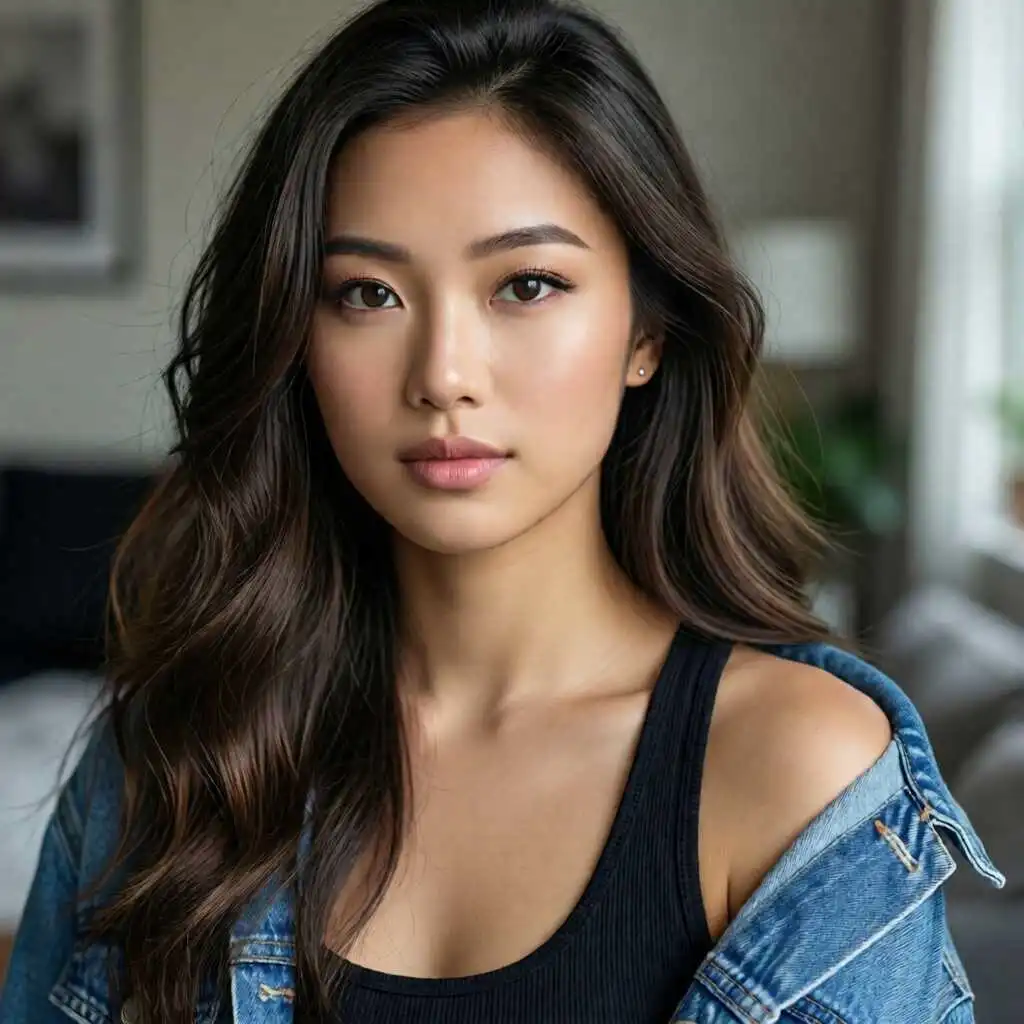
Photo to Anime Video Tutorial
Watch how to upload a photo, try different anime art styles, and save a reusable character for consistent results across your videos.
How Photo to Anime Works in AutoWeeb
The same workflow shown in the tutorial — from a real photo to a character you can reuse in every scene.
-
1
Upload your photo
Start with any clear portrait — a selfie, headshot, or reference photo. AutoWeeb reads your face, maps key features, and prepares the image for anime conversion while preserving your recognizable likeness.
-
2
Choose an anime art style
Pick from named anime styles like Demon Slayer, Ghibli, Shonen, Josei, and more. Each style changes line weight, coloring, and proportions. Generate a few versions and compare before committing to one look.
-
3
Generate your anime portrait
AutoWeeb converts your photo into a fully rendered anime character in seconds. Adjust outfit details, hair, and expression if needed, then approve the version that best matches your vision.
-
4
Save as a locked character sheet
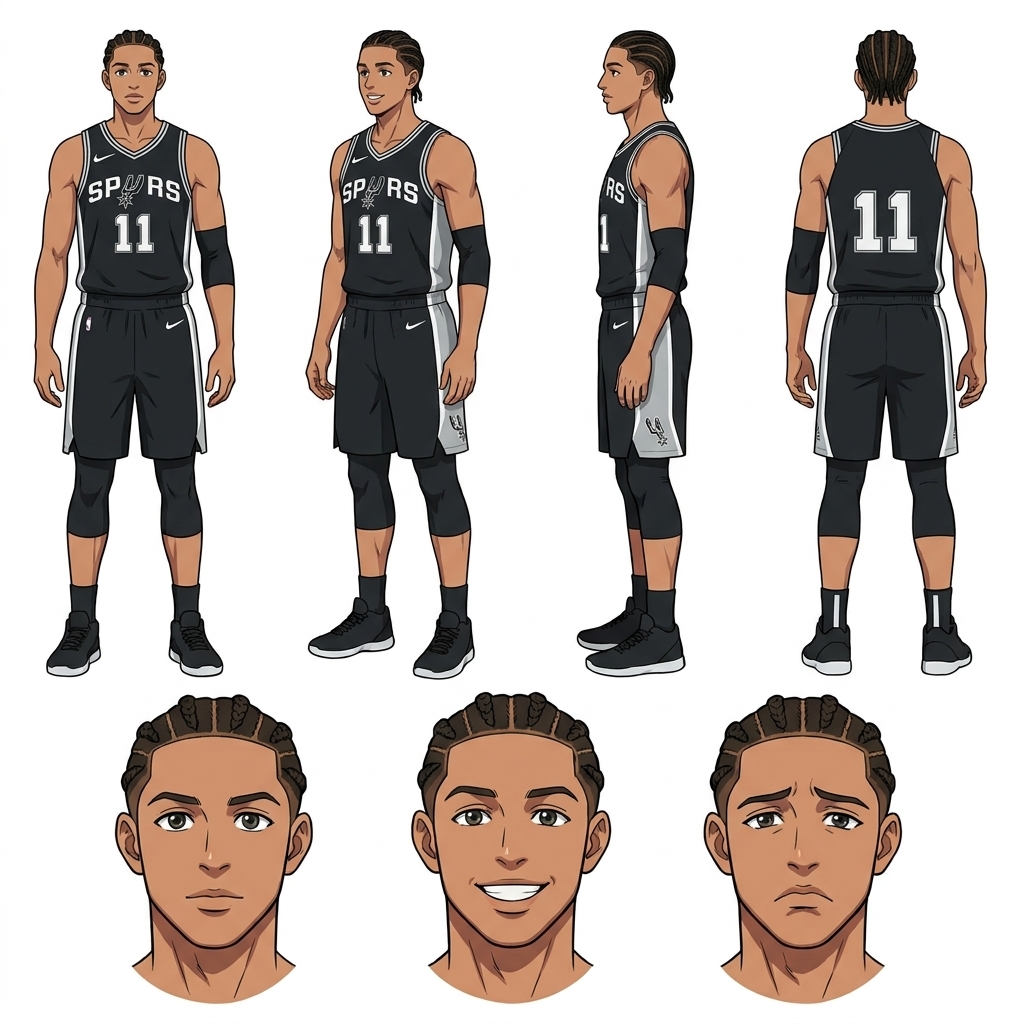
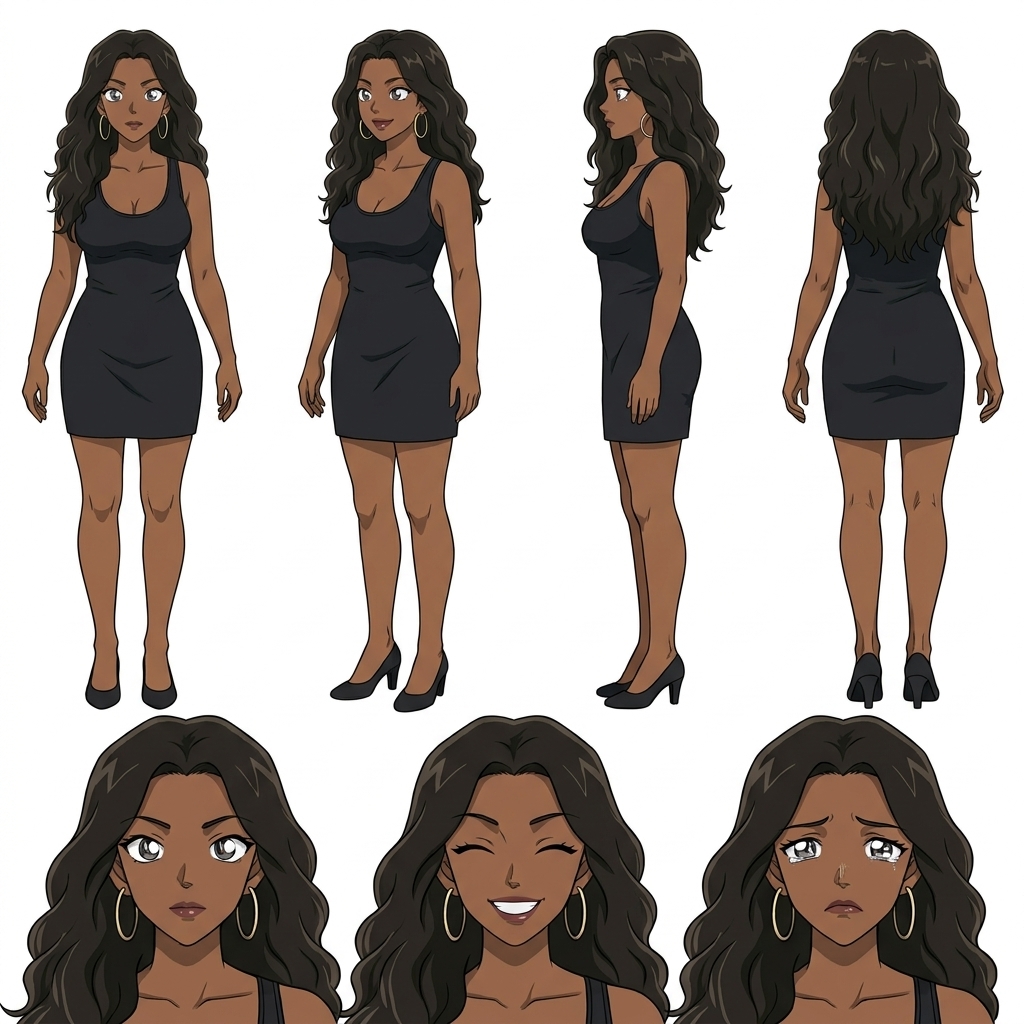
Turn the conversion into a complete character sheet with multiple poses and expressions. Lock the definition to your library so the AI anchors every future image to the same face, hair, and outfit.
-
5
Reuse in storyboards and videos
Tag your saved character with @ in storyboard prompts and video generation. The same anime version of you appears consistently across panels, stills, and animated clips — no re-uploading or re-describing required.
Try Different Anime Styles on the Same Photo
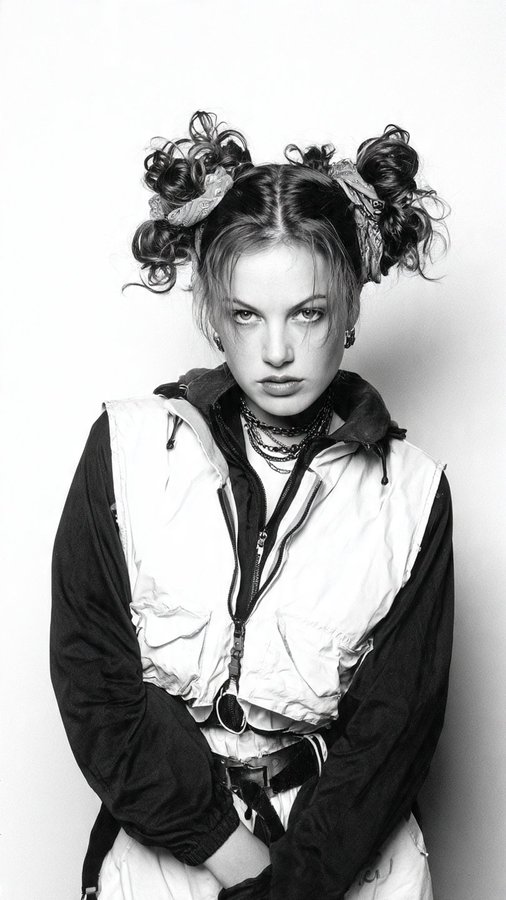
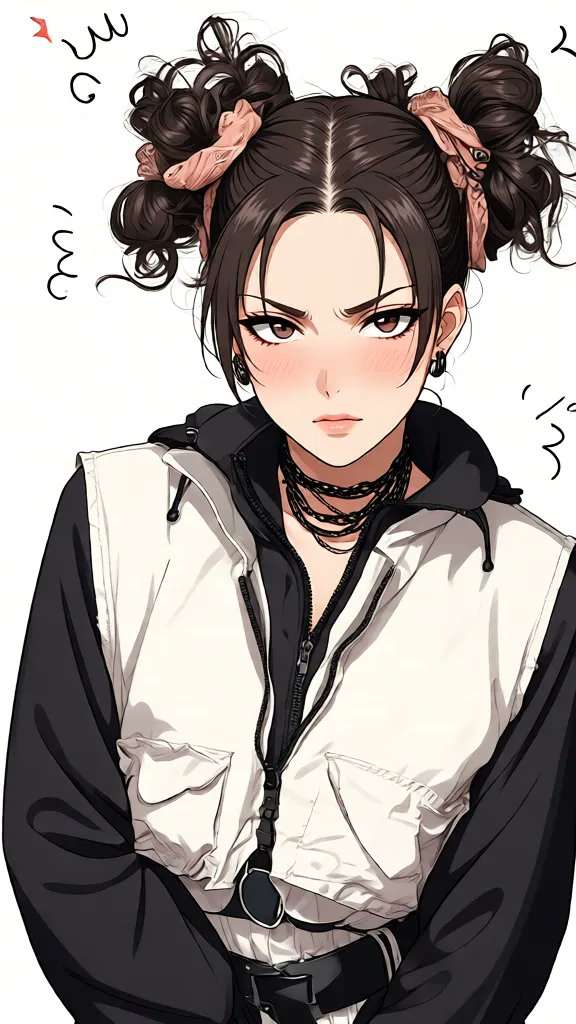
One of the biggest advantages of AutoWeeb's photo to anime workflow is style flexibility. Upload the same photo once and render it in multiple named art styles to find the look that fits your story or channel aesthetic.
Each style is a distinct visual language — bold ink and saturated color for Shonen action, soft watercolor tones for Ghibli slice-of-life, sharp cel-shading for Demon Slayer. Compare outputs side by side, then lock the style you want into your character definition.
Build a Reusable Character for Video Consistency
A single converted portrait is fun, but a locked character sheet is what makes serialized content work. When you save your photo-to-anime result as a character, AutoWeeb treats it as the visual bible for every generation that follows.
That means your anime self looks the same in a solo portrait, a two-character dialogue scene, and a Seedance 2 animated clip. Creators building YouTube channels, Shorts series, or personal anime stories start here — one photo, one style choice, one saved character used everywhere.
-
1
Lock the character after conversion
Save the approved anime version to your character library with front view, expressions, and outfit locked.
-
2
Generate scene stills with @ tagging
Reference the character by name in storyboard prompts. AutoWeeb places them in new environments without visual drift.
-
3
Animate clips with the same reference
Run image-to-video on approved stills. Seedance 2 motion passes keep the face and outfit anchored to your saved sheet.
Explore Character Creation
Deep dives into every part of building anime characters.
Personalized Anime Character
Build a character around your description or photo with a full anime customizer.
Anime Self-Insert Guide
Upload a selfie, pick an anime, and see yourself inside the scene.
Anime Character Creator Full Body
Generate complete sheets with front view, side view, poses, and expressions.
Design an Anime Character
Control outfit, traits, expressions, and art style with AutoWeeb's AI designer.
Anime Character Reference
Generate reference sheets for manga, storyboards, and consistent animation.
Custom Anime Character Outfits
Swap wardrobes while keeping the same face, hair, and character identity.
Custom Anime Character Props
Add weapons, instruments, sports gear, or any object to character scenes.
VTuber Character Art Generator
Upload a model reference and generate on-model PFPs, thumbnails, banners, chibis, and social art.
VRChat Avatar to Anime
Upload a VRChat screenshot and get polished 2D anime PFPs, illustrations, and character art.
Custom Anime Character Poses
Describe dynamic actions and body language with consistent identity.
Anime Character Creator
Start here to create your first anime character online.
Photo to Anime FAQ
Common questions about converting photos to anime characters and keeping them consistent across videos.
How do I turn a photo into an anime character with AutoWeeb?
Upload a clear portrait to AutoWeeb, choose a named anime art style, and generate the conversion. AutoWeeb maps your facial features into anime proportions while preserving your likeness. Save the result as a character sheet to reuse across storyboards and videos.
Can I try multiple anime styles on the same photo?
Yes. Upload once and generate the same photo in different named styles — Demon Slayer, Ghibli, Shonen, Josei, and more. Compare the outputs, pick your favorite, and lock that version as your saved character definition.
Will my anime character look the same in every video?
Yes, if you save the conversion as a locked character sheet. AutoWeeb uses the saved reference as the visual anchor for every storyboard panel and animated clip. Tag the character with @ in prompts so the same face and outfit appear in every generation.
Do I need drawing skills to convert a photo to anime?
No. AutoWeeb handles the full conversion from photo upload to finished anime art. You choose the style, approve the result, and save it to your library. No illustration or editing software required.
Can I use my photo-to-anime character in AI anime videos?
Yes. After saving your character, generate scene stills in the storyboard tool, then animate them with Seedance 2. Your converted character stays on-model from the first still through every motion pass in the final clip.
What kind of photo works best for anime conversion?
A clear, front-facing portrait with good lighting works best. Selfies, headshots, and well-lit reference photos all produce strong results. Avoid heavy filters, extreme angles, or photos where the face is partially obscured.
Turn Your Photo Into an Anime Character
Upload a photo, pick your anime style, and save a reusable character for consistent storyboards and videos.
Convert Your Photo FreeNo credit card required • Free characters included