
Make Anime Videos for YouTube
Plan serialized Shorts with hook-turn-land beats, build an episode backlog before launch week, and compile vertical clips into long-form chapters — all with consistent characters from AutoWeeb.

How to Make AI Anime Videos for YouTube
Make anime videos for YouTube: Shorts structure, episode backlogs, and long-form chapter compiles with consistent characters.
Learn how to make AI anime videos for YouTube with serialized Shorts, episode backlogs, and compiling vertical clips into chapters.
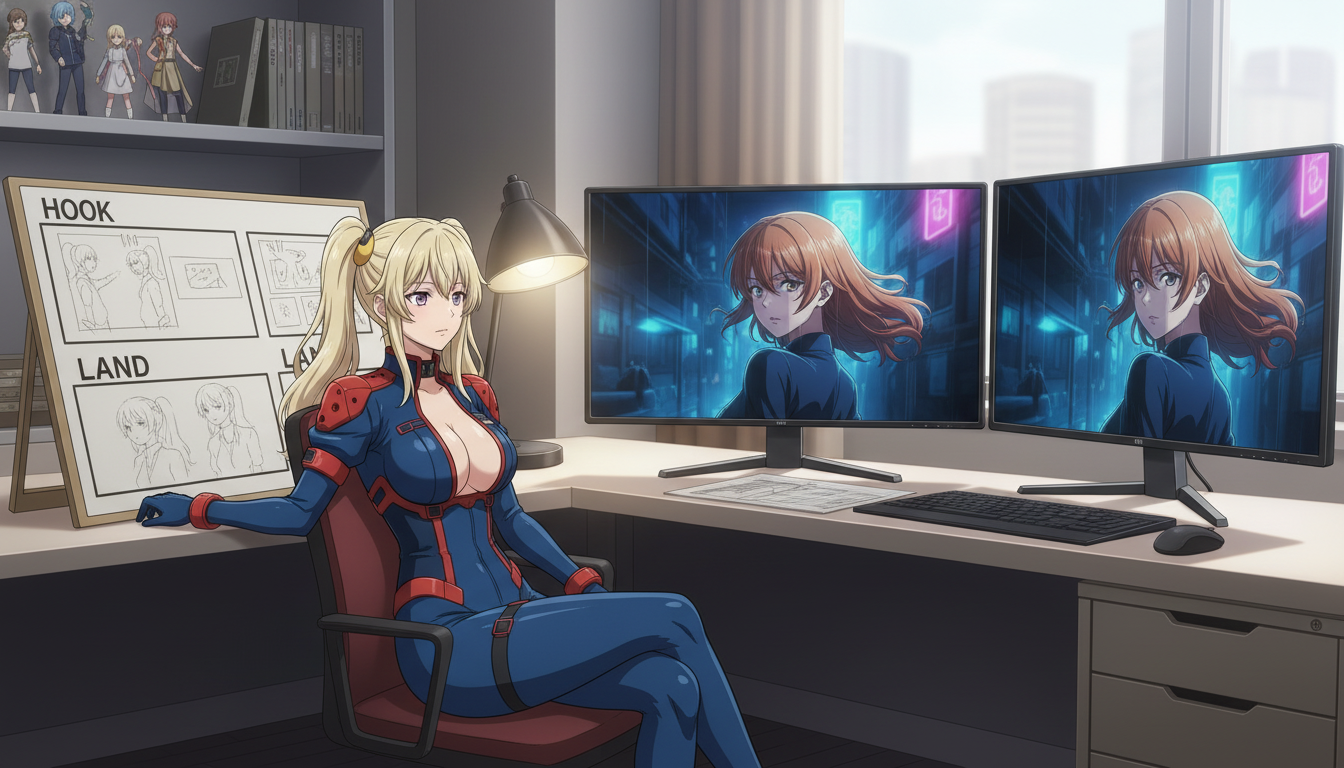
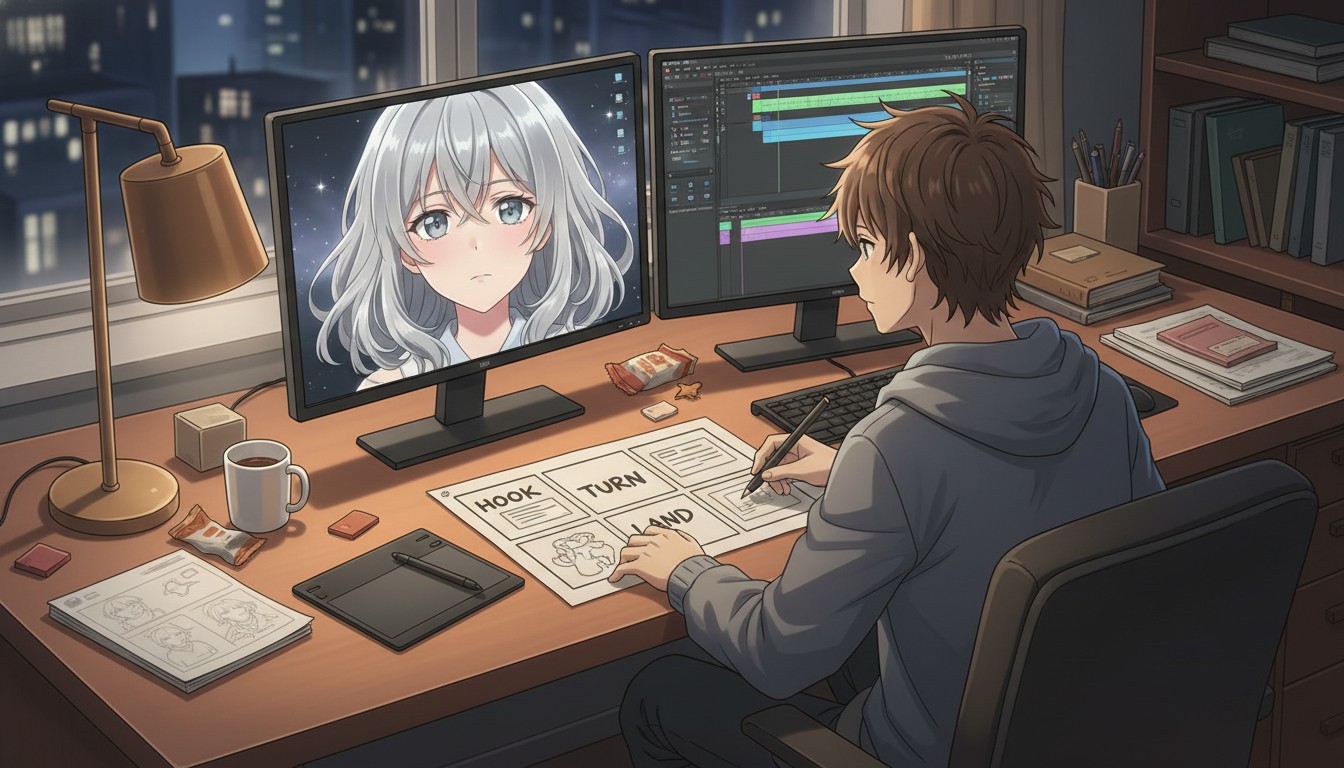
Shorts-first channels live on hook, turn, and land beats. The hook earns the first three seconds, the turn deepens the stake in the middle, and the land freezes on a cliffhanger that points to the next episode. Each beat gets one still, one motion pass, and one verb — not a single overloaded generation that tries to tell the whole story.
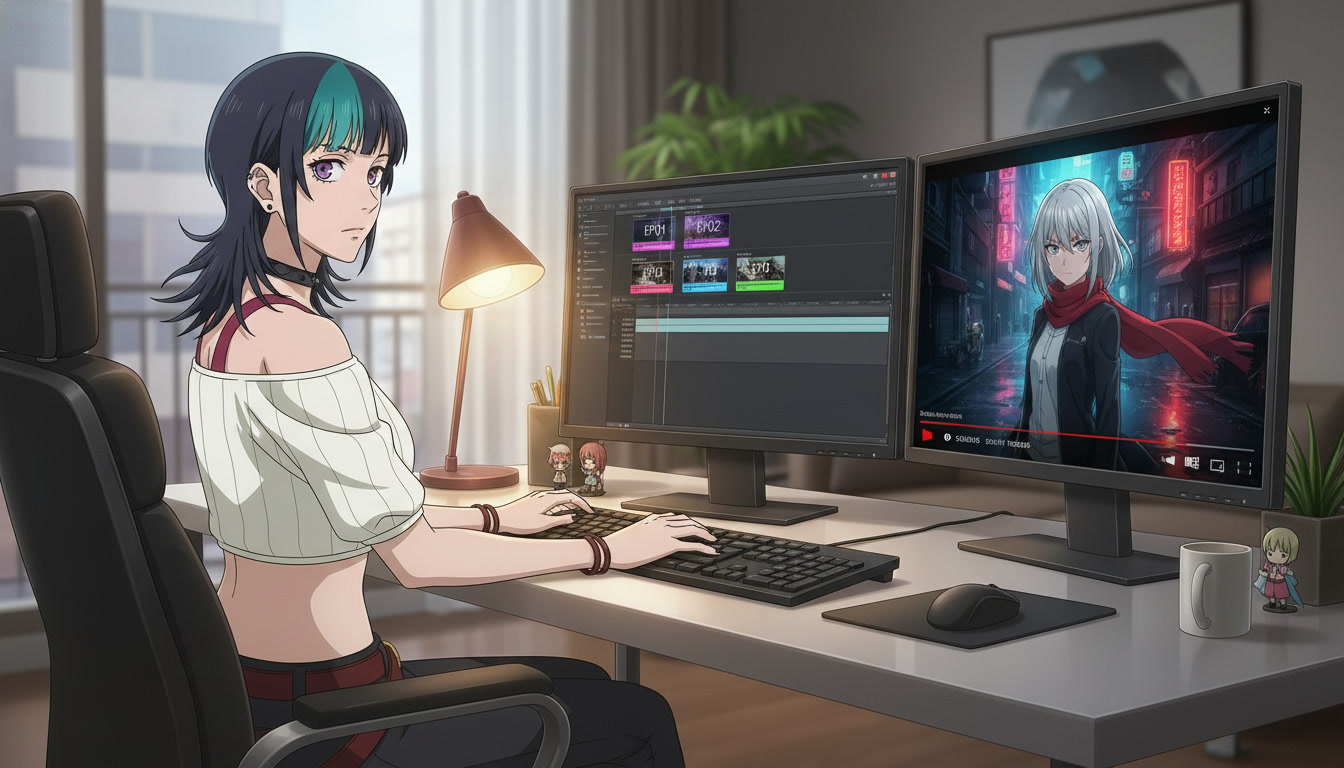
Before launch week, batch six reserve cells: screenplay rows filled, stills approved, motion exported, thumbnails saved from the same file. Launch week becomes upload and comment moderation, not panic-generating at 2 a.m. When the cour needs a long-form drop, compile eight to twelve Shorts into one chapter with interstitials that do not break palette.
The guides below walk through each layer of the YouTube workflow — turn beats, land cliffhangers, episode backlog batching, and chapter compiles — so you can build a serialized channel that survives algorithm dips without breaking character consistency.
Explore Anime Video Creation
Guides, genres, and tools for making anime videos with AI.
Image to Video
Turn anime stills into animated clips with consistent characters.
Seedance 2 Anime
Animate scenes with Seedance 2 tuned for anime motion.
Gemini Omni Flash Anime
Google's multimodal video model for scene cuts, sports motion, and flexible image tagging.
Fighting Videos
Sword fights, action beats, and cinematic combat clips.
Mecha Anime
Military pilots, mech character sheets, and cockpit-to-combat action sequences.
Basketball Videos
Court drama, training montages, and game-winning shots.
Sports Videos
Hockey, soccer, tennis, and full sports anime series.
Magic Videos
Spell charges, fantasy effects, and atmospheric magic scenes.
Romance Videos
Emotional beats, confessions, and slice-of-life romance.
Anime Shorts
Turn a premise into a complete short in minutes.
Anime Episodes
Plan, storyboard, and animate a full episode.
Make an Anime
The full studio workflow from character to final video.
Anime Series
Build recurring characters and a season arc.
Prompting Guide
Write cinematic prompts that match your vision and stop wasting credits.
Isekai World Building
Design fantasy worlds, reusable locations, and cinematic isekai scenes.
AI Anime Prompt Agent
Turn rough ideas into cinematic Seedance 2 video prompts with the AI Director.
Donghua with AI
Pick Link Click-style art, design character sheets, and animate modern Chinese animation scenes.
Extend Video
Lengthen any saved clip with Seedance 2.0 Mini. Describe what happens next and stitch the extension to your original.
AI Anime Video Generator
Create anime videos with AI. Explore genres, tools, and production guides.
Making Anime Videos for YouTube FAQ
Common questions about serialized AI anime channels, Shorts structure, and production rhythm.
What is the hook-turn-land structure for YouTube Shorts?
Hook, turn, and land are three beats inside a forty-five to sixty second Short. The hook earns attention in the first three seconds with a dramatic frame or question. The turn deepens the stake with one readable action in the middle. The land freezes on a cliffhanger that points viewers to the next numbered episode. Each beat gets its own still and motion pass in AutoWeeb.
How many episodes should I have in backlog before launch week?
Six finished cells is a practical minimum for Shorts-first serialization: pilot plus five reserves, or pilot plus two scheduled uploads plus three hidden reserves. Each cell needs an approved still, motion export, thumbnail, and metadata with the hook named. AutoWeeb makes still batching fast; editing and thumbnail QA usually set the real ceiling.
When should I compile Shorts into a long-form YouTube chapter?
Compile when you have eight to twelve numbered Shorts that share a protagonist, palette, and playlist order. Add interstitials between cells that do not break the color bible, slow the rhythm for couch viewers, and point metadata back to the public playlist. Compile week should be assembly from backlog folders, not regeneration.
How do I keep characters consistent across YouTube episodes?
Save the protagonist in the character library and copy the exact capitalized panel line into every spreadsheet row before batching stills. Batch hook stills for multiple episodes in one session so light direction and wardrobe stay in the same family. Regenerate the beat when motion fails QA, not the character bible.
Can AutoWeeb help with both Shorts and long-form YouTube uploads?
Yes. Generate vertical Short clips from approved storyboard stills, then export the same character and palette for widescreen chapter interstitials. The AI anime video generator animates one verb per pass; your edit timeline handles pacing, captions, and chapter transitions between compiled cells.
Ready to Launch Your YouTube Anime Channel?
Build your episode backlog, batch three-beat Shorts, and compile chapters — all with locked characters in one workspace.
Start Creating for YouTubeNo credit card required • Free to try