
Create Anime Fighting Videos
Sword clashes, martial arts beats, and cinematic combat. AutoWeeb's AI Director writes fight-scene prompts with camera movement, impact frames, and anime pacing built in.
How to Create Anime Fight Videos
Create anime fighting videos with an AI anime fight scene generator: sword fights, combat sequences, and consistent fighters.
Build anime battle scenes from a still image: lock fighters in your character library, describe the fight sequence, and animate with Seedance 2.
Lock your fighters in the character library first. Generate a starting still with both characters in frame, describe the action beat, and animate. Chain clips for multi-round battles with the same faces and outfits throughout.
Related Guides
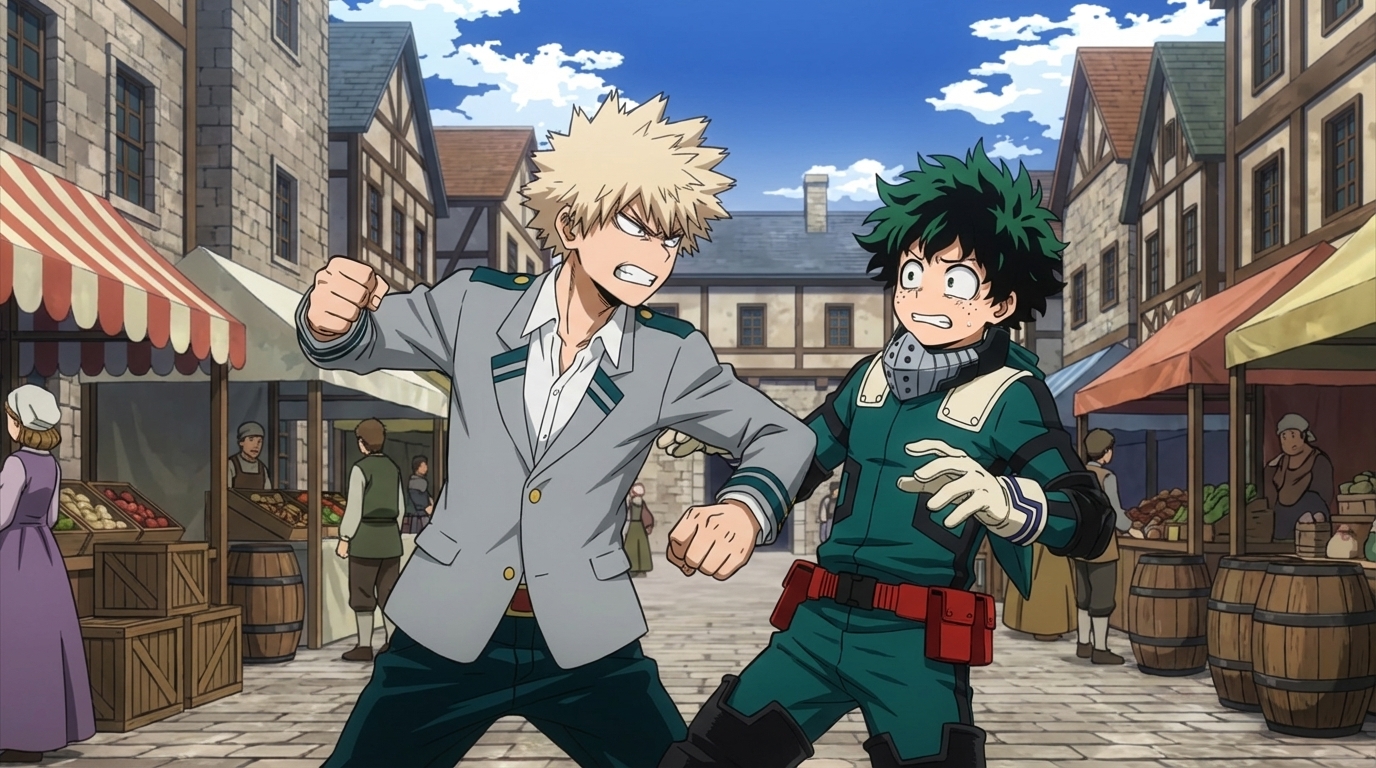
Create Anime Fight Scenes with AutoWeeb and Seedance 2
How to Create Anime Sword Fight Videos with AI
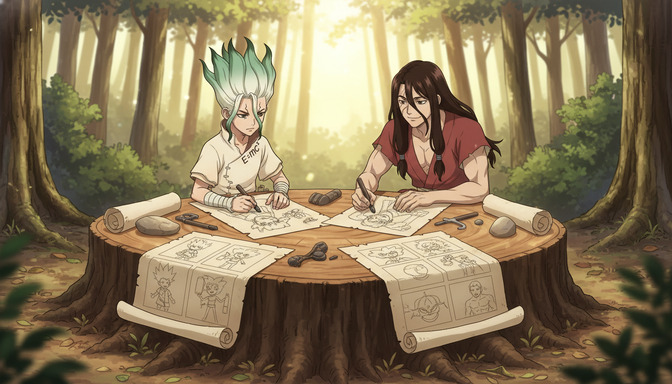
How to Storyboard Epic AI Anime Fight Scenes
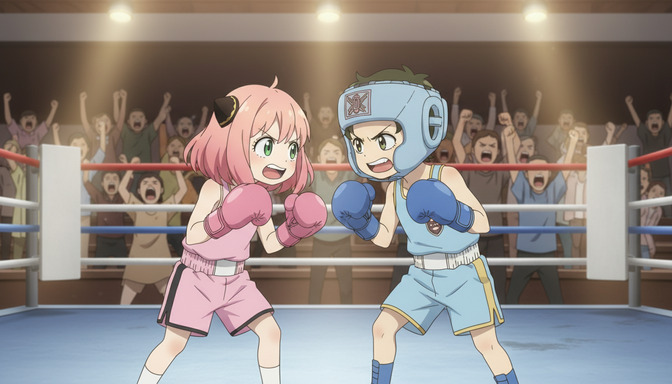
How to Make AI Anime Fight Scenes Look Professional
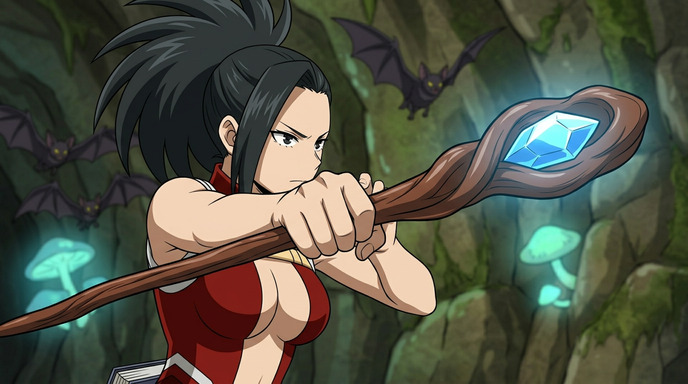
AI Anime Battle Generator: Create Epic Anime Action Scenes
Anime Fight Scene Generator: Build Action Scenes with AI
Explore Anime Video Creation
Guides, genres, and tools for making anime videos with AI.
Image to Video
Turn anime stills into animated clips with consistent characters.
Seedance 2 Anime
Animate scenes with Seedance 2 tuned for anime motion.
Gemini Omni Flash Anime
Google's multimodal video model for scene cuts, sports motion, and flexible image tagging.
Mecha Anime
Military pilots, mech character sheets, and cockpit-to-combat action sequences.
Basketball Videos
Court drama, training montages, and game-winning shots.
Sports Videos
Hockey, soccer, tennis, and full sports anime series.
Magic Videos
Spell charges, fantasy effects, and atmospheric magic scenes.
Romance Videos
Emotional beats, confessions, and slice-of-life romance.
Anime Shorts
Turn a premise into a complete short in minutes.
Anime Episodes
Plan, storyboard, and animate a full episode.
Make an Anime
The full studio workflow from character to final video.
Anime Series
Build recurring characters and a season arc.
Prompting Guide
Write cinematic prompts that match your vision and stop wasting credits.
YouTube Videos
Shorts beats, episode backlogs, and long-form chapter compiles.
Isekai World Building
Design fantasy worlds, reusable locations, and cinematic isekai scenes.
AI Anime Prompt Agent
Turn rough ideas into cinematic Seedance 2 video prompts with the AI Director.
Donghua with AI
Pick Link Click-style art, design character sheets, and animate modern Chinese animation scenes.
Extend Video
Lengthen any saved clip with Seedance 2.0 Mini. Describe what happens next and stitch the extension to your original.
AI Anime Video Generator
Create anime videos with AI. Explore genres, tools, and production guides.
Frequently Asked Questions
How do I create an anime fight scene with AI?
Design your fighters in the character creator, generate a scene still with both characters in frame, then describe the action: a sword draw, a punch impact, a dodge. AutoWeeb's AI Director writes a Seedance 2 prompt with camera movement and pacing, then renders the clip.
Can I make multi-round fight sequences?
Yes. Chain multiple fight clips together. Each new clip inherits the character design and art style from your library, so fighters look identical across every round of the battle.
What makes AI anime fight scenes look professional?
Professional fight scenes use specific camera language: low angles for power, speed lines on impact, held frames before the strike. AutoWeeb's AI Director includes these automatically. For manual control, see our guide on making fight scenes look professional.
Do I need drawing skills to create anime fighting videos?
No. Describe the fight beat in plain language and AutoWeeb handles character design, scene composition, prompt writing, and animation. You direct the creative choices; the AI handles execution.
Ready to Create Your First Fight Scene?
Design your fighters, frame the shot, and animate with Seedance 2 in minutes.
Create Fight VideosNo credit card required • Free to try