
Gemini Omni Flash Anime
Google's preview multimodal video model handles scene cuts, sports motion, and flexible image tagging. Build your anime stills in AutoWeeb, then animate with Omni Flash through the Gemini API.
Gemini Omni Flash for Anime
Omni Flash is a different motion language than Seedance 2: stronger scene cuts, natural sports movement, and prompt-driven audio.
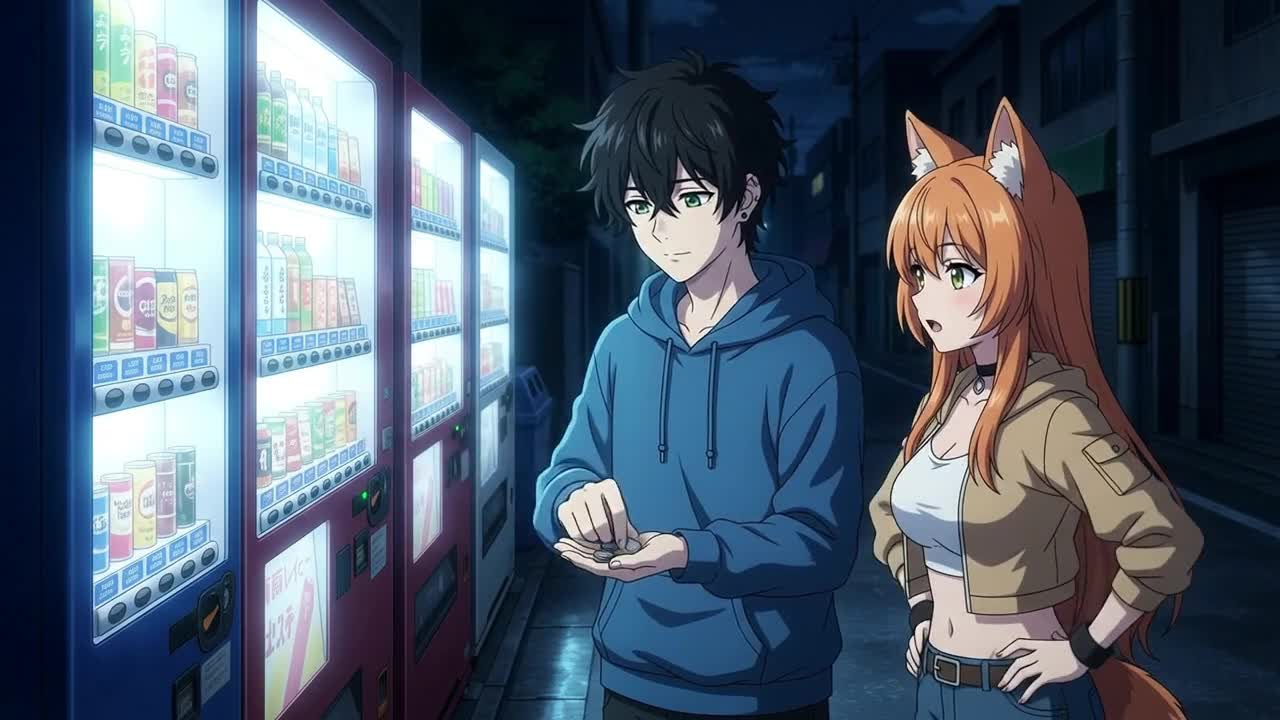
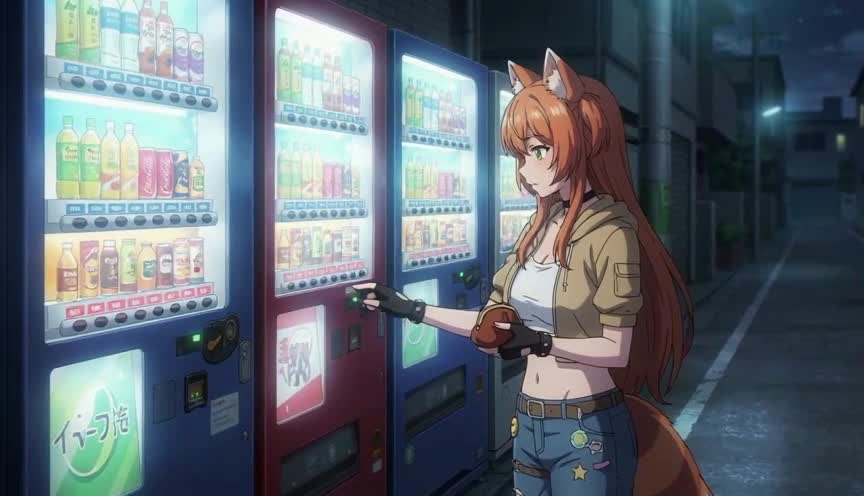
Gemini Omni Flash lets you reference character sheets and add scene cuts mid-clip. AutoWeeb is where you build the polished anime stills that make Omni Flash output look intentional.
Omni Flash shines in sports anime and multi-beat sequences where physics and hard cuts matter. Seedance 2 remains AutoWeeb's default for calmer 24fps pacing and audio-reference lip-sync. Many creators use both: quiet scenes on Seedance 2, athletic motion and montage beats on Omni Flash.
Explore Anime Video Creation
Guides, genres, and tools for making anime videos with AI.
Image to Video
Turn anime stills into animated clips with consistent characters.
Seedance 2 Anime
Animate scenes with Seedance 2 tuned for anime motion.
Fighting Videos
Sword fights, action beats, and cinematic combat clips.
Mecha Anime
Military pilots, mech character sheets, and cockpit-to-combat action sequences.
Basketball Videos
Court drama, training montages, and game-winning shots.
Sports Videos
Hockey, soccer, tennis, and full sports anime series.
Magic Videos
Spell charges, fantasy effects, and atmospheric magic scenes.
Romance Videos
Emotional beats, confessions, and slice-of-life romance.
Anime Shorts
Turn a premise into a complete short in minutes.
Anime Episodes
Plan, storyboard, and animate a full episode.
Make an Anime
The full studio workflow from character to final video.
Anime Series
Build recurring characters and a season arc.
Prompting Guide
Write cinematic prompts that match your vision and stop wasting credits.
YouTube Videos
Shorts beats, episode backlogs, and long-form chapter compiles.
Isekai World Building
Design fantasy worlds, reusable locations, and cinematic isekai scenes.
AI Anime Prompt Agent
Turn rough ideas into cinematic Seedance 2 video prompts with the AI Director.
Donghua with AI
Pick Link Click-style art, design character sheets, and animate modern Chinese animation scenes.
Extend Video
Lengthen any saved clip with Seedance 2.0 Mini. Describe what happens next and stitch the extension to your original.
AI Anime Video Generator
Create anime videos with AI. Explore genres, tools, and production guides.
Frequently Asked Questions
What is Gemini Omni Flash?
Gemini Omni Flash (gemini-omni-flash-preview) is Google's high-speed multimodal video model available through the Gemini API. It generates video with synchronized audio, supports image-to-video with flexible tagging, and allows conversational editing through follow-up prompts.
How is Omni Flash different from Seedance 2 for anime?
Seedance 2 tends toward calmer 24fps anime pacing and accepts audio file references for lip-sync. Omni Flash handles scene cuts more reliably, produces more natural sports motion, and uses
Do I need a great starting image for Omni Flash anime videos?
Yes. Omni Flash uses your first frame as the visual contract for the entire clip. A sharp anime still with clear linework and character detail reduces over-animation and keeps hair, outfit, and background details consistent across the motion pass.
Can I use Omni Flash inside AutoWeeb?
AutoWeeb runs on Seedance 2 for in-app animation. Use AutoWeeb to build character sheets, location stills, and storyboard frames, then export those images for Omni Flash workflows through the Gemini API. The production pipeline starts in AutoWeeb regardless of which video model you animate with.
Build Anime Stills for Omni Flash
Create character-locked starting images in AutoWeeb, then animate with Gemini Omni Flash or Seedance 2 depending on your scene.
Start Creating FreeNo credit card required • Free to try