
How to Create an Anime Series
Plan a full season from genre and themes through 12-episode outlines, character sheets, and storyboards — then produce serialized episodes with consistent characters.
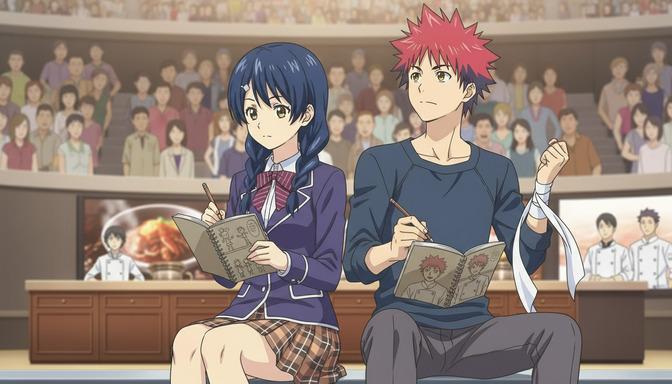
From Anime Images to Animated Videos
Watch the beginner's guide to generating anime stills, using image prompt analysis, working with the video agent, and bringing scenes to life with cinematic video prompts.
From Still Image to Anime Video
AutoWeeb's image to video generator takes you from static anime art to stunning anime videos online in four steps: character design, starting image, motion prompt, and Seedance 2 powered animation.
-
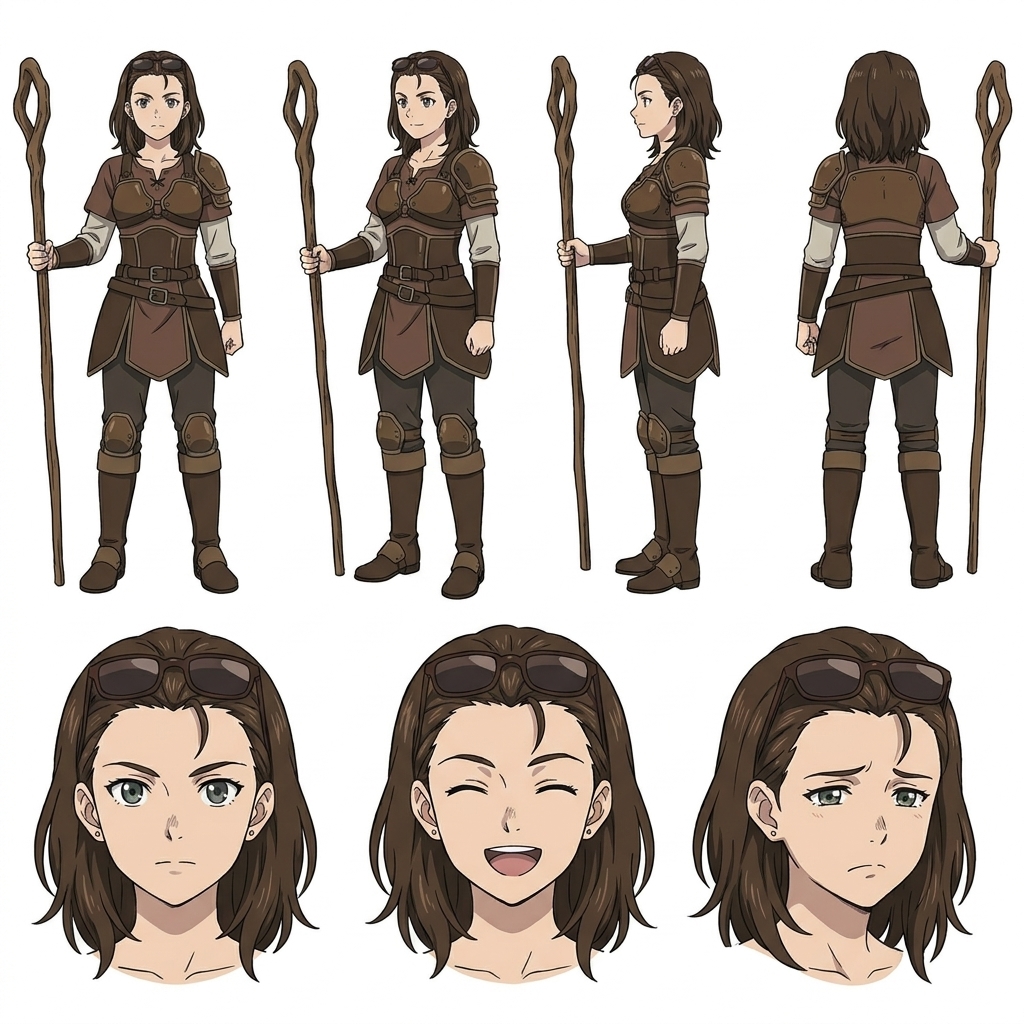
Create a Character
Use AutoWeeb's AI image generator and art generator to create original anime art, or convert a photo to anime style. Save every character to your library so each clip anchors to the same face, hair, and outfit, whether you designed from scratch or started with a manga generator reference.
-
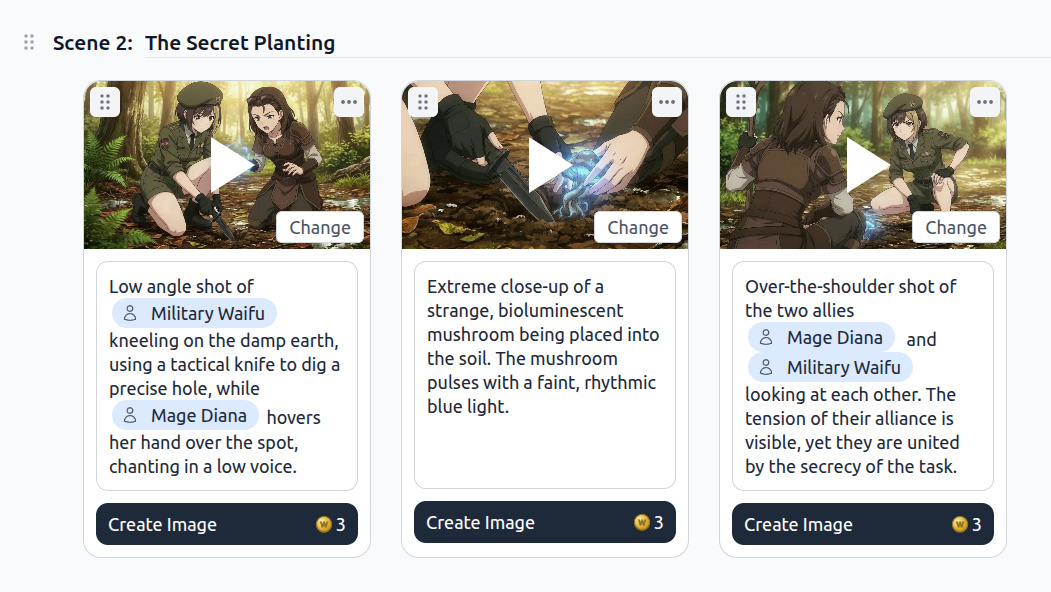
Generate a Starting Image
Compose a scene still with your character in place and choose an art style. Polish the image in the image editor or push it through an AI image upscaler for sharper detail, then lock the frame that becomes your video's first moment.
-
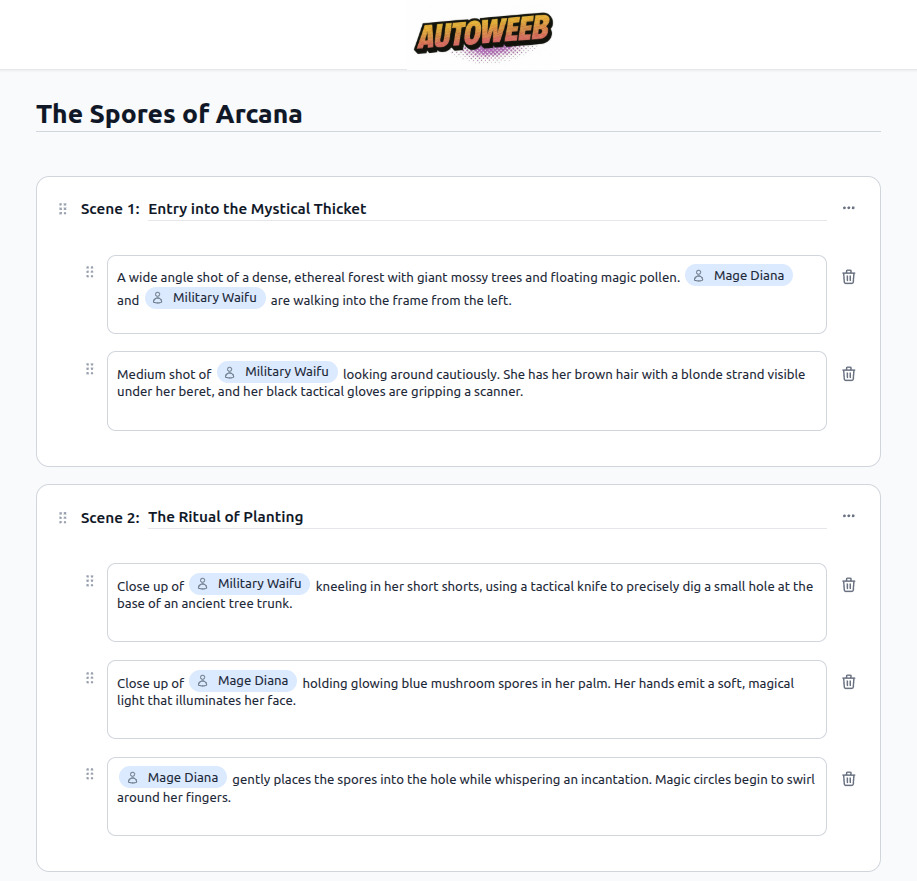
Describe the Motion
Tell AutoWeeb what should happen: a sword draw, a walk through rain, a spell charge-up. The AI Director turns your plain-language description into animations from text, generating a full cinematic Seedance 2 text to video prompt with camera movement and pacing.
-
Animate Your Video
Generate quality animations with one click using our AI animation generator tool. Chain multiple clips into longer sequences with consistent characters and story continuity.
Explore Anime Video Creation
Guides, genres, and tools for making anime videos with AI.
Image to Video
Turn anime stills into animated clips with consistent characters.
Seedance 2 Anime
Animate scenes with Seedance 2 tuned for anime motion.
Gemini Omni Flash Anime
Google's multimodal video model for scene cuts, sports motion, and flexible image tagging.
Fighting Videos
Sword fights, action beats, and cinematic combat clips.
Mecha Anime
Military pilots, mech character sheets, and cockpit-to-combat action sequences.
Basketball Videos
Court drama, training montages, and game-winning shots.
Sports Videos
Hockey, soccer, tennis, and full sports anime series.
Magic Videos
Spell charges, fantasy effects, and atmospheric magic scenes.
Romance Videos
Emotional beats, confessions, and slice-of-life romance.
Anime Shorts
Turn a premise into a complete short in minutes.
Anime Episodes
Plan, storyboard, and animate a full episode.
Make an Anime
The full studio workflow from character to final video.
Prompting Guide
Write cinematic prompts that match your vision and stop wasting credits.
YouTube Videos
Shorts beats, episode backlogs, and long-form chapter compiles.
Isekai World Building
Design fantasy worlds, reusable locations, and cinematic isekai scenes.
AI Anime Prompt Agent
Turn rough ideas into cinematic Seedance 2 video prompts with the AI Director.
Donghua with AI
Pick Link Click-style art, design character sheets, and animate modern Chinese animation scenes.
Extend Video
Lengthen any saved clip with Seedance 2.0 Mini. Describe what happens next and stitch the extension to your original.
AI Anime Video Generator
Create anime videos with AI. Explore genres, tools, and production guides.
Frequently Asked Questions
Everything you need to know about creating anime videos with AutoWeeb and its AI video tools.
How do I create anime videos with AI?
Start by building a character in AutoWeeb, then generate a scene still with that character in place. Describe the action you want, and AutoWeeb's AI Director writes a full Seedance 2 animation prompt and renders the clip in minutes. Chain multiple clips together for a complete video sequence with consistent characters throughout.
What is an AI anime video generator?
An AI anime video generator animates still images into video clips using AI models trained on motion. AutoWeeb uses Seedance 2 for animation and layers on top of it: a character library for appearance consistency, named art styles for visual coherence, and an AI Director that writes animation prompts from plain descriptions so you do not need prompt engineering skills.
How do I make anime videos for YouTube?
The most effective YouTube workflow is a short-form series with a locked cast. Save your characters in AutoWeeb before you start animating. Use the story generator to write a clear episode premise and scene breakdown. Pick one art style and keep it for the entire series. Animate four to eight clips per episode and chain them into a complete upload. Consistency across episodes is what builds a subscriber base.
What is an anime story generator?
An anime story generator takes a brief premise and produces a structured story with scenes, characters, and a narrative arc. AutoWeeb's story generator writes in the conventions of specific anime genres: shonen, slice-of-life, isekai, dark fantasy, and others. The output is a production-ready draft you can feed directly into the script writer and storyboard tools without rewriting.
Can I make anime videos without any experience?
Yes. AutoWeeb is built for creators without animation skills or video editing skills. You write what you want to see in plain language. The AI handles style, framing, prompt construction, and rendering. The workflow from character creation to a finished animated clip is designed to take minutes, not weeks.
How do characters stay consistent across multiple anime video clips?
AutoWeeb saves a locked character design sheet for every character you create. When you generate images or animate video clips, the AI anchors to that sheet: same face structure, same hair, same outfit. Use the @ tag to bring a specific character into any scene and they show up looking exactly as they were designed, with no drift between clips.
Is AutoWeeb free to use for creating anime videos?
You can sign up and start creating anime videos for free with no credit card required. Free accounts include access to the character creator, image generator, story generator, and the AI video generator so you can complete the full creation workflow before deciding whether to upgrade.
Start Creating Anime Videos
Build your cast, write your story, and animate your scenes. No drawing, animation skills, or video editing skills needed.
Create Anime Videos FreeNo credit card required • Free to try