
Create Donghua (动画) with AI
Create images with the Link Click donghua art style, build AI character sheets with consistent faces, generate anime storyboards, and animate image-to-video clips with Seedance 2 on AutoWeeb.
Make Donghua Videos Without a Studio
Donghua (动画) is Chinese animation with its own visual language: grounded urban lighting, expressive faces, and cinematic framing that feels closer to live-action drama than classic shonen.
AutoWeeb lets you work in named donghua art styles instead of guessing prompts. Select a preset like Link Click, upload a photo or describe an original character, and generate stills that already carry the right line weight, palette, and atmosphere.
Lock character sheets, storyboard dialogue scenes and quiet emotional beats, then animate approved frames with Seedance 2. The same face, outfit, and art style carry from your first portrait through every clip in the episode.
Choose a Donghua Art Style
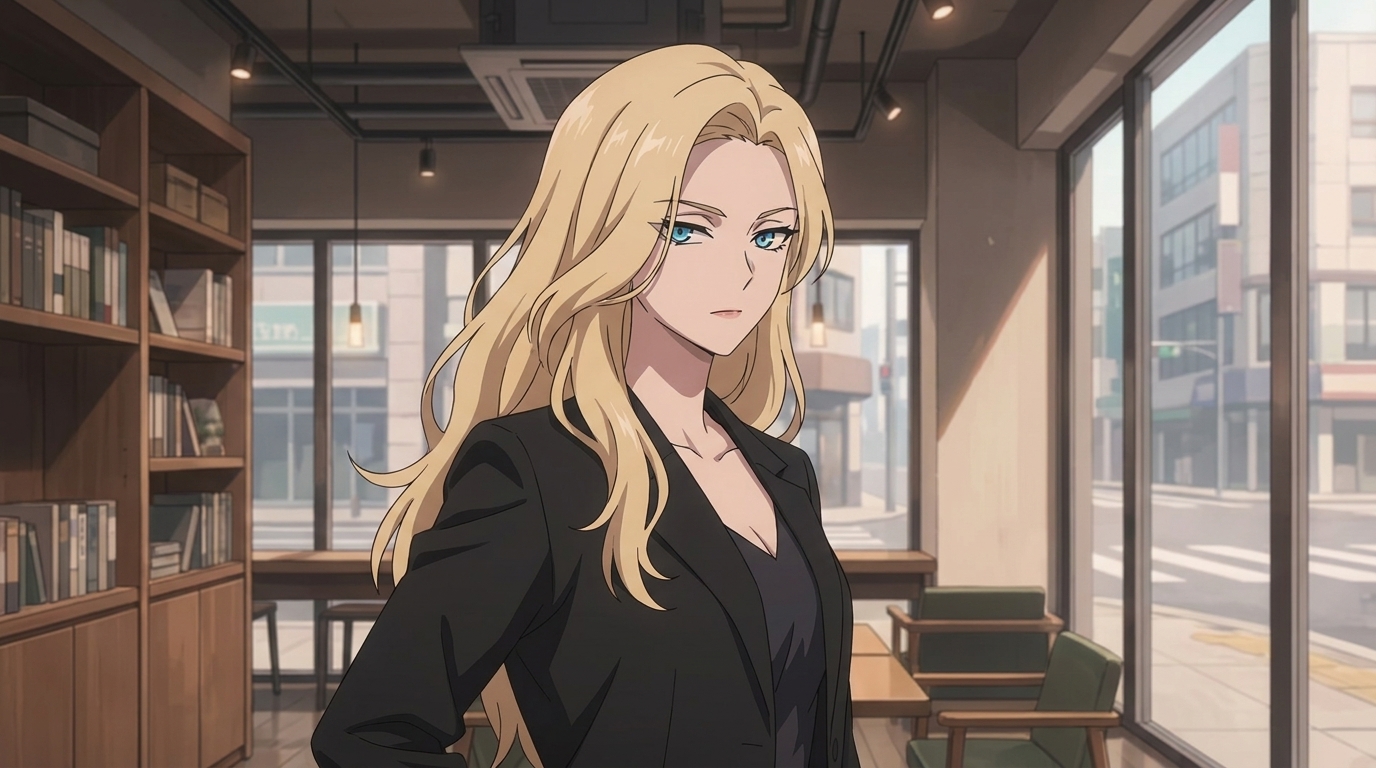
Start with a named style so every generation shares the same visual rules. The Link Click preset captures the modern urban donghua look: clean linework, soft cel shading, warm interior light, and realistic city backgrounds.
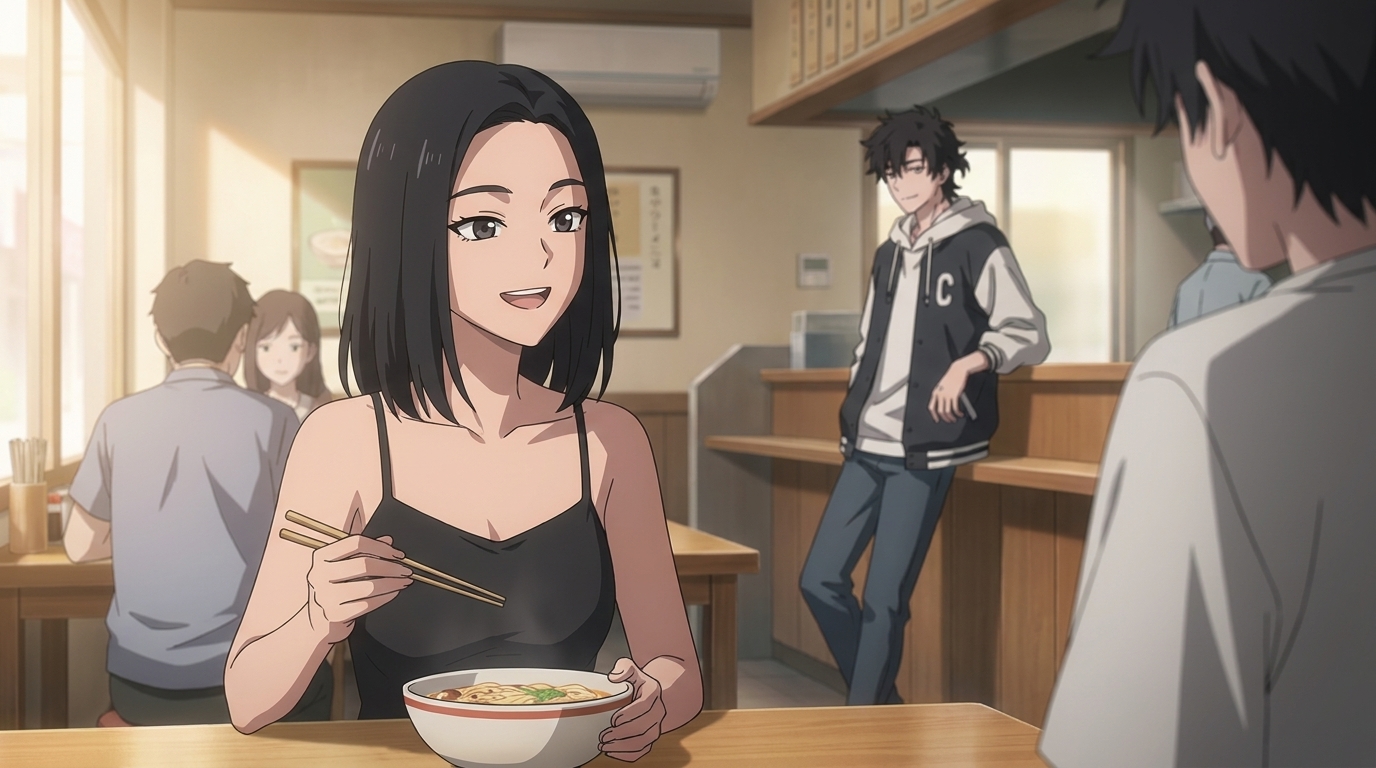
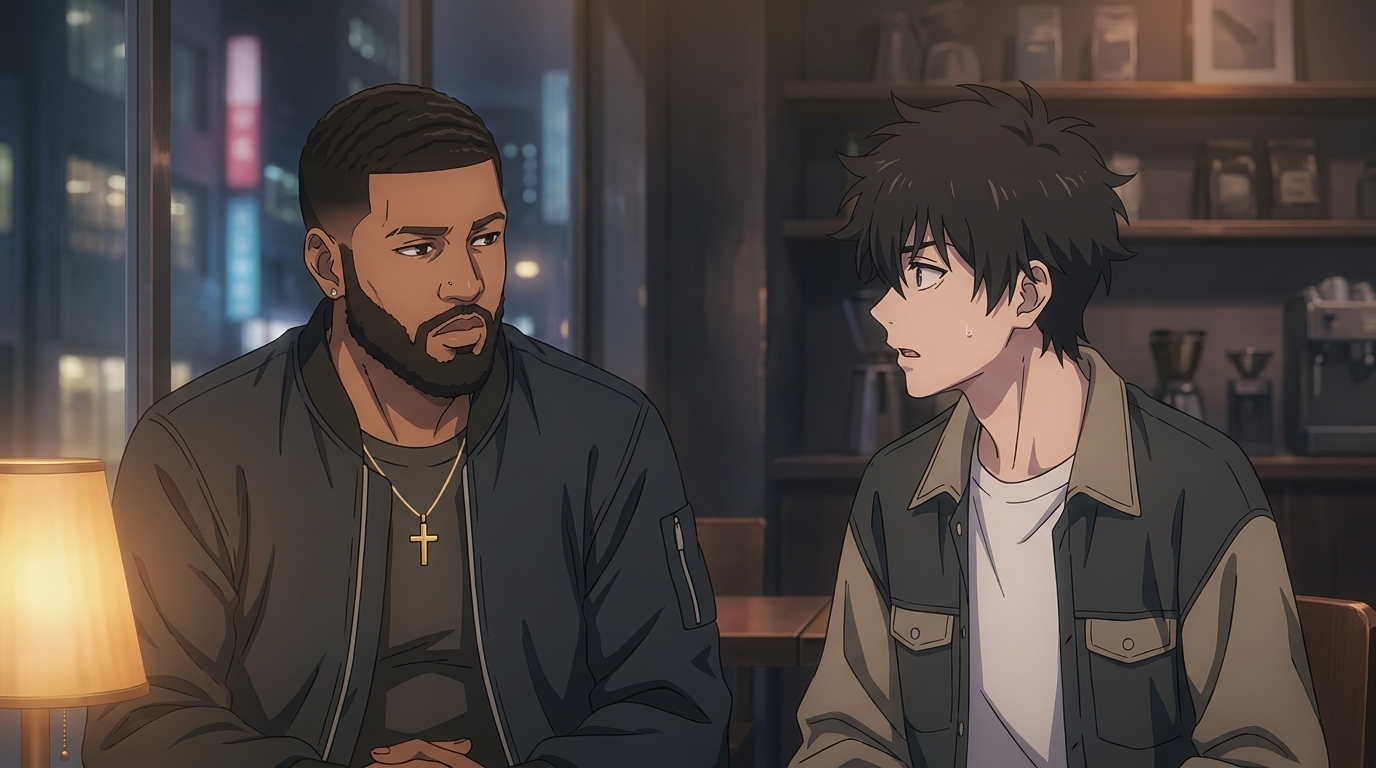
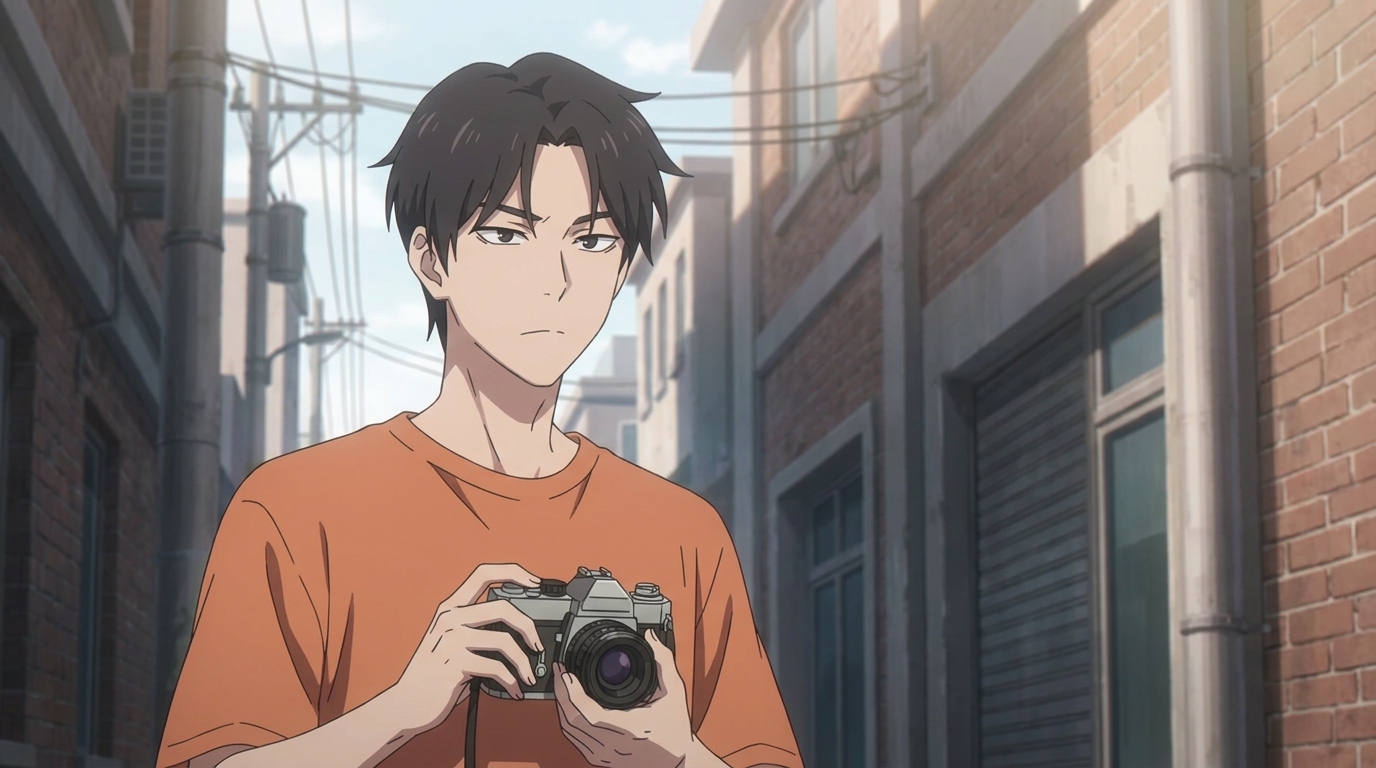
Browse sample outputs below, then apply the style to your own photos or original character prompts. You can switch presets to compare moods before committing to a series look.
Create Characters in the Donghua Art Style
Donghua characters read through subtle expression and wardrobe, not oversized eyes or battle armor. Build a character sheet with front, side, and expression views so every storyboard panel reuses the same face and proportions.
Upload a real photo to convert into donghua art, or describe an original OC with hair, outfit, and personality notes. Save the sheet to your library and @-tag the character in every scene prompt so designs stay locked across episodes.
-
1
Pick the Link Click art style
Open the style library and select the donghua preset that matches the show's modern urban look.
-
2
Generate a character sheet
Create front, side, and expression views with consistent linework and palette before you storyboard.
-
3
Save and @-tag in every scene
Reuse the locked sheet in storyboard prompts so faces and outfits never drift between shots.
Animate Your Own Donghua Videos
Donghua storytelling leans on camera placement and lighting as much as action. Storyboard quiet dialogue, tense confrontations, and city walks as stills first, then animate one clear motion per clip.
Seedance 2 carries the Link Click palette and character sheets from your approved stills into motion. Chain short clips for YouTube episodes, TikTok hooks, or full drama arcs without redrawing every frame.
-
1
Storyboard a dialogue scene
Frame two characters across a table with warm practical light. Approve the still, then animate a subtle lean, glance away, or chopstick pause to sell the conversation.
-
2
Build tension in a night interior
Use lamp glow and window bokeh for mystery beats. Animate a slow push-in or a nervous blink while the art style and character sheet stay locked.
-
3
Open with a cinematic establishing shot
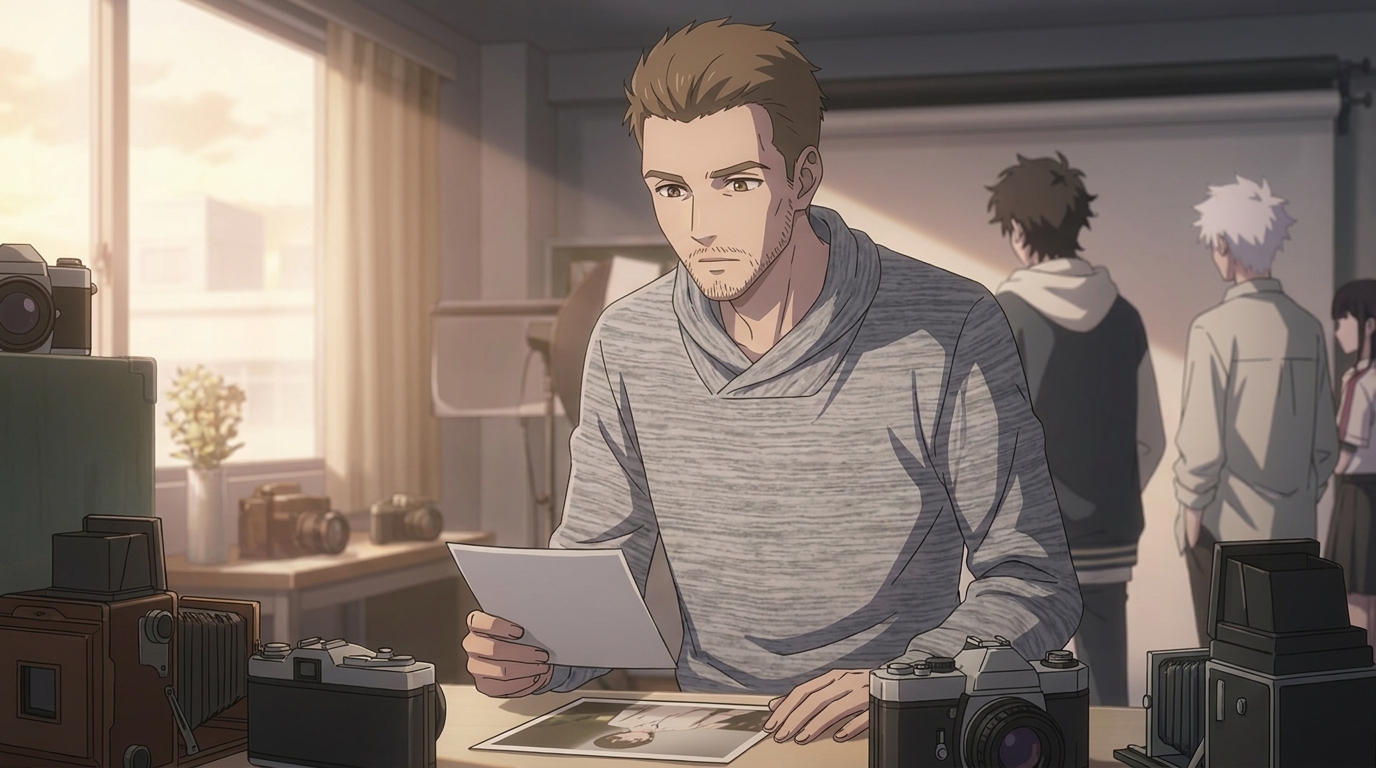
Start episodes with studio or alley stills that set place and mood. Animate light flicker, camera tilt, or a character stepping into frame to hook viewers in the first three seconds.
Explore Anime Video Creation
Guides, genres, and tools for making anime videos with AI.
Image to Video
Turn anime stills into animated clips with consistent characters.
Seedance 2 Anime
Animate scenes with Seedance 2 tuned for anime motion.
Gemini Omni Flash Anime
Google's multimodal video model for scene cuts, sports motion, and flexible image tagging.
Fighting Videos
Sword fights, action beats, and cinematic combat clips.
Mecha Anime
Military pilots, mech character sheets, and cockpit-to-combat action sequences.
Basketball Videos
Court drama, training montages, and game-winning shots.
Sports Videos
Hockey, soccer, tennis, and full sports anime series.
Magic Videos
Spell charges, fantasy effects, and atmospheric magic scenes.
Romance Videos
Emotional beats, confessions, and slice-of-life romance.
Anime Shorts
Turn a premise into a complete short in minutes.
Anime Episodes
Plan, storyboard, and animate a full episode.
Make an Anime
The full studio workflow from character to final video.
Anime Series
Build recurring characters and a season arc.
Prompting Guide
Write cinematic prompts that match your vision and stop wasting credits.
YouTube Videos
Shorts beats, episode backlogs, and long-form chapter compiles.
Isekai World Building
Design fantasy worlds, reusable locations, and cinematic isekai scenes.
AI Anime Prompt Agent
Turn rough ideas into cinematic Seedance 2 video prompts with the AI Director.
Extend Video
Lengthen any saved clip with Seedance 2.0 Mini. Describe what happens next and stitch the extension to your original.
AI Anime Video Generator
Create anime videos with AI. Explore genres, tools, and production guides.
Donghua with AI FAQ
Common questions about creating donghua art, characters, and videos with AutoWeeb.
What is donghua and how is it different from anime?
Donghua is Chinese animation. Many modern donghua series use realistic proportions, urban settings, and cinematic lighting that feel closer to live-action drama than classic Japanese TV anime. AutoWeeb's donghua presets capture those aesthetics so you can create original stories in the same visual language.
Can I use the Link Click art style for my own characters?
Yes. Select the Link Click donghua preset in AutoWeeb's style library, then generate original character sheets and scenes. The preset defines linework, shading, and palette. Your characters and story remain your own.
How do I keep donghua characters consistent across a video series?
Create and save a character sheet in the donghua art style, then @-tag that sheet in every storyboard prompt. Reuse the same saved style preset for all stills before you animate. Consistency comes from locked references, not from rewriting descriptions each time.
Can I turn donghua stills into animated clips?
Yes. Generate storyboard stills in the Link Click style, approve the framing and lighting, then run Seedance 2 image-to-video with one focused motion per clip. Chain clips together for full donghua scenes and episodes.
Do I need to draw to make donghua with AI?
No. Upload a photo to convert into donghua art, or describe an original character in text. AutoWeeb generates character sheets, storyboard panels, and animated clips without traditional drawing or editing software.
Ready to Create Your Donghua Series?
Pick a donghua art style, design your cast, storyboard cinematic scenes, and animate every beat in one workspace.
Start Creating DonghuaNo credit card required • Free to try