
SacAnime Winter 2026: How to Create Anime from Your Convention Experience
From artist alley finds to voice actor panels, turn your SacAnime moments into anime art with AI
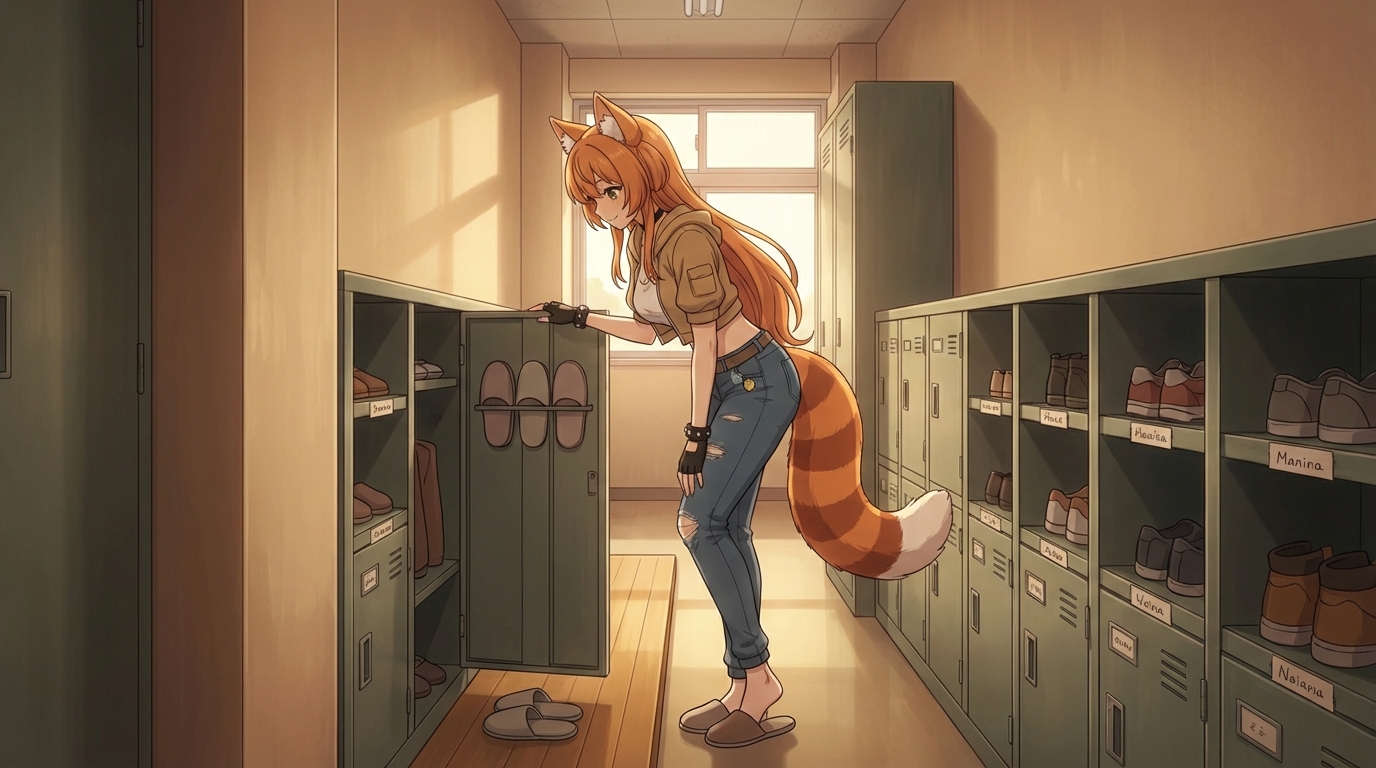
SacAnime Winter runs at Sacramento's SAFE Credit Union Convention Center and Memorial Auditorium every January, and the 2026 edition brought out One Piece voice actors including Colleen Clinkenbeard among others. For One Piece fans, the chance to be in the same room as the voices behind the Straw Hat crew is something you want to commemorate. And the rest of the convention floor offers just as much to work with: artist alley originals, cosplay gatherings, panel photography, and the general chaotic joy of being surrounded by people who care about the same shows you do.
Here is how to turn that SacAnime weekend into anime you actually made.
👉 Try AutoWeeb FreeConvert Your Convention Photos to Anime
Whatever you photographed at SacAnime, AutoWeeb can convert it to anime. Upload the photo, choose a style, and the AI handles the translation from real-world detail to anime linework and color. The conversion respects what is in the image: costume details, background context, lighting conditions.
Some photos that work especially well at a convention like SacAnime:
- Panel room shots: A photo taken during a voice actor Q&A panel, even from the audience, captures a unique atmosphere that converts into a dramatic slice-of-life or behind-the-scenes anime scene.
- Artist alley finds: If you bought a print you love, photograph it alongside your own face and convert the whole thing. The AI blends your portrait with the art style of the illustration.
- Cosplay at Memorial Auditorium: The classical architecture of Sacramento's Memorial Auditorium makes for unusual convention cosplay backdrops. A cosplay shot against those columns and arches converts into something more theatrical than the standard convention center background.
- Friends and groups: A group shot with your crew from the weekend becomes an anime ensemble when run through AutoWeeb.
Build Your Anime Character
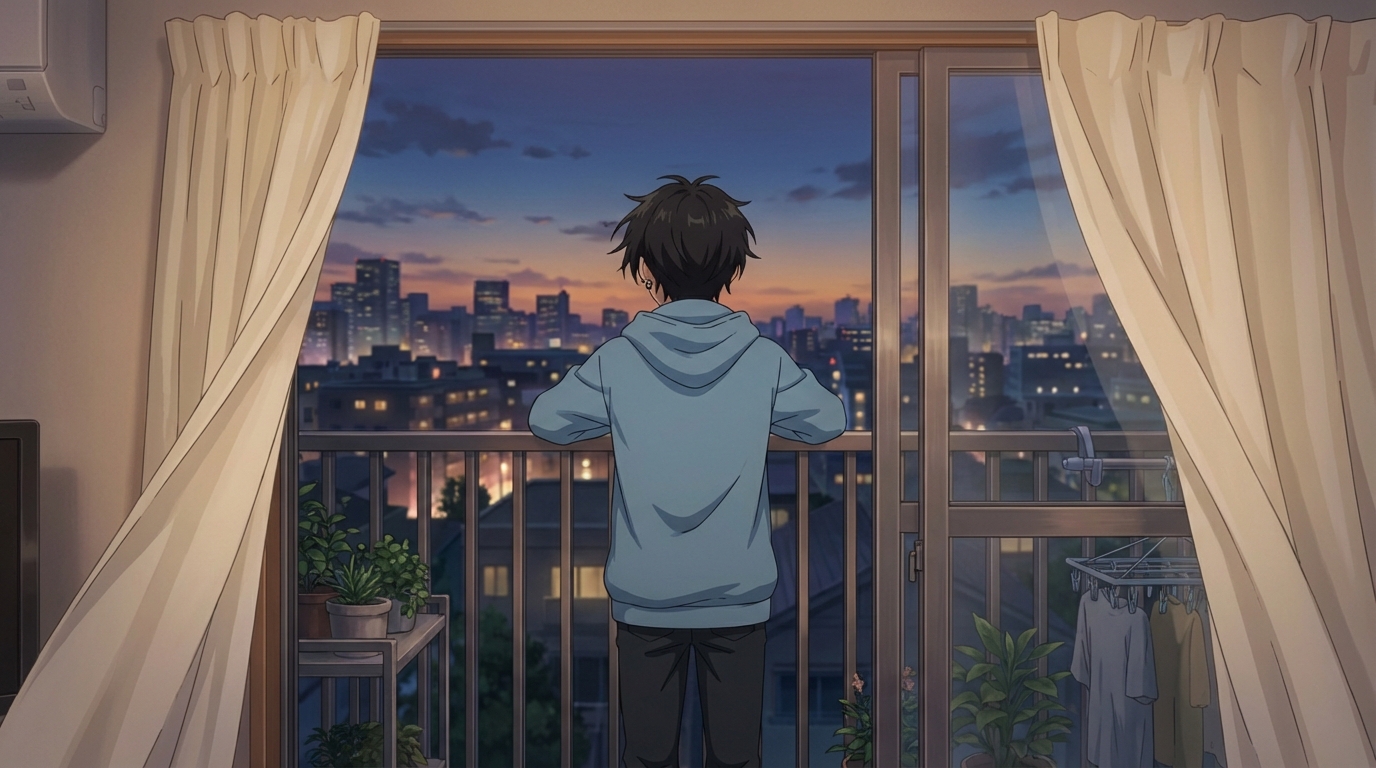
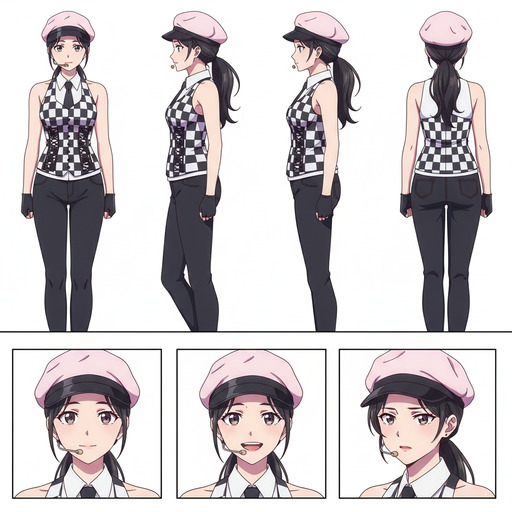
SacAnime's cosplay community puts a lot of craft into their builds. If you put effort into a costume, give it a longer life as a permanent anime character. Take a photo of your cosplay and upload it to AutoWeeb's Character Creator. The AI generates a Character Sheet: your character from multiple angles, with different expressions, in a consistent design.
From that Character Sheet, every future image and video you generate will feature the same character, with the same face and the same outfit. You can place them into any scene: a One Piece-style sea adventure, a convention crowd, a quiet coffee shop moment. The character carries over because the design is locked.
Make Your Character Fan-Art Ready
One thing that stands out at SacAnime's artist alley is the variety of fan interpretations of the same characters. You can do the same with your own anime character. Generate them in different styles using AutoWeeb: shounen, seinen, shojo, chibi. Each style produces a different read of the same base character, like how the same Straw Hat crew looks different across different One Piece arcs.
👉 Create Your Anime Character on AutoWeebGenerate Images and Short Anime Clips
With a saved Character Sheet, generating scenes is fast. Write a prompt describing the setting, the mood, and what your character is doing. AutoWeeb's image generator places your character in that scene with the correct lighting, background, and composition. Want your character at a voice actor signing table? Write it. Want them sailing on the Grand Line? Write that too.
When you find a still you like, animate it. AutoWeeb's video tools add motion to the image: wind through hair, breathing animation, shifting light. A few seconds is enough to turn a portrait into something that feels like a scene from a real episode.
Everything you experience at SacAnime, the voice actors, the cosplay, the art, the fan community, is already part of the anime world you love. AutoWeeb just gives you the tools to put yourself inside it.
Start Creating Anime on AutoWeebRelated Blog Posts
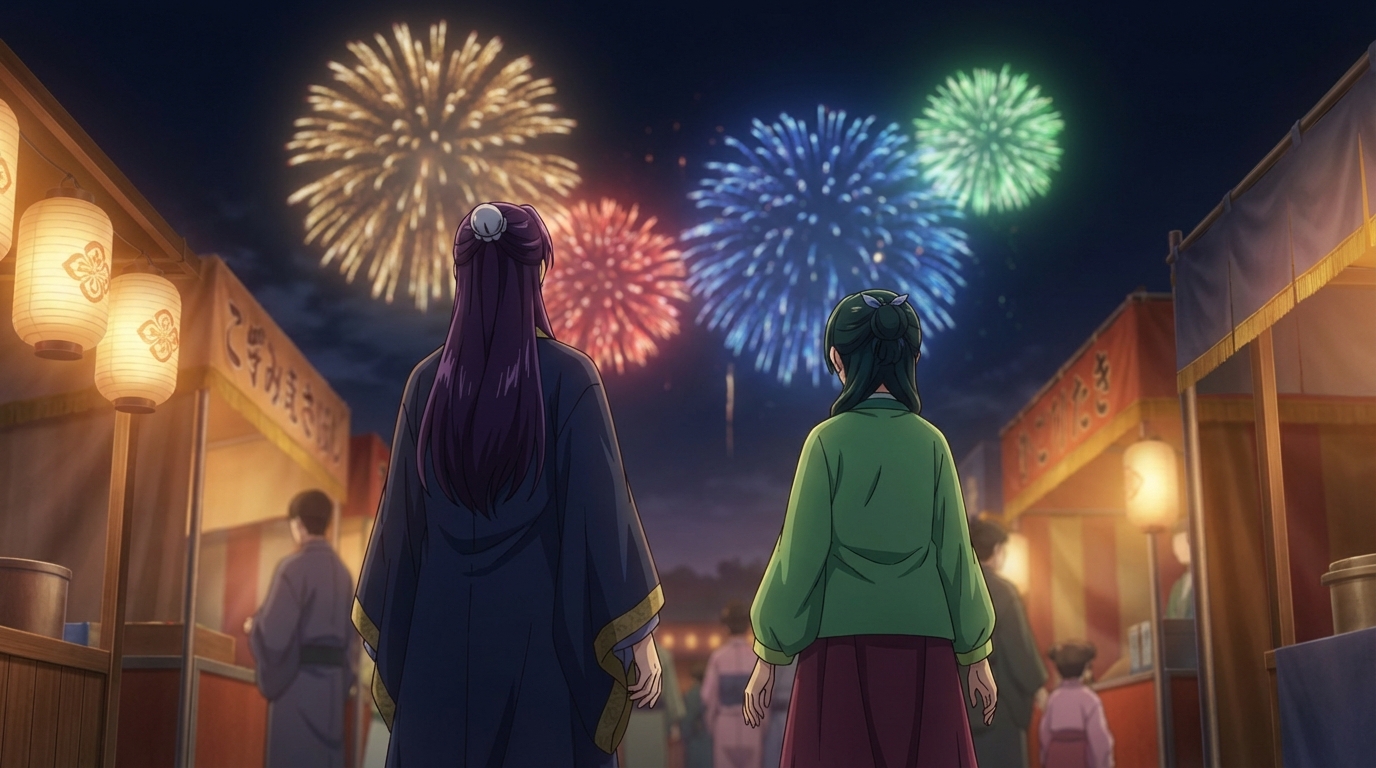
Holiday Matsuri 2025: How to Create Anime from Your Convention Experience
Turn your Orlando convention moments into anime art, characters, and animated clips with AI
Attended Holiday Matsuri 2025 in Orlando? Learn how to turn your cosplay photos, performance shots, and convention highlights into anime art and animations with AutoWeeb's AI tools.
Photo-to-Anime is Having its Moment
Everyone wants to be kawaii ✌️
Why photo-to-anime is booming: new AI models, the Ghibli selfie moment, and what makes likeness-preserving conversion so hard.
Explore AutoWeeb
Jump into the tool that fits your creative step.
AI Anime Video Generator
Animate storyboard shots into cinematic clips with Seedance 2 and consistent characters.
Anime Character Creator
Design original characters with consistent sheets across every scene.
AI Anime Image Generator
Generate cinematic anime stills anchored to your character library.
Turn Photo Into Anime
Upload any photo and watch AI turn it into stunning anime art in seconds.
AI Anime Location Generator
Create a location set once, then generate reference images from every angle.
AI Anime Storyboarding
Describe your idea, pick your characters, and let AI draft the script and scenes.
AI Anime Prompt Agent
Turn a rough idea into a cinematic Seedance 2 prompt with the AI Director.