
AI Anime Battle Generator: Create Epic Anime Action Scenes
From staredowns to finishing blows, generate cinematic anime battles with your own characters
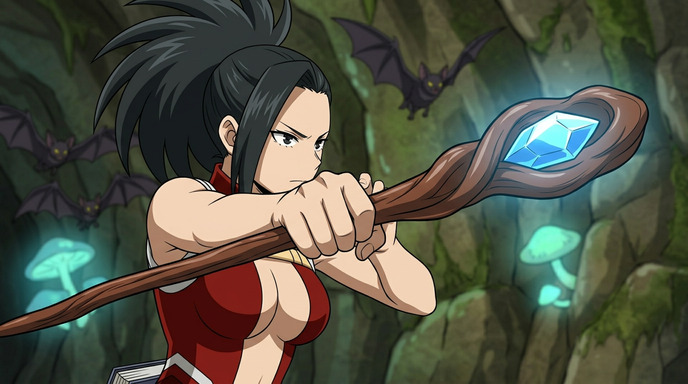
The best anime battles aren't about spectacle alone. They're built on tension, timing, and the weight of what each fighter stands to lose. AutoWeeb's AI anime battle generator lets you create those moments from scratch: build a character, describe the scene, and generate anime combat images and videos that feel like they belong in a real series.
👉 Start Generating Anime Battles on AutoWeebBuild Your Fighter First
Every great battle starts with a character worth rooting for. AutoWeeb gives you two ways to create your fighter:
- From a photo: Upload your own face and convert it to anime. The result preserves your likeness while translating it into anime proportions. Build a Character Sheet from the conversion to lock in the design: same face, same build, same presence in every frame.
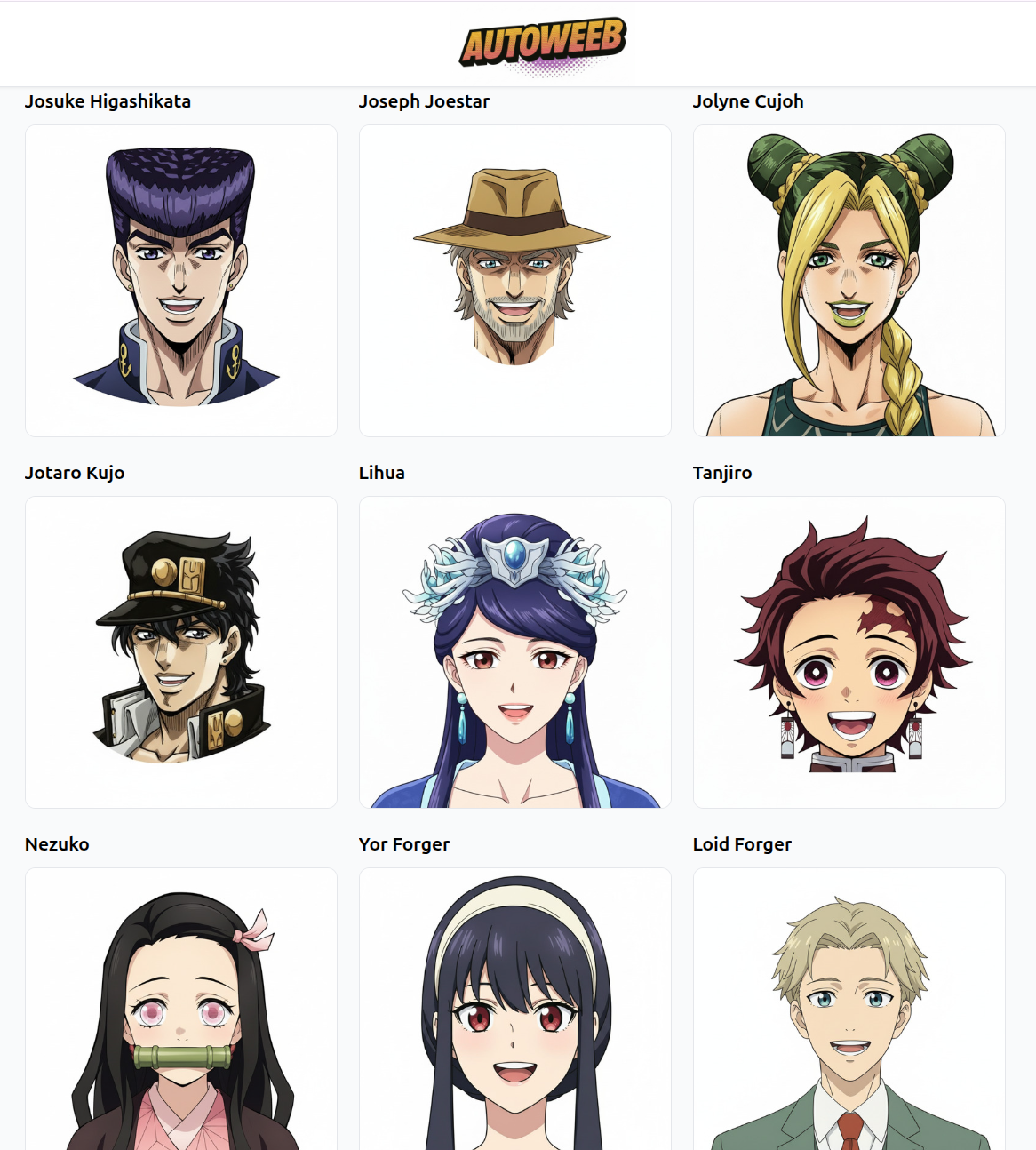
- From the library: Browse AutoWeeb's Shared Characters for ready-made fighters with established visual identities. These are designed to hold up in action scenes, with dynamic poses and combat-ready designs.
The Character Sheet is what makes the difference between a one-off image and a real battle sequence. With the sheet saved, your fighter looks the same in the opening stance, the mid-battle clash, and the aftermath. Consistency turns individual images into a narrative.
Describe the Moment, Not the Genre
The difference between a generic action image and a real anime battle comes down to specificity. Prompts like "anime battle" or "cool fight" produce vague results because they describe a category, not a moment. The AI needs a frame to render, not a concept.
Think about the battle scenes that stuck with you. They're always a single frozen instant: the moment before a sword connects, the split-second a blast parts the smoke, the quiet exhale after a decisive counter. That's what your prompt should describe.
Prompts that produce real battle scenes:
- "fist stopped an inch from the opponent's face, both fighters locked in place, dust settling around them, afternoon sun cutting through the gap between buildings"
- "she's mid-backflip over a sweeping blade, her coat trailing behind her, sparks from the blade scraping the ground, low angle shot, night sky overhead"
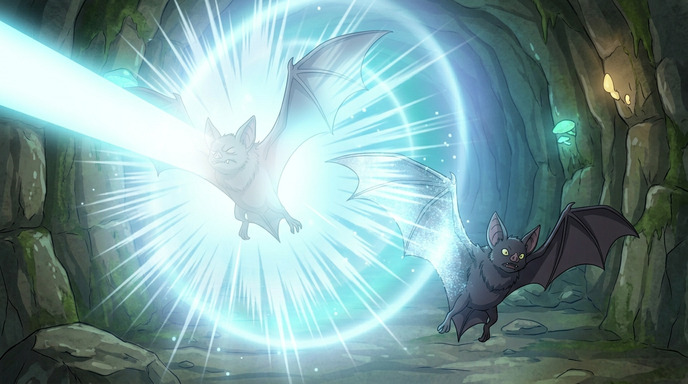
- "energy blast deflected upward, both hands raised, ground cracking beneath her feet, wind blowing hair and clothing sideways, wide shot showing the crater forming"
Layer Your Battle Sequence
A single battle image is a poster. A sequence of connected moments is a story. The most effective way to use the AI anime battle generator is to plan your fight as a series of beats:
- The standoff: Two fighters sizing each other up. Tension without contact. Environmental details that establish the stakes.
- The opening move: First strike, first dodge, first reveal of a hidden ability. The moment the fight becomes real.
- The turning point: One fighter gains the upper hand, or an unexpected reversal changes everything. This is the frame with the most drama.
- The decisive blow: The final exchange. Maximum visual impact, maximum emotional weight.
Generate each beat as a separate image with the same character attached. The Character Sheet ensures visual continuity across the whole sequence.
Bring It to Life with Video
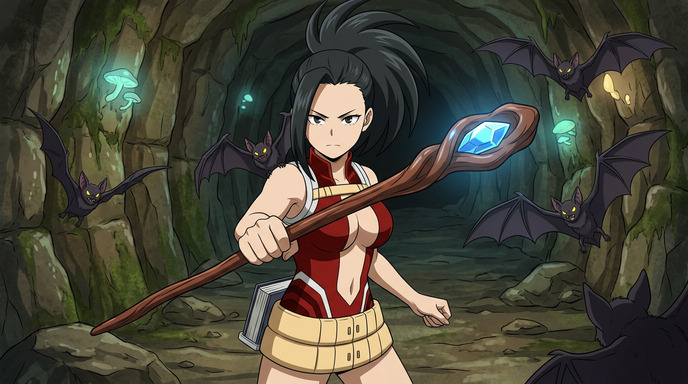
Still images set the stage. Video delivers the impact. AutoWeeb's video generation tools can animate your battle stills into short clips with fluid motion: a punch connecting, a dodge in slow motion, an energy blast expanding outward.
Even a 2-3 second clip inserted between two stills transforms a storyboard into something that breathes. The motion doesn't need to be complex. A blade swinging through frame, hair whipping in the shockwave, debris tumbling in slow motion. Small movements with big visual payoff.
Camera Angles That Sell the Impact
- Low angle: Shooting up at a character makes them look powerful, towering, unstoppable. Use this for the decisive blow or a dramatic entrance.
- Over-the-shoulder: Puts the viewer behind one fighter, looking at their opponent. Creates intimacy and threat simultaneously.
- Extreme close-up: Eyes narrowing, fist clenching, a bead of sweat. The pause before the storm. These frames carry more tension than any wide shot.
- Wide establishing shot: Shows the full battlefield, the scale of destruction, the distance between fighters. Use this to open or close a sequence.
Include camera direction directly in your prompt. The AI responds well to cinematographic language, and the difference between a flat composition and a dynamic one is often just three words.
Go Further with Fighting Videos
Ready to turn battle stills into full combat clips? Our Create Anime Fighting Videos hub brings together sword fight guides, Seedance 2 tips, storyboarding advice, and the full workflow for cinematic anime battle sequences.
Your Battle Starts Here
Build your fighter, describe the moment that matters, and generate anime battles that actually carry weight. For more on creating fight-ready characters, see the fight scene generator guide or learn how to build a character from scratch.
👉 Start Generating Anime Battles on AutoWeebRelated Blog Posts
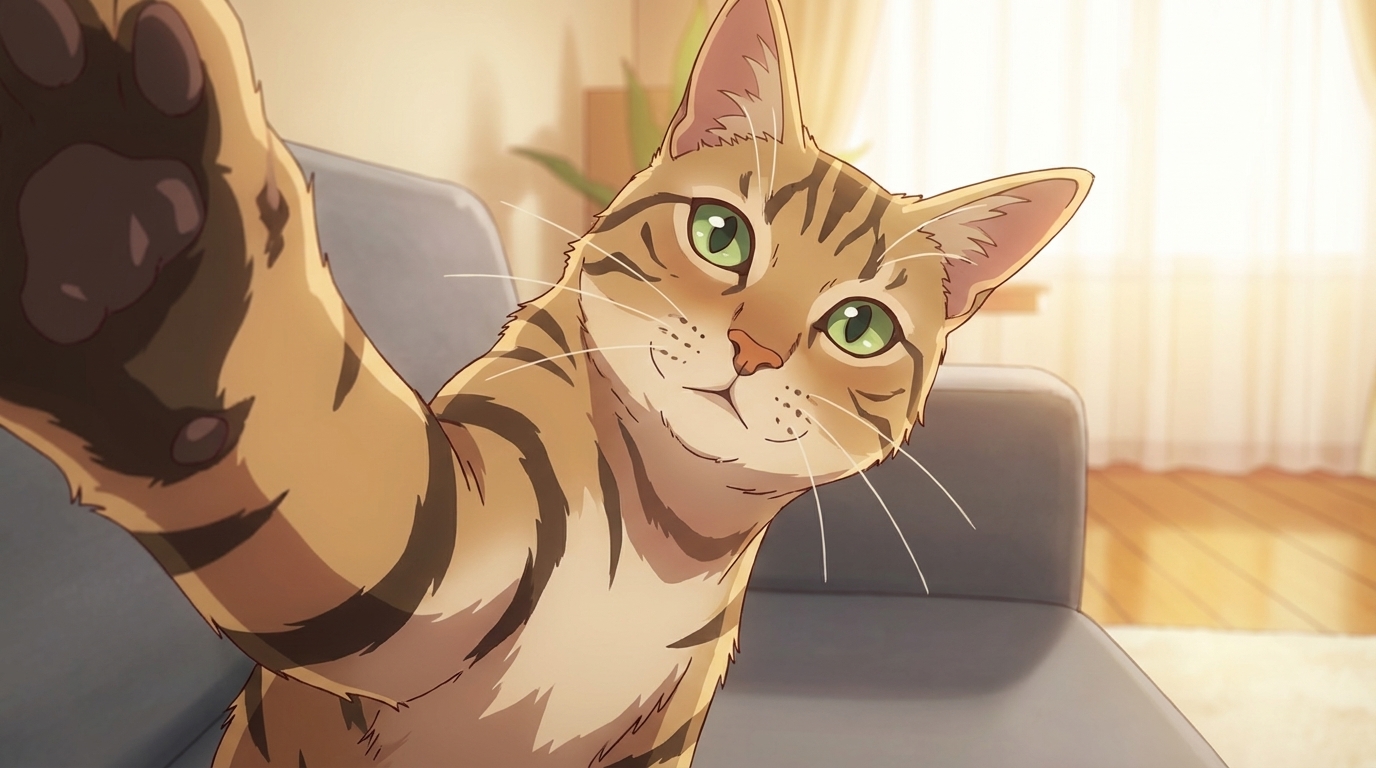
How to Turn Your Pets into Anime
A photo of your pet and an AI model — here's how to give any animal a proper anime character design
Learn how to turn your pet into anime art with AI. Dogs, cats, birds, fish — AutoWeeb converts any pet photo into a custom anime character with a full character sheet.
Anime Production Cost Calculator: Traditional vs AI
Real numbers on what it costs to produce anime, from hand-drawn cuts to AI-generated video. Adjust the inputs and see the full breakdown.
Interactive calculator comparing traditional anime production costs against AI-generated anime. Adjust episodes, quality, and region for a sourced cost breakdown.
How to Create Your Own Anime Pictures at Anime Central 2026
The Midwest's largest anime convention, and a weekend's worth of photos ready to be turned into art
Heading to Anime Central 2026 in Rosemont, IL? Learn how to convert your ACen cosplay photos and convention moments into anime art with AutoWeeb's AI tools.
How to Create Your Own Anime Pictures at Anime Expo 2026
The biggest anime convention in North America, and the best raw material you'll find all year for your anime art
Going to Anime Expo 2026 in Los Angeles? Here's how to turn your AX cosplay photos, artist alley finds, and convention memories into anime art with AutoWeeb.
Explore AutoWeeb
Jump into the tool that fits your creative step.
AI Anime Video Generator
Animate storyboard shots into cinematic clips with Seedance 2 and consistent characters.
Anime Character Creator
Design original characters with consistent sheets across every scene.
AI Anime Image Generator
Generate cinematic anime stills anchored to your character library.
Turn Photo Into Anime
Upload any photo and watch AI turn it into stunning anime art in seconds.
AI Anime Location Generator
Create a location set once, then generate reference images from every angle.
AI Anime Storyboarding
Describe your idea, pick your characters, and let AI draft the script and scenes.
AI Anime Prompt Agent
Turn a rough idea into a cinematic Seedance 2 prompt with the AI Director.