
Ohayocon 2026: How to Create Anime from Your Dayton Convention Experience
Foam sword battles, cosplay contests, and Midwest anime community — all turned into anime art with AI
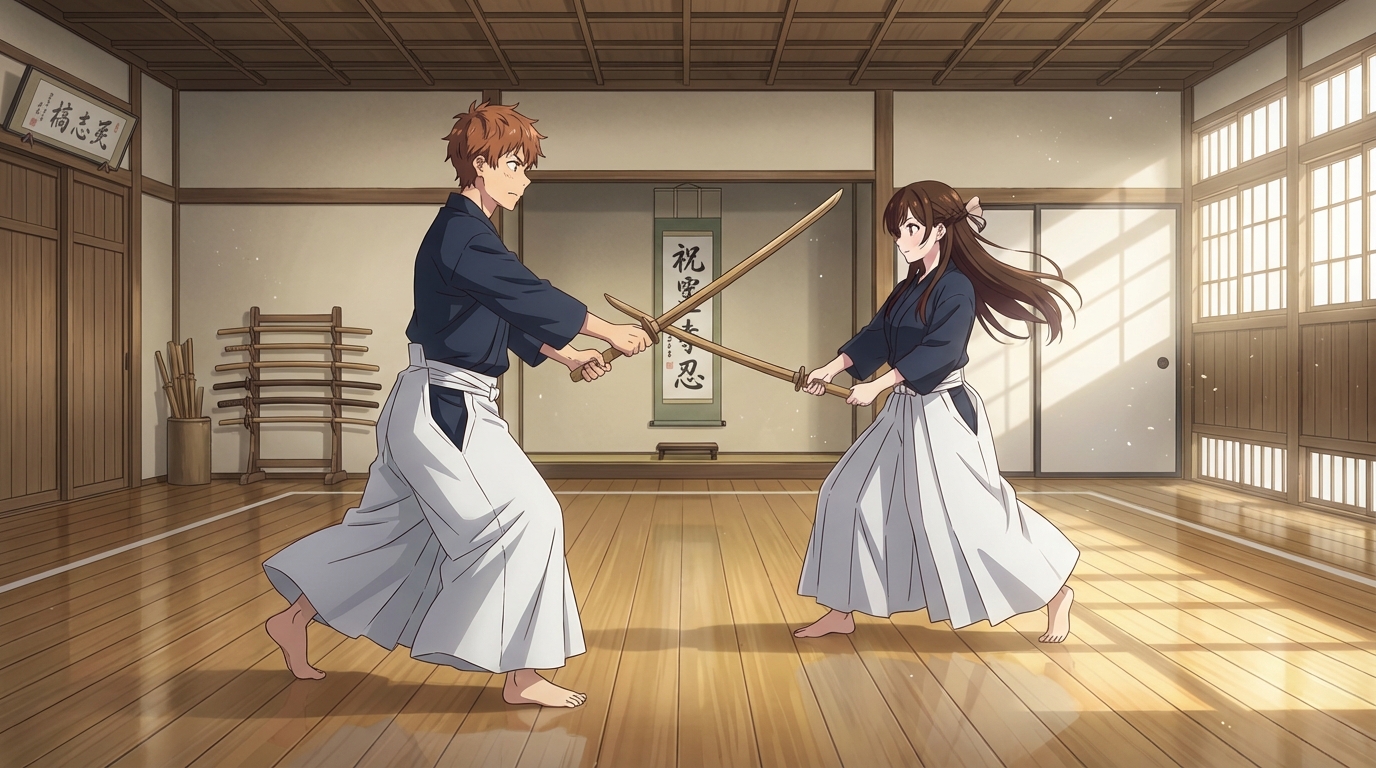
Ohayocon is one of the Midwest's largest anime and gaming conventions, running each January at the Dayton Convention Center in Ohio. The 2026 edition featured a cosplay expo, foam sword fighting events, gaming rooms, and special panel celebrations including 25th anniversary reunions for fan-favorite animated series. The convention brings together a dedicated regional community that takes both the cosplay and the gaming seriously.
Ohayocon's blend of combat-themed events, community panels, and convention cosplay gives you a rich set of visuals to work with. Here is how to use those moments to create anime with AI.
👉 Try AutoWeeb FreeTurn Foam Sword Fights into Anime Battle Scenes
Ohayocon's foam sword fighting events are one of the convention's most distinctive offerings. The staged combat, costumed participants, and action-heavy photography that comes out of these events is exactly the kind of material that converts into anime fight scenes.
Upload a photo from the foam sword battles to AutoWeeb and apply a high-energy anime style. Action poses, weapon clashes, and mid-strike moments translate into dynamic anime frames with speed lines, dramatic lighting, and the kind of impact framing you see in Demon Slayer or Jujutsu Kaisen.
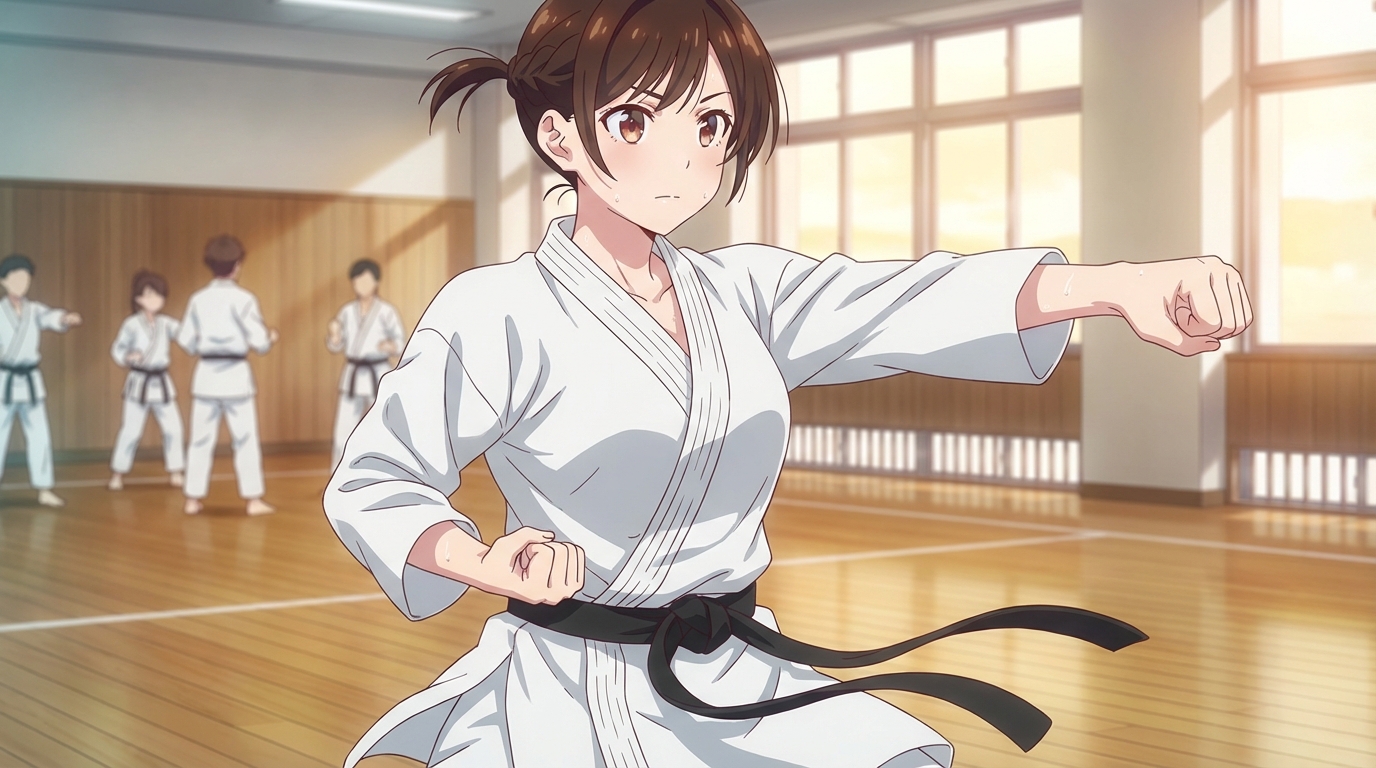
Generate a Full Fight Scene
You can go further than converting a single photo. Use AutoWeeb's image generator to create a multi-shot fight sequence featuring your anime character. Write a prompt for the setup shot, the mid-fight, and the resolution. Each image can feature your Character Sheet so the protagonist looks the same across every frame.
Convert Cosplay Photos to Anime
Ohayocon's cosplay community brings serious craftsmanship to the convention floor. A photo of a well-made cosplay, especially one for an action or fantasy series, converts into striking anime art when run through AutoWeeb's photo-to-anime converter.
The AI preserves costume details that took time to build: prop weapons, handmade armor, styled wigs, layered outfit construction. What you get back looks like official character art rather than a filtered photo.
Choose a Style That Fits the Source Material
AutoWeeb's style selection lets you match the output to the character's original series. A cosplay from an older franchise can be rendered in a vintage anime aesthetic. A cosplay from a current seasonal hit can be done in the modern high-detail style. This matching makes the result feel more authentic than applying a single generic anime filter.
Build Your Own Anime Character
Whether you attended in cosplay or in casual clothes, you can create an anime version of yourself. Upload a photo to AutoWeeb's Character Creator and the AI generates a Character Sheet capturing your appearance from multiple angles with distinct expressions. Add details like your Ohayocon outfit, a foam sword prop, or the convention hall background.
Once your Character Sheet is saved, drop your character into any scene. A battle scenario, a gaming room setting, or a convention crowd. The character looks consistent every time because the design is locked into the sheet.
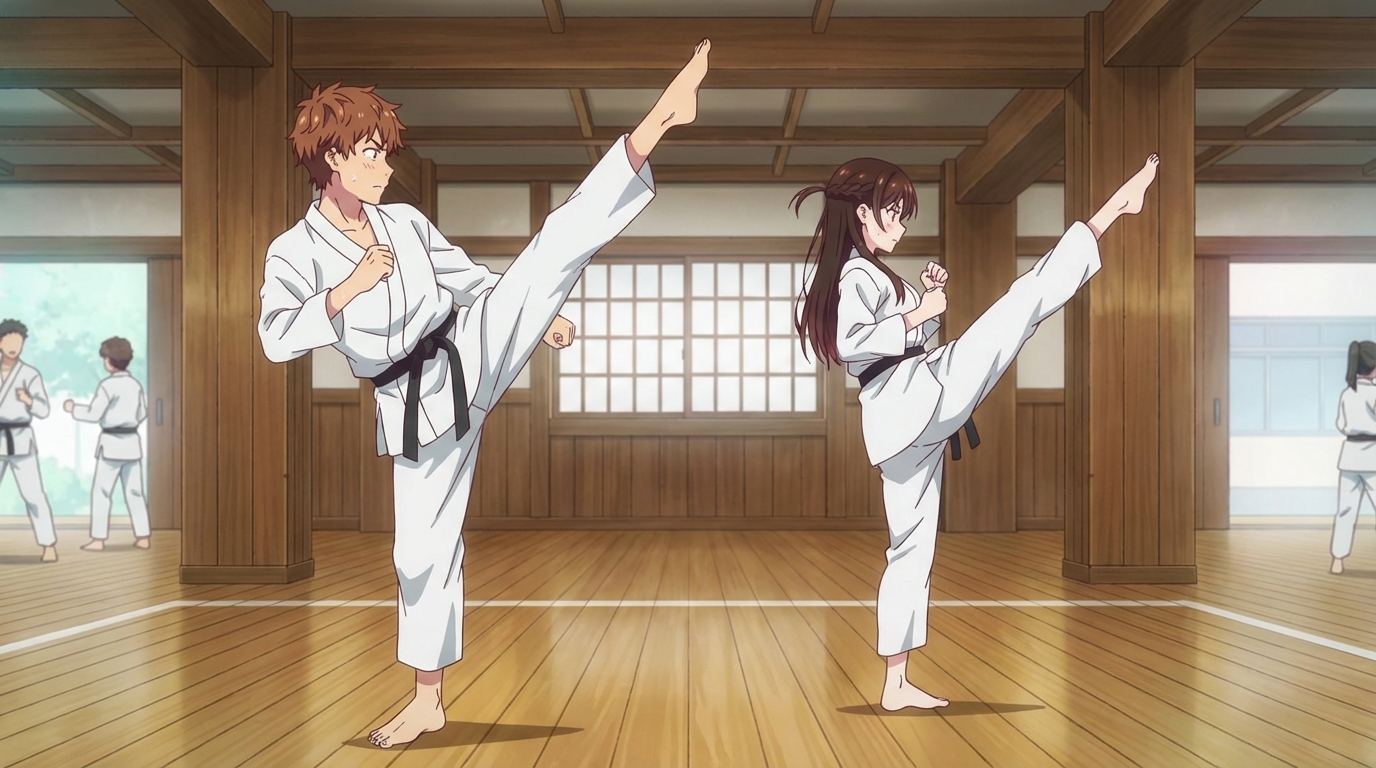
Animate Your Convention Highlights
AutoWeeb's video tools add motion to any generated image. A still image of your character mid-swing with a foam sword becomes an animated clip with movement in the strike, shifting light, and a dynamic background. A portrait from the cosplay expo becomes a living character, breathing and looking around.
Ohayocon has a lot of energy. The animations let that energy carry through even after the convention ends.
Start Creating Anime on AutoWeebRelated Blog Posts
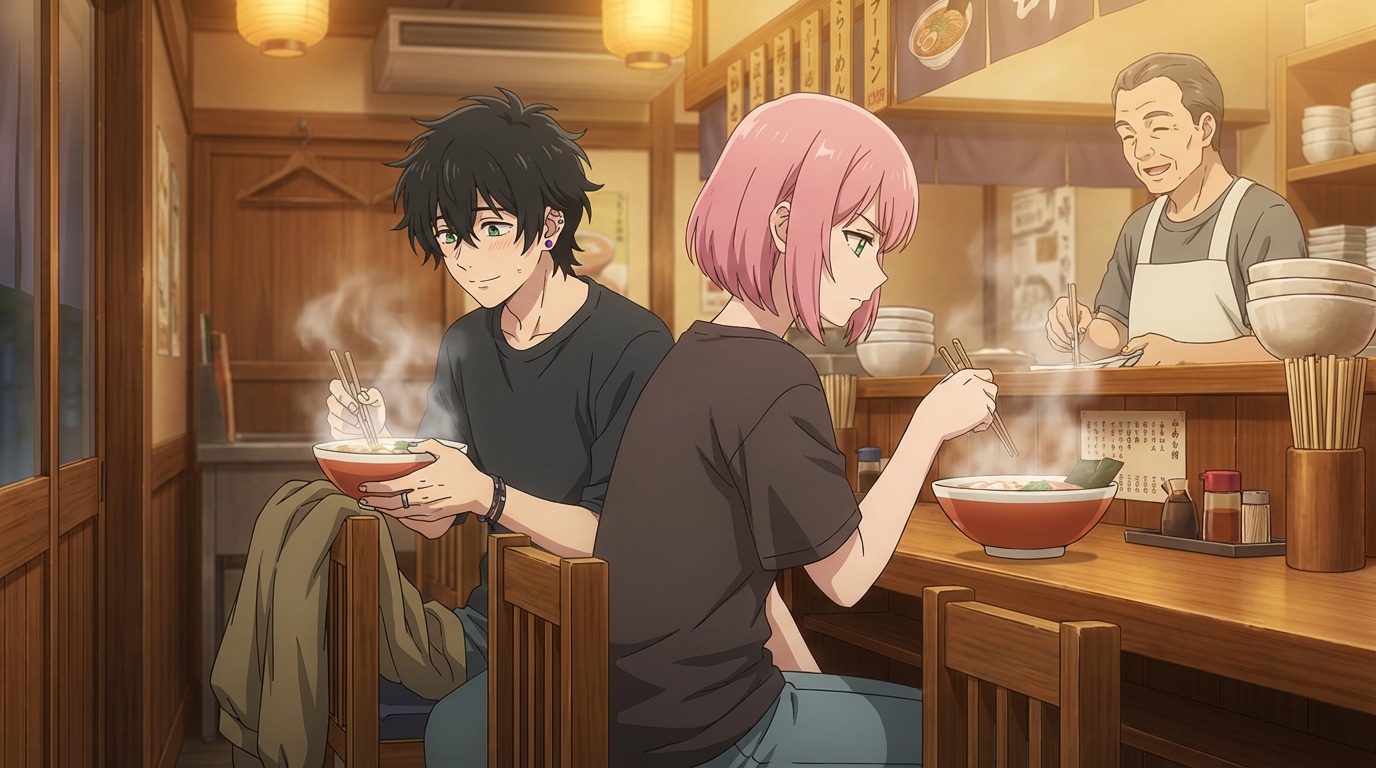
Taiyou Con 2026: How to Create Anime from Your Arizona Convention Experience
K-pop dances, Japanese food trucks, and 300+ hours of activities — turn every moment into anime with AI
Attended Taiyou Con 2026 in Mesa, Arizona? Learn how to turn your K-pop performance photos, Japanese food truck finds, and cosplay into anime art and animated clips with AutoWeeb.
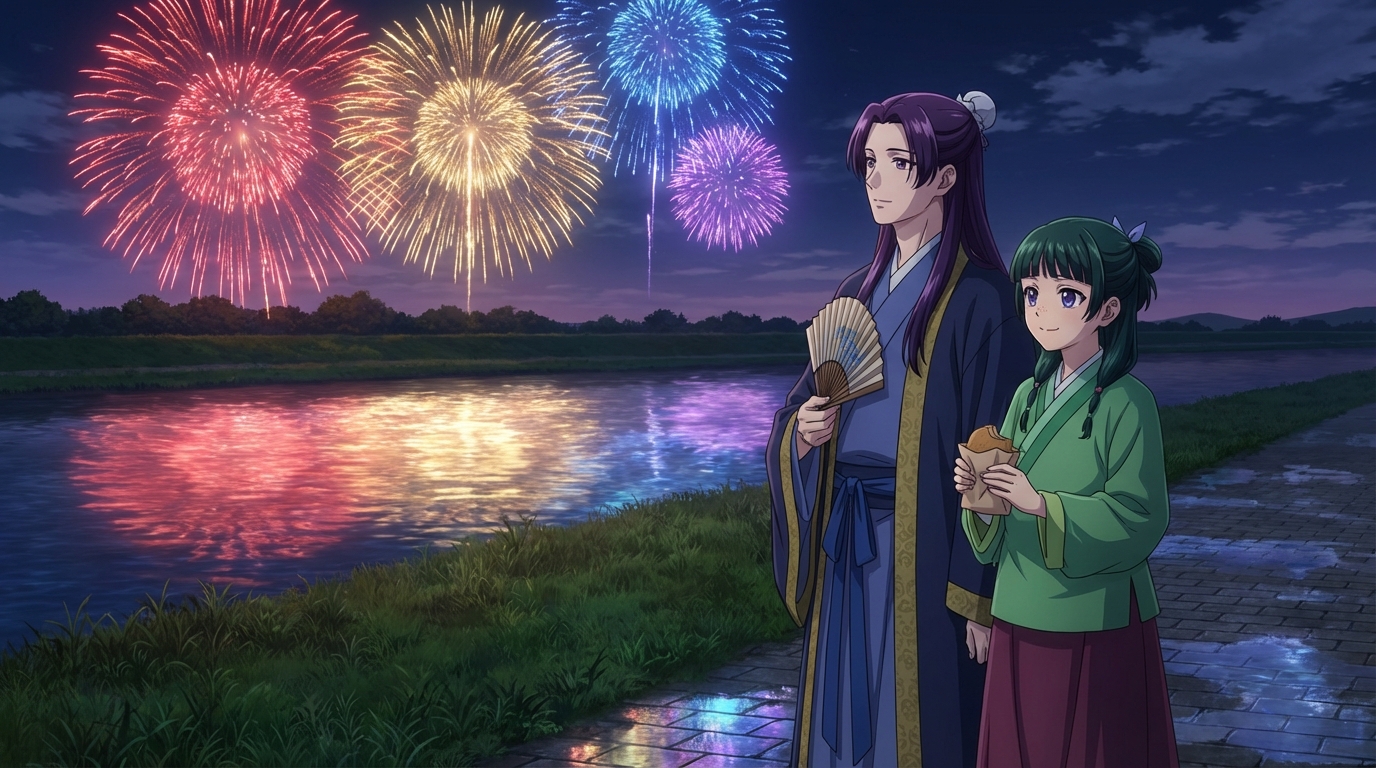
Ichibancon 2026: How to Create Anime from Your Charlotte Convention Experience
North Carolina's beloved anime con — cosplay, Japanese cultural programming, and community — turned into anime with AI
Attended Ichibancon 2026 in Charlotte, North Carolina? Learn how to turn your cosplay photos, Japanese cultural activities, dance performances, and convention highlights into anime art, characters, and animations with AutoWeeb.
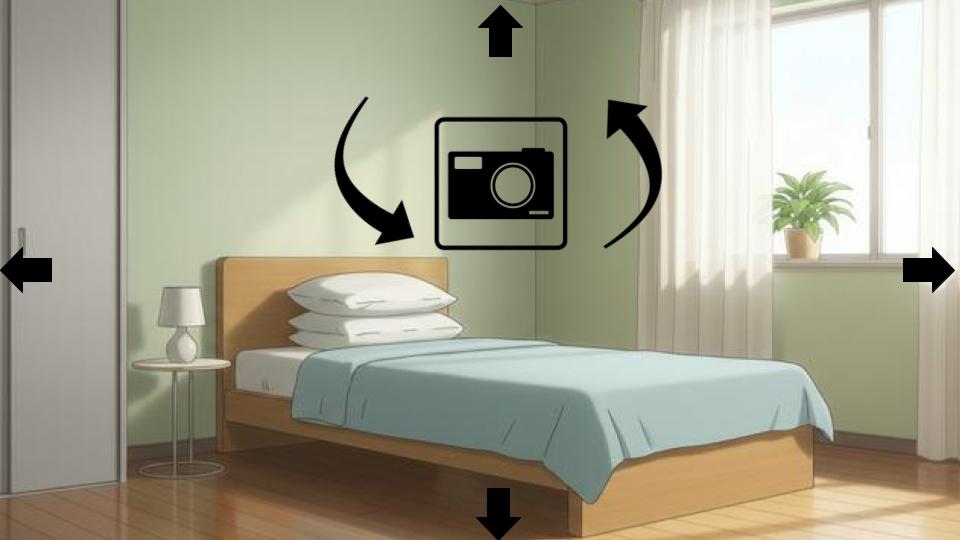
Why Background Scene Builders are the Secret to Professional AI Anime
The virtual camera directors have been waiting for 🎬
Learn how 3D panoramic scene-builders give AI anime creators the virtual camera they need for cinematic consistency and professional storytelling.
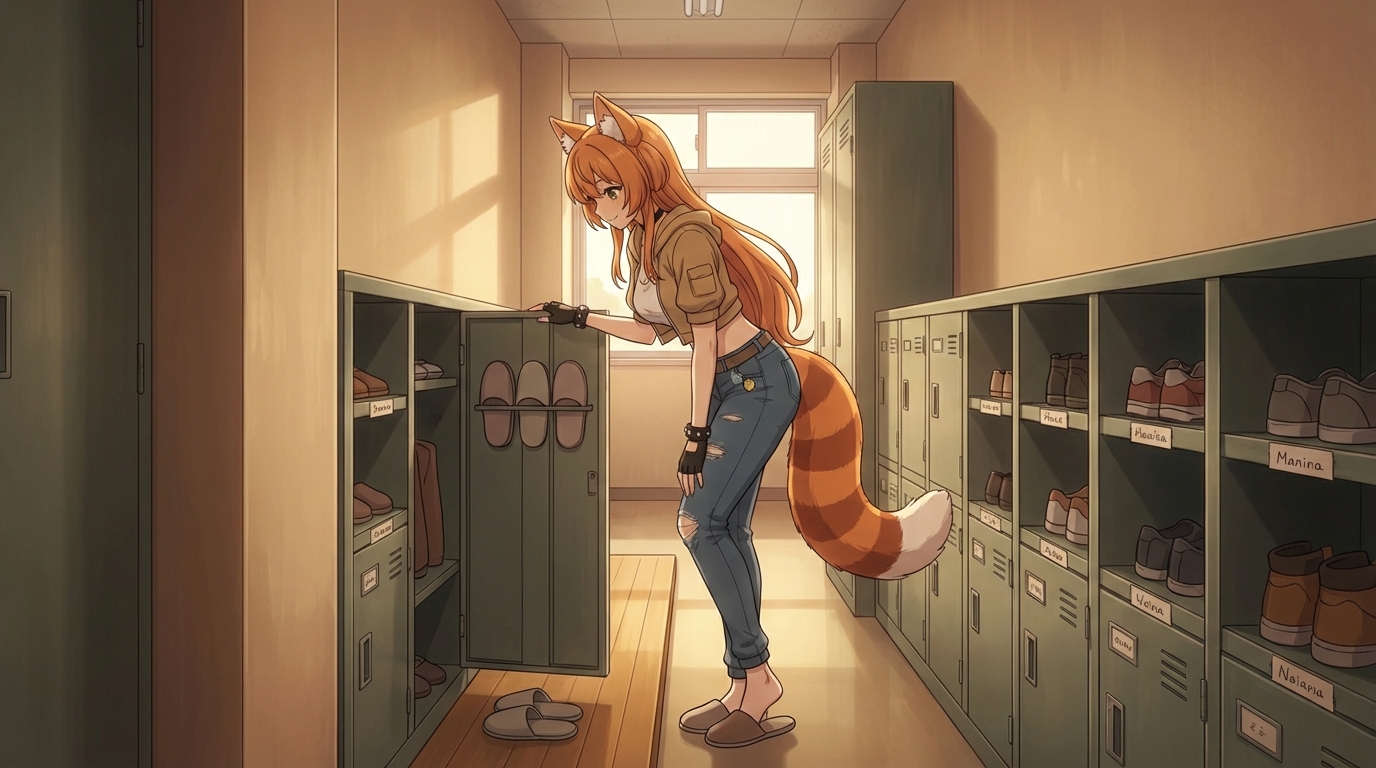
SacAnime Winter 2026: How to Create Anime from Your Convention Experience
From artist alley finds to voice actor panels, turn your SacAnime moments into anime art with AI
Attended SacAnime Winter 2026 in Sacramento? Learn how to convert your convention photos, cosplay, and favorite panel moments into anime art, custom characters, and animations with AutoWeeb.
Explore AutoWeeb
Jump into the tool that fits your creative step.
AI Anime Video Generator
Animate storyboard shots into cinematic clips with Seedance 2 and consistent characters.
Anime Character Creator
Design original characters with consistent sheets across every scene.
AI Anime Image Generator
Generate cinematic anime stills anchored to your character library.
Turn Photo Into Anime
Upload any photo and watch AI turn it into stunning anime art in seconds.
AI Anime Location Generator
Create a location set once, then generate reference images from every angle.
AI Anime Storyboarding
Describe your idea, pick your characters, and let AI draft the script and scenes.
AI Anime Prompt Agent
Turn a rough idea into a cinematic Seedance 2 prompt with the AI Director.