
Seedance 2 vs Omni Flash: Which Should You Use for Anime?
Two leading AI video models, different tagging systems, different motion languages, and side-by-side examples across slice-of-life, action, and sports
Seedance 2 and Google Gemini Omni Flash are both capable of anime video generation, but they are not interchangeable. Seedance 2 is tuned for anime-style pacing and accepts audio references. Omni Flash is a native multimodal model with a different tagging system, stronger scene-cut behavior, and a motion language that shines in sports but can feel over-animated on quiet slice-of-life shots.
We ran matched tests across three anime genres using the same starting images and comparable prompts. Below are side-by-side clips, a feature comparison, and practical guidance on which model fits which project.
👉 Create Anime Starting Images on AutoWeebOmni Flash and Seedance 2 Comparison
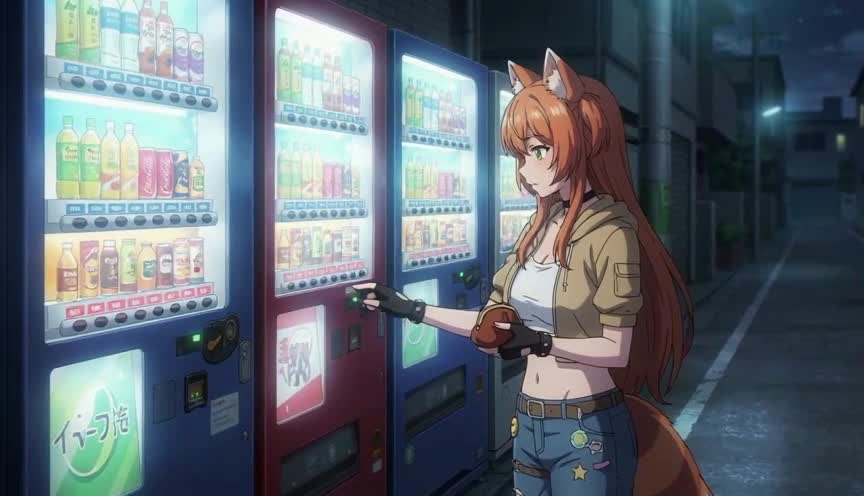
Slice-of-life anime lives on restraint: held frames, small gestures, ambient sound instead of a full soundtrack. Seedance 2's output tends toward a 24fps anime cadence with fewer in-between poses. Omni Flash adds more micro-movement, which can make a quiet vending-machine moment feel busier than intended.
Omni Flash performs better when the starting image already looks distinctly anime. A photorealistic or soft-illustration still gives the model more room to over-animate. A sharp anime still with clear linework anchors the motion closer to what you want.
Verdict for slice-of-life: Seedance 2 for calmer pacing and default background music behavior you can steer with explicit no music instructions. Omni Flash when your scene needs distinct cuts mid-clip and you have a strong anime starting image.
Creating Action Videos with Omni Flash and Seedance 2
Action anime demands readable poses, impact frames, and camera language that does not lose the character mid-swing. Both models handle fight choreography, but they fail in different places. Seedance 2 keeps a more traditional anime rhythm. Omni Flash pushes harder on continuous motion, which can look dynamic or chaotic depending on your prompt precision.
Omni Flash is more likely to add unrequested character dialogue in action scenes. Be explicit: no dialogue, only impact sound effects and wind. Seedance 2 is more likely to add background music unless you say otherwise.
Creating Sports Anime with Omni Flash and Seedance 2
Sports anime is where Omni Flash's physics-aware motion shows up most clearly. Weight transfer through a jump shot, sprint mechanics, and follow-through on a spike read more naturally than on Seedance 2 in our tests. If you are building a basketball anime or any series where athletic movement needs to look grounded, Omni Flash is the stronger pick.
For a full sports anime production workflow, pair whichever model you choose with AutoWeeb's character library and storyboard tools. See how to create your own sports anime series with AutoWeeb.
Omni Flash vs Seedance 2 Image Tagging Systems
The two models speak different reference languages.
Seedance 2 uses @Image1, @Image2, and similar @-mentions to bind uploaded files. The syntax is compact and works well once you learn the numbering order.
Omni Flash uses <FIRST_FRAME> for the opening frame and <IMAGE_REF_0>, <IMAGE_REF_1>, and so on for references, with flexible role mapping. For complex setups, explicit declaration prefixes like [# Sources <FIRST_FRAME>@Image1] and [# References <IMAGE_REF_0>@Image2] let you separate character sheets, location stills, and style anchors without forcing every image into the first frame.
Neither model supports audio references in the same way. Seedance 2 accepts audio files as input for lip-sync workflows. Omni Flash does not support audio reference uploads at all. Audio on Omni Flash is prompt-driven only.
Scene Cuts in Omni Flash vs Seedance 2
Omni Flash more consistently respects scene transitions when you write explicit cut language. Prompts with [cut to a new scene] produce distinct visual breaks more reliably than equivalent Seedance 2 prompts in our testing. Omni Flash also supports timecode blocks like [0-3s] wide shot [3-6s] close-up and natural-language timing cues.
Seedance 2 still handles camera cuts when you describe them clearly, but Omni Flash was built with Google's Interactions API in mind: generate, then edit conversationally with follow-up prompts. For multi-beat clips with a hard cut in the middle, Omni Flash has the edge.
Seedance 2 vs Omni Flash Feature Comparison
| Criteria | Seedance 2 | Omni Flash |
|---|---|---|
| Anime frame pacing | Stronger 24fps feel, calmer holds | Can look over-animated on quiet scenes |
| Starting image importance | Critical for both models | Especially critical; anime stills reduce over-animation |
| Image tagging | @Image1, @Image2 | <FIRST_FRAME>, <IMAGE_REF_N>, flexible mapping |
| Audio references | Supported (up to 3 audio files) | Not supported |
| Scene cuts | Works with explicit prompt language | More consistent with [cut to a new scene] |
| Default dialogue behavior | Less likely to add unrequested speech | More likely; specify lines or write "no dialogue" |
| Default music behavior | More likely to add background music | Prompt-driven; specify music or "no music" |
| Sports and athletic motion | Capable but less physically grounded | Stronger natural movement |
| Conversational video editing | Regenerate-based workflow | Stateful edits via Interactions API |
| Content filters | Aggressive; strict on copyrighted characters | Aggressive; somewhat more permissive on copyrighted characters |
Which AI Video Model Should You Use for Anime?
Ask three questions before you pick a model:
- What genre is the clip? Slice-of-life and dialogue-heavy romance favor Seedance 2's pacing. Sports and grounded action favor Omni Flash.
- Do you need audio references? If lip-sync from an uploaded audio file is part of your workflow, Seedance 2 is the only option between these two.
- Does the clip need a hard mid-scene cut? If yes, test Omni Flash first with [cut to a new scene] in your prompt.
For most AutoWeeb users building original characters, Seedance 2 remains the default animation engine inside the platform. Omni Flash is the model to reach for when you are working through the Gemini API directly, need conversational editing, or are producing sports and action content where natural body movement matters more than traditional anime holds.
Using Omni Flash and Seedance 2 in the Same Anime Project
Some creators will use both models in the same project:
- Build all starting images in AutoWeeb. Character sheets, location stills, and style-locked frames that work with either model's tagging system.
- Render quiet scenes on Seedance 2. Rooftop conversations, festival walks, classroom moments where 24fps pacing sells the mood.
- Render sports and multi-cut sequences on Omni Flash. Game-winning shots, training montages with explicit [cut to a new scene] beats, any clip where physics matter.
- Be explicit about audio on both. Seedance 2: write no background music if you do not want a soundtrack. Omni Flash: write exact dialogue lines or no dialogue every time.
Seedance 2 vs Omni Flash: Which Is Better for Anime?
Seedance 2 is the better default for anime pacing, audio reference workflows, and the calmer motion language most slice-of-life and dialogue scenes need. Omni Flash is the better pick for scene cuts, sports motion, flexible image role mapping, and iterative editing through conversation.
Neither model replaces a strong starting image. Both punish weak stills and reward the kind of polished anime frames you can build with AutoWeeb's Character Creator and style library.
👉 Start Creating Anime Videos on AutoWeebFor a step-by-step Omni Flash workflow, read how to create anime videos with Google Omni Flash. For Seedance 2 prompting depth, see how to write prompts for Seedance 2 anime videos and Seedance 2 vs Seedance 1.5.
Related Blog Posts
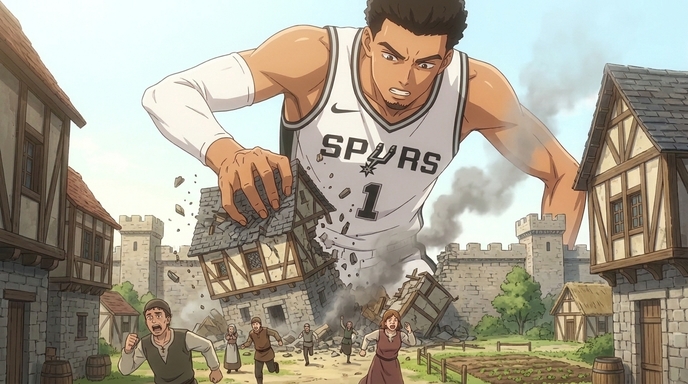
How to Create Anime Videos Like "Attack On Wemby"
A complete workflow for creating original anime videos starring a real-world athlete or original character: build the character, write and storyboard the story with AutoWeeb's AI Agent, create locations, design a full cast, @tag every asset in each shot, and generate images and video.
Learn how to create anime videos like Attack On Wemby. Design characters, storyboard scenes with AI, @tag assets, and generate anime images and video in AutoWeeb.
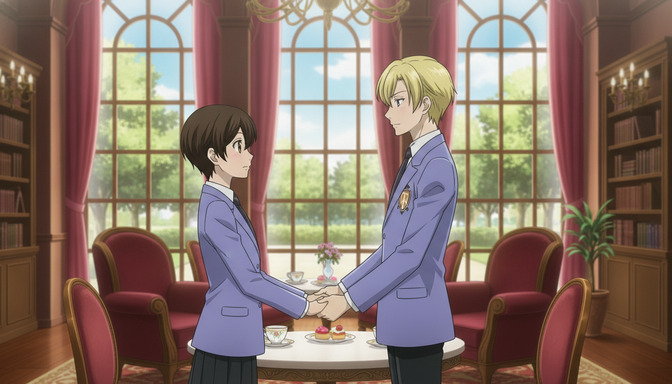
How to Create a Shoujo Anime: The Complete Beginner's Guide to Making Romantic Anime
A complete guide to building an original shoujo anime from concept to animated scenes, covering character design, emotional arcs, romantic locations, storyboards, AI image generation, and video generation in AutoWeeb.
Learn how to create a shoujo anime from scratch. Design expressive characters, write romantic leads, build emotional arcs, storyboard episodes, and animate scenes with AutoWeeb's AI tools.
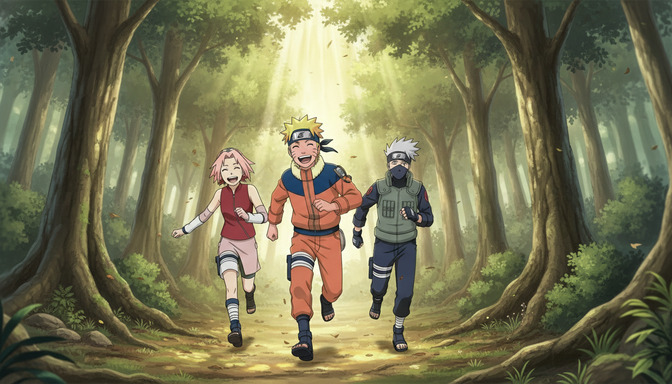
How to Create a Shounen Anime in 2026: A Step-by-Step Guide for Beginners
A complete guide to building an original shounen anime from concept to animated scenes, covering character sheets, power systems, rival dynamics, storyboarding, AI image generation, and the image-to-video workflow in AutoWeeb.
Learn how to create a shounen anime from scratch in 2026. Design characters, build your power system, storyboard episodes, and generate anime images and video with AutoWeeb's AI tools.
How to Create Fan-Made Anime with AI (Without an Animation Studio)
A complete guide to planning, designing, storyboarding, and animating your own fan anime using AI tools, while respecting the rights of the creators you love.
Learn how to create fan-made anime with AI tools. Design characters, build locations, storyboard scenes, and animate your fan anime without a studio or drawing skills.
Explore AutoWeeb
Jump into the tool that fits your creative step.
AI Anime Video Generator
Animate storyboard shots into cinematic clips with Seedance 2 and consistent characters.
Anime Character Creator
Design original characters with consistent sheets across every scene.
AI Anime Image Generator
Generate cinematic anime stills anchored to your character library.
Anime Filters
Upload any photo and apply AI anime filters to turn it into stunning anime art in seconds.
AI Anime Location Generator
Create a location set once, then generate reference images from every angle.
AI Anime Storyboarding
Describe your idea, pick your characters, and let AI draft the script and scenes.
AI Anime Prompt Agent
Turn a rough idea into a cinematic Seedance 2 prompt with the AI Director.