
The Best AI Anime Tools for Kids in 2026 (A Parent's Guide)
What each tool actually produces, and which one makes sense for a child who loves anime
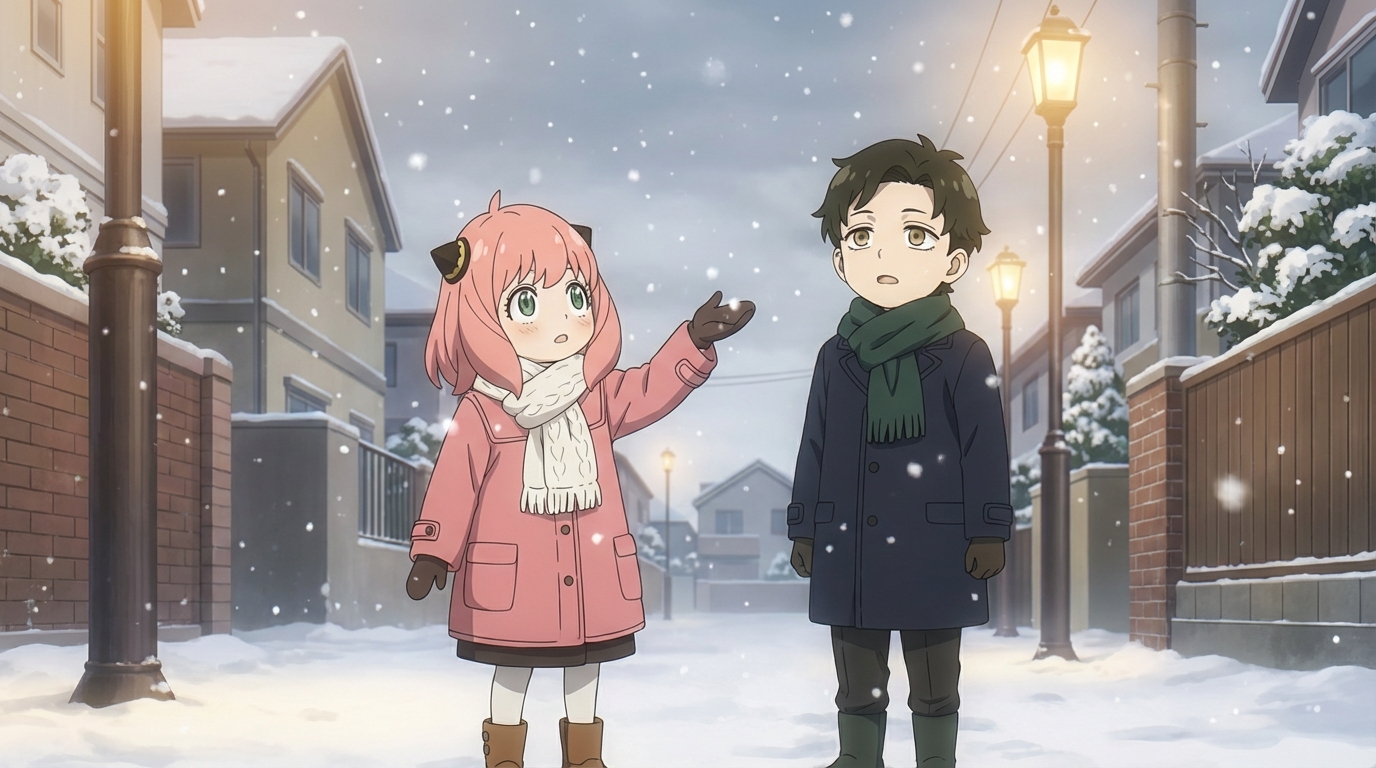
Your child wants to make anime art with AI. You've heard of a few tools but aren't sure which one is right for a 9-year-old. This guide breaks down the major options based on what matters to a parent: what the child can actually create, how the tool handles anime specifically, and whether the output is a one-off image or something they can build on.
👉 Try AutoWeeb Free and See What Your Child CreatesWhat to Look For in an AI Anime Tool for Kids
Not all AI art tools are built the same, and for kids who specifically love anime, the differences matter. Here's what separates a useful tool from a frustrating one:
- Anime-specific output: Generic AI art tools can produce images that look vaguely anime-adjacent, but the eyes are off, the proportions are wrong, or the shading doesn't match any actual anime style. A tool built for anime gets these details right consistently.
- Character consistency: Can the child create a character once and reuse it across multiple scenes? Or does every generation produce a slightly different person? This is the difference between making a single image and building a story.
- Style variety: Kids who love anime usually love specific series. Can the tool produce output that actually looks like Ghibli, or Demon Slayer, or slice of life? Or does it only do one generic "anime" look?
- Ease of use: A 10-year-old should be able to figure out the basic flow (upload photo, pick style, generate image) without reading a manual or watching a tutorial first.
The Tools, Compared
AutoWeeb
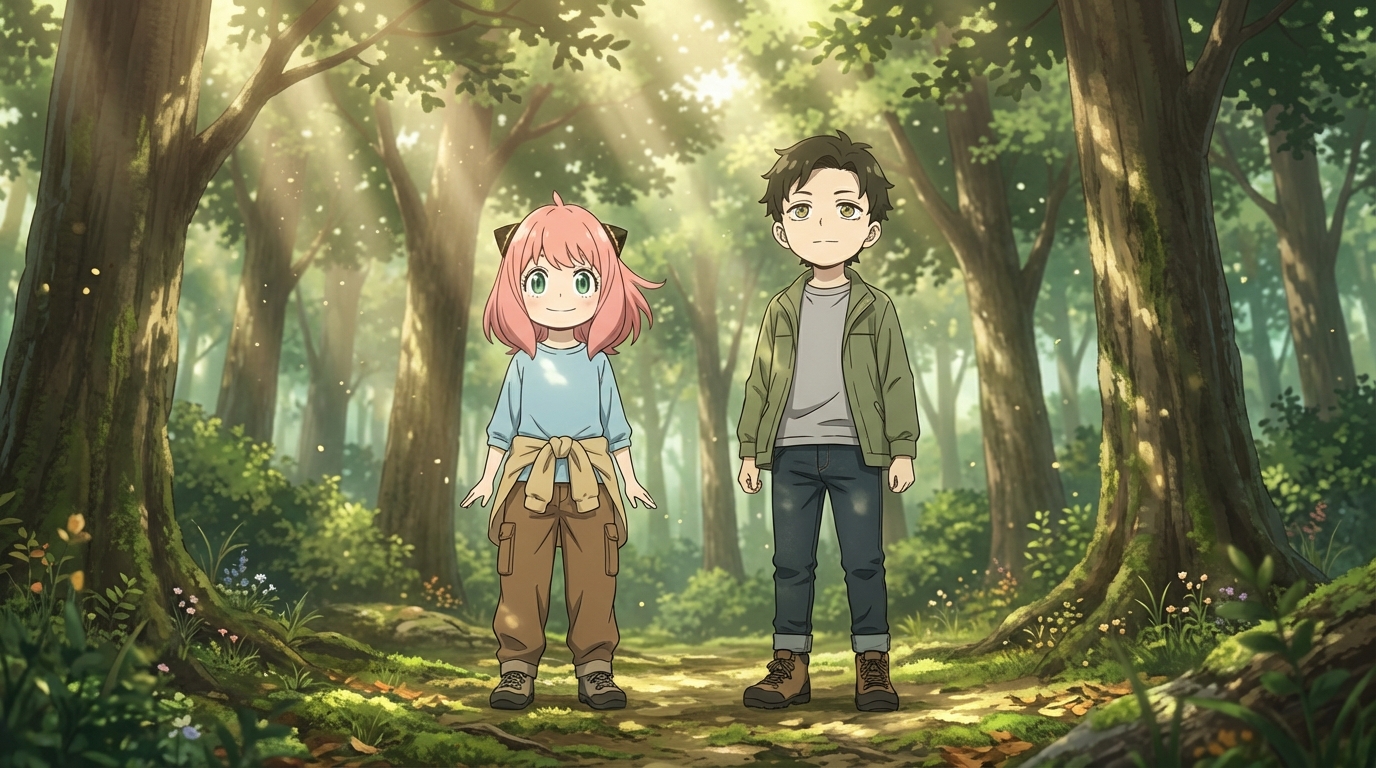
AutoWeeb is built specifically for anime. The entire tool is oriented around anime art styles, character creation, and scene generation. A child can upload a photo and see themselves as a Ghibli character, a cyberpunk hero, or a slice-of-life protagonist. They can build a character sheet that saves the design, then place that character into different environments using photo packs or custom scene descriptions.
The standout feature for kids is character consistency. They design a character once, and it looks like the same person across every scene they generate afterward. This means they can build something that feels like a real project, not just isolated images.
DALL·E (via ChatGPT)
DALL·E can produce anime-style images when prompted correctly, but it's a general-purpose image generator. The results can range from impressive to off-target depending on how the prompt is written. There are no built-in anime styles to choose from, no character sheets, and no way to maintain consistency between images. Each generation is a standalone result.
For a child who just wants to see a quick anime-style image, it works. For a child who wants to build characters and scenes, the lack of anime-specific tooling becomes a limitation quickly.
MidJourney
MidJourney produces beautiful images and can handle anime styles, but it runs through Discord, which adds friction for younger users. The interface is text-based and requires learning a prompt syntax that isn't intuitive for kids. There's no photo-to-anime conversion, no character sheets, and no built-in anime style selection.
The output quality can be excellent, but the workflow isn't designed for the kind of rapid, visual exploration that kids enjoy.
DomoAI
DomoAI offers anime-style conversions and video generation through Discord. It handles photo-to-anime conversion reasonably well, and the video features are fun. The Discord requirement is similar to MidJourney in terms of accessibility. Character consistency across multiple generations is limited compared to a tool with dedicated character sheet support.
What Kids Actually Do With These Tools
When a child gets access to an anime AI tool, the first thing they do is turn themselves into an anime character. That's universal. The question is what happens next.
With a general-purpose tool, the answer is usually "make more single images." With a tool that supports character consistency and scene building, the answer becomes more interesting: they design an original character, place them into different settings, build a visual story, or create art for a school project. The tool becomes a creative workspace instead of a novelty.
The Bottom Line for Parents
If your child is casually interested in seeing what they'd look like as anime, any of these tools will produce a fun result. If your child is genuinely into anime and wants to create characters, build scenes, and make something they can keep developing over time, a dedicated anime tool gives them more to work with.
AutoWeeb is built entirely around anime, with style options, character sheets, photo conversion, scene packs, and animation. The free tier lets your child try it without any commitment, and the interface is visual enough that most kids in the 8-to-12 range figure it out in their first session.
👉 Help Your Child Try AutoWeeb FreeFrequently Asked Questions
Do kids need drawing skills to use an anime character creator?
No. An AI anime character creator like AutoWeeb handles the rendering. Your child provides the creative direction: what the character looks like, what style to use, what scene to place them in. The tool does the drawing; they do the designing.
What is the best AI anime art app for kids?
AutoWeeb is built for creating anime art with minimal friction. The interface is visual and straightforward: upload a photo, pick a style, describe a scene. Most children aged 8 and up can use it independently. Younger children may want a parent nearby for the first session, but the workflow is simple enough that they take over quickly.
How much does an AI anime tool for kids cost?
AutoWeeb has a free tier that lets your child try the core anime art features without any commitment. Paid plans run on a credit system, starting at a price comparable to a manga volume. Credits are spent per image or video generated, so there's a natural budget built in.
What kind of anime art can my child create with AI?
They can convert photos into anime characters, design original characters from scratch, build character sheets that keep designs consistent, place characters into scenes (festivals, cities, nature, custom descriptions), and animate still images into short videos. The output is shareable, printable anime art they directed.
Can my child use AI anime art for school projects?
Yes. The anime art your child creates is theirs to use: school projects, printed wall art, profile pictures, gifts for friends, or just a personal collection. Check with your child's teacher regarding AI tool policies if they plan to use the art in a graded assignment.
For more on what kids can create, check out how to turn a photo into anime or read about kids making their own anime characters.
Related Blog Posts
What Are the Best AI Anime Generators?
A clear-eyed look at the top tools for anime art, characters, and scenes in 2026
What are the best AI anime generators in 2026? We compare AutoWeeb, DomoAI, and LeonardoAI on anime output quality, character creation, ease of use, and more.
Best AI Anime Video Tools in 2026
A practical guide to the AI platforms that can generate anime-style video, and which one actually delivers
Looking for the best AI anime video tools in 2026? We compare AutoWeeb, DomoAI, and LeonardoAI on anime video generation, ease of use, and creative output.
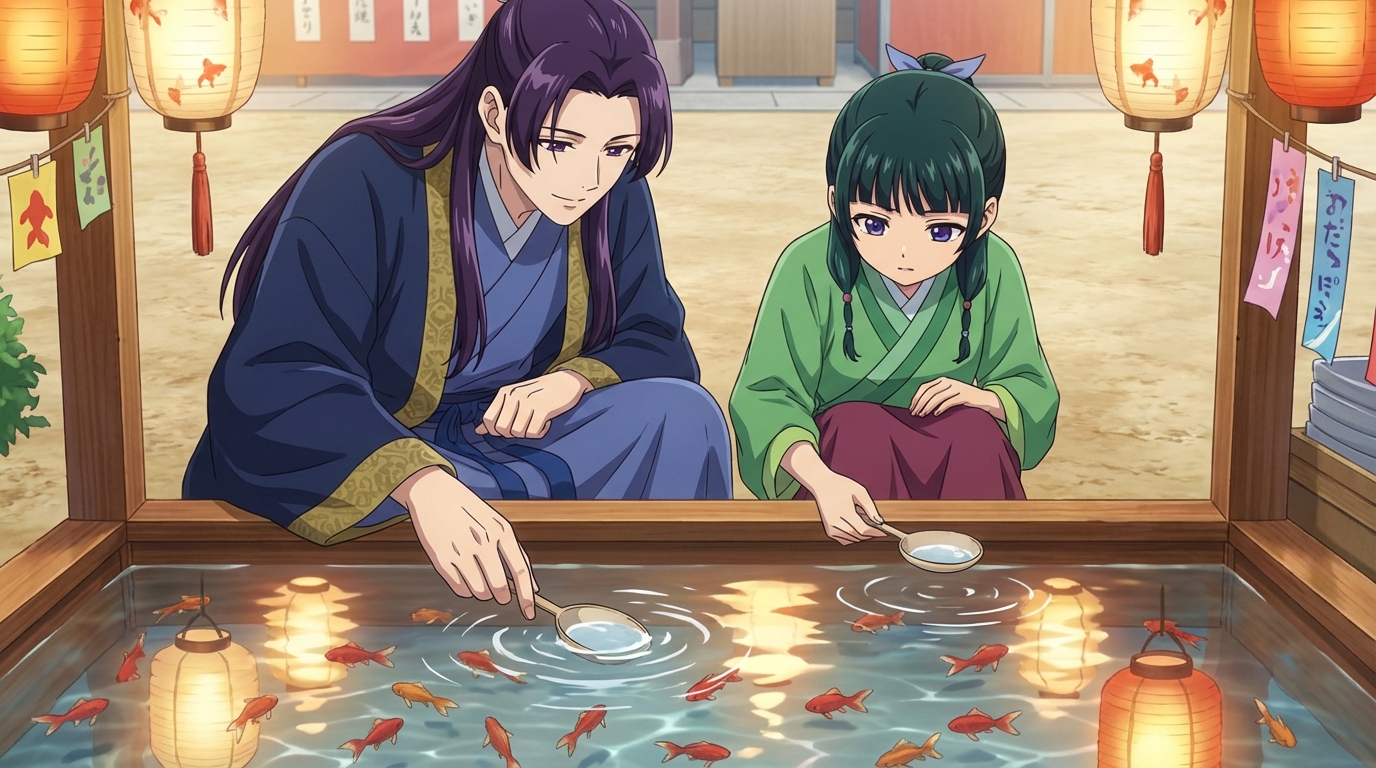
The Best Anime Character Generators in 2026
Which AI tools let you design, build, and reuse anime characters consistently across scenes and formats?
Looking for the best anime character generator in 2026? We compare AutoWeeb, DomoAI, and LeonardoAI on character creation, consistency, photo-to-anime, and more.
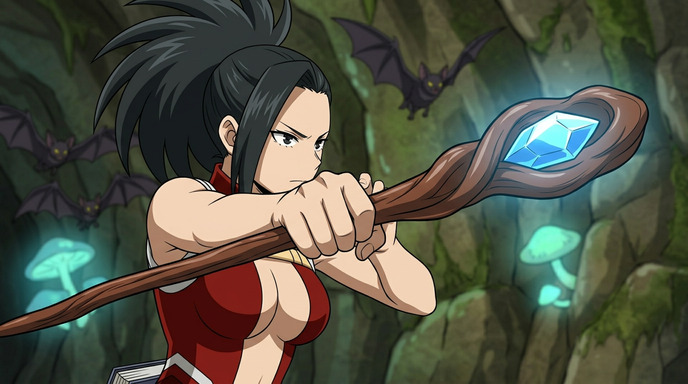
AI Anime Battle Generator: Create Epic Anime Action Scenes
From staredowns to finishing blows, generate cinematic anime battles with your own characters
Use AutoWeeb's AI anime battle generator to create dynamic anime action scenes. Build your fighter, describe the moment, and generate anime battle images and videos that actually hit.
Explore AutoWeeb
Jump into the tool that fits your creative step.
AI Anime Video Generator
Animate storyboard shots into cinematic clips with Seedance 2 and consistent characters.
Anime Character Creator
Design original characters with consistent sheets across every scene.
AI Anime Image Generator
Generate cinematic anime stills anchored to your character library.
Anime Filters
Upload any photo and apply AI anime filters to turn it into stunning anime art in seconds.
AI Anime Location Generator
Create a location set once, then generate reference images from every angle.
AI Anime Storyboarding
Describe your idea, pick your characters, and let AI draft the script and scenes.
AI Anime Prompt Agent
Turn a rough idea into a cinematic Seedance 2 prompt with the AI Director.