
Best AI Tool to Convert Photo into Anime (2026)
How AutoWeeb turns your photos into anime characters you can actually use
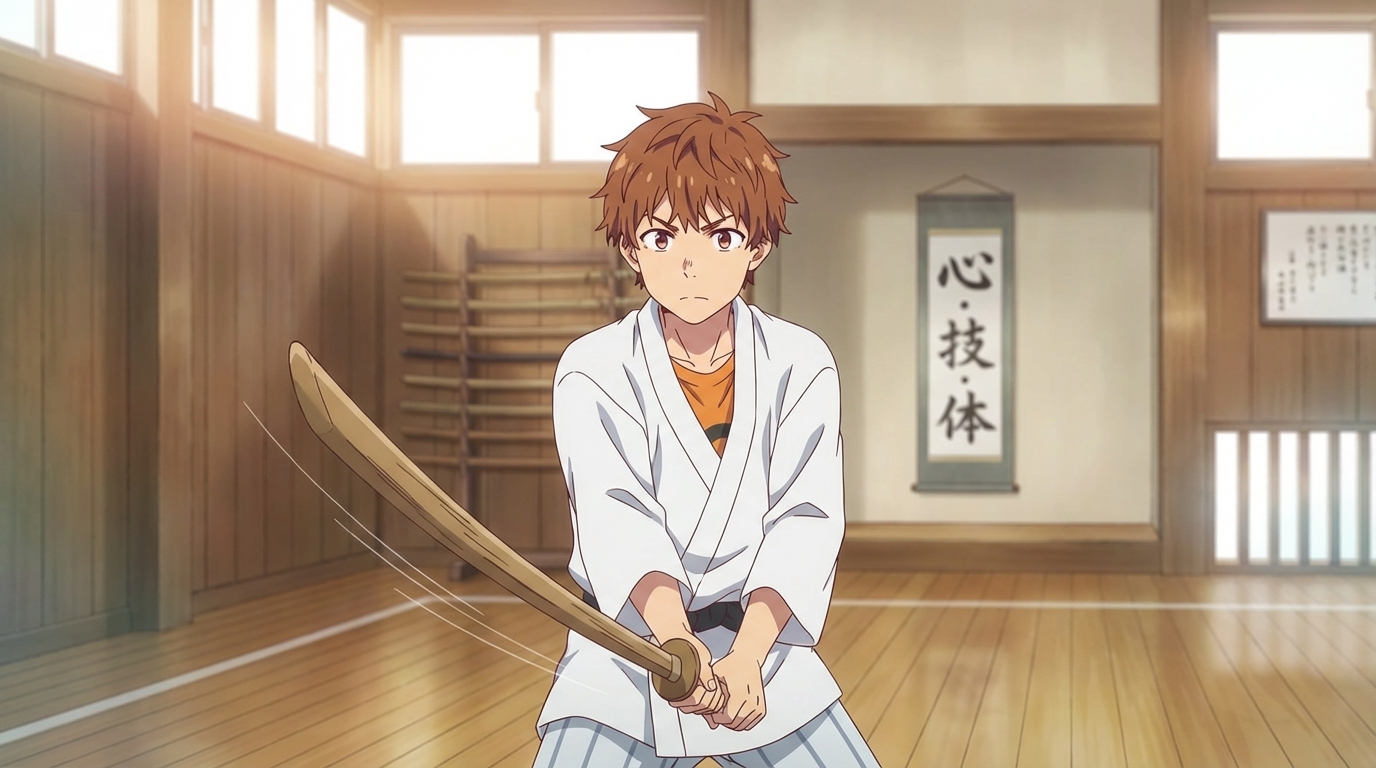
There are dozens of AI tools that claim to convert photos into anime in 2026. Most of them produce a single stylized portrait and call it done. The result looks decent for about five seconds, and then you realize you can't do anything else with it.
The best tool for photo-to-anime conversion needs to do more than apply a filter. It needs to preserve your likeness, let you lock in that design, and give you a character you can reuse in scenes, videos, and stories.
What Makes AutoWeeb the Best Photo-to-Anime Tool?
The bar for "converting a photo to anime" has risen fast. In 2024, people were impressed by any vaguely anime-looking output. In 2026, the expectations are higher. A good tool should handle three things well:
- Likeness preservation. The result should look like the person in the photo. Bone structure, eye shape, hairstyle, and overall proportions should carry through into the anime version.
- Style quality. The output should look like real anime, not a Photoshop filter. Clean line art, proper shading, and natural color palettes matter.
- Reusability. A single portrait is a novelty. A character you can drop into different scenes and videos is a creative tool.
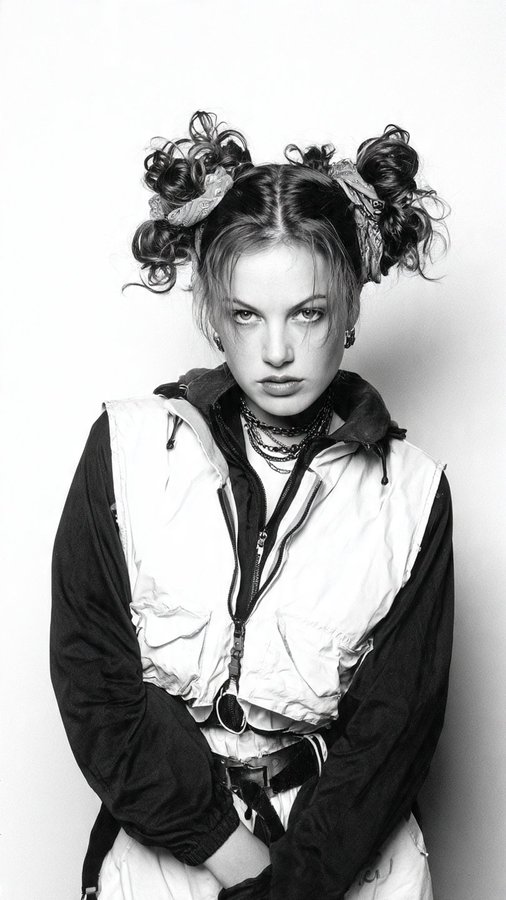
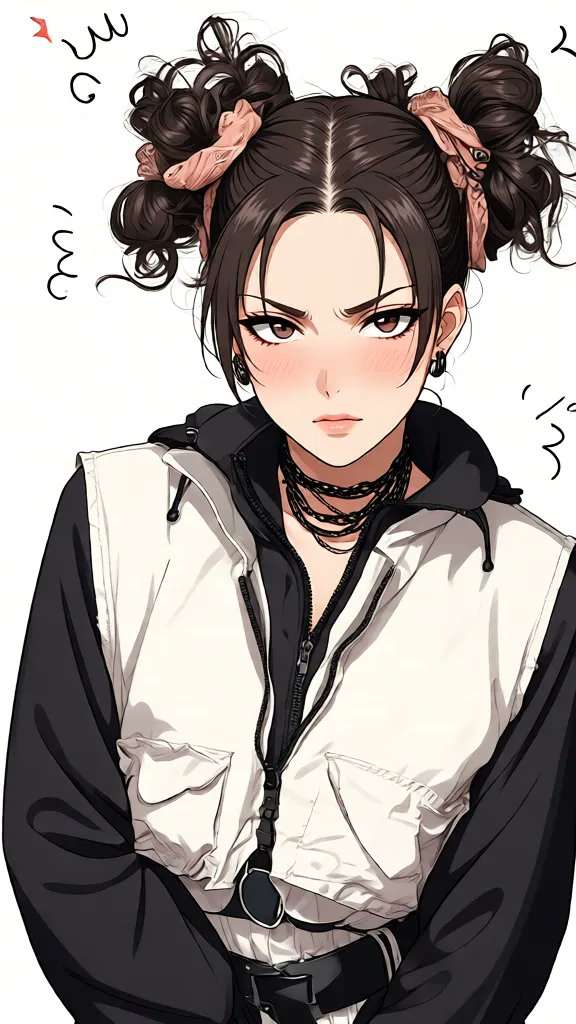
Step 1: Upload Your Photo
Start by uploading a clear photo. Front-facing shots with good lighting work best, but the model handles side angles and casual photos well too. The conversion takes a few seconds and produces a clean anime portrait.
The result preserves the real person's features. Hair silhouette, jawline, and expression all come through in the anime version. It looks like that specific person, not a random AI face.
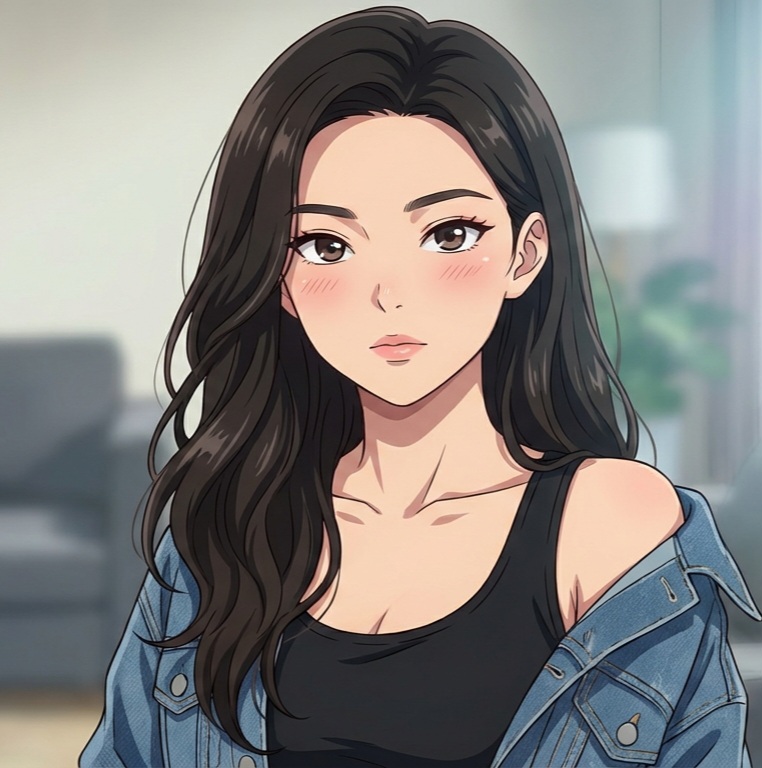
Step 2: Build a Character Sheet
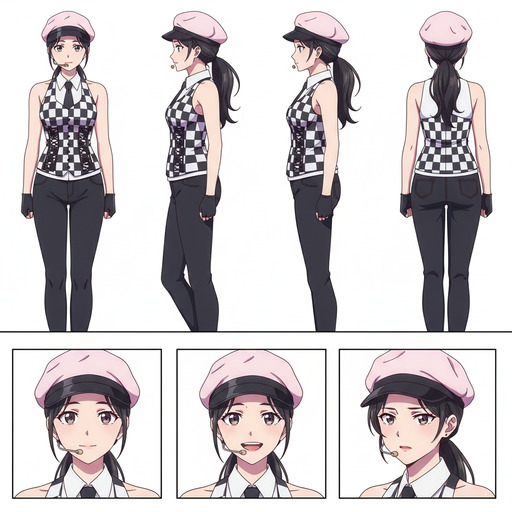
This is where AutoWeeb separates from other photo-to-anime tools. After conversion, you can generate a full Character Sheet from your anime portrait. The sheet captures the character from multiple angles and with different expressions, locking in the design so it stays consistent.
You can add clothing details, accessories, and personality traits. Describe a specific outfit and color palette, and those details become part of the character's identity. Every future generation references this sheet, so the character never drifts.
Step 3: Use Your Character in Scenes and Videos
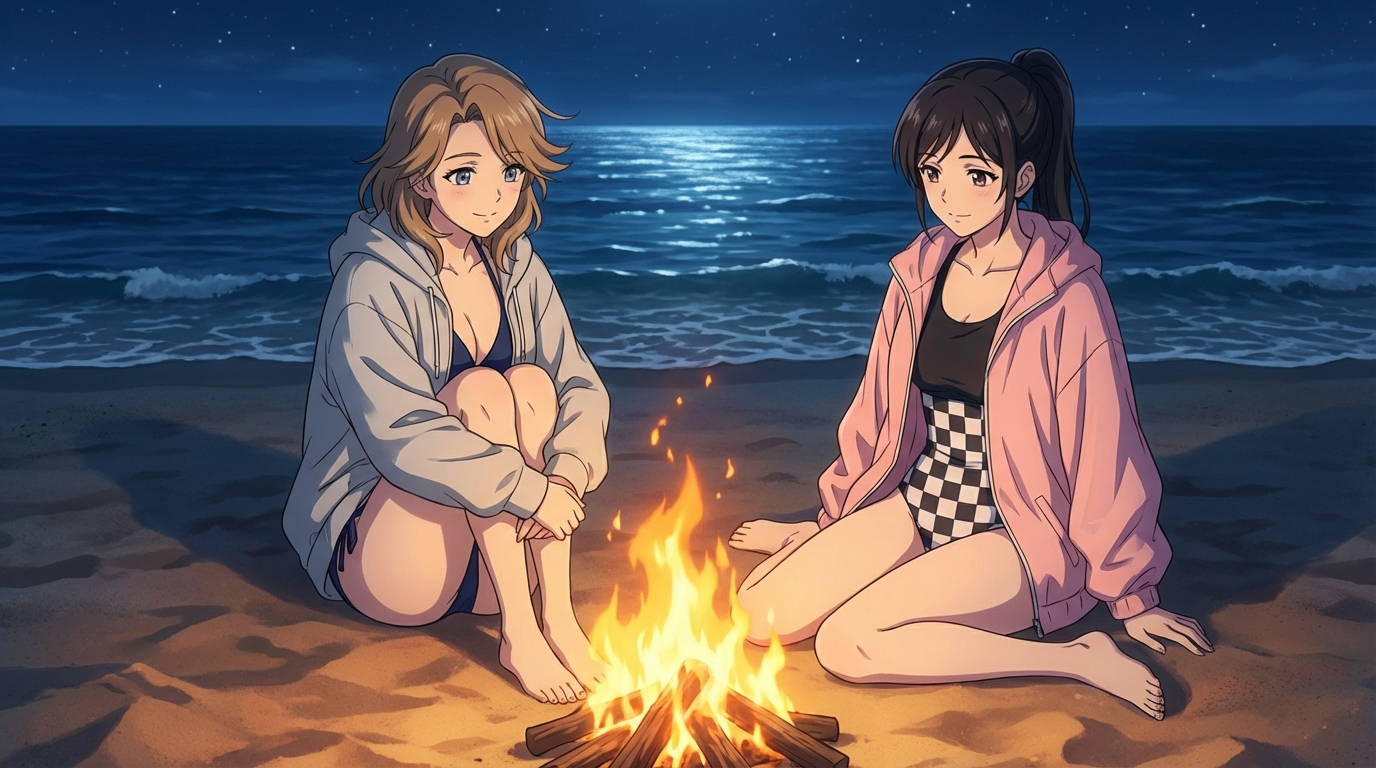
With a saved Character Sheet, your anime self is ready to appear anywhere. AutoWeeb's Explore page has templates for action sequences, school settings, summer festivals, cyberpunk streets, and more. Select a template, attach your character, and generate a composed scene in seconds.
For full creative control, write your own prompts. Describe the setting, mood, and camera angle. The Character Sheet handles the appearance automatically. Once you have a still image you like, animate it with AutoWeeb's video tools to add motion, ambient effects, and expression shifts.
Why AutoWeeb is the Best Choice in 2026
Most photo-to-anime tools give you a portrait and nothing else. AutoWeeb gives you a complete workflow: convert, build a character sheet, and use that character across images, videos, and storyboards. The character stays consistent because every generation references the same sheet.
- Character Sheets for cross-scene consistency
- Identity preservation across ethnicities, ages, and face types
- Scene templates and video generation built into the same platform
- Photo Packs that drop your character into themed episodic adventures
Once your Character Sheet is saved, the character is yours. Use them in portraits, multi-scene sequences, animated clips, or share directly to social. Every generation starts from the same foundation, so every result looks like it belongs to the same series.
Related Blog Posts
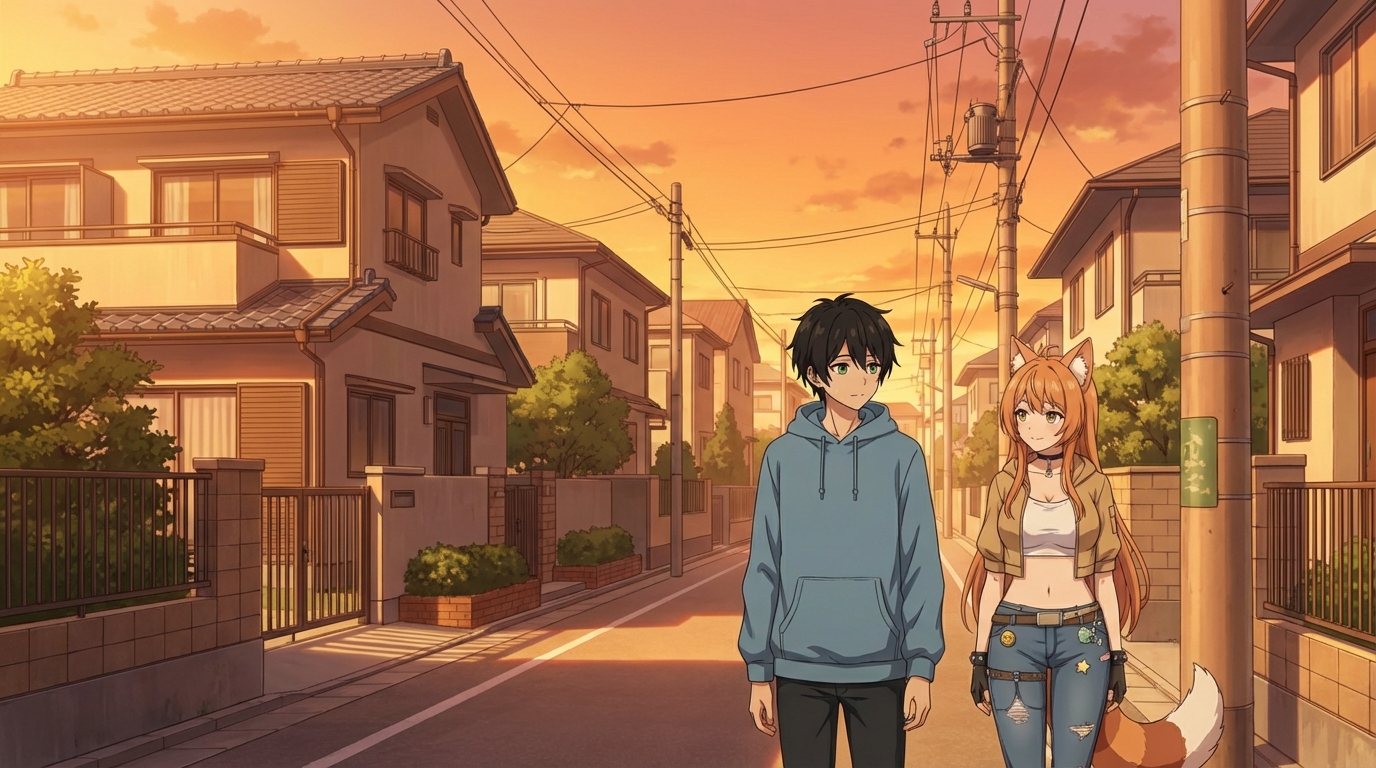
How to Make an Anime OC
Build an original character from a photo or idea, then use them anywhere
Learn how to make an anime OC with AutoWeeb. Start from a photo or existing image, generate a character sheet, and drop your original character into any scene or video.
AutoWeeb vs AniFun AI: Which is Best for Anime in 2026?
A honest comparison for creators who want anime storytelling, not just a tool collection
AutoWeeb vs AniFun AI: a detailed comparison for anime creators in 2026. Character creation, OC tools, character sheets, photo-to-anime, video templates, storyboarding, and more.
AutoWeeb vs Komiko AI: Which is Best for Anime in 2026?
A direct comparison for creators who want anime art, characters, and video
AutoWeeb vs Komiko AI: a detailed comparison for anime creators in 2026. Character creation, OC tools, photo-to-anime, video templates, storyboarding, pricing, and more.
LeonardoAI vs DomoAI vs AutoWeeb: Best Anime Generator 2026
A head-to-head comparison of the three most-searched AI platforms for anime art and video
LeonardoAI vs DomoAI vs AutoWeeb: which is the best anime generator in 2026? Compare all three on anime styles, character creation, OC design, video generation, storyboarding, and ease of use.
Explore AutoWeeb
Jump into the tool that fits your creative step.
AI Anime Video Generator
Animate storyboard shots into cinematic clips with Seedance 2 and consistent characters.
Anime Character Creator
Design original characters with consistent sheets across every scene.
AI Anime Image Generator
Generate cinematic anime stills anchored to your character library.
Turn Photo Into Anime
Upload any photo and watch AI turn it into stunning anime art in seconds.
AI Anime Location Generator
Create a location set once, then generate reference images from every angle.
AI Anime Storyboarding
Describe your idea, pick your characters, and let AI draft the script and scenes.
AI Anime Prompt Agent
Turn a rough idea into a cinematic Seedance 2 prompt with the AI Director.