
AutoWeeb vs AniFun AI: Which is Best for Anime in 2026?
A honest comparison for creators who want anime storytelling, not just a tool collection
AutoWeeb and AniFun AI both offer anime-adjacent tools, but they are built around very different goals. AniFun AI is a broad creative platform spanning many styles and formats — anime is one option alongside LEGO art, realistic portraiture, furry illustrations, and others. It offers a wide collection of individual generators, each handling a specific task. AutoWeeb is a focused platform built exclusively for anime. Every tool it offers — image generation, video templates, storyboarding, character sheets — is designed specifically for anime storytelling, with character consistency as the thread running through all of it.
This comparison breaks down the real differences: what each platform does well, where they fall short, and which one is the better fit depending on what you're actually trying to make.
The Short Answer
If you want to create anime art, videos, or stories with consistent characters and a workflow built around that goal, AutoWeeb wins. If you want a free, no-signup tool to generate individual images or explore a variety of styles beyond anime, AniFun AI has genuine value. For creators building anything with characters across multiple scenes, AutoWeeb's consistency and end-to-end workflow make a meaningful difference.
👉 Create Anime with AutoWeebAnime Character Creation in Depth
Creating an original anime character is one thing. Making that character appear consistently across multiple images, scenes, and videos is another. This section focuses on the character workflow specifically, from first design through reuse in a full project.
First Design: Templates vs. the OC Maker
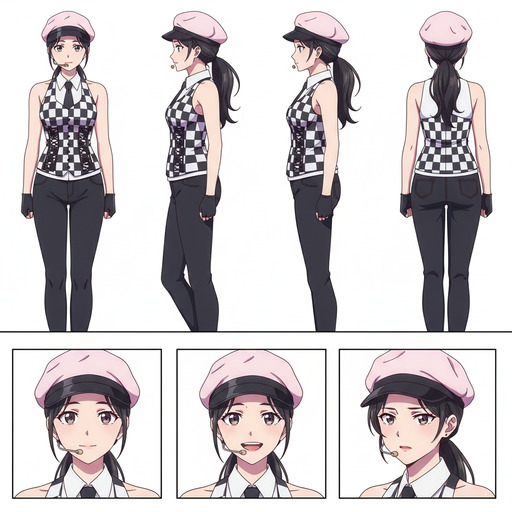
AutoWeeb offers preset character templates as starting points: archetypal anime characters you can select and customise. Choose a base character, pick an art style from the curated library, and adjust details to define your original character. Once you have a design you want to keep, AutoWeeb generates a full character sheet that becomes the reference for every subsequent generation.
AniFun AI's OC Maker lets you configure expressions, poses, outfits, and backgrounds, then generate an illustration. The output quality is genuine, but the OC Maker does not produce a persistent character record. The character you build there does not carry forward into AniFun's other generators, and recreating the same character later means re-configuring from scratch and accepting design drift.
Photo-to-Anime as a Reusable Character
AutoWeeb's photo-to-anime tool converts a real portrait into an anime character and saves that character to your account. You can place them in scenes, generate a character sheet from the converted design, or animate them in a video template. The photo becomes a first-class character in your workflow, not a one-time output.
AniFun AI includes photo-to-anime stylisation, but the result is a standalone image with no built-in path to save it as a named character for scenes, videos, or storyboards.
Where AutoWeeb Excels
Character Consistency Across Scenes
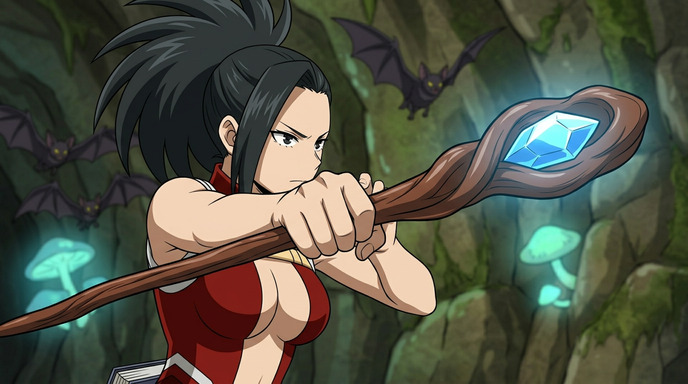
AutoWeeb's most important advantage is character consistency. You define a character once and that character carries through every image, scene, and video you create. This is the feature that separates casual image generation from actual anime storytelling.
AniFun AI generates individual images and characters well, but it does not have a dedicated system for keeping the same character consistent across multiple generations. Each new image starts fresh. For anyone building a cast of characters for a series, webtoon, or video, that becomes a meaningful difference.
Anime-Specific Styles and Preset Characters
AutoWeeb ships with a curated library of anime art styles: classic Shonen action, soft Slice-of-Life palettes, high-detail Seinen looks, and more. You pick a style from a visual menu. No prompt engineering required. The results are consistently anime because the platform was designed exclusively for that aesthetic.
AniFun AI covers a much broader range of styles — anime is one category among many that also includes LEGO-style art, photorealistic portraits, and other non-anime aesthetics. For creators who specifically want anime output, that breadth means navigating a platform that was not designed exclusively for the genre. AutoWeeb's curated approach keeps the focus narrow and the results reliably anime.
Photo-to-Anime with Character Reuse
AutoWeeb's photo-to-anime conversion does more than stylise a photo. It converts a portrait into a named character you can reuse across further generations: place them in different scenes, generate a full character sheet, or animate them in a video. The photo becomes a character, not just a filtered image.
AniFun AI includes a photo-to-anime tool, but the output is a standalone image. There is no built-in path from a converted photo to a reusable character in the rest of the platform.
Video Templates for Anime Storytelling
AutoWeeb includes pre-built video templates designed around anime narrative formats: openings, action sequences, dramatic reveals, ambient scene loops. You drop your characters into a template and the platform handles timing, transitions, and motion. The output looks and feels like anime video because the templates are built for that format.
AniFun AI offers text-to-video generation with AI voiceover, synced subtitles, and background music. For producing a narrated story video quickly, it is a capable and accessible option. Where it differs from AutoWeeb is in structure: AniFun's video output is a general story video format rather than something built around anime-specific conventions like episode openings, action sequences, or dramatic reveals.
Storyboarding
AutoWeeb includes a storyboard tool that lets you arrange scenes in sequence, maintain character consistency across panels, and plan an anime episode or short film without leaving the platform. It matches how anime creators actually think: in scenes, arcs, and character beats.
AniFun AI has a manga canvas with panel templates and layout tools, which serves a similar purpose for static manga pages. But it is not a sequential storyboarding tool oriented around anime episode planning.
Where AniFun AI Excels
Wide Style Range Including Non-Anime Aesthetics
AniFun AI covers a wide variety of styles and formats beyond anime: LEGO art, realistic portraiture, furry illustration, chibi, mecha, and more. If you want to explore a range of visual styles within one platform, that breadth is genuinely useful.
For creators whose goal is specifically anime, this range is less relevant than it might appear. The tools are built for general creative experimentation, not for the specific conventions, aesthetics, and storytelling formats that define anime as a genre.
Fragmented Workflow Across Many Mini Tools
AniFun AI's approach is a collection of separate, task-specific generators: one for OC creation, one for manga pages, one for photo conversion, one for video, one for colorising line art, and so on. Each tool works in isolation. Getting from a character concept to a finished animated scene means moving between several of these tools manually, with no shared character data or project context carrying between them.
AutoWeeb is built as a connected workflow. A character you create is immediately available in your storyboard, your video templates, and your scene generator. You do not rebuild context each time you switch tasks. For creators who want to go from character design to finished animated content without juggling separate tools, that connected structure is a significant practical advantage.
Side-by-Side Summary
| Feature | AutoWeeb | AniFun AI |
|---|---|---|
| Anime-specific styles | Yes (curated, anime-only) | Yes, plus LEGO, realism, and others |
| Character consistency across scenes | Yes (core feature) | No |
| Preset anime characters | Yes | OC maker (per-generation) |
| Character sheet generation | Yes (built-in) | No |
| OC customisation (pose, outfit, expression) | Yes | Yes |
| Photo-to-anime with character reuse | Yes | Photo-to-anime only |
| Anime video templates | Yes | Text-to-video (no templates) |
| Storyboard tool | Yes | No |
| AI Manga Generator | No | Yes |
| Manga canvas and layout tools | No | Yes |
| Connected workflow (character → scene → video) | Yes | No (separate tools) |
| Styles beyond anime (LEGO, realism, etc.) | No (anime-focused) | Yes |
| Free tier | Yes | Yes (fully free) |
| No sign-up required | No | Yes |
Who Should Use AutoWeeb
- Anime fans who want to create original characters that stay consistent across scenes, videos, and stories
- Content creators building anime-style social media content, short series, or episodic videos
- Couples and individuals who want a personalised anime portrait from their photos and want to use it in further content
- Indie creators building anime pitches, webtoons, or visual novels who need a cohesive workflow
- Anyone who wants to go from a character idea to a full animated scene without learning prompt engineering
Who Should Use AniFun AI
- Manga creators who want to generate full manga pages with panel layouts and dialogue from a text prompt
- Casual experimenters who want to try image generation across different styles — anime, LEGO, realism — without creating an account
- Artists working with existing line art who need an AI colorizer for manga pages
- Creators who do not need their characters to carry across multiple scenes or a connected workflow
The Bottom Line
AniFun AI is a broad platform with a strong manga toolkit and the advantage of being completely free. Its many individual tools cover a wide range of styles and tasks, making it useful for casual experimentation across different aesthetics. Where it falls short is cohesion: the tools work in isolation, and there is no shared thread between them for creators building something sustained.
AutoWeeb is built around one thing: helping creators produce anime images and videos where the same characters appear consistently across every scene. The workflow is structured so that each step connects to the next — character creation feeds into scenes, scenes feed into storyboards, storyboards feed into video. You do not need to be a prompt engineer or know your way around AI model settings. You just create.
For creators who want to make anime content with a clear, connected workflow and consistent characters, AutoWeeb is the stronger fit.
👉 Try AutoWeeb FreeRelated Blog Posts
How to Make an Anime Ice Skating Video
Put your favorite characters on the ice in seconds
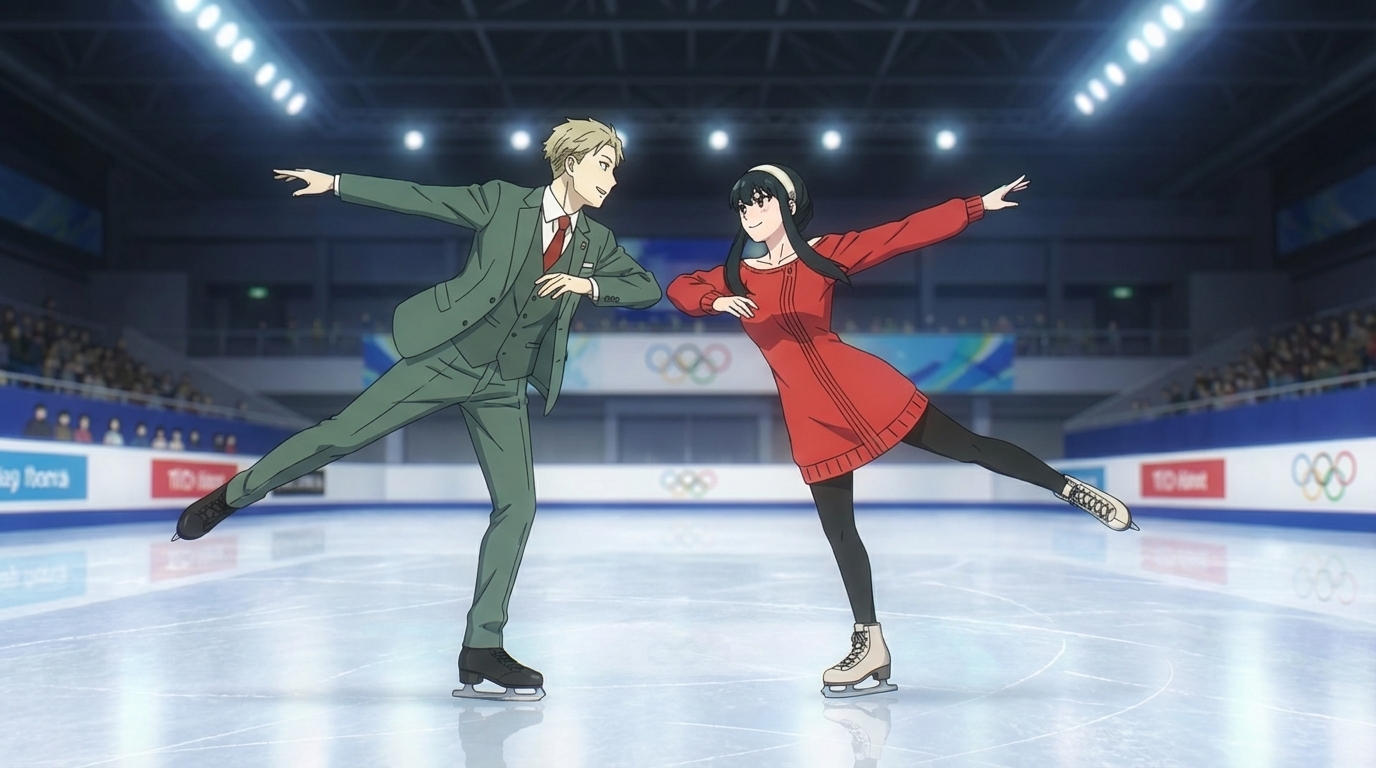
Learn how to make an anime ice skating video using AutoWeeb. Pick the ice skating template from the Explore page, choose or create characters, and generate a cinematic anime skating clip.
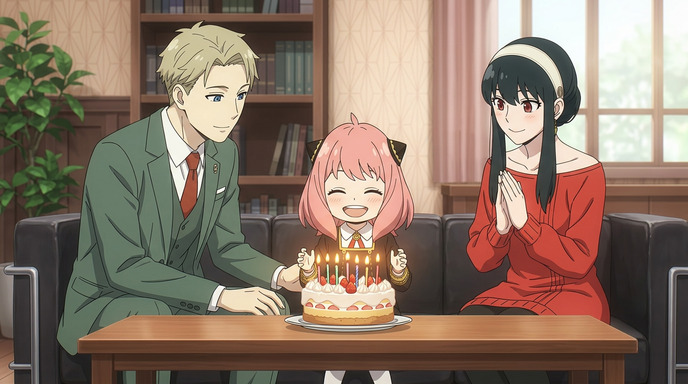
How to Create a Personalized Anime Birthday Video
Turn a birthday wish into an animated moment they'll never forget
Learn how to create a personalized anime birthday video using AI. Convert photos to anime, build custom characters, generate a birthday scene, and bring it to life as video.
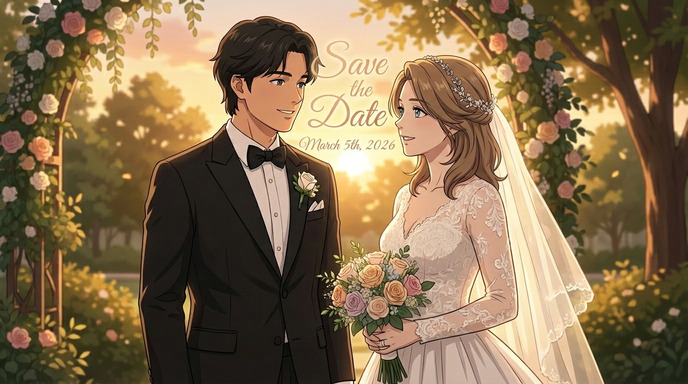
How to Make an Anime Wedding Invitation
Turn your love story into a stunning animated invitation
Learn how to create a beautiful anime-style wedding invitation using AI tools. Transform your photos into anime characters and design a unique invitation your guests will never forget.
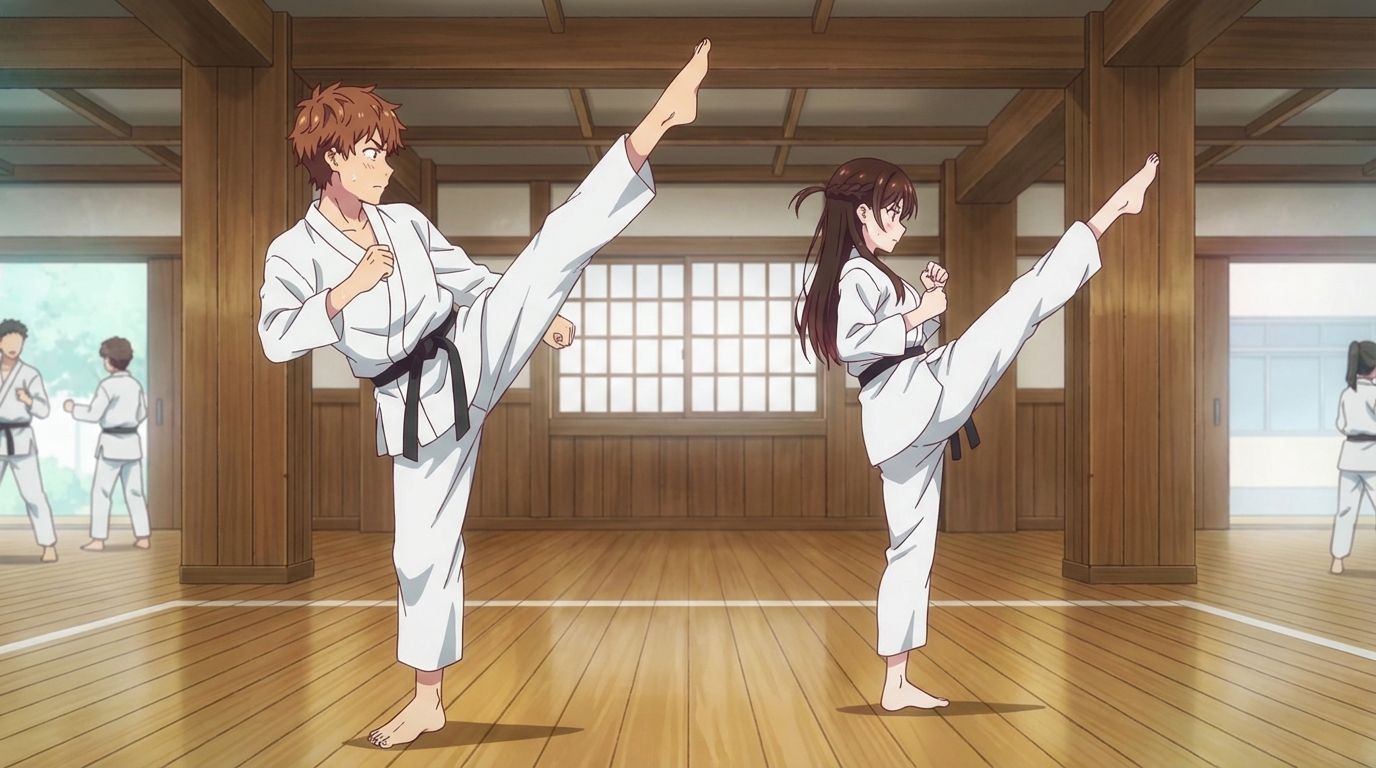
How to Create an Anime Fight Scene
From your first prompt to a cinematic clash
Learn how to create a dynamic anime fight scene using AutoWeeb. Pick a character, use the Explore page templates or write your own prompt, and generate action-packed anime images and videos.
Explore AutoWeeb
Jump into the tool that fits your creative step.
AI Anime Video Generator
Animate storyboard shots into cinematic clips with Seedance 2 and consistent characters.
Anime Character Creator
Design original characters with consistent sheets across every scene.
AI Anime Image Generator
Generate cinematic anime stills anchored to your character library.
Turn Photo Into Anime
Upload any photo and watch AI turn it into stunning anime art in seconds.
AI Anime Location Generator
Create a location set once, then generate reference images from every angle.
AI Anime Storyboarding
Describe your idea, pick your characters, and let AI draft the script and scenes.
AI Anime Prompt Agent
Turn a rough idea into a cinematic Seedance 2 prompt with the AI Director.