
AutoWeeb vs Komiko AI: Which is Best for Anime in 2026?
A direct comparison for creators who want anime art, characters, and video
Both AutoWeeb and Komiko AI can generate anime-style art. But they take fundamentally different approaches to creative tools. Komiko AI is a collection of individual mini tools for digital art: separate features for image generation, expression editing, frame interpolation, and comic layout that you move between independently. AutoWeeb is built as an integrated anime creation pipeline, covering everything from character design to animated video sequences and episodic storyboards within a single continuous workflow.
This comparison covers the areas that matter most to anime creators: styles, character tools, photo conversion, video, storyboarding, and ease of use.
The Short Answer
If you want to create anime art, videos, or stories within a single integrated workflow, AutoWeeb is the better fit. Komiko AI offers a broader collection of standalone digital art tools that span many styles and genres, but each tool operates independently, so producing anything multi-step requires jumping between separate features. For anime creators who want a connected pipeline from character to video, AutoWeeb is the more complete platform.
👉 Start Creating Anime with AutoWeebAnime Styles
AutoWeeb
AutoWeeb ships with a curated library of anime art styles spanning the full range of the genre: classic Shonen action, soft Slice-of-Life, high-detail Seinen, and more. You select a style from a visual menu. No prompt engineering, no model hunting, no guesswork involved. The output looks like anime because the platform was trained and designed specifically for that aesthetic.
Komiko AI
Komiko AI's Image Playground offers 30-plus art styles spanning a wide range of digital art genres, not just anime. You will find styles suited to fantasy illustration, concept art, and other formats alongside anime-adjacent options. This breadth is useful if you want to experiment across different aesthetics, but the library is not curated specifically for anime production. Selecting the right style for a given genre requires more trial and error than AutoWeeb's genre-labelled menu.
Character Creation
How Each Platform Approaches Character Design
AutoWeeb approaches character creation through preset templates and photo-to-anime conversion. Upload a real portrait and Komiko's users describe characters via prompt in the Image Playground. AutoWeeb generates a likeness-preserving anime character you can reuse everywhere; Komiko generates capable images, but each tool operates in isolation with no shared character state between features.
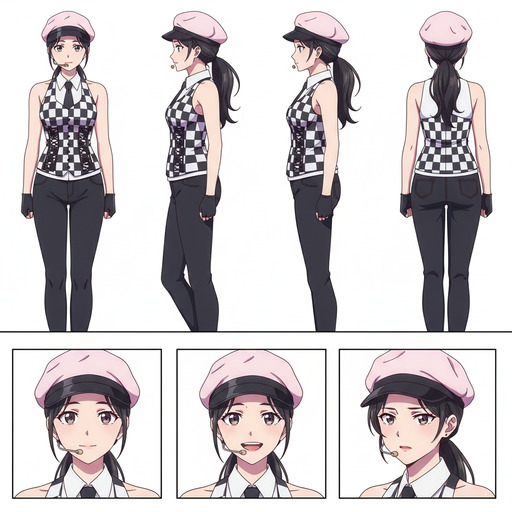
Once you define a character in AutoWeeb, you can generate a full character sheet: multiple poses, expressions, and angles documented in a single output. That sheet becomes the reference for images, video templates, and storyboard panels. Komiko offers expression editing as a separate tool, but changes there do not automatically carry into animation, comics, or other generators.
AutoWeeb
AutoWeeb provides preset character templates, photo-to-anime conversion, and character sheet generation. You define a character once and deploy them across images, video templates, and storyboard panels. This multi-format character reuse is the foundation of AutoWeeb's workflow: your characters travel with you through every stage of production.
Komiko AI
Komiko AI offers character generation through its Image Playground and a separate expression-editing tool for modifying how a character looks. These are individual mini tools rather than steps in a unified workflow. A character you generate in Komiko is not automatically carried into the in-betweening tool, the comic builder, or any other feature. Each task is its own isolated operation. For anime creators who need characters to persist and stay consistent across many outputs, this fragmented approach creates significant friction.
Original Character (OC) Creation
If you are creating an original anime character from scratch, AutoWeeb's preset templates give you anime-specific visual archetypes to build from. Komiko's prompt-based system offers flexibility across a wide range of art styles if you already have a detailed description in mind.
The difference shows up after the first image. AutoWeeb turns an OC into a reusable asset that carries through your entire project. Komiko generates images but does not maintain a character definition between tools. If you want an OC that travels with you through a full creative workflow, AutoWeeb is the better fit.
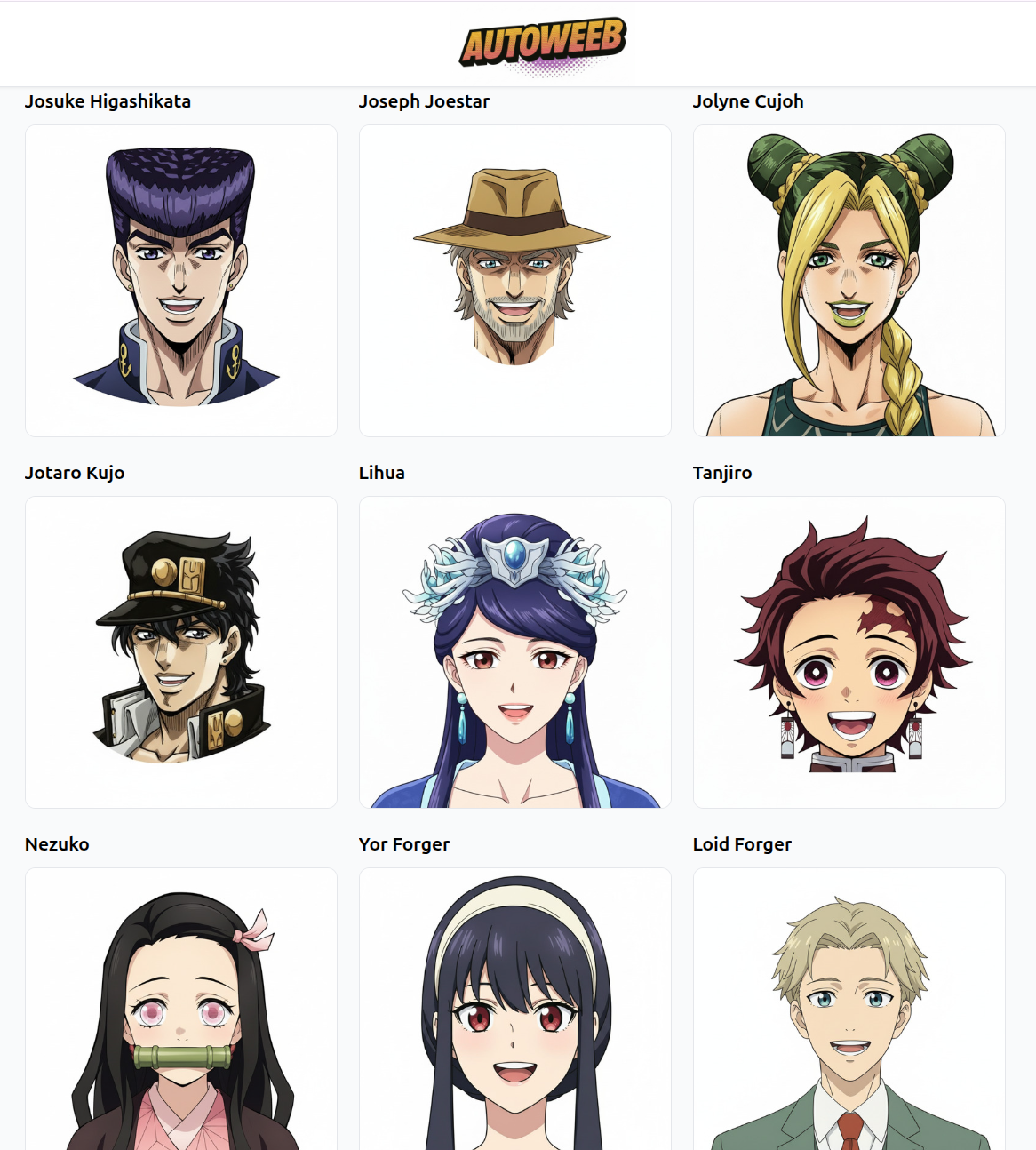
Photo-to-Anime Conversion
AutoWeeb includes a dedicated photo-to-anime workflow. Upload a real portrait, choose a style, and the AI generates an anime version of the subject that preserves their likeness. The result can be used immediately as a character in further creations: placed in scenes, added to a character sheet, or animated in a video template.
Komiko AI does not offer a dedicated photo-to-character conversion workflow of this kind. Its tools are oriented toward generating characters from text prompts rather than transforming real photos into reusable anime characters.

Video Generation
AutoWeeb
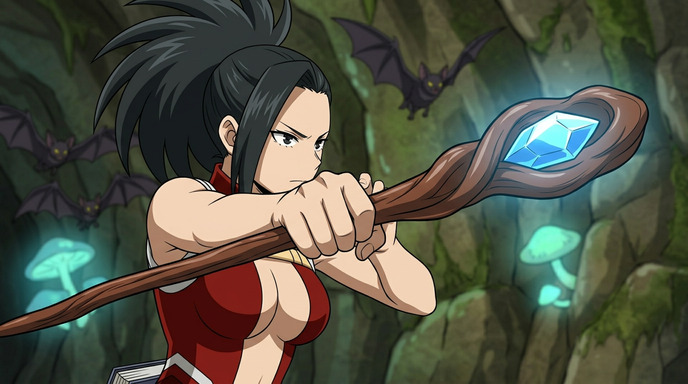
AutoWeeb includes pre-built video templates designed specifically for anime storytelling: openings, action sequences, dramatic reveals, and ambient scene loops. Drop in your characters and the platform handles timing, transitions, and motion. The output looks and feels like an anime sequence because the templates are built around that format.
Komiko AI
Komiko AI offers AI in-betweening as a standalone tool: you upload two to five keyframes and the platform generates intermediate frames. Video interpolation for adding frames to existing footage is also available as a separate feature. Both tools operate in isolation — there is no connection between your characters, your generated images, and the animation tools. You would need to manually export and re-import assets between each step. Komiko does not offer narrative video sequences, opening templates, or scene-based animations of the kind AutoWeeb provides.
Storyboarding
AutoWeeb includes a storyboard tool that lets you arrange scenes in sequence, maintain character consistency across panels, and plan an anime episode or short film without leaving the platform. It is designed around how anime creators think: in scenes, arcs, and character beats.
Komiko AI's comic builder is purpose-built for page layout rather than episodic narrative planning. It excels at arranging panels on a page with integrated speech bubbles and dialog. If you want to plan a manga chapter, that format suits Komiko well. If you want to plan and produce an anime episode or video series, AutoWeeb's storyboard tools are the better fit.
Ease of Use
Both platforms are designed to be accessible without drawing or illustration skills. AutoWeeb's interface is built around the full anime creation pipeline: styles, characters, video, and storyboarding are all connected and pre-configured for the genre. Komiko AI's individual tools are each straightforward to use on their own, but the overall experience is more fragmented.
The difference is cohesion. AutoWeeb keeps you in one workflow from start to finish. With Komiko, each task — generating an image, editing an expression, animating, adding dialog — involves navigating to a different tool with no automatic handoff between them. This is fine if you only need one specific feature, but it slows down any project that requires multiple steps.
Pricing
Komiko AI's Pro plan starts at $9.99 per month and uses a credit system called "zaps." The exact number of credits consumed per action is not publicly documented, which makes it harder to estimate your monthly costs before committing. The free trial includes watermarked images and limited daily generations.
AutoWeeb offers a free plan for getting started with no drawing skills required. Paid plans unlock higher output volumes, HD exports, and additional features. Both platforms are affordable for individual creators and small teams.
Side-by-Side Summary
| Feature | AutoWeeb | Komiko AI |
|---|---|---|
| Anime-specific styles | Yes (curated anime library) | 30+ styles (broad digital art, not anime-specific) |
| Preset anime characters | Yes | Prompt-based |
| Photo-to-anime conversion | Yes (dedicated workflow) | No |
| Character sheet generation | Yes | No |
| Expression customisation | Yes (via character sheet) | Yes (expression presets) |
| Persistent character across workflow | Yes (unified system) | No (tools are isolated) |
| Character reuse in video | Yes | No |
| Character reuse in storyboards | Yes (episodic) | No |
| Anime video templates | Yes | No |
| AI in-betweening / animation | No | Yes (2-5 keyframes) |
| Multi-panel comic builder | No | Yes (standalone tool, not integrated) |
| Speech bubbles and dialog | No | Yes (standalone tool, not integrated) |
| Storyboard tool | Yes (anime episodes) | Page-level only |
| Free plan available | Yes | Trial only (watermarked) |
Who Should Use AutoWeeb
- Anime fans who want to create original art, characters, or videos without learning prompt engineering
- Content creators building anime-style social media content, shorts, or episodic series
- Individuals and couples who want to turn a real photo into a personalised anime character
- Indie creators producing webtoons, visual novels, or anime pitches who need characters that stay consistent across formats
- Anyone who wants to go from idea to finished anime video without switching between multiple tools
Who Should Use Komiko AI
- Anyone experimenting with different digital art aesthetics who wants a broad style library rather than an anime-focused one
- Creators whose output is a single image or short clip rather than a multi-format anime project
The Bottom Line
Komiko AI is a broad digital art toolkit with useful individual features. If you need one specific capability — a style experiment, a quick expression change, or frame interpolation — it has those tools. But each one is its own isolated operation, and building anything substantial requires manually bridging the gaps between them.
AutoWeeb is built specifically for anime creators who want to go from character to finished content without the friction. The anime styles, character tools, photo conversion, video templates, and storyboarding all flow into each other. If you want to create anime in any format without stitching together a toolkit yourself, AutoWeeb is the platform built for that.
👉 Try AutoWeeb FreeRelated Blog Posts
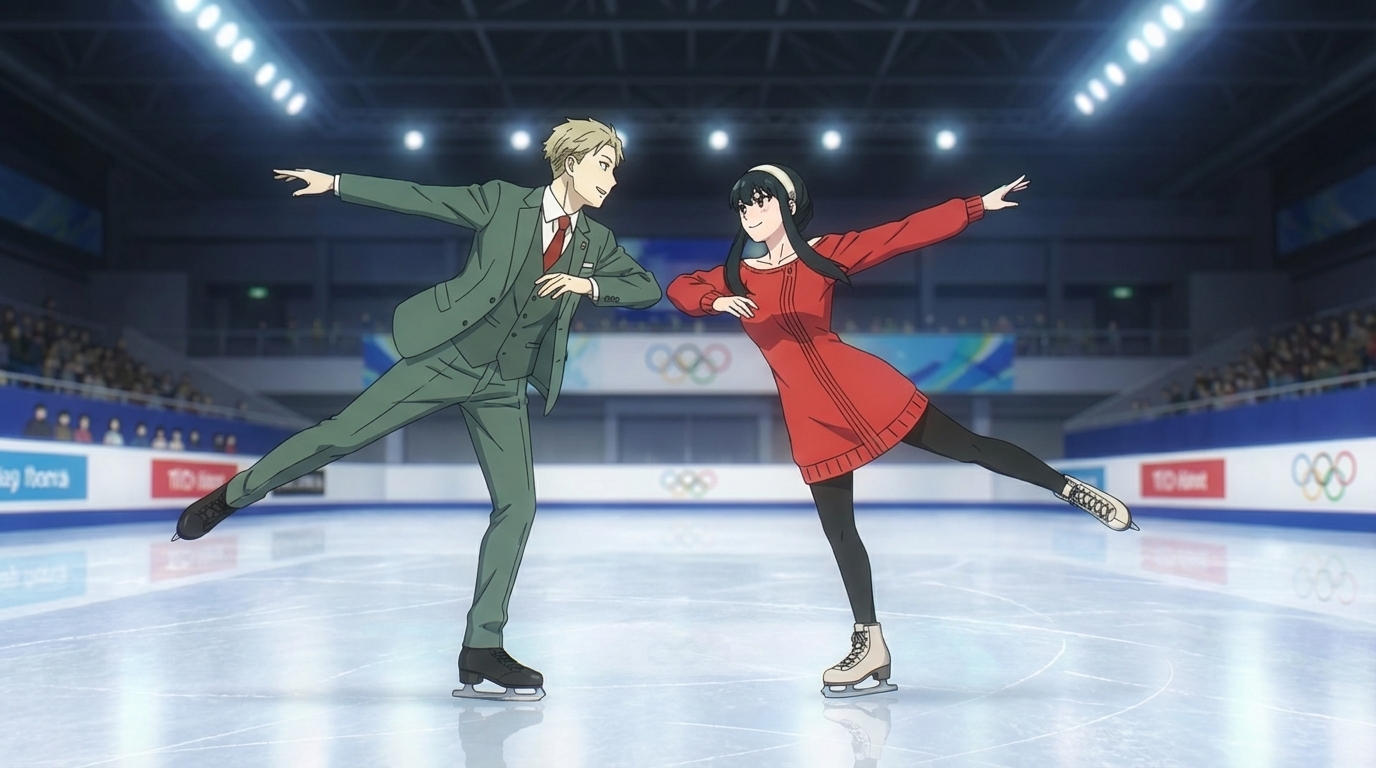
How to Make an Anime Ice Skating Video
Put your favorite characters on the ice in seconds
Learn how to make an anime ice skating video using AutoWeeb. Pick the ice skating template from the Explore page, choose or create characters, and generate a cinematic anime skating clip.
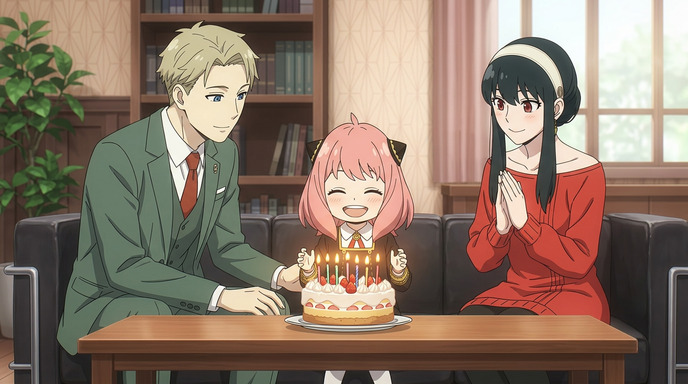
How to Create a Personalized Anime Birthday Video
Turn a birthday wish into an animated moment they'll never forget
Learn how to create a personalized anime birthday video using AI. Convert photos to anime, build custom characters, generate a birthday scene, and bring it to life as video.
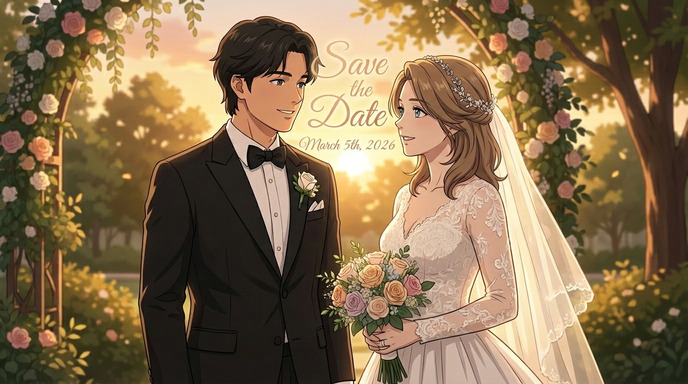
How to Make an Anime Wedding Invitation
Turn your love story into a stunning animated invitation
Learn how to create a beautiful anime-style wedding invitation using AI tools. Transform your photos into anime characters and design a unique invitation your guests will never forget.
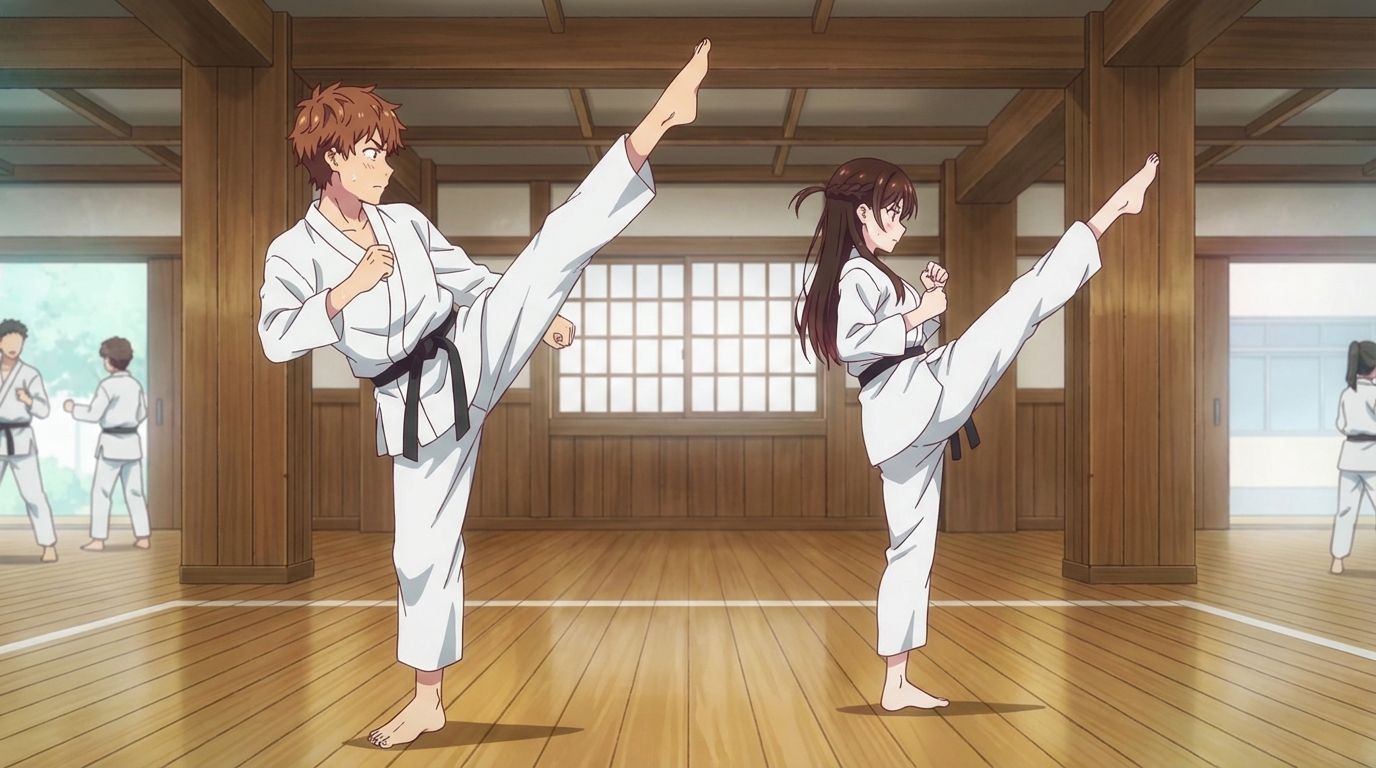
How to Create an Anime Fight Scene
From your first prompt to a cinematic clash
Learn how to create a dynamic anime fight scene using AutoWeeb. Pick a character, use the Explore page templates or write your own prompt, and generate action-packed anime images and videos.
Explore AutoWeeb
Jump into the tool that fits your creative step.
AI Anime Video Generator
Animate storyboard shots into cinematic clips with Seedance 2 and consistent characters.
Anime Character Creator
Design original characters with consistent sheets across every scene.
AI Anime Image Generator
Generate cinematic anime stills anchored to your character library.
Turn Photo Into Anime
Upload any photo and watch AI turn it into stunning anime art in seconds.
AI Anime Location Generator
Create a location set once, then generate reference images from every angle.
AI Anime Storyboarding
Describe your idea, pick your characters, and let AI draft the script and scenes.
AI Anime Prompt Agent
Turn a rough idea into a cinematic Seedance 2 prompt with the AI Director.