
Build Your Own Anime Commercial
Turn your brand into a cinematic anime story
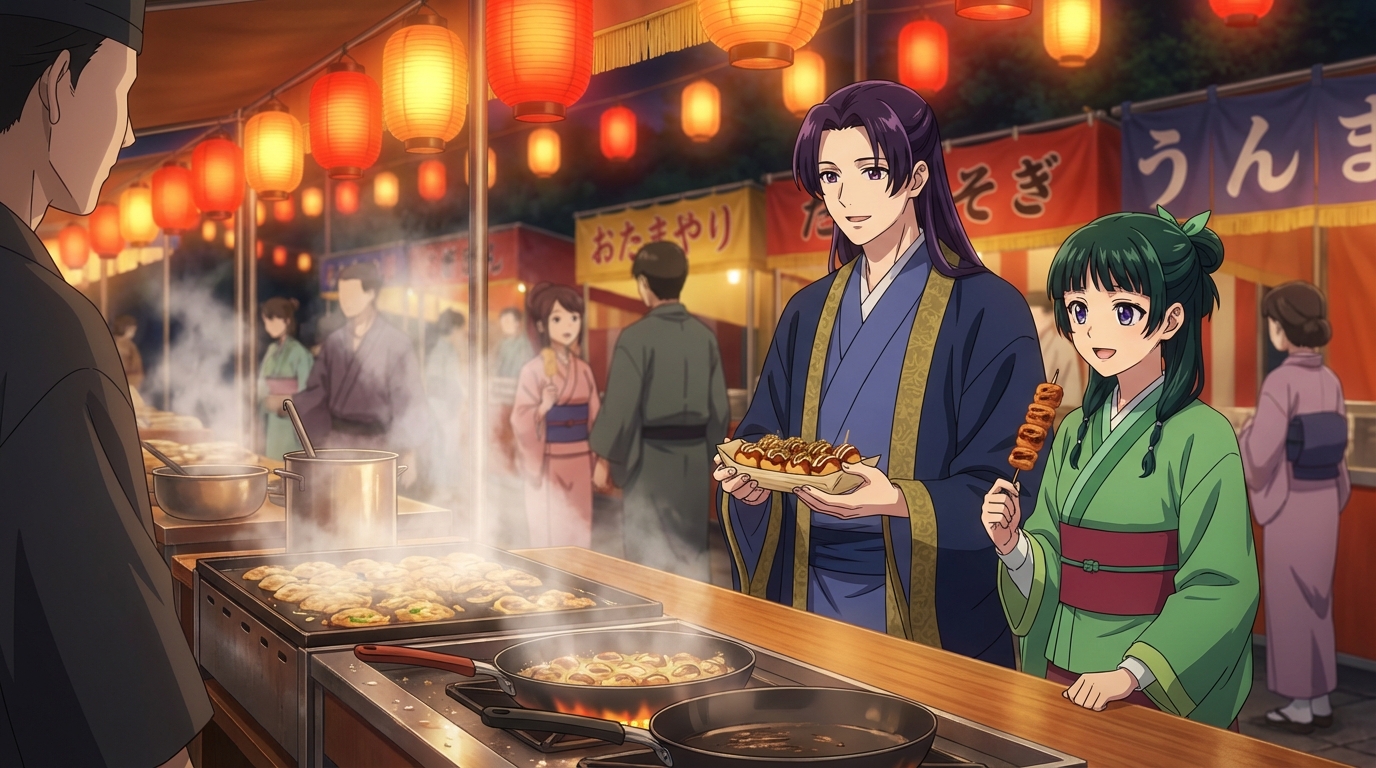
Anime commercials are some of the most memorable ads ever made. From Nissin's Cup Noodle shorts to the countless food and fashion brands that commission anime studios for their campaigns, the format has a unique power: it's cinematic, emotional, and unmistakably cool.
Now, with AI tools, you don't need to commission an animation studio to produce one. Whether you're a solo creator, a small business, or just someone with a great idea, this guide will walk you through building your own anime commercial using AutoWeeb.
Why Anime for Advertising?
Anime has a storytelling density that live-action struggles to match. In 15–30 seconds, a well-crafted anime spot can establish a world, introduce a character, and land an emotional punch.
- Instant style recognition: Anime aesthetics communicate quality, passion, and craft
- Character-driven recall: A memorable anime mascot or protagonist sticks in the viewer's mind
- Platform flexibility: Anime clips perform exceptionally well as TikToks, Instagram Reels, and YouTube pre-rolls
- No talent fees: AI-generated characters don't negotiate contracts
Step 1: Define Your Story in Three Beats
Every great commercial follows a simple arc. Before you open any tool, write three sentences:
- The problem or desire: What does your audience feel before they discover your product?
- The transformation: How does your product change their situation or mood?
- The resolution: What does their life look like after?
For example, a coffee brand might write: "Tired student can't focus → First sip of the coffee → Eyes light up, the world snaps into vivid color." That's a complete commercial.
Step 2: Design Your Brand Character
The character is the heart of any anime commercial. They're who the audience roots for, relates to, and remembers. With AutoWeeb's photo-to-anime tool, you have two options:
- Use yourself or a real person: Upload a photo and generate a consistent anime character. Great for personal brands or founder-led businesses.
- Build an original mascot: Use a detailed text prompt to generate a brand-new character that embodies your brand's personality.
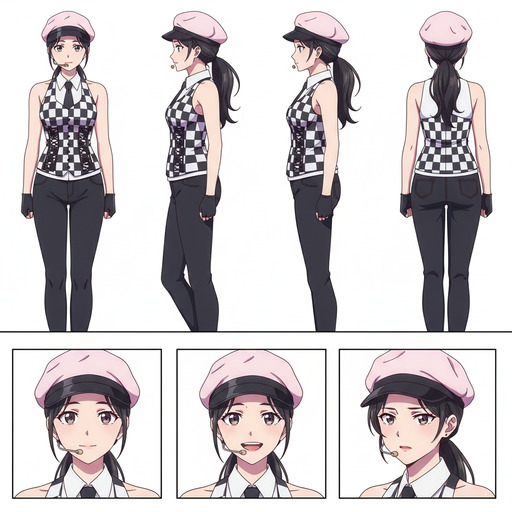
Once you have a character you're happy with, save it as a Character Sheet. The eyes, outfit, and expressions will look the same in every scene of the commercial. Consistency is what separates an amateur AI project from something that looks professionally produced.
Step 3: Generate Your Shots
With your character sheet ready and your scene environments set, generate each planned shot. A few principles to keep in mind:
- Lighting continuity: Decide on a consistent light source (golden hour, neon night, overcast morning) and apply it across every shot
- Color language: Pick 2–3 brand colors and make sure they appear in costume, props, or environmental accents throughout
- Emotion over action: Anime communicates emotion through micro-expressions and body language. Prioritize shots that show how your character feels, not just what they're doing
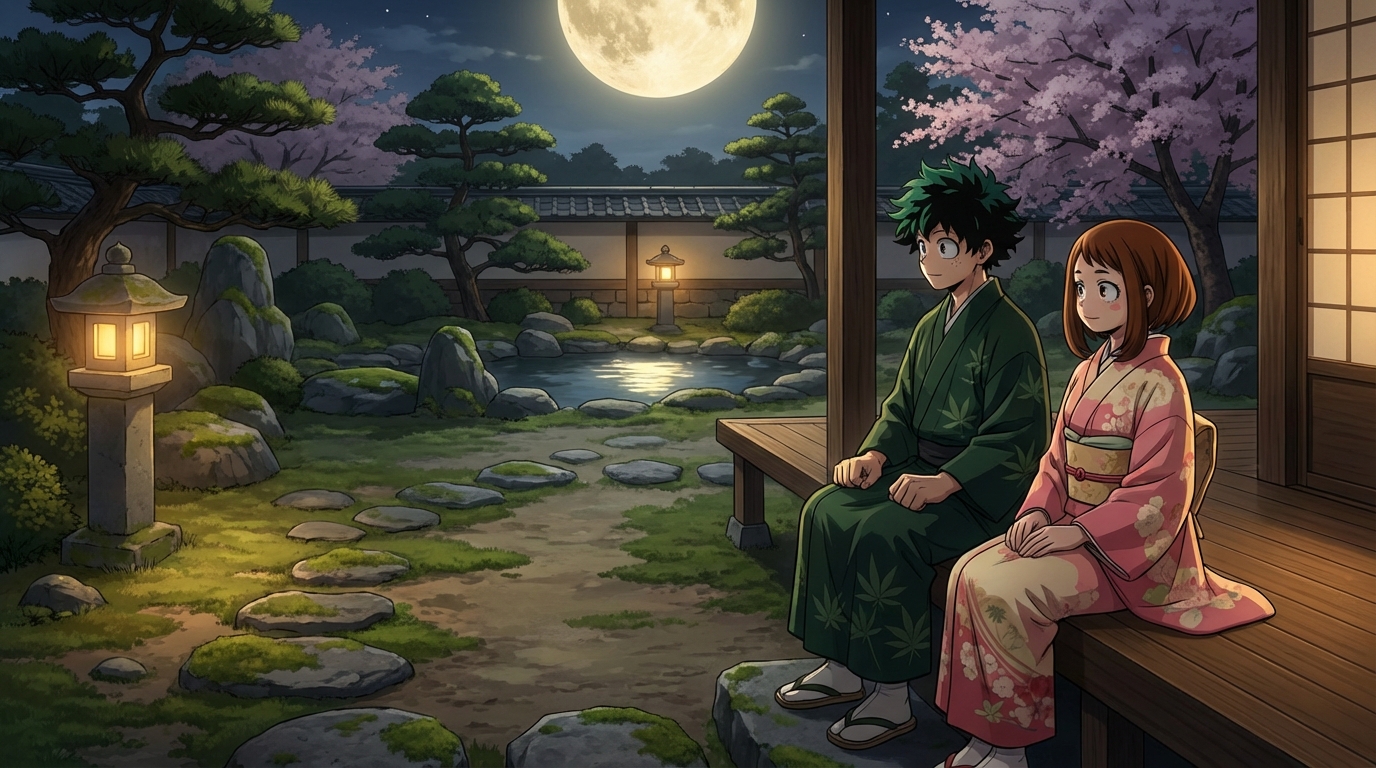
Step 4: Animate Your Key Moments
AutoWeeb's AI video tools—including upcoming Seedance 2 support—can convert your still images into short animated clips with character-consistent motion. Even 2–3 seconds of smooth animation on your hero shot makes the entire spot feel premium.
- The reaction shot (eyes widening, a smile breaking out)
- A camera pan across your establishing shot for cinematic scale
- Subtle hair or clothing movement to add life to a still pose
Step 5: Add Audio and Assemble
Visuals are half the commercial. The right audio layer transforms a good piece into an unforgettable one. A few options depending on your budget:
Assemble your shots in any basic video editor—CapCut, DaVinci Resolve, or even the Photos app on mobile. Aim for 15–30 seconds total. That's the sweet spot for social media and pre-roll ads.
- Royalty-free music: Sites like Pixabay and Freesound have anime-adjacent orchestral and lo-fi tracks
- AI music generation: Tools like Suno can generate short jingles or background tracks from a text description
- Sound effects: A well-placed "sparkle" or "whoosh" at the transformation moment does more than you'd expect
- Voiceover: A short line of copy delivered in a calm, confident tone sells the brand promise. Choose a voice for your AutoWeeb character.
Tips for a Professional Result
- Write the script first, generate images second. Retrofitting a story onto pre-existing images almost never works as well as generating images to serve a story you already know.
- Less is more. A 20-second spot with 4 excellent scenes beats a 45-second spot with 12 mediocre ones every time.
- Test on mute. If the commercial tells its story with the sound off, you've won. Most social media autoplay is muted by default.
Start Building Your Commercial
You have the tools. You have the format. All that's left is the story you want to tell.
👉 Start Creating Your Anime Commercial with AutoWeebThe most memorable brands in the world understand that marketing is storytelling. Anime, at its best, is the most efficient storytelling medium there is. Now it's yours to use.
Related Blog Posts
AnimeVerse Houston 2026: How to Create Anime from Your Texas Convention Experience
Houston's anime and J-pop scene, multicultural food, and Texas energy — turned into anime with AI
Attended AnimeVerse Houston 2026? Learn how to turn your cosplay photos, J-pop and K-pop performances, Houston food, and convention highlights into anime art, characters, and animated clips with AutoWeeb.
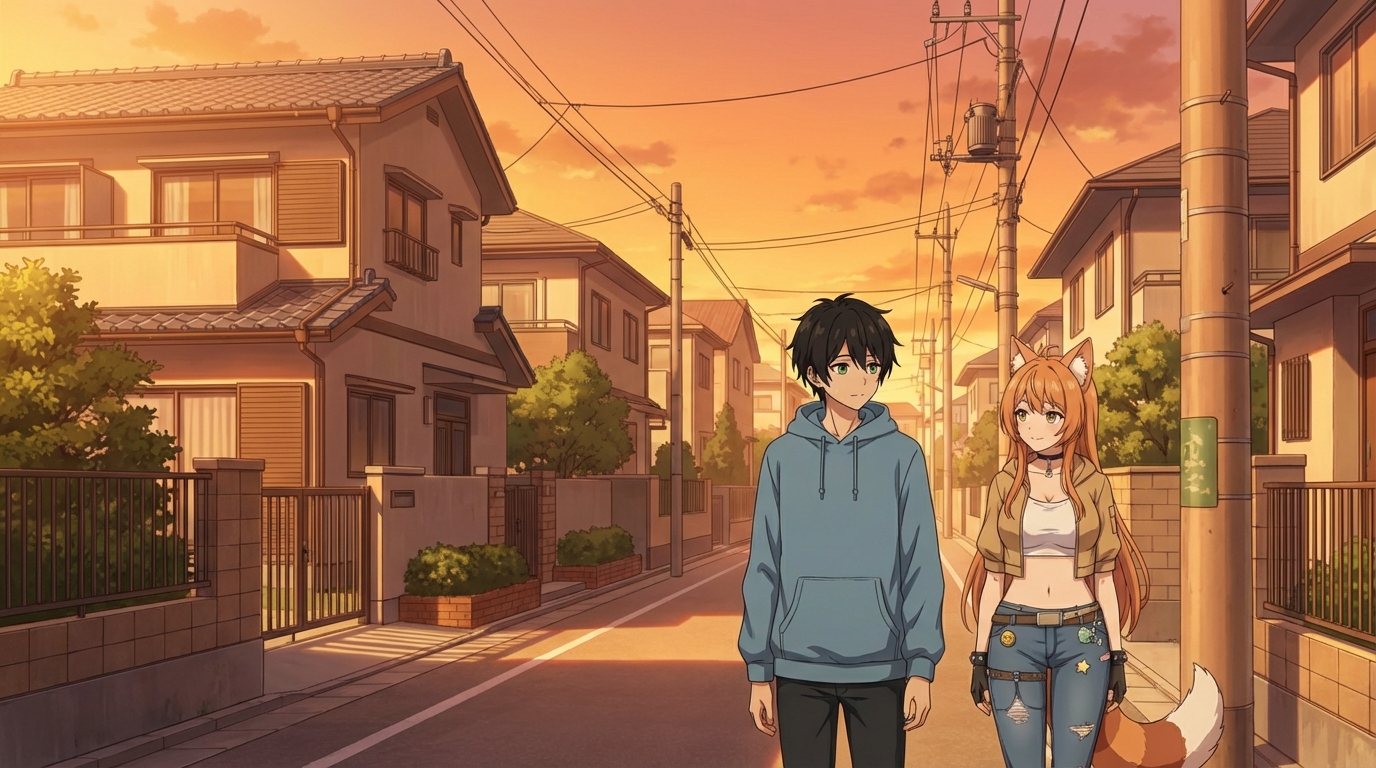
How to Make an Anime Wedding Video
Turn your special day into an animated masterpiece
Learn how to create a stunning anime wedding video using AI tools. Transform your wedding photos and footage into beautiful anime-style animations.
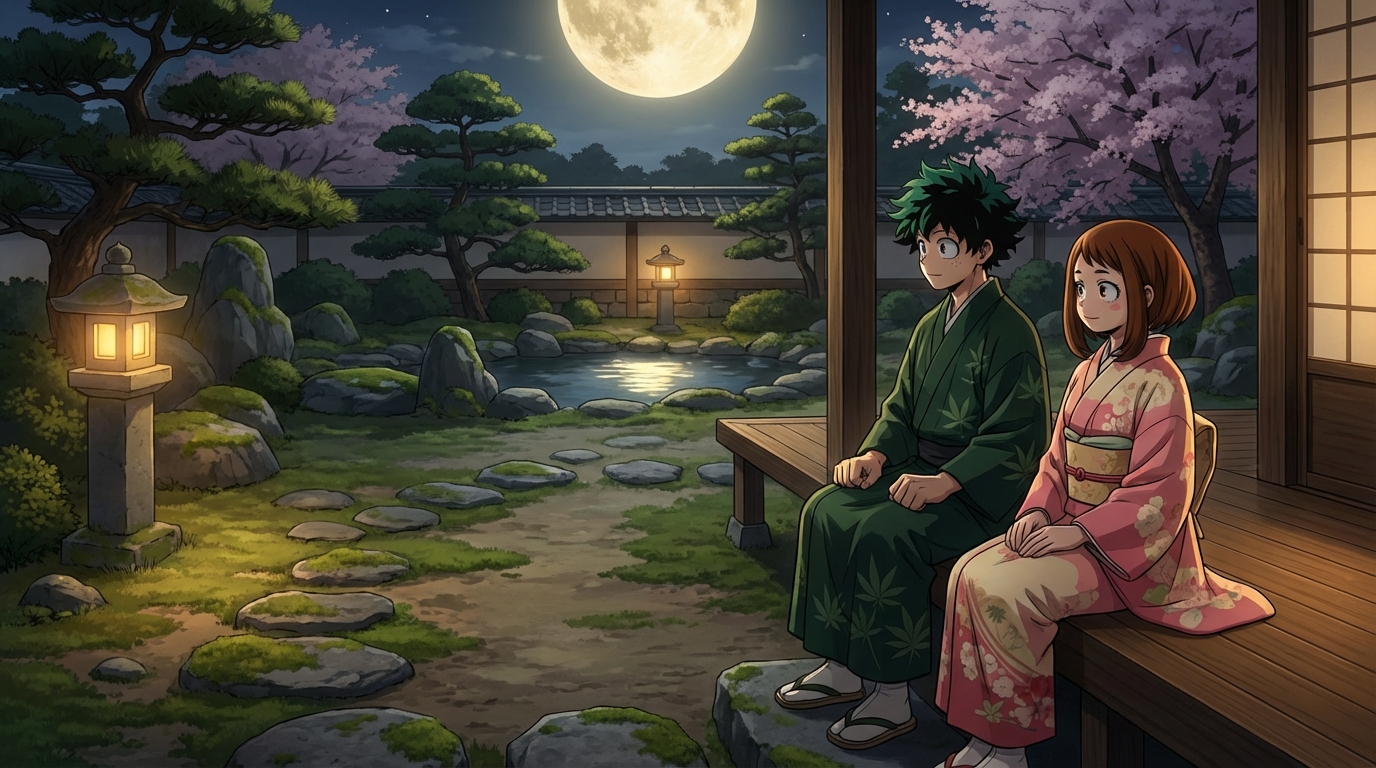
Kami-Con 2026: How to Create Anime from Your Birmingham Convention Experience
Alabama's largest anime convention, cosplay, gaming, and Southern charm — all turned into anime art with AI
Attended Kami-Con 2026 in Birmingham, Alabama? Learn how to turn your cosplay photos, gaming moments, panel highlights, and convention memories into anime art, custom characters, and animated videos with AutoWeeb.
Seedance 2 is a Big Step Forward for AI Anime
ByteDance's new video model changes what's possible for anime creators
Seedance 2 by ByteDance is a major leap forward for AI anime video generation. Character consistency, cinematic camera control, and native lip-sync make it the most anime-capable video model yet.
Explore AutoWeeb
Jump into the tool that fits your creative step.
AI Anime Video Generator
Animate storyboard shots into cinematic clips with Seedance 2 and consistent characters.
Anime Character Creator
Design original characters with consistent sheets across every scene.
AI Anime Image Generator
Generate cinematic anime stills anchored to your character library.
Turn Photo Into Anime
Upload any photo and watch AI turn it into stunning anime art in seconds.
AI Anime Location Generator
Create a location set once, then generate reference images from every angle.
AI Anime Storyboarding
Describe your idea, pick your characters, and let AI draft the script and scenes.
AI Anime Prompt Agent
Turn a rough idea into a cinematic Seedance 2 prompt with the AI Director.