
How to Make an Anime Wedding Video
Turn your special day into an animated masterpiece
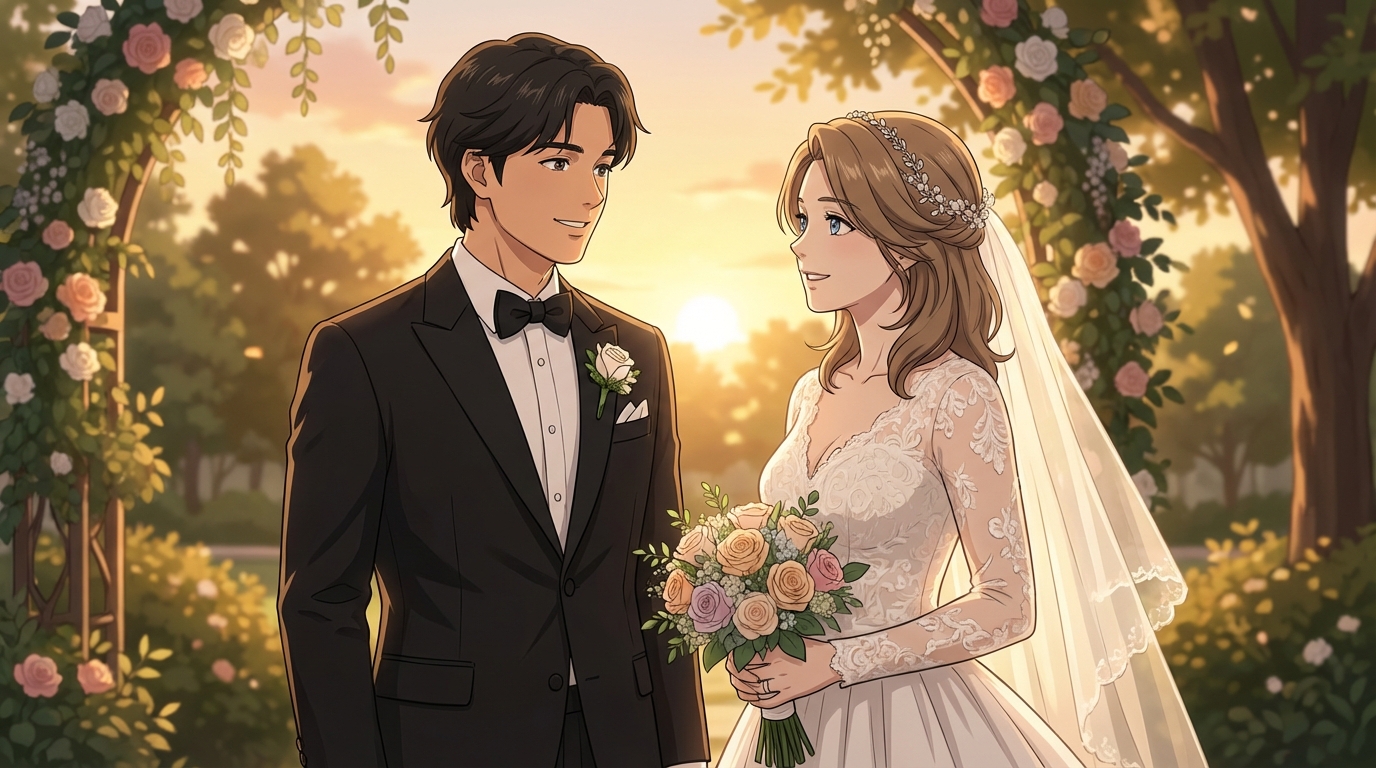
Your wedding day is one of the most memorable moments of your life. What if you could preserve those memories in the enchanting style of your favorite anime? With AI-powered tools, turning yourself into anime is now more accessible than ever.
Whether you're a Ghibli fan dreaming of soft watercolor aesthetics or prefer the vivid drama of modern anime, this guide will walk you through the entire process.
Why Create an Anime Wedding Video?
Traditional wedding videos are beautiful, but anime-style videos offer something truly unique:
- Timeless aesthetic: Anime art ages gracefully, looking just as stunning decades later
- Emotional depth: The anime style emphasizes expressions and romantic moments in ways live video can't
- Personal expression: Show your love of anime culture on your special day
- Privacy-friendly: An anime version can be shared more freely without showing guests' faces
Step 1: Gather Your Wedding Photos
The foundation of any anime wedding video is high-quality source material. Collect your best photos from:
- The ceremony (vows, ring exchange, first kiss)
- Couple portraits
- First dance and celebration moments
- Candid romantic moments
- Venue and decoration shots for backgrounds
Pro tip: Photos with clear faces and good lighting convert to anime much better. Blurry or low-light shots may lose important details during the conversion process.
Step 2: Convert Your Photos to Anime
With AutoWeeb's photo-to-anime tool, transform your wedding photos into beautiful anime scenes. Choose the anime style that fits your mood.
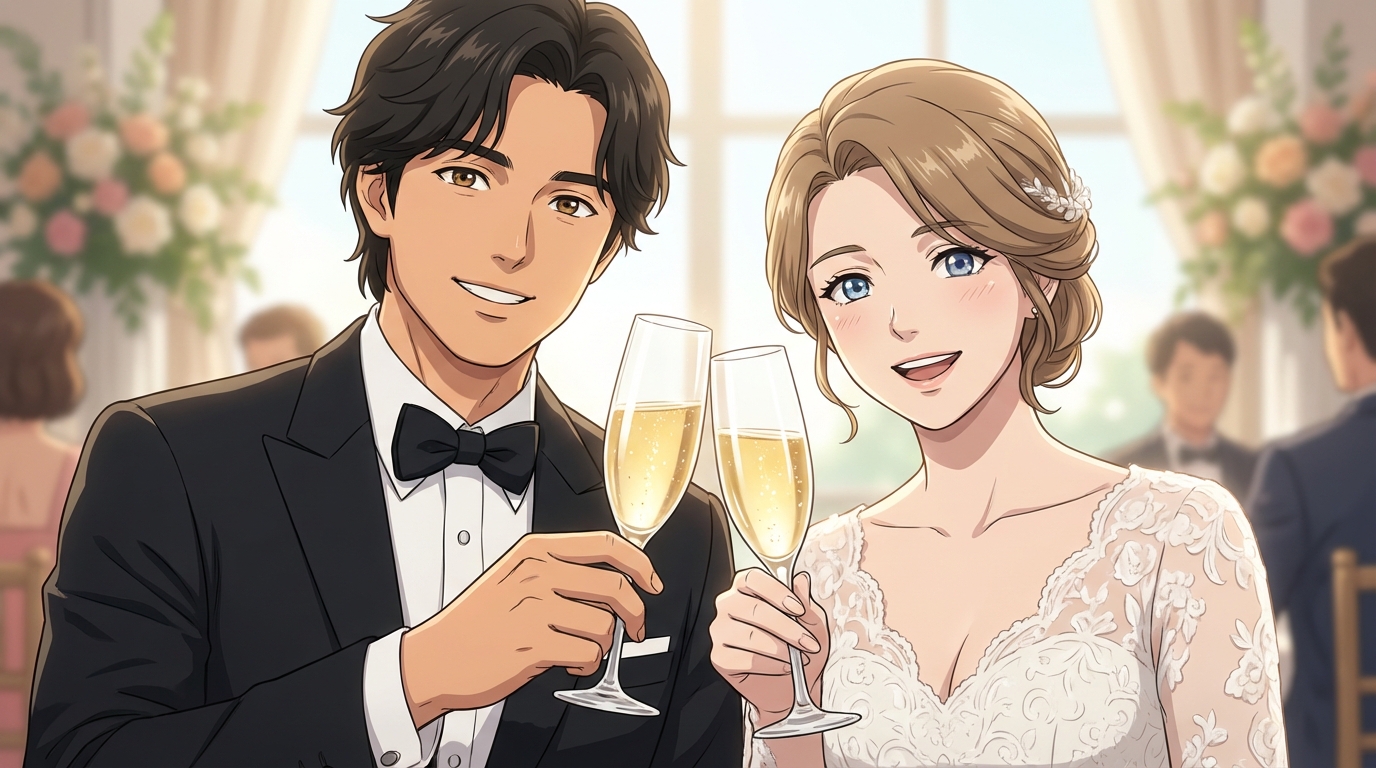
Step 3: Create Your Anime Characters
Consistency is key in anime. Establish what you and your partner look like as anime characters to maintain a cohesive look throughout your video.
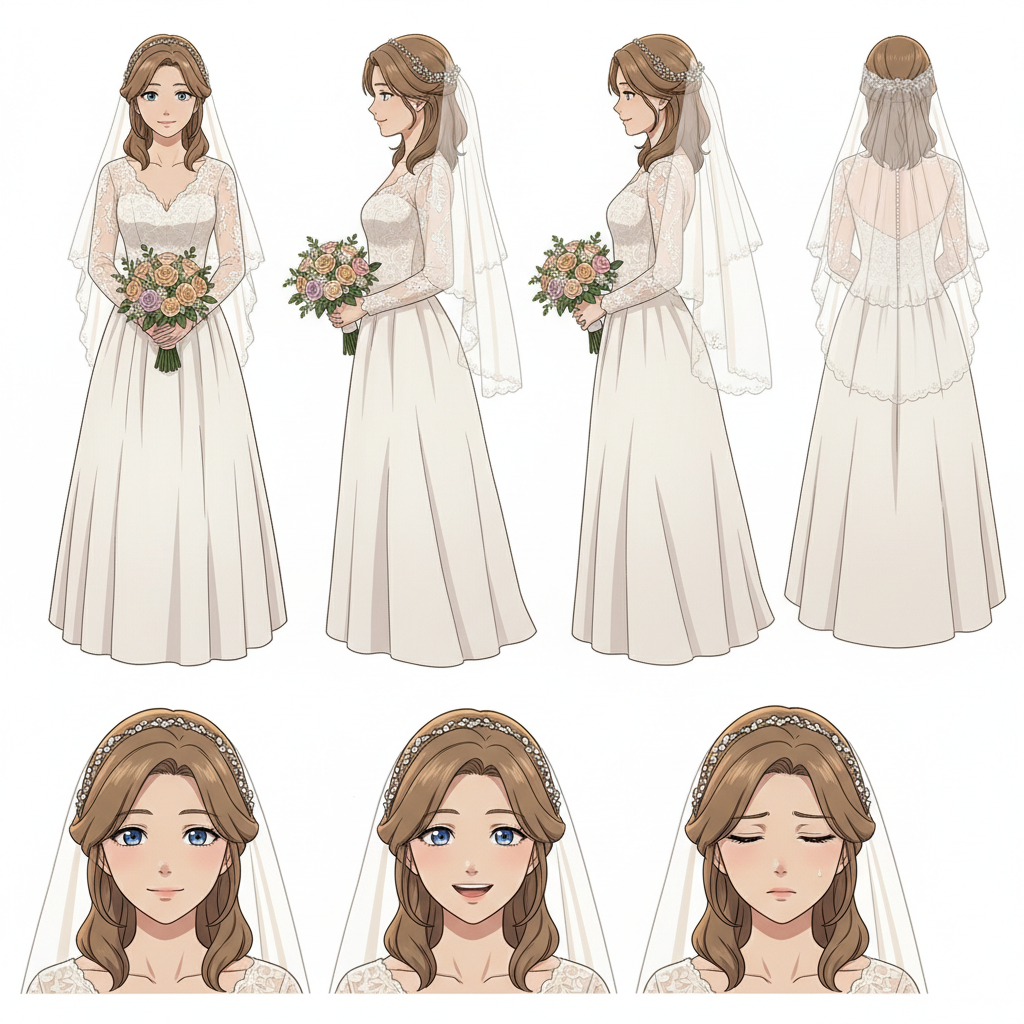
With AutoWeeb, you can:
- Upload a clear photo of each person
- Generate an anime character version that preserves their likeness
- Save the character sheet for consistent results across all scenes
Step 4: Create Images and Videos
Now bring your anime wedding to life with AI-powered tools. Focus on the key moments that tell your story:
- Opening scene: Getting ready, anticipation building
- The reveal: First look at each other
- The ceremony: Vows and ring exchange
- The celebration: First dance, cake cutting, toasts
- Closing scene: Romantic sunset or departure shot
Modern AI video tools can add subtle motion to hair and clothing, animate facial expressions, and create camera pans for cinematic effect. With models like Seedance 2 (coming soon to AutoWeeb), you can create smooth, anime-accurate animations that maintain character consistency throughout your video.
AutoWeeb's 3D scene builders also let you create dreamy backgrounds and position virtual cameras for consistent perspectives across multiple shots.
Tips for the Best Results
- Start with fewer scenes: Quality over quantity. 10-15 beautifully converted scenes work better than 50 rushed ones.
- Maintain consistency: Use the same style settings and character sheets throughout
- Tell a story: Structure your video with a beginning, middle, and end
Get Started with AutoWeeb
Ready to transform your wedding memories into anime art? AutoWeeb makes the process simple. 👉 Start Creating Your Anime Wedding Video
Your love story deserves to be told in the most beautiful way possible. With AI-powered anime tools, you can create a wedding video that's as magical and unique as your relationship.
Related Blog Posts
Kami-Con 2026: How to Create Anime from Your Birmingham Convention Experience
Alabama's largest anime convention, cosplay, gaming, and Southern charm — all turned into anime art with AI
Attended Kami-Con 2026 in Birmingham, Alabama? Learn how to turn your cosplay photos, gaming moments, panel highlights, and convention memories into anime art, custom characters, and animated videos with AutoWeeb.
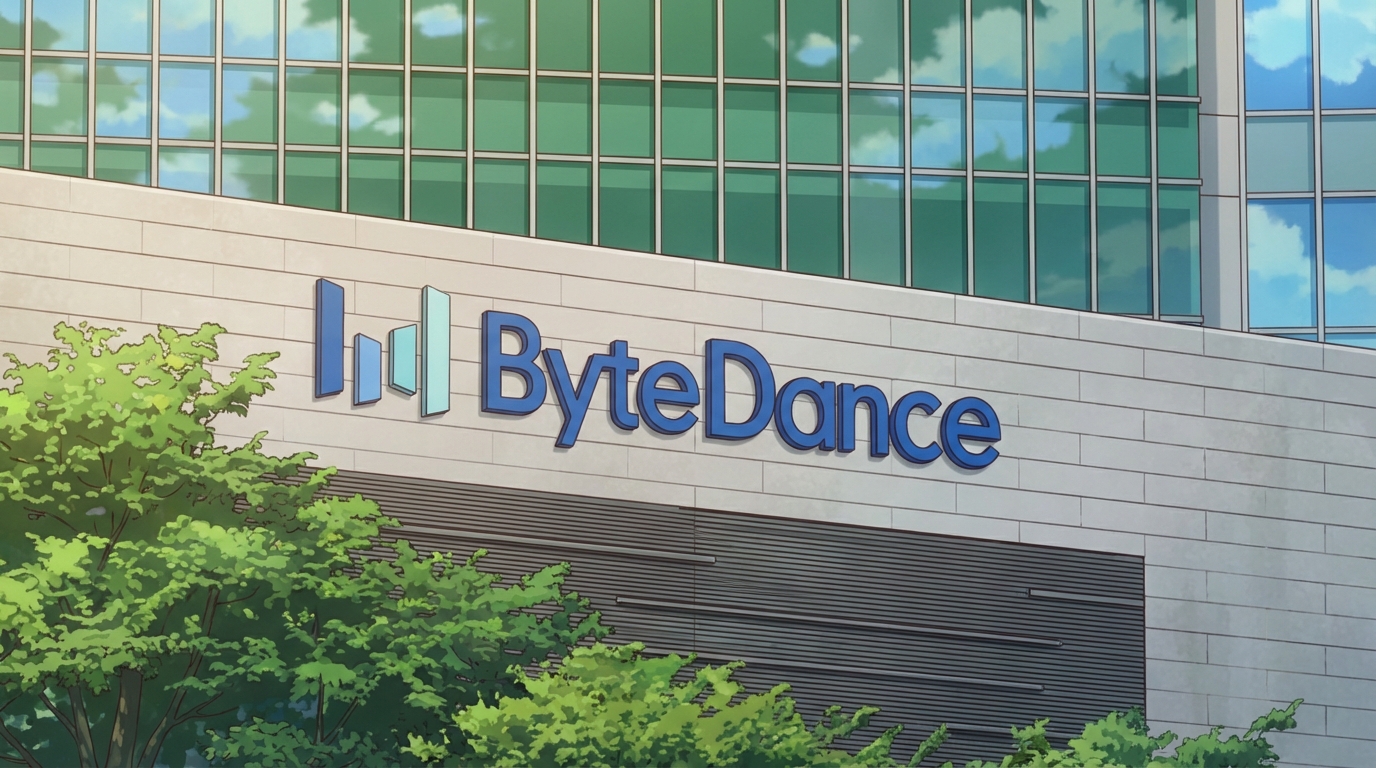
Seedance 2 is a Big Step Forward for AI Anime
ByteDance's new video model changes what's possible for anime creators
Seedance 2 by ByteDance is a major leap forward for AI anime video generation. Character consistency, cinematic camera control, and native lip-sync make it the most anime-capable video model yet.
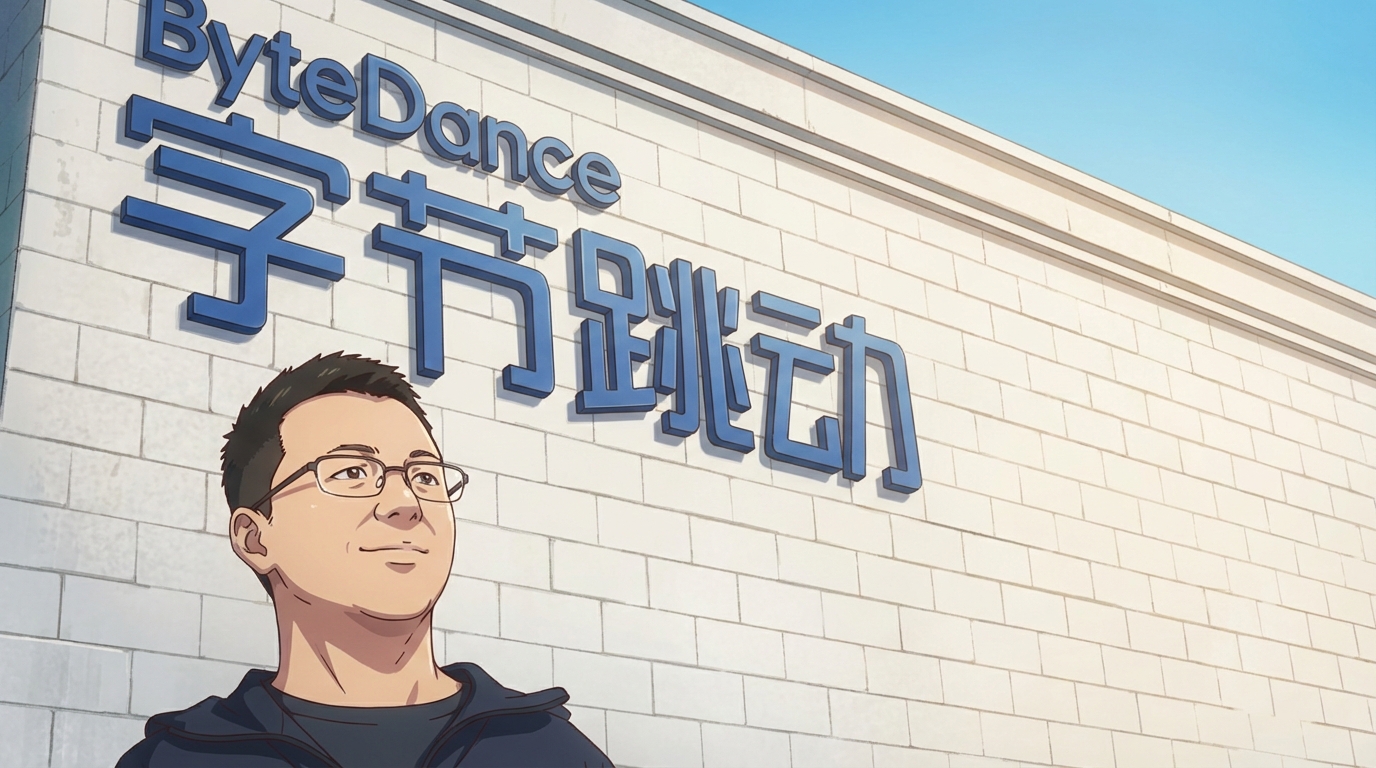
Seedance 2 Support in AutoWeeb is Coming Soon
AI anime video generation, powered by the best video model available
Seedance 2 support is coming to AutoWeeb. Combine ByteDance's powerful AI video model with AutoWeeb's anime-specific tools for character-consistent anime video generation.
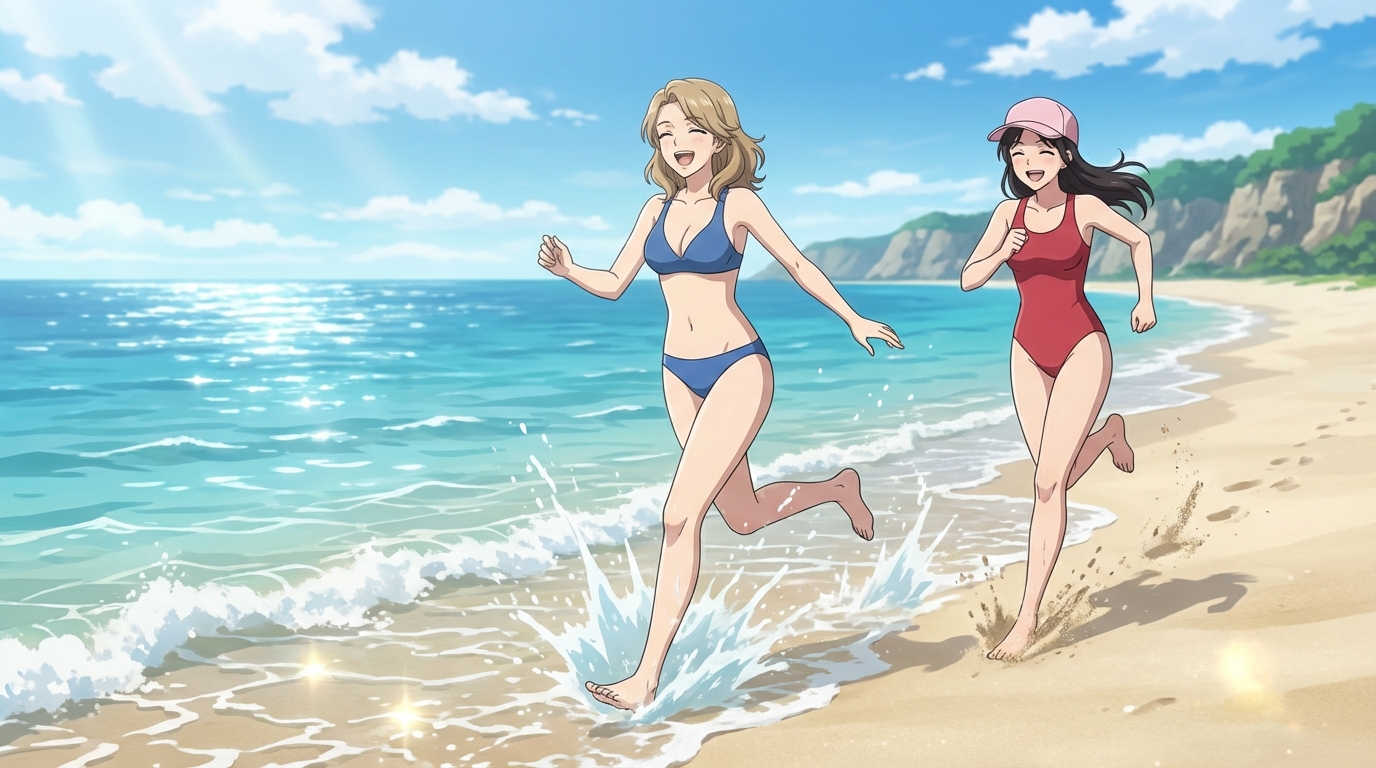
Katsucon 2026: How to Create Anime from Your National Harbor Convention Experience
The Gaylord atrium, professional cosplay, and the Potomac waterfront — turned into anime art with AI
Attended Katsucon 2026 at the Gaylord National Resort in Maryland? Learn how to turn your Gaylord atrium cosplay photos, artist alley finds, and convention highlights into anime art and animated clips with AutoWeeb.
Explore AutoWeeb
Jump into the tool that fits your creative step.
AI Anime Video Generator
Animate storyboard shots into cinematic clips with Seedance 2 and consistent characters.
Anime Character Creator
Design original characters with consistent sheets across every scene.
AI Anime Image Generator
Generate cinematic anime stills anchored to your character library.
Turn Photo Into Anime
Upload any photo and watch AI turn it into stunning anime art in seconds.
AI Anime Location Generator
Create a location set once, then generate reference images from every angle.
AI Anime Storyboarding
Describe your idea, pick your characters, and let AI draft the script and scenes.
AI Anime Prompt Agent
Turn a rough idea into a cinematic Seedance 2 prompt with the AI Director.