
How to Turn Your Cat into Anime
Aloof, precise, emotionally devastating — your cat was already an anime character. Here's the proof.
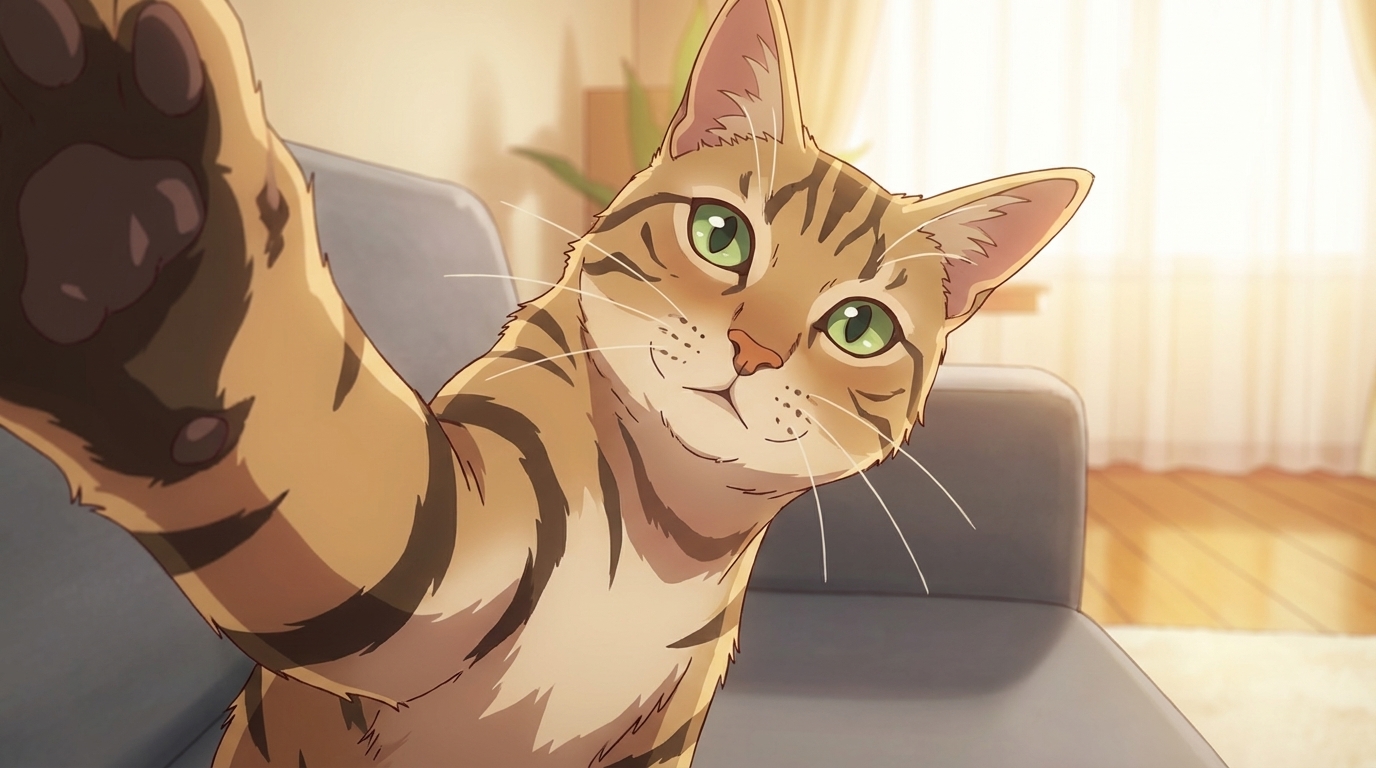
Upload a photo of your cat to AutoWeeb, convert it to anime, build a character sheet that locks the marking pattern and eye color, then create images and videos from that character. The converter reads coat texture and markings from the photo, so a clear, well-lit source image is the most important factor in getting an accurate result. Here's how each step works.
👉 Turn Your Cat into Anime on AutoWeebStep 1: Upload and Convert
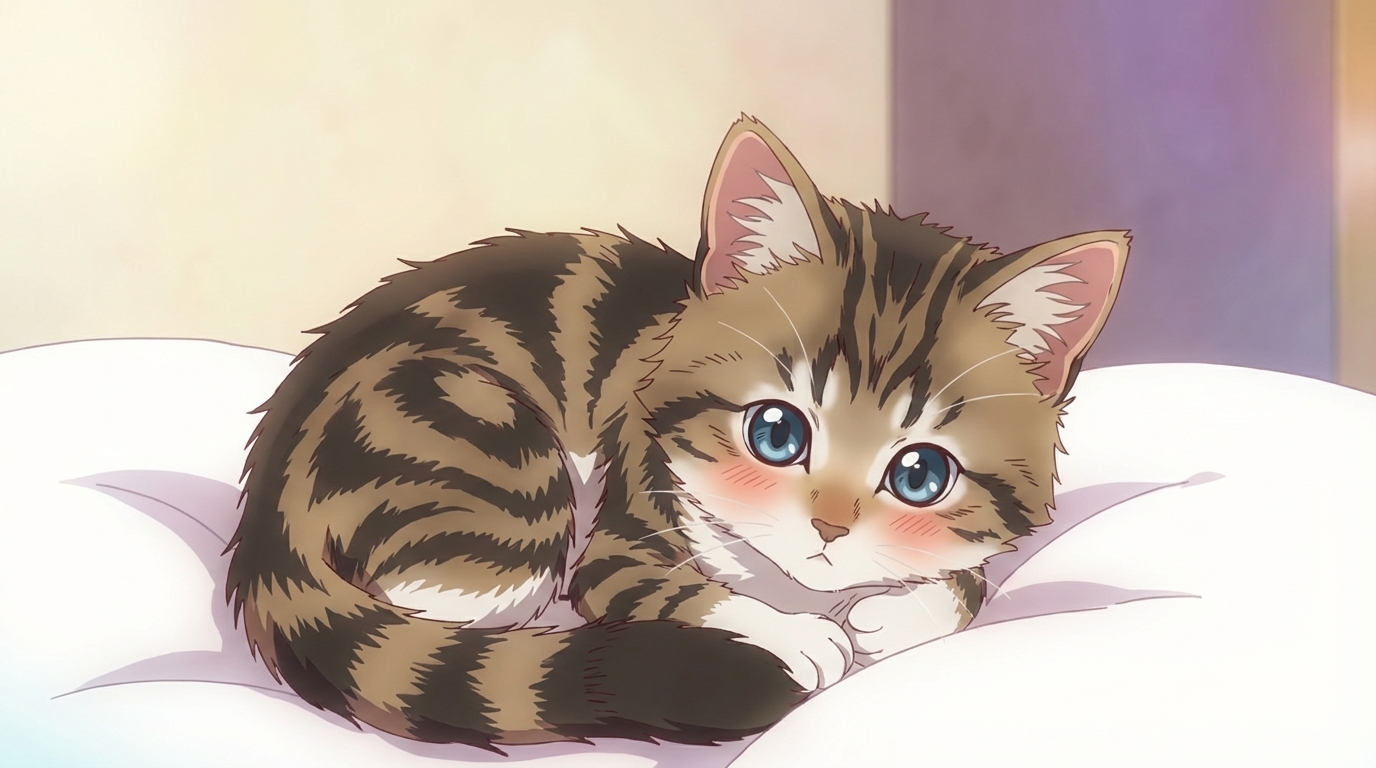
Upload a photo to AutoWeeb's photo-to-anime converter. The AI reads the marking pattern, coat color, and eye shape from the image. Shoot in soft indirect natural light — bright overhead light or flash causes cats to squint, which loses the eye detail the converter needs. For tabby, calico, or tortoiseshell cats, get close enough that the pattern is legible. For solid black cats, use some side fill light so the AI isn't reading a featureless silhouette. Use AutoWeeb's style selector to choose the visual register — try the same photo in two styles and compare the results.
Step 2: Create a Character Sheet
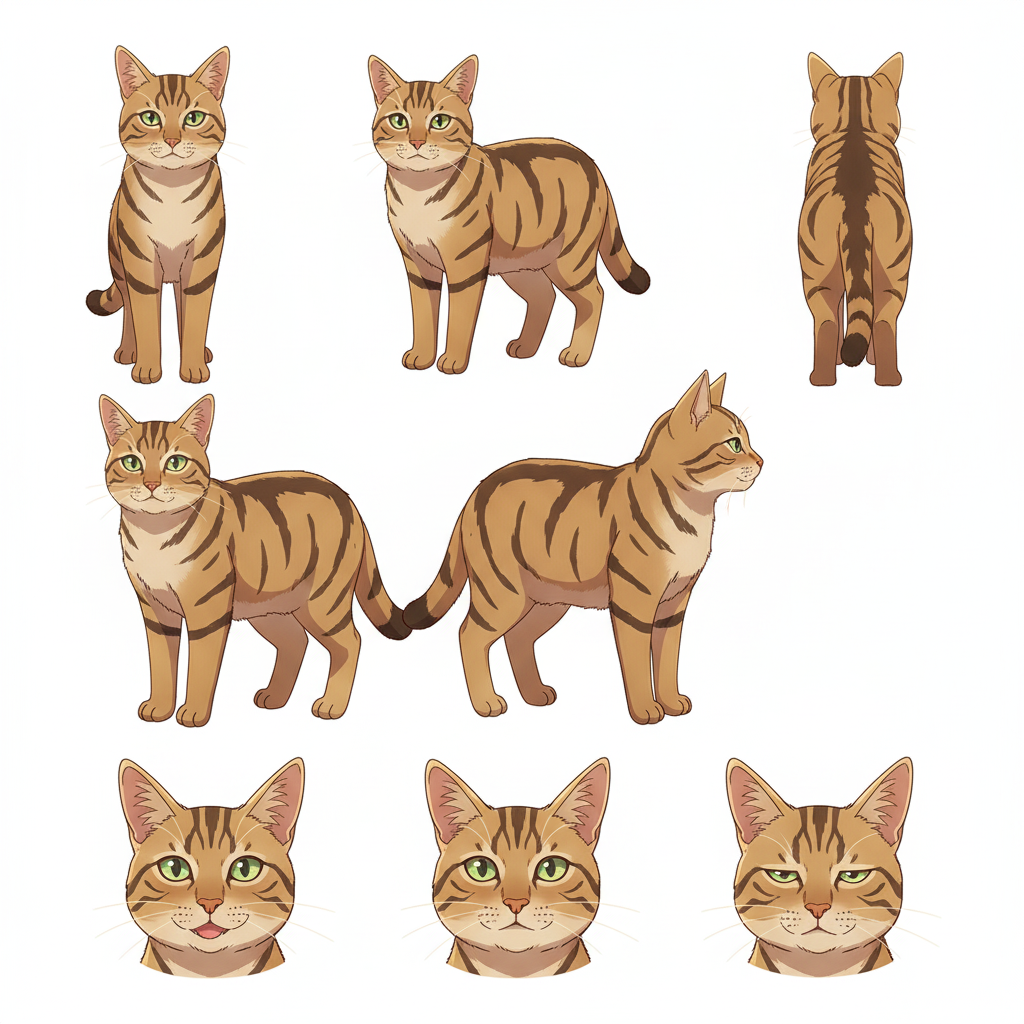
Take the converted image into AutoWeeb's Character Creator to generate a full character sheet — front, side, and back views with a locked color palette. The character sheet is what keeps the marking pattern and eye color consistent across every image and video you create from this character.
In the character description, be specific about the details that make your cat identifiable: exact eye color, any distinctive markings or patch shapes, tail position, and how the ears sit. The more precise the description, the more the character sheet looks like your specific cat rather than a breed reference.
Step 3: Create Images and Videos
Use AutoWeeb's photo packs to place your cat in anime scenes, or use a video template to animate the character. The slice-of-life pack covers domestic settings — windowsills, tatami rooms, kitchen corners. The isekai town pack has cobblestone streets, market stalls, and rooftop settings. The Japanese nature pack covers outdoor environments.
Prompts that work well for cats in scenes:
- elegant feline on a windowsill, silver tabby markings, jade eyes, soft afternoon light, slice-of-life anime style
- mysterious black cat familiar on a rooftop at dusk, golden eyes, isekai town setting, dark fantasy style
- orange tabby kitten mid-swipe, Ghibli-style warm rendering, tatami floor, scattered sunlight
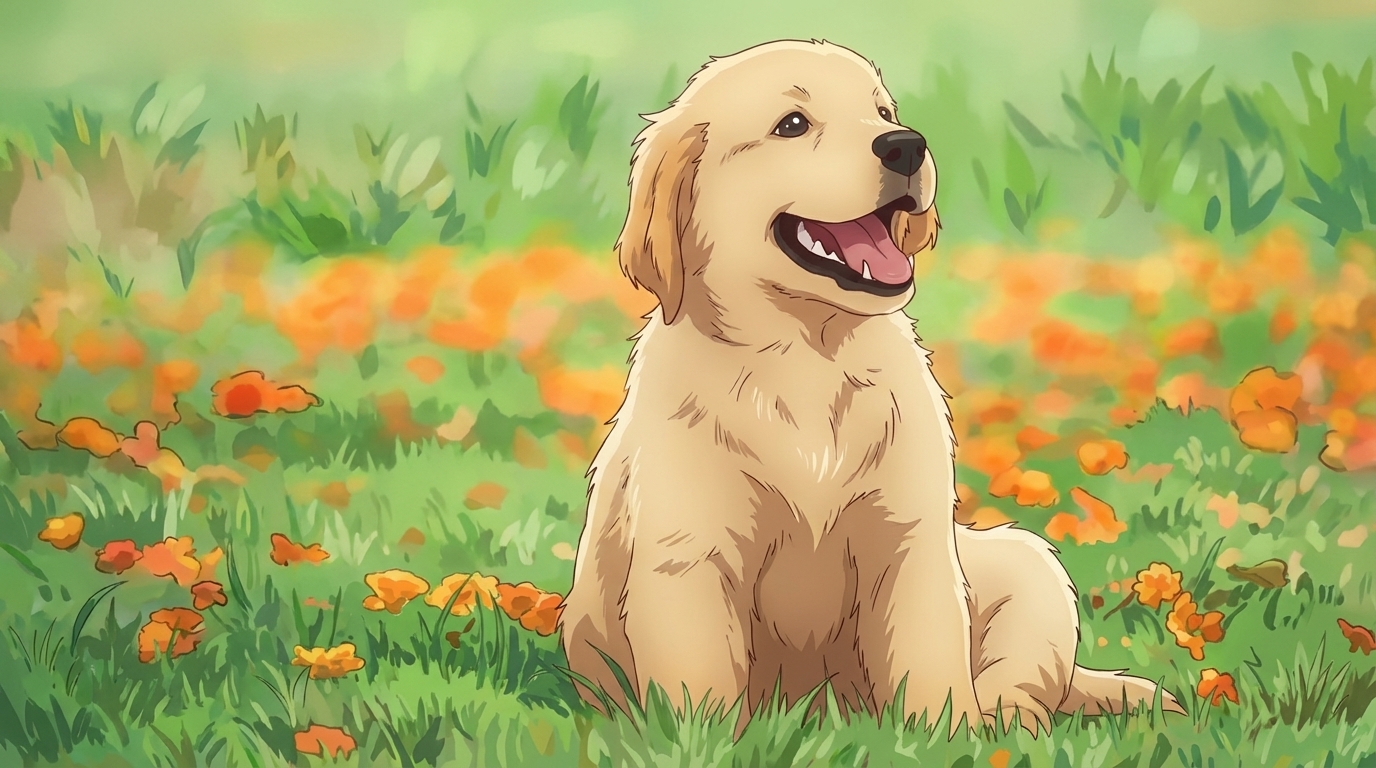
The general pet-to-anime guide covers the same workflow for any animal. The full photo-to-anime guide covers the conversion in more detail, and the character creation guide covers everything in the Character Creator.
Related Blog Posts
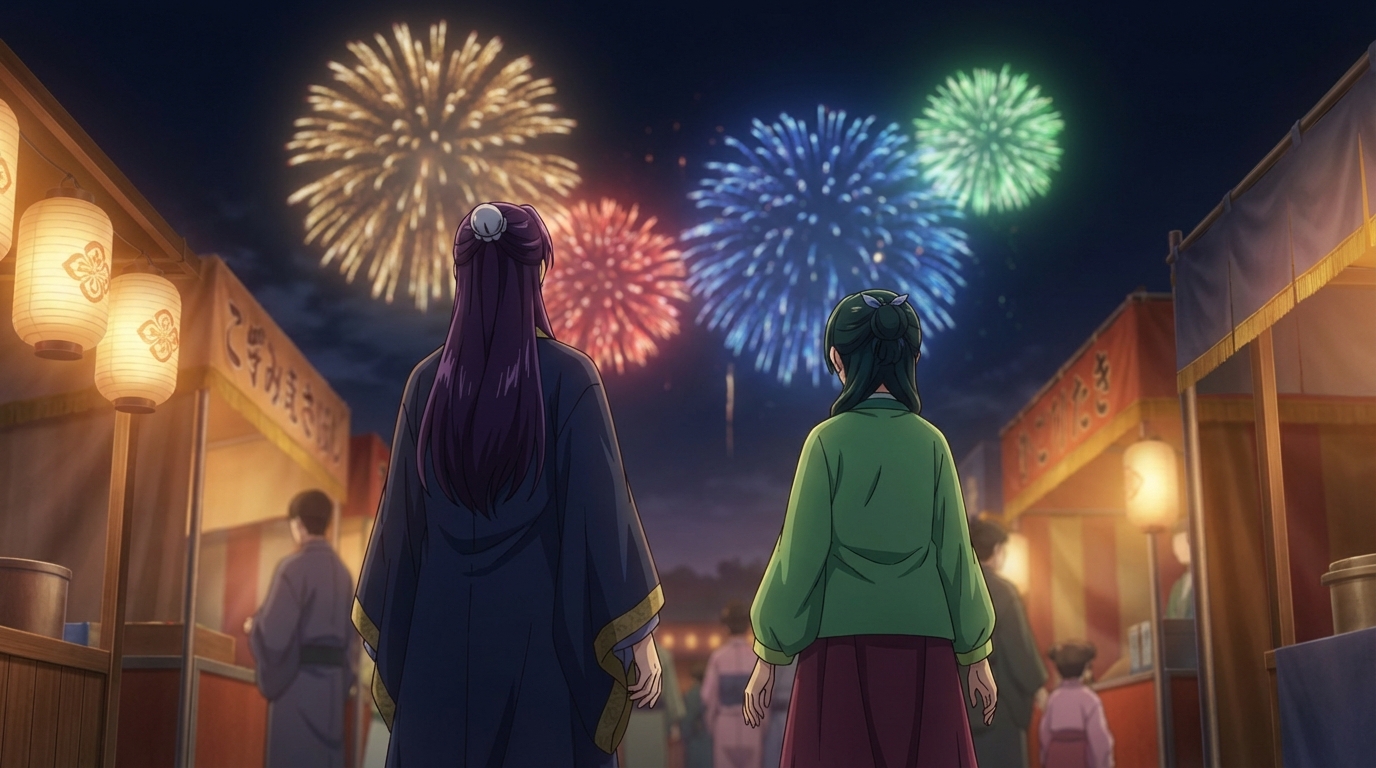
Anime Festival Date Scenes You Can Create
The summer festival is one of anime's best romantic settings. Here's how to build yours
Create anime festival date scenes with AutoWeeb. Generate romantic summer festival and matsuri scenes with your own characters using AI-powered anime art.
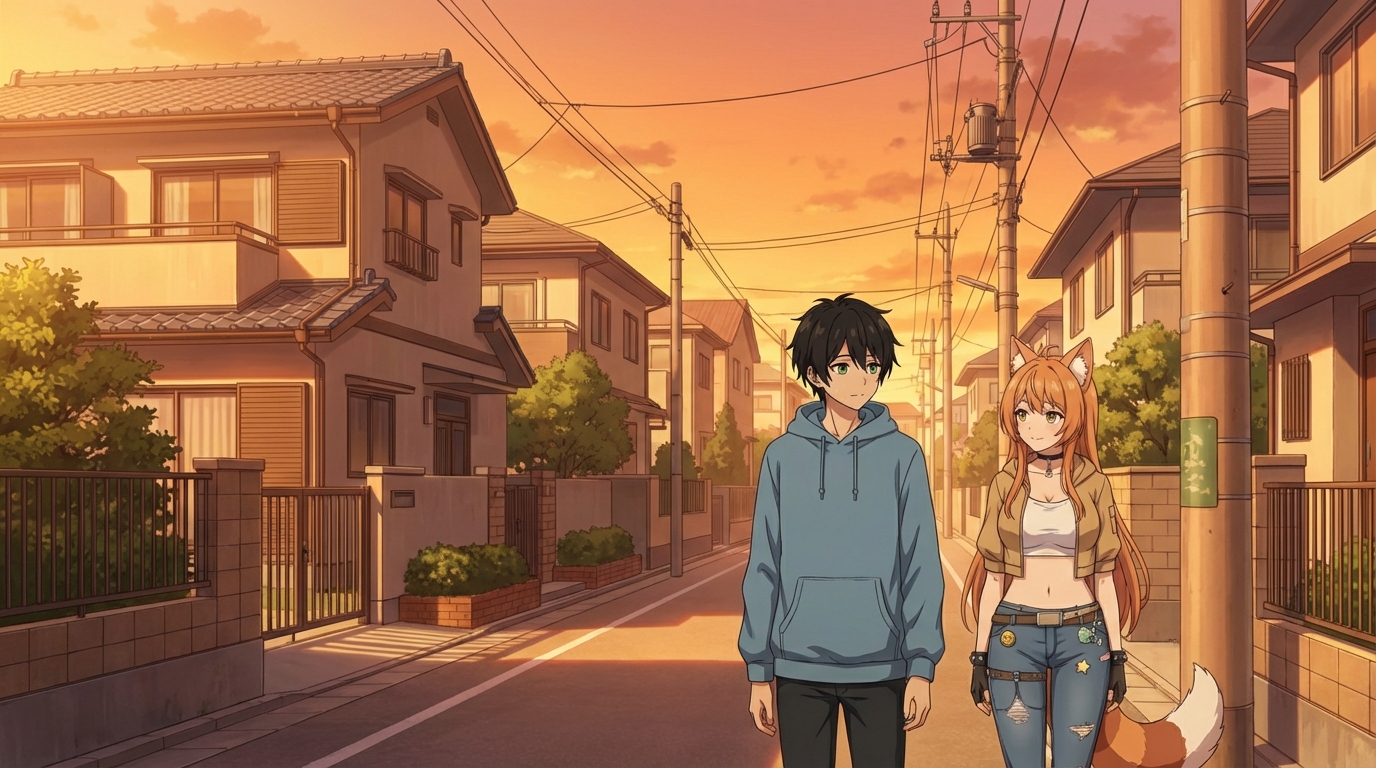
Create Your Own Anime Romance Story
From character design to multi-scene story, here's how to build a romance that's actually yours
Create your own anime romance story with AutoWeeb. Design characters, build scenes, and tell a complete love story using AI-generated anime art.
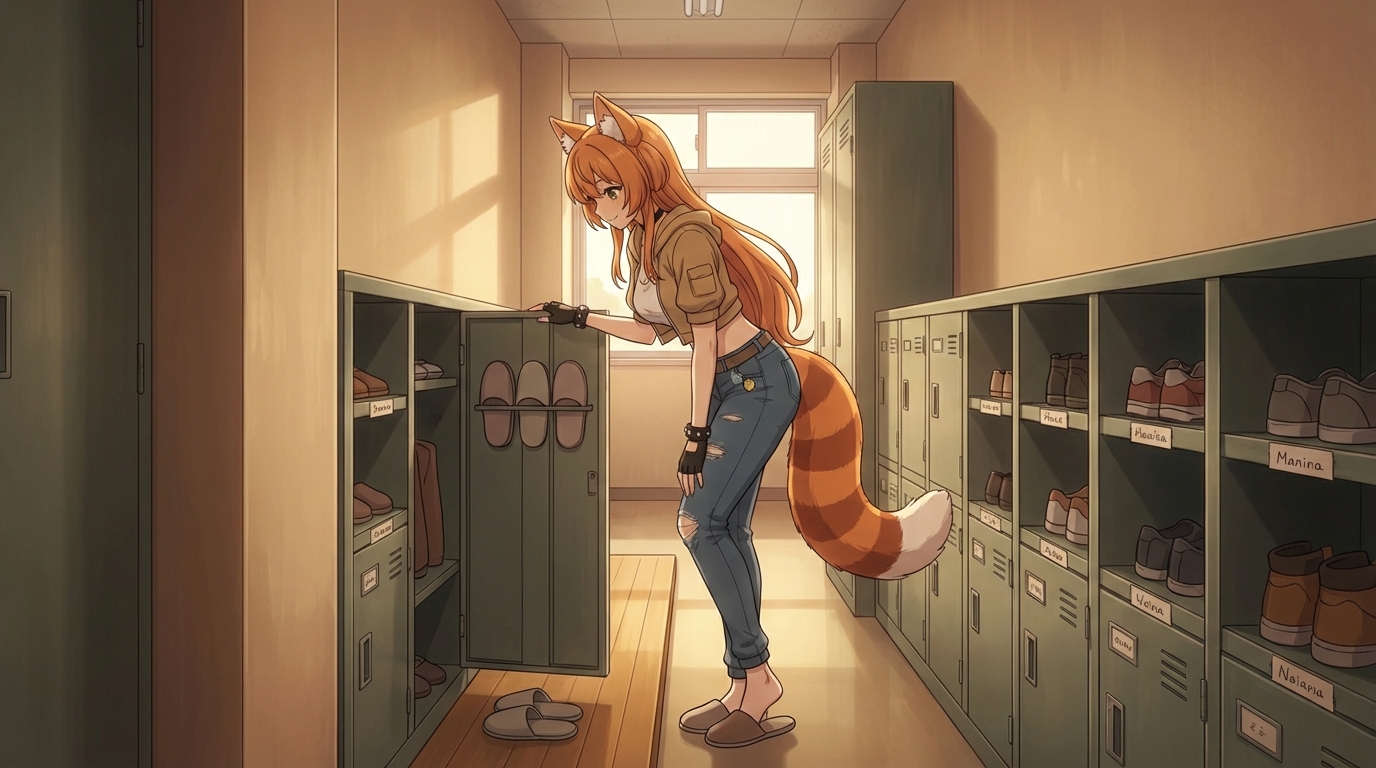
What If You Were in an Anime Love Story?
The tropes, the settings, the moments, and how to actually put yourself into all of them
What if you were in an anime love story? Explore the classic tropes and settings, then use AutoWeeb to generate scenes with yourself as the main character.
Anime Couple Scenes You Can Recreate With AI
Classic moments from anime romance, rebuilt with your characters in the lead roles
Recreate your favorite anime couple scenes with AI. Use AutoWeeb to put your own characters into the iconic moments from anime romance, from rooftop confessions to festival nights.
Explore AutoWeeb
Jump into the tool that fits your creative step.
AI Anime Video Generator
Animate storyboard shots into cinematic clips with Seedance 2 and consistent characters.
Anime Character Creator
Design original characters with consistent sheets across every scene.
AI Anime Image Generator
Generate cinematic anime stills anchored to your character library.
Turn Photo Into Anime
Upload any photo and watch AI turn it into stunning anime art in seconds.
AI Anime Location Generator
Create a location set once, then generate reference images from every angle.
AI Anime Storyboarding
Describe your idea, pick your characters, and let AI draft the script and scenes.
AI Anime Prompt Agent
Turn a rough idea into a cinematic Seedance 2 prompt with the AI Director.