
How to Turn Your Dog into Anime
From golden retriever to loyal companion spirit — here's how to give your dog an anime character design
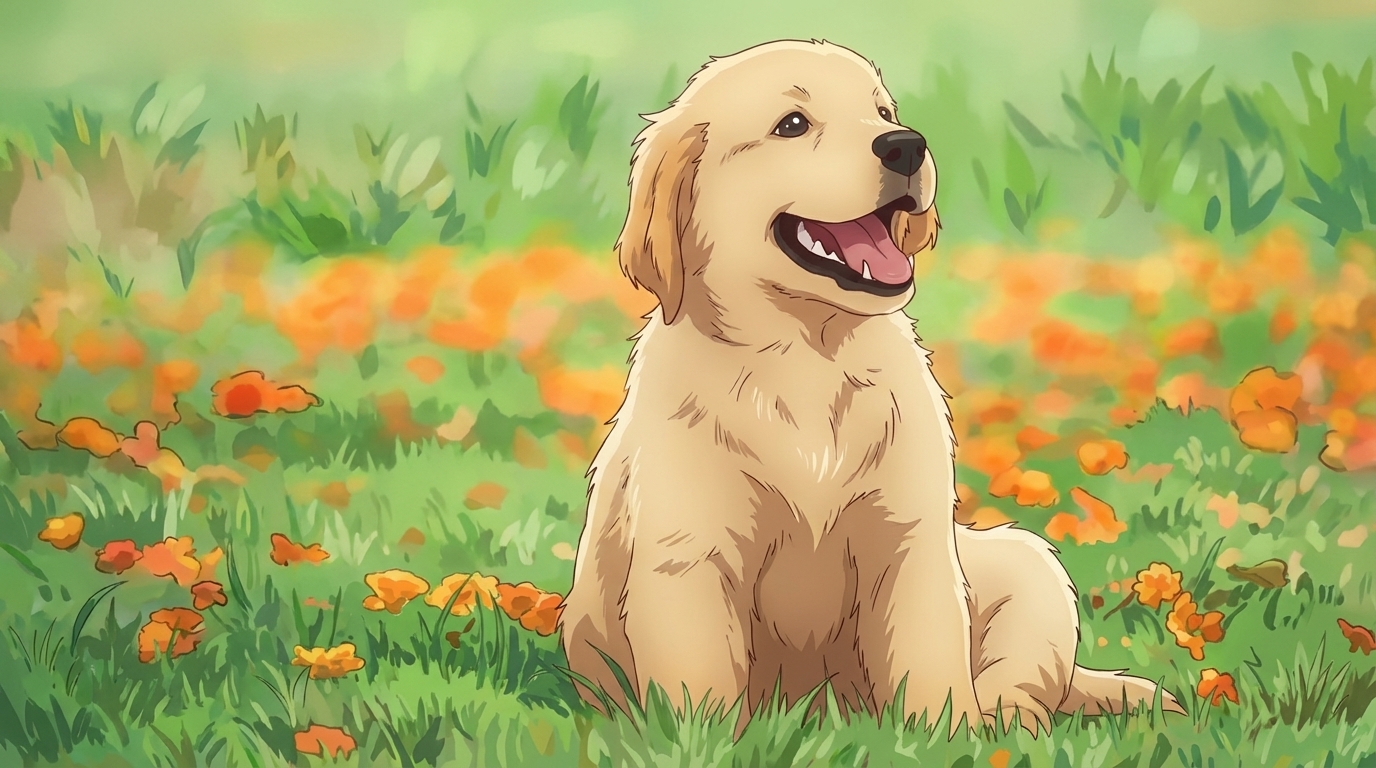
Upload a photo of your dog to AutoWeeb, convert it to anime, build a character sheet from the result, then use that character in images and videos. The process takes a few minutes and works for any breed — AutoWeeb reads the coat coloring, markings, and body shape directly from your photo. Here's how each step works.
👉 Turn Your Dog into Anime on AutoWeebStep 1: Upload and Convert
Upload a photo of your dog to AutoWeeb's photo-to-anime converter. The AI reads the coat texture, markings, and eye color from the image and renders an anime version. For the most accurate result, use a photo in natural light with the dog's face clearly visible — avoid flash, which flattens coat color, and choose a background that contrasts with the dog so the subject separates cleanly. For breeds with distinct markings like huskies or Australian shepherds, get close enough that the layering is legible in the photo.
Step 2: Create a Character Sheet
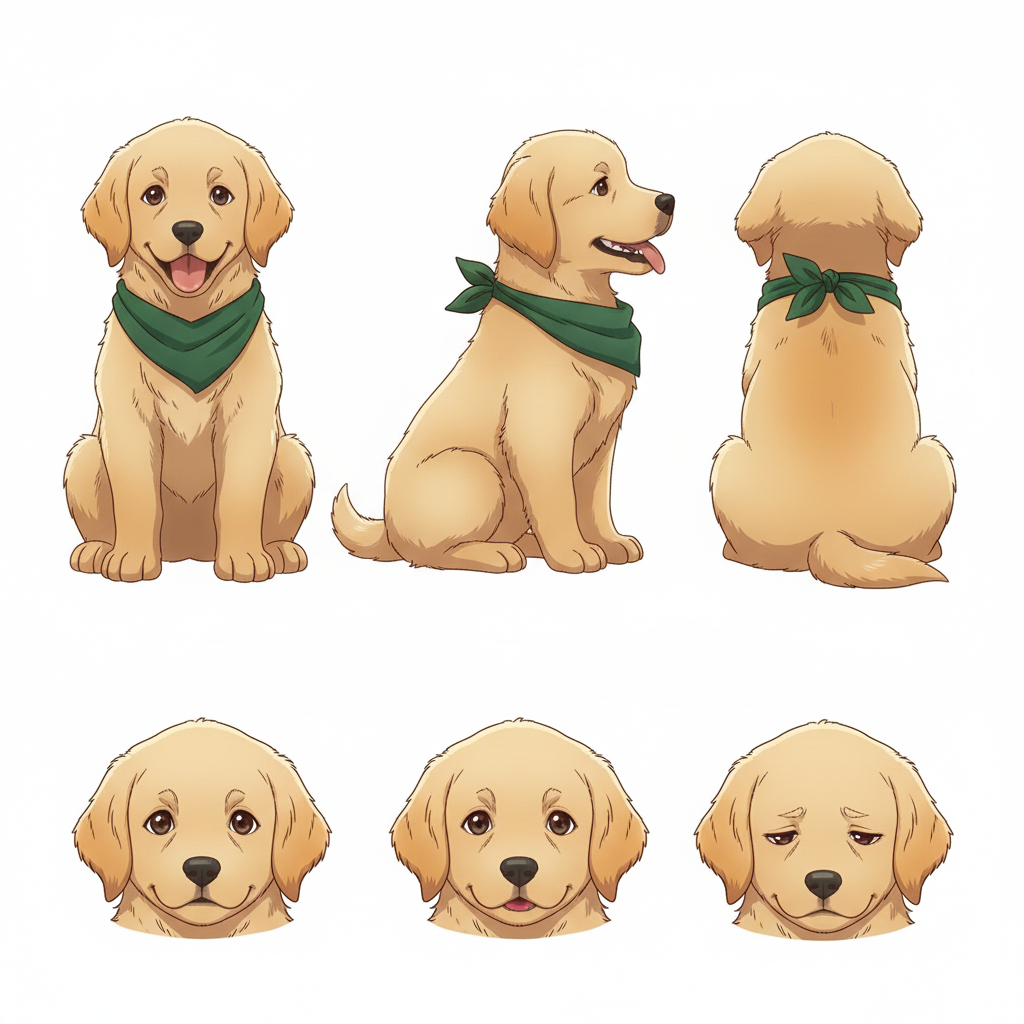
Take the converted image into AutoWeeb's Character Creator to generate a full character sheet with front, side, and back views. The character sheet locks in the design — coat markings, eye color, and body proportions — so every image and video you generate from this character stays visually consistent. Without a character sheet, the design drifts between outputs.
In the character description, go beyond breed: specify the exact eye color, whether the chest has a lighter patch, how the ears sit, and any asymmetrical markings. These are what make the character sheet look like your dog rather than a generic breed reference.
Step 3: Create Images and Videos
With a character sheet in place, use AutoWeeb's photo packs to place your dog in anime scenes, or use a video template to animate the character. The Japanese nature pack has forest paths, mountain trails, and open outdoor settings. The isekai town pack covers fantasy environments — cobblestone streets, market settings, architectural backdrops. The slice-of-life pack handles domestic interiors.
Prompts that work well for dogs in scenes:
- loyal wolf companion walking a forest trail, warm amber eyes, anime adventure style, golden hour light, detailed fur
- energetic retriever running through a meadow, golden fur, wide joyful eyes, Ghibli-style soft rendering
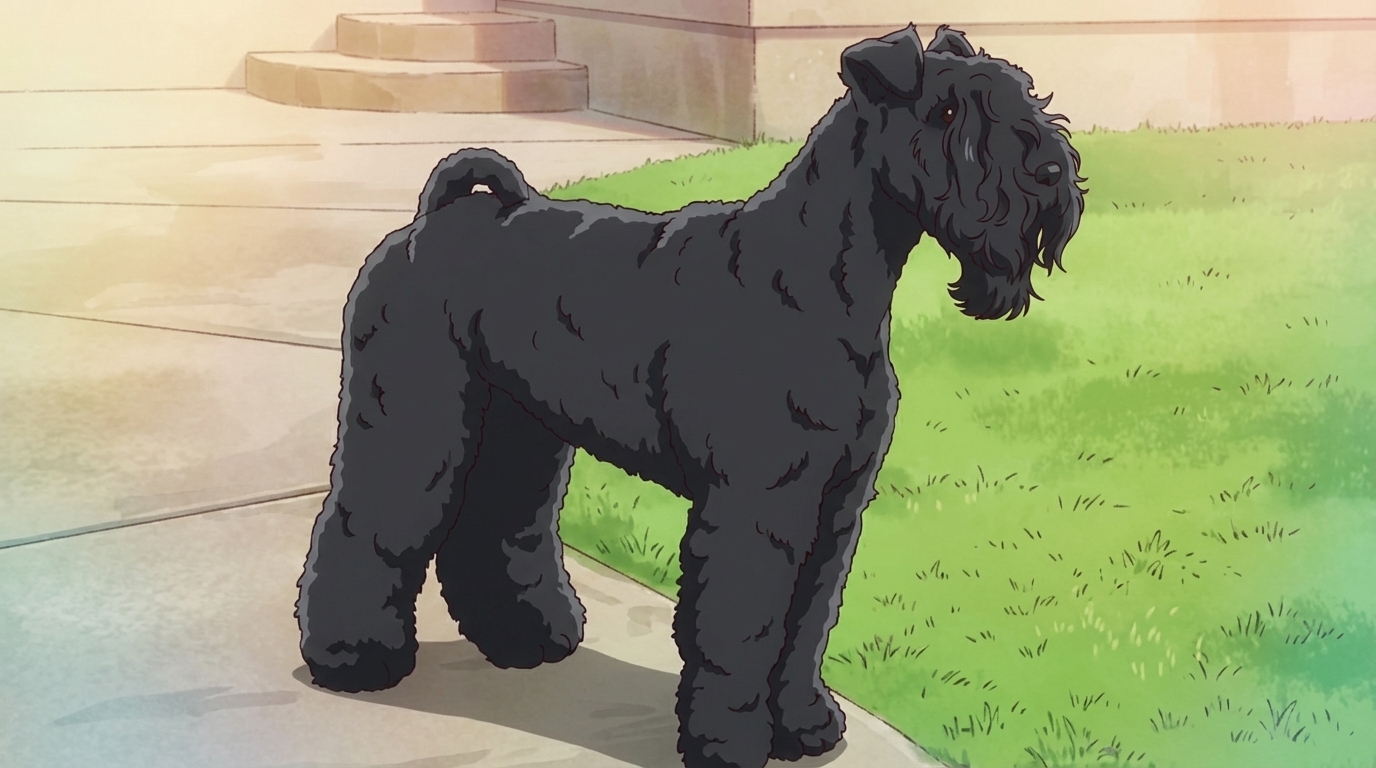
- stoic guardian dog sitting at a stone gate, dark brindle coloring, calm gaze, anime fantasy style, overcast light
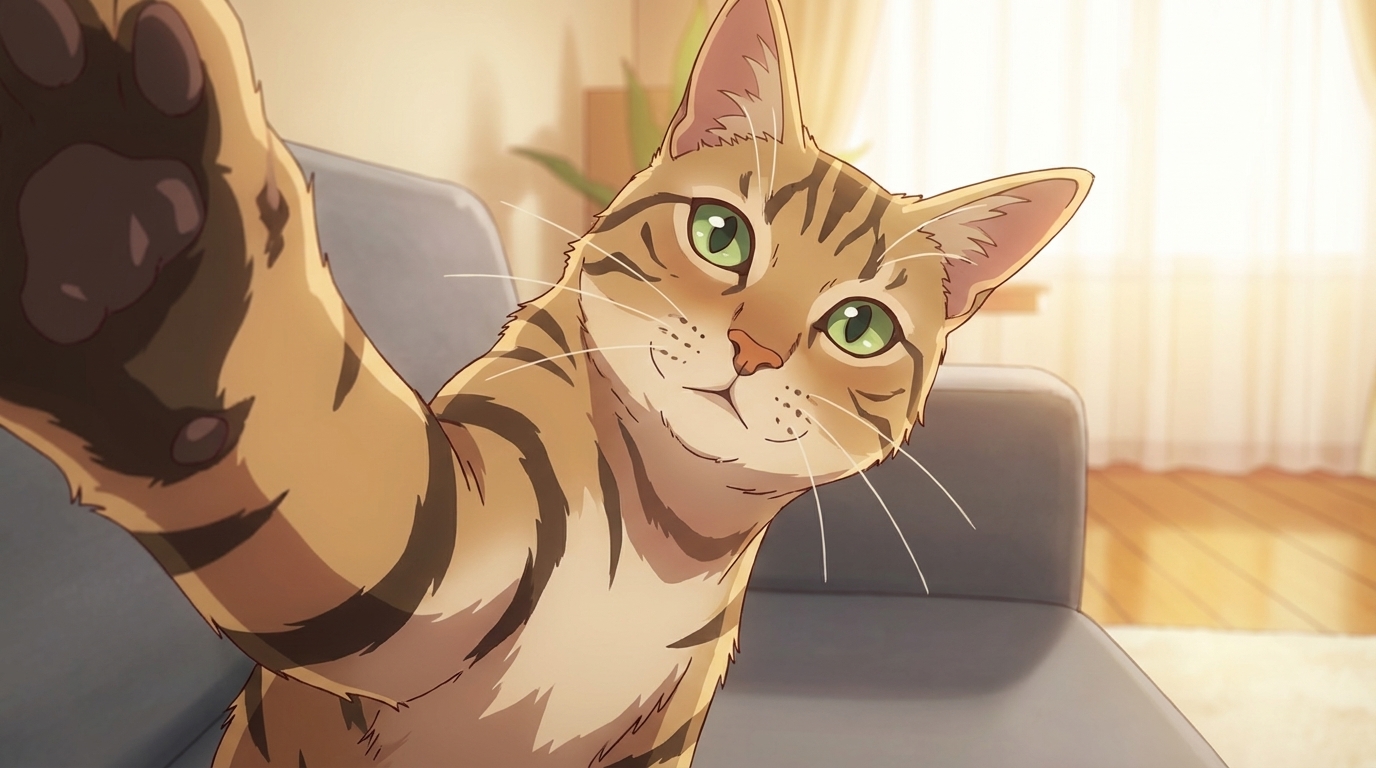
The general pet-to-anime guide covers the same workflow for any animal. The full photo-to-anime guide covers the conversion in more detail, and the character creation guide covers everything in the Character Creator.
Related Blog Posts
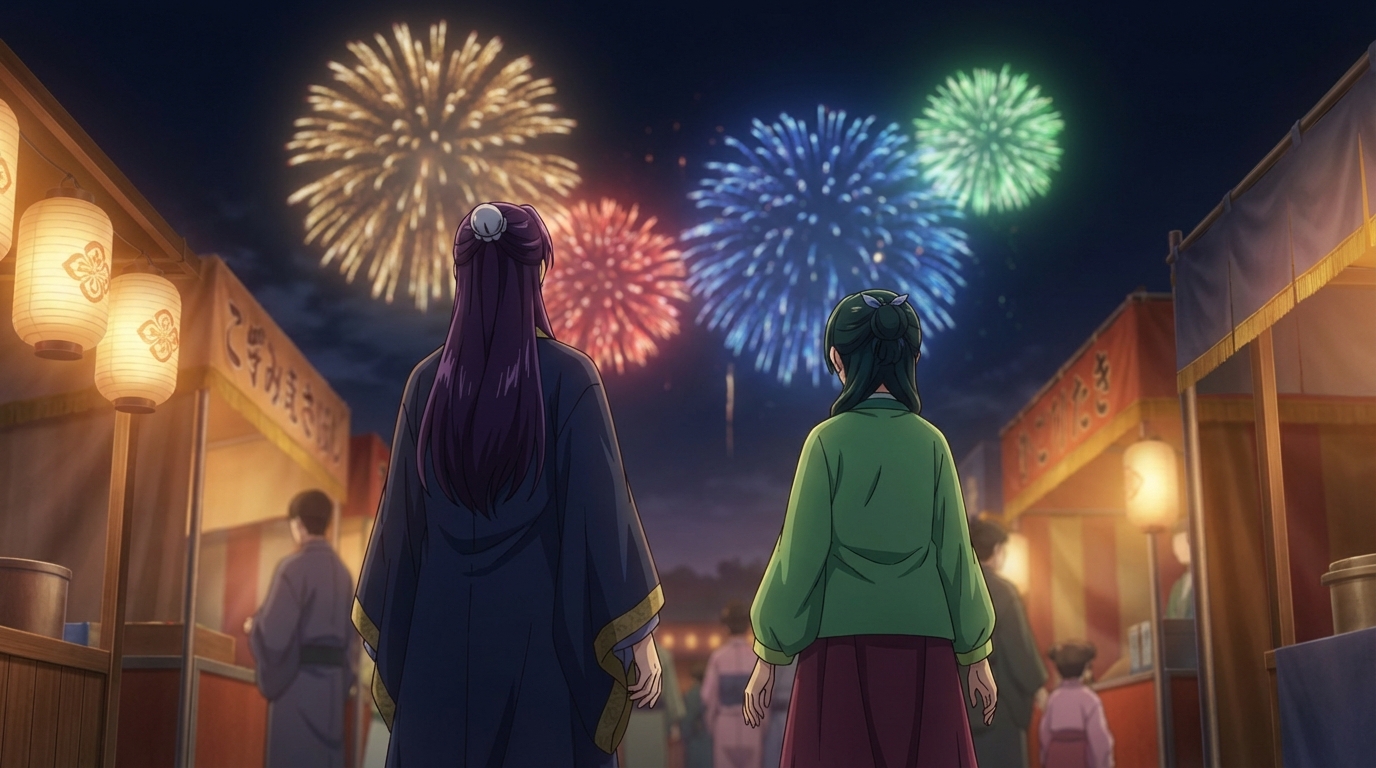
Anime Festival Date Scenes You Can Create
The summer festival is one of anime's best romantic settings. Here's how to build yours
Create anime festival date scenes with AutoWeeb. Generate romantic summer festival and matsuri scenes with your own characters using AI-powered anime art.
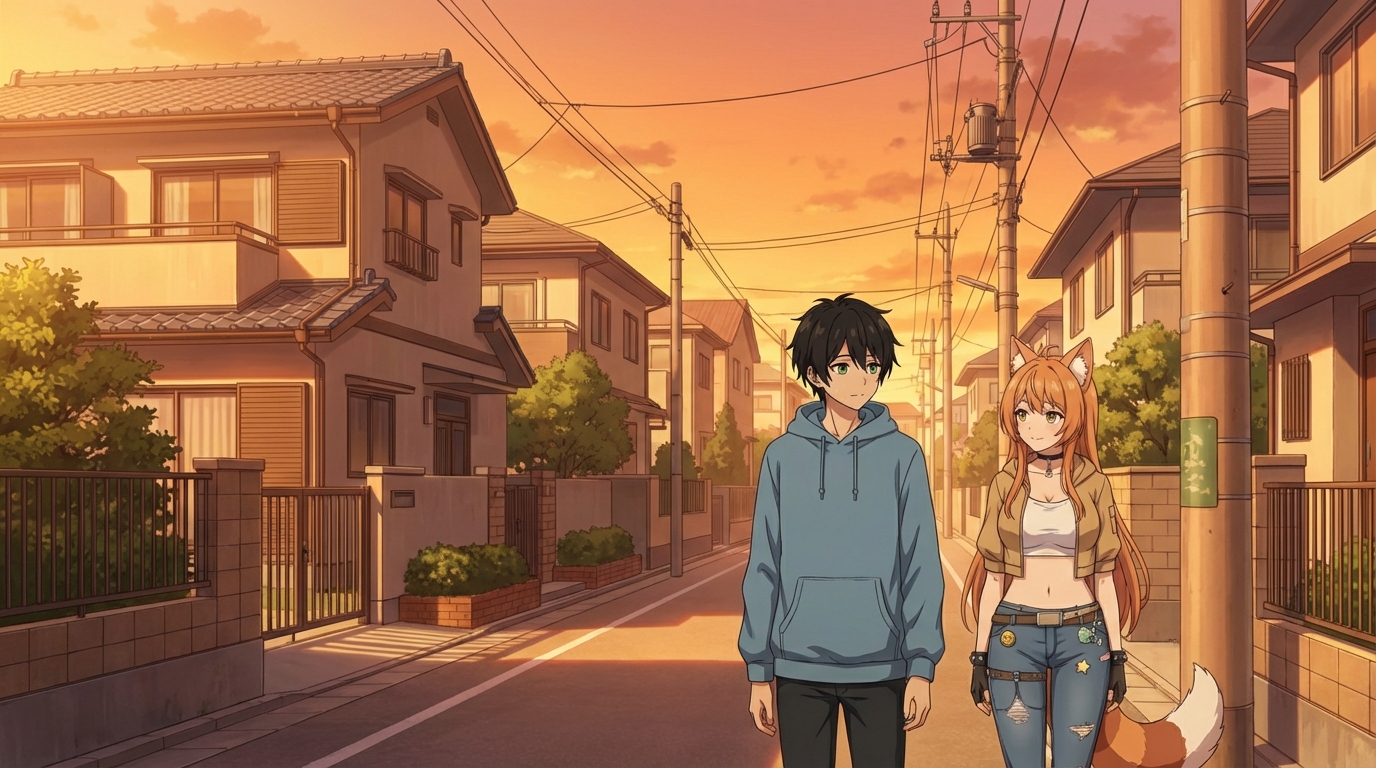
Create Your Own Anime Romance Story
From character design to multi-scene story, here's how to build a romance that's actually yours
Create your own anime romance story with AutoWeeb. Design characters, build scenes, and tell a complete love story using AI-generated anime art.
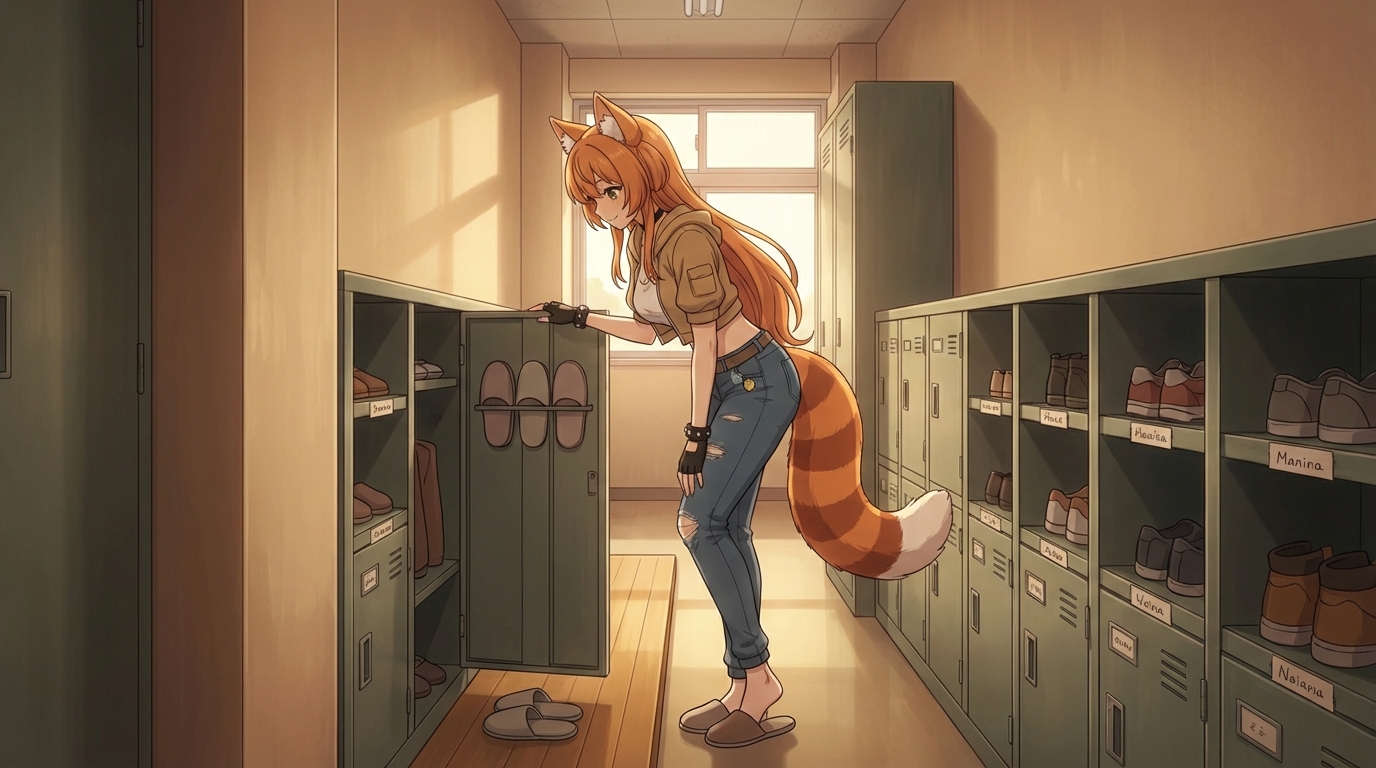
What If You Were in an Anime Love Story?
The tropes, the settings, the moments, and how to actually put yourself into all of them
What if you were in an anime love story? Explore the classic tropes and settings, then use AutoWeeb to generate scenes with yourself as the main character.
Anime Couple Scenes You Can Recreate With AI
Classic moments from anime romance, rebuilt with your characters in the lead roles
Recreate your favorite anime couple scenes with AI. Use AutoWeeb to put your own characters into the iconic moments from anime romance, from rooftop confessions to festival nights.
Explore AutoWeeb
Jump into the tool that fits your creative step.
AI Anime Video Generator
Animate storyboard shots into cinematic clips with Seedance 2 and consistent characters.
Anime Character Creator
Design original characters with consistent sheets across every scene.
AI Anime Image Generator
Generate cinematic anime stills anchored to your character library.
Turn Photo Into Anime
Upload any photo and watch AI turn it into stunning anime art in seconds.
AI Anime Location Generator
Create a location set once, then generate reference images from every angle.
AI Anime Storyboarding
Describe your idea, pick your characters, and let AI draft the script and scenes.
AI Anime Prompt Agent
Turn a rough idea into a cinematic Seedance 2 prompt with the AI Director.