
Pittsburgh Anime-Fest 2026: How to Create Anime from Your Convention Experience
Pittsburgh's bridges, industrial grit, and anime community — all turned into anime art with AI
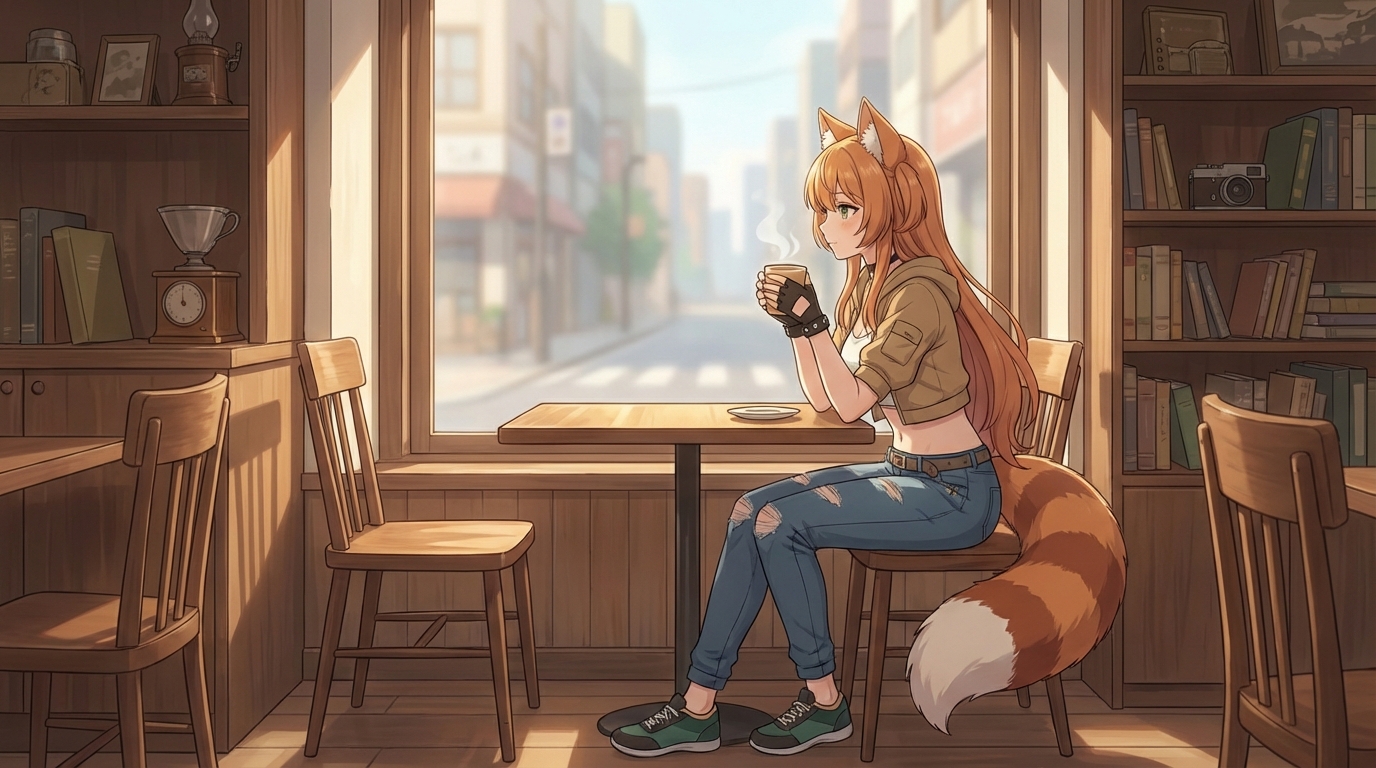
Pittsburgh Anime-Fest brings the Steel City's anime community together for a focused, community-driven convention experience. Pittsburgh is a city with a strong visual identity — the rivers, the bridges, the hills, and the industrial heritage that has been slowly replaced by universities and tech campuses. That visual character does not disappear when you walk into an anime convention; it shapes the backdrop and the people who attend it.
If you were at Pittsburgh Anime-Fest 2026, here is how to use the experience and the setting to create anime art, custom characters, and animated clips with AutoWeeb.
👉 Try AutoWeeb FreePittsburgh's Architecture as an Anime Background
Pittsburgh's visual identity translates surprisingly well into anime. The city's famous bridges, the point where three rivers meet, the hillside neighborhoods, and the older industrial structures create a landscape that feels like a backdrop from a seinen series or a cyberpunk anime: structurally complex, lived-in, and visually layered.
Take photos around Pittsburgh during the convention weekend: the bridges over the rivers, the hillside views, the industrial-heritage buildings that share the city with modern construction. Upload those to AutoWeeb and apply a style that emphasizes the urban atmosphere. The results can range from a gritty seinen setting to a clean, modern shojo cityscape, depending on the style you choose.
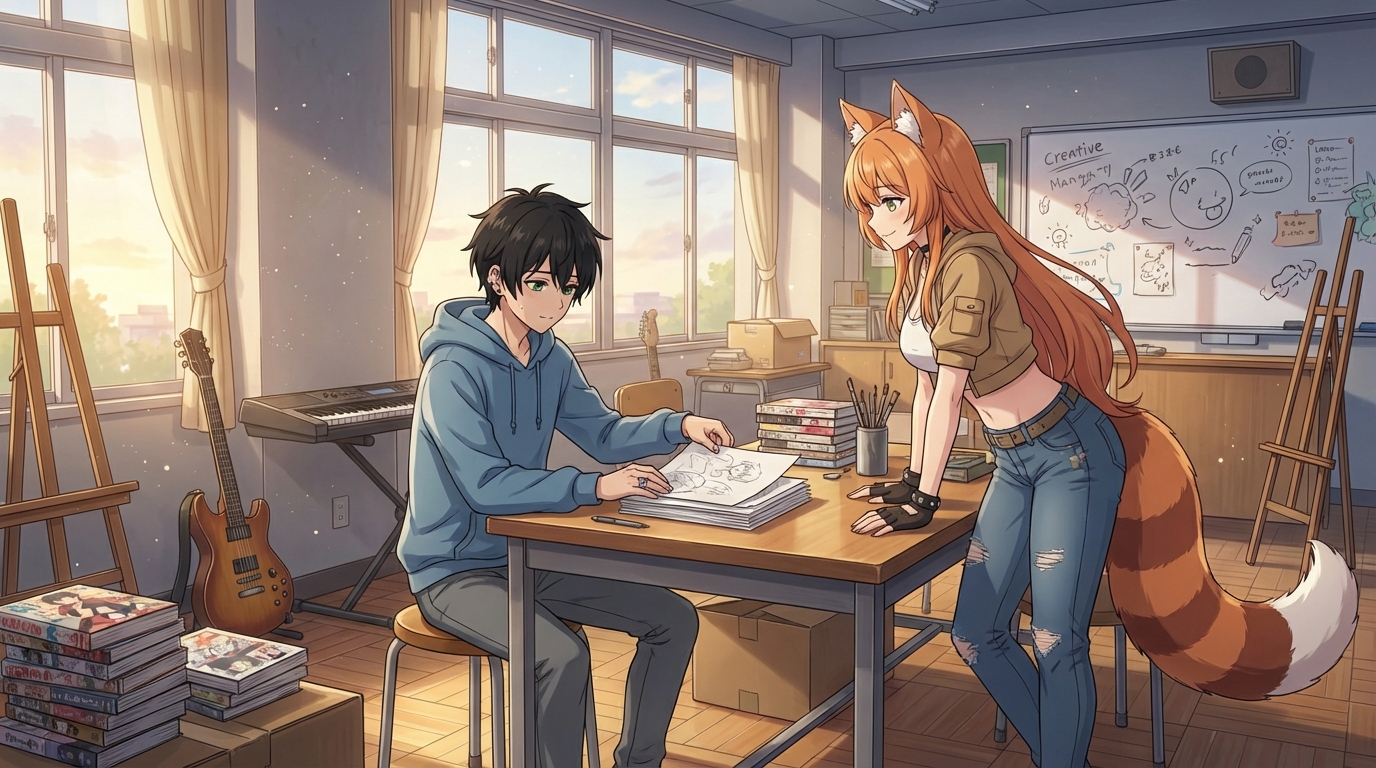
Convert Cosplay and Convention Photos to Anime
Pittsburgh Anime-Fest's community brings strong regional pride to the convention floor, and the cosplay tends to reflect personal enthusiasm over trend-chasing. Niche series that would not get representation at larger conventions show up here because the community is tightly knit enough to have in-jokes and references that only locals get.
Any cosplay photo, regardless of which series it is from, converts cleanly with AutoWeeb's photo-to-anime tool. Upload the photo, pick a style that suits the costume, and the AI handles the translation. For niche series without widely known art styles, the generic anime conversion still produces a compelling result — often something that looks like a modern redesign of the character.
Try a Photo Outside the Venue
Cosplay photos taken against Pittsburgh's architecture are worth the trip outside. A fantasy costume against a bridge suspension cable. A sci-fi costume on a hillside overlooking the rivers. The contrast between the costume and the real-world setting reads as a visual statement in anime form, something between isekai (another world) and a character arriving in an unfamiliar city.
Create Your Anime Character
A selfie taken at the convention, or outside against the Pittsburgh backdrop, is enough to start. Upload it to AutoWeeb's Character Creator and the AI generates a Character Sheet: your character from multiple angles, with a range of expressions, with a design that stays consistent across every generation.
Once the Character Sheet is saved, place your character anywhere. A bridge scene over the rivers. A steel-mill aesthetic environment. A convention hall crowd. Or any of the standard anime settings available through AutoWeeb's Photo Packs and templates.
👉 Create Your Anime Character on AutoWeebGenerate Anime Images and Animated Clips
With your character saved, generate scenes with AutoWeeb's image tools. Use the city as a backdrop by describing it in the prompt: a steel bridge at night lit by amber streetlights, a riverside lookout at dusk, an old brick building with your character leaning against the wall.
When you have a still you want to animate, AutoWeeb's video tools add motion: wind through hair, ambient light shifts, subtle environmental movement. For an urban setting, this often means light reflecting off wet pavement, vehicle light streaks in the background, and the kind of atmospheric movement that distinguishes anime city scenes from simple illustrations.
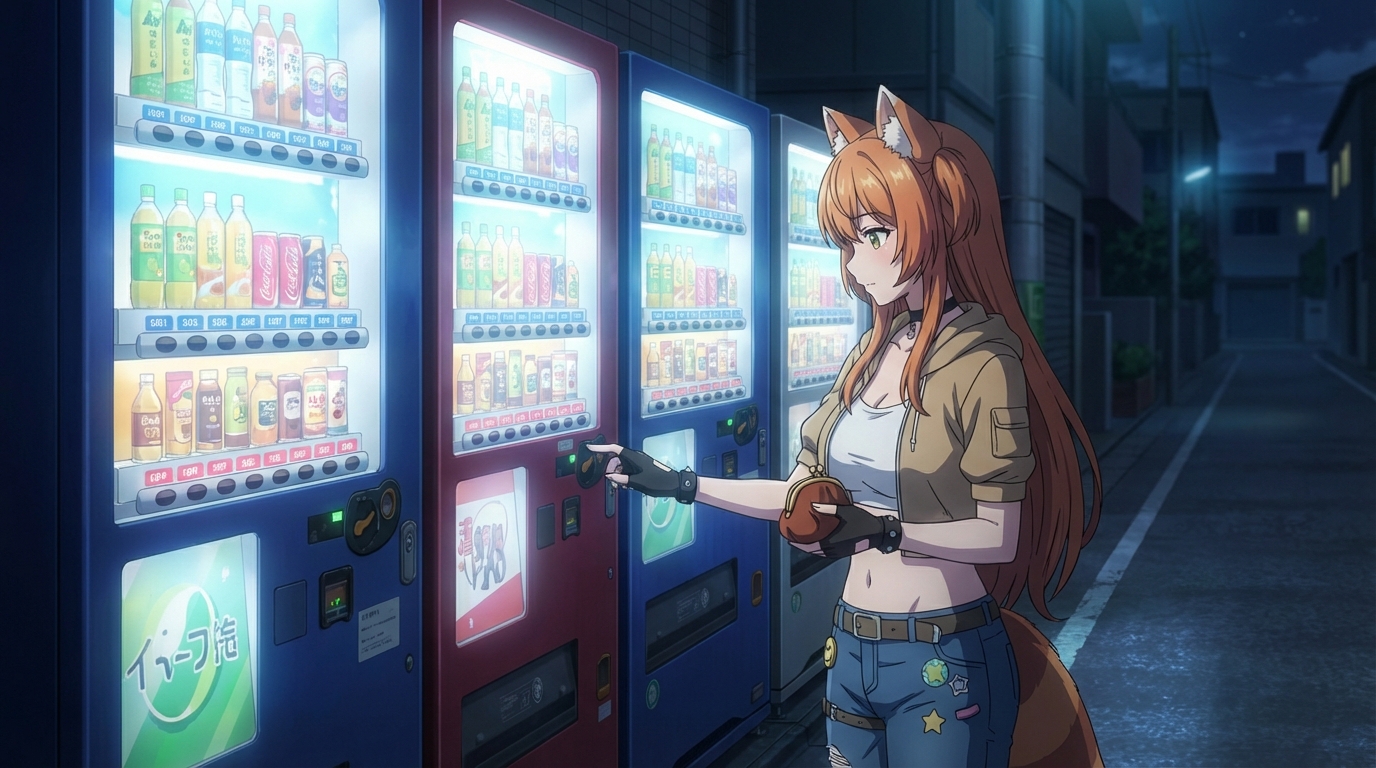
Pittsburgh Anime-Fest is a convention with genuine local character. The city behind it gives you a visual backdrop that is unlike anything else in the convention circuit. AutoWeeb gives you the tools to use all of it.
Start Creating Anime on AutoWeebRelated Blog Posts
Build Your Own Anime Commercial
Turn your brand into a cinematic anime story
Learn how to create a stunning anime-style commercial for your brand or product using AI tools. From character design to cinematic scenes, build a professional anime ad with AutoWeeb.
AnimeVerse Houston 2026: How to Create Anime from Your Texas Convention Experience
Houston's anime and J-pop scene, multicultural food, and Texas energy — turned into anime with AI
Attended AnimeVerse Houston 2026? Learn how to turn your cosplay photos, J-pop and K-pop performances, Houston food, and convention highlights into anime art, characters, and animated clips with AutoWeeb.
How to Make an Anime Wedding Video
Turn your special day into an animated masterpiece
Learn how to create a stunning anime wedding video using AI tools. Transform your wedding photos and footage into beautiful anime-style animations.
Kami-Con 2026: How to Create Anime from Your Birmingham Convention Experience
Alabama's largest anime convention, cosplay, gaming, and Southern charm — all turned into anime art with AI
Attended Kami-Con 2026 in Birmingham, Alabama? Learn how to turn your cosplay photos, gaming moments, panel highlights, and convention memories into anime art, custom characters, and animated videos with AutoWeeb.
Explore AutoWeeb
Jump into the tool that fits your creative step.
AI Anime Video Generator
Animate storyboard shots into cinematic clips with Seedance 2 and consistent characters.
Anime Character Creator
Design original characters with consistent sheets across every scene.
AI Anime Image Generator
Generate cinematic anime stills anchored to your character library.
Turn Photo Into Anime
Upload any photo and watch AI turn it into stunning anime art in seconds.
AI Anime Location Generator
Create a location set once, then generate reference images from every angle.
AI Anime Storyboarding
Describe your idea, pick your characters, and let AI draft the script and scenes.
AI Anime Prompt Agent
Turn a rough idea into a cinematic Seedance 2 prompt with the AI Director.