
Spy x Family Anime Generator: Create Forger Family Style Art with AI
Elegant character designs, dual-life drama, and the polished aesthetic of anime's favorite spy family
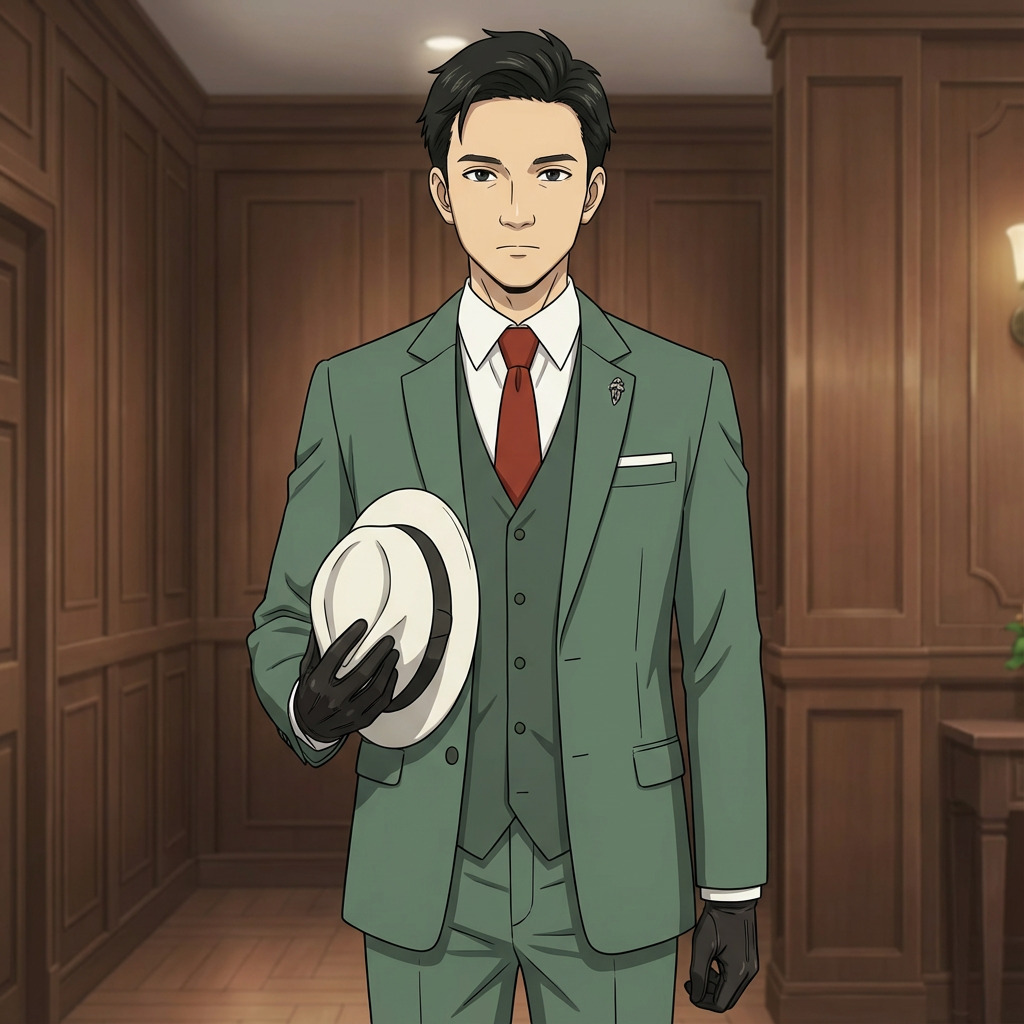
Spy x Family is one of the most visually refined anime of the 2020s. Tatsuya Endo's character designs balance elegance with warmth, moving between high-stakes espionage and domestic comedy without a single visual seam. The series' WIT Studio adaptation elevated that further with fluid animation, cinematic lighting, and some of the most expressive face work in modern anime. AutoWeeb's Spy x Family anime generator captures that exact visual identity and applies it to your photos.
👉 Try the Spy x Family Generator FreeWhat Makes the Spy x Family Art Style Distinctive
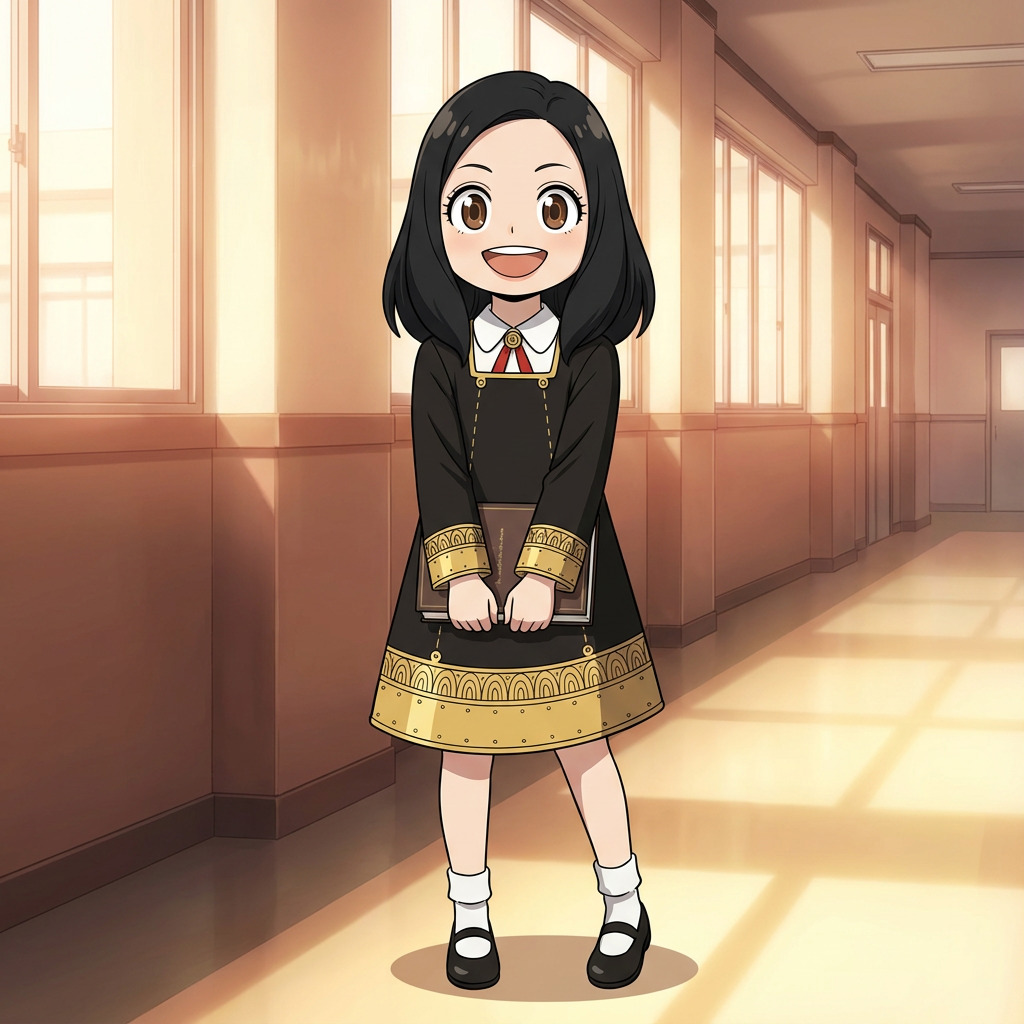
The visual language of Spy x Family operates on two registers simultaneously. On one side, you have the sleek, tailored world of Loid Forger's espionage missions: sharp suits, controlled expressions, cold architectural interiors. On the other, Anya's wide-eyed chaos, Yor's quiet menace wrapped in a warm smile, and Bond's stoic fluffiness. The art style holds both of these worlds together through a consistent set of design principles:
- Polished, fashion-forward character designs: Characters are drawn with deliberate attention to clothing, posture, and silhouette. Loid's suits have visible structure. Yor's dresses have weight and movement. Even casual outfits feel intentionally styled.
- Hyper-expressive faces: Anya's reaction faces alone have become a cultural phenomenon. The series uses dramatic exaggeration for comedy while maintaining anatomical believability in serious moments.
- Warm domestic lighting contrasted with cold espionage tones: Home scenes glow with soft, golden light. Mission scenes shift to blue-gray palettes with sharp shadows. This tonal split is core to the visual storytelling.
- Clean backgrounds with European architectural detail: The fictional Berlint draws from Cold War-era European cities. Cobblestone streets, grand government buildings, and cozy cafes are rendered with precision.
How to Generate Spy x Family Style Art
Step 1: Upload Your Photo
Portraits and group photos both translate naturally into the Spy x Family style. The AI maps facial features into the series' proportions: slightly elongated faces for adults, large expressive eyes for younger characters, and the clean jawlines that define Endo's character design language. Well-lit photos with visible clothing details give the AI more to work with.
Step 2: Select the Spy x Family Style
Choose Spy x Family from AutoWeeb's style library. The model understands the specific color palettes, linework weight, and shading techniques that distinguish the series from other modern anime. It knows the difference between a warm family scene and a tense mission briefing.
Step 3: Get Your Forger-Style Art
In seconds, your photo is rendered in the refined aesthetic of Spy x Family. The result captures the series' signature polish: clean lines, rich color, and that distinctive blend of sophistication and heart. Download it, share it, or use it as the foundation for a full character.
Build Your Own Forger Family
The real appeal of Spy x Family is the ensemble. AutoWeeb gives you the tools to build a complete cast:
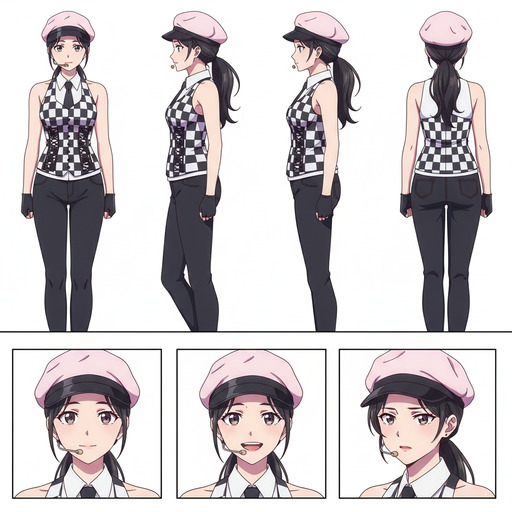
- Character Sheets: Lock in each family member's design with a Character Sheet. Same tailored outfit, same expression range, same presence across every scene.
- Family portraits: Convert a group photo into a Forger-style family portrait. The AI handles multiple face types and ages in a single frame.
- Photo Packs: Use Photo Packs to generate a full episodic narrative. Your characters at school, on a mission, at a family dinner, at an elegant party.
- Video: Animate a comedic reaction moment or a tense action sequence. Even a few seconds of motion transforms a still into something that feels pulled from an episode.
What People Use the Spy x Family Generator For
- Family portraits: See your actual family rendered as the Forgers. Parents in elegant outfits, kids with oversized expressions, pets with unshakeable dignity.
- Profile pictures: Polished anime avatars with the series' signature sophistication and warmth
- Cosplay references: Generate a Spy x Family-style version of your cosplay for side-by-side comparison or pre-planning
- Fan art: Place yourself in the world of Berlint as a spy, an assassin, a telepath, or an informant
- Couple photos: Transform a photo with your partner into a Loid-and-Yor style portrait with all the quiet intensity that implies
Tips for Better Spy x Family Results
- Formal or semi-formal clothing helps. The Spy x Family world is built around well-dressed characters. Blazers, dresses, school uniforms, and tailored coats all translate naturally into the style.
- Clean backgrounds produce sharper results. The series uses detailed but uncluttered environments. A simple indoor or urban backdrop lets the AI focus on the character design.
- Group photos with mixed ages work well. The series' whole appeal is the contrast between adults and children. Family photos with parents and kids capture that dynamic naturally.
The Mission Starts Now
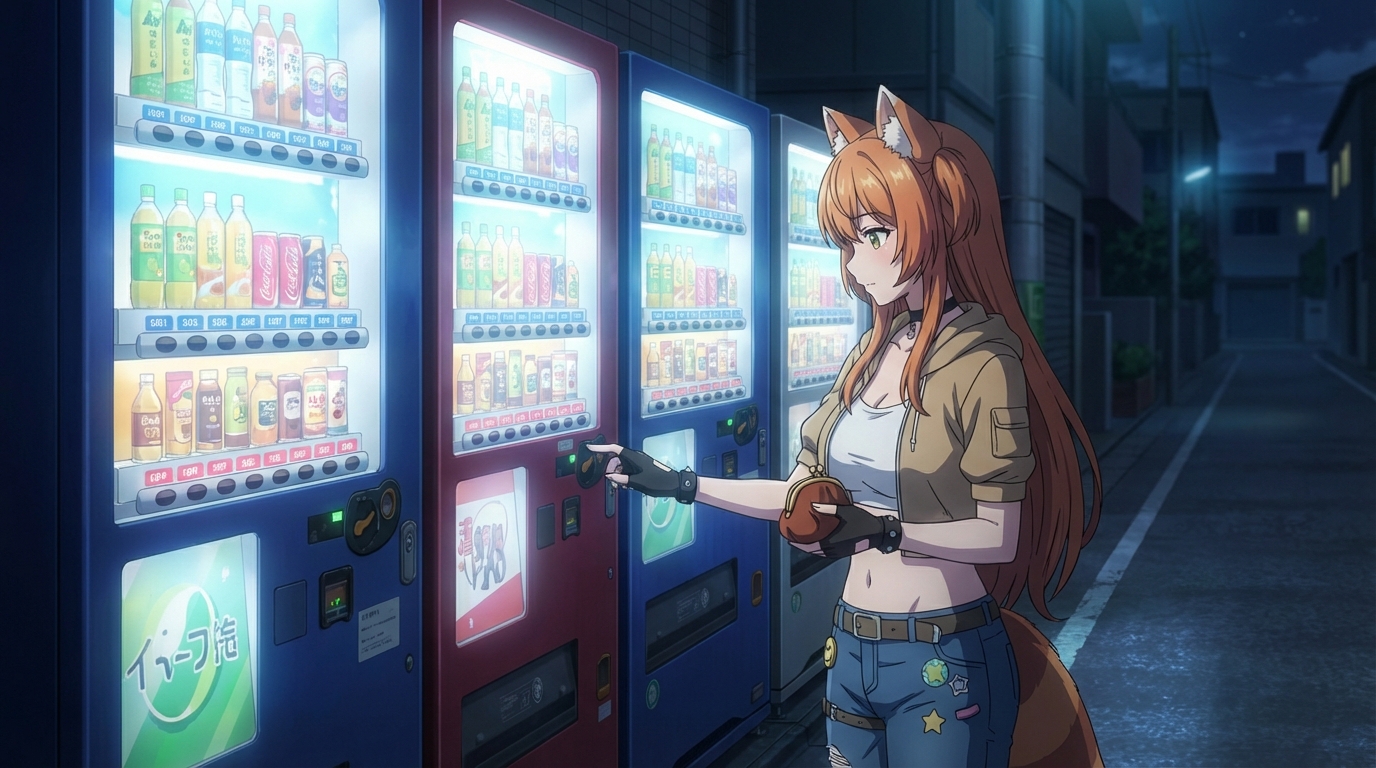
Upload a photo, select the Spy x Family style, and see yourself rendered in the visual language of anime's most stylish family. Whether you're building a full cast or just want to see what you'd look like in Berlint, the style library is ready. For more art style options, check out the Detective Conan generator or the Ghibli style generator.
👉 Start Creating Spy x Family Art with AutoWeebRelated Blog Posts
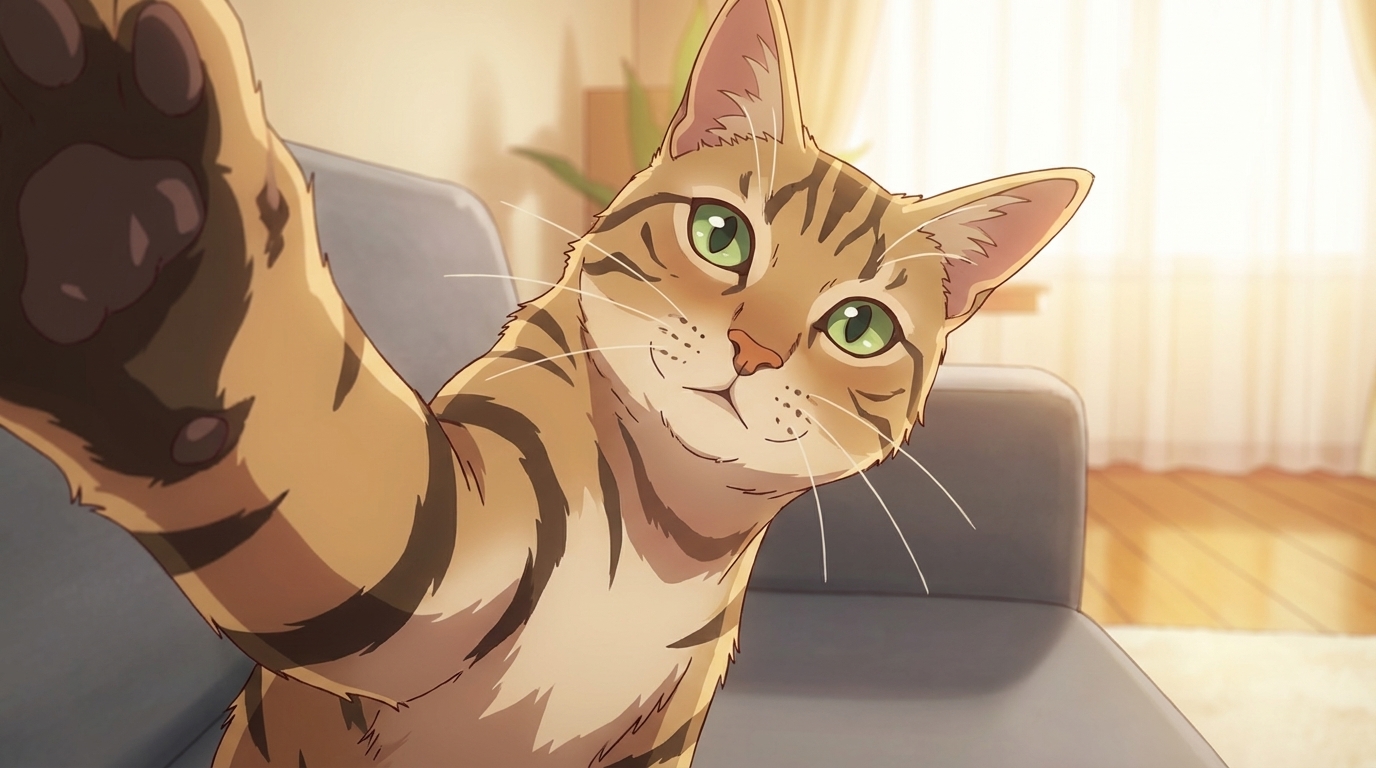
How to Turn Your Pets into Anime
A photo of your pet and an AI model — here's how to give any animal a proper anime character design
Learn how to turn your pet into anime art with AI. Dogs, cats, birds, fish — AutoWeeb converts any pet photo into a custom anime character with a full character sheet.
Anime Production Cost Calculator: Traditional vs AI
Real numbers on what it costs to produce anime, from hand-drawn cuts to AI-generated video. Adjust the inputs and see the full breakdown.
Interactive calculator comparing traditional anime production costs against AI-generated anime. Adjust episodes, quality, and region for a sourced cost breakdown.
How to Create Your Own Anime Pictures at Anime Central 2026
The Midwest's largest anime convention, and a weekend's worth of photos ready to be turned into art
Heading to Anime Central 2026 in Rosemont, IL? Learn how to convert your ACen cosplay photos and convention moments into anime art with AutoWeeb's AI tools.
How to Create Your Own Anime Pictures at Anime Expo 2026
The biggest anime convention in North America, and the best raw material you'll find all year for your anime art
Going to Anime Expo 2026 in Los Angeles? Here's how to turn your AX cosplay photos, artist alley finds, and convention memories into anime art with AutoWeeb.
Explore AutoWeeb
Jump into the tool that fits your creative step.
AI Anime Video Generator
Animate storyboard shots into cinematic clips with Seedance 2 and consistent characters.
Anime Character Creator
Design original characters with consistent sheets across every scene.
AI Anime Image Generator
Generate cinematic anime stills anchored to your character library.
Turn Photo Into Anime
Upload any photo and watch AI turn it into stunning anime art in seconds.
AI Anime Location Generator
Create a location set once, then generate reference images from every angle.
AI Anime Storyboarding
Describe your idea, pick your characters, and let AI draft the script and scenes.
AI Anime Prompt Agent
Turn a rough idea into a cinematic Seedance 2 prompt with the AI Director.