
Turn Your Partner Into an Anime Character
Convert both of you into anime and build scenes together that actually look like you
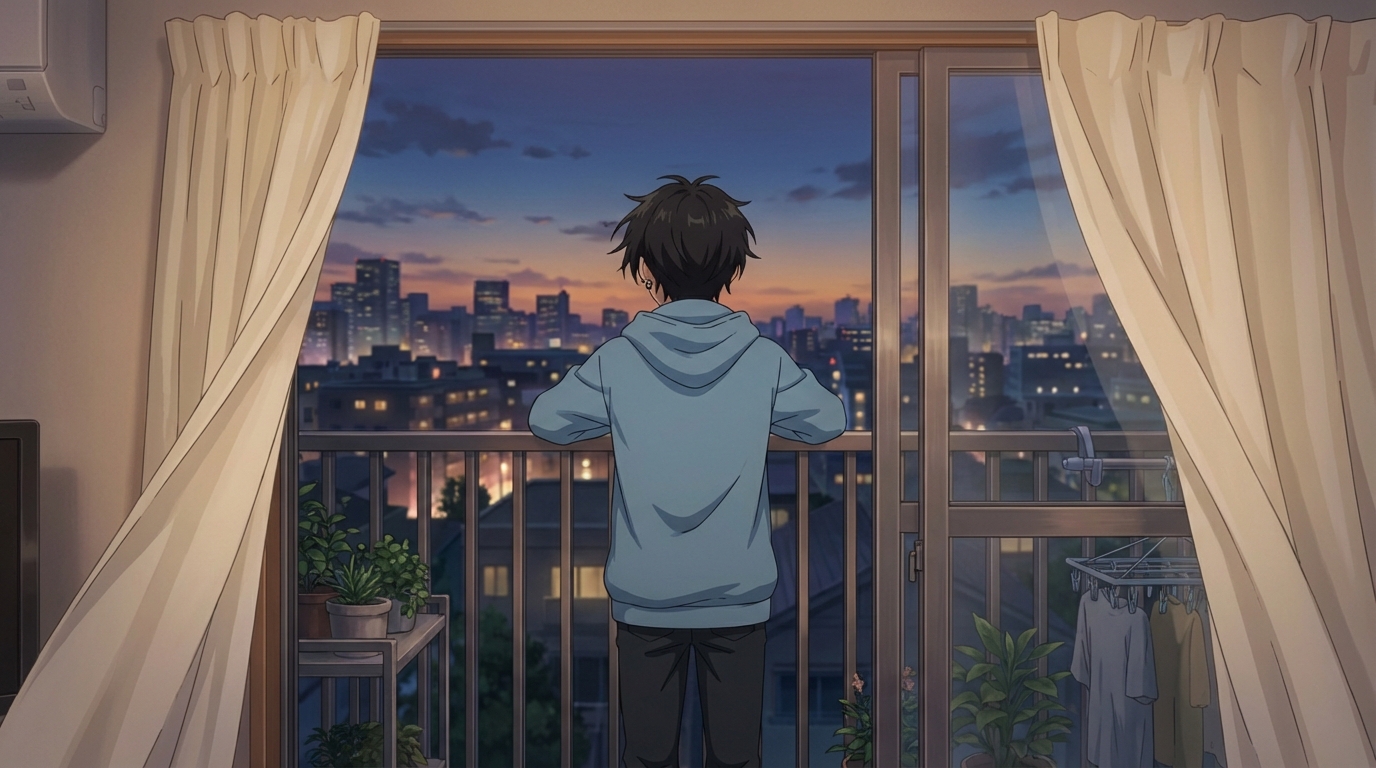
Turning yourself into an anime character is one thing. Turning both you and your partner into anime and generating scenes with both of you together is something else entirely. AutoWeeb's photo-to-anime converter and Character Sheet system make this possible in a way that actually holds up: both characters look like the people they're based on, and they stay consistent across every scene you generate.
👉 Turn Your Partner Into an Anime Character on AutoWeebStep 1: Convert Both of You
Start with AutoWeeb's photo-to-anime converter. Upload a photo of yourself first, then a photo of your partner separately. The converter works on individual photos and preserves the key facial features, face shape, eye structure, and hair silhouette, while rendering them in anime style.
Use photos where the face is clearly visible and well-lit. Front-facing or slightly turned works better than profile shots for initial conversion. The AI uses facial structure as its anchor, so clearer reference = better result.
You'll end up with two anime portraits. These are your starting points.
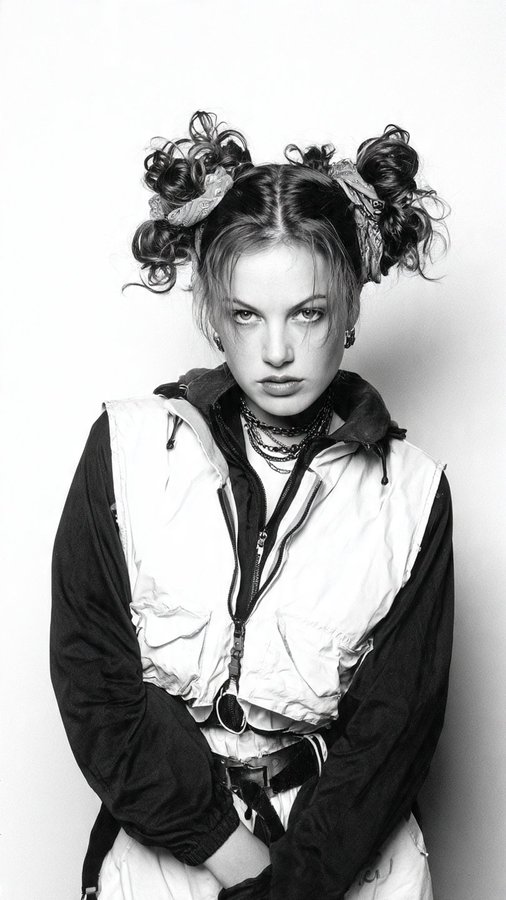
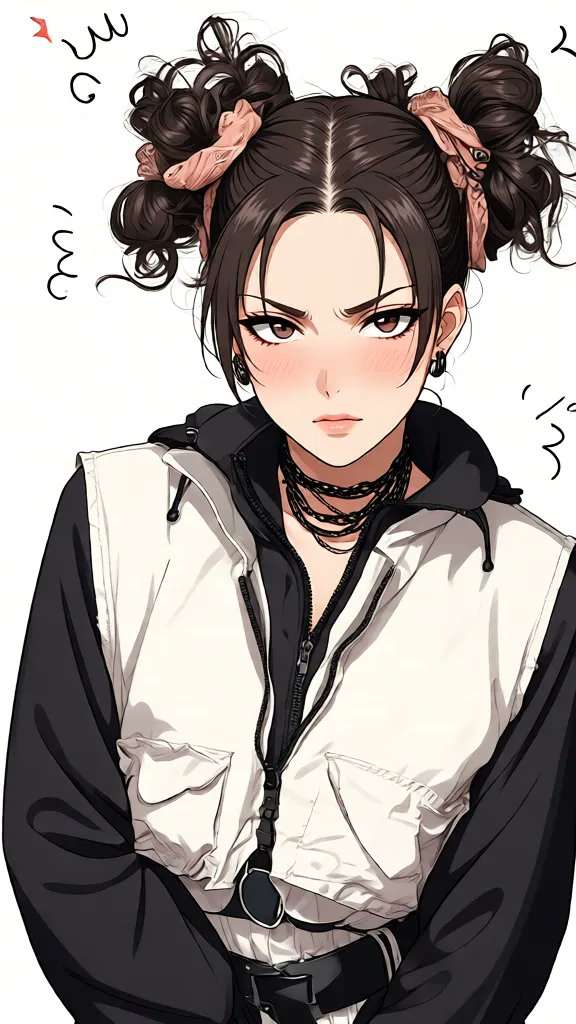
The converter keeps the features that make someone recognizable as themselves
Step 2: Build a Character Sheet for Each Person
A portrait is just one image. To use either character reliably across multiple scenes, you need a Character Sheet for each one. A Character Sheet locks in the design: front view, side view, back view, and a set of expression samples. Every scene you generate after this will pull from those locked-in details.
When setting up the character sheets, define the outfits for each character. What do you typically wear? What does your partner wear? These clothing choices become part of the Character Sheet and carry through into every generated image.
Be specific about colors. "White shirt with a faded blue jacket" gives the model more to work with than "casual clothes." The more specific you are, the more consistent the results.
Step 3: Choose an Art Style That Fits Both of You
AutoWeeb offers a range of art styles, and the style you choose shapes the entire visual feel of the scenes you create together. Here's how the main options land for couple content:
Slice of Life
Clean, warm, grounded. Works well for everyday scenes: the two of you walking, at a cafe, at home, anywhere that doesn't need drama. This is the style that makes things feel the most like an actual anime series about your relationship.
Ghibli
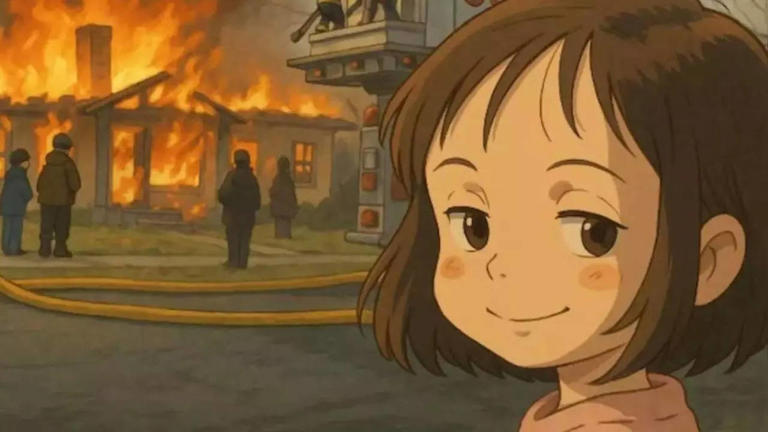
Soft colors, expressive faces, and a sense that the world is larger and more beautiful than ordinary life. Ghibli style is particularly good for outdoor scenes: a hillside, a forest path, anywhere with a lot of sky and ambient natural detail.
Shojo
More visual emphasis on emotion, softer line work, often with a warmer palette. Natural fit for romance content specifically.
Step 4: Pick Scenes That Are Actually Yours
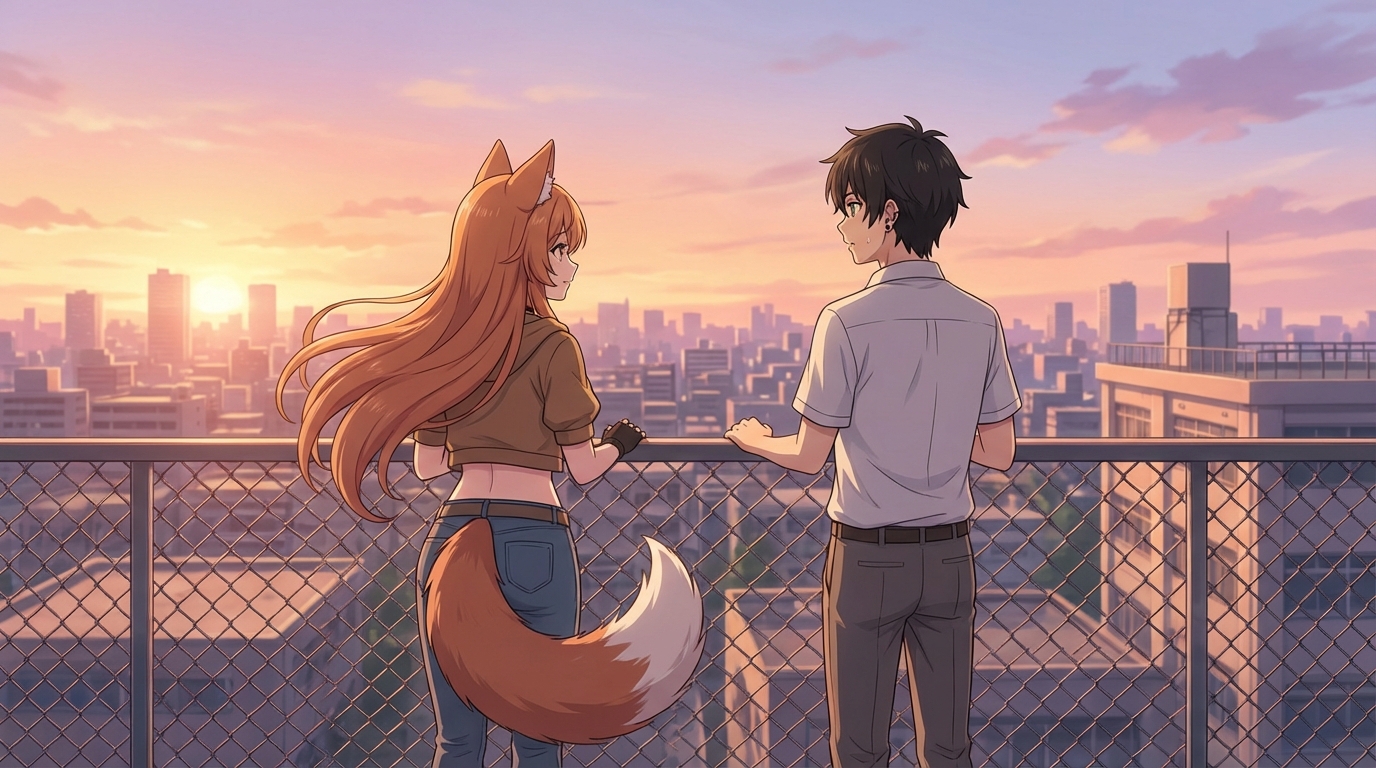
The best couple scenes are the ones that reference something real about the relationship. A place you both go. Something you do together. A moment that only makes sense because of who you specifically are as a pair.
Some starting points that tend to work well:
- Recreate a real place you both love in anime style. Describe the environment in the prompt and the AI builds it from that description.
- An ordinary moment: one of you cooking while the other reads nearby. The unremarkable afternoon that somehow feels important.
- An anniversary scene: the setting of a specific date, rendered in the style of a show you both watch.
- A travel memory: a city you visited together, a beach, a mountain view. Drop both your characters into a scene that approximates that environment.
Ideas for What to Do With the Images
Once you have a set of couple scenes that you like, there are several directions you can take them:
- Anniversary gift: A set of scenes across different environments, assembled into a simple presentation or printed and framed. Something you made rather than bought.
- Profile picture pair: Matching anime portraits in the same art style. Side by side.
- A short animated clip: Take the most important scene and animate it. AutoWeeb adds motion to any still image. Wind, ambient light, subtle expression shifts. A five-second clip of a scene that means something to both of you.
- A visual story: A sequence of four or five scenes that tell the arc of how you met, how things developed, and where you are now. Shared as a photo album or slideshow.
The anime wedding invitation guide is also worth reading if you're thinking about something for a milestone event.
Why This Works Better Than a Couples Portrait Filter
A filter applies a single transformation to whatever you give it. The result depends entirely on the quality of the photo and the rigidity of the filter. When both people look slightly different in every output, and the "couple" effect doesn't actually place them in a shared scene, the novelty wears off fast.
Building Character Sheets for both of you is a different process. You're creating stable representations of two specific people that you can then use across any number of scenes, in any setting, animated or still. The result is consistent because the design is locked, not because you got lucky with a single photo.
👉 Create Your Anime Couple on AutoWeebFor more ideas on what to do with your characters once they're built, read anime couple scenes you can recreate with AI, or see how to create a full anime romance story around the two of you.
Related Blog Posts
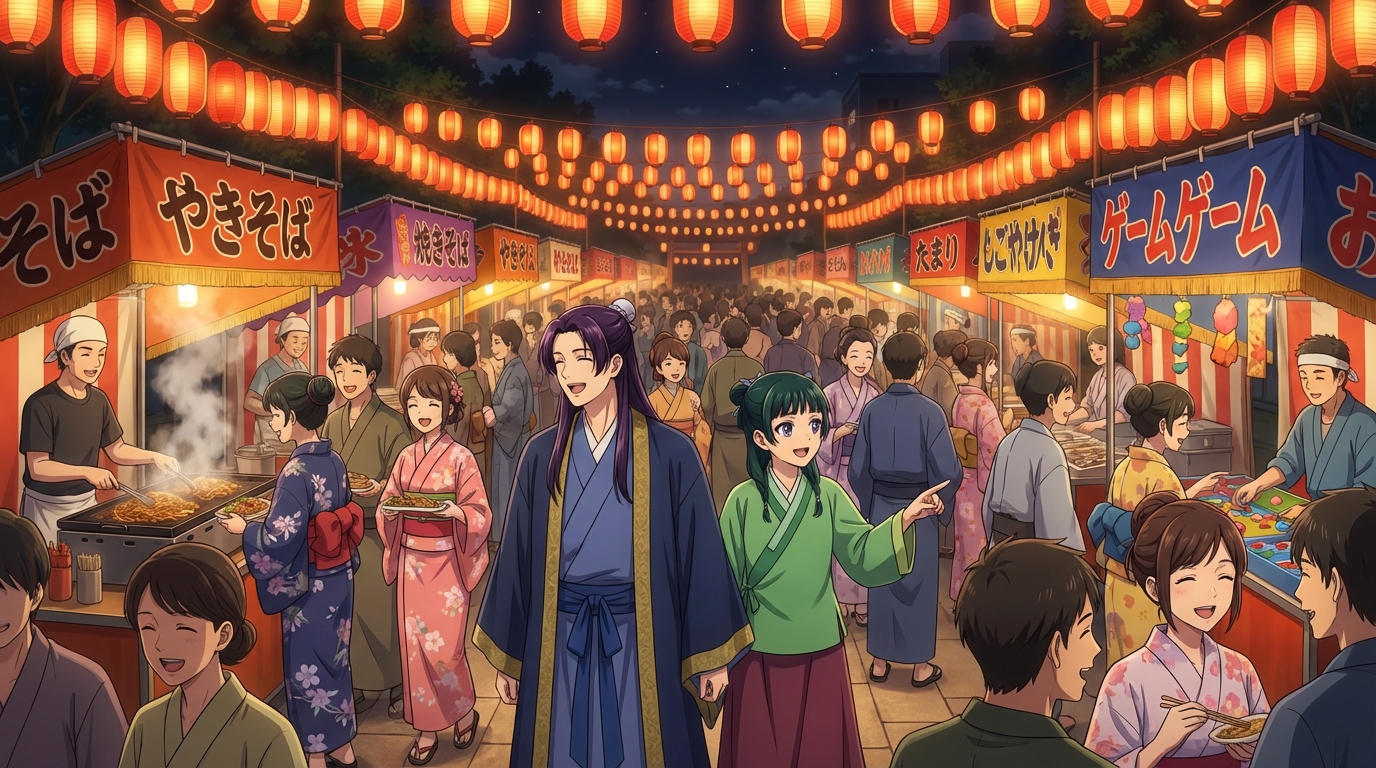
OC Japan Fair Anime Fans: Visit the AutoWeeb Booth
Stop by booth #114 near the OC Promenade hall and turn your fair photos into anime
AutoWeeb is at the OC Japan Fair! Visit booth #114 near the OC Promenade / Nakamise Street to turn your fair photos into anime, create your own anime characters, and generate anime images and videos.
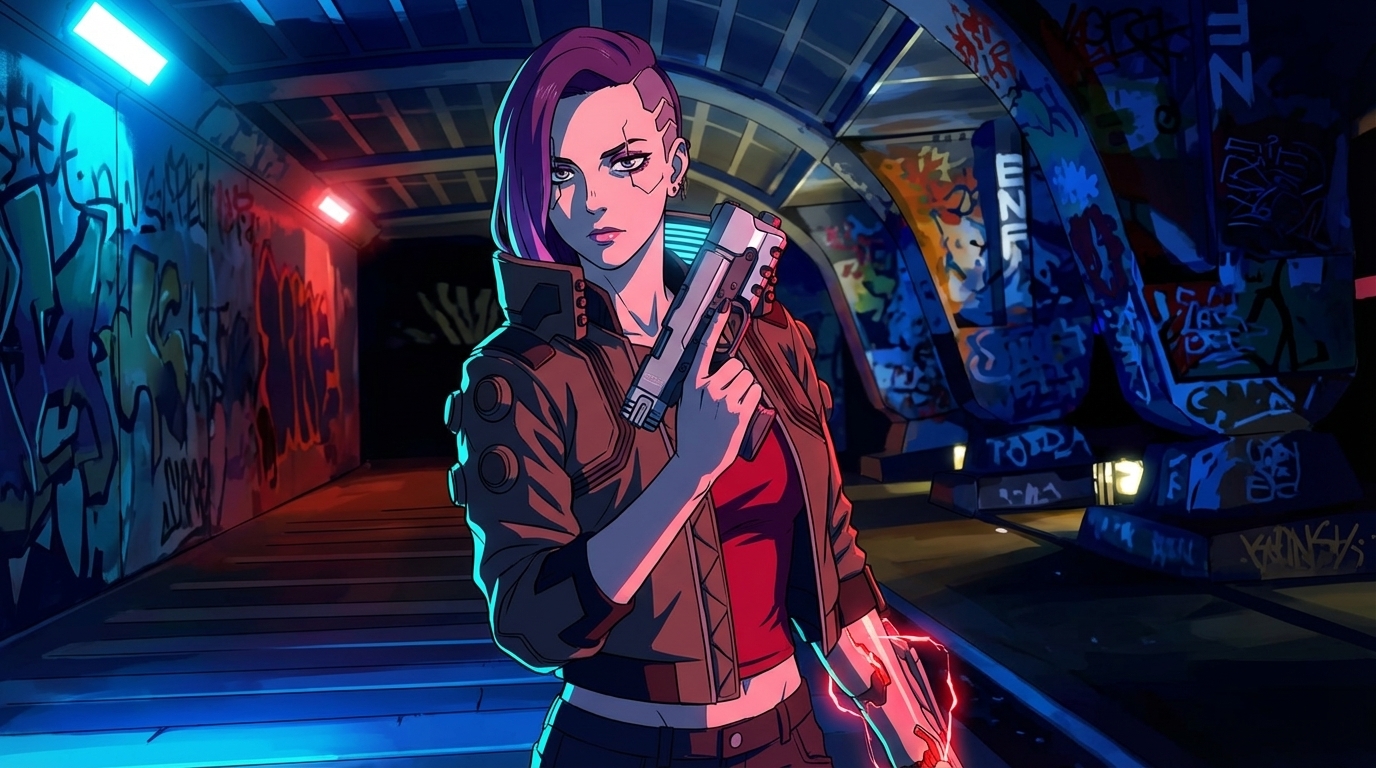
Cyberpunk Anime Generator: How to Create Cyberpunk Anime Art with AI
Neon cities, augmented characters, and rain-soaked streets — generated from your photos
Use AutoWeeb's cyberpunk anime generator to turn photos into neon-soaked cyberpunk art. Holographic cityscapes, augmented characters, and Akira-inspired aesthetics — all with AI.
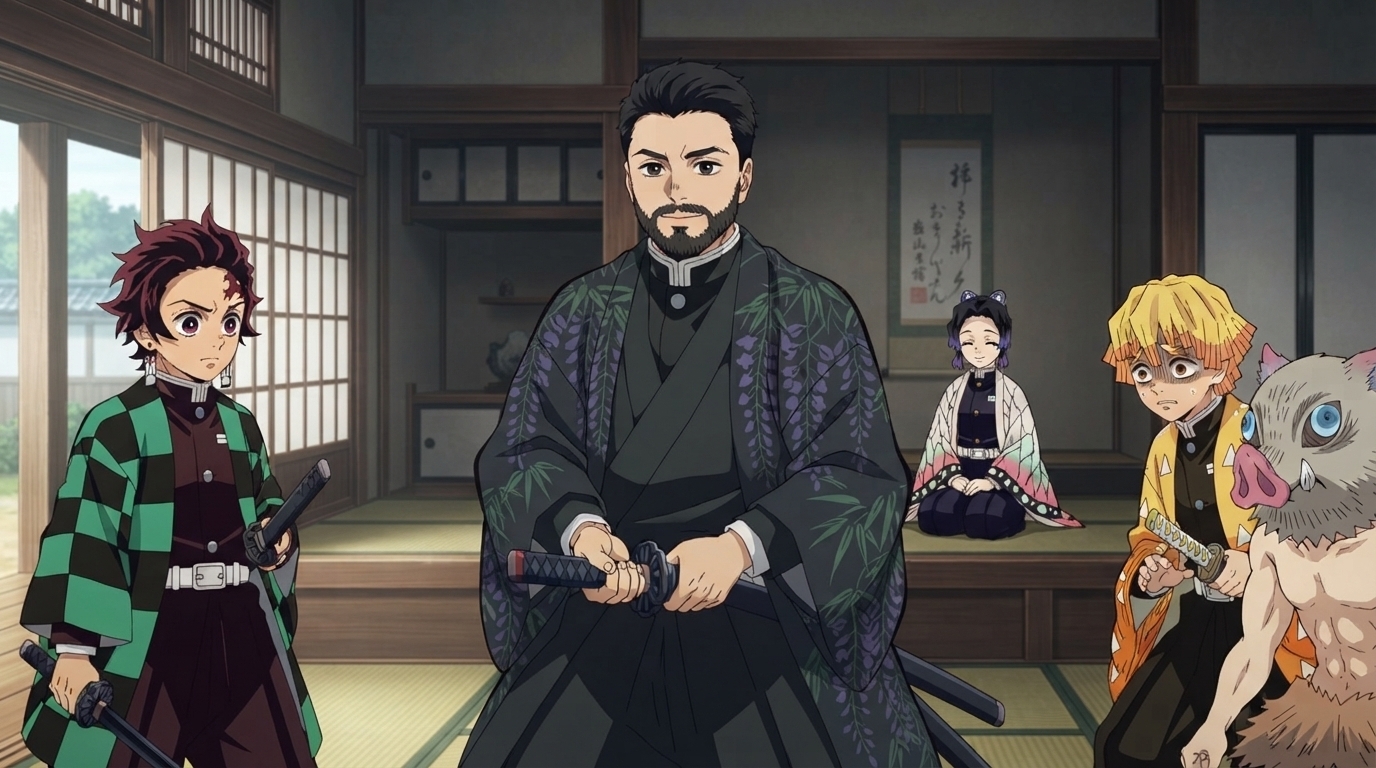
Demon Slayer Anime Generator: How to Create Demon Slayer Style Art with AI
Breathing techniques, cinematic lighting, and ufotable-quality visuals — applied to your photos
Use AutoWeeb's Demon Slayer anime generator to turn photos into Kimetsu no Yaiba-style art. Breathing technique effects, dramatic action poses, and ufotable-quality visuals — all with AI.
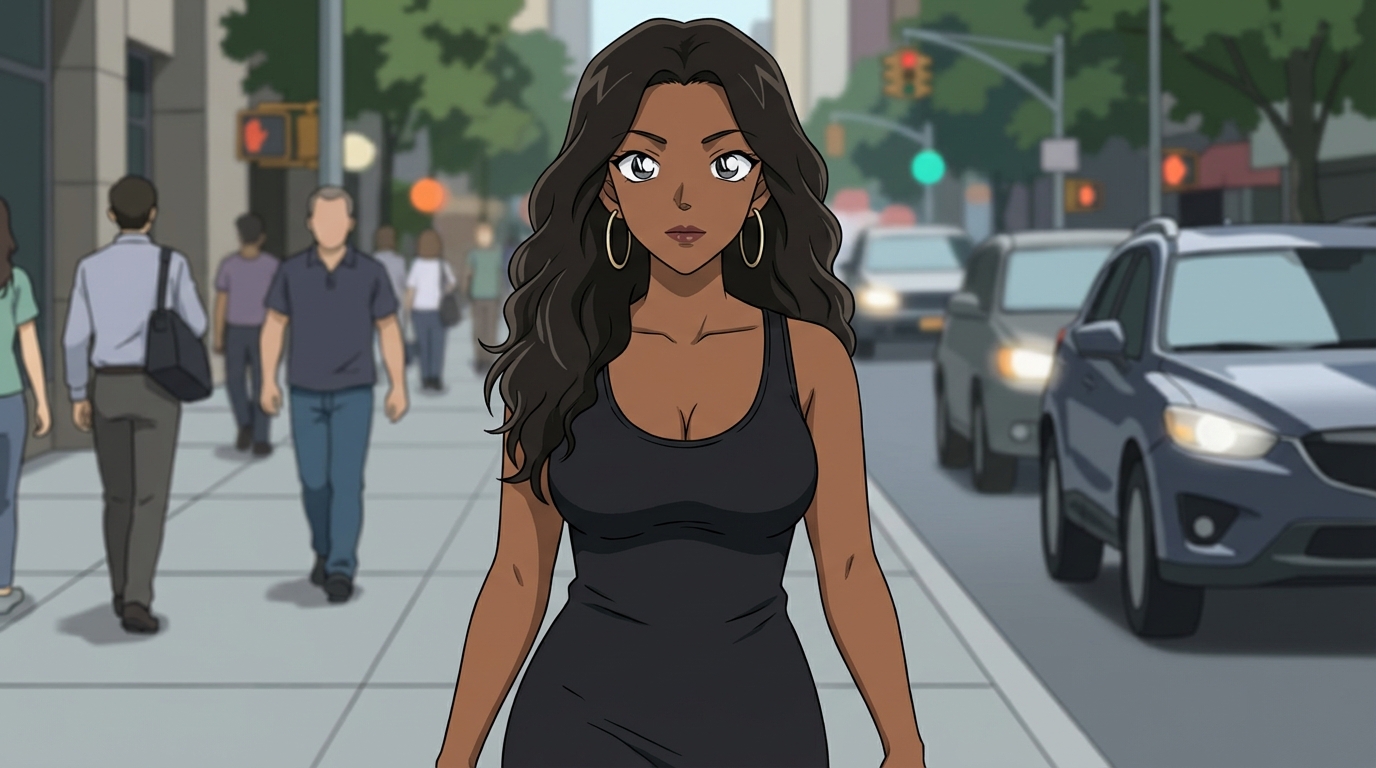
Detective Conan Anime Generator: How to Create Case Closed Style Art with AI
Sharp character designs, dramatic deduction scenes, and the iconic mystery anime aesthetic
Use AutoWeeb's Detective Conan anime generator to turn photos into Case Closed-style art. Sharp linework, dramatic investigation scenes, and Gosho Aoyama's iconic character designs — all with AI.
Explore AutoWeeb
Jump into the tool that fits your creative step.
AI Anime Video Generator
Animate storyboard shots into cinematic clips with Seedance 2 and consistent characters.
Anime Character Creator
Design original characters with consistent sheets across every scene.
AI Anime Image Generator
Generate cinematic anime stills anchored to your character library.
Turn Photo Into Anime
Upload any photo and watch AI turn it into stunning anime art in seconds.
AI Anime Location Generator
Create a location set once, then generate reference images from every angle.
AI Anime Storyboarding
Describe your idea, pick your characters, and let AI draft the script and scenes.
AI Anime Prompt Agent
Turn a rough idea into a cinematic Seedance 2 prompt with the AI Director.