
How to Make an Anime Wedding Invitation
Turn your love story into a stunning animated invitation
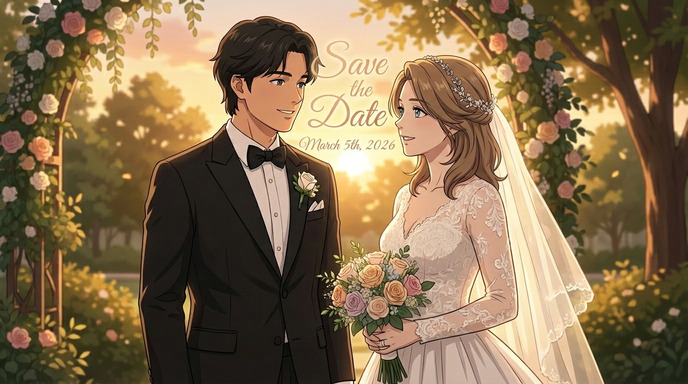
Wedding invitations set the tone for your entire celebration. Why settle for a generic card when you can send your guests something they'll actually keep? An anime-style wedding invitation is personal, artistic, and completely unforgettable. With AI tools, you can create one without any design experience.
This guide walks you through every step: converting your photo to anime, building a consistent character, generating custom scenes, and adding the finishing touches with stylized text.
Why an Anime Wedding Invitation?
A handcrafted anime invitation signals thoughtfulness before the party even starts. Here's why couples are choosing this style:
- Instantly memorable: Guests will recognize it the moment they open the envelope
- Deeply personal: You and your partner appear as the heroes of your own story
- Collectible keepsake: Many guests frame these rather than throw them away
- Matches your personality: Perfect for couples who love anime, manga, or Japanese culture
Step 1: Turn Your Photo to Anime
The first step is converting a photo of yourself (and your partner) into a high-quality anime portrait. This becomes the visual foundation for the entire invitation.
For the best results when using AutoWeeb's photo-to-anime tool:
- Use a well-lit photo with a clear view of your face
- Choose a portrait-style shot over a wide group photo
- Avoid heavy filters or harsh shadows, as these interfere with the conversion
- Try a few different photos and compare the results before committing to one
The higher the fidelity setting, the more your anime character will resemble the real you, ideal for a wedding invitation where guests need to recognize the happy couple.
Step 2: Create Your Anime Character
A single converted photo is a good start, but for a polished invitation you want a consistent character that looks the same across every scene. This is where a character sheet becomes essential.
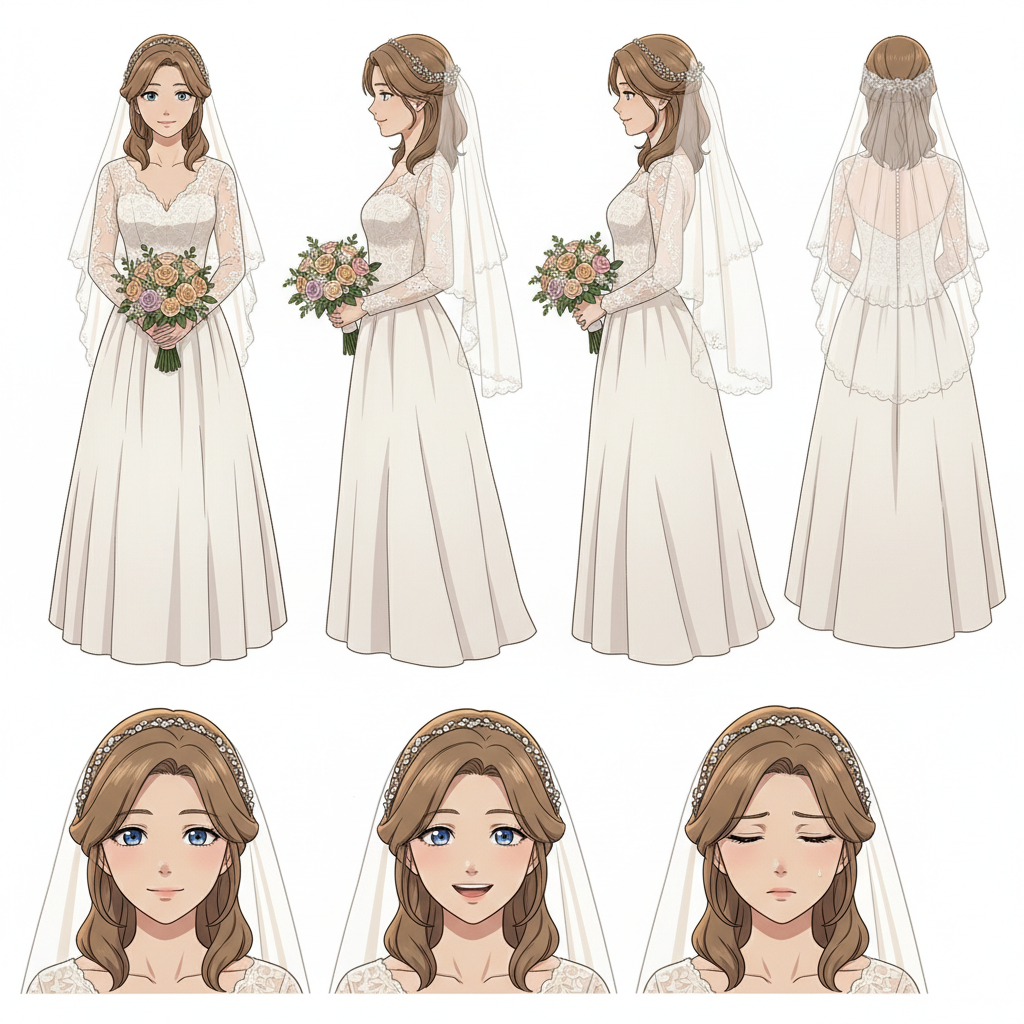
To build your character:
- Upload your converted anime portrait to AutoWeeb
- Generate a character sheet showing multiple angles and expressions of the same character
- Save it as your reference for all subsequent image generation
- Do the same for your partner so both characters stay consistent throughout
Getting the character right at this stage saves a lot of time later. Any inconsistency will stand out when you see both characters side by side on the final invitation.
Step 3: Create the Invitation Scene
Now for the fun part: generating the actual artwork for your invitation. Think of this as composing the hero image: the two of you, dressed for the occasion, in a setting that reflects your personalities.
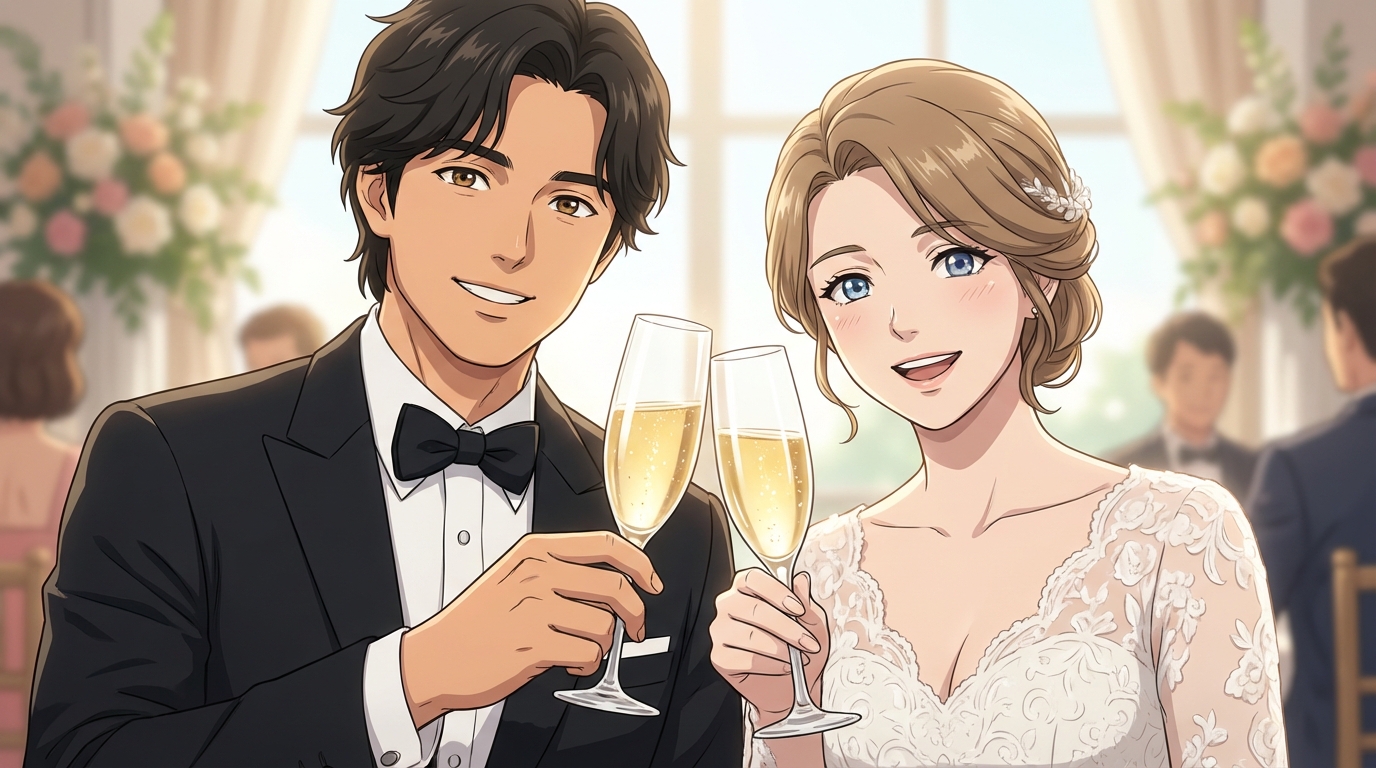
Some scene ideas that work beautifully on invitations:
- Cherry blossom garden: Classic and romantic, soft pink tones work perfectly on paper
- Sunset cliffside: Dramatic lighting and a wide sky give the image a cinematic feel
- Your actual venue: Describe it in a prompt and generate an anime version of the real location
- Stained glass chapel: Rich colors that pop when printed
When generating new images, load your character sheets into AutoWeeb so the AI maintains your characters' features. Adjust the aspect ratio to match your invitation format: portrait for traditional cards, landscape for folded designs.
Step 4: Add Stylized Text to the Image
The artwork is done; now it's time to add the invitation text in a way that feels native to the style, not pasted on top of it.
A few principles to keep in mind:
- Choose a font with personality: Brush script, elegant serif, or hand-drawn fonts all complement anime art. Avoid modern sans-serif fonts, as they clash with the aesthetic.
- Use contrast thoughtfully: White or cream text on dark areas of the image, or dark text on light sky regions. A soft drop shadow helps either way.
- Keep it minimal: The art should do most of the work. Include names, date, and location; details can go on a separate insert card.
- Add a decorative border: A thin gold or ink-style frame ties the text area to the artwork without covering it.
If you want to go further, AutoWeeb's image generation can include text directly in the scene: Japanese kanji or stylized lettering rendered as part of the artwork itself, not layered on top.
Printing Tips
- Export at 300 DPI or higher for print; digital resolution looks fine on screen but blurry on paper
- Request a proof before printing the full run
- Matte paper tends to suit anime art better than glossy; it softens the look and reduces glare
- For a premium feel, consider foil stamping on names or the date
Get Started with AutoWeeb
Ready to create an invitation your guests will never throw away? AutoWeeb has everything you need: photo conversion, character generation, and scene creation, all in one place.
👉 Start Creating Your Anime Wedding InvitationYour love story is one of a kind. Your invitation should be too.
Related Blog Posts
How to Create an Anime Fight Scene
From your first prompt to a cinematic clash
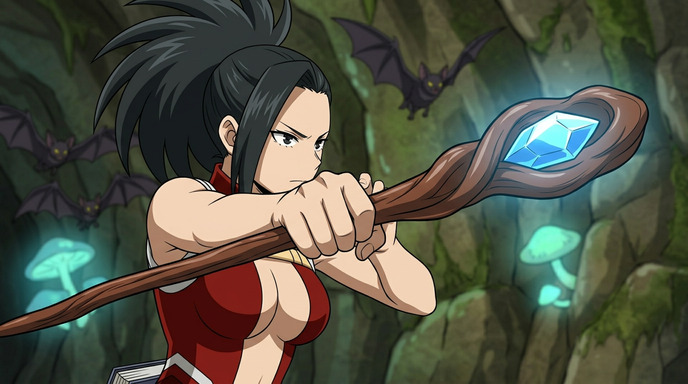
Learn how to create a dynamic anime fight scene using AutoWeeb. Pick a character, use the Explore page templates or write your own prompt, and generate action-packed anime images and videos.
How to Create Anime Action Sequences
Build multi-scene anime action from a single character
Learn how to create full anime action sequences using AutoWeeb. Pick a character, generate action images, animate them into video clips, and chain them together into a cinematic sequence.
Pittsburgh Anime-Fest 2026: How to Create Anime from Your Convention Experience
Pittsburgh's bridges, industrial grit, and anime community — all turned into anime art with AI
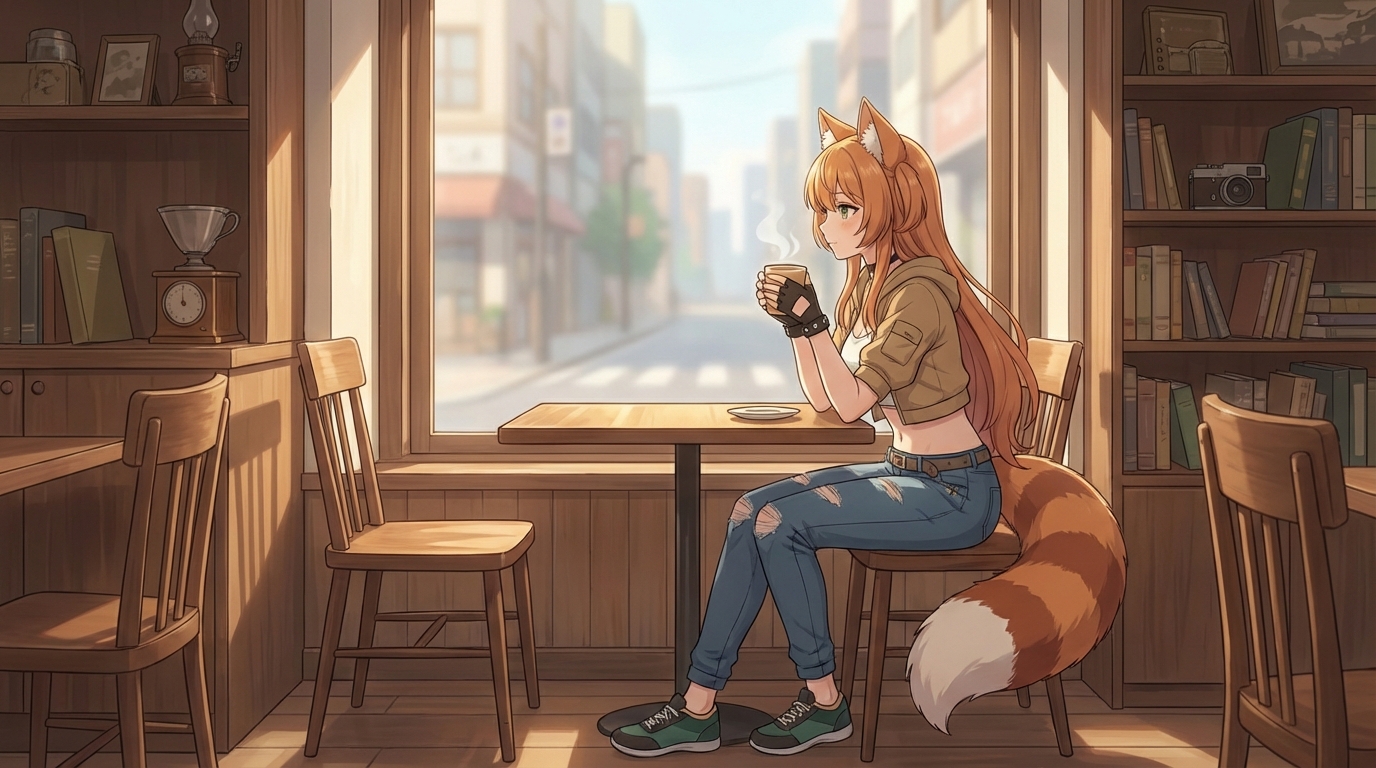
Attended Pittsburgh Anime-Fest 2026? Learn how to turn your cosplay photos, Pittsburgh's distinctive architecture, panel moments, and convention highlights into anime art, custom characters, and animations with AutoWeeb.
Build Your Own Anime Commercial
Turn your brand into a cinematic anime story
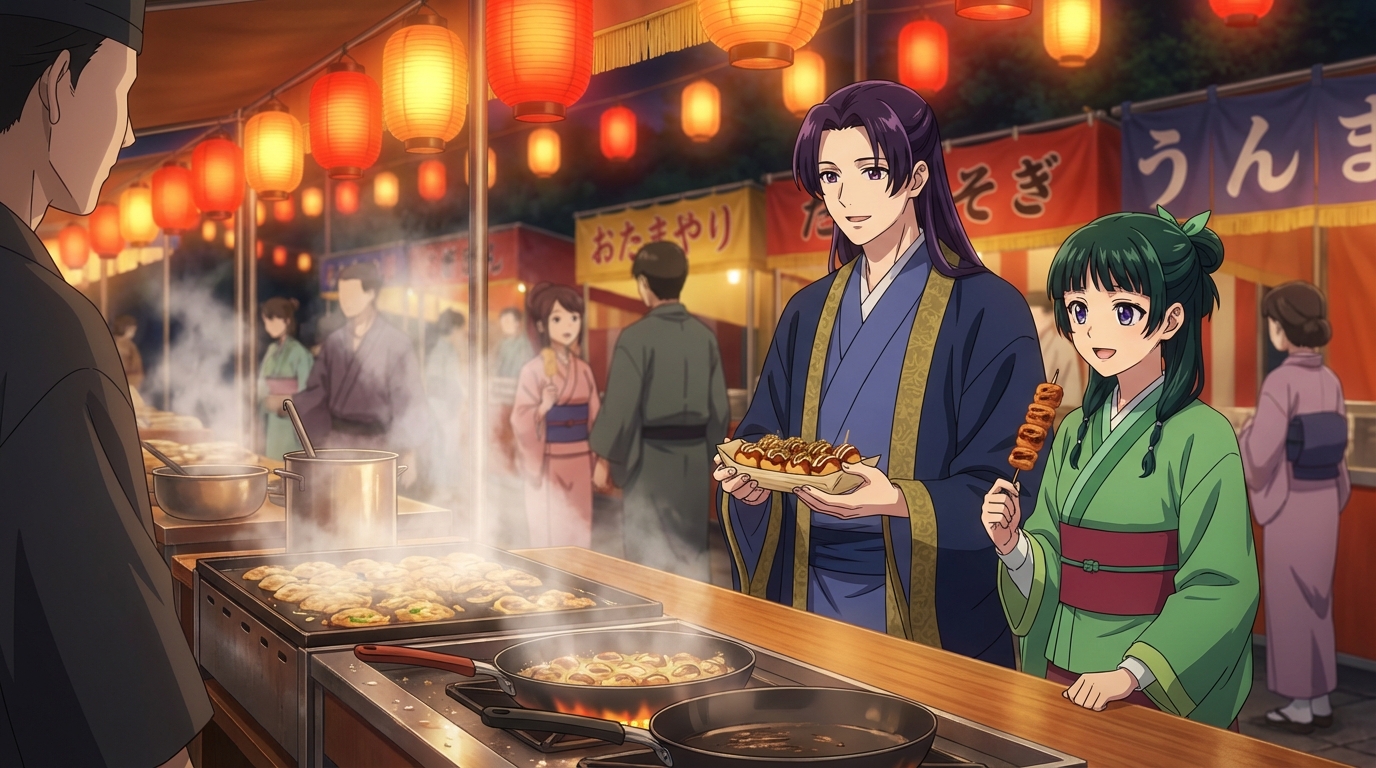
Learn how to create a stunning anime-style commercial for your brand or product using AI tools. From character design to cinematic scenes, build a professional anime ad with AutoWeeb.
Explore AutoWeeb
Jump into the tool that fits your creative step.
AI Anime Video Generator
Animate storyboard shots into cinematic clips with Seedance 2 and consistent characters.
Anime Character Creator
Design original characters with consistent sheets across every scene.
AI Anime Image Generator
Generate cinematic anime stills anchored to your character library.
Turn Photo Into Anime
Upload any photo and watch AI turn it into stunning anime art in seconds.
AI Anime Location Generator
Create a location set once, then generate reference images from every angle.
AI Anime Storyboarding
Describe your idea, pick your characters, and let AI draft the script and scenes.
AI Anime Prompt Agent
Turn a rough idea into a cinematic Seedance 2 prompt with the AI Director.