
Weekend Activity: Turn Your Whole Family Into Anime Characters
A step-by-step family project that takes 20 minutes and produces something everyone wants to share
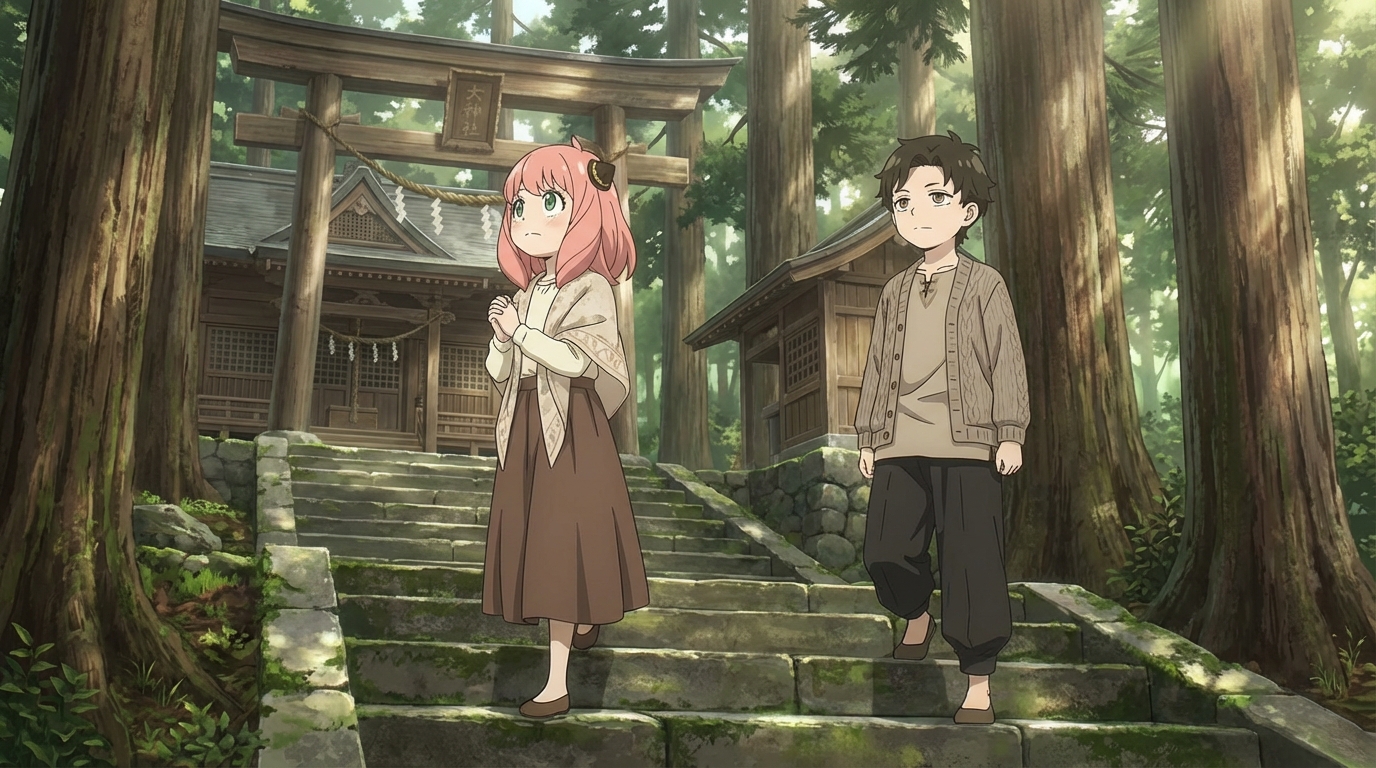
Your child loves anime. You maybe don't know all the series, but you know they light up when they talk about it. Here's a weekend activity that meets them on their turf: turn every member of your family into an anime character, then place everyone into a scene together.
The whole thing takes about 20 minutes, requires zero drawing ability, and produces something every family member will want to send to someone.
👉 Start Turning Your Family Into Anime on AutoWeebGather the Photos
You need one clear photo of each person. Phone camera is fine. Good lighting, face centered, no sunglasses. A simple portrait works best; you don't need a professional headshot, just a photo where the face is easy to see.
This is the fun part for the childs: let them pick which photo to use. They'll have opinions about which one looks coolest, and that's exactly the energy you want.
Convert Everyone to Anime
Upload each photo to AutoWeeb's photo-to-anime converter. The tool preserves the face shape, eye structure, and hair while translating everything into anime art. Each conversion takes a few seconds.
Here's where the activity gets collaborative: let your child choose the art style for each family member. Maybe mom looks best in Ghibli style. Maybe dad works better as a cyberpunk character. Maybe the younger sibling is obviously a chibi. Let the child be the creative director, and watch them take the job seriously.
Build the Family Scene
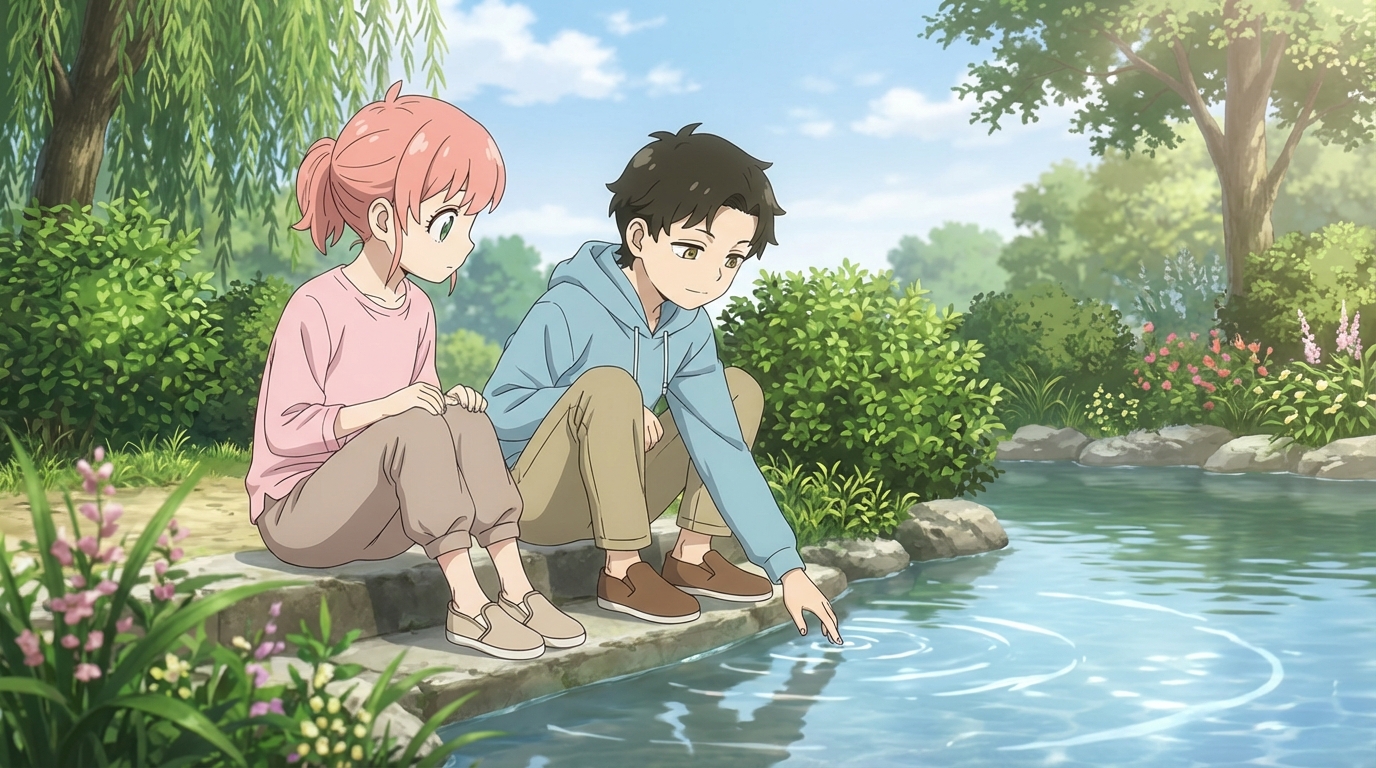
Once every family member has their anime version, the next step is placing everyone together. AutoWeeb lets you add multiple characters to a single scene. Pick a setting that matches your family's vibe:
- A cozy living room for the family that stays in on weekends
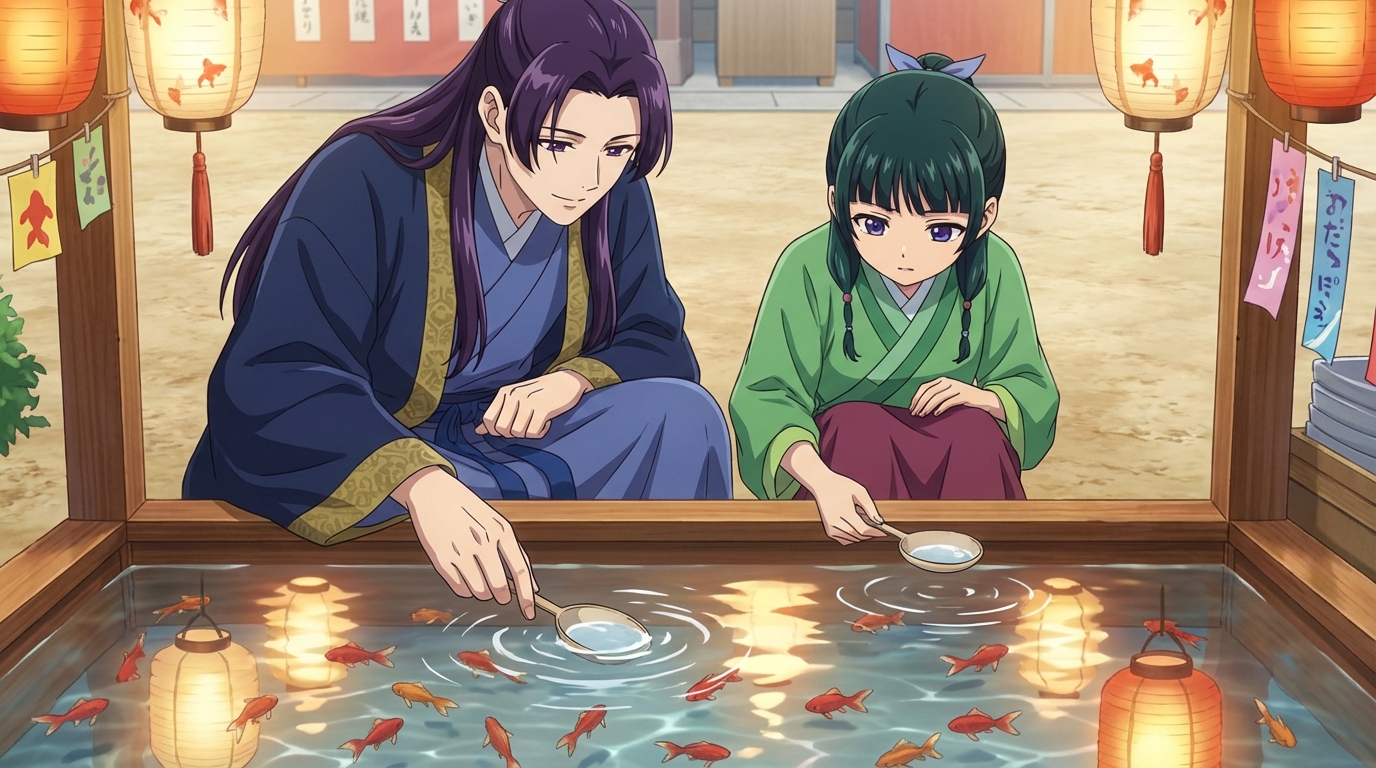
- A Japanese festival for the family that likes to go out and do things
- A rooftop with a city skyline for the family that thinks they're the main characters (they are)
- A beach scene for the family that's already planning summer vacation
Write a short description of what's happening in the scene: "family having dinner together," "walking through a festival," "watching fireworks from a rooftop." The more specific the prompt, the more the result feels like yours.
What to Do With the Result
You now have an anime portrait of your family in a scene you chose together. Here are a few things families do with these:
- Set it as the family group chat avatar
- Print it and frame it (it looks surprisingly good as wall art)
- Send it to grandparents, who will be confused and delighted
- Use it as a holiday card image
- Let the child use it as their phone wallpaper, which they will do immediately
Why This Works as a Family Activity
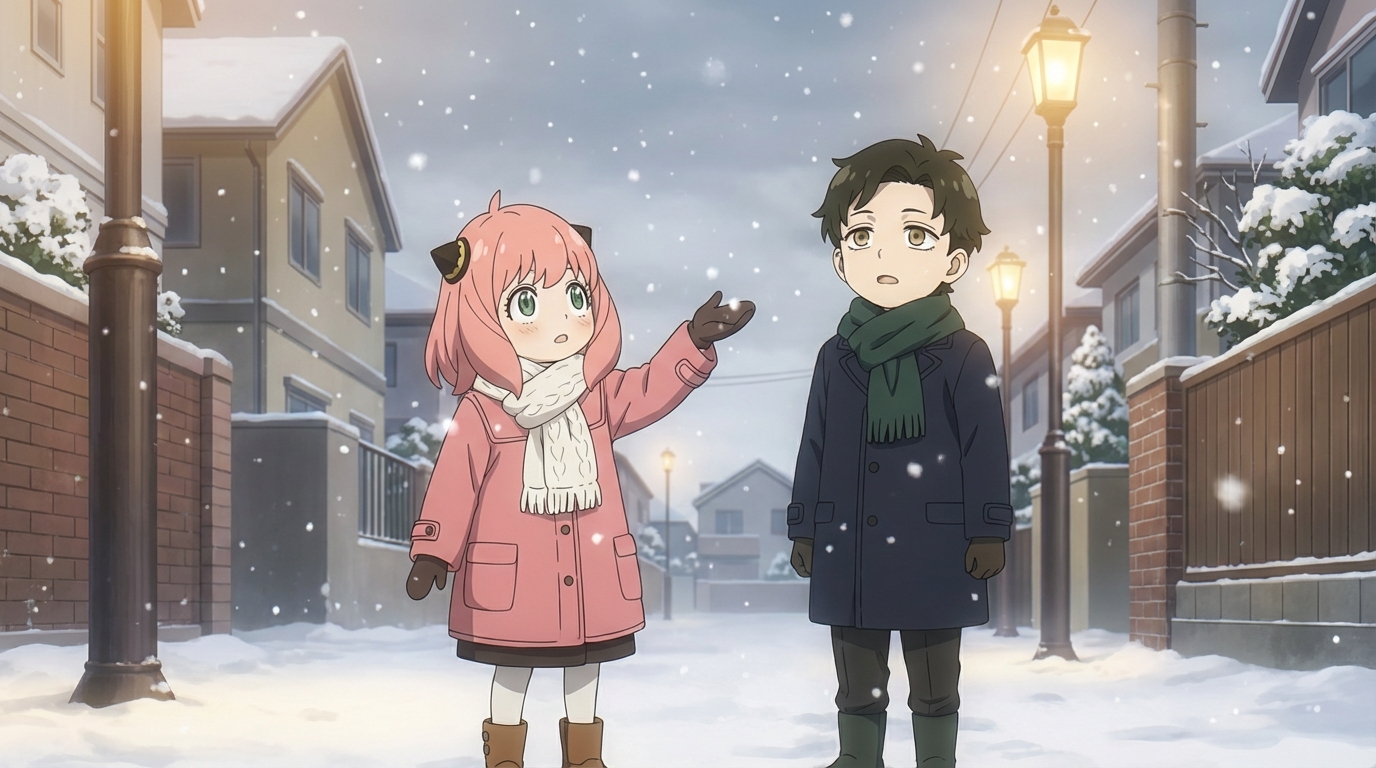
Most "quality time" activities involve the parent doing something the child tolerates or the child doing something the parent tolerates. This one works because the child is the expert. They know the styles, they know what looks cool, they know why the Ghibli version of the dog is better than the cyberpunk one. You're the participant, and they're the guide.
That dynamic, where the child teaches the parent, is rare and valuable. It tells them their interests matter, and it gives you a window into something they care about. The anime portrait is the souvenir, but the conversation is the point.
👉 Turn Your Family Into Anime Characters on AutoWeebFrequently Asked Questions
Do kids need drawing skills to use an anime character creator?
No. An AI anime character creator like AutoWeeb handles the rendering. Your child provides the creative direction: what the character looks like, what style to use, what scene to place them in. The tool does the drawing; they do the designing.
What is the best AI anime art app for kids?
AutoWeeb is built for creating anime art with minimal friction. The interface is visual and straightforward: upload a photo, pick a style, describe a scene. Most children aged 8 and up can use it independently. Younger children may want a parent nearby for the first session, but the workflow is simple enough that they take over quickly.
How much does an AI anime tool for kids cost?
AutoWeeb has a free tier that lets your child try the core anime art features without any commitment. Paid plans run on a credit system, starting at a price comparable to a manga volume. Credits are spent per image or video generated, so there's a natural budget built in.
What kind of anime art can my child create with AI?
They can convert photos into anime characters, design original characters from scratch, build character sheets that keep designs consistent, place characters into scenes (festivals, cities, nature, custom descriptions), and animate still images into short videos. The output is shareable, printable anime art they directed.
Can my child use AI anime art for school projects?
Yes. The anime art your child creates is theirs to use: school projects, printed wall art, profile pictures, gifts for friends, or just a personal collection. Check with your child's teacher regarding AI tool policies if they plan to use the art in a graded assignment.
For more family-friendly anime activities, read about how to have an anime movie night or check out anime birthday party ideas.
Related Blog Posts
What Are the Best AI Anime Generators?
A clear-eyed look at the top tools for anime art, characters, and scenes in 2026
What are the best AI anime generators in 2026? We compare AutoWeeb, DomoAI, and LeonardoAI on anime output quality, character creation, ease of use, and more.
Best AI Anime Video Tools in 2026
A practical guide to the AI platforms that can generate anime-style video, and which one actually delivers
Looking for the best AI anime video tools in 2026? We compare AutoWeeb, DomoAI, and LeonardoAI on anime video generation, ease of use, and creative output.
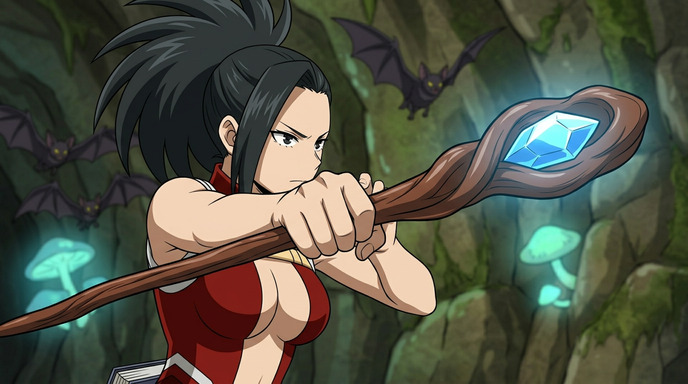
The Best Anime Character Generators in 2026
Which AI tools let you design, build, and reuse anime characters consistently across scenes and formats?
Looking for the best anime character generator in 2026? We compare AutoWeeb, DomoAI, and LeonardoAI on character creation, consistency, photo-to-anime, and more.
AI Anime Battle Generator: Create Epic Anime Action Scenes
From staredowns to finishing blows, generate cinematic anime battles with your own characters
Use AutoWeeb's AI anime battle generator to create dynamic anime action scenes. Build your fighter, describe the moment, and generate anime battle images and videos that actually hit.
Explore AutoWeeb
Jump into the tool that fits your creative step.
AI Anime Video Generator
Animate storyboard shots into cinematic clips with Seedance 2 and consistent characters.
Anime Character Creator
Design original characters with consistent sheets across every scene.
AI Anime Image Generator
Generate cinematic anime stills anchored to your character library.
Anime Filters
Upload any photo and apply AI anime filters to turn it into stunning anime art in seconds.
AI Anime Location Generator
Create a location set once, then generate reference images from every angle.
AI Anime Storyboarding
Describe your idea, pick your characters, and let AI draft the script and scenes.
AI Anime Prompt Agent
Turn a rough idea into a cinematic Seedance 2 prompt with the AI Director.