
How to Have an Anime Movie Night, Then Star In Your Own Episode
Watch something great together, then create a scene with your child as the main character
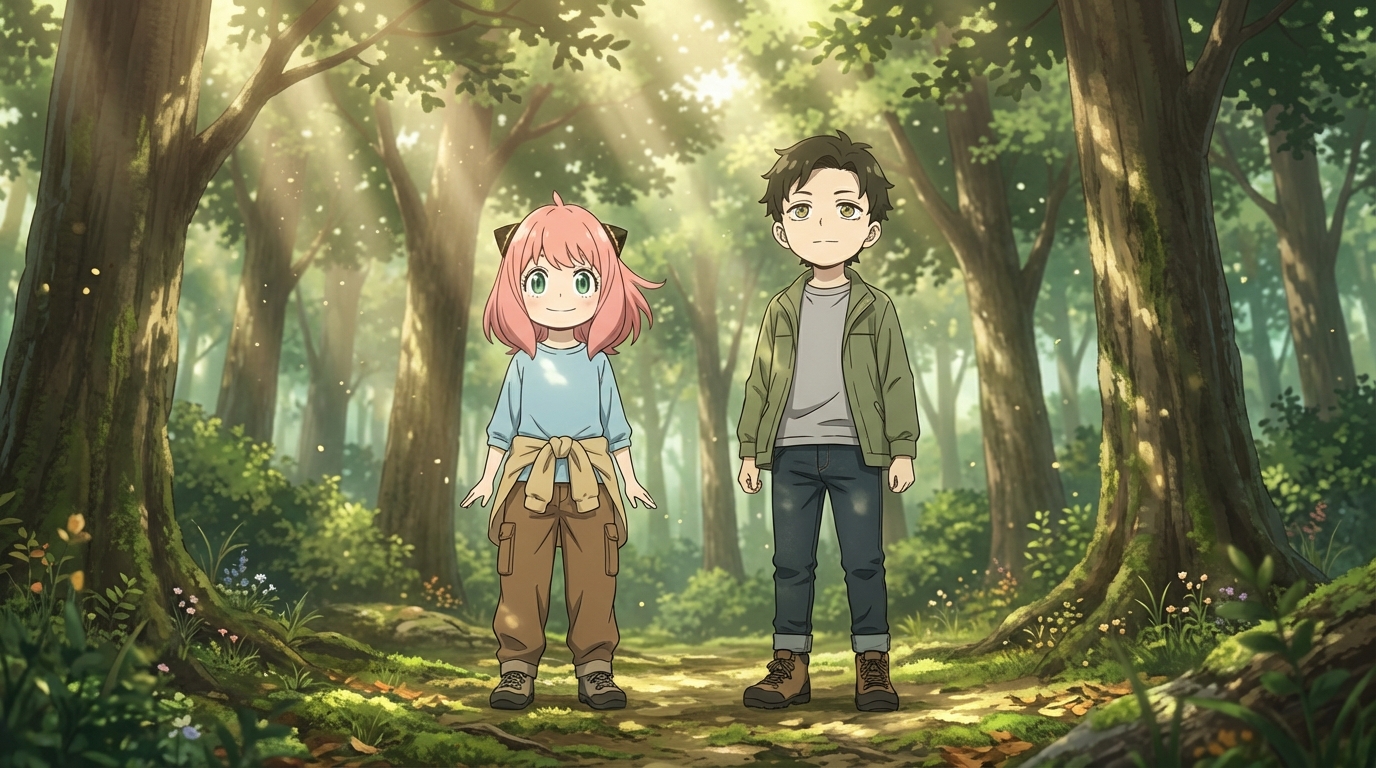
Here's a two-part evening activity that works for families with anime-loving kids: watch an anime film together, then use AI to create a scene in that same art style with your child as the main character. The movie is the inspiration. The creation is the follow-up. Together, they make for a night that goes beyond sitting on the couch.
👉 Create Your Own Anime Scene on AutoWeebPart One: Pick the Film
The movie sets the tone for the creative activity that follows, so pick one with a strong visual identity. A few that work especially well for this:
Studio Ghibli Films
"Spirited Away," "My Neighbor Totoro," "Howl's Moving Castle." The Ghibli aesthetic is instantly recognizable: watercolor-soft backgrounds, warm lighting, characters that feel grounded even in magical settings. After watching, your child can create their own Ghibli-style scene with AutoWeeb and see themselves drawn in that same world.
Action Films
"Demon Slayer: Mugen Train" or "My Hero Academia: Two Heroes." These films have a bolder, higher-contrast visual style with dramatic angles and intense color palettes. After watching, the child can try the Demon Slayer style and create a scene where they're the one wielding the sword or throwing the punch.
Slice of Life
"Whisper of the Heart," "A Silent Voice," or "Your Name." These films focus on everyday moments rendered beautifully. After watching, create a quiet scene: walking home from school, sitting at a window, looking out at a city they've never been to. The slice of life style handles these perfectly.
Part Two: Make the Scene
Once the credits roll, the conversation is already happening: "What was your favorite part?" "What would you do if you lived in that world?" Channel that energy into creation.
Open AutoWeeb and let your child lead. They upload a photo of themselves (or use one they've already converted), choose the art style that matches the film you just watched, and describe a scene they want to exist in. Maybe it's a scene inspired by something in the movie. Maybe it's something entirely new that the movie's world made them think of.
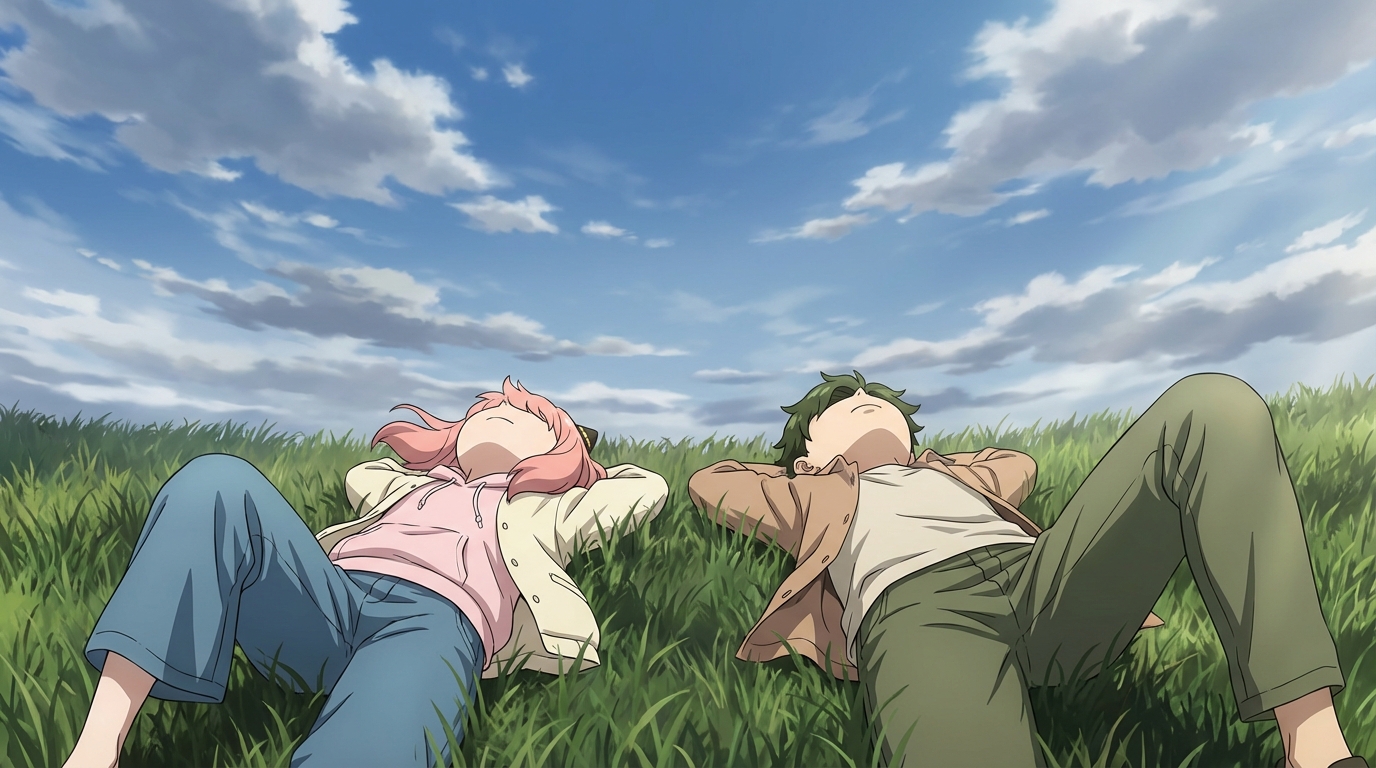
The magic here is the connection between what they watched and what they make. The film gives them a visual vocabulary and an emotional tone. The tool gives them a way to use it. The result is a piece of art that's directly linked to a shared experience.
Make It a Recurring Thing
This works as a one-time activity, but it works even better as a series. Every few weeks, pick a different film, watch it together, and create a scene in that style afterward. Over time, your child builds a collection of scenes across different art styles, each one connected to a specific movie night.
If they've built a character sheet in AutoWeeb, they can use the same character across all these scenes. Seeing their character appear in a Ghibli forest, then a cyberpunk city, then a slice-of-life classroom creates something that feels like a story arc. Each movie night adds a new chapter.
The Real Value
A movie night is passive. Adding a creative follow-up turns it into something active. The child isn't just receiving a story; they're responding to it by making something of their own. And because you watched the same film, you share the context. You can talk about why they chose that scene, what they'd change about the world, what happens next. The art is the starting point for a conversation that wouldn't happen otherwise.
👉 Create Your First Post-Movie Scene on AutoWeebFrequently Asked Questions
Do kids need drawing skills to use an anime character creator?
No. An AI anime character creator like AutoWeeb handles the rendering. Your child provides the creative direction: what the character looks like, what style to use, what scene to place them in. The tool does the drawing; they do the designing.
What is the best AI anime art app for kids?
AutoWeeb is built for creating anime art with minimal friction. The interface is visual and straightforward: upload a photo, pick a style, describe a scene. Most children aged 8 and up can use it independently. Younger children may want a parent nearby for the first session, but the workflow is simple enough that they take over quickly.
How much does an AI anime tool for kids cost?
AutoWeeb has a free tier that lets your child try the core anime art features without any commitment. Paid plans run on a credit system, starting at a price comparable to a manga volume. Credits are spent per image or video generated, so there's a natural budget built in.
What kind of anime art can my child create with AI?
They can convert photos into anime characters, design original characters from scratch, build character sheets that keep designs consistent, place characters into scenes (festivals, cities, nature, custom descriptions), and animate still images into short videos. The output is shareable, printable anime art they directed.
Can my child use AI anime art for school projects?
Yes. The anime art your child creates is theirs to use: school projects, printed wall art, profile pictures, gifts for friends, or just a personal collection. Check with your child's teacher regarding AI tool policies if they plan to use the art in a graded assignment.
For more family anime activities, check out turning your whole family into anime characters or explore AI photo packs for ready-made scene environments.
Related Blog Posts
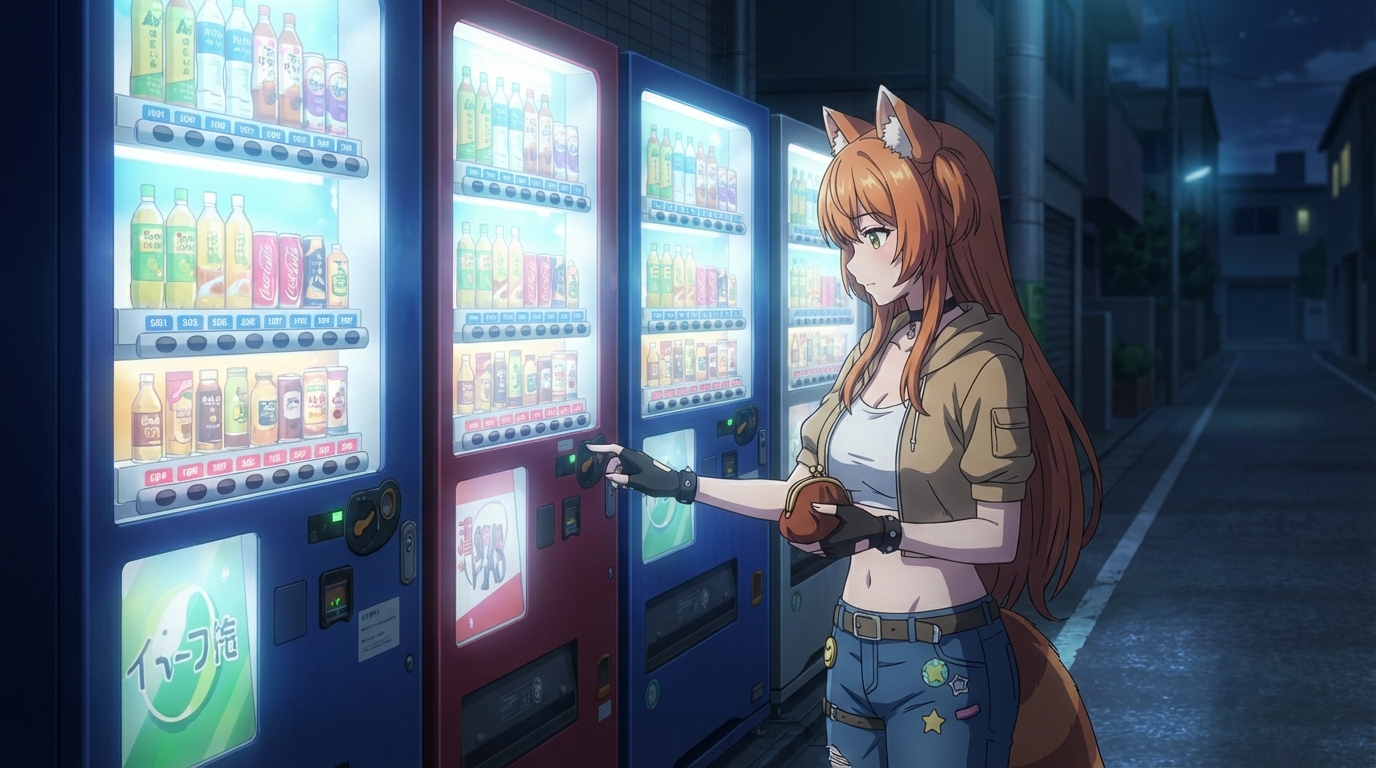
What Are the Best AI Anime Generators?
A clear-eyed look at the top tools for anime art, characters, and scenes in 2026
What are the best AI anime generators in 2026? We compare AutoWeeb, DomoAI, and LeonardoAI on anime output quality, character creation, ease of use, and more.
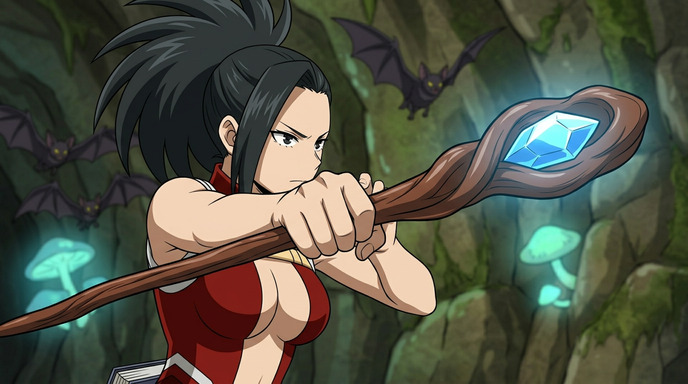
Best AI Anime Video Tools in 2026
A practical guide to the AI platforms that can generate anime-style video, and which one actually delivers
Looking for the best AI anime video tools in 2026? We compare AutoWeeb, DomoAI, and LeonardoAI on anime video generation, ease of use, and creative output.
The Best Anime Character Generators in 2026
Which AI tools let you design, build, and reuse anime characters consistently across scenes and formats?
Looking for the best anime character generator in 2026? We compare AutoWeeb, DomoAI, and LeonardoAI on character creation, consistency, photo-to-anime, and more.
AI Anime Battle Generator: Create Epic Anime Action Scenes
From staredowns to finishing blows, generate cinematic anime battles with your own characters
Use AutoWeeb's AI anime battle generator to create dynamic anime action scenes. Build your fighter, describe the moment, and generate anime battle images and videos that actually hit.
Explore AutoWeeb
Jump into the tool that fits your creative step.
AI Anime Video Generator
Animate storyboard shots into cinematic clips with Seedance 2 and consistent characters.
Anime Character Creator
Design original characters with consistent sheets across every scene.
AI Anime Image Generator
Generate cinematic anime stills anchored to your character library.
Anime Filters
Upload any photo and apply AI anime filters to turn it into stunning anime art in seconds.
AI Anime Location Generator
Create a location set once, then generate reference images from every angle.
AI Anime Storyboarding
Describe your idea, pick your characters, and let AI draft the script and scenes.
AI Anime Prompt Agent
Turn a rough idea into a cinematic Seedance 2 prompt with the AI Director.