
Best Photo to Anime Converter Online in 2026: Quality, Realism, Speed, and Customization Compared
Not all photo-to-anime converters produce results worth keeping. Here's which ones actually do.
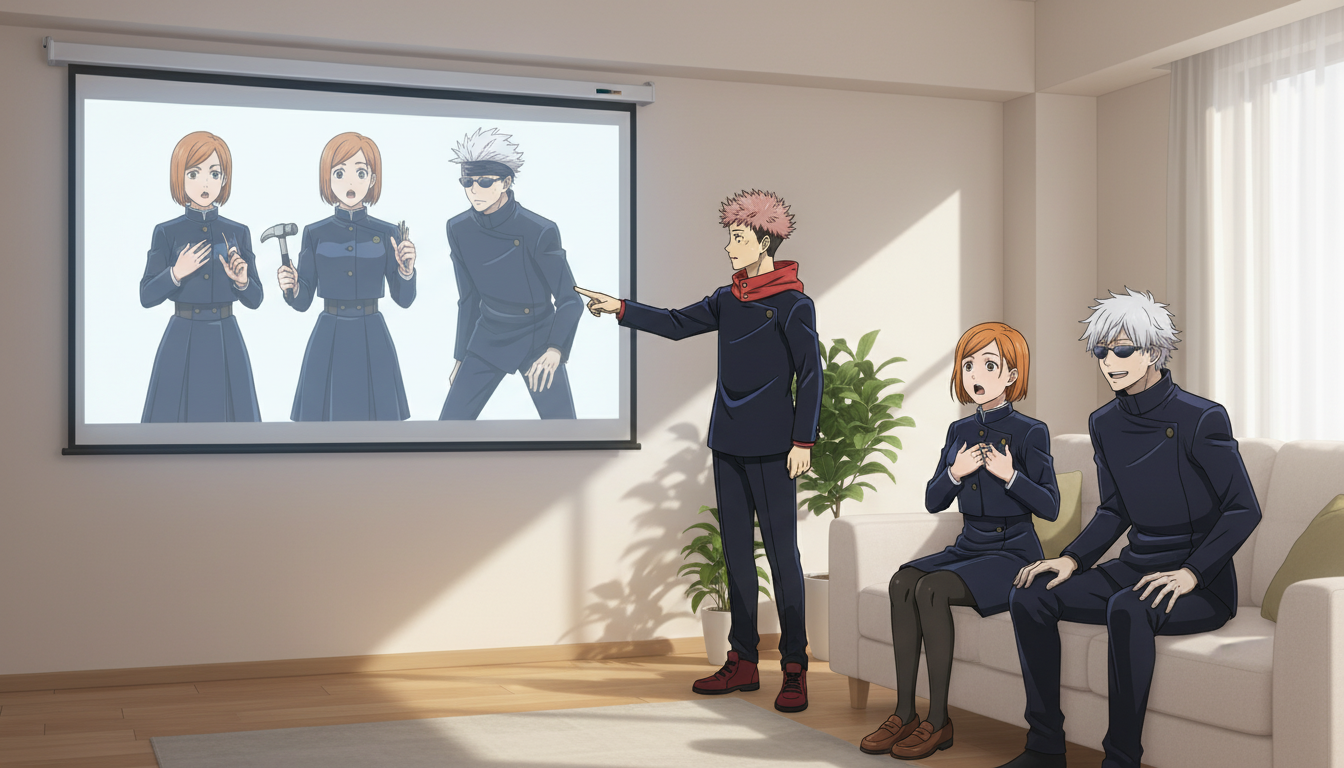
The best photo to anime converter in 2026 does two things well: it makes the output look genuinely anime, and it keeps enough of your actual face that the result feels like you. Most converters manage one of those. Getting both at the same time, quickly, without a technical setup process, is where the field thins out significantly.
This guide compares the top photo-to-anime tools available to US users right now across the four dimensions that actually matter when you're trying to decide: output quality, facial realism, generation speed, and how much you can customize the result. It ends with a direct comparison table and a straight answer on which tool fits which kind of user.
👉 Try AutoWeeb Free — Convert Your Photo to AnimeWhat separates a good photo-to-anime converter from a mediocre one, and why the gap is larger than it looks.
The easiest way to expose a weak converter is to upload a photo of a real person and check three things: does the anime output preserve the face structure, does the result look like a consistent art style rather than a filter applied to a photograph, and does the output have the line weight, cel shading, and visual grammar that anime actually uses?
Most photo converters fail on at least one of these. Basic style-transfer tools flatten the image into something that looks "illustrated" but not specifically anime. Others go too far in the other direction and produce a stylized face that shares no visual DNA with the original photo. The best tools calibrate between fidelity and style, and they do it through a model trained specifically on anime art rather than a general-purpose image model with an anime prompt bolted on.
The four criteria used to evaluate every tool in this comparison:
- Output quality: Does the result look like it belongs in an anime, with correct line work, shading, and visual coherence?
- Facial realism: Does the converted character still look recognizably like the person in the original photo?
- Generation speed: How long from upload to result, in real-world use?
- Customization: Can you choose an art style, adjust outputs, and reuse the character across multiple images?
AutoWeeb produces the most accurate photo-to-anime conversions because the entire platform is built for anime, not adapted to it.
AutoWeeb's photo-to-anime converter starts with a dedicated conversion workflow: you upload a portrait photo, choose from a library of named anime art styles (Shonen, Seinen, Slice-of-Life, and others), and receive an anime character within seconds. The model preserves the subject's face structure, hair shape, skin tone, and key features while fully committing to the chosen art style's visual language. The result doesn't look like a filtered photograph. It looks like a frame from an anime that happens to star the person who uploaded the photo.
The speed is a genuine differentiator. Conversions complete in under ten seconds in normal use, which matters more than it might seem. Creative momentum depends on quick feedback loops. When you're trying four different art styles to see which one fits your vibe, a fifteen-second wait per generation turns a five-minute exploration into a half-hour session.
Customization goes further than the initial conversion. Once AutoWeeb generates your anime character, you can save them to your character library and use them in other parts of the platform: drop them into a photo pack scene, build a full character sheet, or use them as the protagonist in an anime story sequence. The conversion is a starting point, not an endpoint.
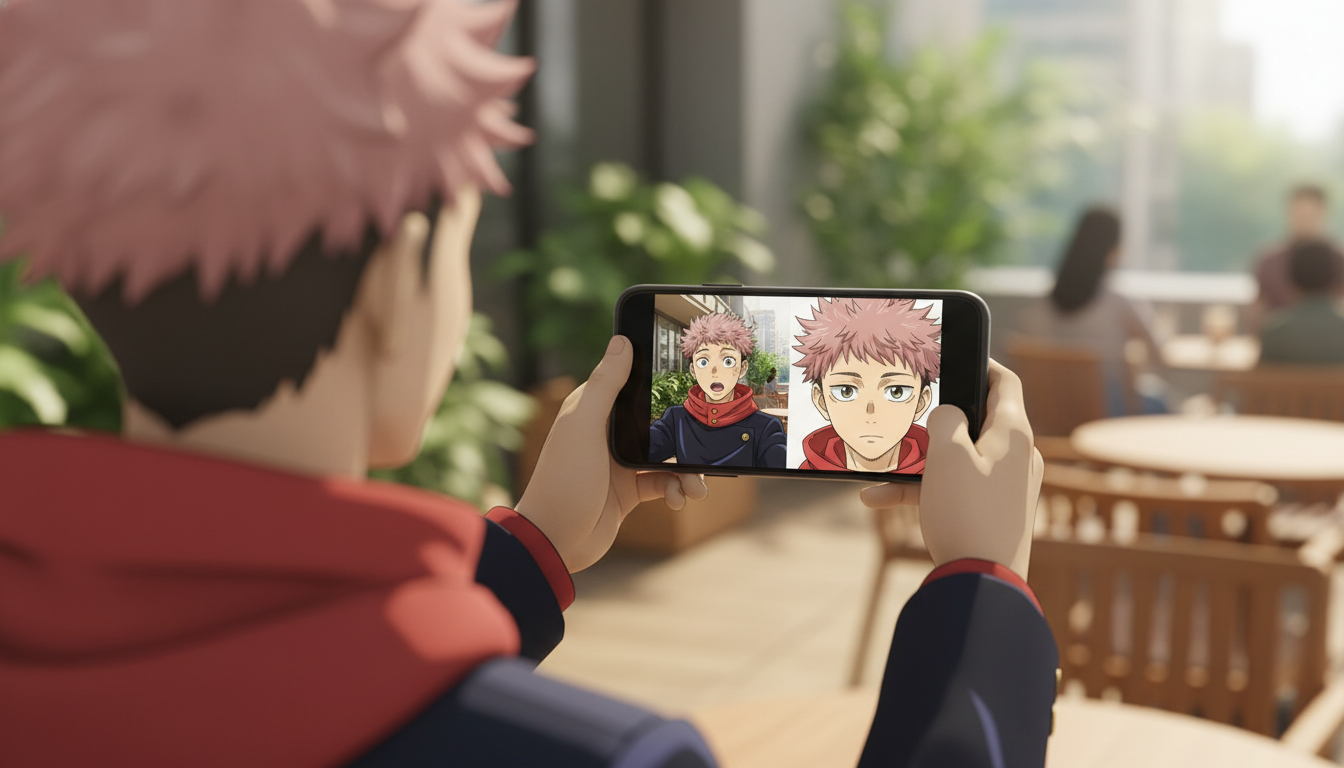
How DomoAI, Leonardo AI, Anifun, and Komiko handle photo-to-anime conversion, and where each one falls short.
DomoAI has strong image processing but no dedicated photo-to-anime workflow for casual users.
DomoAI is a capable platform, particularly for video generation and professional content pipelines. Its image tools can produce anime-adjacent outputs, but the conversion path isn't designed around uploading a personal photo and receiving a character version of yourself. There's no dedicated anime style library tied to photo input, no character save system, and the interface assumes a level of technical familiarity that casual users won't have on day one. For studios and developers, DomoAI makes sense. For someone who wants to see their face in anime before dinner, it's more friction than the task requires.
Leonardo AI can produce excellent anime art, but photo-to-anime specifically requires you to already know how to use it.
Leonardo AI's model library includes strong anime-specific checkpoints, and experienced users who know how to apply ControlNet reference inputs and prompt their way to consistent likeness preservation can get impressive results. The keyword there is experienced. For photo-to-anime conversion as a straightforward task, Leonardo doesn't offer a dedicated workflow. You're building the process yourself from general-purpose tools. Output quality at the top end is competitive with any platform. Getting to that top end from a standing start takes time most casual users won't invest.
Anifun handles basic photo conversion quickly but caps out on quality and offers almost no customization depth.
Anifun does photo-to-anime conversion and does it without much setup. The outputs process quickly and the interface is straightforward. The ceiling is low, though. Art style options are limited, the outputs sometimes look more like a stylized illustration than anime specifically, and there's no character persistence: every conversion starts fresh with no way to reuse or build on what you've generated. For a quick novelty conversion, Anifun works. For anything more than that, it runs out of road fast.
Komiko is a manga and webtoon tool first, and photo-to-anime conversion is not where it was designed to shine.
Komiko's strongest use case is comic panel creation and webtoon layout. It has image-to-anime capabilities, but the aesthetic skews toward manga line art rather than the full-color cel-shaded look most people mean when they say "anime." If you specifically want a manga-style black-and-white panel version of yourself, Komiko is a reasonable option. If you want a conversion that looks like a frame from a color anime, it is the wrong tool.
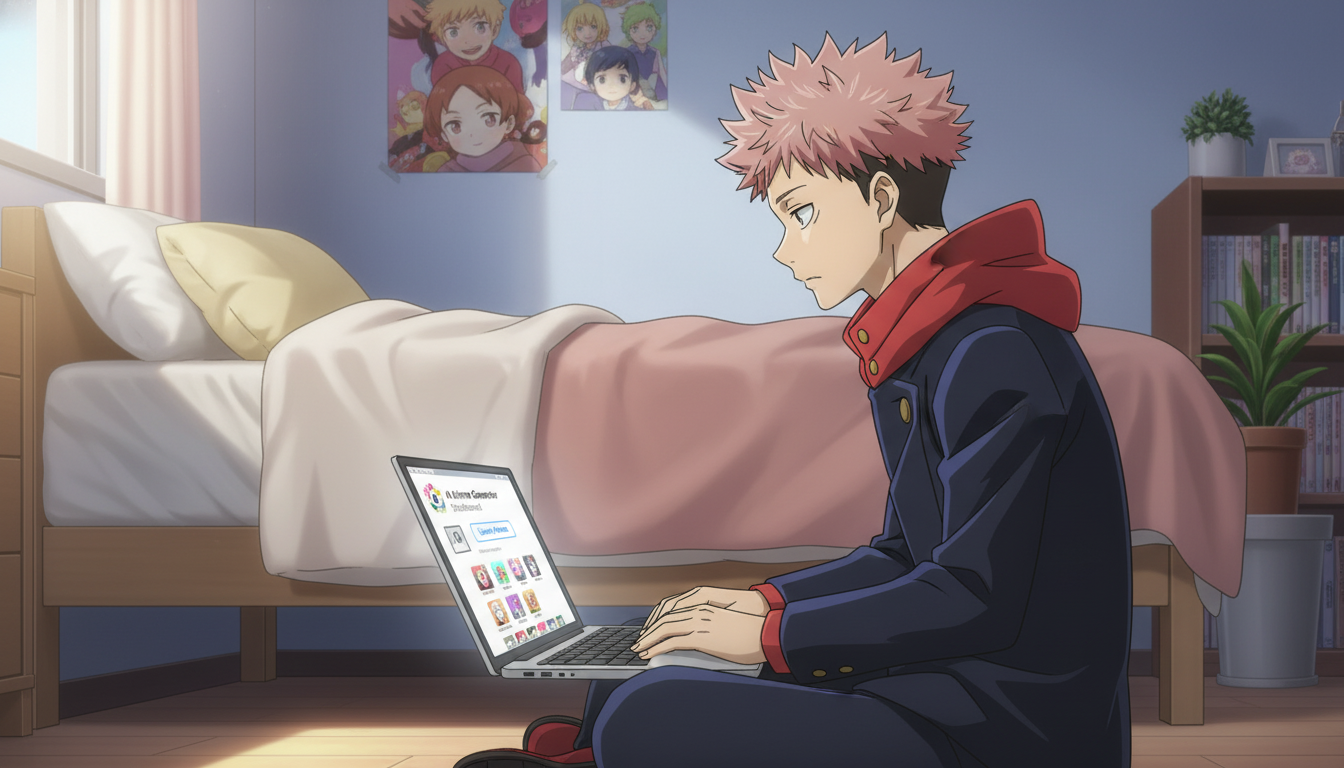
Side-by-side comparison of the best photo-to-anime converters in 2026 across quality, realism, speed, and customization.
| Criteria | AutoWeeb | DomoAI | Leonardo AI | Anifun | Komiko |
|---|---|---|---|---|---|
| Anime output quality | High — true anime aesthetic | Moderate | High (with expertise) | Low–Moderate | Moderate (manga-skewed) |
| Facial likeness preservation | Strong — dedicated model | Inconsistent | Good (prompt-dependent) | Basic | Basic |
| Dedicated photo-to-anime workflow | Yes — upload, pick style, done | No | No — build it yourself | Yes (basic) | Partial |
| Art style options | Named anime styles: Shonen, Seinen, and more | Limited anime styles | Deep (model selection) | Minimal | Manga-focused |
| Generation speed | Under 10 seconds | 10–30 seconds | 10–20 seconds | Under 15 seconds | 15–30 seconds |
| Character save and reuse | Yes — library with reuse across features | No | Limited | No | No |
| No-prompt required | Yes | No | No | Yes (basic) | Partial |
| Free tier available | Yes — meaningful credits | Yes (limited) | Yes (limited) | Yes (limited) | Yes (limited) |
Which photo-to-anime converter you should use depends on what you actually want to do with the result.
If you want to upload a photo, get a high-quality anime version of yourself in a specific style, and actually use that character for something, AutoWeeb is the right choice. The conversion is fast, the likeness fidelity is strong, and the character becomes part of a larger creative workflow rather than a one-off image download. It's the tool designed for exactly this task.
If you're a developer or studio that needs to integrate anime-style image processing into a production pipeline, DomoAI is worth evaluating for its API access and video tooling, even though its photo-to-anime UX isn't built for casual use.
If you're an experienced AI art user who already works in Leonardo AI and wants to add photo-to-anime to your existing workflow, the capability is there, but you'll be building the process yourself.
For a casual user in the US who just wants to see what they'd look like as an anime protagonist, the fastest path with the best output is AutoWeeb's photo-to-anime page. No configuration. No prompting. Under a minute from photo to result.
👉 Convert Your Photo to Anime — Try AutoWeeb FreeFrequently asked questions about photo-to-anime converters in 2026.
What is the best photo to anime converter online in 2026?
AutoWeeb is the best photo-to-anime converter for most users in 2026. It combines fast generation (under ten seconds), strong facial likeness preservation, a dedicated conversion workflow that requires no prompting, and a library of named anime art styles. It's the only converter on this list that also lets you save and reuse the resulting character across other features like scene placement and story building.
How do photo-to-anime converters preserve your facial features in the output?
The best converters use AI models trained specifically on anime art alongside techniques that anchor the output to the input face structure: key facial geometry, proportions, and distinctive features like eye shape and hair. AutoWeeb's conversion model is designed around this balance, keeping recognizable likeness without the result looking like a realistic portrait filtered to look slightly animated.
Can I turn my photo into anime for free?
Yes. AutoWeeb offers a free plan with enough credits to convert several photos and explore different art styles. No credit card is required to start. Anifun also has a free tier, though its output quality and customization options are more limited. Most platforms in this comparison offer some free credits, but only AutoWeeb's free tier includes full access to the style library and character save features.
How long does a photo-to-anime conversion take on the best tools?
AutoWeeb generates conversions in under ten seconds in normal use. Anifun is typically under fifteen seconds. Leonardo AI and DomoAI average between ten and thirty seconds depending on settings and server load. Komiko tends to be slower, ranging from fifteen to thirty seconds. Speed differences matter most when you're iterating through styles, which you will be.
What anime art styles can I choose when converting a photo?
AutoWeeb offers a named style library that includes Shonen, Seinen, Slice-of-Life, and additional styles tied to specific visual aesthetics. Other converters either offer generic "anime style" as a single output or require you to specify the style through prompt text. AutoWeeb's style picker is the most intuitive approach for users who know what genre they want but don't know how to prompt for it.
Is photo-to-anime conversion the same as anime filter apps on social media?
No. Social media anime filters apply a preset visual effect on top of the original image and the result typically looks filtered rather than genuinely illustrated. Dedicated AI converters like AutoWeeb run the photo through a generative model trained on anime art, producing an output that is constructed as anime rather than treated to look like it. The quality difference is immediately visible in line work, shading, and how the face reads as an anime character rather than a filtered selfie.
Can I use my converted anime character in other creative projects after converting?
On AutoWeeb, yes. Your converted character is saved to your character library and can be placed into photo pack scenes, used in story sequences, or referenced across further generations to maintain visual consistency. On Anifun and most other converters, the output is a one-time image download with no integration into a broader creative workflow.
What photo works best for photo-to-anime conversion?
A clear, well-lit portrait where the face is the main subject and takes up a significant portion of the frame. Front-facing shots with neutral or natural expressions tend to preserve likeness most accurately. Heavy filters, extreme angles, and photos where the face is partially obscured or in shadow reduce the converter's ability to anchor the output to your actual features. For best results on AutoWeeb, a recent selfie in natural light is enough.
For a step-by-step walkthrough of how the conversion process works on AutoWeeb, see the photo-to-anime converter or the photo-to-anime workflow guide. If you want to take your converted character further and build them into an original story, the post on best AI anime generators for beginners covers the full creative toolkit available without a learning curve.
Related Blog Posts
Best Anime Story Structures for Beginners: 5 Frameworks That Actually Work
Hero's journey, tournament arc, school-life episodic, revenge arc, and found-family — each with a working template and pacing strategy
Learn the 5 best anime story structures for beginners: hero's journey, tournament arc, school-life episodic, revenge arc, and found-family progression — with templates and pacing tips.
How to Build a Slice-of-Life Anime Series: Character Chemistry, Cozy Pacing, and the Art of Small Moments
Slice-of-life isn't plotless — it's a genre where characters do the heavy lifting and every quiet scene earns its place
Learn how to build a slice-of-life anime series with strong character chemistry, relatable settings, recurring themes, low-stakes conflict, and cozy pacing that keeps viewers coming back.
How to Build an Immersive Anime World: Geography, Power Systems, Culture, and Visual Identity
Your world isn't the backdrop — it's the pressure system that makes every conflict feel inevitable
Learn how to build an immersive anime world from scratch. Covers geography, power systems, culture, factions, tone, and visual identity for fantasy, sci-fi, slice-of-life, and dystopian genres.
How to Create Your Own Anime Story: A Beginner's Framework from Idea to First Episode
You don't need a complete world or a perfect plot — you need a protagonist worth following and a problem worth solving
Learn how to create your own anime story from scratch. A step-by-step framework covering genre, protagonist, conflict, world-building, and first episode structure for beginners.
Explore AutoWeeb
Jump into the tool that fits your creative step.
AI Anime Video Generator
Animate storyboard shots into cinematic clips with Seedance 2 and consistent characters.
Anime Character Creator
Design original characters with consistent sheets across every scene.
AI Anime Image Generator
Generate cinematic anime stills anchored to your character library.
Anime Filters
Upload any photo and apply AI anime filters to turn it into stunning anime art in seconds.
AI Anime Location Generator
Create a location set once, then generate reference images from every angle.
AI Anime Storyboarding
Describe your idea, pick your characters, and let AI draft the script and scenes.
AI Anime Prompt Agent
Turn a rough idea into a cinematic Seedance 2 prompt with the AI Director.