
How to Build an AI Anime Episode Backlog for YouTube Creators
Launch week is editing time, not panic-generating time. Six finished cells in reserve change how your cour feels on day zero.

AI anime episode backlog work is the difference between a channel that publishes like a show and a channel that publishes like a lottery. YouTube rewards serialization when episode three lands the day after episode two, not when episode three appears two weeks late because you regenerated hair color until 2 a.m. A backlog is not "extra content." It is finished cells sitting in a folder, each with an approved still, a motion pass, and metadata that already names the hook.
This guide is for creators who already have a protagonist, a location bible, and a twelve-beat grid. You will batch six reserve Shorts before launch week, using the AI anime video generator for motion and the AI anime prompt agent so screenplay nouns match panel lines. Pair it with creating an anime series with AI in 2026 for the cour grid and launching a trending anime series on YouTube for day-zero rhythm.
What counts as backlog (and what is just a mood board).
Backlog means publishable, not aspirational. Each reserve cell needs five checkboxes: screenplay row with HOOK/TURN/LAND filled, protagonist line copied verbatim, still approved and saved to the library reference, motion exported, thumbnail still exported from the same file. A folder of "maybe" generations is a scrapbook. Six checked rows are inventory you can schedule while you sleep.
For Shorts-first channels, one cell is one numbered episode card, usually forty-five to sixty seconds. Your backlog target before launch week is six cells: pilot plus five reserves, or pilot plus two public cells plus three hidden reserves if you prefer a smaller day-zero footprint. The number is negotiable; the definition is not. If you cannot upload it tomorrow without opening the generator, it is not in the backlog.
Drift kills backlogs faster than boredom. Every row must reuse the same capitalized name and noun locks from keeping your protagonist identical across twelve episodes. Batch stills for episodes two through four in one sitting so light direction and scarf color stay in the same family.
Step 1: Turn the cour grid into backlog rows you can batch.
Open your twelve-episode spreadsheet. For each backlog cell, add columns: EP number, working title, HOOK one sentence, TURN one sentence, LAND one sentence, protagonist panel line, location tag, weather tag, still status, motion status, upload status. Do not leave the protagonist line blank on any row you plan to batch this week. Copy the exact line from episode one.
Example row for episode three:
HOOK: KIRARA hears footsteps behind her in the neon alley. TURN: A sealed envelope slides across wet pavement. LAND: She does not open it; the camera holds on her steel gray eyes. Panel: KIRARA, silver hair shoulder length, steel gray eyes, red scarf, medium close-up, cool blue grade, neon rain alley.
Format rough prose into rows with LLMs using from script to screenplay for AI anime video prompts, then paste the protagonist line unchanged into every backlog row. The backlog is where formatting pays off: you are not inventing on publish day, you are executing.

Step 2: Batch stills before motion, always.
Motion is expensive in time and attention. Stills are cheap enough to reject. In one session, generate hook stills for episodes two through six. Approve or reject on the face, not the rain density. Save approved frames. Tag which row they belong to in the filename: EP03-hook-v2.jpeg beats final(3).jpeg.
Use the same location and palette tags for three episodes, then plan one pattern interrupt on episode four or five. The location bible and weather bible posts explain how to document those tags so batch day does not become improvisation day.
Pass panel lines through the prompt agent when hook and land language needs to stay aligned with YouTube titles. The agent is not there to rewrite your story. It is there to stop "silver-haired girl" from replacing KIRARA in episode five metadata.
Step 3: Animate from approved stills, one verb per pass.
Open the video generator with the approved still as the anchor. Name one motion verb per pass: scarf flutters, eyes narrow, rain intensifies, envelope slides. Stacking four verbs in one prompt is how backlogs stall. If the land beat needs a hold, generate a shorter motion pass and let the edit timeline add two frames of stillness.
QA motion on the protagonist match, not on spectacle. Episode four can have a bigger turn than episode two, but the jawline and eye color should read as the same person your subscriber met in the pilot. When a clip fails QA, regenerate the beat, not the character bible.
Export hook stills again for thumbnails even if you already saved them. The frame you animate from should be the frame you publish as the thumbnail. The YouTube thumbnails for video creators guide covers crop and contrast; the backlog rule is simpler: one file, two jobs.

Step 4: Package backlog cells like a broadcaster, not a hobbyist.
Each finished cell gets a folder: EP03/ contains motion export, thumbnail jpeg, description draft, pinned comment question, and a one-line land question for community tab use. Descriptions can mention your series name in sentence one and production keywords in sentence two without turning the title into a tech demo.
Number files the way viewers number episodes: Alley Run 03 - The Envelope beats seedance test v7. Playlist order should match backlog order. If episode three is in the backlog folder but episode two is still a draft, you do not have a backlog problem. You have a scheduling problem. Finish row two before you animate row six.
Launch week should be upload and comment moderation, not generation. The rhythm in how to launch a trending anime series on YouTube in 2026 assumes reserves exist: day zero pilot, day three episode two, day seven episode three. Without backlog, that calendar becomes a threat.
Step 5: Refill the backlog after launch without breaking the bible.
After you publish episode three, your backlog dropped from six to three if you were running six reserves. Refill on a fixed weekday: still batch Monday, motion batch Tuesday, edit Wednesday. Treat refill like laundry, not inspiration. Generate episodes seven through nine while episodes four through six are public, so a sick week does not empty the folder.
When the story needs a mid-cour turn, change one tagged column (weather, location, wardrobe) in the spreadsheet before you batch. Document the turn in the bible posts so episode eight reads as intentional contrast, not model drift. Editing AI anime video for YouTube creators covers land beats on the timeline; backlog work makes sure you have clips worth editing.
Frequently asked questions about building an AI anime episode backlog.
How many episodes should sit in backlog before launch week?
Six finished cells is a practical minimum for Shorts-first serialization: pilot plus five reserves, or pilot plus two scheduled uploads plus three hidden reserves. AutoWeeb makes still batching fast; editing and thumbnail QA usually set the real ceiling. Scale down to four if your edit style is minimal, but do not launch with only the pilot rendered.
Should backlog clips include voice-over or captions?
Decide once and apply to every cell. AutoWeeb delivers visual inventory; your edit template adds captions, SFX, or VO. Backlog folders should include a caption-draft.txt so land questions stay consistent across episodes. Changing caption style between episode two and episode five reads as channel drift even when the face matches.
Can AutoWeeb help me batch stills for multiple episodes in one session?
Yes. Save the protagonist in the character library, reuse the same capitalized panel line, and generate stills row by row before opening motion. AutoWeeb inherits the saved design into each still; your spreadsheet prevents synonym swaps between rows. Batch day is about discipline on your side, and the platform rewards that discipline.
What if backlog clips feel too similar?
Similarity in palette is a feature for serialized Shorts. Variety belongs in TURN and LAND sentences, not in random hair color. Introduce one pattern interrupt every three or four cells: daylight alley, two-character medium, silence after rain. AutoWeeb can execute those turns when the bible tags them in advance, not when you improvise on upload night.
Do I need the full twelve-episode grid before I start backlog work?
You need twelve one-sentence turns named, not twelve finished clips. Backlog fills the first six rows of the grid. AutoWeeb does not require a completed screenplay to generate; your production spreadsheet does require named lands so episode six does not contradict episode two.
How is backlog different from binge-editing a whole cour at once?
Backlog is rolling inventory, not a one-time marathon. You always want three to six publishable cells ahead of the public schedule. AutoWeeb supports both batch still days and single-beat fixes; the backlog mindset is what keeps launch week calm when analytics dip on episode one.
An ai anime episode backlog is how YouTube creators stop negotiating with deadlines. Fill six rows, batch stills before motion, package folders like episode cards, and refill on a weekday rhythm. When launch week arrives, you are scheduling recognition, not chasing it. Continue with storyboarding AI anime for YouTube creators and video and scene generation for YouTube creators when you want deeper beat and geography workflows behind the spreadsheet.
Our Make Anime Videos for YouTube hub brings together all of AutoWeeb's YouTube production guides — turn beats, land cliffhangers, episode backlog batching, and compiling Shorts into long-form chapters — in one place.
Related Blog Posts
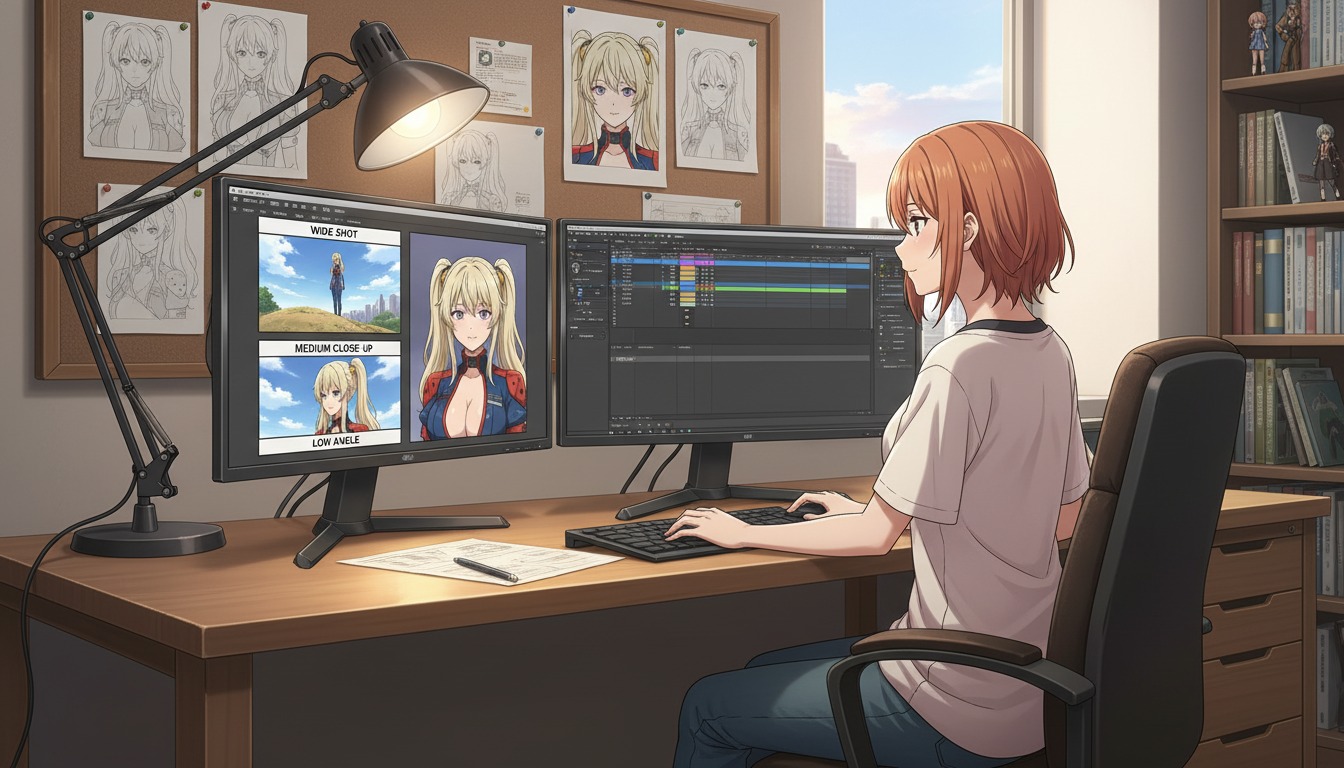
Cinematic Angles 101: How to Frame Your AI Anime Art Like a Professional Director
Wide shots, close-ups, and low angles are not decoration. They are how YouTube viewers feel stakes before a single line of dialogue lands.
Learn cinematic angles for AI anime video: frame hooks, turns, and lands like a director. Shot sizes, eyelines, and prompt language for YouTube and Shorts creators using AutoWeeb.
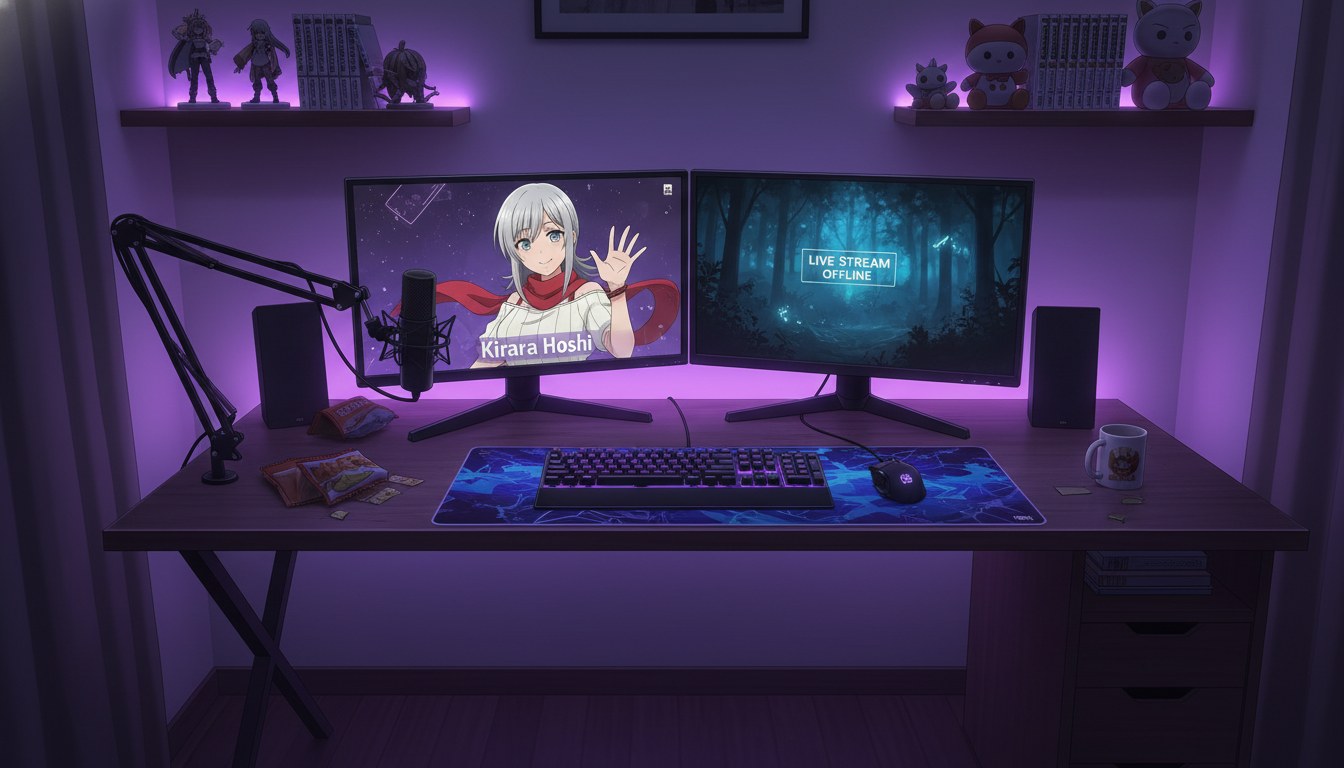
From Photo to VTuber Avatar: Designing Your Virtual Identity for YouTube
Your face becomes the anchor. Your anime model becomes the brand viewers recognize every stream, Short, and debut.
Turn a photo into a VTuber-style anime avatar for YouTube. Design a virtual identity with locked characters, expression sheets, and AI anime video clips that stay on-model.
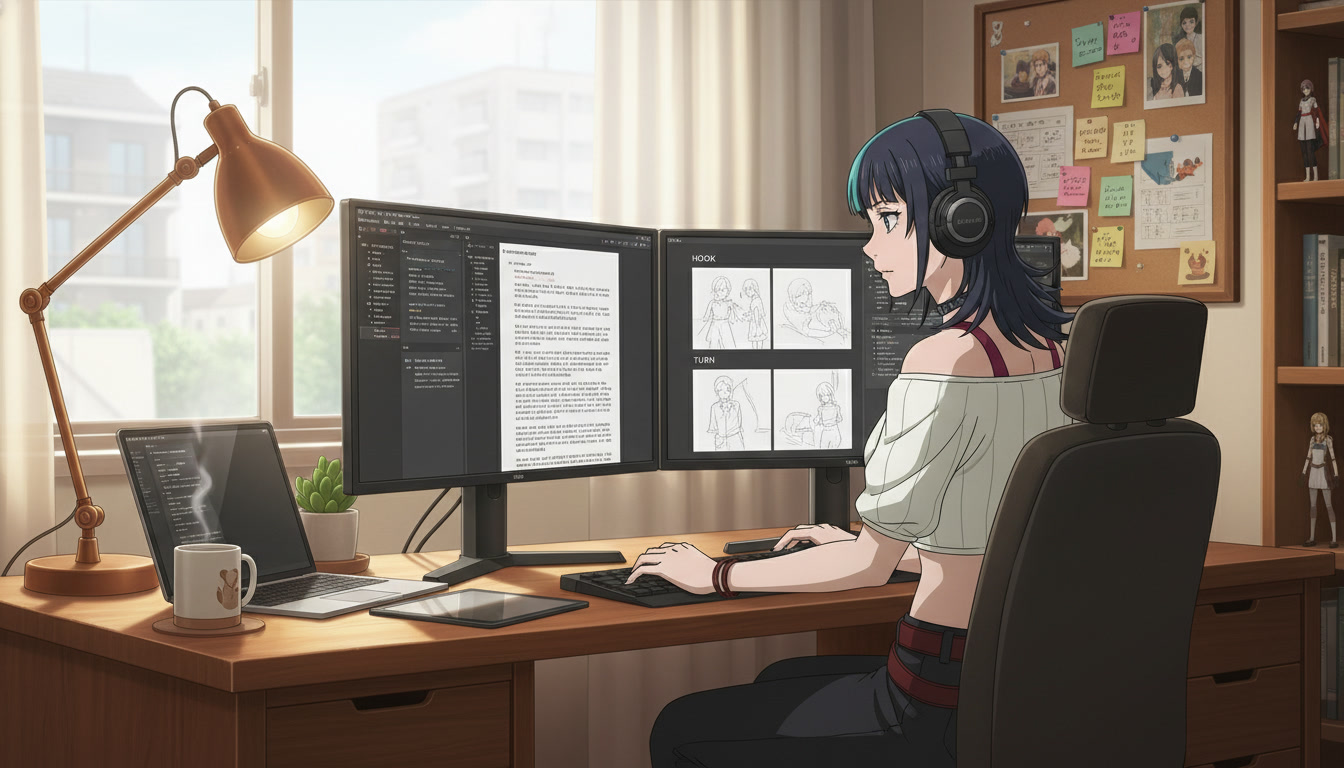
From Script to Screenplay: Using LLMs to Format Anime Scripts for Better Video AI Prompts
Your rough idea is not the problem. Unstructured prose is. A screenplay-shaped doc is how YouTube creators turn one paragraph into repeatable Seedance panels.
Learn how to use LLMs to format anime scripts into screenplays for better AI video prompts. A practical workflow for YouTube creators using beat sheets, panel lines, and AutoWeeb.
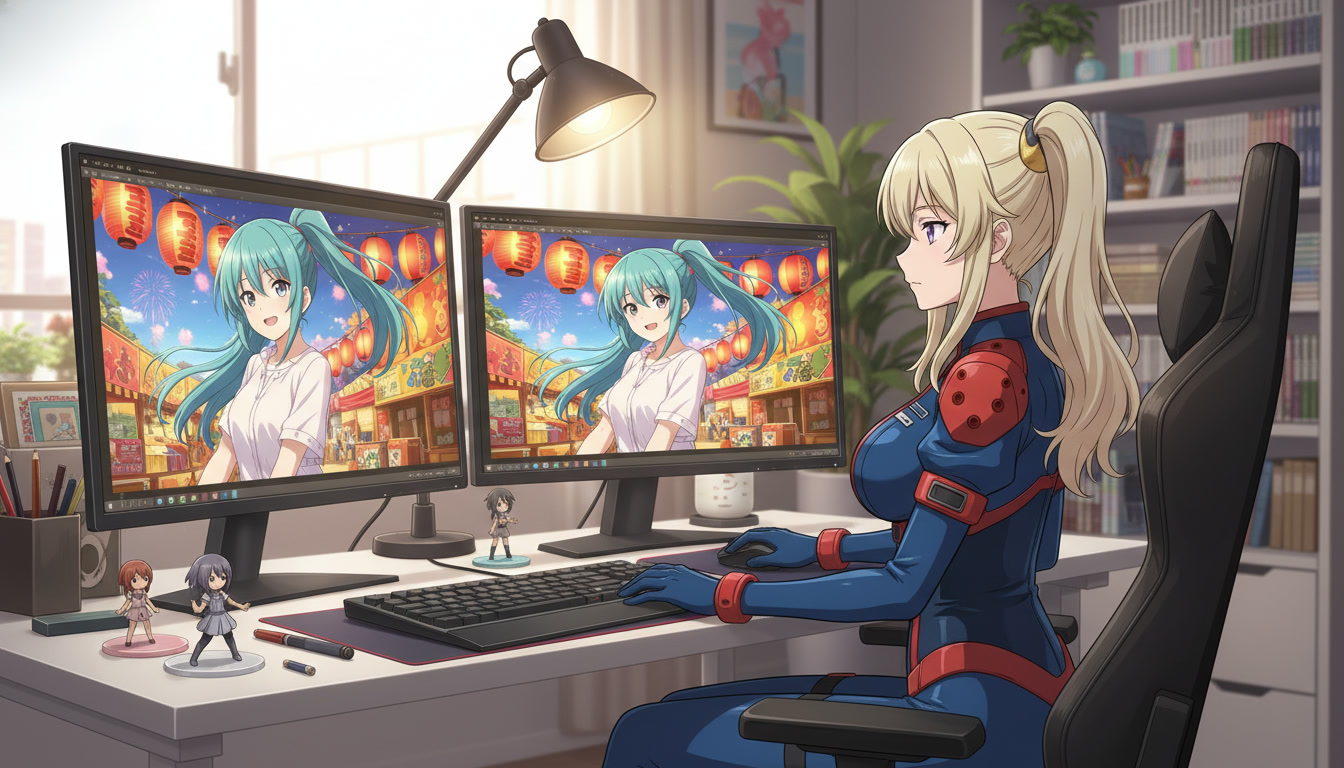
From Still Image to Animation: Bringing Your Art to Life in One Click
Turn a locked anime still into a Shorts-ready clip without redrawing the frame or re-describing your protagonist from scratch.
Learn how to turn a still anime image into AI video for YouTube Shorts. A still-to-motion workflow with locked characters, motion prompts, and AutoWeeb's anime video generator.
Explore AutoWeeb
Jump into the tool that fits your creative step.
AI Anime Video Generator
Animate storyboard shots into cinematic clips with Seedance 2 and consistent characters.
Anime Character Creator
Design original characters with consistent sheets across every scene.
AI Anime Image Generator
Generate cinematic anime stills anchored to your character library.
Anime Filters
Upload any photo and apply AI anime filters to turn it into stunning anime art in seconds.
AI Anime Location Generator
Create a location set once, then generate reference images from every angle.
AI Anime Storyboarding
Describe your idea, pick your characters, and let AI draft the script and scenes.
AI Anime Prompt Agent
Turn a rough idea into a cinematic Seedance 2 prompt with the AI Director.