
How to Compile AI Anime Shorts into Long-Form YouTube Chapters
Eight Shorts are a cour. One chapter is a couch session. Here is how to stitch cells without breaking the face or the playlist.
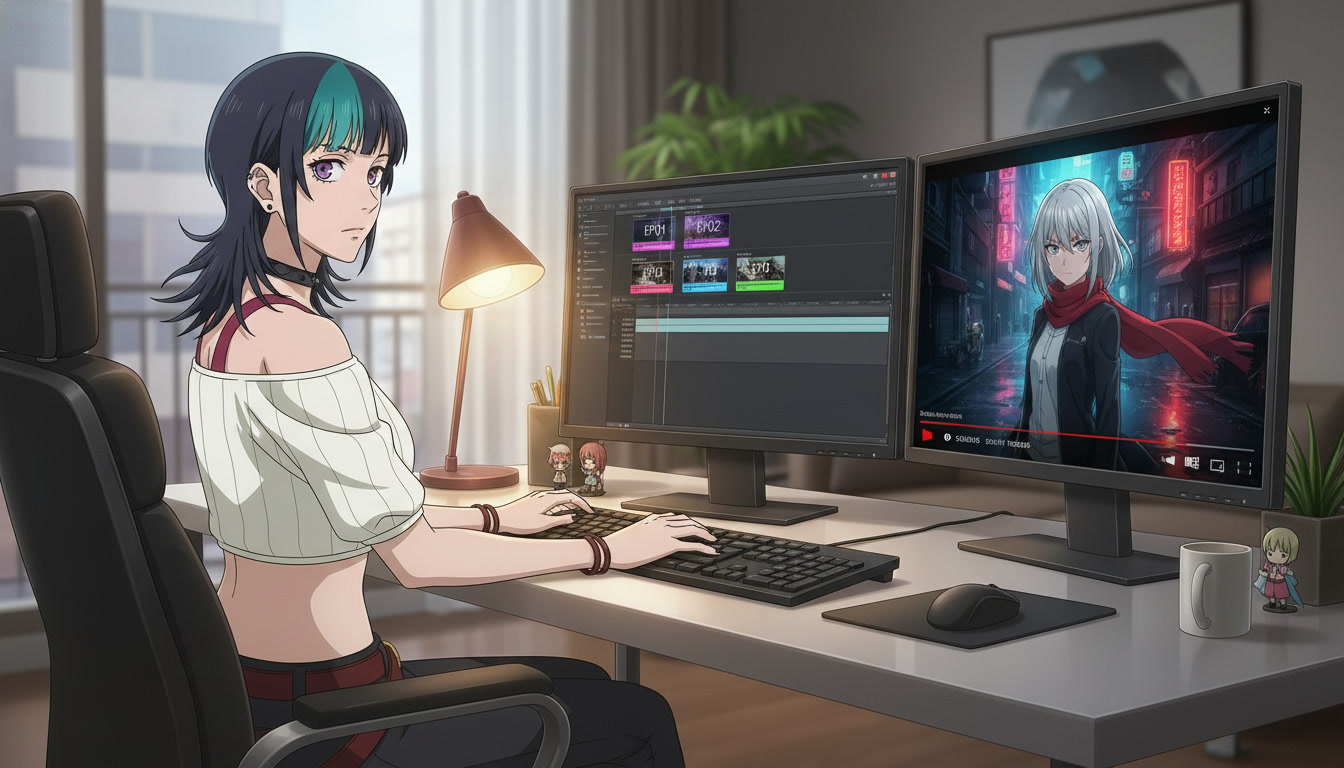
Compile AI anime Shorts into long-form YouTube chapters when your playlist has enough cells that couch viewers want a single upload to finish. Shorts discover the face. Chapters harvest session time from people who will watch eight minutes if you remove the friction between episode four and episode five. The mistake is treating long-form as a rescale of vertical files. The workflow that holds is editorial: same protagonist, same land beats, new bridges between cells, and chapter markers that read like episode cards.
This guide assumes you already run a serialized channel: numbered titles, a backlog folder, and a saved lead in the character library. You will map eight to twelve Shorts into one chapter, add interstitials that do not break palette, and publish metadata that points back to the public playlist. Use the AI anime video generator for motion and the AI anime prompt agent so chapter titles and panel lines share nouns. Pair with creating an anime series with AI in 2026 for the cour grid and building an episode backlog so compile week is assembly, not regeneration.
When a chapter earns its own upload (and when it does not).
A chapter is worth publishing when you have at least eight public Shorts that share one playlist order and one protagonist read. Fewer than eight often feels like a clip show. More than twelve in one file can fatigue mobile viewers who came from Shorts; split into two chapters at the cour midpoint instead.
Do not compile while the backlog is empty. Chapters reward viewers who already caught episodes one through four on the feed. If episode five is still a draft in your spreadsheet, finish the Short first. The chapter is packaging, not a substitute for the weekly drop rhythm described in launching a trending anime series on YouTube.
Long-form also needs a reason to exist beyond "all clips in one file." Name the chapter after the arc turn: "Alley Run — Chapters 1–4" beats "All my AI anime." The title should promise a story segment, not a technology demo.
Step 1: Build a chapter map from your cour spreadsheet.
Copy rows from your twelve-episode grid into a chapter tab. Columns that matter for compile week:
- Cell: EP01–EP08 (or EP05–EP12 for part two)
- Short filename: the exported vertical master you already uploaded
- Duration: in-out timecode after your Short edit
- Land question: one sentence you will echo in the chapter description
- Interstitial: yes/no (use between EP04 and EP05 at the midpoint)
Example midpoint interstitial line for the prompt agent:
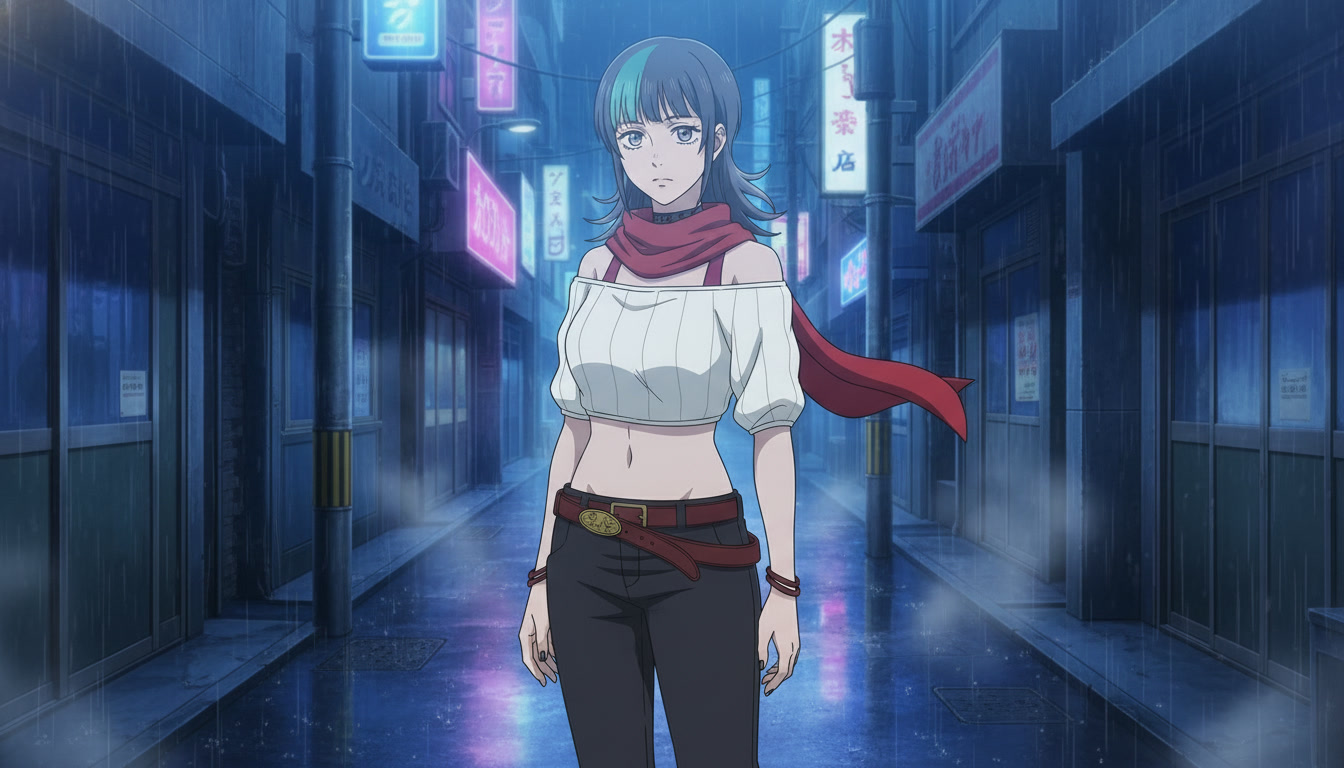
KIRARA, silver hair shoulder length, steel gray eyes, red scarf, wide shot, empty neon alley after rain, cool blue grade, title card negative space center, no text, cinematic anime key visual.
Generate that still once. It becomes the two-second breath between acts. Reuse the same capitalized name from keeping your protagonist identical across twelve episodes. The chapter map is where formatting pays off: you are not inventing bridges on export night.
Step 2: Edit for horizontal rhythm without rescaling the story.
Import vertical masters into a 16:9 sequence. You have three honest options:
- Letterbox: keep the full Short frame centered with subtle background extension or blurred plate. Fastest, preserves every pixel of the hook.
- Reframe: punch in on the face for dialogue lands, return to full body on turns. Best when hooks were framed tight for Shorts.
- Hybrid: letterbox establish beats, reframe close-ups. Matches how broadcast episodes vary shot scale inside a scene.
Cut on land beats, not on generator file boundaries. If episode three ends on a held close-up, let it breathe half a second longer in the chapter than in the Short. Couch viewers tolerate silence; scroll viewers do not. The editing AI anime video for YouTube creators guide covers trim and sound; here the rule is simple: chapter rhythm is slower than Short rhythm, not sloppier.
Audio bridges matter. Export each Short with the same music stem family, then dip music three decibels under the interstitial. A shared whoosh or vinyl crackle between cells signals "next episode card" without shouting. Do not stack new scores per cell in the chapter unless you want tonal whiplash.
Step 3: Add chapter markers viewers can skim.
YouTube chapter markers are your episode numbers for long-form. Add one marker per Short cell plus the interstitial if it is long enough to matter. Marker titles should match playlist titles:
- 0:00 — EP01 — Footsteps in the Alley
- 0:52 — EP02 — The Wet Envelope
- 1:44 — EP03 — Steel Gray Eyes
- 2:36 — EP04 — The Seal Answers
- 3:10 — Interlude
- 3:18 — EP05 — District Boundary
First marker must start at 0:00 or chapters fail to index. Keep titles under sixty characters. Pin the chapter upload in the playlist description and link each Short in the first comment thread so discovery flows both directions: Short to chapter, chapter to next Short.
Thumbnail for the chapter should not be a collage of eight faces. Use the land frame from the final cell in the compile, or the midpoint interstitial still. Recognition beats complexity. If you need hook language for the still, see AI anime video hooks for YouTube Shorts.
Step 4: Publish metadata that sells the binge, not the tool.
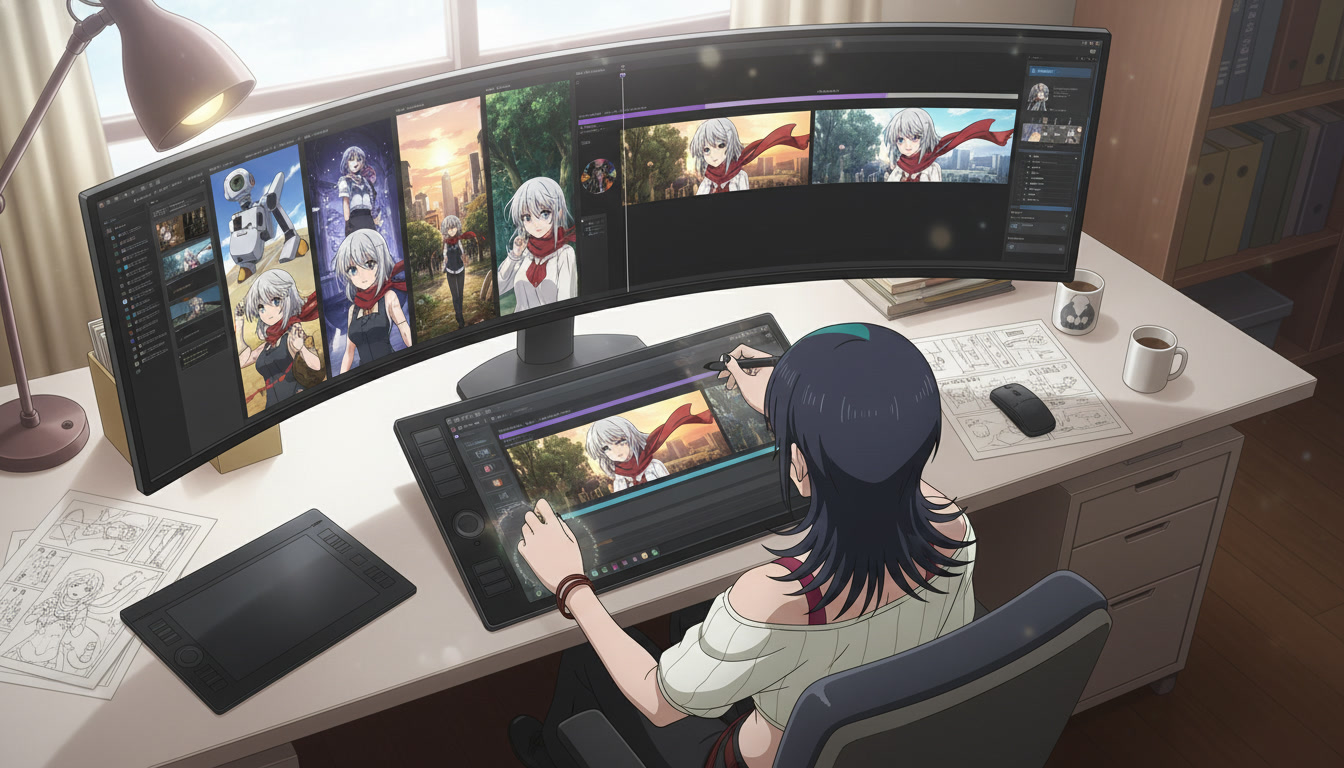
Title pattern: Series Name — Chapters 1–4 | EP01–EP04. Description line one is fiction: what the viewer will learn about Kirara in this segment. Line two links the public playlist. Line three can mention how to make anime video with ai for search without putting model names in the title.
End screen: point to the next chapter placeholder or episode five Short if the chapter ended on a cliff. Cards should show the same thumbnail face family as the Shorts feed. Community post on publish day: "Chapters 1–4 are one sit-down now. EP05 drops Friday."
After compile week, return to Shorts rhythm. Chapters are quarterly rewards for subscribers, not a reason to stop weekly cells. The video and scene generation for YouTube creators post covers ongoing still-to-motion; this step is the archive layer on top.
Frequently asked questions about compiling AI anime Shorts into chapters.
How many Shorts belong in one YouTube chapter?
Eight is the practical minimum for a satisfying sit-down; twelve is the maximum before you should split into two uploads. AutoWeeb generates Short-sized motion; your editor decides how many cells belong in one chapter file. Match the count to your playlist arc, not to arbitrary runtime targets.
Should I delete the Shorts after publishing a chapter?
No. Shorts are discovery; the chapter is retention. AutoWeeb assets are reusable across both formats. Keep Shorts public, link the chapter in pinned comments, and let playlist session time compound across surfaces.
Can AutoWeeb generate widescreen motion directly for chapters?
Most creators still produce vertical motion first because Shorts are the weekly habit, then letterbox or reframe for long-form. AutoWeeb inherits the saved character into both workflows when panel lines stay locked. If you need a dedicated interstitial still, generate it once and hold it two seconds in the chapter timeline.
Do chapter uploads hurt Shorts performance?
They compete only if you publish both on the same day with the same hook. Stagger: Short on schedule, chapter on compile week. AutoWeeb does not control the algorithm; your calendar does. Chapters lift subscribers who missed cells three and four on the feed.
What if vertical clips have different color grades?
Normalize in the grade pass before export. Match the cool blue alley family from your color palette bible. AutoWeeb stills drift less when noun locks stay constant; grade drift is usually an edit issue, not a model surprise.
Should I add voice-over in the chapter that Shorts did not have?
Only if you planned it for the whole cour. Adding narration to the chapter alone makes Shorts feel incomplete. AutoWeeb delivers visual continuity; your audio template should be decided before EP01. Captions in chapters can deepen lands without rerecording every cell.
To compile AI anime Shorts into long-form YouTube chapters, treat the chapter as a playlist with markers: map cells from the cour grid, bridge the midpoint with one interstitial still, edit slower than Shorts, and publish metadata that points back to weekly drops. Shorts win recognition; chapters win session time. When both share the same face, continue with storyboarding AI anime for YouTube creators and best AI anime video tools in 2026 for beat planning and tooling depth behind the compile.
Our Make Anime Videos for YouTube hub brings together all of AutoWeeb's YouTube production guides — turn beats, land cliffhangers, episode backlog batching, and compiling Shorts into long-form chapters — in one place.
Related Blog Posts
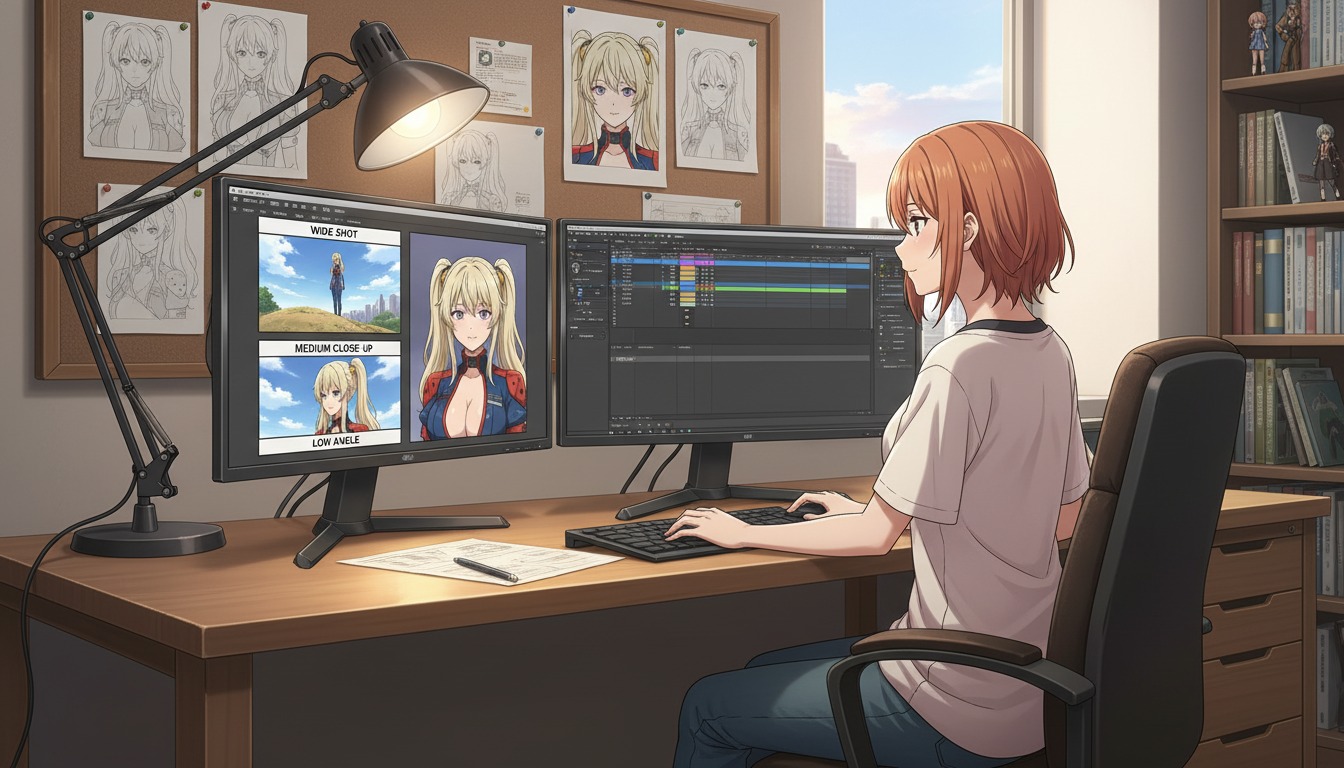
Cinematic Angles 101: How to Frame Your AI Anime Art Like a Professional Director
Wide shots, close-ups, and low angles are not decoration. They are how YouTube viewers feel stakes before a single line of dialogue lands.
Learn cinematic angles for AI anime video: frame hooks, turns, and lands like a director. Shot sizes, eyelines, and prompt language for YouTube and Shorts creators using AutoWeeb.
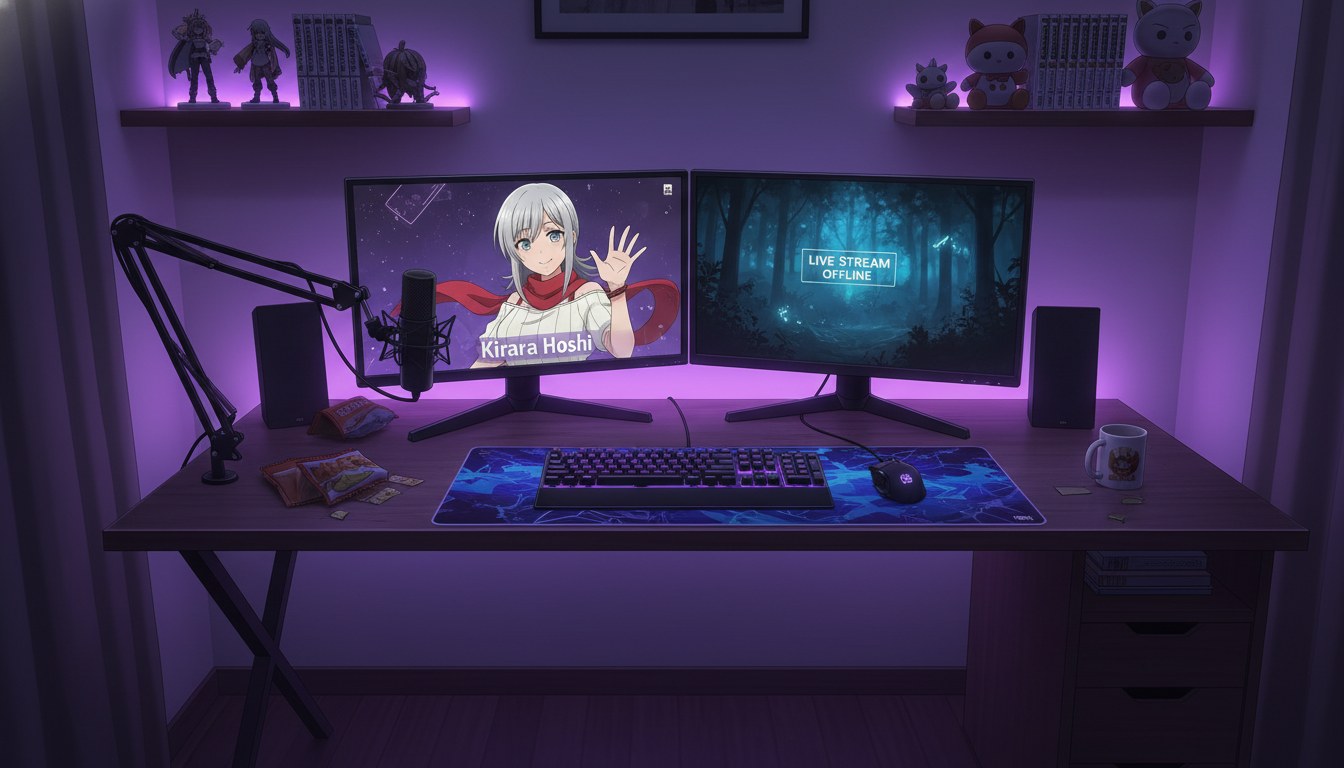
From Photo to VTuber Avatar: Designing Your Virtual Identity for YouTube
Your face becomes the anchor. Your anime model becomes the brand viewers recognize every stream, Short, and debut.
Turn a photo into a VTuber-style anime avatar for YouTube. Design a virtual identity with locked characters, expression sheets, and AI anime video clips that stay on-model.
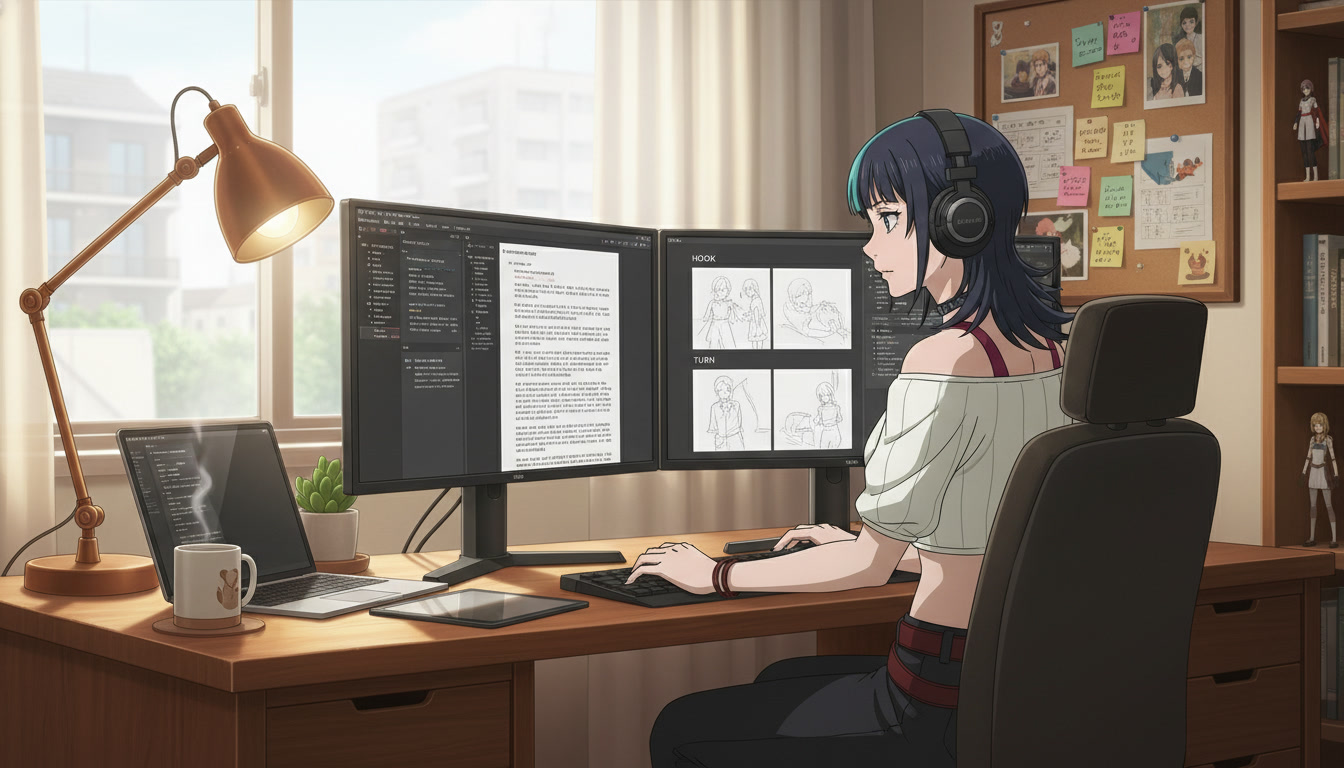
From Script to Screenplay: Using LLMs to Format Anime Scripts for Better Video AI Prompts
Your rough idea is not the problem. Unstructured prose is. A screenplay-shaped doc is how YouTube creators turn one paragraph into repeatable Seedance panels.
Learn how to use LLMs to format anime scripts into screenplays for better AI video prompts. A practical workflow for YouTube creators using beat sheets, panel lines, and AutoWeeb.
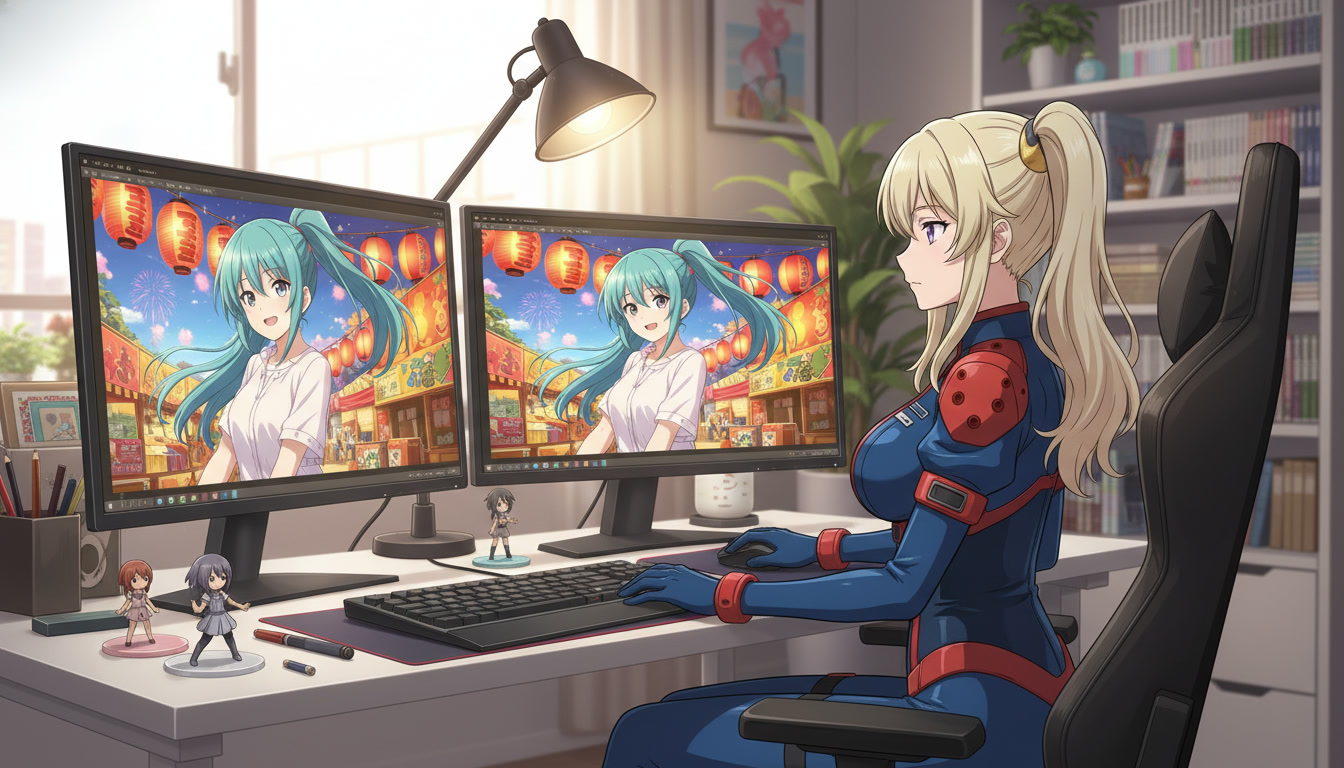
From Still Image to Animation: Bringing Your Art to Life in One Click
Turn a locked anime still into a Shorts-ready clip without redrawing the frame or re-describing your protagonist from scratch.
Learn how to turn a still anime image into AI video for YouTube Shorts. A still-to-motion workflow with locked characters, motion prompts, and AutoWeeb's anime video generator.
Explore AutoWeeb
Jump into the tool that fits your creative step.
AI Anime Video Generator
Animate storyboard shots into cinematic clips with Seedance 2 and consistent characters.
Anime Character Creator
Design original characters with consistent sheets across every scene.
AI Anime Image Generator
Generate cinematic anime stills anchored to your character library.
Anime Filters
Upload any photo and apply AI anime filters to turn it into stunning anime art in seconds.
AI Anime Location Generator
Create a location set once, then generate reference images from every angle.
AI Anime Storyboarding
Describe your idea, pick your characters, and let AI draft the script and scenes.
AI Anime Prompt Agent
Turn a rough idea into a cinematic Seedance 2 prompt with the AI Director.