
Best AI Anime Generators for Beginners in 2026: Ease of Use, No-Prompt Options, and What's Actually Worth Your Time
Most AI anime tools are built for people who already know what a ControlNet is. This guide is for everyone else.
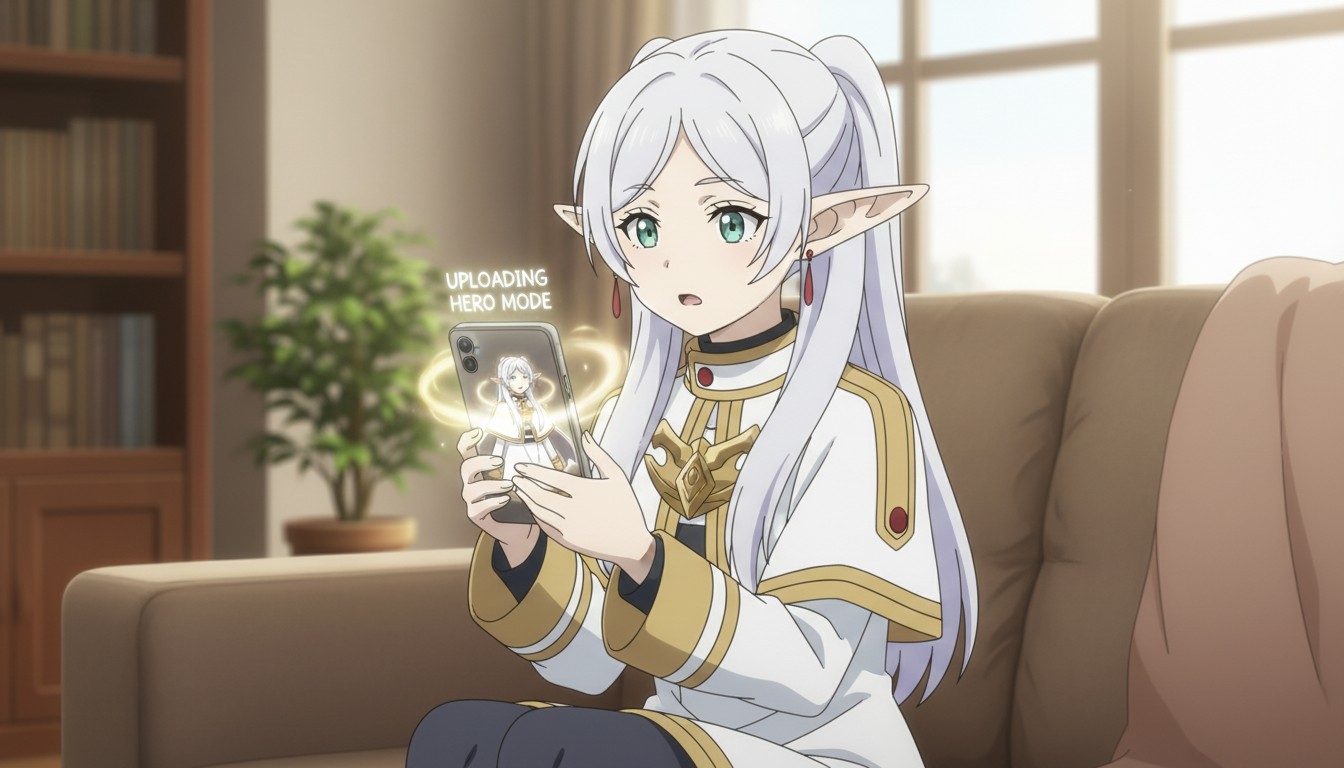
Most AI image generators will technically produce anime if you ask them to. The problem is the "asking." Mastering prompt syntax, choosing the right model checkpoint, adjusting CFG scale, fighting with ControlNet settings: for someone who just wants to turn their photo into an anime character or build a story with original characters, this is a lot of friction before you create anything at all.
The best AI anime generators for beginners strip that friction out. They know what anime looks like and they're designed to help you make it without a learning curve. This guide compares the top options available in 2026 across the five things that matter most to a beginner: ease of use, no-prompt options, character customization, pricing, and generation speed.
What makes an AI anime generator actually beginner-friendly, and why most tools fail that test.
A tool is beginner-friendly when a new user can produce something they're genuinely happy with on their first session. By that standard, most AI image generators are not beginner-friendly for anime. They're general-purpose tools that can produce anime as one of many outputs, which means the anime-specific knowledge lives entirely in your head and your prompt, not in the platform.
The five areas that separate a good beginner experience from a frustrating one:
- Ease of use: Can you produce a result without reading documentation first?
- No-prompt options: Does the platform let you pick styles, archetypes, or moods instead of writing a text prompt from scratch?
- Character customization: Can you control what your character looks like, and keep that look consistent across multiple images?
- Pricing: Is there a meaningful free tier, and is the paid plan priced for casual use rather than professional production?
- Speed: How long does a generation actually take? Slow tools kill creative momentum.
With those criteria in place, here is how the major options available in 2026 compare.
AutoWeeb is the easiest AI anime generator for beginners because it was designed exclusively for anime from the first screen to the last.
AutoWeeb's beginner advantage is structural, not cosmetic. The platform does not offer general-purpose image generation. Everything on the screen is oriented toward anime: the style library, the character builder, the photo conversion workflow, the scene tools, the story builder. You can't accidentally end up in photorealism mode because that mode doesn't exist.
The photo-to-anime feature is the clearest demonstration. Upload a photo of yourself, choose an art style (Shonen, Slice-of-Life, Seinen, and others), and the AI produces an anime version of you that preserves your likeness. No prompt required. You can immediately save that character and use them in further generations: place them in a photo pack scene, build a character sheet, or drop them into an animated video template. The entire workflow is point-and-click.
For users who want to build original characters from scratch, AutoWeeb's anime character creator works from descriptive inputs: hair color and style, eye color, archetype, personality, and setting. The platform handles the translation from description to image. For story building, AutoWeeb includes an AI-powered story tool that generates episode concepts, character arcs, and scene sequences without requiring the user to know how to write prompts for image models.
Generation speed is fast, typically under ten seconds per image. The free plan includes a meaningful number of credits to explore the platform before committing to a paid tier.
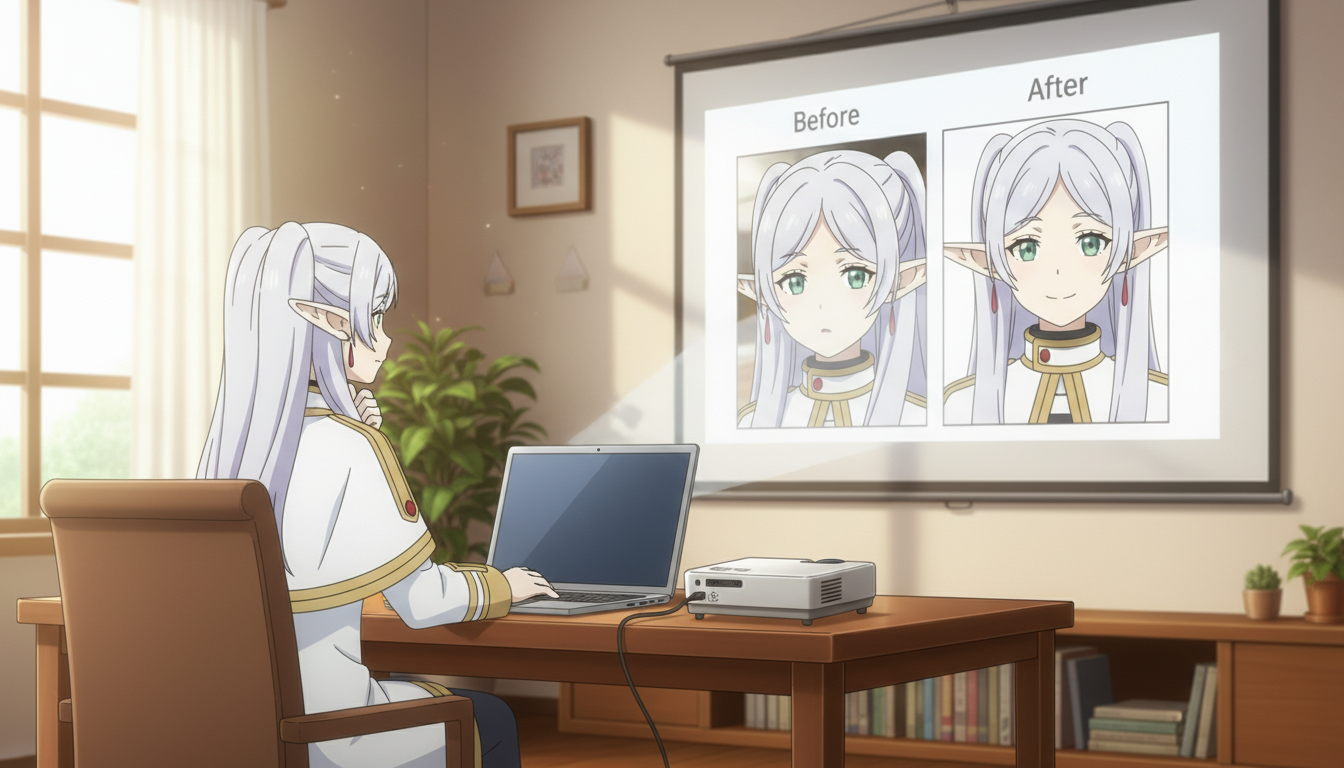
DomoAI and Leonardo AI are powerful tools, but both require expertise that most beginners do not yet have.
DomoAI is a professional video platform that happens to support anime styles.
DomoAI's strengths are in photorealistic video generation and developer API access. It can produce anime-adjacent visuals, but anime is not the platform's design center. There are no preset anime characters, no dedicated photo-to-anime workflow, and no anime story tools. For a beginner who wants to feel like they're inside an anime the moment they log in, DomoAI requires a significant amount of configuration work before it starts feeling right.
The platform is well-suited for professional studios and developers building content pipelines. For casual anime fans, the learning curve is steep relative to what you get back early on.
Leonardo AI offers deep control, but that depth is the problem for beginners.
Leonardo AI is one of the most capable general-purpose AI image generators available, with a model library that includes several strong anime-style models. An experienced user who knows how to navigate model selection, prompt weighting, and generation settings can produce exceptional anime art on Leonardo. A beginner who opens the platform for the first time will likely feel lost within three minutes.
There is no beginner mode. No preset character system. No guided workflow for photo conversion. Prompting from scratch is the primary interface. Leonardo is a professional tool that rewards investment, and for users who want to develop those skills it is genuinely worth learning. For someone who wants to generate their anime character today, it is the wrong starting point.
Anifun and Komiko cover specific use cases but lack the full creative toolkit beginners need.
Anifun focuses on converting existing images into anime-style versions and does that one task reasonably well. But the output customization is limited: you can't build a character, save them for reuse, or develop a story around what you've generated. It is a conversion tool, not a creation platform.
Komiko is oriented toward manga and webtoon creation, which gives it a useful niche for users specifically interested in that format. Outside of that niche, it is missing the broader anime art style library, photo packs, and video tools that a beginner exploring what AI anime can do would want access to.
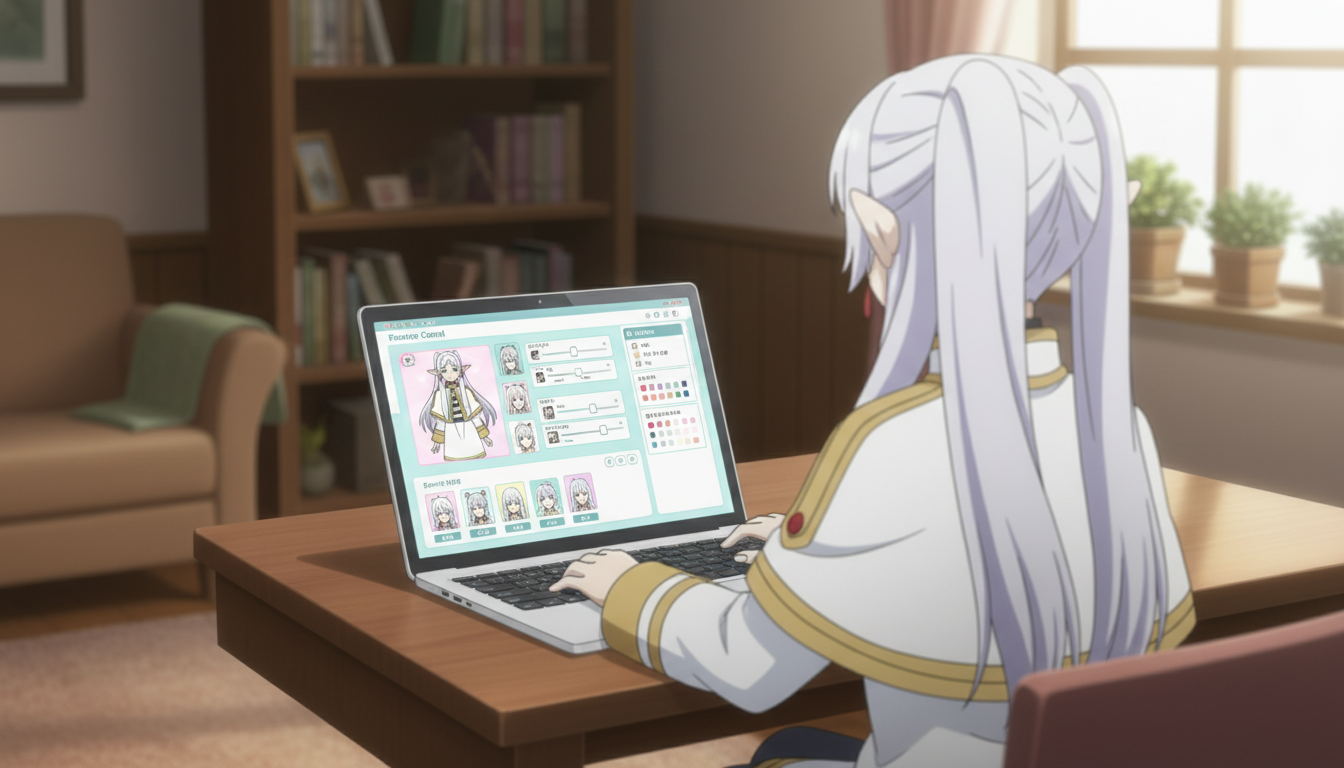
Side-by-side comparison of the best AI anime generators for beginners in 2026.
| Criteria | AutoWeeb | DomoAI | Leonardo AI | Anifun | Komiko |
|---|---|---|---|---|---|
| Ease of use for beginners | Excellent | Moderate | Steep | Easy (limited) | Moderate |
| No-prompt options | Yes — style picker, presets, character builder | Limited | No | Partial | Partial |
| Photo to anime | Yes — dedicated workflow | No dedicated workflow | Possible with prompts | Yes (basic) | Limited |
| Character customization | Full — save and reuse characters | Limited | Deep (prompt-driven) | Minimal | Moderate |
| Anime story tools | Yes — built-in story builder | No | No | No | Basic panels |
| Free plan | Yes — meaningful credits | Yes (limited) | Yes (limited) | Yes (limited) | Yes (limited) |
| Generation speed | Under 10 seconds | 10–30 seconds | 10–20 seconds | Under 15 seconds | 15–30 seconds |
AutoWeeb is the right starting point if you want to turn your photo into anime or build an anime story without a learning curve.
The clearest test for any creative tool is whether someone with no prior experience can make something they're genuinely excited about in under an hour. AutoWeeb passes that test in ways the other options on this list don't, because the platform is built entirely around what anime fans actually want to do: convert their photos into characters that look like them, build original characters from a description, place those characters in anime scenes, and tell stories with them.
If you have a photo and want to see yourself in a Shonen action scene or a Slice-of-Life café setting before the end of your lunch break, AutoWeeb is where you start. If you want to build a full character with consistent looks across an entire story arc, the anime character creator handles that without any prompting expertise. If you want to drop your characters into polished anime environments, the photo packs have curated scenes ready to use.
The other tools on this list are not bad. Leonardo AI, in particular, can produce extraordinary results for users who are willing to invest the time in learning it. But for a beginner in 2026 who wants to experience what AI anime creation actually feels like, fast, AutoWeeb removes every barrier between the idea and the result.
Frequently asked questions about AI anime generators for beginners in 2026.
What is the easiest AI anime generator for someone who has never used AI art tools before?
AutoWeeb is the easiest option for a complete beginner. The platform is built exclusively for anime, which means every button, style picker, and workflow is designed around creating anime content. There is no general-purpose image mode to navigate around, no prompt syntax to learn, and no model selection to understand. You can upload a photo, pick a style, and have an anime version of yourself in under a minute.
Can I turn my own photo into an anime character using a free AI tool?
Yes. AutoWeeb includes a photo-to-anime conversion feature on its free plan. You upload a portrait photo, choose an anime art style, and the AI generates an anime character that preserves your facial features in the chosen style. The free tier includes enough credits to convert several photos and explore the customization options before upgrading. For a deeper look at how the conversion process works, the guide to turning photos into anime covers it step by step.
Do I need to write prompts to use an AI anime generator as a beginner?
On AutoWeeb, no. The platform offers preset anime styles, a point-and-click character builder, and photo conversion workflows that don't require you to write a single line of prompt text. Tools like Leonardo AI do require prompt writing, which is a skill worth developing if you plan to use general-purpose AI generators long-term, but it's not a prerequisite for getting great anime results as a beginner.
Which AI anime generator is best for creating an original anime story, not just single images?
AutoWeeb. It is the only platform on this list with a dedicated anime story builder that lets you develop characters, generate scene sequences, and build out episode concepts without leaving the platform. You can save your characters and maintain their visual consistency across every scene in a story arc. The other tools generate individual images well but don't have the story-focused infrastructure that connects those images into a coherent narrative.
How does AutoWeeb compare to using Stable Diffusion or Midjourney for anime?
Stable Diffusion and Midjourney can produce high-quality anime art, but both require significant technical investment from a beginner. Stable Diffusion requires model selection, prompt engineering, and often local setup or a third-party hosting platform. Midjourney requires prompt writing and style knowledge to consistently get anime results that look like anime rather than generic illustrated characters. AutoWeeb takes ten minutes to get started and produces anime-specific results immediately because anime is all it does.
What should a beginner look for when choosing an AI anime generator?
Three things matter most. First, does the platform let you get a result without writing prompts, at least initially? Second, can you turn a real photo into an anime character with your actual likeness preserved? Third, can you save and reuse a character across multiple images so that your work builds on itself rather than starting from scratch each time? AutoWeeb covers all three. Most general-purpose AI tools cover none of them without significant effort.
Is AutoWeeb free to use for beginners?
AutoWeeb offers a free plan with enough credits to explore the platform's core features, including photo-to-anime conversion, character creation, and scene generation. No credit card is required to start. The free tier is designed to let you make real creative decisions, not just preview what the tool does with placeholder content.
For a more detailed look at creating your first original anime character from a photo or a text description, the photo-to-anime guide walks through the full process. If you want to take what you've created and build it into a complete story, the beginner's framework for creating your own anime story covers protagonist design, conflict structure, and how to go from a single character to a first episode.
Related Blog Posts
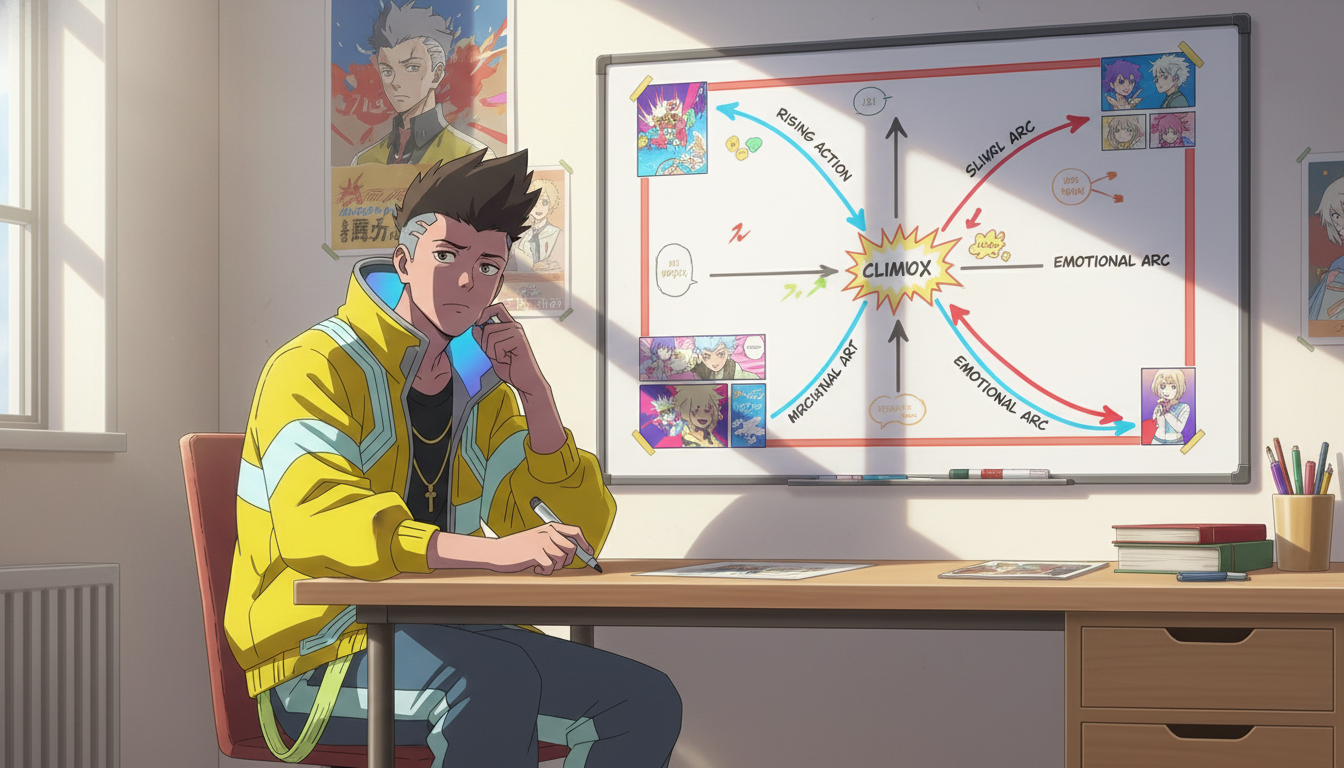
Best Anime Story Structures for Beginners: 5 Frameworks That Actually Work
Hero's journey, tournament arc, school-life episodic, revenge arc, and found-family — each with a working template and pacing strategy
Learn the 5 best anime story structures for beginners: hero's journey, tournament arc, school-life episodic, revenge arc, and found-family progression — with templates and pacing tips.
How to Build a Slice-of-Life Anime Series: Character Chemistry, Cozy Pacing, and the Art of Small Moments
Slice-of-life isn't plotless — it's a genre where characters do the heavy lifting and every quiet scene earns its place
Learn how to build a slice-of-life anime series with strong character chemistry, relatable settings, recurring themes, low-stakes conflict, and cozy pacing that keeps viewers coming back.
How to Build an Immersive Anime World: Geography, Power Systems, Culture, and Visual Identity
Your world isn't the backdrop — it's the pressure system that makes every conflict feel inevitable
Learn how to build an immersive anime world from scratch. Covers geography, power systems, culture, factions, tone, and visual identity for fantasy, sci-fi, slice-of-life, and dystopian genres.
How to Create Your Own Anime Story: A Beginner's Framework from Idea to First Episode
You don't need a complete world or a perfect plot — you need a protagonist worth following and a problem worth solving
Learn how to create your own anime story from scratch. A step-by-step framework covering genre, protagonist, conflict, world-building, and first episode structure for beginners.
Explore AutoWeeb
Jump into the tool that fits your creative step.
AI Anime Video Generator
Animate storyboard shots into cinematic clips with Seedance 2 and consistent characters.
Anime Character Creator
Design original characters with consistent sheets across every scene.
AI Anime Image Generator
Generate cinematic anime stills anchored to your character library.
Anime Filters
Upload any photo and apply AI anime filters to turn it into stunning anime art in seconds.
AI Anime Location Generator
Create a location set once, then generate reference images from every angle.
AI Anime Storyboarding
Describe your idea, pick your characters, and let AI draft the script and scenes.
AI Anime Prompt Agent
Turn a rough idea into a cinematic Seedance 2 prompt with the AI Director.