
15 Anime Art Ideas for Your D&D Character
Tavern portraits, boss battles, campfire scenes, and campaign finales. One locked character reference can illustrate your entire tabletop story without a new commission every session.
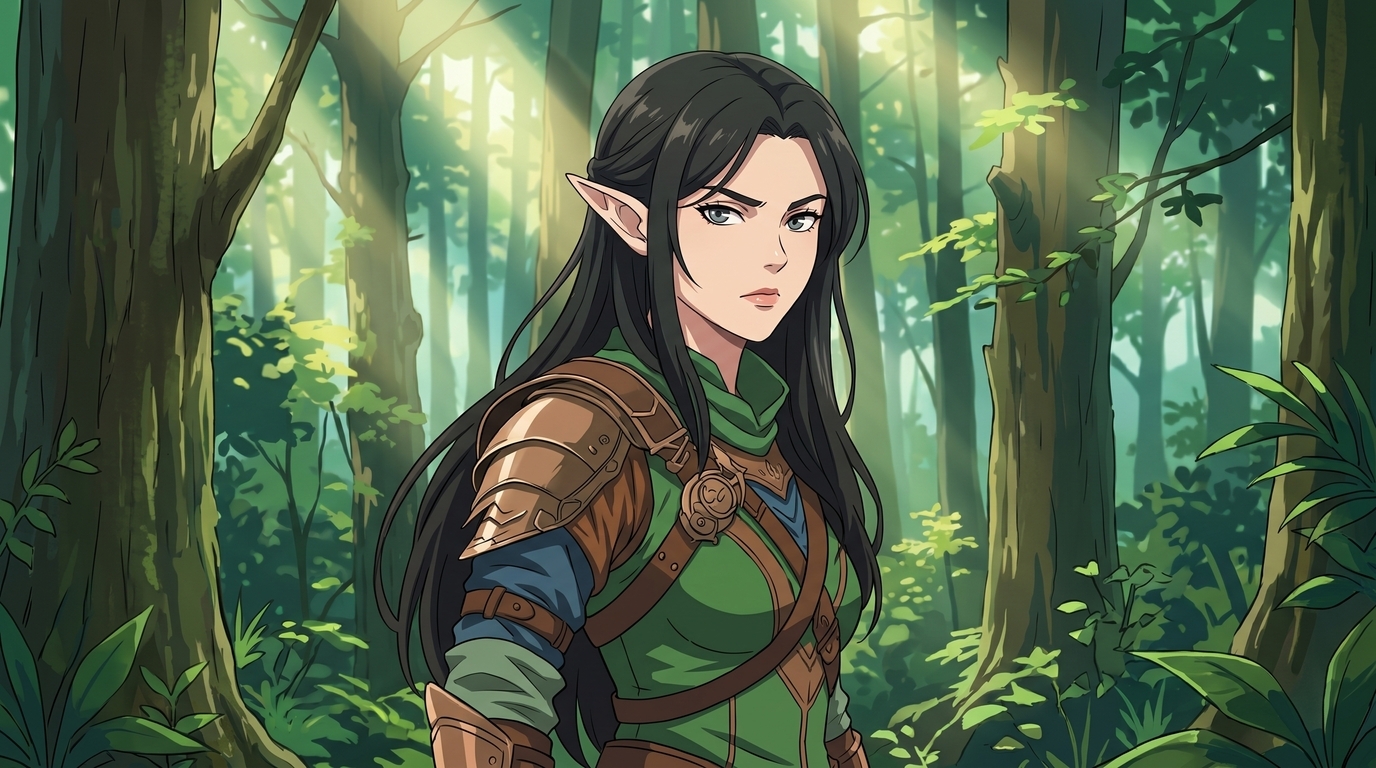
Long campaigns generate more memorable moments than a single character portrait can hold. The tavern introduction, the first boss kill, the campfire argument, the royal summons, the dungeon that nearly ended the party, and the finale at the city gates all deserve a frame. Commissioning each beat separately is expensive. Letting those moments live only in chat logs means your best stories fade faster than the jokes from session three.
If you already have a D&D character portrait or reference image, you do not need to redesign from scratch for every scene. AutoWeeb locks your character identity in a character sheet and reuses it across fifteen practical art formats. Below are scene ideas any player can generate from the same anime D&D character, with prompt direction for each. Together they build an illustrated campaign history that reads like a storyboard of your table's actual play.
👉 Start Your Illustrated Campaign on AutoWeeb1. Tavern portrait
The tavern portrait is where most campaigns begin: your character seated at a wooden table, tankard in hand, lantern light on their face, cloak draped over the bench. It works as a session-zero introduction, a Roll20 token upgrade, or the cover image for a campaign journal. Keep hair, armor, and expression personality readable at thumbnail scale.
Prompt direction: D&D tavern portrait, anime style, seated at wooden table, warm lantern light, tankard, leather armor, relaxed expression, cozy inn interior
2. Spellcasting scene
Spellcasters need art that shows what their magic looks like. A warlock with violet eldritch blast, a cleric with golden holy radiance, or a wizard with arcane sigils swirling around a staff. This scene type captures the visual identity of your class beyond the equipment list on your sheet.
Prompt direction: anime spellcasting scene, glowing arcane medallion, purple magic energy, hooded caster, dramatic hand pose, stone alley backdrop
3. Boss battle
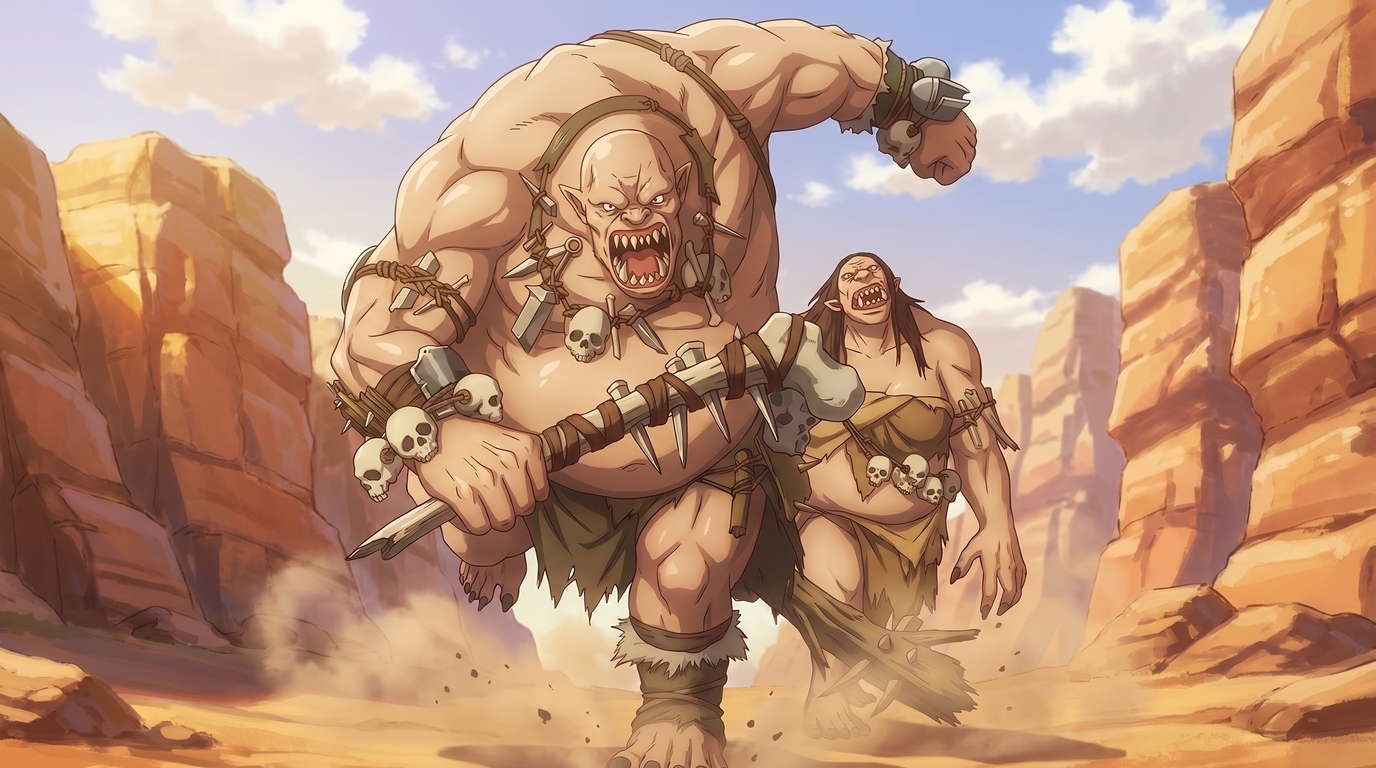
Boss battles are the peaks of campaign memory. Wide compositions with your party in the foreground and the monster looming behind, or solo shots of your character mid-swing against a raid boss. Cinematic angles, dust clouds, and environmental hazards make the still feel like a freeze frame from the session that ran until 2 a.m.
Prompt direction: anime boss battle, ogres charging through canyon, dynamic action pose, dust clouds, dramatic sunlight, fantasy combat scene
4. Party campfire
Campfire scenes are the emotional counterweight to combat art. Characters seated around a fire, maps spread on the ground, someone polishing a sword, someone staring into the flames thinking about their backstory. Group compositions with each party member on-model turn session downtime into illustrated lore.
Prompt direction: party campfire scene, anime fantasy, night forest, warm firelight on faces, relaxed poses, camping gear, starry sky
5. Royal audience
When the party finally gets summoned to court, you want art that matches the gravity of the moment. Marble halls, throne silhouettes, guards at attention, and your character standing in formal posture with cloak arranged and weapon secured. Perfect for recap posts, handouts, and the session where the rogue almost started a diplomatic incident.
Prompt direction: royal audience scene, anime fantasy, marble throne room, formal posture, noble lighting, regal atmosphere, detailed armor
6. Dungeon exploration
Torchlit corridors, moss on stone walls, a hand raised against dripping water, a weapon drawn before a dark doorway. Exploration scenes capture the tension between fights. They work well for dungeon crawl campaigns where the environment is as memorable as the monsters.
Prompt direction: dungeon exploration, anime fantasy, torchlit stone corridor, cautious pose, damp walls, atmospheric shadows
7. Character introduction card
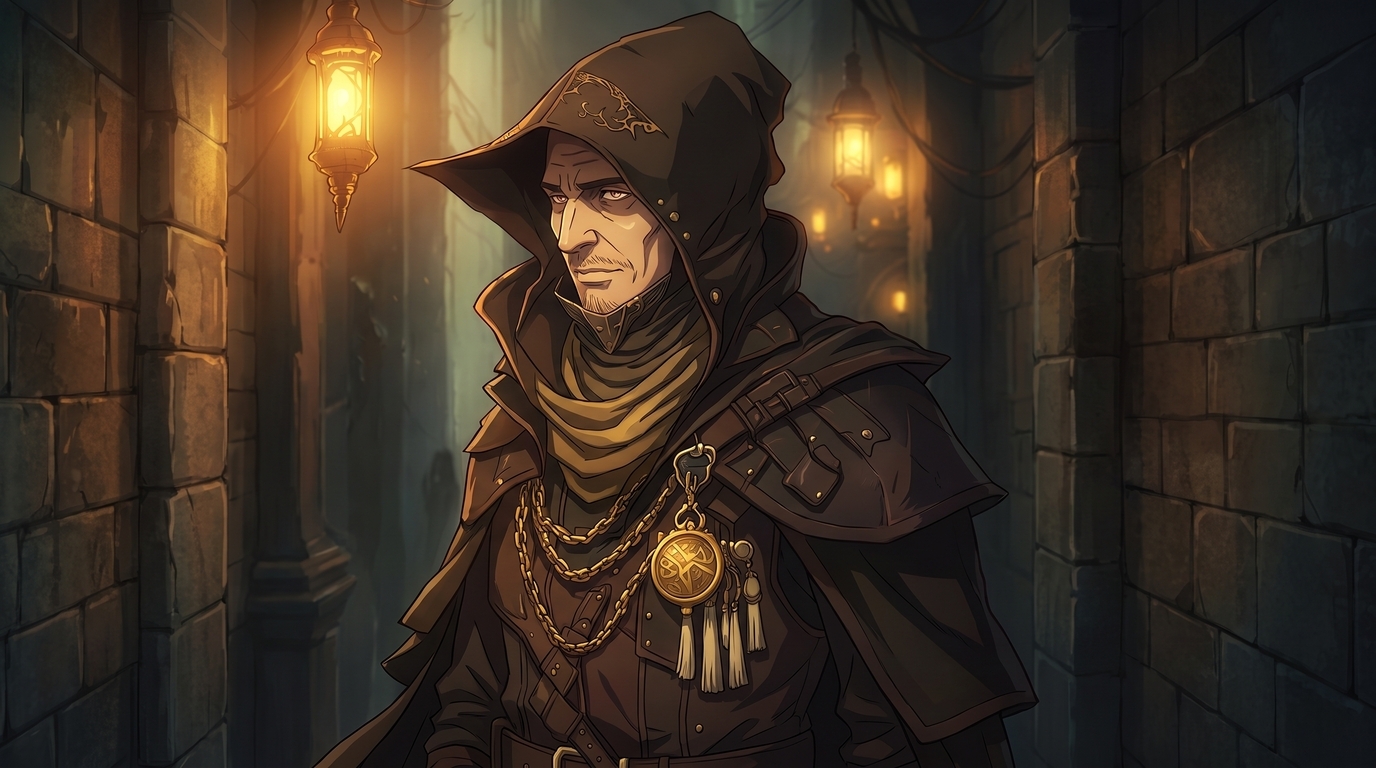
Introduction cards are the polished debut image: three-quarter pose, clean background or subtle environment, name-ready negative space, and every signature detail visible. Hair, eyes, armor layers, holy symbol, and species traits all on display. Use them for session zero slides, player wiki pages, or the first post in a campaign blog.
Prompt direction: character introduction card, anime D&D portrait, hooded rogue, golden chains, glowing amulet, lantern alley, cinematic portrait framing
8. Chibi party member
Chibis are the workhorse of table culture. Smaller proportions, simpler shapes, and exaggerated expressions make them perfect for Discord reactions, sticker packs, and casual recap posts. The same locked character at emote scale: happy, panicked, angry, or rolling a natural 1. One reference can fuel a full reaction set without five separate commissions.
Prompt direction: chibi D&D character, cute proportions, exaggerated surprised expression, simple background, sticker scale, bold outlines
9. Wanted poster
When the party's chaos catches up with them, a wanted poster is the funniest possible recap format. Weathered parchment, crude ink illustration of your character's face, exaggerated crime description, and a bounty number that makes the bard proud. Share it in the group chat the session after the guards start asking questions.
Prompt direction: wanted poster illustration, anime fantasy, weathered parchment texture, stern portrait, bounty text space, ink sketch style
10. Romance scene
Romance beats deserve their own frame: a rooftop at night, a hand held across a tavern table, a kiss before the battle, or a quiet moment in the rain after a hard session. Lock both character designs if the scene includes another player character or NPC, and keep the mood intimate without losing costume detail.
Prompt direction: romance scene, anime fantasy, rooftop at night, soft moonlight, gentle expression, detailed outfit, intimate framing
11. Dramatic close-up
Dramatic close-ups zoom into the face at the moment everything changes. The revelation, the betrayal, the natural 20 on the death save, the villain's monologue landing. Tight crop, strong side lighting, and an expression that carries the session's emotional peak without showing the full scene.
Prompt direction: dramatic close-up portrait, anime fantasy, intense eye detail, side lighting, emotional expression, shallow depth of field
12. Full-body reference
Full-body references show the complete silhouette: boots, belt pouches, cloak length, weapon sheathed or drawn, and every layer from gorget to greaves. Use them as player handouts, wiki entries, or the master pose you compare every future portrait against. A locked character sheet keeps this render consistent with your tavern crop and your boss battle still.
Prompt direction: full body D&D character reference, anime fantasy, standing pose, complete outfit visible, neutral background, clean linework
13. Alternate outfit
Campaigns change wardrobes: formal court dress for the royal audience, desert travel gear for the sand arc, disguises for the infiltration session, or winter cloaks when the party crosses the mountain pass. Use outfit variations to swap clothing while keeping the same face, hair, species traits, and eye color locked. Fresh art without a character redesign.
Prompt direction: alternate outfit variation, same elf ranger face and ears, formal court dress, royal hall backdrop, consistent character identity
14. Victory scene
Victory scenes capture the aftermath: weapon raised, monster fading behind, party members cheering, or a quiet moment of exhaustion after the boss finally drops. They are the natural companion to boss battle art and the image you post when the recap thread needs a thumbnail.
Prompt direction: victory scene, anime fantasy, triumphant pose, sunset backdrop, battle damage on armor, relieved expression
15. Campaign finale
The finale is the widest composition in your illustrated history: city gates, dragon silhouette, shattered throne, or the portal closing as the party walks away. Every locked character visible, environment telling the story, and lighting that feels like the last page of a manga volume. This is the image that belongs at the top of the campaign retrospective, years later.
Prompt direction: campaign finale scene, anime fantasy, wide cinematic composition, party at city gates, sunrise lighting, epic conclusion atmosphere
Building an illustrated campaign history
Fifteen scenes sound like a lot until you map them to a typical campaign arc. Session zero gets the tavern portrait and introduction card. The first dungeon gets exploration art. The mid-campaign boss gets the battle scene and the victory still. The court intrigue arc gets the royal audience and the alternate outfit. The finale gets the wide composition, and the epilogue campfire closes the book.
A consistent character model is what makes that sequence read as one story instead of fifteen unrelated commissions. The elf ranger in the forest portrait, the chibi reaction sticker, and the finale wide shot should share the same ears, hair, and pauldron shape. AutoWeeb's locked character sheet is the mechanism: upload once through the photo-to-anime converter, describe the defining traits in plain language, and every new scene inherits the same face and gear.
Over a year of play, that library becomes a visual campaign journal. New players catch up by scrolling the art. Returning players point at the wanted poster and remember the session that created it. The table has something tangible for the story they built together, which is what good D&D character art ideas are supposed to produce.
👉 Create Your D&D Scene Library on AutoWeebFor the upload workflow and fantasy detail checklist, read how to turn your D&D character into anime art. For conversion settings and style selection, start with the photo-to-anime guide.
Related Blog Posts
10 Types of Art Every VTuber Can Create From One Character
Profile images, banners, thumbnails, chibis, and more. One locked VTuber reference can fuel an entire channel art library without a new commission every week.
Discover 10 types of VTuber art you can create from one character reference: PFP, banner, thumbnail, chibi, reaction image, illustration, seasonal art, outfit variation, dramatic scene, and wallpaper.
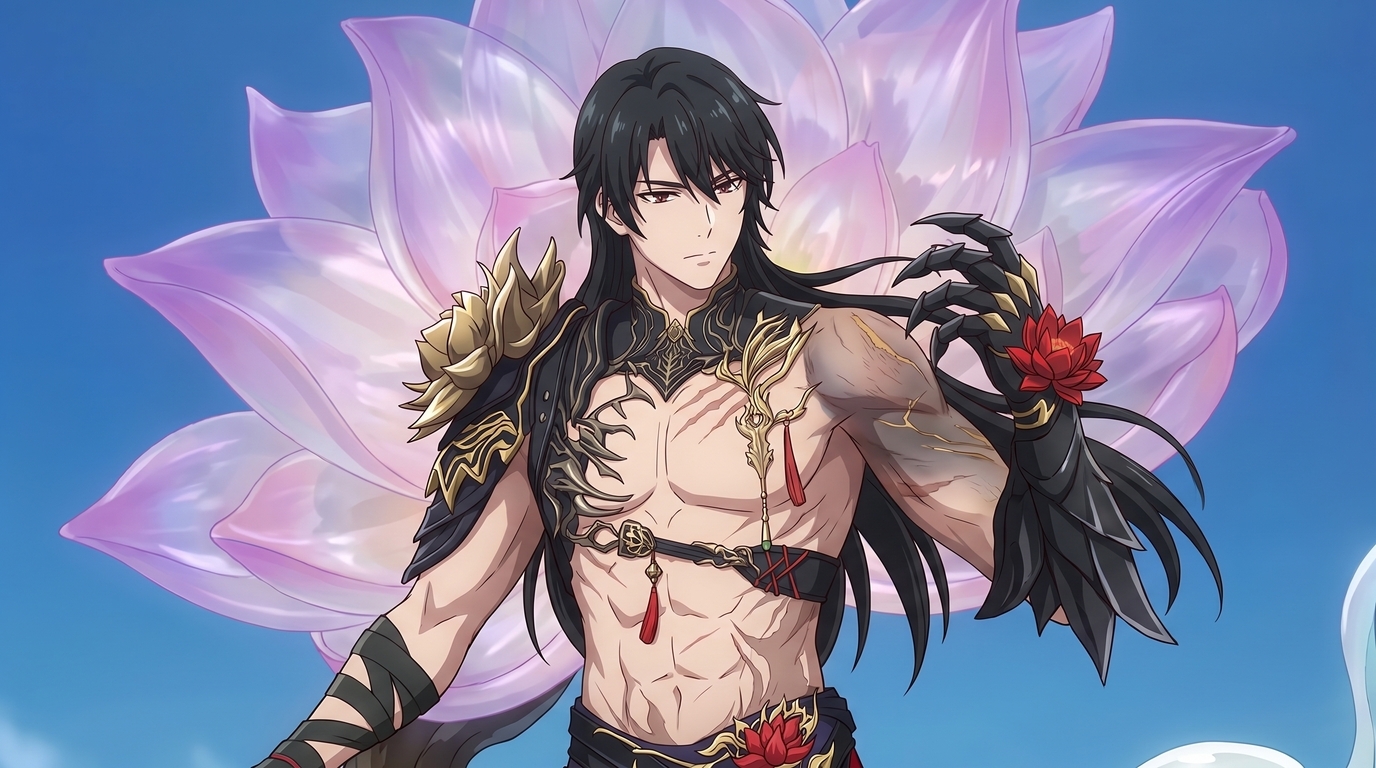
Create Your Own Romance Fantasy Character With AI
Crown princes, villainesses, knights, and academy students. Build a romance fantasy character from a photo or transform your OC into polished manhwa-style art.
Create a romance fantasy character with AI using AutoWeeb. Generate otome isekai protagonists, villainess designs, manhwa-style love interests, and fantasy archetypes from a photo or existing OC.
How to Make Anime Art of Your VTuber Character
You already have the design. Upload a model screenshot or reference image and generate PFPs, thumbnails, social posts, and illustrations without rebuilding your character from scratch.
Learn how to make anime art of your VTuber character. Upload screenshots or reference images to create on-model PFPs, thumbnails, chibis, wallpapers, and seasonal art with AutoWeeb.
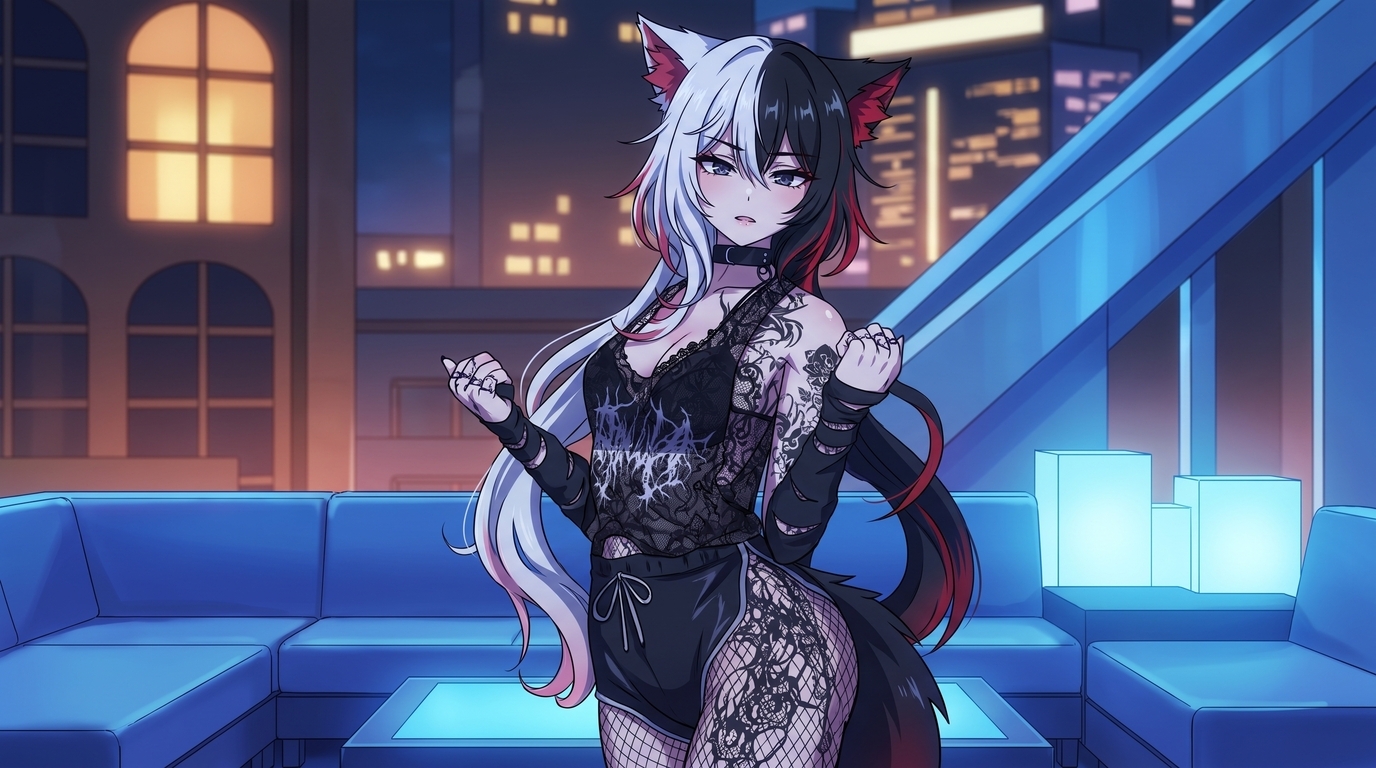
How to Turn Your VRChat Avatar Into an Anime Character
You spent hours on that look. A clean screenshot and AutoWeeb can turn it into polished 2D anime art that keeps every detail you care about.
Learn how to turn your VRChat avatar into anime art. Screenshot tips, example outputs, and a step-by-step workflow for PFPs, illustrations, and character sheets with AutoWeeb.
Explore AutoWeeb
Jump into the tool that fits your creative step.
AI Anime Video Generator
Animate storyboard shots into cinematic clips with Seedance 2 and consistent characters.
Anime Character Creator
Design original characters with consistent sheets across every scene.
AI Anime Image Generator
Generate cinematic anime stills anchored to your character library.
Anime Filters
Upload any photo and apply AI anime filters to turn it into stunning anime art in seconds.
AI Anime Location Generator
Create a location set once, then generate reference images from every angle.
AI Anime Storyboarding
Describe your idea, pick your characters, and let AI draft the script and scenes.
AI Anime Prompt Agent
Turn a rough idea into a cinematic Seedance 2 prompt with the AI Director.