
10 Types of Art Every VTuber Can Create From One Character
Profile images, banners, thumbnails, chibis, and more. One locked VTuber reference can fuel an entire channel art library without a new commission every week.
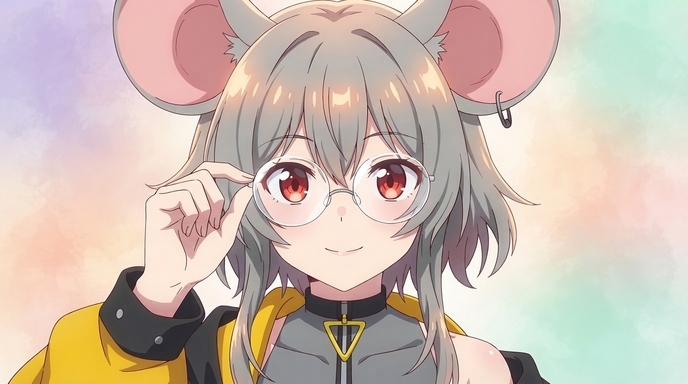
Small VTubers face the same content pressure as larger channels without the budget for a new commission every upload. You need a profile image, a YouTube banner, thumbnails for every video, Discord emotes, social posts for clips, and seasonal art when holidays roll around. Commissioning each piece separately adds up fast. The alternative is letting channel art look inconsistent, which makes a growing channel feel less polished than the content itself.
If you already have a VTuber character design, model screenshot, or reference sheet, you do not need to redesign from scratch for every asset. AutoWeeb locks your character identity in a character sheet and reuses it across ten practical art formats. Below are the ten types of VTuber art every small creator can generate from one reference, with example outputs and prompt direction for each.
👉 Build Your VTuber Art Library on AutoWeeb1. Profile image (VTuber PFP)
Your PFP is the smallest and most repeated image on your channel. It appears on YouTube, Twitch, Discord, Twitter, and every reply thread. A strong VTuber PFP keeps hair style, eye color, and expression personality readable at thumbnail scale. Upload a clear reference, convert to anime, and crop a tight portrait. Call out the features viewers recognize: twintails, ear accessories, choker details, or a signature smile.
Prompt direction: VTuber anime PFP, portrait crop, purple twintails, blue eyes, playful expression, clean linework
2. Channel banner
YouTube and Twitch banners need a wide composition with your character against a backdrop that fits your channel tone. Use a locked character sheet and generate a three-quarter or full-body pose with negative space on the sides for platform UI elements. Scenic backdrops from photo packs work well for gaming, slice-of-life, or fantasy VTubers without commissioning a custom background painter.
Prompt direction: VTuber channel banner, wide composition, full body, twintails, urban night backdrop, space on left for text
3. YouTube thumbnail
Thumbnails drive clicks. They need bold expression, clear character framing, and enough contrast to read on mobile. Generate an expressive pose with exaggerated emotion: shock, excitement, confusion, or hype. The same locked VTuber identity keeps your thumbnail face consistent across dozens of videos, which helps viewers recognize your uploads in a crowded feed.
Prompt direction: VTuber YouTube thumbnail, shocked expression, close-up face, bold outlines, high contrast, dynamic angle
4. Chibi sticker
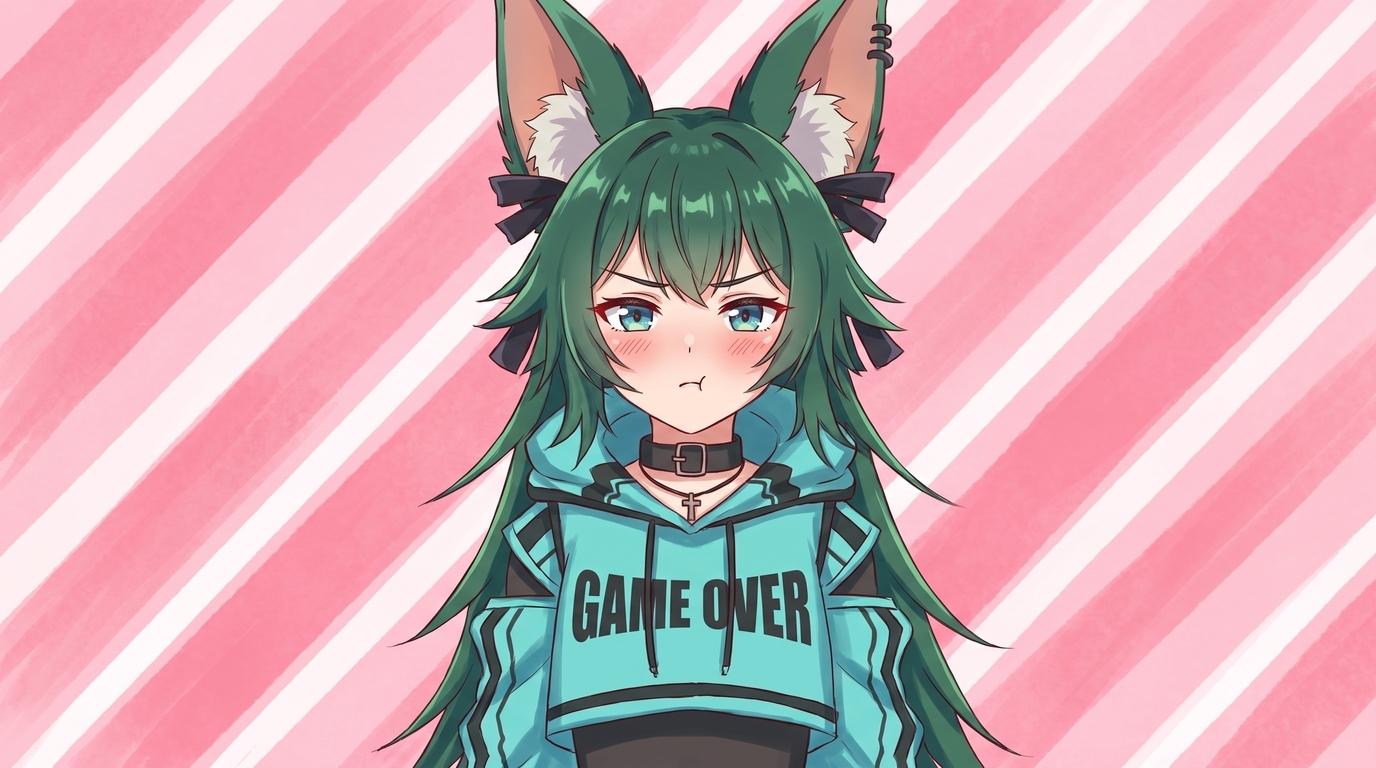
Chibis are the workhorse of VTuber community art. Smaller proportions, simpler shapes, and exaggerated expressions make them perfect for Discord emotes, sticker packs, and casual social posts. AutoWeeb keeps your color palette and hair style while shifting scale. One locked reference can produce a full emote set: happy, sad, angry, confused, and hype reactions without five separate commissions.
Prompt direction: chibi VTuber sticker, excited expression, bold outlines, sticker scale, simple background
5. Reaction image
Reaction images are slightly larger than chibis and often used in Twitter replies, community posts, and clip promotions. They carry more facial detail than a tiny emote but still emphasize expression over scene complexity. Generate a set of reactions tied to your stream personality: the face you make when chat says something unhinged, when you clutch a win, or when a collab partner surprises you.
Prompt direction: VTuber reaction image, exaggerated surprised expression, chest-up framing, clean anime style
6. Full-body illustration
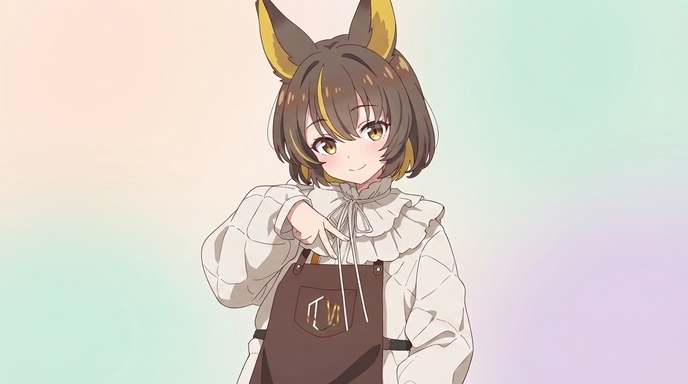
Full-body illustrations are your flagship character art. They show the complete outfit, pose personality, and silhouette viewers associate with your VTuber. Use them for debut announcements, milestone posts, portfolio pages, and promotional graphics. A locked character sheet ensures the full-body render matches your PFP and thumbnails, so every asset reads as the same person.
Prompt direction: full body VTuber illustration, street fashion outfit, twintails, confident pose, urban backdrop, polished anime linework
7. Seasonal artwork
Holidays and seasonal events give small channels a reason to post even between streams. Summer swimsuit art, Halloween costumes, winter holiday outfits, and birthday illustrations keep your community engaged. Use outfit variations to swap seasonal wardrobes while keeping the same face, hair, and eye color locked. Viewers get fresh art without a character redesign.
Prompt direction: VTuber seasonal art, winter outfit, twintails with earmuffs, snowy backdrop, cozy lighting
8. Outfit variation
Outfit reveals are a staple VTuber content format. A new jacket, a collab costume, or an anniversary dress gives chat something to react to. Generating outfit variations from a locked character sheet means the reveal art matches every other asset on your channel. Hair, eyes, and facial structure stay fixed while clothing layers change.
Prompt direction: VTuber outfit variation, same twintails and blue eyes, new gothic lolita dress, full body, clean linework
9. Dramatic scene
Dramatic scenes place your VTuber in a cinematic moment: a rooftop at night, a battle aftermath, a concert stage, or a emotional story beat. These images work for lore posts, video outros, community events, and teaser graphics. Photo packs and scene prompts let you compose wide shots with atmospheric lighting while your locked character stays on-model in the foreground.
Prompt direction: VTuber dramatic scene, rooftop at night, twintails, wind in hair, cinematic lighting, city skyline backdrop
10. Wallpaper
Wallpapers are an underrated community perk. A vertical phone wallpaper or a wide desktop background gives viewers a way to support your channel beyond subscriptions. Generate a full-body or scenic composition with your VTuber centered and enough negative space for icons on mobile. Fans share wallpapers organically, which is free reach for small creators.
Prompt direction: VTuber phone wallpaper, full body, twintails, pastel sky backdrop, vertical composition, space for phone icons
How to generate all ten from one reference
The workflow is the same for every format above:
- Upload your VTuber model screenshot, VRoid render, or commission reference to AutoWeeb's photo-to-anime converter.
- Pick an art style from the style gallery and convert your reference.
- Save the result as a character sheet with front view, side view, and expression panels.
- Generate each art type from the locked sheet using format-specific prompts like the examples above.
One character sheet becomes the source for PFPs, banners, thumbnails, chibis, reactions, illustrations, seasonal art, outfit reveals, dramatic scenes, and wallpapers. Small creators get a full VTuber social media art library without ten separate commission invoices.
👉 Create VTuber Art From One Character on AutoWeebWhy consistency matters for small VTubers
Viewers decide whether to click in seconds. If your PFP, thumbnail face, and Discord emote look like three different characters, the channel feels scattered even when the streams are great. A locked character sheet solves that. Every asset shares the same hair, eyes, outfit markers, and expression personality. The channel looks intentional from the first subscriber to the ten-thousandth.
For the step-by-step conversion workflow, read How to Make Anime Art of Your VTuber Character. For a tool overview, visit the VTuber Character Art Generator page.
Related Blog Posts
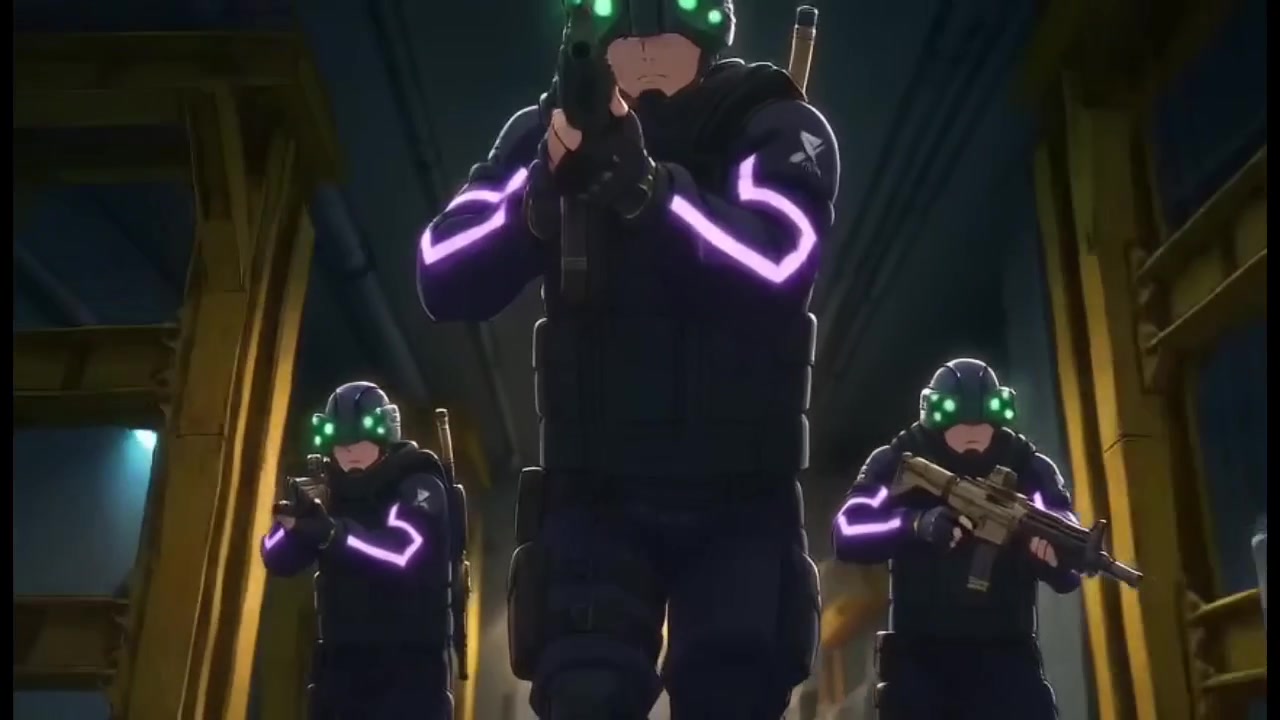
How to Fight Style Drift in AI Anime Videos
What I learned about character consistency, mask drift, and recycled prompts while building a 23-second action clip in under half an hour
Learn how to fight style drift and keep characters consistent in AI anime video. Real workflow lessons on character sheets, mask failures, Nano Banana drift, and when to tag vs. reference.
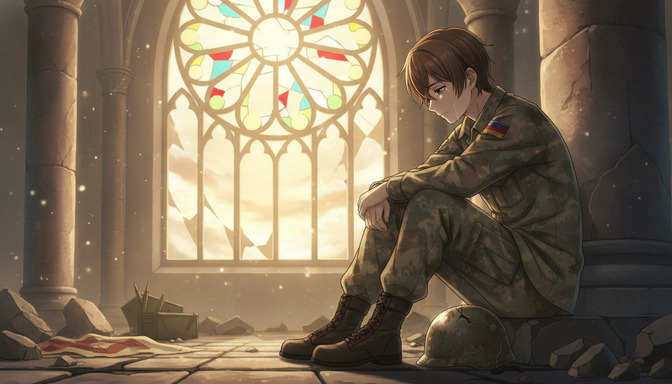
How to Create War and Military Aesthetic Anime with AI
A detailed guide to the war and military aesthetic in anime: muted palettes, smoky lighting, worn equipment, abandoned cities, industrial environments, tactical vehicles, and emotional cinematography, with AI prompts from concept to finished video.
Learn how to create war and military aesthetic anime with AI. Guide to muted palettes, smoky lighting, worn uniforms, abandoned cities, tactical vehicles, emotional cinematography, and prompt examples for every environment.
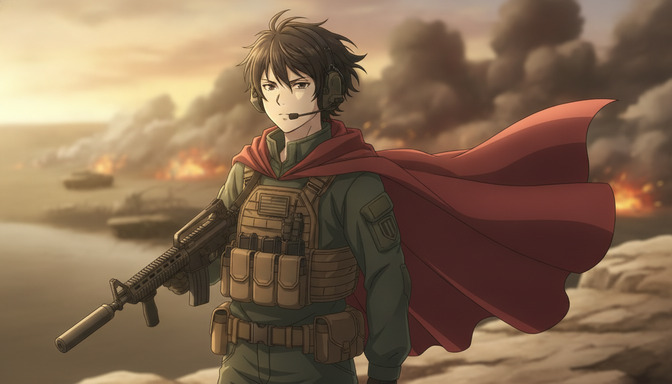
How to Make an Epic War Anime with AI
A beginner's step-by-step guide to producing an original war anime: character arcs, military factions, worldbuilding, battle choreography, cinematic camera angles, environmental storytelling, and AI-assisted animation with prompt templates for every scene type.
Learn how to make an epic war anime with AI. Step-by-step guide covering character arcs, military factions, worldbuilding, battle choreography, camera angles, and prompt templates for infantry, tanks, aircraft, and emotional moments.
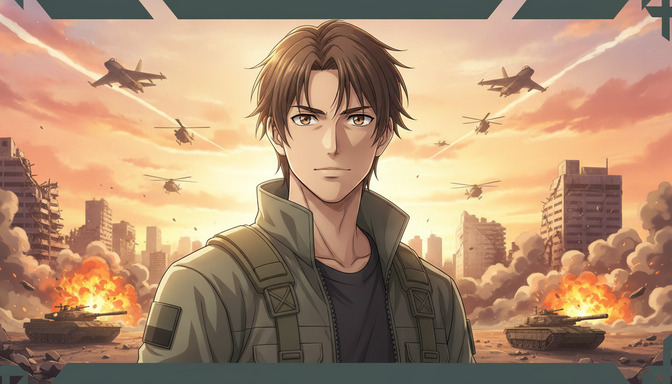
Recreate Anduril's Military Anime Style: Complete AI Tutorial
A full pre-production workflow for military-inspired anime videos: concept art, character design, worldbuilding, cinematic storyboarding, camera composition, lighting, and AI video generation with prompts for soldiers, command centers, vehicles, aircraft, and battlefields.
Learn how to recreate Anduril's military anime style with AI. Full tutorial on concept art, character design, worldbuilding, storyboarding, lighting, and video generation with practical prompts for soldiers, tanks, aircraft, and battlefields.
Explore AutoWeeb
Jump into the tool that fits your creative step.
AI Anime Video Generator
Animate storyboard shots into cinematic clips with Seedance 2 and consistent characters.
Anime Character Creator
Design original characters with consistent sheets across every scene.
AI Anime Image Generator
Generate cinematic anime stills anchored to your character library.
Anime Filters
Upload any photo and apply AI anime filters to turn it into stunning anime art in seconds.
AI Anime Location Generator
Create a location set once, then generate reference images from every angle.
AI Anime Storyboarding
Describe your idea, pick your characters, and let AI draft the script and scenes.
AI Anime Prompt Agent
Turn a rough idea into a cinematic Seedance 2 prompt with the AI Director.