
How to Make Anime Art of Your VTuber Character
You already have the design. Upload a model screenshot or reference image and generate PFPs, thumbnails, social posts, and illustrations without rebuilding your character from scratch.
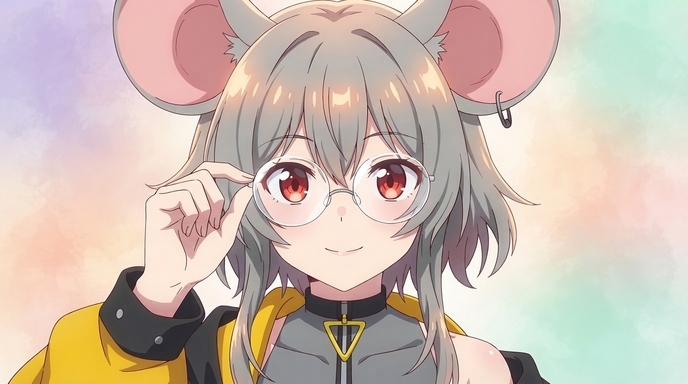
You already have a VTuber character. Maybe it is a Live2D model you commissioned, a VRoid avatar you built yourself, or reference art from your character designer. The hard part is done. Hair, eyes, outfit, accessories, and the personality viewers recognize on stream are already defined. The question is how to turn that design into polished 2D anime art for every channel need without commissioning a new illustration every time you post.
AutoWeeb's photo-to-anime converter reads a model screenshot or reference image and produces VTuber character art that keeps the defining details intact: hair style and color, eye shape, outfit layers, animal ears, horns, props, and your overall color palette. Upload a reference, pick an art style, and you get VTuber anime art you can use as a PFP, YouTube thumbnail, banner, reaction image, chibi, wallpaper, or the starting point for a full character sheet.
👉 Upload Your VTuber Reference on AutoWeebWhy existing VTuber designs convert well
VTuber models are already built like anime characters. Clear silhouettes, exaggerated hair, readable accessories, and a consistent color palette. Generic filters treat a model screenshot like a random photo and flatten the details that make your character recognizable. AutoWeeb treats your upload as a character design reference. It preserves silhouette, color blocks, and accessory placement while replacing 3D or painterly shading with clean anime linework and cel tones.
That matters when your VTuber has details a simple filter would lose: twin tails with specific volume, layered streetwear, ear accessories, signature props, or a distinctive expression style. The converter reads those as design elements to keep, not noise to smooth over. Aspiring VTubers with a commission sheet or VRoid render get the same workflow before debut. You do not need a finished channel to start building art assets.
What you can create without redesigning
One locked VTuber identity can cover most of what a small creator needs between commission budgets:
- VTuber PFPs: Tight portrait crops for YouTube, Twitch, Discord, and Twitter. Hair highlights and eye detail stay sharp at thumbnail scale.
- YouTube thumbnails: Expressive poses and bold framing for stream announcements, highlight videos, and series covers.
- Social posts: Square and portrait images for community updates, milestone posts, and clip promotions.
- Reaction images: Exaggerated expressions for Discord, Twitter replies, and community emotes.
- Chibis: Smaller proportions for stickers, casual profile art, and emote packs.
- Wallpapers: Full-body or scenic compositions for desktop backgrounds and phone lock screens.
- Seasonal art: Holiday outfits, summer looks, and event-themed illustrations that reuse your locked design.
- Character illustrations: Full-body renders in new environments for channel art and promotional graphics.
Example anime outputs
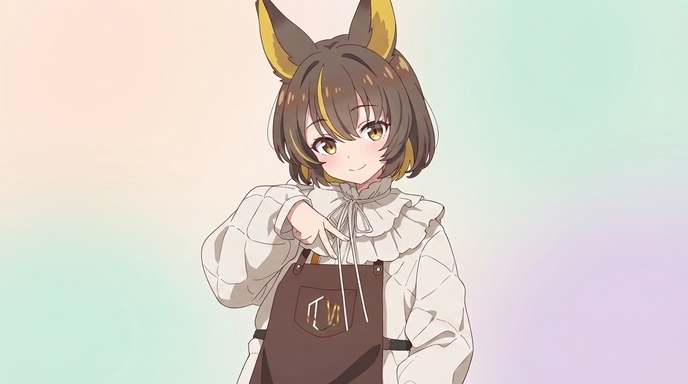
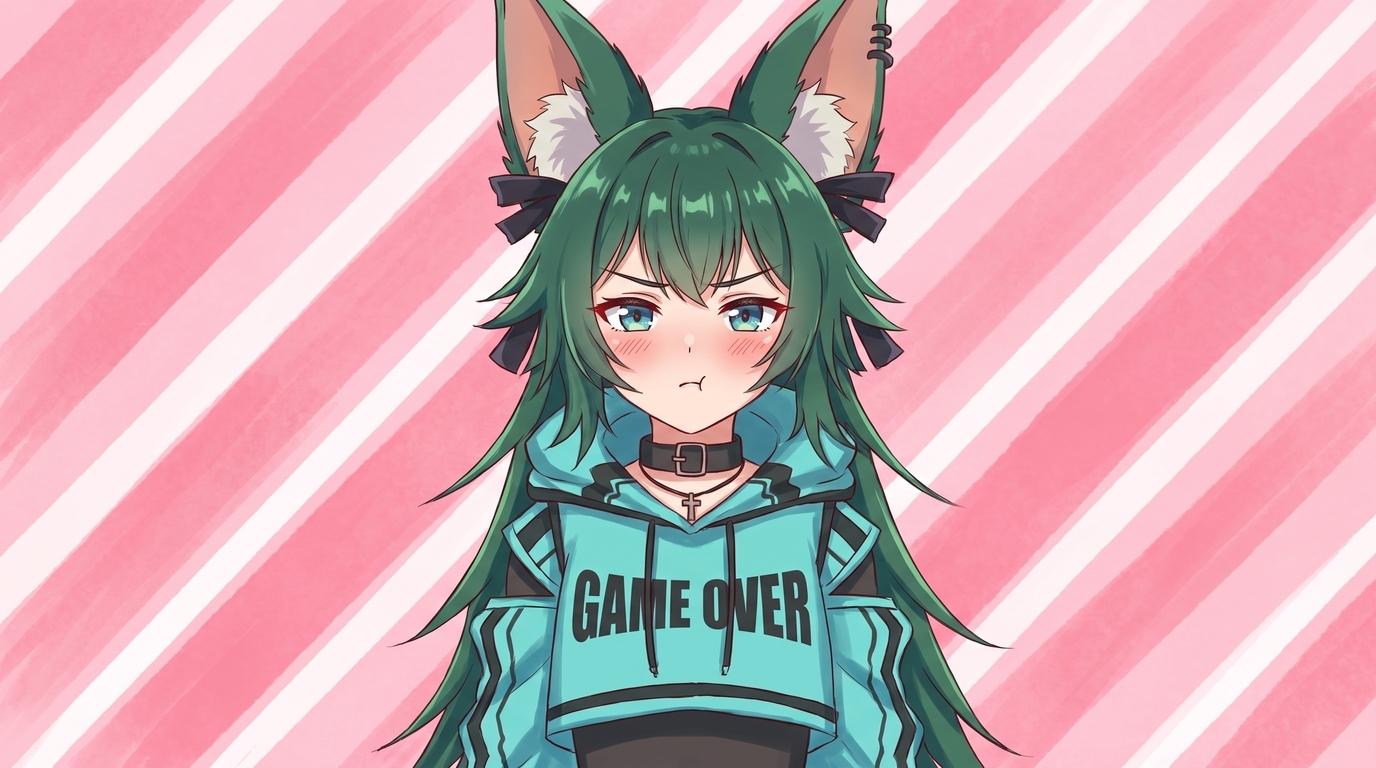
Each image below is a finished example of VTuber anime art from an existing character reference. They are different output types, not stages of the same conversion. What they share is on-model consistency: hair, eyes, outfit details, and expression personality carry through into polished 2D art.
Step 1: Choose the best reference image
The source reference is the single biggest factor in conversion quality. A few minutes picking the right screenshot pays off in every future output.
What to upload
Live2D model screenshots, VRoid studio renders, commission reference sheets, and high-resolution PNGs from your artist all work well. Use a clear front or three-quarter view with the face, hair, and major accessories visible. If your model has a signature prop or ear accessory, make sure it appears in the reference.
Lighting and clarity
Even, neutral lighting helps the AI read colors accurately. Avoid heavy bloom, extreme rim light that washes out the face, or backgrounds so busy they compete with the character. A simple backdrop in your capture software works fine. You can place the character in a new scene after conversion.
Framing
For a PFP-focused workflow, frame from the chest up with both twintails or side hair visible. For full-body illustrations and wallpapers, use a full-body render or a screenshot that shows the complete outfit. Capture at the highest resolution available rather than cropping a low-res image.
Step 2: Upload and convert to anime
Upload your reference to AutoWeeb's photo-to-anime tool. The AI reads hair, facial features, outfit layers, and accessories from the image. Open the style selector and try two or three art styles on the same reference before you commit. A pastel idol VTuber might suit slice-of-life rendering, while a cyberpunk design could look best in a darker fantasy style.
Prompts that help steer the conversion toward VTuber channel art:
- VTuber anime PFP, purple twintails, blue eyes, playful expression, clean linework, portrait crop
- full body VTuber illustration, street fashion outfit, twintails, urban backdrop, cinematic lighting
- chibi VTuber sticker, excited expression, bold outlines, sticker scale, transparent background style
Step 3: Lock your character sheet
When you have a conversion you like, take it into AutoWeeb's Character Creator and generate a character sheet with front view, side view, and expression variations. The sheet locks your VTuber design so every future image stays on-model.
In the character description, call out the details viewers associate with your channel: exact hair colors and style, eye color, outfit layers, ear type, signature props, and expression personality. The more specific the description, the more consistent your VTuber character art looks across PFPs, thumbnails, and social posts.
Step 4: Generate art for every channel need
Once the design is locked, you have a full VTuber art library to work with:
- PFPs and avatars: Portrait crops for every platform profile.
- Thumbnails and banners: Wide and expressive compositions for YouTube and Twitch headers.
- Reaction and chibi assets: Emotes, stickers, and reply images for Discord and Twitter.
- Seasonal and event art: Holiday outfits through outfit variations without losing face and hair identity.
- New scenes: Drop your locked character into photo packs for festivals, city streets, fantasy towns, or slice-of-life interiors.
Tips for the strongest results
- Use the highest resolution reference you have. Commission sheets and VRoid renders capture more detail in hair strands, fabric textures, and small accessories.
- Run the same reference through multiple styles. Your VTuber might look better in slice-of-life than dark fantasy. Compare options before you lock a design.
- Describe defining features in the character sheet. Hair style, eye color, outfit layers, and signature props should be written out explicitly.
- Reuse one identity across formats. A locked sheet means your PFP, thumbnail, and chibi all read as the same character.
- Respect artist and model rights. Your VTuber design is your brand, but honor the license on commissioned art and purchased model assets.
For a tool-focused overview, see the VTuber Character Art Generator page. The 10 types of VTuber art post walks through practical use cases for small creators, and the VRChat avatar guide covers a similar workflow for 3D avatar screenshots.
Related Blog Posts
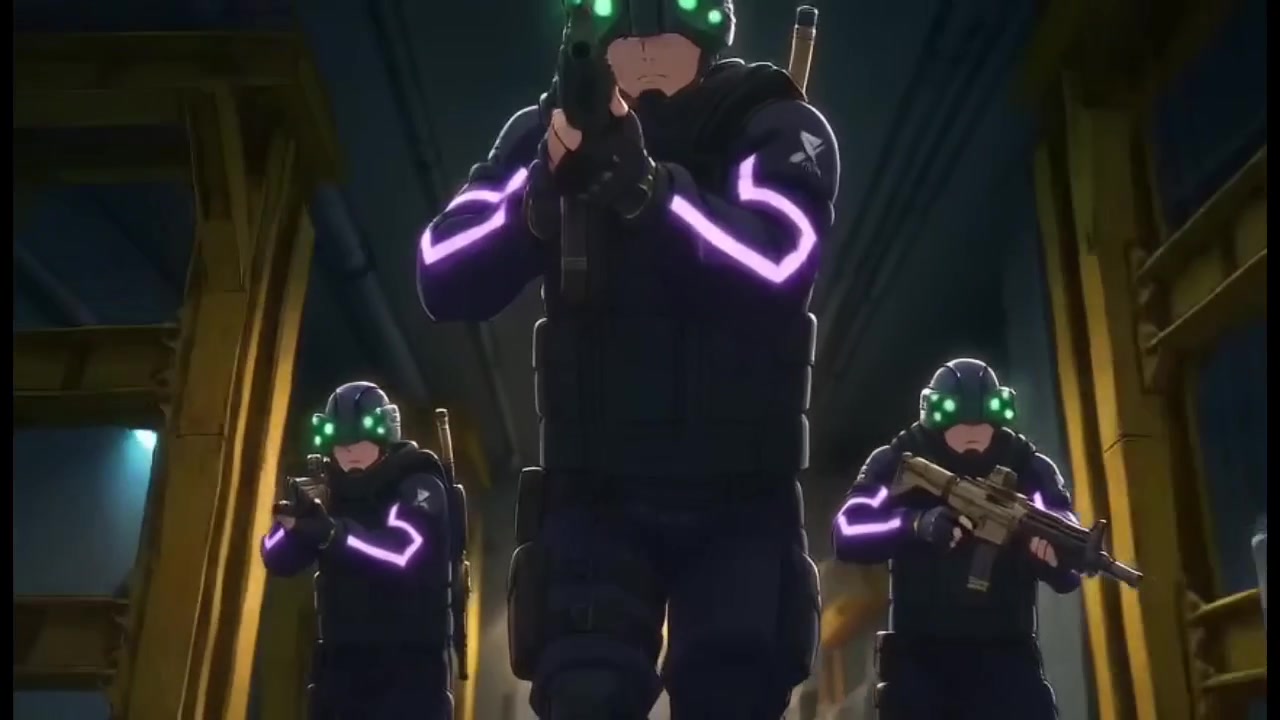
How to Fight Style Drift in AI Anime Videos
What I learned about character consistency, mask drift, and recycled prompts while building a 23-second action clip in under half an hour
Learn how to fight style drift and keep characters consistent in AI anime video. Real workflow lessons on character sheets, mask failures, Nano Banana drift, and when to tag vs. reference.
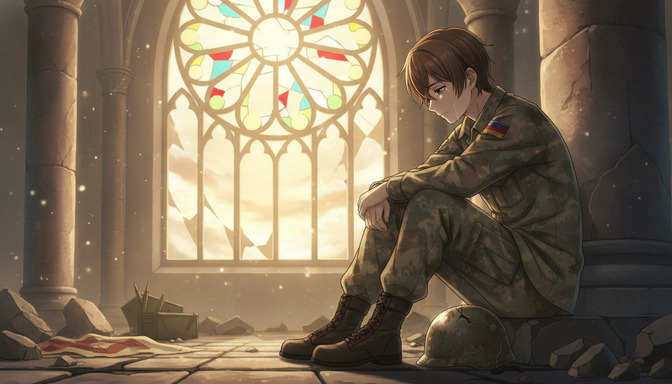
How to Create War and Military Aesthetic Anime with AI
A detailed guide to the war and military aesthetic in anime: muted palettes, smoky lighting, worn equipment, abandoned cities, industrial environments, tactical vehicles, and emotional cinematography, with AI prompts from concept to finished video.
Learn how to create war and military aesthetic anime with AI. Guide to muted palettes, smoky lighting, worn uniforms, abandoned cities, tactical vehicles, emotional cinematography, and prompt examples for every environment.
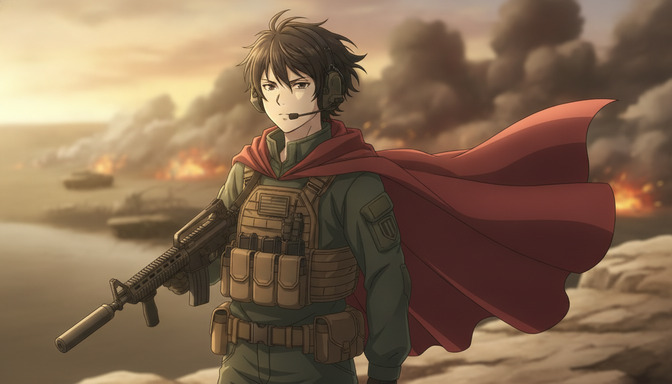
How to Make an Epic War Anime with AI
A beginner's step-by-step guide to producing an original war anime: character arcs, military factions, worldbuilding, battle choreography, cinematic camera angles, environmental storytelling, and AI-assisted animation with prompt templates for every scene type.
Learn how to make an epic war anime with AI. Step-by-step guide covering character arcs, military factions, worldbuilding, battle choreography, camera angles, and prompt templates for infantry, tanks, aircraft, and emotional moments.
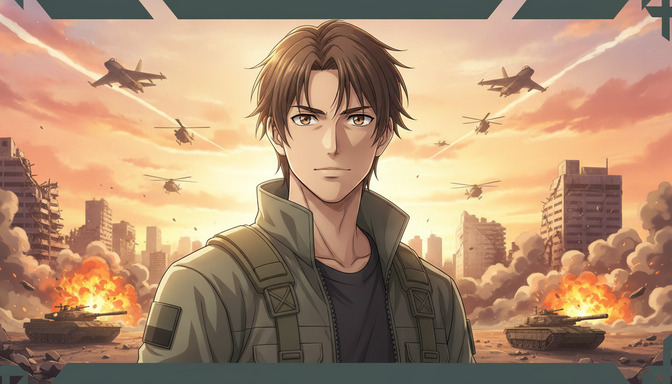
Recreate Anduril's Military Anime Style: Complete AI Tutorial
A full pre-production workflow for military-inspired anime videos: concept art, character design, worldbuilding, cinematic storyboarding, camera composition, lighting, and AI video generation with prompts for soldiers, command centers, vehicles, aircraft, and battlefields.
Learn how to recreate Anduril's military anime style with AI. Full tutorial on concept art, character design, worldbuilding, storyboarding, lighting, and video generation with practical prompts for soldiers, tanks, aircraft, and battlefields.
Explore AutoWeeb
Jump into the tool that fits your creative step.
AI Anime Video Generator
Animate storyboard shots into cinematic clips with Seedance 2 and consistent characters.
Anime Character Creator
Design original characters with consistent sheets across every scene.
AI Anime Image Generator
Generate cinematic anime stills anchored to your character library.
Anime Filters
Upload any photo and apply AI anime filters to turn it into stunning anime art in seconds.
AI Anime Location Generator
Create a location set once, then generate reference images from every angle.
AI Anime Storyboarding
Describe your idea, pick your characters, and let AI draft the script and scenes.
AI Anime Prompt Agent
Turn a rough idea into a cinematic Seedance 2 prompt with the AI Director.