
How to Create a Personalized Anime Birthday Video
Turn a birthday wish into an animated moment they'll never forget
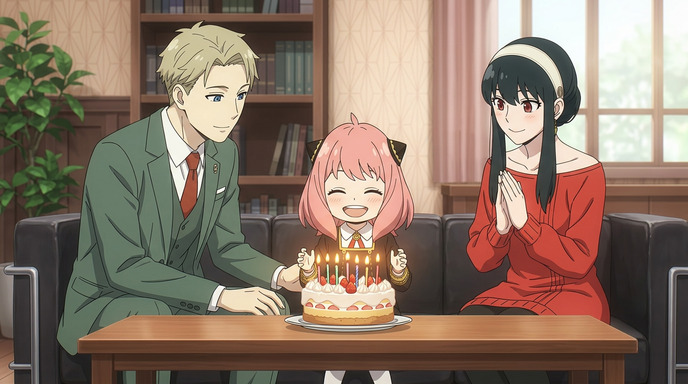
Forget generic birthday e-cards. With AutoWeeb, you can create a fully personalized anime birthday video featuring the actual people you're celebrating, rendered as anime characters in a scene you write yourself. Here's how to do it from start to finish.
Step 1: Convert Your Photos to Anime
The first step is turning real photos into anime-style character references. AutoWeeb's Photo to Anime tool handles this directly from a selfie or portrait.
A few tips for the best conversion:
- Use a clear, well-lit photo with the face centered and unobstructed
- Avoid group shots for character creation; one person per photo works best
- A neutral expression gives the model more flexibility when generating scenes later
Once the conversion looks right, save the result. You'll use it in the next step to build a reusable character.
👉 Create Your Anime Birthday Video on AutoWeebStep 2: Create a Character (or Pick a Shared One)
AutoWeeb lets you build saved characters that can be dropped into any image or video you generate. You have two options here:
- Custom character: Upload the anime-converted photo from Step 1 and create a character based on the birthday person's likeness.
- Shared character: If the person is a fan of a specific anime, you can pick a character from AutoWeeb's shared library (like Anya, Loid, or Yor from Spy x Family) and place them directly into the scene.
For the example in this post, we used all three Forger family members as the characters, then set the scene around them. You can mix and match: use a custom character for the birthday person and a shared character for friends or family in the same image.
Add your selected characters in the Characters section when building your image. Each one shows up as a face tile you can remove or reorder.
Step 3: Create the Birthday Image
Now write a prompt describing the birthday scene. Be specific about the setting, the mood, and what's happening. A prompt like:
"Celebrating Anya's birthday in the living room, with candles on a cake"
...gives the model clear direction. The characters you added will be placed into the scene, so you don't need to describe their appearance in detail.
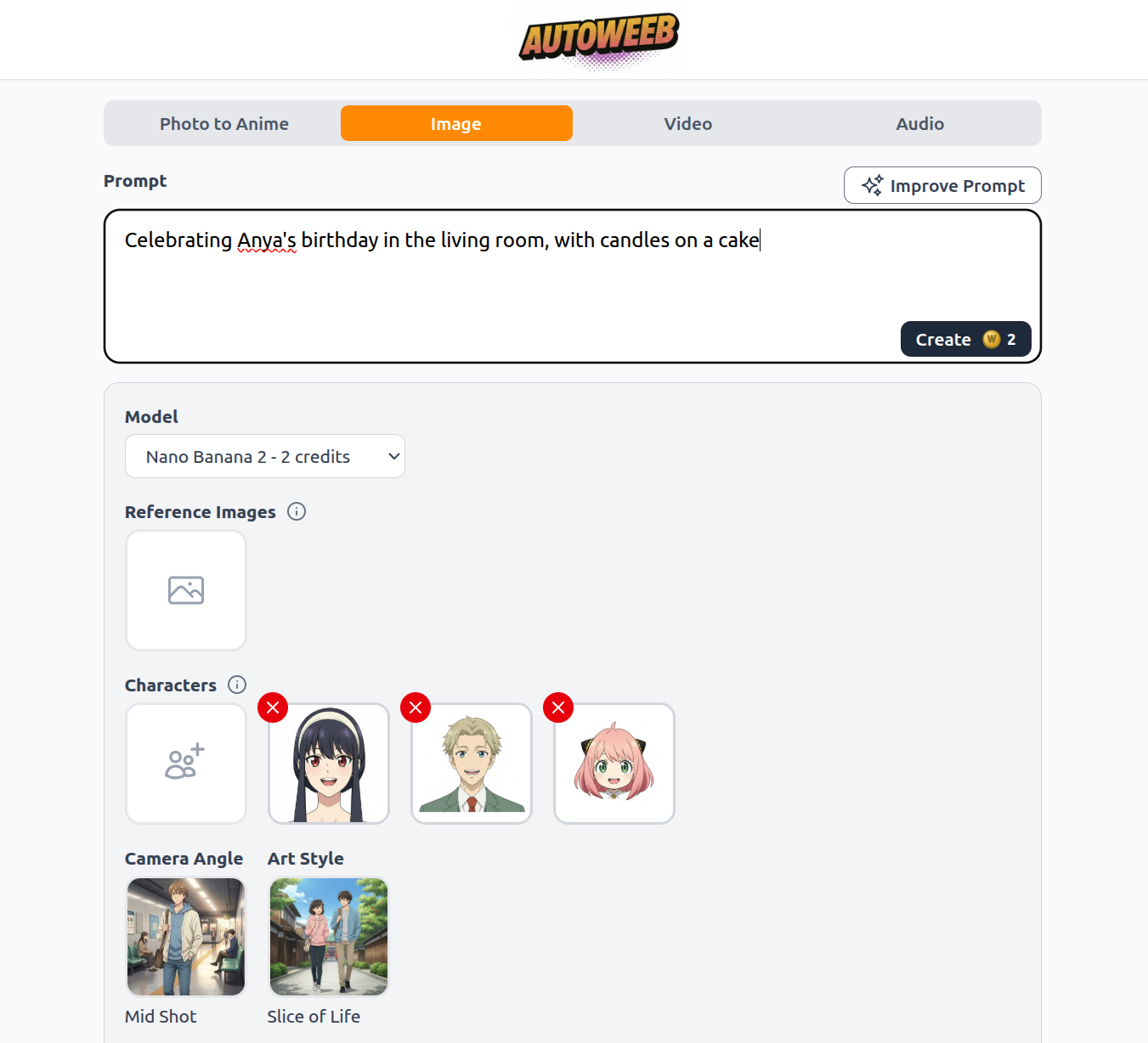
Under the prompt, you can also set:
- Model: Different models have different vibes. Nano Banana 2 is a good all-around pick for detailed scenes.
- Camera Angle: Mid Shot works well for group scenes at a table.
- Art Style: Slice of Life keeps things warm and grounded, matching the birthday setting.
Hit Create and let the model generate the scene. If the first result isn't quite right, try adjusting the prompt or switching the art style.
Step 4: Animate It as a Video
Once you have a birthday image you're happy with, head to the Video tab. Upload your image as the Reference Image. AutoWeeb will use it as the first frame of the video.
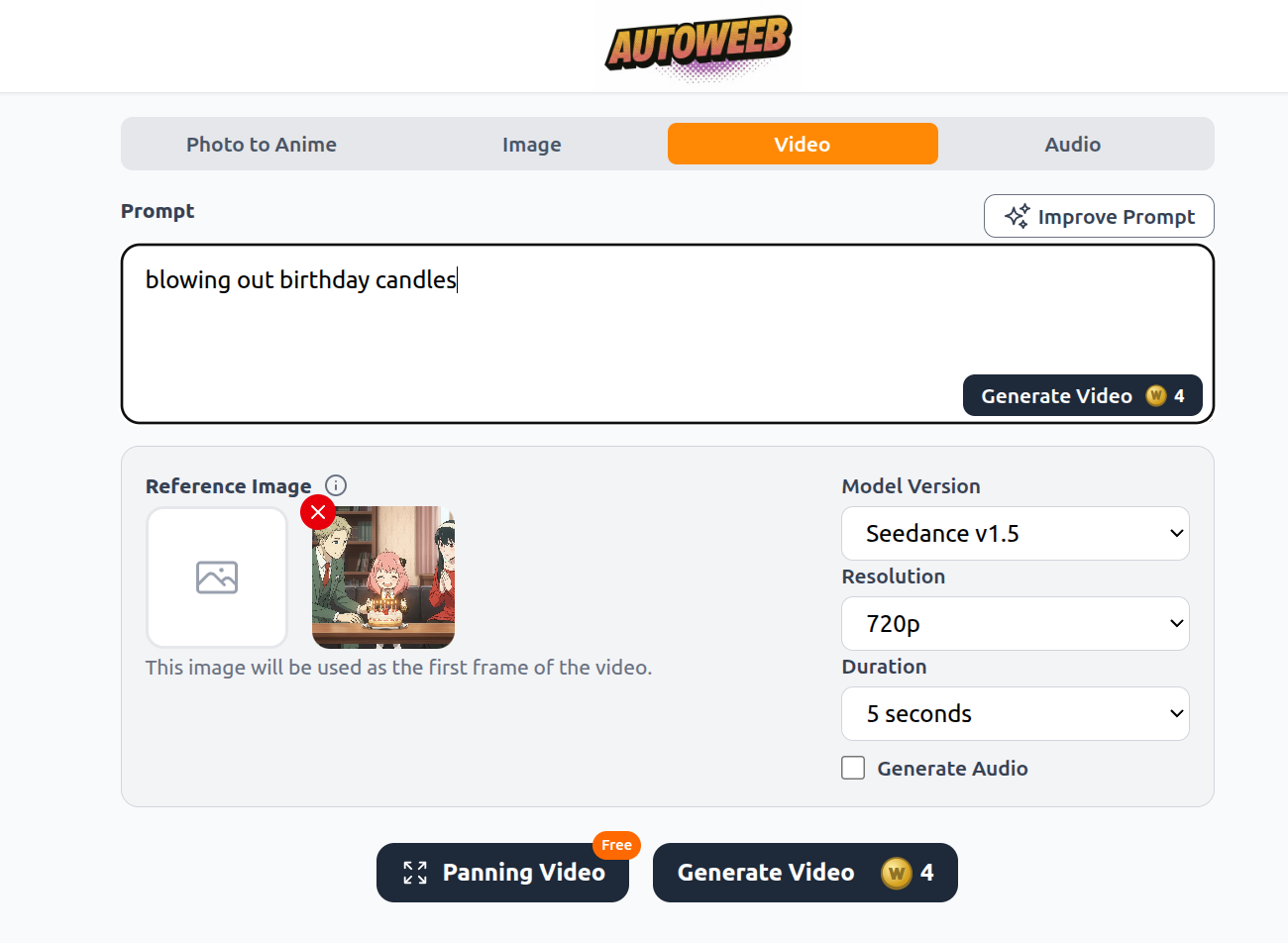
Write a short motion prompt describing what should happen in the video:
"blowing out birthday candles"
Settings to configure:
- Model Version: Seedance v1.5 produces smooth, anime-faithful motion.
- Resolution: 720p is a solid default for sharing online.
- Duration: 5 seconds is enough to capture the candle-blowing moment with a little breathing room.
- Generate Audio: Check this if you want ambient sound generated alongside the video.
Click Generate Video to kick off the render. The result is a short, shareable clip that starts from your birthday image and animates the scene.
Tips for a Better Result
- Keep the motion prompt simple: One clear action works better than trying to describe multiple things happening at once.
- Match the image lighting to the setting: An indoor scene with warm candlelight will animate more cohesively than one with conflicting light sources.
- Use Panning Video for free: If you don't want to spend credits on a full animation, the free Panning Video option adds a slow camera pan to make any still image feel alive.
Send Something They'll Actually Remember
A personalized anime birthday video takes a few minutes to make and lands completely differently from a text message or a store-bought card. Whether you feature the birthday person as themselves or as their favorite anime character, the result is something genuinely unique.
👉 Create Your Anime Birthday Video on AutoWeebRelated Blog Posts
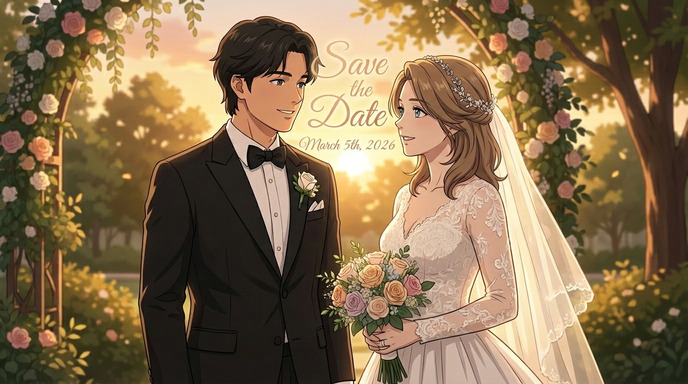
How to Make an Anime Wedding Invitation
Turn your love story into a stunning animated invitation
Learn how to create a beautiful anime-style wedding invitation using AI tools. Transform your photos into anime characters and design a unique invitation your guests will never forget.
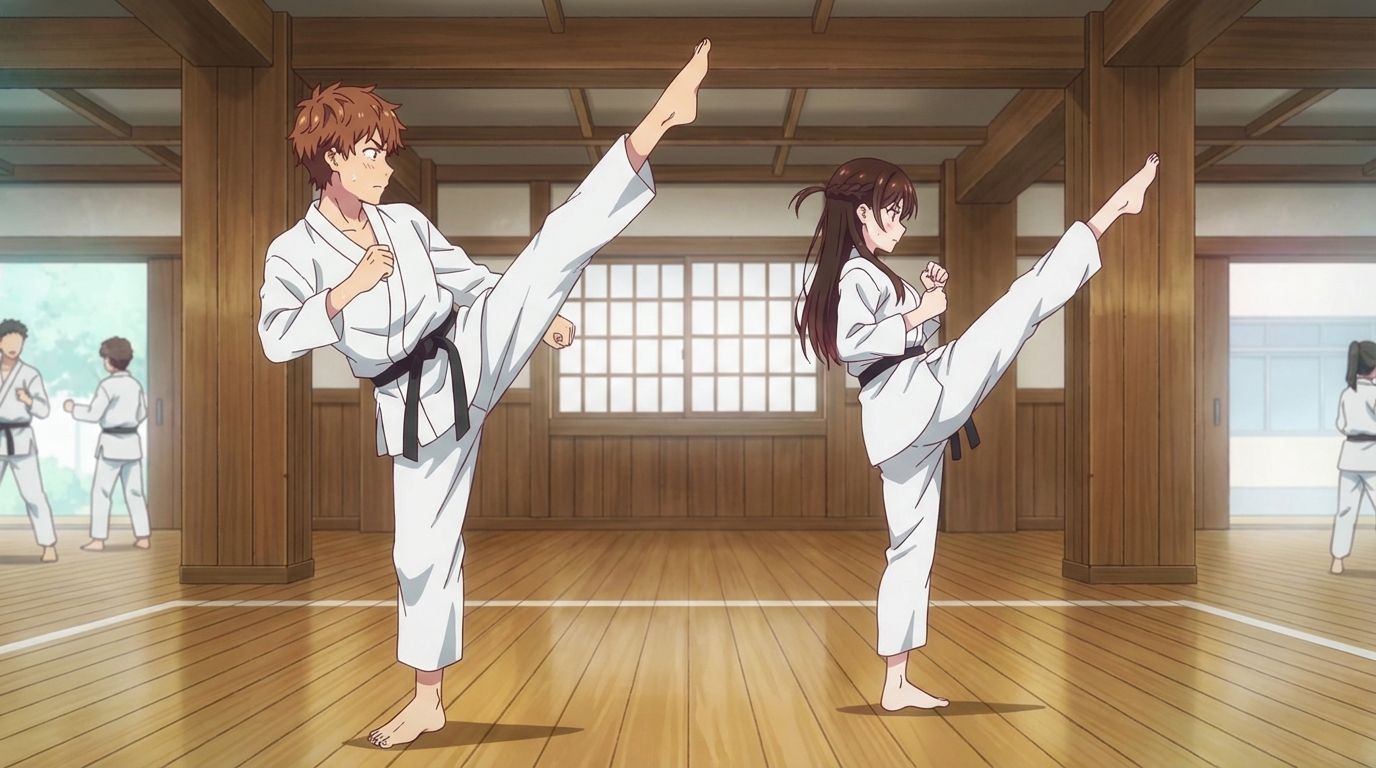
How to Create an Anime Fight Scene
From your first prompt to a cinematic clash
Learn how to create a dynamic anime fight scene using AutoWeeb. Pick a character, use the Explore page templates or write your own prompt, and generate action-packed anime images and videos.
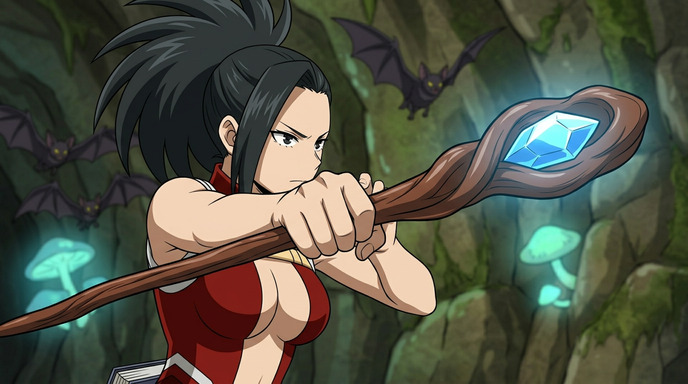
How to Create Anime Action Sequences
Build multi-scene anime action from a single character
Learn how to create full anime action sequences using AutoWeeb. Pick a character, generate action images, animate them into video clips, and chain them together into a cinematic sequence.
Pittsburgh Anime-Fest 2026: How to Create Anime from Your Convention Experience
Pittsburgh's bridges, industrial grit, and anime community — all turned into anime art with AI
Attended Pittsburgh Anime-Fest 2026? Learn how to turn your cosplay photos, Pittsburgh's distinctive architecture, panel moments, and convention highlights into anime art, custom characters, and animations with AutoWeeb.
Explore AutoWeeb
Jump into the tool that fits your creative step.
AI Anime Video Generator
Animate storyboard shots into cinematic clips with Seedance 2 and consistent characters.
Anime Character Creator
Design original characters with consistent sheets across every scene.
AI Anime Image Generator
Generate cinematic anime stills anchored to your character library.
Turn Photo Into Anime
Upload any photo and watch AI turn it into stunning anime art in seconds.
AI Anime Location Generator
Create a location set once, then generate reference images from every angle.
AI Anime Storyboarding
Describe your idea, pick your characters, and let AI draft the script and scenes.
AI Anime Prompt Agent
Turn a rough idea into a cinematic Seedance 2 prompt with the AI Director.