
How to Make an Anime Ice Skating Video
Put your favorite characters on the ice in seconds
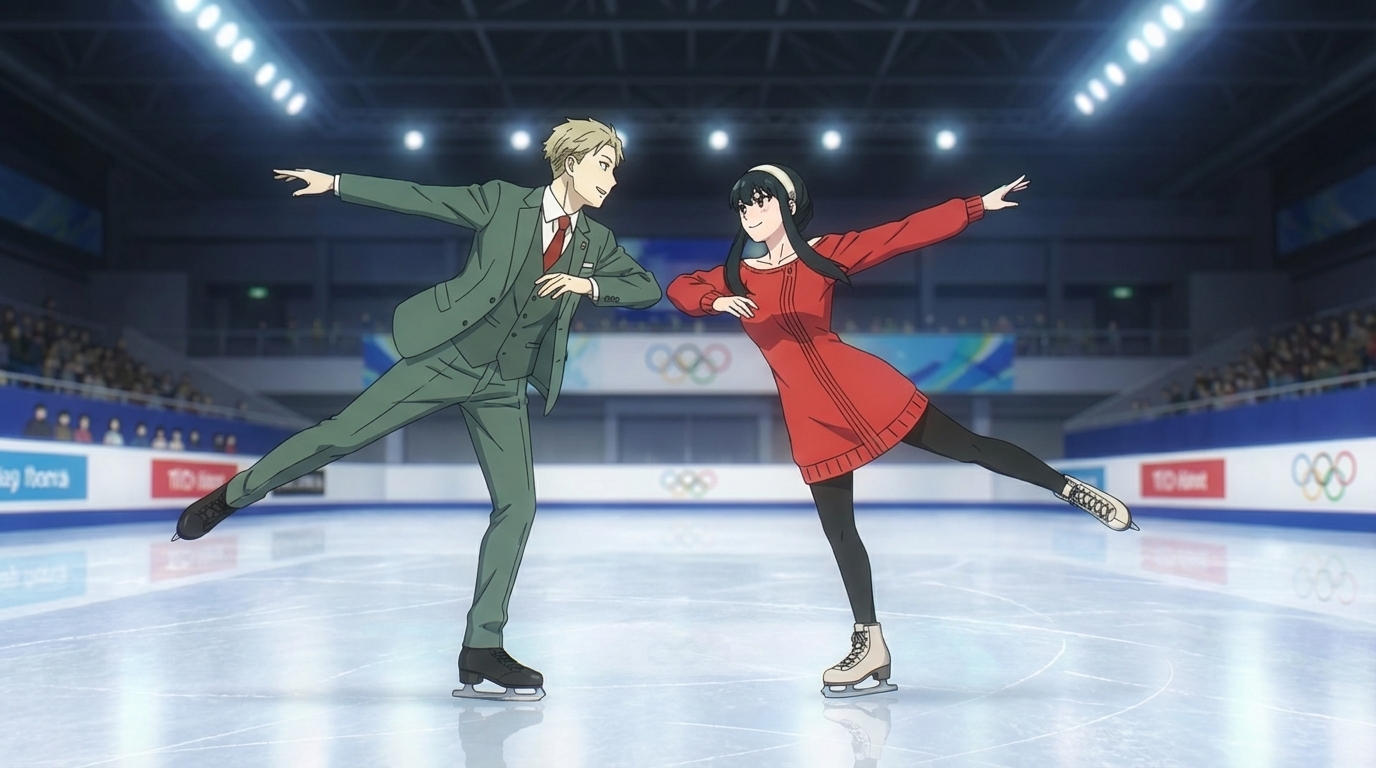
AutoWeeb's Explore page includes pre-built video templates that handle the scene setup for you. The ice skating template is one of them: it comes with a ready-made image prompt and a motion prompt, so you can go from zero to a finished skating video in a few minutes. Here's how.
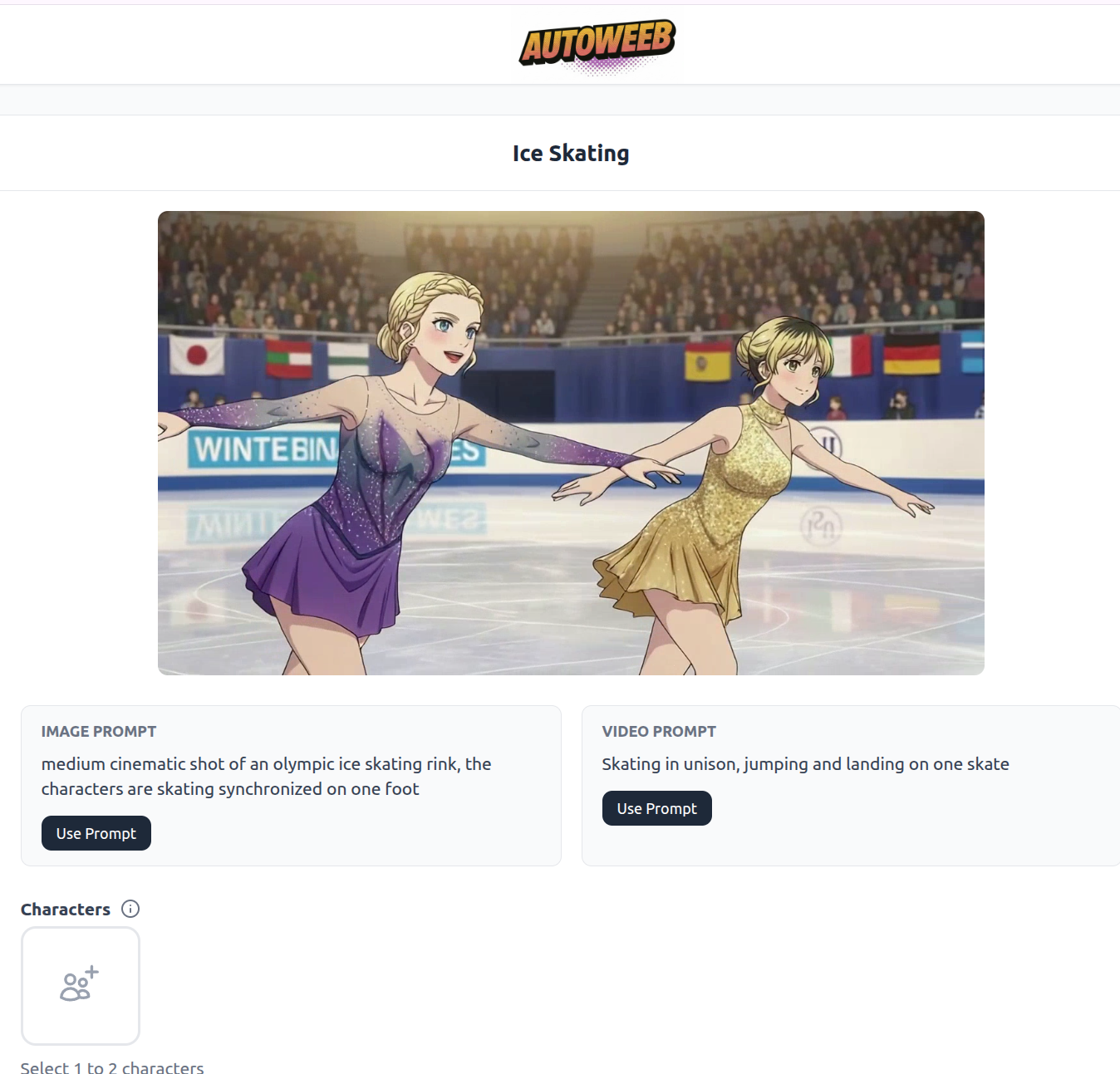
Step 1: Open the Ice Skating Template
Go to the Explore page in AutoWeeb and find the Ice Skating template. The prompt has already been written for you!
Step 2: Choose Your Characters
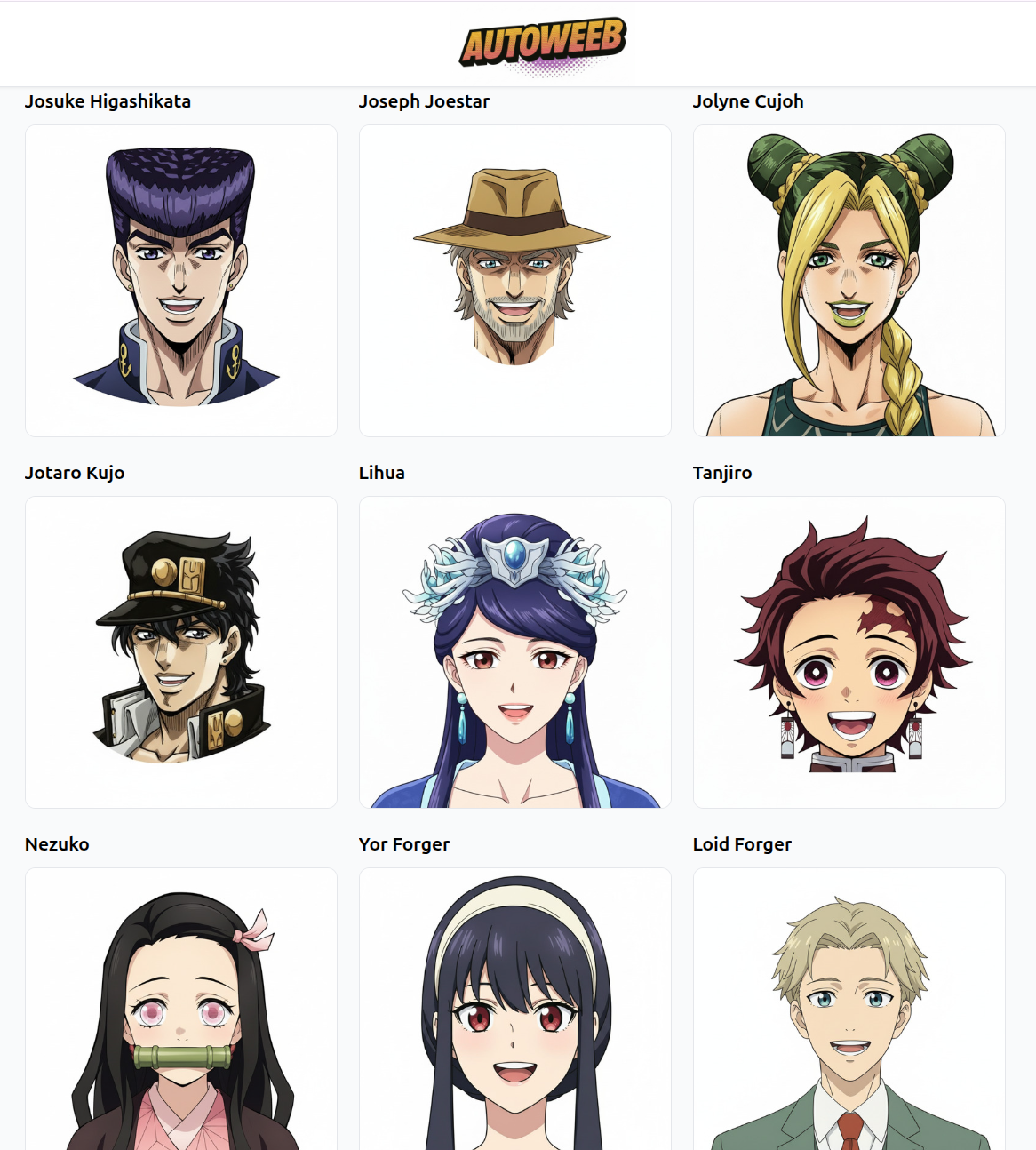
The template supports one or two characters. You have two options:
- Shared characters: Pick from AutoWeeb's built-in library of popular anime characters. JoJo characters, Spy x Family, Demon Slayer, and more are available. Just click a character to add them to the scene.
- Custom character: Upload a photo of yourself (or anyone) and convert it to an anime character first. Save the character sheet, then drop it into the skating scene.
The template is designed for pairs, so it works especially well with two characters skating together. Try Loid and Yor Forger, or mix a custom character with a shared one from the library.
Step 3: Generate the Video
Since the prompt is already written for you, click Create to generate the skating video!
The Explore page takes most of the prompt work off your plate. Pick the template, add your characters, and generate. The whole process from template to finished video takes just a few minutes, and the result is a polished, shareable anime clip that looks like it came straight out of a sports anime.
👉 Make Your Anime Ice Skating Video on AutoWeebRelated Blog Posts
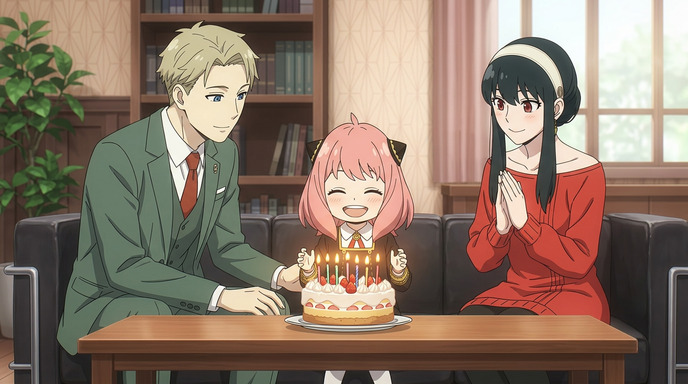
How to Create a Personalized Anime Birthday Video
Turn a birthday wish into an animated moment they'll never forget
Learn how to create a personalized anime birthday video using AI. Convert photos to anime, build custom characters, generate a birthday scene, and bring it to life as video.
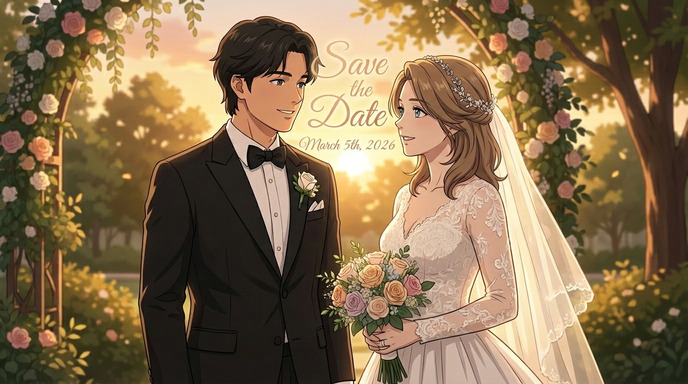
How to Make an Anime Wedding Invitation
Turn your love story into a stunning animated invitation
Learn how to create a beautiful anime-style wedding invitation using AI tools. Transform your photos into anime characters and design a unique invitation your guests will never forget.
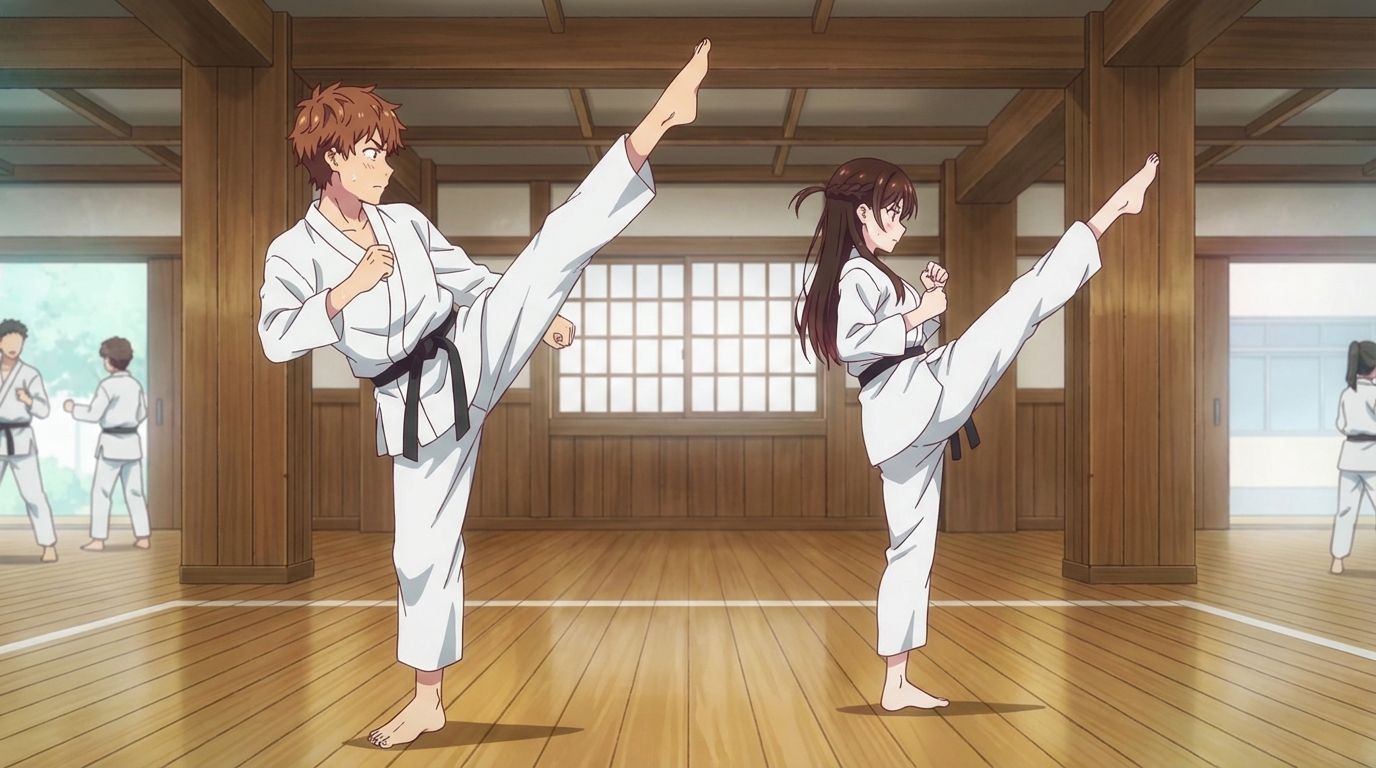
How to Create an Anime Fight Scene
From your first prompt to a cinematic clash
Learn how to create a dynamic anime fight scene using AutoWeeb. Pick a character, use the Explore page templates or write your own prompt, and generate action-packed anime images and videos.
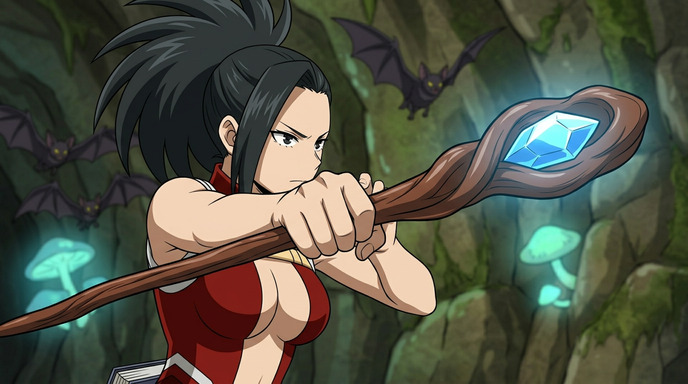
How to Create Anime Action Sequences
Build multi-scene anime action from a single character
Learn how to create full anime action sequences using AutoWeeb. Pick a character, generate action images, animate them into video clips, and chain them together into a cinematic sequence.
Explore AutoWeeb
Jump into the tool that fits your creative step.
AI Anime Video Generator
Animate storyboard shots into cinematic clips with Seedance 2 and consistent characters.
Anime Character Creator
Design original characters with consistent sheets across every scene.
AI Anime Image Generator
Generate cinematic anime stills anchored to your character library.
Turn Photo Into Anime
Upload any photo and watch AI turn it into stunning anime art in seconds.
AI Anime Location Generator
Create a location set once, then generate reference images from every angle.
AI Anime Storyboarding
Describe your idea, pick your characters, and let AI draft the script and scenes.
AI Anime Prompt Agent
Turn a rough idea into a cinematic Seedance 2 prompt with the AI Director.