
AutoWeeb vs Higgsfield: Which AI Video Generator Is Better for Anime Storytelling?
Higgsfield is impressive for cinematic human video. AutoWeeb is built for what anime creators actually need.
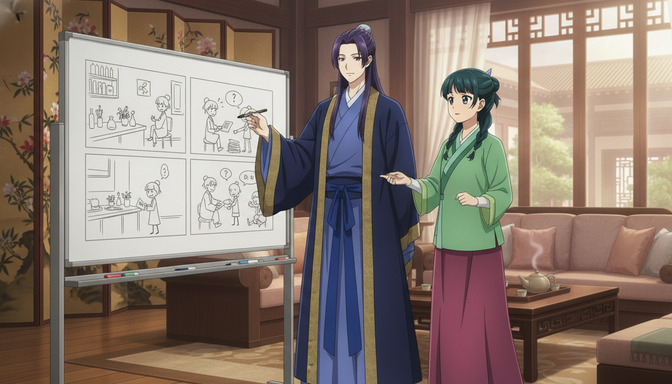
Both AutoWeeb and Higgsfield generate AI video. That is where the similarity ends. Higgsfield was designed to create cinematic, photorealistic video featuring real human subjects — actors, influencers, brand talent. AutoWeeb was designed to build anime stories with recurring characters across multiple scenes. If you are trying to create an anime series, a storyboarded short film, or a cast of original characters you can animate across many clips, these two platforms are solving fundamentally different problems.
This comparison is for anime creators who have looked at both and are trying to figure out which one actually fits the work they want to do. The short answer: for one-off cinematic clips, Higgsfield has real strengths. For anime storytelling with consistent characters and a real production workflow, AutoWeeb is the better platform by a significant margin.
What Higgsfield Is Known For
Higgsfield built its reputation on one thing: making photorealistic AI video that looks like it was shot with a real camera. Its core use case is generating cinematic footage of human subjects — realistic faces, natural motion, cinematic lighting. Brands use it to produce ad creative. Content creators use it to generate lifestyle video without a shoot. The output quality in that lane is genuinely impressive.
Higgsfield also introduced character consistency features that let users define a recurring subject and maintain their appearance across multiple video generations. For a brand spokesperson or a digital human presenter, this is a useful capability. The model is trained to anchor visual identity to a reference and carry it across clips.
Higgsfield's Strengths
Photorealistic human video generation is the clearest strength. The motion looks natural, the lighting responds to scene context, and the faces hold up at close range. For non-anime video content — brand videos, realistic lifestyle footage, digital presenter clips — Higgsfield produces polished output with relatively little effort.
The platform also offers reasonable prompt responsiveness for cinematic scene framing. You can specify camera angles, lighting moods, and motion styles and the model will follow them. For straightforward video generation where realism is the goal, Higgsfield does the job well.
Where Higgsfield Falls Short for Anime Creators
Character consistency challenges
Higgsfield's character consistency is built for photorealistic human subjects. Anime characters are a different problem entirely. The expressive linework, distinct color palettes, stylized proportions, and visual idiosyncrasies that define an anime character — the exact shade of rose-pink in her hair, the specific shape of her eyes, the cut of her uniform — are not the things Higgsfield's model was trained to preserve. When you try to carry an anime character across multiple generations on Higgsfield, identity drift is the norm, not the exception.
A character who looks right in scene one will shift in scene three and look like a different person entirely by scene seven. Hair color shifts. Eye shapes change. Outfit details wander. For a one-off clip this may be acceptable. For a story with a recurring protagonist it is a fundamental problem that the platform has no dedicated solution for.
Storytelling workflow limitations
Higgsfield has no storyboard tool. It has no concept of scenes in sequence, no way to plan a narrative arc inside the platform, and no mechanism for organizing clips into a story structure. Each generation is a standalone output. The work of building those outputs into something that feels like a cohesive anime episode — figuring out scene order, maintaining visual continuity, connecting character moments into a narrative — all happens outside the platform, if it happens at all.
For a content creator generating a single impressive clip to post on social media, that is not a problem. For a creator building a story with a beginning, middle, and end — with a protagonist who grows and changes across scenes — it means the platform gives you building materials but no blueprint.
There is also no character sheet system. You cannot generate a neutral reference image of your character, save it, and use it as a visual anchor across subsequent generations. The closest equivalent is uploading a reference photo of a real human subject — a feature designed for photorealistic likeness matching, not anime character consistency.
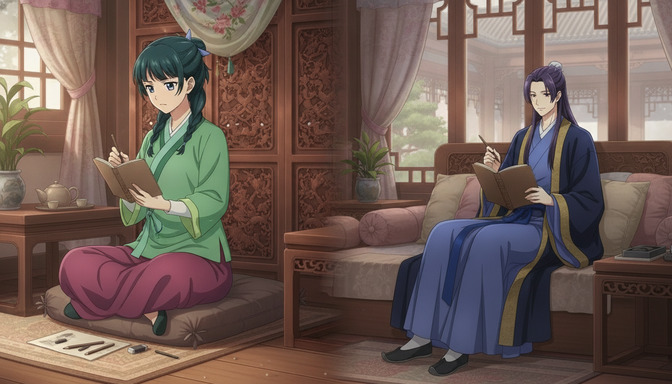
AutoWeeb's Anime-First Approach
The storyboard system
AutoWeeb's storyboard tool is where anime storytelling begins. Before you generate a single image or video, you plan your story inside the platform: scenes in sequence, each with a defined emotional beat, camera angle, character action, and visual setting. The storyboard is a production plan, not just a visual sketch. It tells you what to generate, in what order, and why each scene exists in the narrative. When you move from storyboard to generation, you are executing a plan rather than experimenting at random.
This matters because anime storytelling is sequential. Each scene has to connect to the next. A protagonist who is defeated in scene four needs to look like the same character who picks herself back up in scene five. The storyboard system makes that continuity a feature of the workflow rather than an afterthought.
Character sheets and consistency
AutoWeeb's character sheet system solves the problem that Higgsfield cannot. You begin each project by generating a full character sheet: a neutral-background reference image of your character in a clear pose with all distinguishing features visible. That sheet is saved inside your project. Every subsequent image generation and video generation references it. The character who appears in your storyboard panel one is anchored to the same visual identity in panel ten, because every generation draws from the same saved reference.
The character sheet also captures what Higgsfield cannot reliably maintain: anime-specific visual detail. The exact shade of your character's hair, the shape of her eyes, the silhouette and color palette of her outfit, any marks or accessories that make her recognizable. AutoWeeb is built for that level of anime visual specificity. The guide on creating multi-character anime scenes using character sheets covers the full character sheet workflow in depth.
Image-to-video pipeline
AutoWeeb's image-to-video pipeline is designed as a production sequence, not a standalone feature. You generate a scene image from your storyboard. That image becomes the source for video generation. The video prompt builds on the image: you specify what moves, how, and at what pace, working from a composition that is already correct rather than trying to get everything right in a single video prompt from scratch.
This two-stage approach produces better anime video output than trying to generate directly to video without a source image. The composition, lighting, and character positioning are locked in the image stage. The video stage adds motion. For the guide on getting the most out of this pipeline, the post on turning an anime image into a video with AI covers the full process. For maintaining character consistency specifically across the video stage, the guide on maintaining character consistency in Seedance 2.0 videos is the place to start.
Pricing Comparison
Higgsfield offers a free tier with limited monthly credits, with paid plans beginning at approximately $20 per month. Higher tiers increase video generation limits and unlock faster processing. The pricing structure is oriented toward professional and commercial users who need high-volume output.
AutoWeeb offers a free trial with access to core features, with paid plans starting at $9.99 per month. The credit system covers image generation, character sheet creation, storyboarding, and video generation within a single workspace. For individual anime creators and small teams, AutoWeeb's pricing is more accessible, and the features included at each tier are specifically relevant to anime storytelling rather than general video production.
Feature Comparison
| Feature | AutoWeeb | Higgsfield |
|---|---|---|
| Anime-specific art styles | Yes — curated anime style library | No — optimized for photorealism |
| Character sheet system | Yes — save and reuse across scenes | No |
| Character consistency across scenes | Yes — reference anchoring built in | Partial — designed for real people, not anime OCs |
| Storyboard tool | Yes — scene sequencing and planning | No |
| Image-to-video pipeline | Yes — structured two-stage workflow | Yes — but for cinematic realism |
| Multi-character scene support | Yes | Limited |
| Photo-to-anime conversion | Yes — dedicated workflow | No |
| Photorealistic human video | No | Yes — core strength |
| Story scripting tools | Yes — AI script and story generation | No |
| Starting price | $9.99/month | ~$20/month |
Pros and Cons
AutoWeeb pros
- Built from the ground up for anime storytelling, not repurposed from a different use case
- Character sheet system maintains visual identity across an entire production
- Storyboard tool connects planning to generation inside a single workspace
- Image-to-video pipeline produces more consistent anime output than direct video prompting
- Curated anime art style library eliminates style-engineering from the workflow
- Photo-to-anime conversion turns real people into storable anime characters
- More accessible starting price for individual creators
AutoWeeb cons
- Not designed for photorealistic or non-anime video generation
- No REST API for developer integration
- Less useful for brand video, lifestyle content, or realistic human subjects
Higgsfield pros
- Best-in-class photorealistic human video generation
- Strong cinematic motion and lighting for real-world video production
- Character consistency for photorealistic human subjects
- Suitable for brand, commercial, and professional video production workflows
Higgsfield cons
- No anime-specific art styles or style library
- Character consistency is designed for realistic humans, not anime originals — drift is significant across multi-scene projects
- No storyboard tool, no scene sequencing, no narrative planning features
- No character sheet system for anime original characters
- No photo-to-anime conversion
- Higher starting price for individual creators
Which Creators Should Choose Each Platform
Choose AutoWeeb if you are:
- Building an anime story with recurring characters who appear across multiple scenes
- Creating an original anime series, short film, or episodic content with a defined cast
- Prioritizing character consistency — your protagonist needs to look the same in scene one and scene ten
- Working through a full story pipeline: character, script, storyboard, image, video
- Converting your own photos into storable anime character references
- A solo creator who needs a complete workflow inside one platform at an accessible price
- Creating content in a specific anime art style — Shonen, Seinen, Slice-of-Life, and more
Choose Higgsfield if you are:
- Producing photorealistic video featuring real human subjects — brand talent, presenters, actors
- Creating commercial or advertising content where realism is the requirement
- Making one-off cinematic clips rather than multi-scene anime stories
- Building a professional production workflow for non-anime content
Final Recommendation
Higgsfield is a genuinely capable tool for what it was designed to do. Photorealistic human video, cinematic motion, brand content — it handles those well. If that is your use case, it is worth considering.
If your goal is anime storytelling, Higgsfield was not built for you. The character consistency issues across multi-scene anime projects are not a minor limitation — they are a structural problem rooted in the fact that the platform was trained for photorealistic humans, not anime originals. The absence of a storyboard system, a character sheet workflow, and any anime-specific art styles means you are working around the tool rather than with it at every stage of production.
AutoWeeb is built specifically for the creator who wants to make a real anime story: recurring characters, planned scenes, a production pipeline that holds together from first character sketch to final animated clip. The storyboard tool, character sheet system, and image-to-video pipeline are all designed around how anime storytelling actually works — in sequences, with consistent characters, across multiple scenes. That is the difference between a video generator and an anime story platform.
For anime storytelling with recurring characters and multi-scene narratives, AutoWeeb is the better choice. It is not close.
Frequently Asked Questions
Can Higgsfield generate anime-style video?
Higgsfield can produce stylized video output, but it is not optimized for anime aesthetics. The model is trained for photorealism, which means its default outputs lean heavily toward realistic human proportions, natural skin tones, and cinematic lighting rather than the expressive linework, flat shading, and stylistic exaggeration that define anime. Getting consistently anime-looking output from Higgsfield requires significant prompt engineering and produces inconsistent results — especially for original anime character designs.
Does Higgsfield have character consistency for anime characters?
Higgsfield offers character consistency features, but they are built for photorealistic human subjects — typically a real person's face and likeness. Anime original characters have different consistency requirements: stylized proportions, specific hair colors and shapes, outfit details, and visual idiosyncrasies that the model was not trained to preserve. In practice, anime characters generated through Higgsfield's consistency features drift significantly across multiple scenes, especially over longer projects.
What is the difference between AutoWeeb and Higgsfield?
AutoWeeb is an anime storytelling platform. Higgsfield is a photorealistic video generator. AutoWeeb is built around character sheets, storyboards, and an image-to-video pipeline designed for anime narrative production. Higgsfield is built around generating cinematic, realistic video of human subjects for brand and commercial use. The two tools are designed for different use cases, and for anime creators building multi-scene stories with recurring characters, AutoWeeb is the platform built for that specific workflow.
Is AutoWeeb or Higgsfield better for character consistency?
For anime characters, AutoWeeb. AutoWeeb's character sheet system lets you generate a reference image of your character and save it inside your project. Every subsequent image and video generation draws from that saved reference, which anchors visual identity across scenes. Higgsfield's consistency features are designed for photorealistic human likenesses, not anime originals, and produce significant visual drift across multi-scene anime projects.
Can I use AutoWeeb without knowing how to write AI prompts?
Yes. AutoWeeb's AI Prompt Agent handles the translation between your creative intent and the technical prompt structure the model needs. You describe the scene, the character action, the mood — the agent structures it correctly. The storyboard system also guides you through what to specify at each stage before you generate. You do not need prompt engineering expertise to produce strong results.
Does AutoWeeb have a storyboard tool?
Yes. AutoWeeb's storyboard tool lets you plan your anime story scene by scene before generating anything. You define the scene, the character action, the camera angle, and the emotional beat for each panel. The storyboard connects directly to your character library, so the characters you plan are the ones you generate. When you move to generation, you are executing a plan rather than working through random experimentation.
Which is cheaper, AutoWeeb or Higgsfield?
AutoWeeb starts at $9.99 per month with a free trial. Higgsfield's paid plans start at approximately $20 per month. For individual anime creators and small teams, AutoWeeb is the more accessible option — and the features at each tier are specifically relevant to anime story production rather than general-purpose video generation.
What makes AutoWeeb better for anime storytelling than other AI video tools?
Three things: the character sheet system that maintains visual identity across scenes, the storyboard tool that turns anime storytelling into a structured production plan, and the anime-specific art styles that produce genuinely anime-looking output without requiring style engineering. Most AI video tools were designed for a general video generation use case and adapted for anime as an afterthought. AutoWeeb was built for anime storytelling from the ground up. That difference is visible in every stage of the workflow, from character creation to final animated clip.
If you are ready to start the production process, the guide on creating your first AI anime story step-by-step covers the complete workflow from character creation to finished animated scene. For the technical side of writing prompts that produce consistent characters across a full project, the guide on writing better AI anime prompts and stopping wasted credits has everything you need.
Related Blog Posts
How to Create Cinematic AI Anime Videos That Look Professional (Not Cheap AI Animation)
The gap between amateur AI animation and cinematic anime video is not the tool. It is every decision made before you press generate.
Learn how to create cinematic AI anime videos that look professional. Covers source images, character consistency, camera movement, shot composition, lighting, and storyboarding.
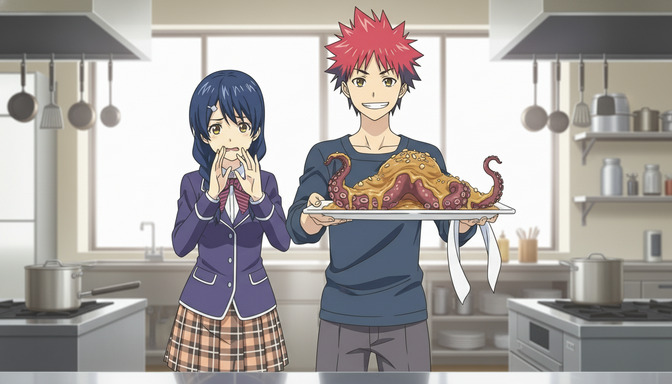
How to Turn an Anime Image Into a Video With AI in 2026
The quality of your anime video is decided before you generate a single frame. It is decided when you create your image.
Learn how to turn an anime image into a video with AI in 2026. Step-by-step guide covering image creation, prompt writing, camera movement, character actions, and building complete anime sequences.
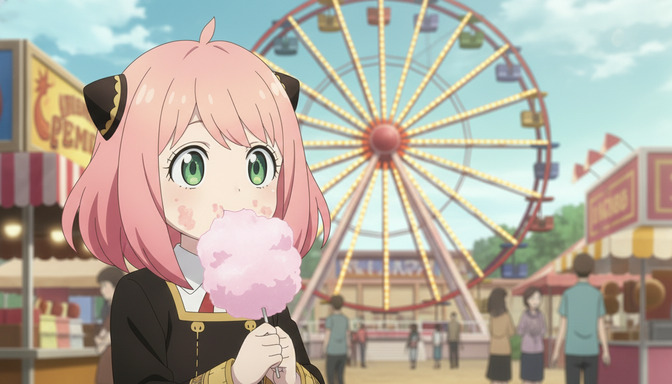
From Character to Storyboard: Create Your First AI Anime Story Step-by-Step
Most people want to make an anime story but don't know where to start. Start here.
Create your first AI anime story from scratch. Step-by-step guide covering character design, story concept, script writing, storyboarding, image generation, and video generation with AutoWeeb.
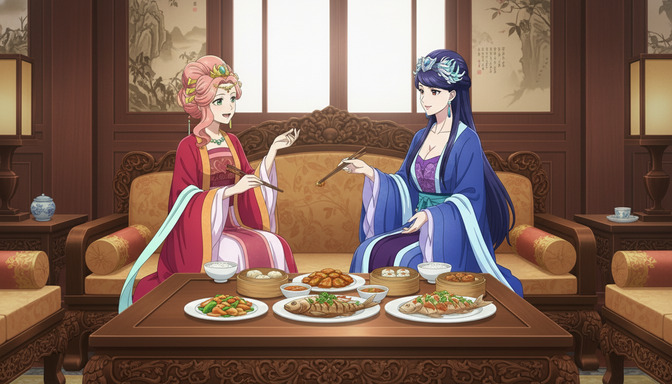
How to Maintain Character Consistency in Seedance 2.0 Videos
The character who looks perfect in scene one should look exactly the same in scene seven. That does not happen by accident.
Learn how to maintain character consistency in Seedance 2.0 videos. Character sheets, reference images, prompt techniques, and storyboarding for multi-scene anime projects.
Explore AutoWeeb
Jump into the tool that fits your creative step.
AI Anime Video Generator
Animate storyboard shots into cinematic clips with Seedance 2 and consistent characters.
Anime Character Creator
Design original characters with consistent sheets across every scene.
AI Anime Image Generator
Generate cinematic anime stills anchored to your character library.
Turn Photo Into Anime
Upload any photo and watch AI turn it into stunning anime art in seconds.
AI Anime Location Generator
Create a location set once, then generate reference images from every angle.
AI Anime Storyboarding
Describe your idea, pick your characters, and let AI draft the script and scenes.
AI Anime Prompt Agent
Turn a rough idea into a cinematic Seedance 2 prompt with the AI Director.