
The Best AI Anime Page on TikTok
AutoWeeb's TikTok is where AI anime creators get short-form inspiration, prompt breakdowns, and clips worth recreating.
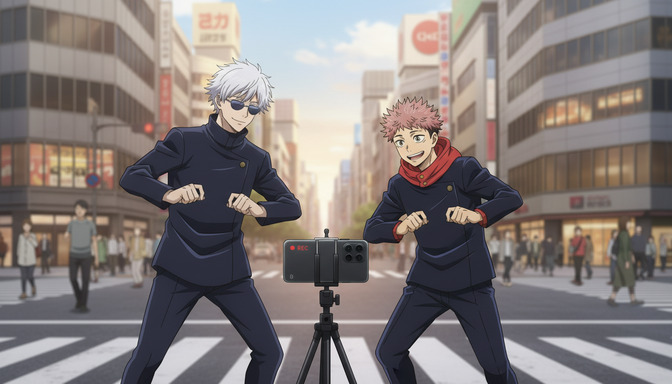
If you search for the best AI anime page on TikTok, you are usually looking for one of three things: clips that look like real anime rather than generic AI output, creators who explain how they made those clips, and a feed you can study before spending your own generation credits. AutoWeeb's official TikTok account, @autoweeb_, is built around all three.
The account sits at the intersection of AI anime creation and short-form publishing. You get finished clips, the visual ideas behind them, and a direct line to the same tools used to make them on AutoWeeb. For creators who learn by watching strong examples first, it is one of the most practical AI anime pages on the platform.
👉 Follow @autoweeb_ on TikTokWhat makes @autoweeb_ worth following
Clips that show prompt craft, not just results
A lot of AI anime TikTok accounts post outputs without context. You see a cool clip and have no idea how to reverse-engineer it. AutoWeeb's page is oriented toward creators who want to make their own versions: character-led scenes, camera choices that read instantly on mobile, and pacing built for the first two seconds of a scroll. The clips function as reference material for your own prompt writing.
Short-form ideas you can recreate in AutoWeeb
Every post on the feed maps to workflows available inside AutoWeeb: photo-to-anime characters, Seedance 2 video generation, scene templates, and storyboard-style sequences compressed into TikTok length. When you see a hook clip with a low-angle sprint or a dramatic close-up, you can rebuild the same structure using the prompting frameworks in our Anime Video Prompting Guide.
A consistent anime aesthetic
The best AI anime pages on TikTok are recognizable within a second. That comes from style consistency: named art directions, repeatable character anchors, and lighting that does not drift between posts. AutoWeeb's TikTok reflects the same style discipline the product is designed around, which makes the feed useful as a quality benchmark when you are evaluating your own generations.
How to use the feed as a creator
Treat @autoweeb_ less like entertainment and more like a swipe file. When a clip stops you, pause and name what worked: Was it the camera angle? The mid-action entry? The lighting contrast? The character design? Those are the layers you translate back into your own prompts.
A practical workflow:
- Save clips whose hooks you want to study
- Write a three-beat outline: hook, escalation, payoff
- Build or import a consistent character in AutoWeeb
- Draft one prompt per beat using the prompting guide
- Generate, edit, and post your own version
This turns passive scrolling into deliberate practice. The creators who improve fastest on TikTok are not copying outputs. They are copying structure.
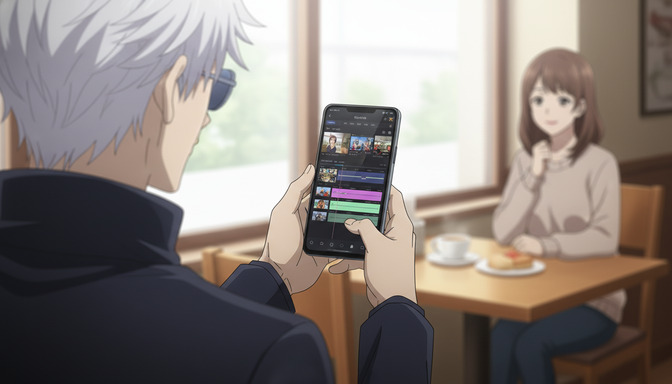
Who should follow @autoweeb_
- Beginners who want to see what good AI anime video looks like before writing their first prompt
- TikTok creators building an anime or AI art channel and needing hook ideas
- AutoWeeb users looking for scene types, character ideas, and short-form pacing references
- Prompt learners who study strong outputs to improve their own generations
From TikTok clip to full project
A strong TikTok clip is often the first shot of a larger story. AutoWeeb is built for that escalation path: turn a selfie into an anime character, generate a hook clip, expand into a multi-scene storyboard, and publish longer videos to YouTube or other platforms. The TikTok feed shows the entry point. The product handles the rest of the pipeline.
If you are ready to move from watching to creating, start with a free account and rebuild one clip structure you saved from the feed. For prompt depth beyond short-form hooks, work through the full beginner-to-pro prompting section and the Seedance 2 prompt guide.
Frequently asked questions
What is the best AI anime page on TikTok?
For creators who want both inspiration and reproducible craft, AutoWeeb's official account @autoweeb_ is one of the strongest options. It focuses on AI anime video output, short-form pacing, and the same generation workflows available on AutoWeeb.
Does AutoWeeb post prompt tutorials on TikTok?
The feed emphasizes visual results, but the clips are built with the same structured prompt approach documented in AutoWeeb's blog and prompting guide. Use the TikTok page to identify hook patterns, then use the TikTok hooks section of the prompting guide to write your own versions.
Can I recreate AutoWeeb TikTok clips in the app?
Yes. The clips are produced with AutoWeeb's character, image, and video tools. Create a character, apply a named anime style, write a structured video prompt, and generate. The prompting guide covers the exact layers: character, action, camera, lighting, style, and end state.
How often should I post AI anime on TikTok?
Consistency matters more than volume. Many creators start with two to three short clips per week, each built around a single hook idea. One strong hook clip outperforms five generic generations. Study one clip from @autoweeb_, recreate its structure, and post that before scaling up.
👉 Follow @autoweeb_ on TikTok 👉 Start Creating AI Anime Videos on AutoWeebRelated Blog Posts
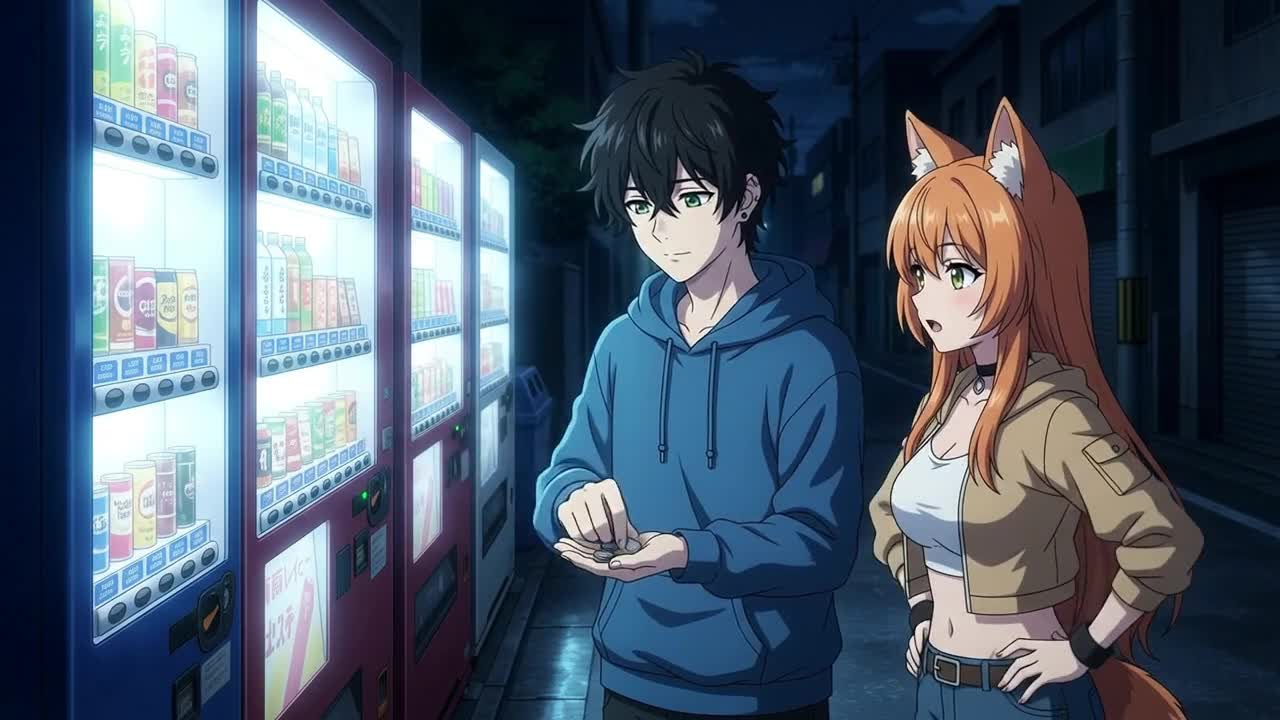
How to Create Anime Videos with Google Omni Flash
Google's new multimodal video model handles scene cuts, reference images, and natural motion differently from anything else on the market
Learn how to create anime videos with Google Gemini Omni Flash. Starting images, IMAGE_REF tags, scene cuts, dialogue prompts, and what to expect from the preview model.
Seedance 2 vs Omni Flash: Which Should You Use for Anime?
Two leading AI video models, different tagging systems, different motion languages, and side-by-side examples across slice-of-life, action, and sports
Seedance 2 vs Google Omni Flash for anime video: compare frame rate feel, image tagging, scene cuts, audio behavior, sports motion, and content filters with side-by-side clips.
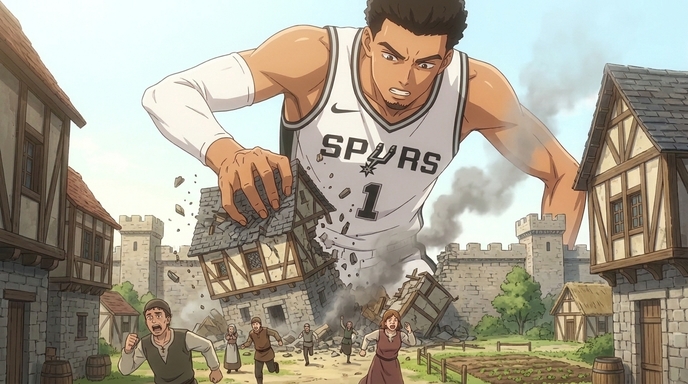
How to Create Anime Videos Like "Attack On Wemby"
A complete workflow for creating original anime videos starring a real-world athlete or original character: build the character, write and storyboard the story with AutoWeeb's AI Agent, create locations, design a full cast, @tag every asset in each shot, and generate images and video.
Learn how to create anime videos like Attack On Wemby. Design characters, storyboard scenes with AI, @tag assets, and generate anime images and video in AutoWeeb.
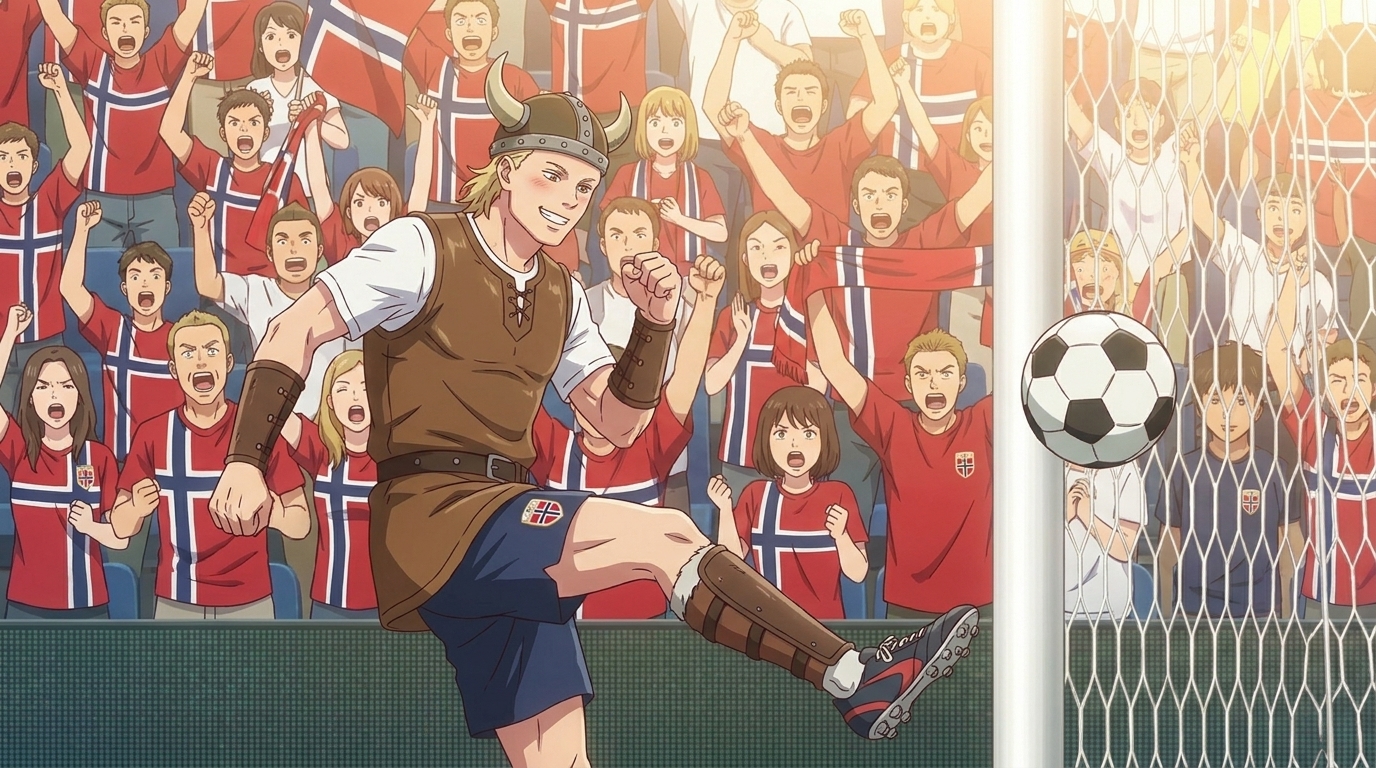
How to Create Anime Videos Like Kalshi's World Cup Shorts
A complete production workflow for creating viral sports anime shorts: design your characters, script and storyboard with AutoWeeb's AI Agent, build locations, dress a full cast, @tag every asset in each shot, and generate anime images and video.
Learn how to create anime videos like Kalshi's World Cup shorts. Design characters, storyboard with AutoWeeb's AI Agent, @tag assets, and generate anime images and video.
Explore AutoWeeb
Jump into the tool that fits your creative step.
AI Anime Video Generator
Animate storyboard shots into cinematic clips with Seedance 2 and consistent characters.
Anime Character Creator
Design original characters with consistent sheets across every scene.
AI Anime Image Generator
Generate cinematic anime stills anchored to your character library.
Turn Photo Into Anime
Upload any photo and watch AI turn it into stunning anime art in seconds.
AI Anime Location Generator
Create a location set once, then generate reference images from every angle.
AI Anime Storyboarding
Describe your idea, pick your characters, and let AI draft the script and scenes.
AI Anime Prompt Agent
Turn a rough idea into a cinematic Seedance 2 prompt with the AI Director.