
From Idea to Anime: Why AutoWeeb Is the Best AI Anime Pre-Production Studio
AutoWeeb replaces the entire traditional anime pre-production pipeline with a single AI-powered workspace, so solo creators and small teams can take a story from concept to production-ready storyboard without switching tools.
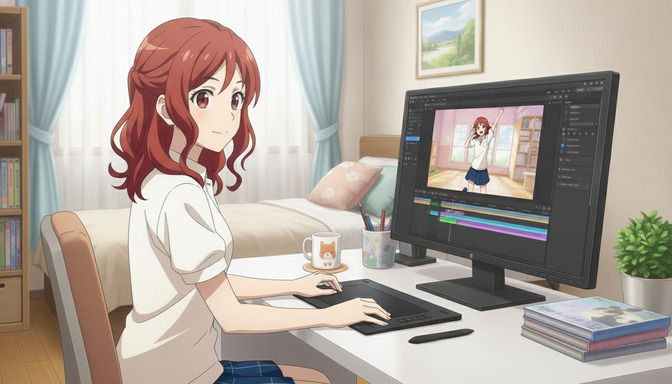
Every anime series starts the same way: a single idea. A character with a specific silhouette and a reason to fight. A world with rules that matter. A story arc that earns its ending. The gap between that idea and a production-ready storyboard is where most creators get stuck, not because the vision is wrong, but because the traditional tools required to bridge that gap were built for studios with full teams, not for the solo creator or small group who wants to build something original.
AutoWeeb was designed to close that gap. It is an AI anime pre-production studio that covers the entire creative pipeline: script development, character creation and character sheets, location design, props and assets, storyboarding, image generation, and video generation. All of it in one place, with the same characters carrying through every stage.
Why Traditional Anime Pre-Production Is So Hard to Do Alone
Professional anime production is a coordinated industrial process. A typical episode passes through separate departments for scriptwriting, character design, setting design, prop design, storyboarding, key animation, in-between animation, coloring, background painting, compositing, and sound. Each department requires specialists who have trained for years in their specific craft. That pipeline works at scale, backed by studio infrastructure and budgets that make individual episodes cost hundreds of thousands of dollars to produce.
For an independent creator, that structure is both the model and the problem. The pipeline exists because anime requires all of those components to tell a coherent visual story. A character who looks different from one scene to the next breaks the viewer's trust. A location that doesn't match its establishing shot breaks the internal logic of the world. Storyboard panels that don't carry the same character, costume, and expression from frame to frame make the story impossible to follow. Traditional pre-production tooling, industry-grade software, physical reference sheets, professional illustration workflows, assumes a team.
The common workaround for solo creators has been to assemble a patchwork of separate tools: a general-purpose AI image generator for characters, a spreadsheet for tracking scene notes, a storyboard app with no connection to the images, a video generator that has never seen the character design. The result is a lot of coordination overhead and a persistent consistency problem. Characters drift. Locations don't match. The story exists across a half-dozen disconnected files and the creator spends more time managing the workflow than actually making anime.
The AutoWeeb Approach: One Pipeline, One Workspace
AutoWeeb replaces that patchwork with a single integrated AI anime workflow. Every tool in the platform is designed to work with the same creative project, which means the character sheet built at the beginning of the process is the same visual reference that governs storyboard generation, scene image generation, and video animation. The pipeline is not a set of separate tools bolted together; it is one workspace where information created at any stage is available to every other stage.
From Script to Character Sheet: Building the Foundation
Script and story development
AutoWeeb's AI Agent is the entry point for story development. Creators describe their concept in natural language: a post-apocalyptic city where music is illegal, a high school girl who discovers she can see the memories of objects she touches, a warrior monk who defected from his order and is now being hunted by the student he trained. The Agent asks structured follow-up questions about world rules, narrative arc, tone, and character relationships. What comes out of that conversation is not just an idea; it is a structured story document that informs every visual decision downstream.
This matters for AI anime creation specifically because the best-looking storyboard in the world communicates nothing if the story underneath it is vague. The Agent structures the work before the first image is generated, which means the images that come later are illustrating something specific rather than decorating a mood.
Character creation and character sheets
The character sheet is the most critical asset in any anime pre-production pipeline. It is the visual contract for every person in the story: exact hair color and style, eye shape and iris color, clothing down to the wear patterns, proportions, and the specific expression that belongs to this character in a tense moment versus a quiet one. In professional studios, character sheets are hand-drawn by the character design department and distributed to every other department as production bibles.
In AutoWeeb, character sheets are generated by the AI from the description developed in the story phase. Specify that Rei has waist-length silver hair with two braids framing her face, pale amber eyes with a slightly downturned outer corner, a worn navy training gi with a torn right sleeve, and a tattoo of a compass on her left wrist, and AutoWeeb stores that definition as a saved character. Every subsequent scene that tags Rei generates her to that spec. The guide on how AutoWeeb's AI Agent helps you create better original anime characters walks through the full character development process.
Location design and world-building assets
Anime worlds are defined as much by their settings as their characters. The crumbling shrine at the edge of a city that has forgotten its history. The overcrowded ramen stall that appears in every slice-of-life pivotal conversation. The clifftop where the third act always finds its resolution. AutoWeeb lets creators build location assets with the same persistence logic as characters: define the visual identity of a setting once, tag it in scenes, and the generator treats it as a fixed reference rather than a prompt to interpret fresh each time.
Props and supporting visual assets work the same way. A specific sword design, a notebook that appears across multiple scenes, a vehicle with a distinctive paint job: these become part of the project's asset library rather than details that have to be re-prompted from memory each time they appear.
Storyboarding, Image Generation, and Video
Storyboard workspace
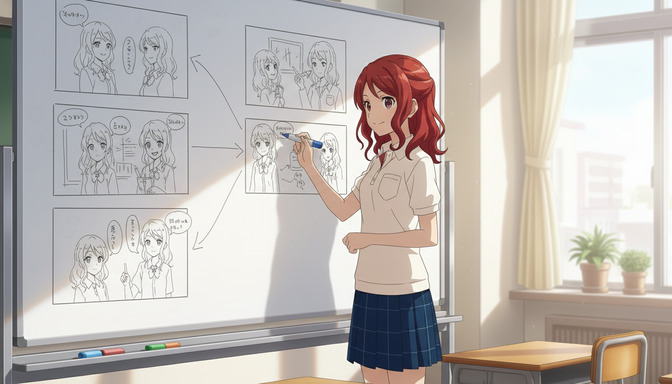
AutoWeeb's storyboard workspace is where the script becomes a visual sequence. Creators lay out scenes in panel order, assign characters and locations from the project's asset library, and describe the action in each frame. The platform generates storyboard images for each panel using the saved character and location definitions, so the protagonist looks identical in panel three as she does in panel thirty. Framing notes, camera angle descriptions, and scene transitions can all be captured alongside the visuals.
For a 24-minute anime episode, a professional storyboard might run to 400-600 individual panels. AutoWeeb won't replace the craft judgment that goes into each of those panel decisions, but it dramatically compresses the production time required to generate and iterate on them. A solo creator who previously needed weeks to produce a rough storyboard can work through a full episode structure in days, with the visual quality needed to communicate the story to collaborators, pitch to an audience, or use as a production reference.
Image generation with style control
AutoWeeb's style library covers the full range of anime visual genres. Slice-of-life warm linework. Shonen high-contrast action framing. Seinen muted color with heavy shadow. Magical girl sequences with saturated palette and motion trails. Applying a style to a project means every generated image in that project reflects the same visual grammar, which is how a storyboard starts to feel like the opening of a real episode rather than a collection of AI-generated images.
The Improve Prompt feature converts natural creative descriptions into generation-ready anime prompts. A note like "Rei is exhausted and trying not to show it, standing at the edge of a courtyard at dusk" becomes a structured prompt that the generator understands as a specific compositional and lighting brief. This removes the technical prompt-engineering overhead that often slows down creators who know their story clearly but aren't fluent in image model prompt syntax.
Video generation
Approved storyboard frames can be sent through AutoWeeb's image-to-video pipeline to generate animated clips. The integration uses the character sheet data to maintain visual identity through motion, so Rei's silver hair and worn navy gi read correctly in the animated version of the scene, not as a generic anime character who shares her general silhouette. For creators building an animatic, a short-form anime episode, or a pitch reel, this closes the loop from static storyboard to moving production content without requiring a separate animation tool.
Why This Matters for Solo Creators and Small Teams
The traditional anime production pipeline was designed around professional specialization. Each stage required a different expert. That structure makes the pipeline robust at scale, but it also means that anyone working alone or with a small group has historically been locked out of producing anime at a production-quality level. They could make fan art. They could make individual illustrations. They could not produce a coherent pre-production package for an original story without years of training or a budget to outsource each stage.
AutoWeeb changes that constraint. A solo creator with a strong story idea can now run the full pre-production pipeline without specialized illustration skills, without switching between six different tools, and without spending time reconstructing visual references that should have been persistent from the start. Small teams of two or three people can divide creative responsibilities and work within the same project, with shared character assets and a storyboard workspace that keeps everyone aligned on the visual direction. The guides on how character tagging accelerates storyboarding and upgrading existing character sheets cover specific workflow strategies in more detail.
Step-by-Step: Building an Anime Episode in AutoWeeb
- Develop the story with the AI Agent. Describe the concept, the main character, the world, and the emotional arc of the episode. Answer the Agent's follow-up questions to produce a structured story outline.
- Create character sheets. Build a persistent visual definition for each named character. Specify hair, eyes, clothing, proportions, and any signature visual details. Save each character to the project library.
- Define locations and assets. Describe the key settings for the episode and any props that appear across multiple scenes. Save these to the project as persistent location and asset references.
- Select an anime style. Choose the visual genre from AutoWeeb's style library that matches the tone of the story. A school drama and a supernatural action series call for different visual grammars.
- Build the storyboard. Lay out the episode in panel order. Tag characters and locations from the library for each panel. Use the Improve Prompt feature to convert scene descriptions into generation-ready prompts. Generate images for each panel.
- Review and iterate. Adjust framing, camera angles, and composition. Regenerate panels where needed. Use the storyboard as a pitch document, production reference, or direct input for the next stage.
- Generate video clips. Send approved panels to the image-to-video pipeline to produce animated clips for key scenes. Assemble the animatic or pitch reel from the generated footage.
Frequently Asked Questions
Do I need illustration skills to use AutoWeeb for anime pre-production?
No. AutoWeeb's AI generates all visual assets from text descriptions. Strong storytelling instincts and a clear visual idea of your characters and world are more valuable than drawing ability. The AI Agent helps structure the story, and the Improve Prompt feature translates natural scene descriptions into generation-ready prompts.
How does character consistency work across storyboard panels?
AutoWeeb uses saved character sheets as persistent visual references. Once a character is defined and saved, every scene that tags that character generates them from the same visual specification. Hair color, eye shape, clothing, and proportions remain consistent across every panel without having to re-prompt the description each time.
Can AutoWeeb handle a full episode's worth of storyboard panels?
Yes. The storyboard workspace is designed for multi-scene, multi-panel projects. There is no hard limit on the number of panels per project, and the character and location library scales with the scope of the episode. Creators working on a full 24-minute episode structure can build out the complete panel sequence within a single project.
What AI anime styles are available for pre-production projects?
AutoWeeb's style library covers a wide range of anime visual genres, including slice-of-life, shonen action, seinen drama, magical girl, mecha, and more. Applying a style to a project ensures that every generated image, character scene, and storyboard panel reflects a consistent visual grammar.
Can I use my own existing character designs with AutoWeeb?
Yes. AutoWeeb supports importing existing character artwork and using it as the reference foundation for building a character sheet. The guide on upgrading existing character sheets in AutoWeeb walks through the process of bringing existing designs into the platform.
Is AutoWeeb suitable for small teams working on the same project?
Yes. Projects in AutoWeeb support shared character libraries and storyboard workspaces, which means a small team can divide creative roles while working from the same visual references. One person can handle character development while another builds the storyboard, and both are working from the same character sheet definitions.
How is AutoWeeb different from using separate AI tools for each stage of production?
The core difference is integration. When each stage of pre-production lives in a separate tool, character definitions have to be reconstructed from scratch for each new generation, visual consistency degrades across tools, and the creator spends significant time managing the workflow instead of building the story. AutoWeeb keeps every stage connected to the same project data, so the character sheet built in stage one governs every image in stage five and every video clip in stage seven automatically.
For more on building original characters before storyboarding, the post on how AutoWeeb's AI Agent helps you create better original anime characters covers the full character development workflow in detail.
Related Blog Posts
AutoWeeb vs ChatGPT Image: Which AI Tool Is Better for Creating Consistent Anime Characters and Stories?
ChatGPT Image generates impressive one-off anime art. AutoWeeb is built for anime creators who need the same character to look right across every scene, storyboard panel, and video clip.
AutoWeeb vs ChatGPT Image for anime creation in 2026. Compare character consistency, storyboarding, anime styles, video generation, and which platform is right for your creative workflow.
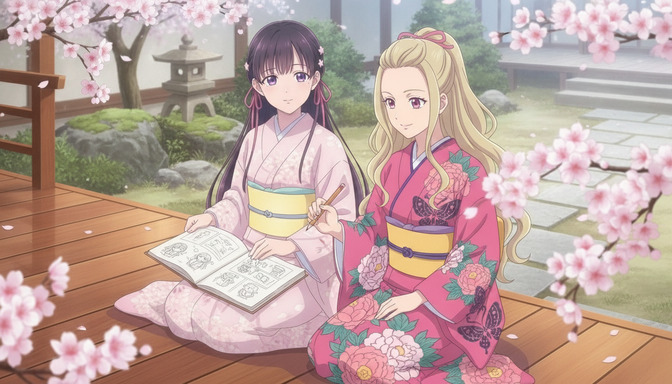
AutoWeeb vs Gemini: The Better AI Platform for Anime Images, Characters, and Videos
Gemini generates impressive images across many styles. AutoWeeb is built to produce the same anime character, consistently, across every image, storyboard panel, and animated video clip you need.
AutoWeeb vs Gemini for anime creation: compare image generation, character sheets, storyboarding, and video. Find out which AI platform is better for anime creators in 2026.
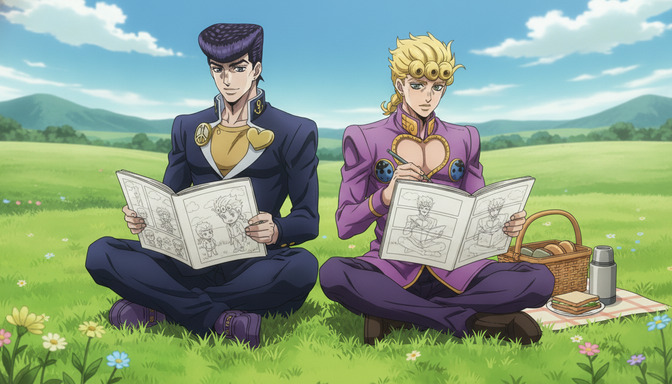
AutoWeeb vs Midjourney: Which AI Tool Is Better for Anime Storytelling and Character Consistency?
Midjourney generates some of the most visually stunning AI images available. AutoWeeb is built to take a specific anime character through an entire story, consistently, without rebuilding them from scratch every session.
AutoWeeb vs Midjourney for anime storytelling: compare character consistency, storyboards, image-to-video, and anime-specific workflows. Find the best AI tool for anime creators in 2026.
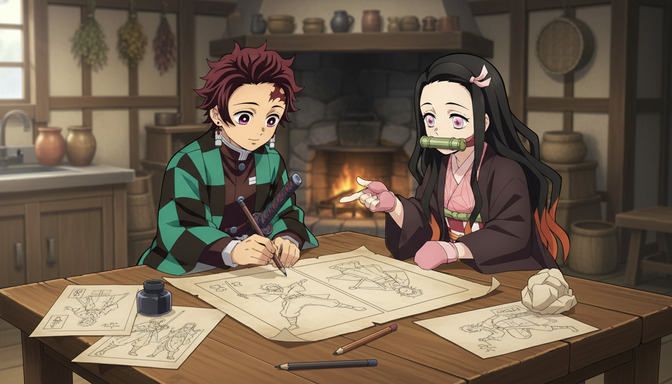
AutoWeeb vs Niji Journey: Which Anime AI Generator Is Best for Building Characters and Stories?
Niji Journey produces genuinely impressive anime artwork. AutoWeeb is built to take that character through an entire story, scene by scene, with the same face and outfit every time.
AutoWeeb vs Niji Journey for anime character creation and storytelling: compare consistency, storyboarding, image-to-video, and full creative workflows. Best anime AI generator in 2026.
Explore AutoWeeb
Jump into the tool that fits your creative step.
AI Anime Video Generator
Animate storyboard shots into cinematic clips with Seedance 2 and consistent characters.
Anime Character Creator
Design original characters with consistent sheets across every scene.
AI Anime Image Generator
Generate cinematic anime stills anchored to your character library.
Turn Photo Into Anime
Upload any photo and watch AI turn it into stunning anime art in seconds.
AI Anime Location Generator
Create a location set once, then generate reference images from every angle.
AI Anime Storyboarding
Describe your idea, pick your characters, and let AI draft the script and scenes.
AI Anime Prompt Agent
Turn a rough idea into a cinematic Seedance 2 prompt with the AI Director.