
Dark Elf Anime Character Generator: Turn Your RPG Character Into Anime
Upload a screenshot, miniature, drawing, or fantasy avatar. AutoWeeb turns your dark elf into polished anime art that keeps skin tone, ears, armor, tattoos, and weapons recognizable.
Your dark elf already survived character creation, three sessions of loot decisions, and at least one argument about whether white hair reads better than silver. Maybe you built them in Hero Forge with a specific pauldron shape. Maybe your mini arrived painted with violet skin and a fur collar you described twice in your backstory. Maybe you only have a VTT token and a notebook sketch, but the pointed ears and blade type are non-negotiable. The question is not whether a dark elf anime character would look impressive. The question is how to get there without the AI inventing a generic elf who lost the ears, the skin tone, or the weapon your sheet lists.
A dark elf character generator workflow that starts from your existing reference solves that. Upload a screenshot, miniature photo, drawing, or fantasy avatar and AutoWeeb reads the design details that define a dark elf in play: skin tone, ear length, hair color, armor layers, tattoos, weapons, and magical accents. The photo-to-anime converter treats your upload as a character reference, not a blank prompt. Lock the result in a character sheet and generate new dark elf character art without drifting off-model every time you need a portrait or battle scene.
👉 Upload Your Dark Elf Reference on AutoWeebWhat you can upload as a dark elf reference
Most RPG workflows already produce a visual you can screenshot or photograph. Any clear image works when the traits that make your dark elf recognizable are visible in the frame.
- Character creator screenshot: Hero Forge, Eldritch Foundry, Baldur's Gate avatar screen, or MMO character builders. Frame the full figure with ears, face, and gear unobstructed.
- Painted miniature photo: Photograph against a plain background with soft, even light. Capture ear tips and pauldron detail from a slight angle.
- Hand-drawn sketch or commission: Pencil, ink, or digital art at high resolution. Note skin tone and hair color in the margins if the scan is grayscale.
- Game screenshot or VTT portrait: In-game captures from RPGs, CRPGs, or MMOs. Hide UI before saving the file.
- Fantasy avatar render: 3D avatar tools, VRoid exports, or existing fan art that already nails the face and armor.
You do not need a professional illustration to start. You need a readable image of the dark elf you play. The D&D character to anime guide covers similar upload sources for tabletop players, and the dark fantasy character art guide covers broader gothic archetypes like vampires and necromancers.
Dark elf details worth preserving
Dark elves share pointed ears with surface elves, but the rest of the design varies widely: ashen skin, violet skin, white hair, black plate, facial markings, and underworld jewelry. Random generation averages those choices away. Character conversion keeps the combination you picked.
- Skin tone: Pale gray, lavender, deep violet, or near-black. Name the tone in your character description so it stays consistent across lighting changes.
- Hair: White, silver, black, or purple. Length, braid placement, and bang shape matter for portrait recognition.
- Ears: Length and angle relative to the jawline. Ears hidden by hair or helms are the most common conversion failure.
- Armor: Layered leather, ornate plate, pauldron shape, gorget gems, and cape or mantle trim.
- Tattoos and markings: Cheek sigils, forehead runes, and glowing facial lines. Specify placement, not just "has tattoos."
- Weapons: Longsword vs. dual blades vs. staff. Enchanted glow color is part of identity for spellblade builds.
- Magical details: Staff orbs, aura color, crown filigree, horn accessories on gothic nobility builds, and jewelry that signals rank or patron deity.
If the converter drops your ear length or shifts violet skin toward generic tan, the output might still look like nice dark elf anime art. It will not look like your character. AutoWeeb reads those elements as design features to preserve. Lock them in a character sheet and every future portrait, combat scene, and throne room still reads as the same person.
Example dark elf anime outputs
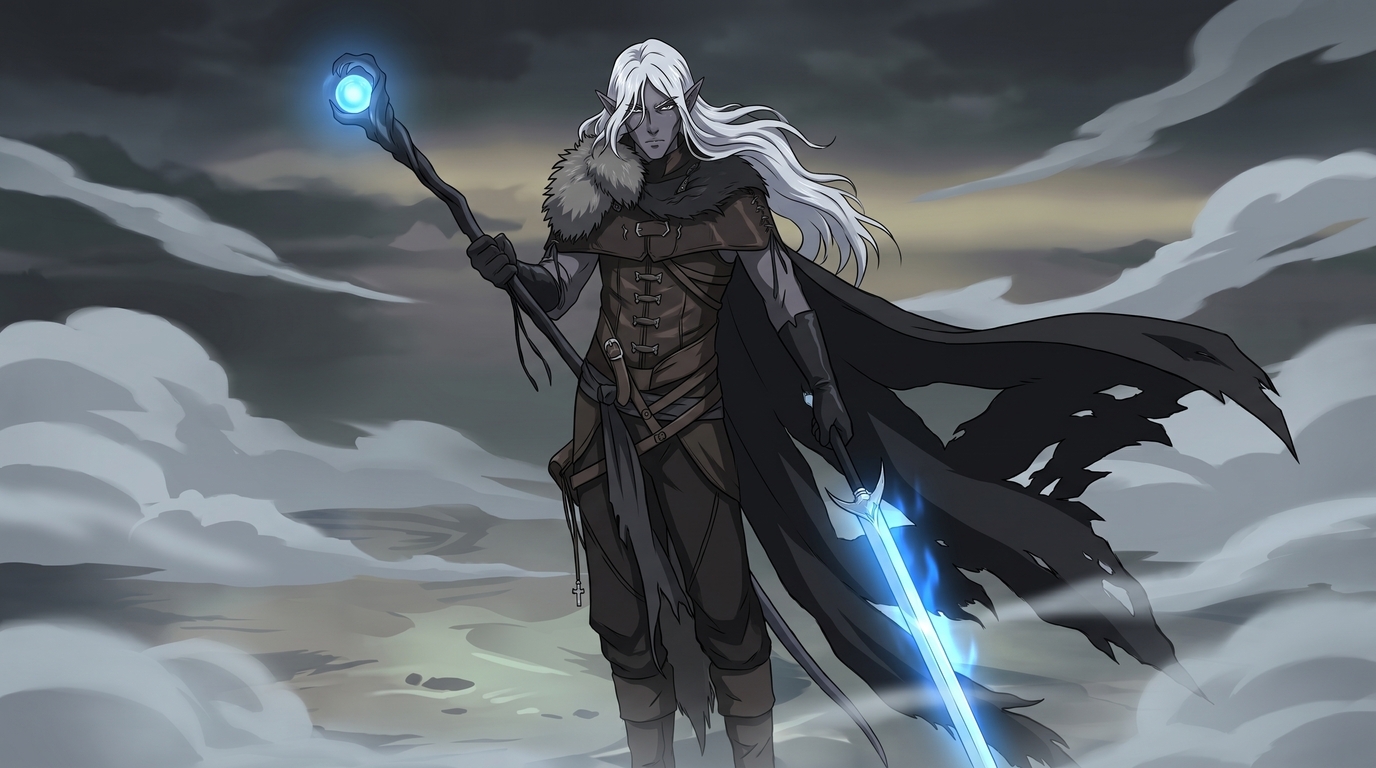
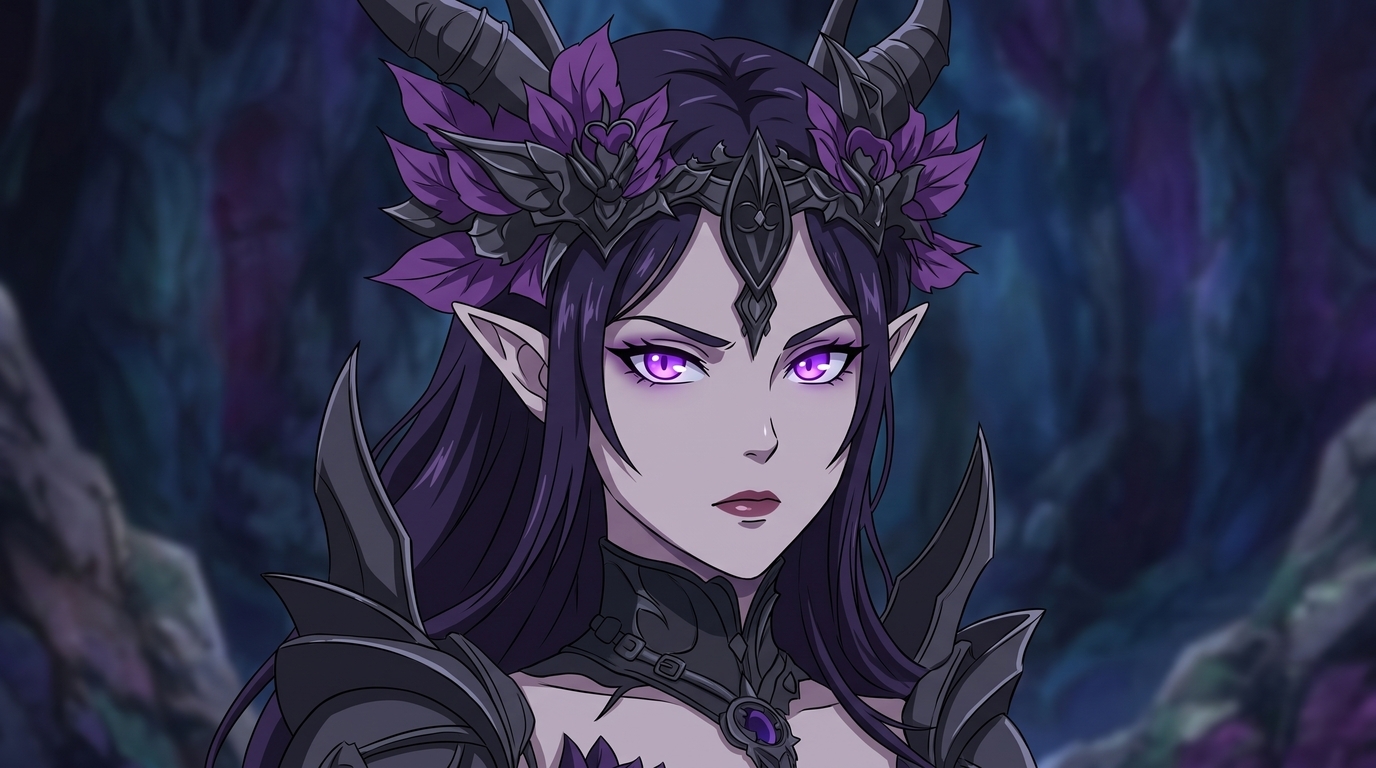
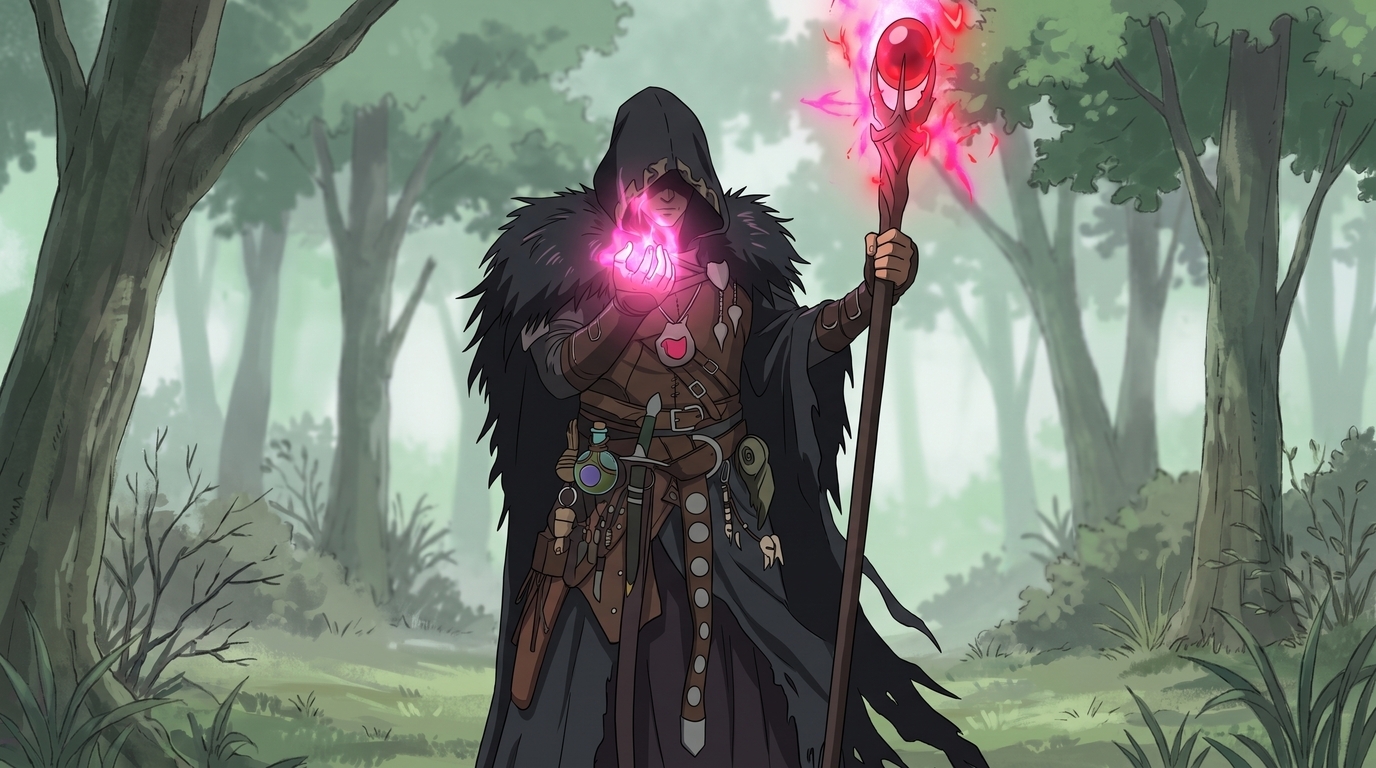
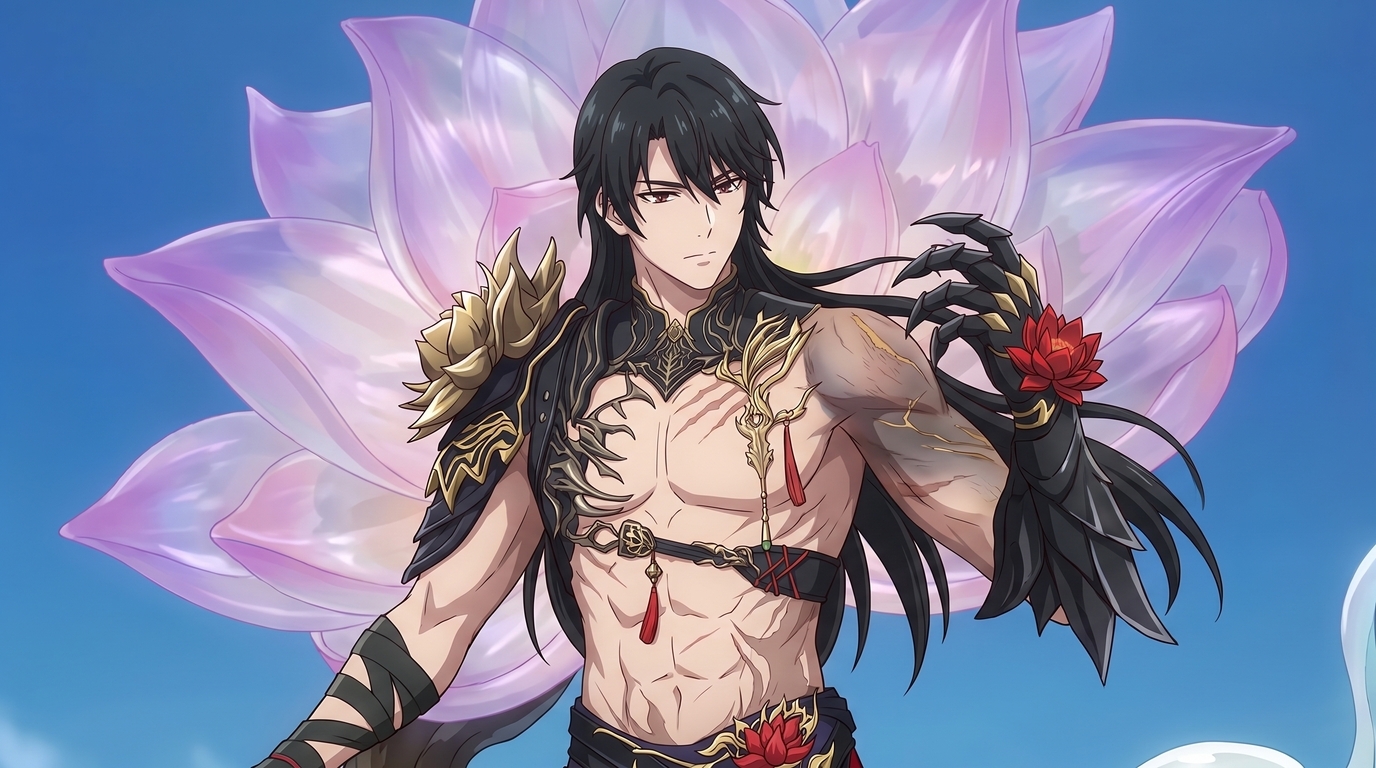
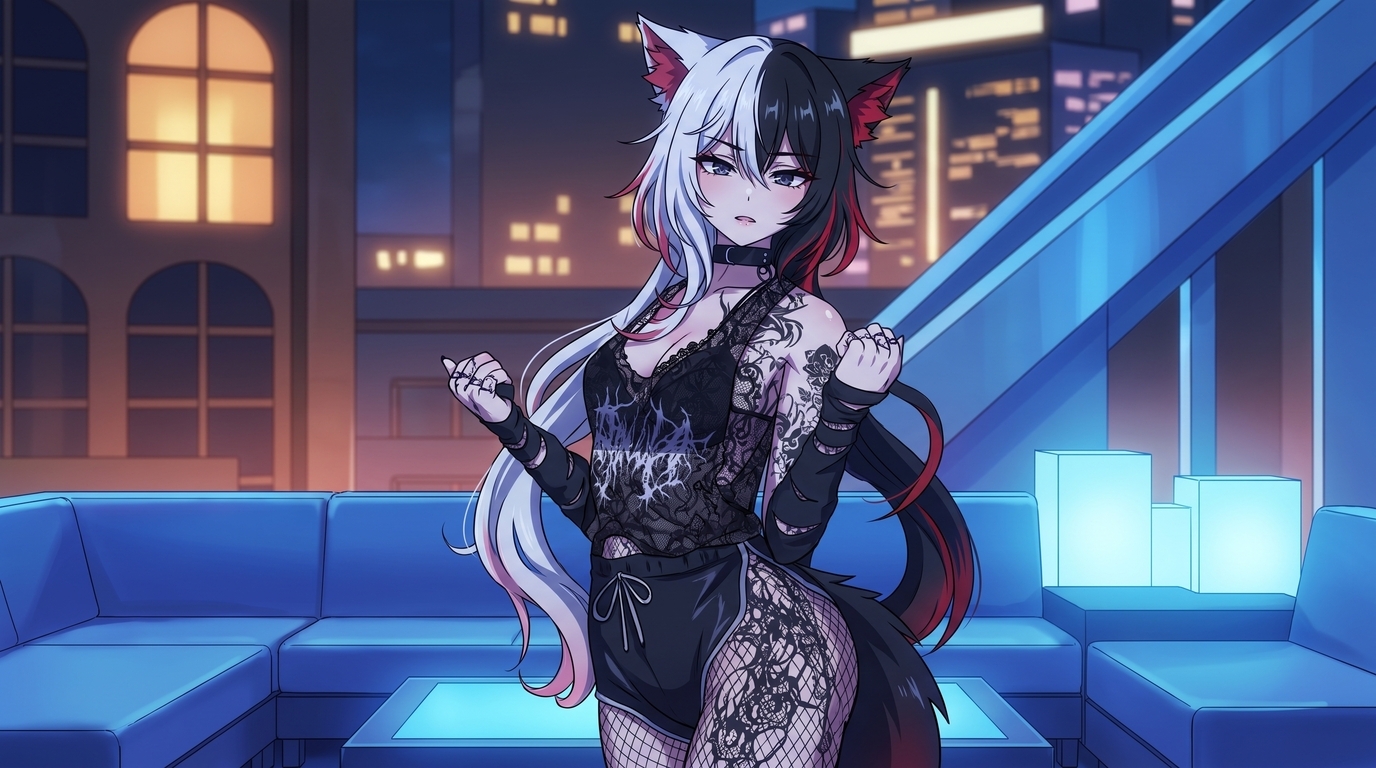
Each image below is a finished example of what AutoWeeb produces from dark fantasy character references. They show different output types: cinematic combat, gothic portrait, and spellcasting scene. What they share is preserved dark elf identity details carried through into polished 2D art.
Step 1: Upload your dark elf reference
Open AutoWeeb's photo-to-anime tool and upload your best reference image. Use the highest resolution file you have. Frame the character so pointed ears, face, hair, torso armor, and primary weapons are visible. For mini photos, shoot against a plain background with even light. For character creator screenshots, hide UI elements and capture at full size.
Step 2: Choose a dark fantasy anime style
Open the style selector and try two or three styles on the same reference before you commit. Dark elves usually read best in dark fantasy rendering with cool shadows and clean linework that keeps ear tips and armor edges sharp.
Prompts that help steer the conversion:
- dark elf anime portrait, pale violet skin, long pointed ears, white hair, glowing purple eyes, ornate black crown, dark fantasy style
- full body dark elf warrior, white hair, fur collar, black cape, glowing blue longsword and staff, misty battlefield, cinematic lighting
- dark elf spellblade, facial markings, layered leather armor, enchanted weapon glow, gothic forest background
Step 3: Review and lock your character sheet
Run the conversion and compare the output to your source. Check ear length, skin tone, hair color, pauldron shape, tattoo placement, and weapon type. If something drifts, call out the missing detail in your prompt and regenerate. When the result matches, save it in AutoWeeb's Character Creator with a written description of every trait you need to stay consistent.
A locked character sheet turns a one-off conversion into a reusable dark elf character generator asset. You are not re-describing your build every time you need a new scene.
Step 4: Generate portraits, combat art, and campaign scenes
Once the design is locked, branch into the formats your table or project needs:
- Portraits and PFPs: Tight crops for Discord, Roll20 tokens, or social profiles. Ear tips and eye color stay sharp at small scale.
- Full-body standing art: Character introductions, player handouts, and reference sheets that show the full outfit.
- Combat scenes: Spellblades, rangers, and blade dancers in action with glowing weapons and dynamic poses.
- Gothic environments: Underdark caverns, obsidian throne rooms, moonlit ruins, and misty battlefields from photo packs or custom prompts.
- Cinematic stills: Wide compositions for campaign finales, rival confrontations, and story moments that need atmosphere without losing character detail.
Tips for the strongest results
- Show the ears. Push hair aside or choose a reference angle where ear length is obvious before you upload.
- Name skin tone and hair color together. "Violet skin, white hair" prevents the model from defaulting to generic fantasy palettes.
- Describe weapons by shape and glow. Specific blades and staff orbs survive scene changes better than vague labels.
- Keep fan art personal. Your custom dark elf is yours. Official game art and other players' characters need permission before public use.
For other gothic archetypes like vampires, necromancers, and cursed knights, read how to turn your dark fantasy character into anime art. For the full upload workflow across character types, start with how to turn any character into anime with AI.
Related Blog Posts
10 Types of Art Every VTuber Can Create From One Character
Profile images, banners, thumbnails, chibis, and more. One locked VTuber reference can fuel an entire channel art library without a new commission every week.
Discover 10 types of VTuber art you can create from one character reference: PFP, banner, thumbnail, chibi, reaction image, illustration, seasonal art, outfit variation, dramatic scene, and wallpaper.
Create Your Own Romance Fantasy Character With AI
Crown princes, villainesses, knights, and academy students. Build a romance fantasy character from a photo or transform your OC into polished manhwa-style art.
Create a romance fantasy character with AI using AutoWeeb. Generate otome isekai protagonists, villainess designs, manhwa-style love interests, and fantasy archetypes from a photo or existing OC.
How to Make Anime Art of Your VTuber Character
You already have the design. Upload a model screenshot or reference image and generate PFPs, thumbnails, social posts, and illustrations without rebuilding your character from scratch.
Learn how to make anime art of your VTuber character. Upload screenshots or reference images to create on-model PFPs, thumbnails, chibis, wallpapers, and seasonal art with AutoWeeb.
How to Turn Your VRChat Avatar Into an Anime Character
You spent hours on that look. A clean screenshot and AutoWeeb can turn it into polished 2D anime art that keeps every detail you care about.
Learn how to turn your VRChat avatar into anime art. Screenshot tips, example outputs, and a step-by-step workflow for PFPs, illustrations, and character sheets with AutoWeeb.
Explore AutoWeeb
Jump into the tool that fits your creative step.
AI Anime Video Generator
Animate storyboard shots into cinematic clips with Seedance 2 and consistent characters.
Anime Character Creator
Design original characters with consistent sheets across every scene.
AI Anime Image Generator
Generate cinematic anime stills anchored to your character library.
Anime Filters
Upload any photo and apply AI anime filters to turn it into stunning anime art in seconds.
AI Anime Location Generator
Create a location set once, then generate reference images from every angle.
AI Anime Storyboarding
Describe your idea, pick your characters, and let AI draft the script and scenes.
AI Anime Prompt Agent
Turn a rough idea into a cinematic Seedance 2 prompt with the AI Director.