
How to Turn Yourself Into an Otome Game Character
Upload a photo and step into the world of aristocratic ballrooms, academy hallways, and princely love interests rendered in polished otome game art.
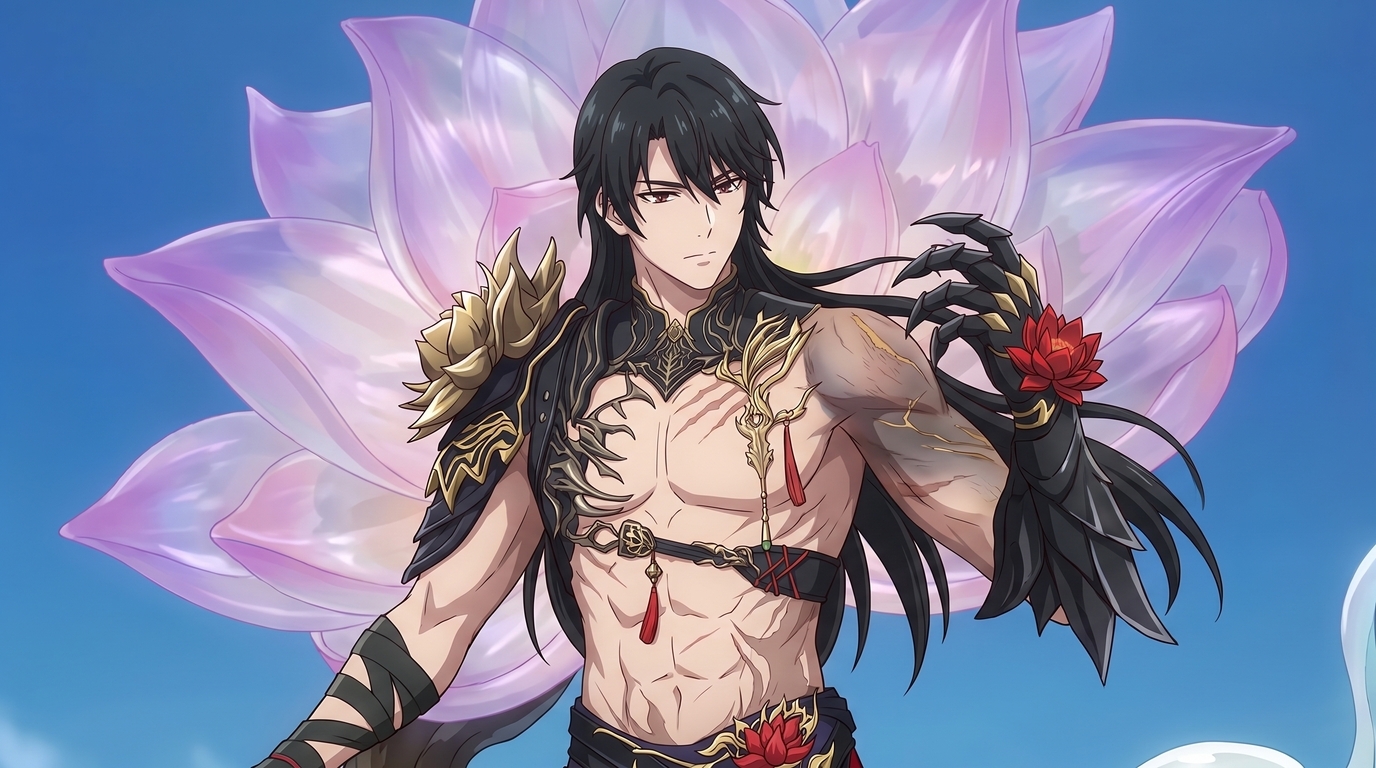
Otome games sell a specific fantasy. You are not watching someone else's story from the outside. You are the protagonist at the center of it, surrounded by beautifully illustrated love interests in ballrooms, academy courtyards, and moonlit gardens. Every route has its own aesthetic: the cold duke with roses on his lapel, the academy rival who only softens for you, the villainess rival whose gown costs more than your entire wardrobe. The art is the hook. Polished linework, luminous eyes, layered fashion, and backgrounds that feel like a CG still from a premium romance title.
AutoWeeb's photo-to-anime converter and character creator let you step into that world. Upload a selfie, a cosplay photo, or an existing character design and generate otome-inspired character art that keeps your face, hair, and silhouette while dressing you in the elegant fashion and fantasy settings romance games are known for. The result is an otome avatar you can use as a PFP, character sheet, or the foundation for illustrated scenes.
👉 Create Your Otome Game Character on AutoWeebWhat makes otome game character art different
Otome character art is not generic anime. It has a recognizable visual language: soft gradients on skin, detailed fabric rendering, jewelry and accessories that read at portrait scale, and expressions calibrated for romance. Love interests are designed to feel aspirational. Protagonists are designed to feel like someone you could be, but elevated: better hair, better lighting, a gown or uniform that fits the setting perfectly.
An otome character generator needs to understand that language. Flat photo filters turn everyone into the same pastel portrait. AutoWeeb treats your upload as a character design brief. It preserves your features and builds the otome layer on top: the ruffled collar, the academy blazer, the villainess tiara, the ballroom lighting. You choose the romance subgenre and the art style does the rest.
Romance settings and aesthetics to explore
Otome games span a wide range of fantasy worlds. AutoWeeb lets you target any of them with prompts and style selection. Here are the aesthetics fans search for most often when building an otome game character.
Aristocratic fantasy and princely love interests
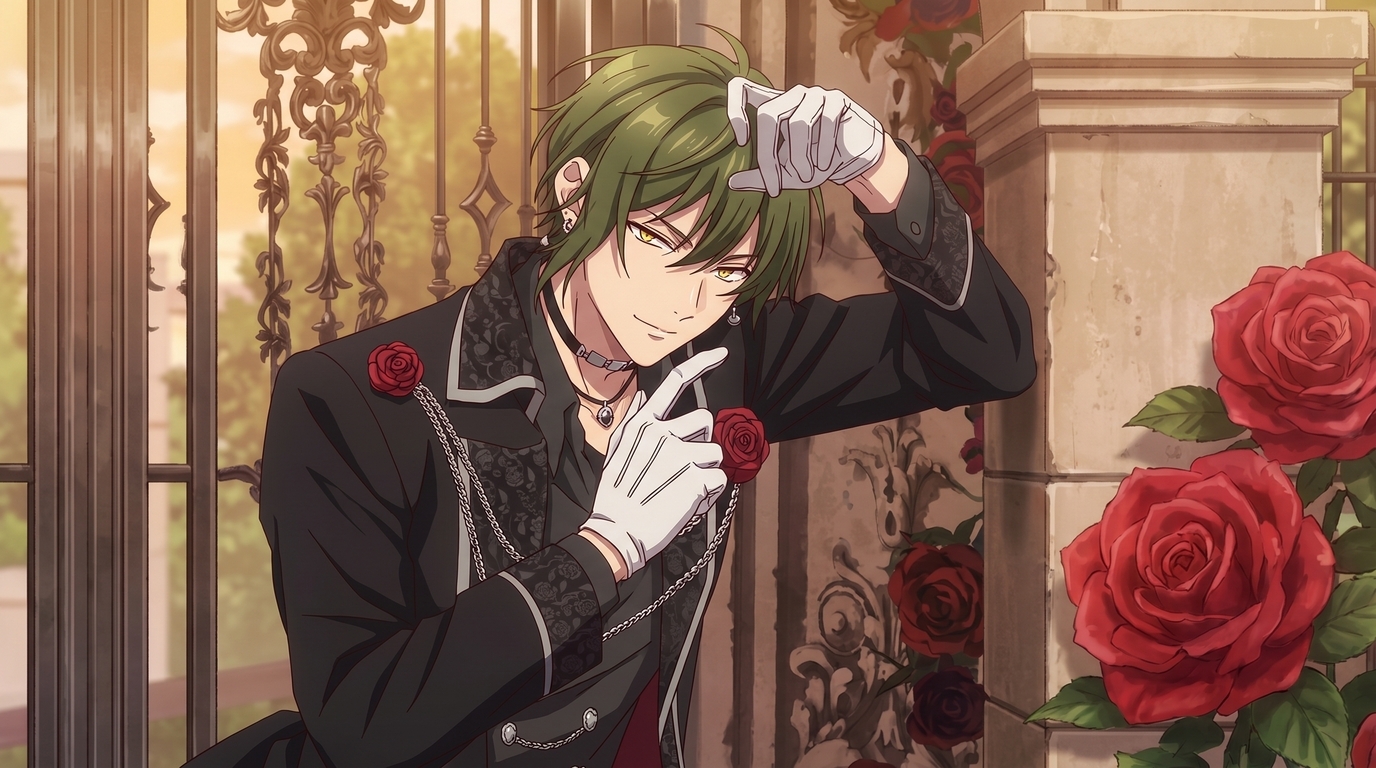
The classic otome look: marble estates, rose gardens, tailored suits with brocade lapels, and love interests who look like they stepped out of a European fairy tale. Think gold trim, white gloves, crimson roses pinned to a lapel, and warm golden-hour light through an iron gate. This is the register of crown princes, dukes, and knights who hide tenderness behind a composed expression.
Villainess aesthetics
The villainess renaissance changed otome fashion. Elaborate gowns in jewel tones, dramatic updos, sharp eyeliner, and accessories that signal power before a single line of dialogue. Whether you want to play the elegant antagonist or the reformed villainess protagonist, the look is about opulence with an edge: lace, pearls, dark lipstick, and backgrounds that feel like a palace ballroom moments before the plot twist.
Academy romance
School settings are otome staples. Blazers with custom trim, ribbon ties, courtyard cherry blossoms, library study sessions, and rooftop confessions at sunset. Academy romance art tends toward brighter palettes and softer expressions than aristocratic routes. Uniform details matter: crest embroidery, sock height, the way a scarf is tied.
Historical romance
Regency ballrooms, Victorian parlors, and Edo-period estates each carry distinct costume vocabulary. Historical otome routes lean on period-accurate silhouettes rendered with anime polish: corseted gowns, frock coats, obi sashes, and hair ornaments that anchor the era. Prompts that name the period help the generator commit to the right fashion instead of blending centuries together.
Modern romance
Not every otome game is set in a castle. Office romance, idol agency drama, and coffee-shop meet-cutes have their own visual codes: contemporary fashion with anime exaggeration, city skylines at dusk, and casual outfits that still feel deliberately styled. Modern otome avatars work well for fans who want the romance game polish without the fantasy armor.
Example anime outputs
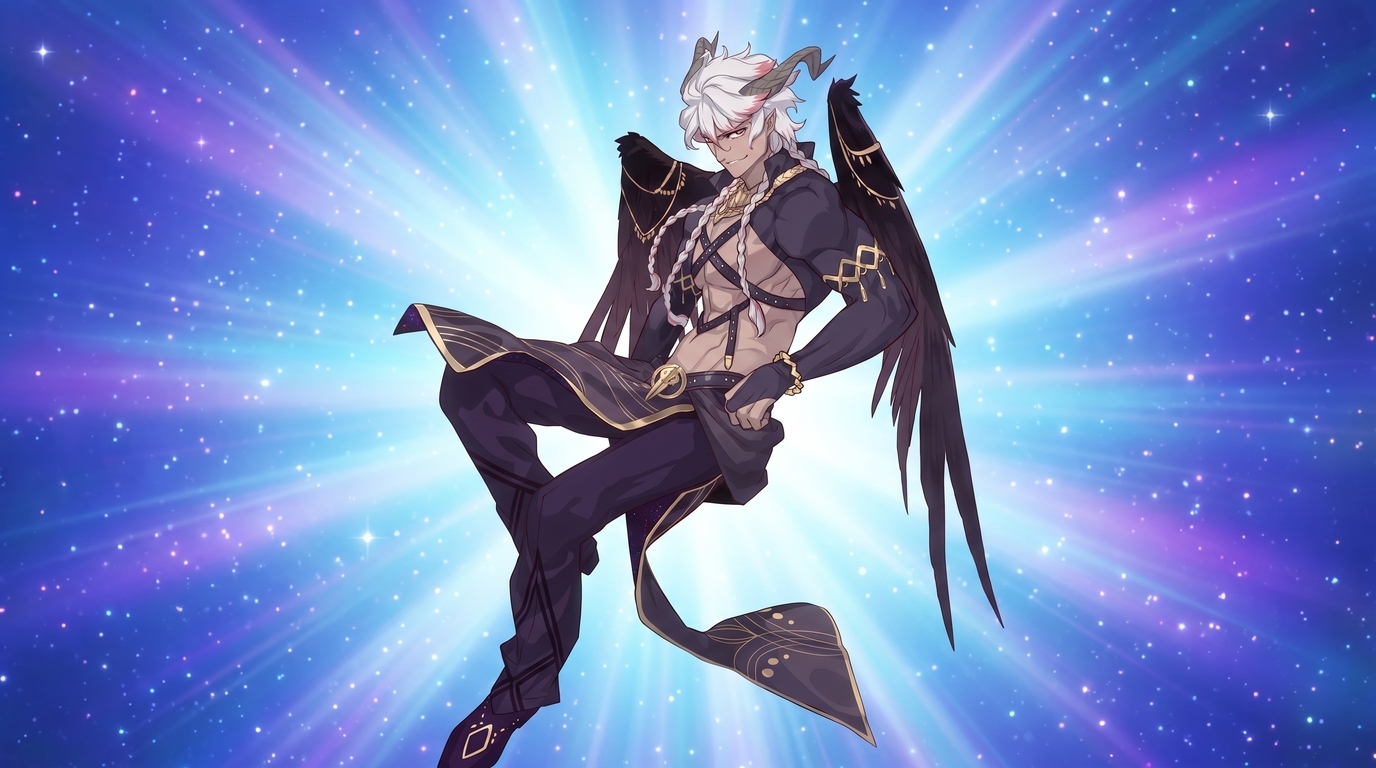
Each image below is a finished example of otome-inspired character art generated with AutoWeeb. They represent different romance fantasy archetypes and art directions, not stages of the same conversion.
Step 1: Start with a photo or existing character
You have two strong starting points for an otome character maker workflow.
- Upload a photo of yourself: A clear, front-facing selfie with even lighting gives the best facial resemblance. The AI maps your features into anime proportions while you control the otome styling through prompts and art style selection.
- Upload an existing OC or cosplay image: Already have a character design, VTuber model screenshot, or cosplay photo? Upload it as a reference. AutoWeeb preserves the silhouette, hair, and color palette while re-rendering the art in polished otome game illustration style.
For the strongest resemblance, use a photo with minimal filters, no heavy shadows across the face, and hair that is not covering your eyes. You can always adjust outfit and setting in later generations once the character sheet is locked.
Step 2: Choose an otome art style
Open the style selector and try two or three options on the same source image. Otome game art varies by title: some routes use painterly soft shading, others use crisp cel shading with heavy highlights on eyes and jewelry. Compare styles before you commit.
Prompts that steer toward otome game character art:
- otome game CG, elegant noblewoman, emerald ballgown, pearl jewelry, palace ballroom, soft romantic lighting, detailed fabric
- otome game love interest, princely duke, brocade suit, red roses, golden garden gate, polished romance anime illustration
- villainess otome character, dramatic updo, dark crimson gown, sharp eyes, aristocratic fantasy setting, ornate lace details
- academy romance otome, school uniform with ribbon, cherry blossom courtyard, soft shoujo shading, gentle expression
Step 3: Build your otome avatar character sheet
A single portrait is a great PFP, but otome fans usually want more. Take your best conversion into AutoWeeb's Character Creator and generate a character sheet with front view, side view, and expression variations. The sheet locks your otome avatar design so every future image stays on-model.
In the character description, name the details that define your otome look: hair color and style, eye color, outfit layers, jewelry, and the romance subgenre you are targeting. The more specific the description, the more consistent your otome game character looks across PFPs, full illustrations, and scene renders.
Step 4: Create PFPs, illustrations, and romance scenes
Once your design is locked, you have a full range of otome character art to work with:
- Otome PFPs: Tight portrait crops for Discord, Twitter, or game profiles. Jewelry, hair ornaments, and eye highlights stay sharp at close range.
- Full character illustrations: Three-quarter or full-body renders in ballrooms, academy rooftops, or fantasy estates. Your character in a setting that feels like a premium otome CG.
- Love interest pairings: Generate a second character and place both in a photo pack scene for duo illustrations.
- Villainess and protagonist variants: Same face, different outfits. Build a wardrobe of gowns, uniforms, and casual looks for different story routes.
Tips for the strongest otome character results
- Name the subgenre in your prompt. "Otome game CG" alone helps, but adding "academy romance," "villainess," or "aristocratic fantasy" steers fashion and backgrounds more precisely.
- Describe fabric and accessories specifically. Brocade lapels, pearl chokers, and lace trim give the model concrete visual targets that read as otome rather than generic anime.
- Run the same photo through multiple styles. Your look might suit painterly shoujo better than crisp cel shading. Compare before you lock a character sheet.
- Lock the design early. Otome game character art depends on consistency. A character sheet prevents your protagonist from drifting between generations.
For more on building romantic anime stories around your character, see Create an Anime Love Story With You as the Main Character and Design Your Perfect Anime Romance. The photo-to-anime guide covers conversion settings in depth, and Create Your Own Romance Fantasy Character With AI goes further on isekai, manhwa, and fantasy archetypes.
Related Blog Posts
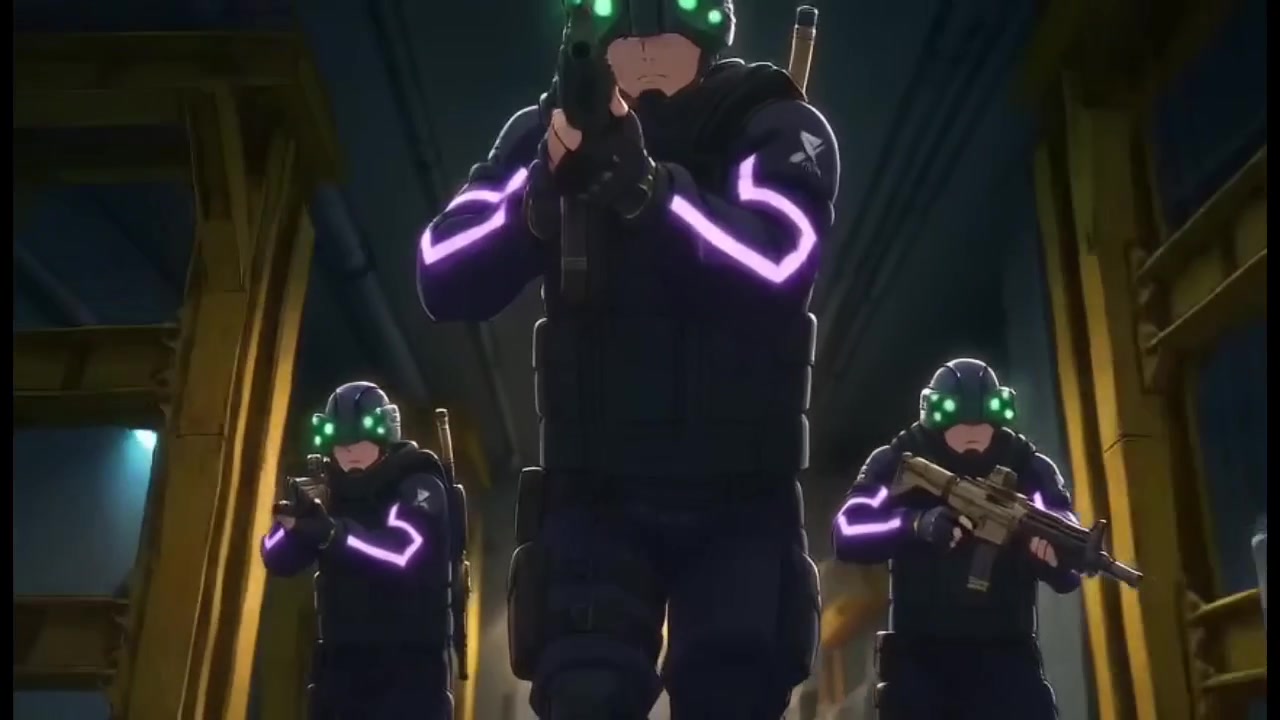
How to Fight Style Drift in AI Anime Videos
What I learned about character consistency, mask drift, and recycled prompts while building a 23-second action clip in under half an hour
Learn how to fight style drift and keep characters consistent in AI anime video. Real workflow lessons on character sheets, mask failures, Nano Banana drift, and when to tag vs. reference.
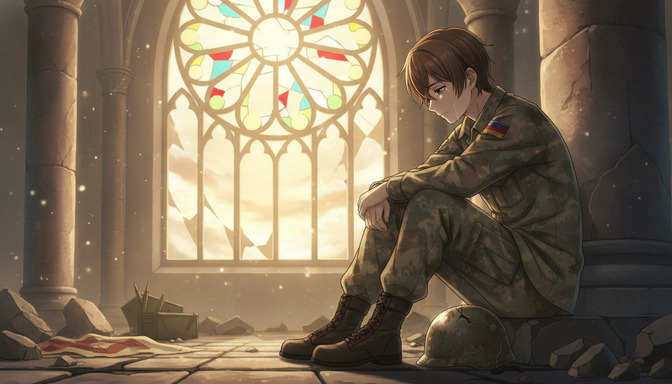
How to Create War and Military Aesthetic Anime with AI
A detailed guide to the war and military aesthetic in anime: muted palettes, smoky lighting, worn equipment, abandoned cities, industrial environments, tactical vehicles, and emotional cinematography, with AI prompts from concept to finished video.
Learn how to create war and military aesthetic anime with AI. Guide to muted palettes, smoky lighting, worn uniforms, abandoned cities, tactical vehicles, emotional cinematography, and prompt examples for every environment.
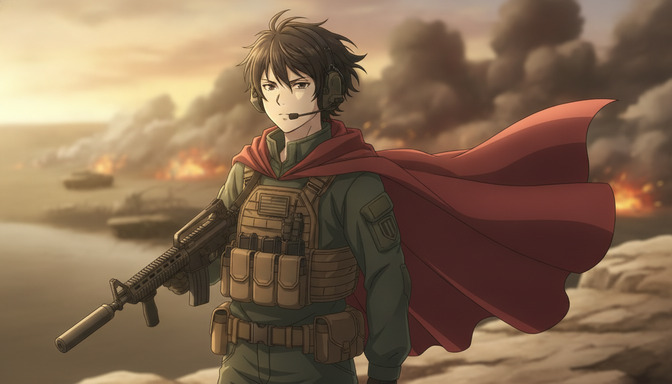
How to Make an Epic War Anime with AI
A beginner's step-by-step guide to producing an original war anime: character arcs, military factions, worldbuilding, battle choreography, cinematic camera angles, environmental storytelling, and AI-assisted animation with prompt templates for every scene type.
Learn how to make an epic war anime with AI. Step-by-step guide covering character arcs, military factions, worldbuilding, battle choreography, camera angles, and prompt templates for infantry, tanks, aircraft, and emotional moments.
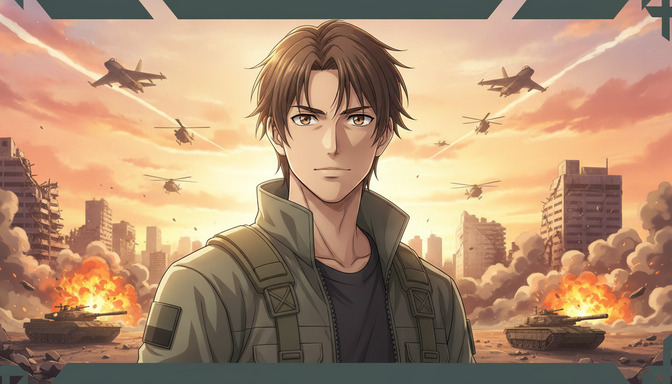
Recreate Anduril's Military Anime Style: Complete AI Tutorial
A full pre-production workflow for military-inspired anime videos: concept art, character design, worldbuilding, cinematic storyboarding, camera composition, lighting, and AI video generation with prompts for soldiers, command centers, vehicles, aircraft, and battlefields.
Learn how to recreate Anduril's military anime style with AI. Full tutorial on concept art, character design, worldbuilding, storyboarding, lighting, and video generation with practical prompts for soldiers, tanks, aircraft, and battlefields.
Explore AutoWeeb
Jump into the tool that fits your creative step.
AI Anime Video Generator
Animate storyboard shots into cinematic clips with Seedance 2 and consistent characters.
Anime Character Creator
Design original characters with consistent sheets across every scene.
AI Anime Image Generator
Generate cinematic anime stills anchored to your character library.
Anime Filters
Upload any photo and apply AI anime filters to turn it into stunning anime art in seconds.
AI Anime Location Generator
Create a location set once, then generate reference images from every angle.
AI Anime Storyboarding
Describe your idea, pick your characters, and let AI draft the script and scenes.
AI Anime Prompt Agent
Turn a rough idea into a cinematic Seedance 2 prompt with the AI Director.