
Turn Video Game Characters into Anime Photos and Characters
Reimagine your favorite games. AutoWeeb's photo-to-anime converter brings iconic characters to life in 2D
Video games already look halfway to anime. Bold silhouettes, exaggerated gear, dramatic lighting, and characters designed to read clearly from a distance. When you run that same image through a generic AI filter, you often get mushy details and a style that fights the source. AutoWeeb's photo-to-anime converter is tuned for exactly this kind of source material: structured costumes, hard edges, and recognizable props survive the conversion instead of melting into noise.
Whether you want a one-off wallpaper, a profile picture for your gaming community, or a full anime character you can reuse in scenes and videos, the workflow starts the same way. Upload a screenshot, key art, or in-game photo still. In seconds you get an anime version you can save, refine, and build on: a way to reimagine your favorite games and bring the characters you care about into a new visual world.
👉 Turn Game Art into Anime on AutoWeebWhy game characters convert so well
Game artists solve the same problems anime directors do: make the face readable under a helmet, make armor feel heavy without losing shape, keep two characters distinct in a crowded frame. Photo-to-anime models that were trained mostly on real selfies struggle with full helmets and stylized proportions. AutoWeeb handles those cases more reliably because the converter preserves large shapes (pauldrons, visors, rifles, berets) while replacing realistic shading with anime cel tones and inked outlines.
That matters if you want more than a novelty image. Once the anime version looks right, you can generate a Character Sheet, drop the design into photo packs, or animate stills for Shorts. The game screenshot becomes a cast member you own visually, not a single static export.
Example: sci-fi soldier to anime hero
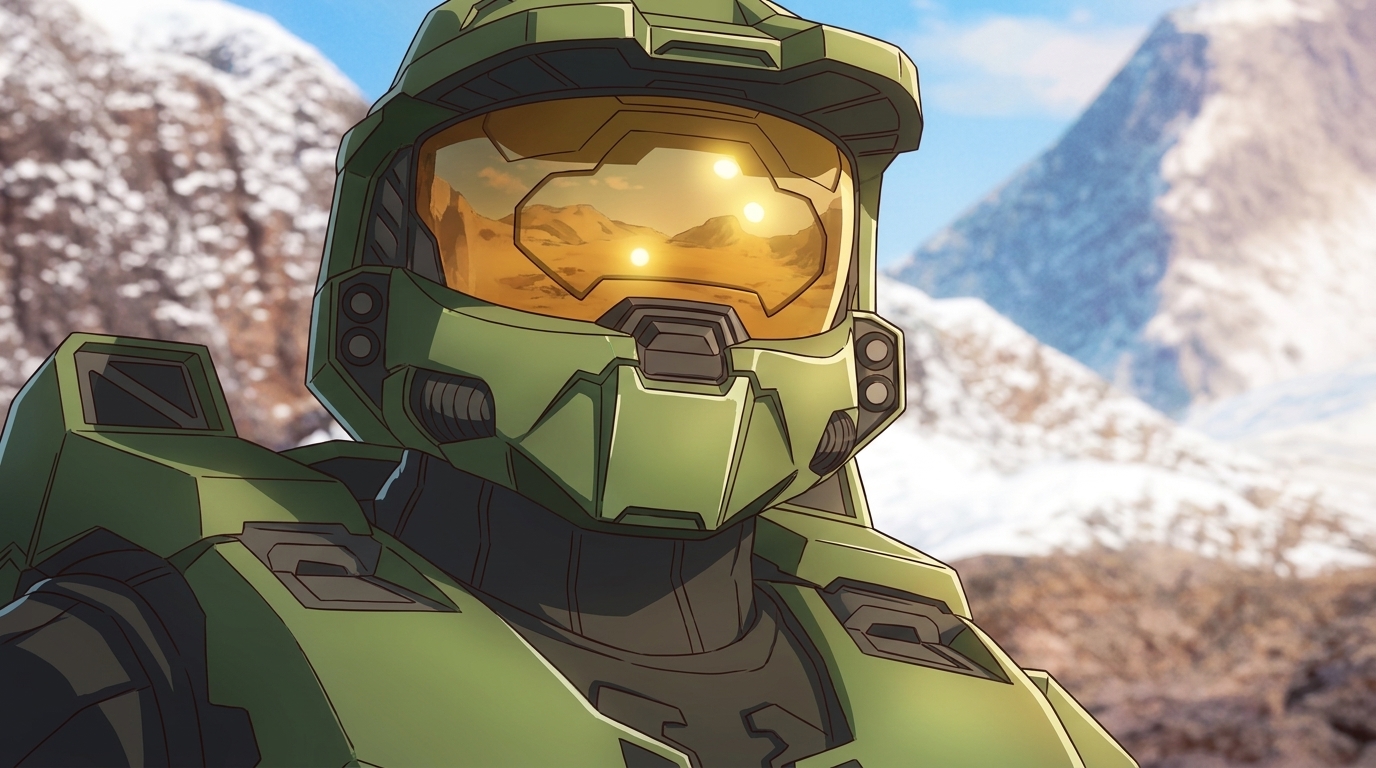
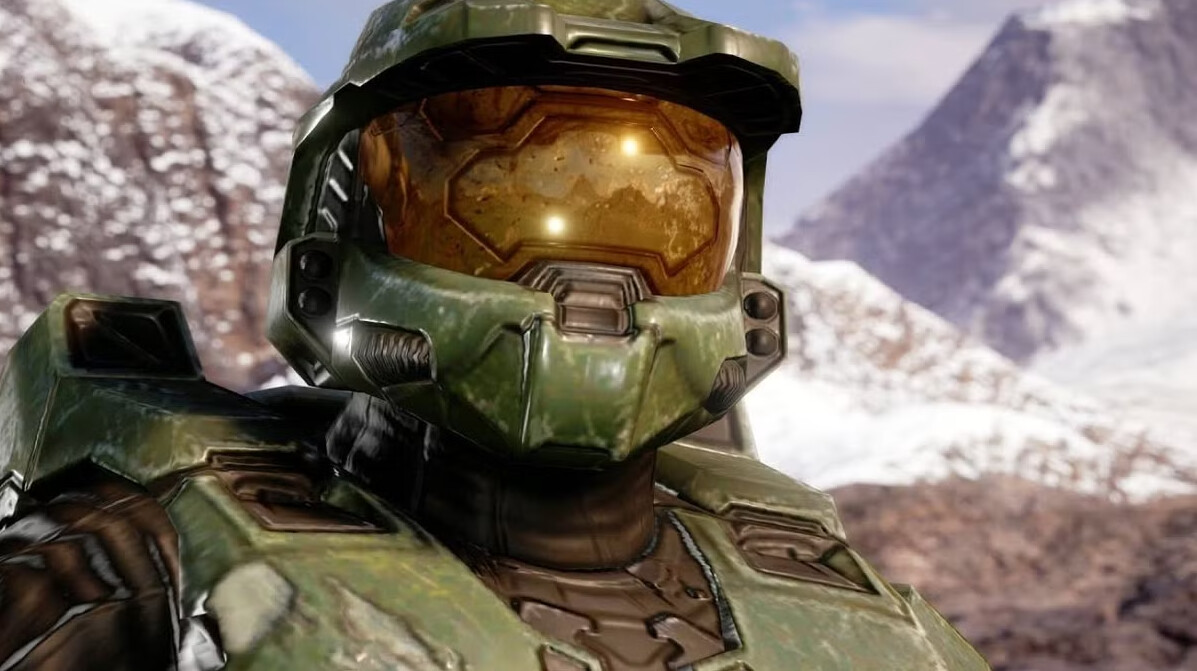
Below is a high-fidelity game render of an iconic green-armored supersoldier and the anime conversion. The gold visor, weathered plates, and mountain backdrop carry through; the render becomes illustration with clear line art and simplified highlights.
Example: tactical shooter key art
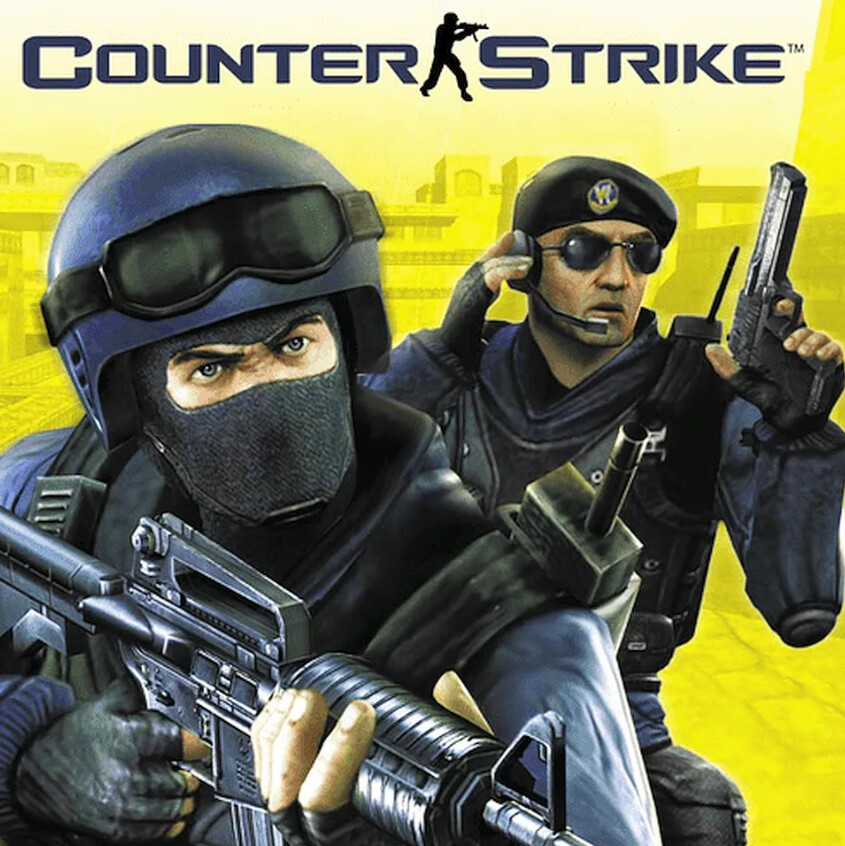
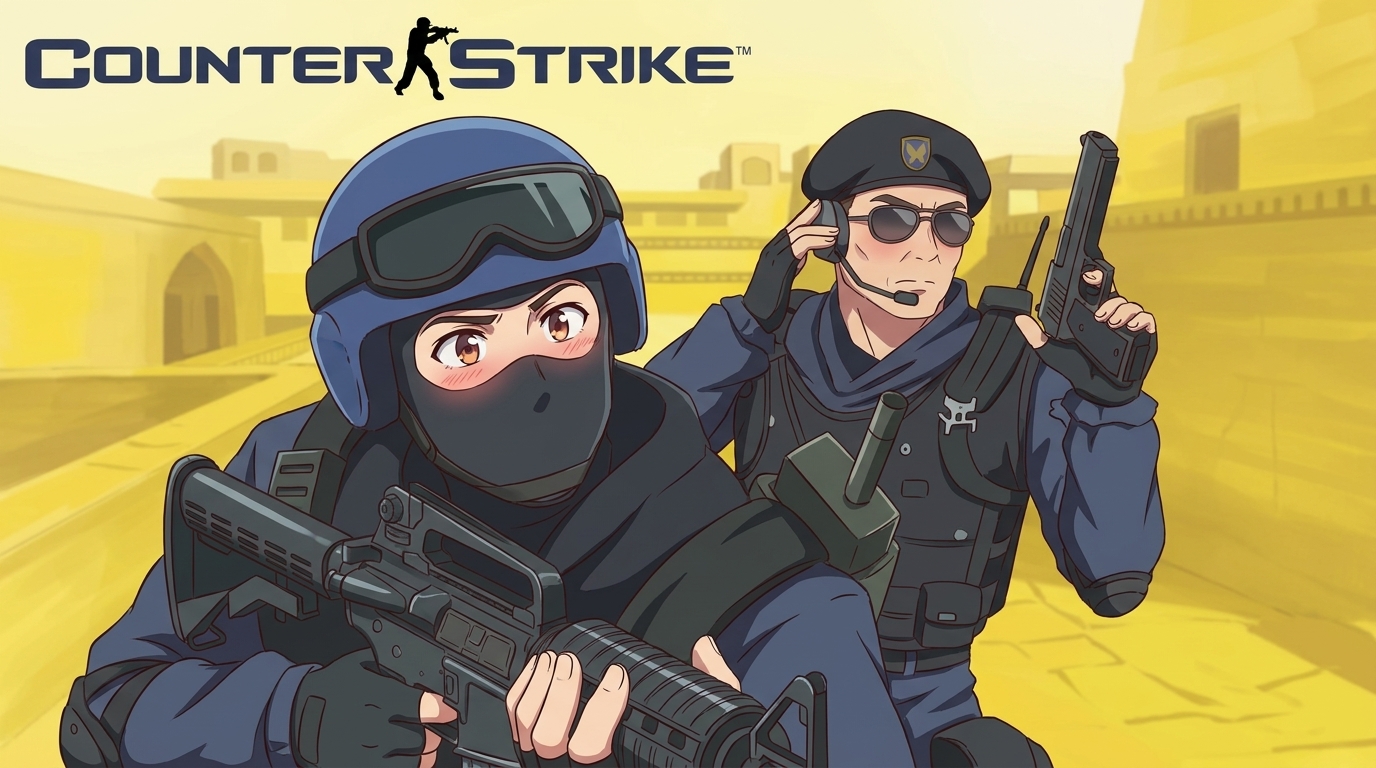
Classic multiplayer shooters lean on strong team colors and weapon silhouettes. The converter keeps the blue uniforms, helmets, and rifle poses while pushing expressions toward anime: sharper eyes, cleaner folds on vests, and a brighter, poster-like background.
How to turn your own game shots into anime
- Pick a clear source frame. Pause during a cutscene, grab official key art, or use a high-resolution Steam capsule. Faces, helmets, and weapons should be unobstructed.
- Upload to the photo-to-anime tool. Follow the photo-to-anime guide if you want lighting and style tips. Try two art styles on the same screenshot before you commit.
- Lock the design with a Character Sheet. When you love a result, open the Character Creator and generate front, side, and expression views so future scenes reuse the same look.
- Place them in new stories. Use photo packs for environments (cyberpunk alleys, school rooftops, tournament arenas) or write custom prompts on Explore. Your game-inspired character can exist outside the original map.
From stills to motion
Still images are only the first beat. If you are building YouTube or TikTok content around game-inspired casts, the next step is animating those anime frames into short clips. The video workflow for gaming creators walks through OC design, scene prompts, and Shorts-ready pacing using the same characters you converted from photos.
Tips for the strongest conversions
- Favor 16:9 or square crops with the character centered. Busy HUD elements can distract the model; hide the UI in a clean screenshot when you can.
- Export at native resolution. Low-res JPEG artifacts on old box art will show up as muddy linework after conversion.
- Describe gear in the Character Sheet. Call out visor color, faction patches, and signature weapons so variations stay on-model.
- Respect IP for public posts. Use conversions for personal projects, tributes, and original stories inspired by a genre, not unlicensed merchandise or impersonation of official accounts.
Bring your roster into anime
Your favorite games already gave you the designs. AutoWeeb turns those frames into anime photos you can share, expand into full characters, and eventually animate. Upload a screenshot, compare styles, and save the version that feels like the show you wish existed. For a broader look at the tool, see the best AI photo-to-anime tools in 2026 or start from the photo-to-anime landing page.
👉 Turn Game Art into Anime on AutoWeebRelated Blog Posts
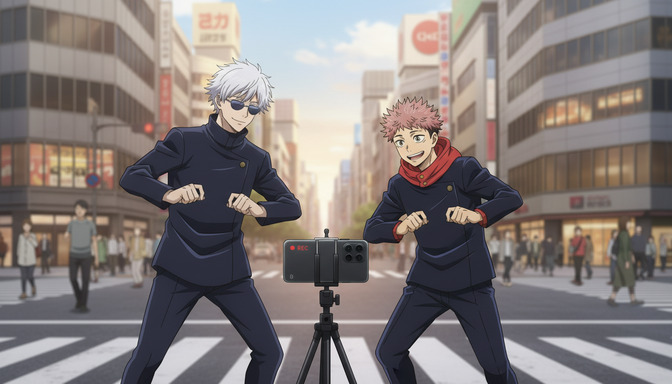
The Best AI Anime Page on TikTok
AutoWeeb's TikTok is where AI anime creators get short-form inspiration, prompt breakdowns, and clips worth recreating.
Looking for the best AI anime page on TikTok? Follow @autoweeb_ for AI anime video clips, prompt ideas, character showcases, and creator tips from the AutoWeeb team.
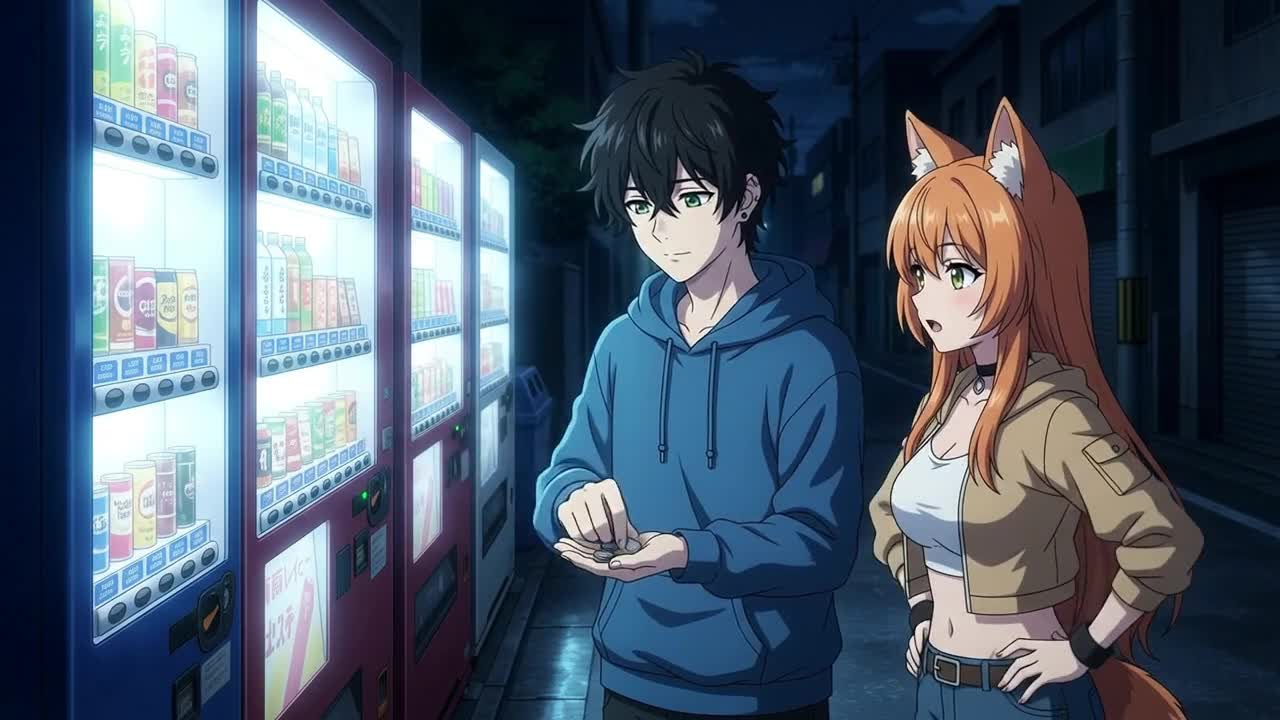
How to Create Anime Videos with Google Omni Flash
Google's new multimodal video model handles scene cuts, reference images, and natural motion differently from anything else on the market
Learn how to create anime videos with Google Gemini Omni Flash. Starting images, IMAGE_REF tags, scene cuts, dialogue prompts, and what to expect from the preview model.
Seedance 2 vs Omni Flash: Which Should You Use for Anime?
Two leading AI video models, different tagging systems, different motion languages, and side-by-side examples across slice-of-life, action, and sports
Seedance 2 vs Google Omni Flash for anime video: compare frame rate feel, image tagging, scene cuts, audio behavior, sports motion, and content filters with side-by-side clips.
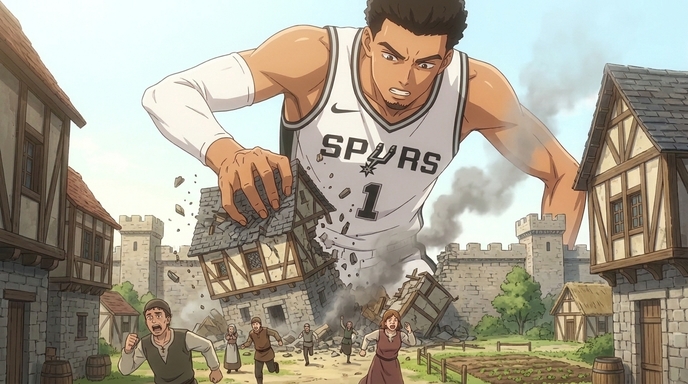
How to Create Anime Videos Like "Attack On Wemby"
A complete workflow for creating original anime videos starring a real-world athlete or original character: build the character, write and storyboard the story with AutoWeeb's AI Agent, create locations, design a full cast, @tag every asset in each shot, and generate images and video.
Learn how to create anime videos like Attack On Wemby. Design characters, storyboard scenes with AI, @tag assets, and generate anime images and video in AutoWeeb.
Explore AutoWeeb
Jump into the tool that fits your creative step.
AI Anime Video Generator
Animate storyboard shots into cinematic clips with Seedance 2 and consistent characters.
Anime Character Creator
Design original characters with consistent sheets across every scene.
AI Anime Image Generator
Generate cinematic anime stills anchored to your character library.
Turn Photo Into Anime
Upload any photo and watch AI turn it into stunning anime art in seconds.
AI Anime Location Generator
Create a location set once, then generate reference images from every angle.
AI Anime Storyboarding
Describe your idea, pick your characters, and let AI draft the script and scenes.
AI Anime Prompt Agent
Turn a rough idea into a cinematic Seedance 2 prompt with the AI Director.