
Hybrid Artistry: Combining Hand-Drawn Sketches with AI Image Editing
Your thumbnail sketch is not a rough draft to throw away. It is the composition lock that keeps AI anime video on-model for YouTube.
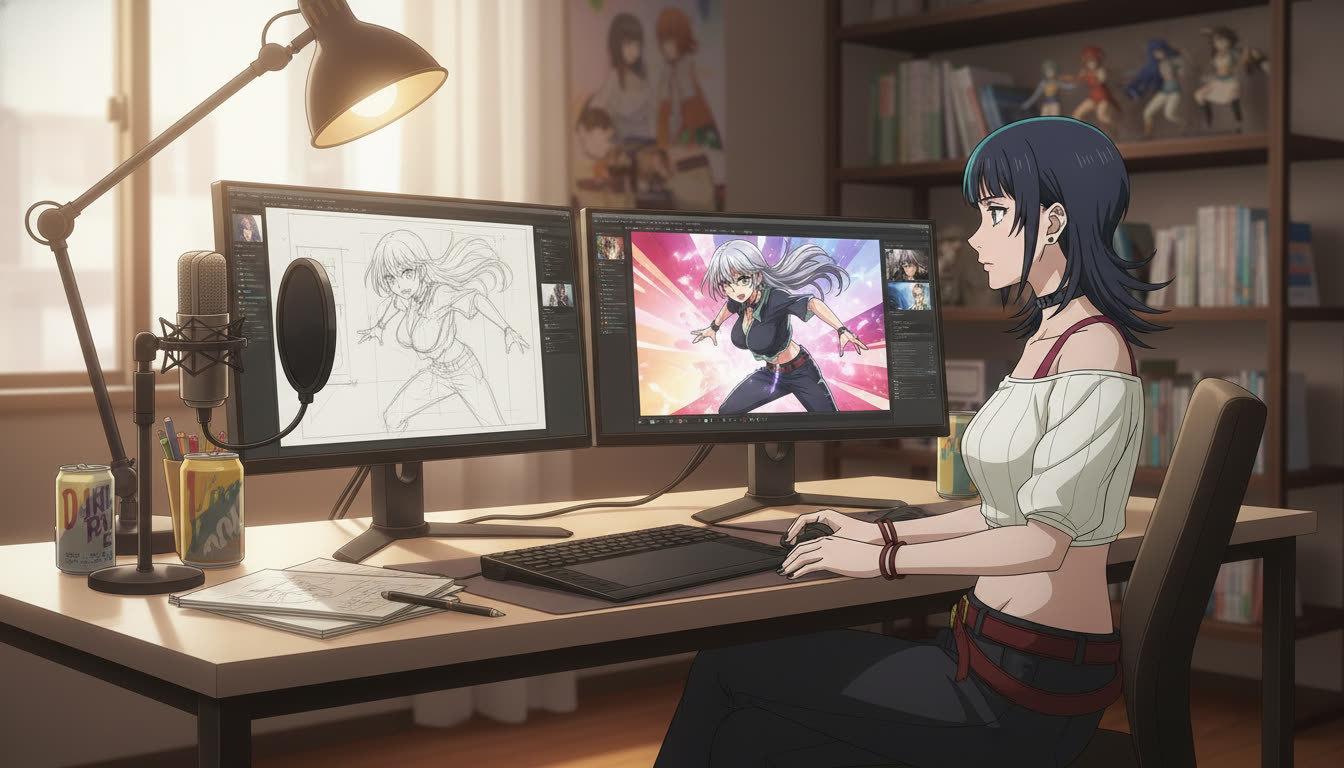
Hybrid art AI anime is not a compromise between "real artist" and "prompt engineer." It is a division of labor. Your hand-drawn sketch decides where the camera sits, how the body weights, and which prop silhouette reads in a three-second hook. The AI image editing pass decides linework weight, color grade, and whether the frame survives a YouTube thumbnail at 168 pixels wide. Video creators who treat sketches as disposable roughs regenerate until midnight. Creators who treat sketches as composition contracts ship on schedule.
This guide is for YouTube, TikTok, and Shorts producers who already draw thumbnails, storyboard beats, or panel layouts on paper or tablet. You will scan or photograph the sketch, refine it into a locked still, save the character in the library, and extend the same frame into motion with the AI anime video generator. When panel lines need to stay aligned with screenplay blocks, route text through the AI anime prompt agent so hook, turn, and land never paraphrase the same face twice.
Why sketches still matter when you have an anime video generator.
Generators are fast at surfaces. They are slow at decisions. A blank prompt box invites the model to invent a new camera height, a new shoulder angle, and a new hair volume every time you click generate. A sketch removes those variables before the model runs. You have already chosen wide versus medium close-up. You have already placed the rival off-frame left. You have already drawn the scarf so it will catch rim light in the land beat.
That is the same reason professional anime studios storyboard before ink. You are not mimicking a studio pipeline out of nostalgia. You are buying reproducibility. Episode six should frame the rooftop the way episode two did, and a saved sketch reference makes that possible even when your prose drifts.
For Shorts-first channels, the sketch is often the only pre-production step that fits between uploads. Ten minutes of pencil on a sticky note beats forty minutes of prompt roulette. Pair that habit with storyboarding AI anime for YouTube creators when you want a full three-beat board before you open the editor.
The hybrid pipeline: sketch, refine, lock, animate.
Step 1: Draw for composition, not for polish.
Your sketch only needs to communicate five things: horizon line, character silhouette, prop placement, light direction, and frame size. Ignore eyelash detail. Ignore fabric pattern. Use a single weight of line for the body and a lighter line for background boxes. If you cannot read the hook in the thumbnail crop, redraw the pose, not the shading.
Photograph the sketch flat with even light, or export a PNG from your tablet at 2K or longer edge. High contrast beats high resolution: pencil on gray paper disappears when the model tries to infer edges.
Step 2: Refine with AI image editing, not a new scene.
Upload the sketch as reference media. Prompt for refinement, not reinvention. Name what stays fixed from the drawing and what the model should invent:
"Match composition from reference sketch: medium close-up, heroine kneeling, glowing seal on wet pavement, cool blue grade, clean shonen linework, silver hair shoulder length, steel gray eyes, red scarf"
The failure mode is asking for "cinematic anime girl in rain" without mentioning the sketch. The model will honor mood words and ignore your angles. The success mode is sketch to anime AI language: match pose, match camera, then specify style and character nouns.
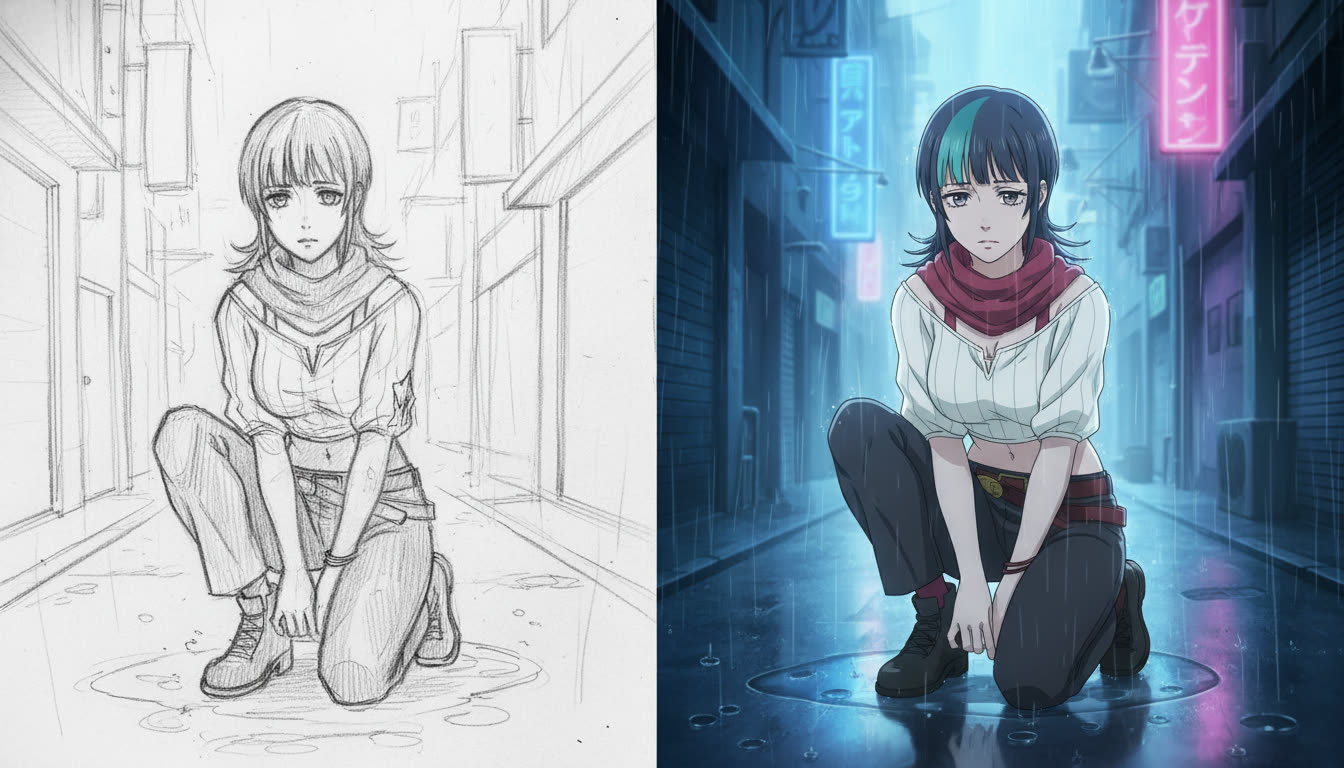
Step 3: Lock the approved still in the character library.
Once a refined still matches the sketch's silhouette, save the lead in the character library. Every future panel line should use the same capitalized name and noun locks (hair length, eye color, signature accessory). Hybrid workflows fail when creators refine beautifully once, then re-describe the face from memory on clip two.
The guide on maintaining character consistency in AI art is the discipline layer for serialized uploads. Your sketch got you one good frame. The library gets you twelve episodes.
Step 4: Animate from the approved still, not from the sketch.
Motion models read finished edges better than pencil ghosts. Open the AI anime video generator with the refined still as anchor. Describe time, not a new design: rain intensifies, she exhales, seal flares, slow push-in, hold pose from reference. One verb per clip. Stack three clips for hook, turn, land instead of asking one generation to perform all three beats.
Keep the sketch in your project folder for the next episode's rooftop scene. Do not feed the pencil version into motion unless you are deliberately chasing a rough animatic look.
Three hybrid workflows YouTube creators actually use.
Thumbnail sketch to key visual.
Draw a 16:9 box on paper. Block the face in the upper third for mobile crop safety. Refine one still, add title text in edit, and use the same still as the first frame of the Short. Viewers feel continuity between shelf and playback.
Storyboard row to batch stills.
Draw three panels labeled HOOK, TURN, LAND. Refine each panel separately with the same character locks. Batch motion from the three approved stills. This is the fastest way to keep serialized anime from drifting mid-episode.
Hand-drawn overlay on AI background.
Generate the environment still from a location prompt. Sketch the character on tracing paper or a tablet layer, refine only the figure against that background reference, composite in edit if needed. Useful when your strength is expression drawing but you do not want to paint every alley by hand.
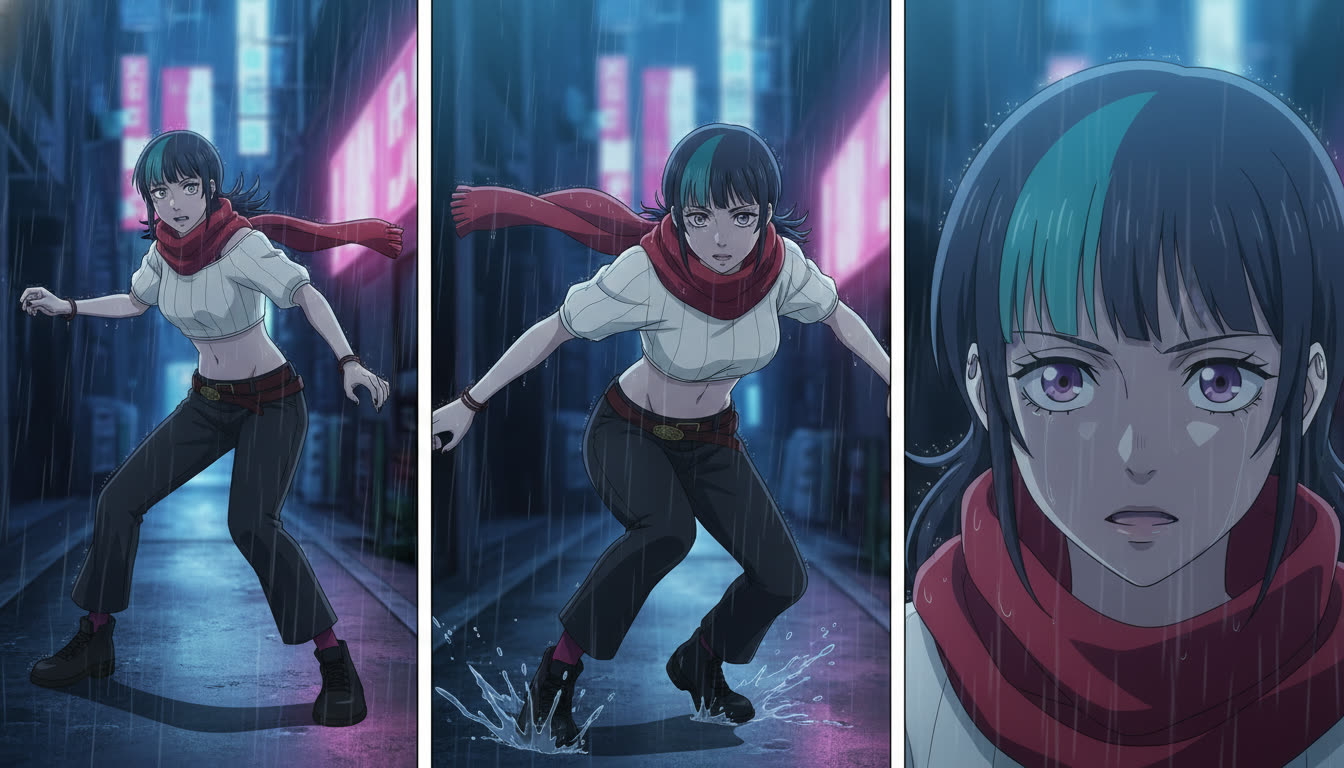
Prompt language that respects your line art.
Treat the sketch like a director's floor plan. Useful phrases:
- Match composition from reference: Forces pose and camera before style adjectives pile up.
- Preserve silhouette and line of action: Stops the model from swapping a kneeling pose for a standing hero shot.
- Do not change camera height: Prevents accidental low-angle drift between hook and land.
- Refine linework only: Keeps rough animatic energy when you want pencil texture in the final.
Pass the same phrases through the AI anime prompt agent when you convert screenplay blocks into panel lines. The agent should copy character nouns verbatim and attach sketch-reference instructions per beat.
Common hybrid mistakes (and fixes).
- Low-contrast sketch photos: Increase contrast in any photo app before upload, or redraw with darker pencil.
- Refining without reference attachment: The model invents a new pose. Attach the sketch every time.
- Animating from pencil: Motion reads smear. Animate from the approved color still.
- Changing frame size between beats: Draw all three panels at the same aspect ratio before refinement.
- Re-describing hair and eyes in video prompts: Point motion at the saved library character instead.
Frequently Asked Questions
Do I need to draw well to use hybrid artistry with AutoWeeb?
No. You need to draw clearly. Stick figures with correct camera height beat detailed faces with wrong framing. AutoWeeb's refinement path reads composition edges from simple sketches when the photo is high contrast and you prompt to match the reference pose.
Can AutoWeeb use my sketch as input for both stills and video?
Use the sketch for still refinement. Use the approved still as the anchor for video. AutoWeeb inherits the saved character design from the library into motion; feeding pencil lines directly into motion usually produces smeared edges. The hybrid rule is sketch for layout, still for polish, video for time.
Should I sketch on paper or on a tablet?
Either works. Tablets export clean PNGs; paper needs a flat photo with even light. AutoWeeb does not prefer one medium. It prefers readable silhouettes. Many YouTube creators keep a pocket sketchbook for con travel and a tablet for series boards at home.
How does hybrid artistry help YouTube Shorts retention?
Shorts reward recognizable framing. When your hook and land share the same camera vocabulary because both were refined from boards you drew, viewers feel serialized quality even before dialogue lands. AutoWeeb's batch still workflow makes that repeatable without redrawing every episode from scratch.
Can the AI anime prompt agent reference my sketch beats?
Yes. Label beats HOOK, TURN, LAND in your doc, note "match sketch panel 2" in each block, and let the prompt agent output panel lines with the same character locks. AutoWeeb keeps screenplay structure and image prompts aligned so you are not rewriting the scene in three places.
What if the refined still drifts from my sketch?
Regenerate with stricter composition language, or crop the sketch tighter so the model sees fewer background distractions. AutoWeeb responds well to "do not change pose" and "match reference silhouette" when the upload is sharp. If two elements fight (a sketch kneel versus a prompt that says "standing hero shot"), fix the text first.
Hybrid artistry is a production contract: you own composition, the model owns finish, the library owns identity across uploads. Sketch the land beat before you refine the hook, lock the still, animate one verb at a time, and keep the same face on the shelf from episode to episode. For the next layers, continue with from still image to animation and best AI anime video tools in 2026.
Related Blog Posts
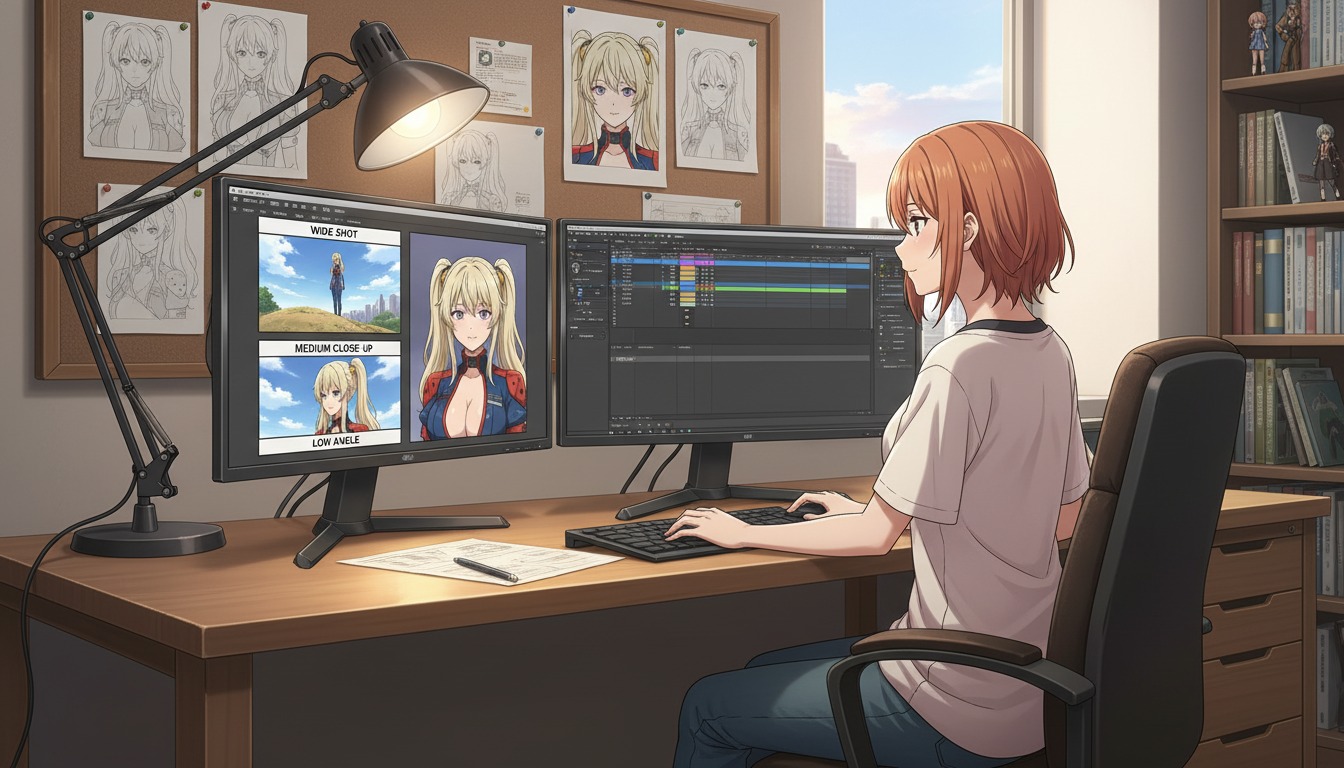
Cinematic Angles 101: How to Frame Your AI Anime Art Like a Professional Director
Wide shots, close-ups, and low angles are not decoration. They are how YouTube viewers feel stakes before a single line of dialogue lands.
Learn cinematic angles for AI anime video: frame hooks, turns, and lands like a director. Shot sizes, eyelines, and prompt language for YouTube and Shorts creators using AutoWeeb.
From Photo to VTuber Avatar: Designing Your Virtual Identity for YouTube
Your face becomes the anchor. Your anime model becomes the brand viewers recognize every stream, Short, and debut.
Turn a photo into a VTuber-style anime avatar for YouTube. Design a virtual identity with locked characters, expression sheets, and AI anime video clips that stay on-model.
From Script to Screenplay: Using LLMs to Format Anime Scripts for Better Video AI Prompts
Your rough idea is not the problem. Unstructured prose is. A screenplay-shaped doc is how YouTube creators turn one paragraph into repeatable Seedance panels.
Learn how to use LLMs to format anime scripts into screenplays for better AI video prompts. A practical workflow for YouTube creators using beat sheets, panel lines, and AutoWeeb.
From Still Image to Animation: Bringing Your Art to Life in One Click
Turn a locked anime still into a Shorts-ready clip without redrawing the frame or re-describing your protagonist from scratch.
Learn how to turn a still anime image into AI video for YouTube Shorts. A still-to-motion workflow with locked characters, motion prompts, and AutoWeeb's anime video generator.
Explore AutoWeeb
Jump into the tool that fits your creative step.
AI Anime Video Generator
Animate storyboard shots into cinematic clips with Seedance 2 and consistent characters.
Anime Character Creator
Design original characters with consistent sheets across every scene.
AI Anime Image Generator
Generate cinematic anime stills anchored to your character library.
Anime Filters
Upload any photo and apply AI anime filters to turn it into stunning anime art in seconds.
AI Anime Location Generator
Create a location set once, then generate reference images from every angle.
AI Anime Storyboarding
Describe your idea, pick your characters, and let AI draft the script and scenes.
AI Anime Prompt Agent
Turn a rough idea into a cinematic Seedance 2 prompt with the AI Director.