
12 Types of Characters You Can Turn Into Anime With AI
VRChat avatars, tabletop minis, MMO screenshots, hand-drawn OCs, and more. If you already have a character identity, AutoWeeb turns it into polished anime art instead of inventing a stranger.
Most AI anime character generators start from a blank prompt and give you a stranger. That works if you want a random design. It fails when you already spent hours on a VRChat avatar, a VRoid model, a D&D sheet, or a sketch in your notebook. You do not need a new character. You need the one you built, translated into polished 2D anime art you can reuse for PFPs, illustrations, character sheets, thumbnails, and scenes.
AutoWeeb is built around that second path. Upload a screenshot, reference image, or photo of an existing character and the photo-to-anime converter reads identity details from the source: hair shape, eye color, outfit layers, accessories, skin tone, and silhouette. Lock the result in a character sheet and generate new anime outputs without drifting off-model. Below are twelve character types people convert most often, what visual details to protect, and what you can create after the first conversion.
👉 Turn Your Character Into Anime on AutoWeebConverting a character vs. generating one from scratch
Random generation asks the model to invent a face, outfit, and palette every time. Character conversion asks it to preserve what already defines the design. The difference shows up in hair color placement, ear type, armor silhouette, and small signature marks like tattoos, bandages, or horn shape. AutoWeeb treats your upload as a design reference, not a selfie to beautify. That is why the same locked character can produce a PFP, a full-body illustration, a chibi, and a dramatic scene while still looking like the source.
The workflow is consistent across every type below: capture a clean reference, convert to anime, save a character sheet, then branch into new poses, outfits, and environments from photo packs or custom prompts.
12 character types you can turn into anime
1. VRChat avatars
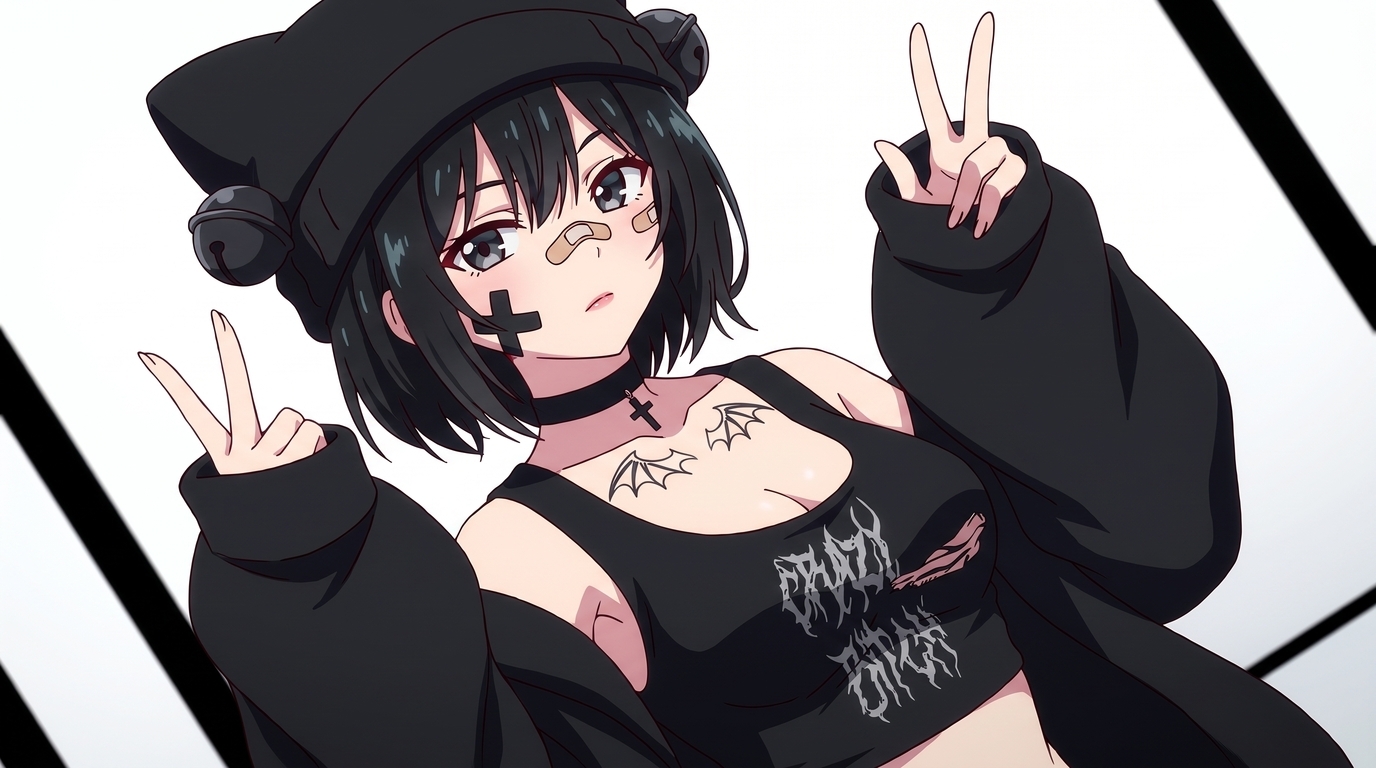
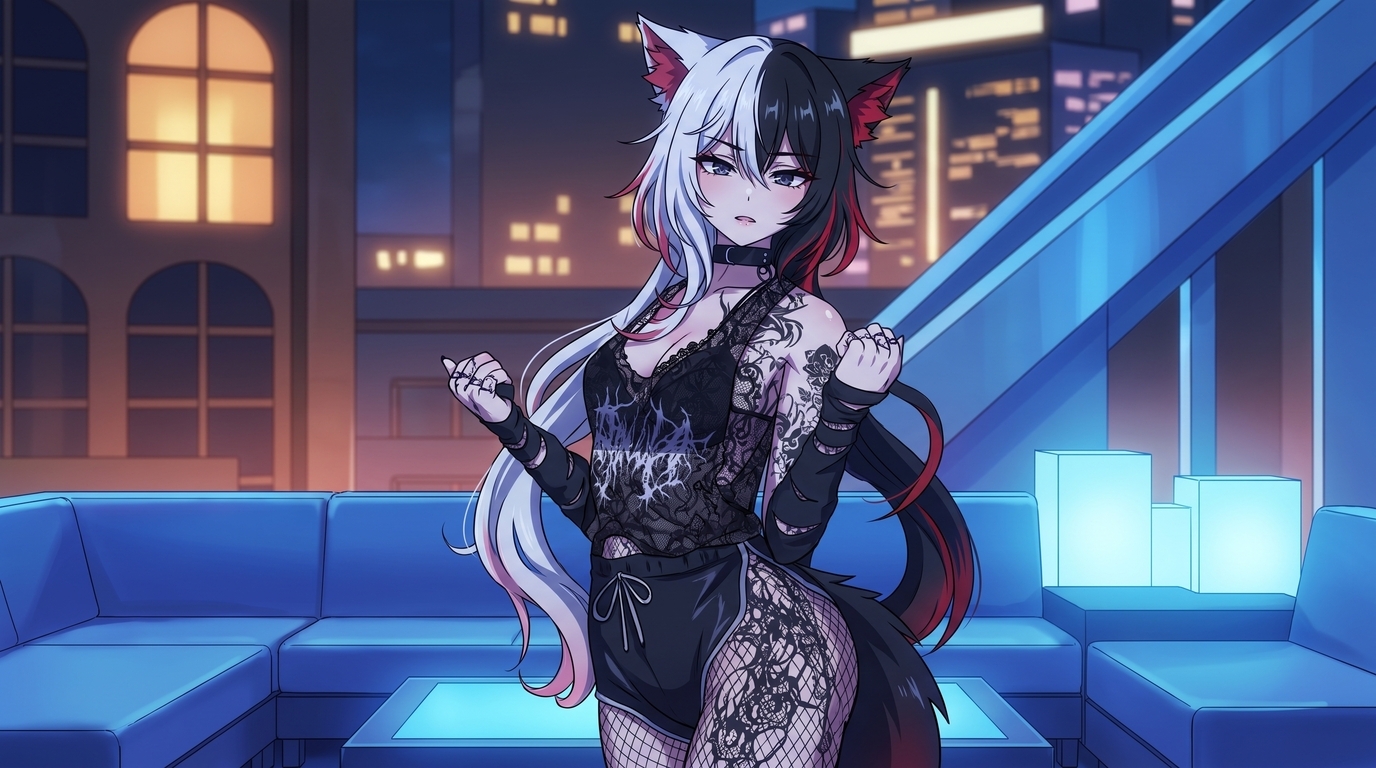
VRChat avatars are already anime-coded: layered streetwear, split-dye hair, animal ears, horns, tails, and tattoos chosen on purpose. Keep hair color blocks, ear and horn placement, accessory layers, and tattoo patterns consistent. After conversion you can build anime PFPs, profile banners, full-body illustrations, chibis, and character sheets for social content or streaming overlays. See the dedicated VRChat Avatar to Anime page and the VRChat conversion tutorial for screenshot tips.
2. VRoid characters
VRoid Studio models have clean silhouettes, readable hair shapes, and outfit layers you tuned with sliders. Preserve hairstyle, eye color, facial proportions, clothing colors, and small accessories like chokers or hair clips. Outputs include portrait PFPs, full-body fantasy illustrations, wallpapers, expression sheets, and seasonal social art. The VRoid to anime guide covers Studio screenshot setup, and the photo-to-anime guide walks through style selection for 3D references.
3. VTubers
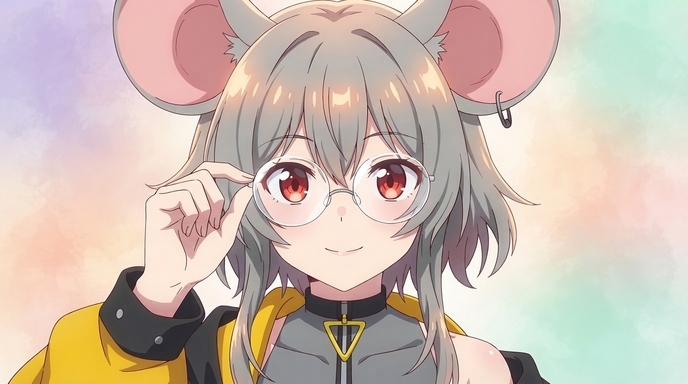
VTuber models are channel identity. Hair style, eye color, ear accessories, outfit colors, and expression personality need to stay on-model across every asset. From one locked reference you can generate PFPs, YouTube banners, thumbnails, chibis, reaction stickers, seasonal illustrations, and dramatic key art. The VTuber Character Art Generator page covers the full workflow, and how to make VTuber anime art goes deeper on reference quality.
4. D&D characters
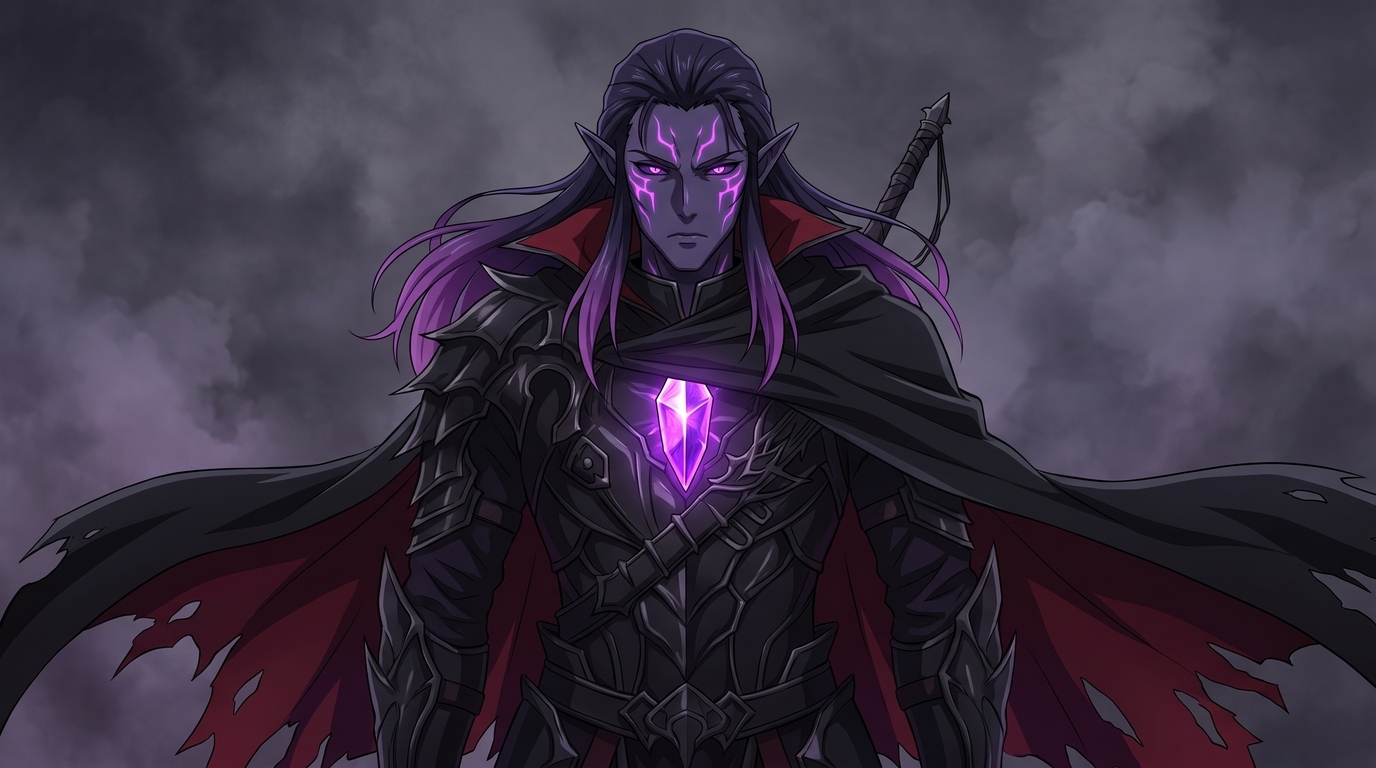
Tabletop characters live in character sheets and player imagination until someone draws them. Preserve race features (pointed ears, horns, skin tone), class gear (robes, plate, holy symbols), hair and eye color, scars, and signature weapons. Anime outputs include portrait art for campaign journals, full-body battle illustrations, party lineup scenes, expression sheets, and cover art for homebrew adventures. Use Design an Anime Character to describe your sheet in detail, or upload a mini photo or reference sketch through the photo-to-anime tool.
5. Hero Forge characters
Hero Forge minis have strong silhouettes: cape flow, weapon angle, armor plates, and racial features baked into the sculpt. Keep the pose readable, preserve weapon type and shield shape, and maintain color blocks from your painted mini or digital render. Outputs include anime character portraits, action poses, party compositions, and illustrated versions of your mini for VTT tokens or campaign handouts. Upload a well-lit photo of your painted mini or a screenshot from the Hero Forge viewer to the photo-to-anime converter.
6. RPG avatars
Custom RPG portraits from Baldur's Gate, Pathfinder, or tabletop VTT builders carry race, class, and gear choices in a single frame. Preserve face shape, hair, armor silhouette, weapon placement, and any distinctive scars or markings. After conversion you can generate anime versions for character sheets, dialogue portraits, battle scenes, and illustrated campaign recaps. The game character to anime guide covers screenshot-based conversion, and anime character reference sheets help lock the design for multi-scene use.
7. MMO characters
MMO characters are walking mood boards: dyed hair, glamoured armor, glowing weapons, and mount companions you spent hours assembling. Keep hair color and style, armor dye patterns, weapon model shape, and any race-specific features like ears or horns. Outputs include anime PFPs, guild banners, achievement celebration art, fan illustrations, and character sheets for content creators who stream the game. Upload an in-game screenshot with UI hidden. The video game to anime guide explains why MMO screenshots convert cleanly, and custom outfit variations let you glam new looks without losing the face.
8. Fantasy OCs
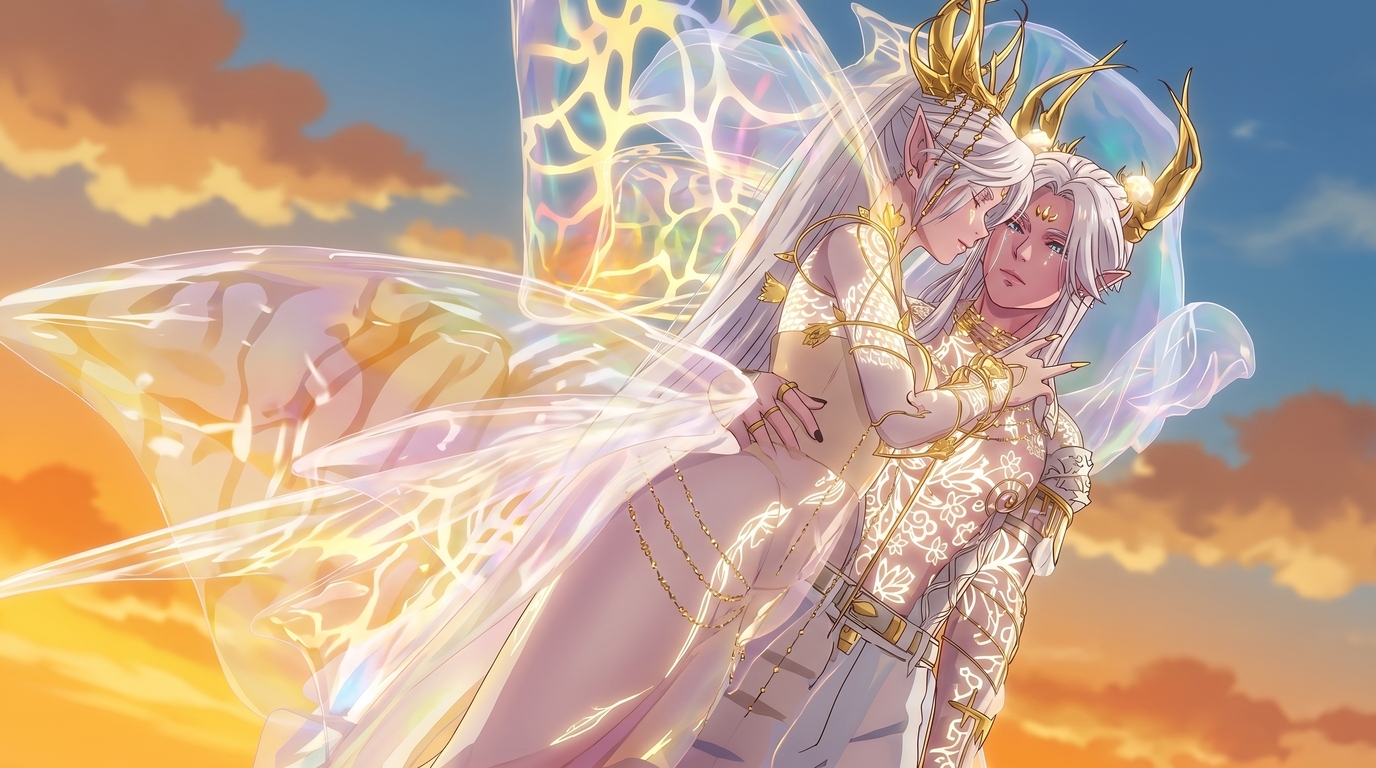
Original fantasy characters often exist as written descriptions, rough sketches, or Pinterest mood boards before they get proper art. Preserve wing shape, horn or crown design, jewelry, fabric patterns, skin tone, and the relationship between two characters if they are a pair. Outputs include romantic illustrations, key visual scenes, character sheets, webnovel cover art, and expression panels. The anime character designer handles description-based creation, and romance fantasy character creation covers isekai and high-fantasy archetypes.
9. Game screenshots
Any in-game screenshot with a clear character frame works: action RPGs, fighters, gacha games, indie titles, and visual novels. Preserve helmet or hair silhouette, costume color blocks, weapon props, and any iconic gear that makes the character recognizable. Outputs include anime wallpapers, PFPs, crossover-style illustrations, character sheets for fan content, and stills you can animate for Shorts. See the full game screenshot to anime workflow and video guide for gaming creators if you want to go beyond still images.
10. Manhwa-inspired characters
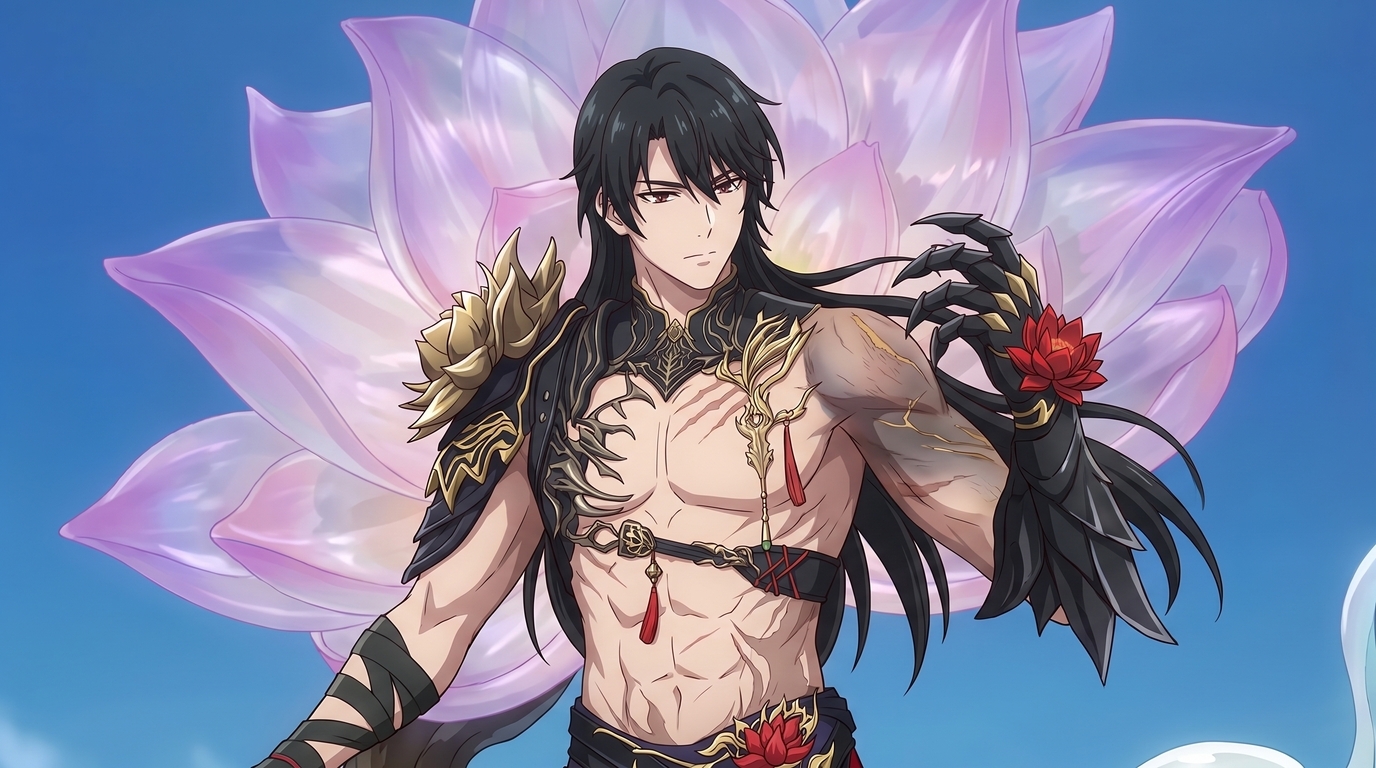
Manhwa and webtoon characters have a specific visual finish: luminous eyes, high-contrast shading, ornate costume detail, and splash-panel compositions. Preserve eye color, hair length, outfit embroidery, magical effects, and the polished webtoon color palette you designed. Outputs include character reveal panels, romance scene illustrations, villainess entrance art, academy uniforms, and cover images for webnovel chapters. The manhwa to anime guide covers full adaptation workflows, and romance fantasy character creation targets otome and isekai aesthetics.
11. 3D anime avatars
This category covers any 3D anime-styled avatar outside VRChat and VRoid: custom VRM models, VTuber rig exports, game mod characters, and commission 3D art. Preserve facial proportions, hair volume, outfit layering, and accessory placement that define the model. Outputs include 2D PFPs, illustrated versions for portfolios, chibis, stickers, and reference sheets for artists or riggers. Start with the photo-to-anime guide, or use the VRChat Avatar to Anime and VTuber art generator pages if your 3D model comes from those ecosystems.
12. Hand-drawn OCs
Pencil sketches, digital line art, and rough character designs carry identity in proportions and silhouette even when shading is minimal. Preserve face shape, hair style, outfit outline, signature props, and any color notes you added. Outputs include fully rendered anime illustrations, colored character sheets, expression panels, and polished versions of sketches you can use for portfolios or social posts. Upload a clear scan or photo of your drawing to the photo-to-anime tool, then refine with reference sheet generation. The hand-drawn sketch workflow covers combining traditional linework with AI refinement.
One workflow for every character type
The steps do not change much whether your source is a VRChat screenshot or a pencil sketch:
- Capture a clean reference. Neutral lighting, full detail visible, UI hidden, highest resolution available.
- Convert with photo-to-anime. Try two or three styles from the style selector before you commit.
- Lock a character sheet. Write out defining features explicitly: hair colors, ear type, outfit layers, tattoos, weapons, and palette.
- Branch into new outputs. PFPs, illustrations, chibis, custom poses, outfit swaps, and scene placements from photo packs.
Prompts that help steer conversion toward your intent:
- anime portrait, preserve split hair colors and wolf ears, gothic streetwear, clean linework
- dark elf warrior, purple skin, glowing facial markings, ornate plate armor, fantasy anime illustration
- manhwa style character reveal, luminous eyes, ornate costume, high detail, splash panel composition
Tips for the strongest results
- Name what must stay. Call out hair color placement, horn shape, tattoo location, and weapon type in your character description.
- Use the same reference across outputs. A locked character sheet prevents drift when you generate ten different scenes.
- Match style to source. Gothic avatars often suit dark fantasy rendering. Pastel catgirls read better in slice-of-life styles.
- Respect creator rights. Your custom design is yours. Paid base models, licensed game characters, and commissioned art may have usage limits.
For foundational conversion settings, start with the photo-to-anime guide. If you want to keep the same face across videos and multi-scene projects, read how to write prompts for consistent results.
Related Blog Posts
10 Types of Art Every VTuber Can Create From One Character
Profile images, banners, thumbnails, chibis, and more. One locked VTuber reference can fuel an entire channel art library without a new commission every week.
Discover 10 types of VTuber art you can create from one character reference: PFP, banner, thumbnail, chibi, reaction image, illustration, seasonal art, outfit variation, dramatic scene, and wallpaper.
Create Your Own Romance Fantasy Character With AI
Crown princes, villainesses, knights, and academy students. Build a romance fantasy character from a photo or transform your OC into polished manhwa-style art.
Create a romance fantasy character with AI using AutoWeeb. Generate otome isekai protagonists, villainess designs, manhwa-style love interests, and fantasy archetypes from a photo or existing OC.
How to Make Anime Art of Your VTuber Character
You already have the design. Upload a model screenshot or reference image and generate PFPs, thumbnails, social posts, and illustrations without rebuilding your character from scratch.
Learn how to make anime art of your VTuber character. Upload screenshots or reference images to create on-model PFPs, thumbnails, chibis, wallpapers, and seasonal art with AutoWeeb.
How to Turn Your VRChat Avatar Into an Anime Character
You spent hours on that look. A clean screenshot and AutoWeeb can turn it into polished 2D anime art that keeps every detail you care about.
Learn how to turn your VRChat avatar into anime art. Screenshot tips, example outputs, and a step-by-step workflow for PFPs, illustrations, and character sheets with AutoWeeb.
Explore AutoWeeb
Jump into the tool that fits your creative step.
AI Anime Video Generator
Animate storyboard shots into cinematic clips with Seedance 2 and consistent characters.
Anime Character Creator
Design original characters with consistent sheets across every scene.
AI Anime Image Generator
Generate cinematic anime stills anchored to your character library.
Anime Filters
Upload any photo and apply AI anime filters to turn it into stunning anime art in seconds.
AI Anime Location Generator
Create a location set once, then generate reference images from every angle.
AI Anime Storyboarding
Describe your idea, pick your characters, and let AI draft the script and scenes.
AI Anime Prompt Agent
Turn a rough idea into a cinematic Seedance 2 prompt with the AI Director.